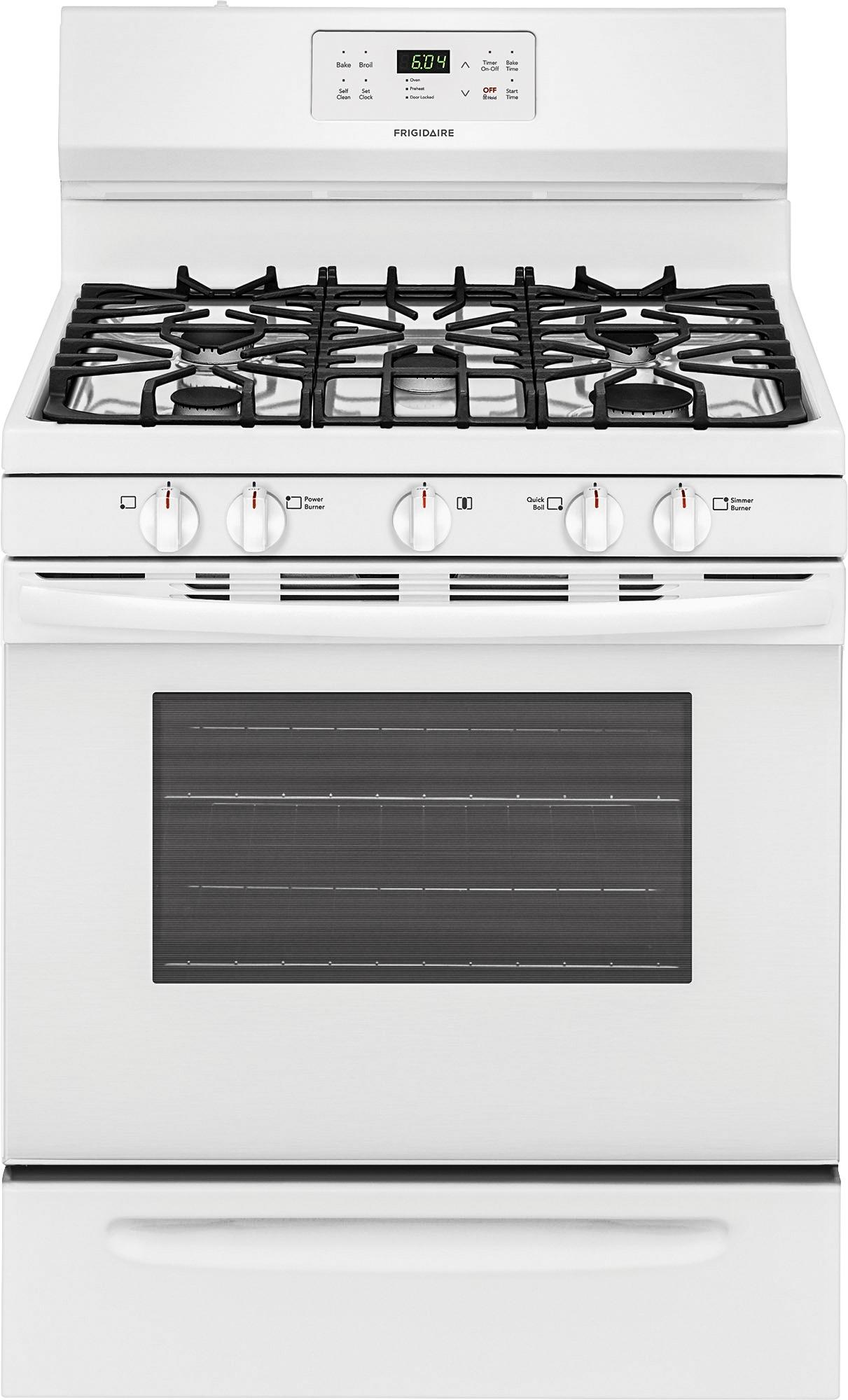
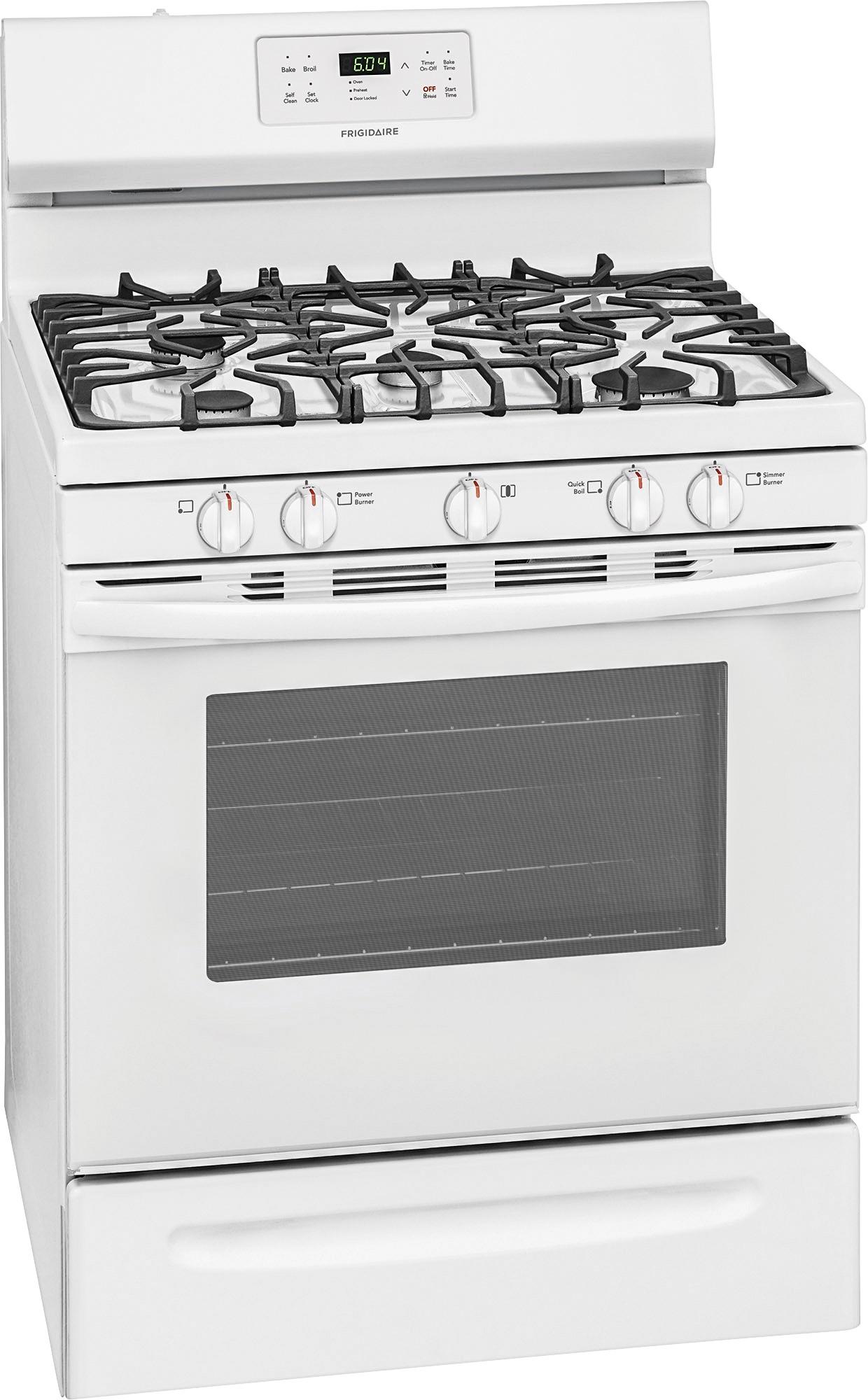
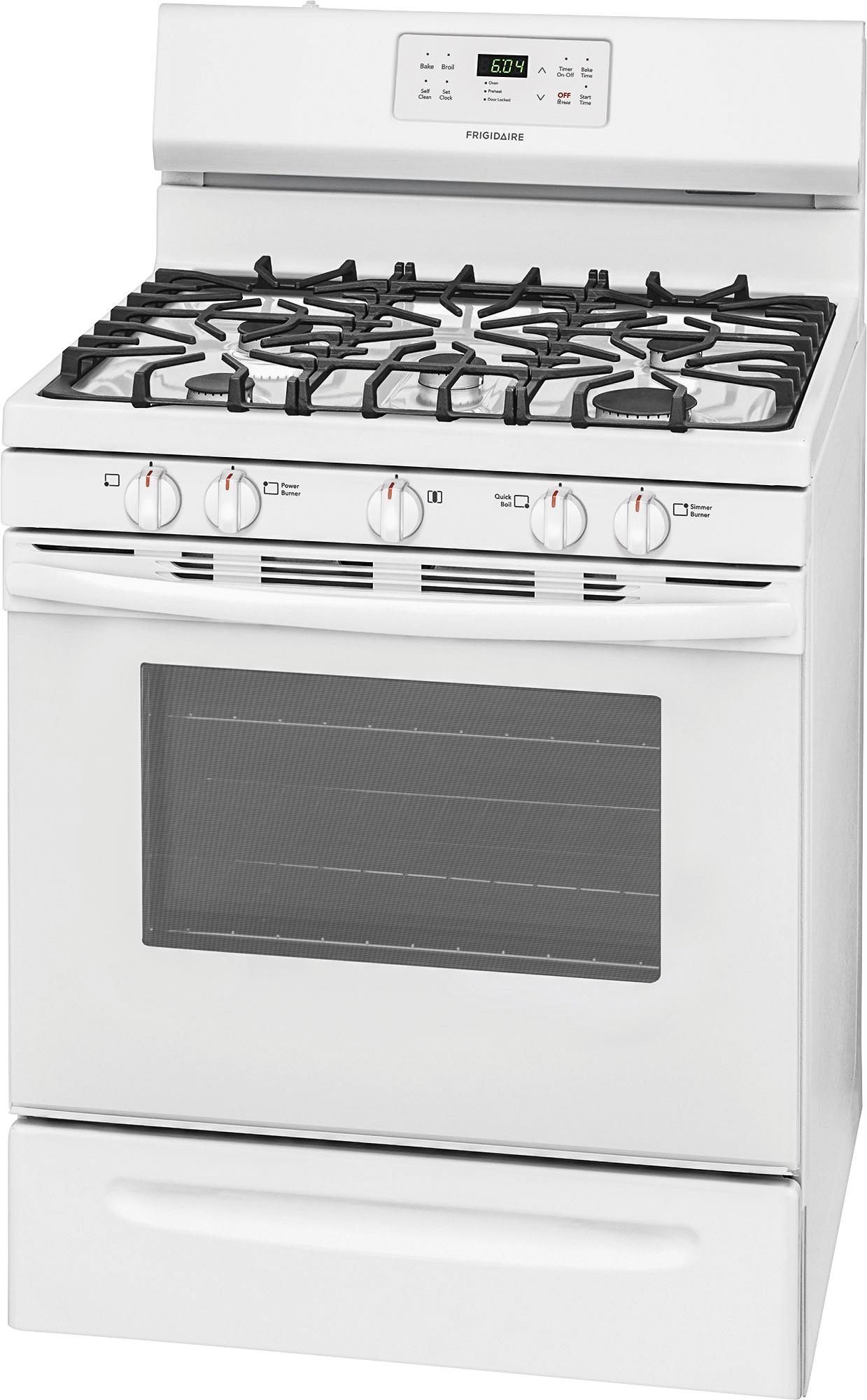
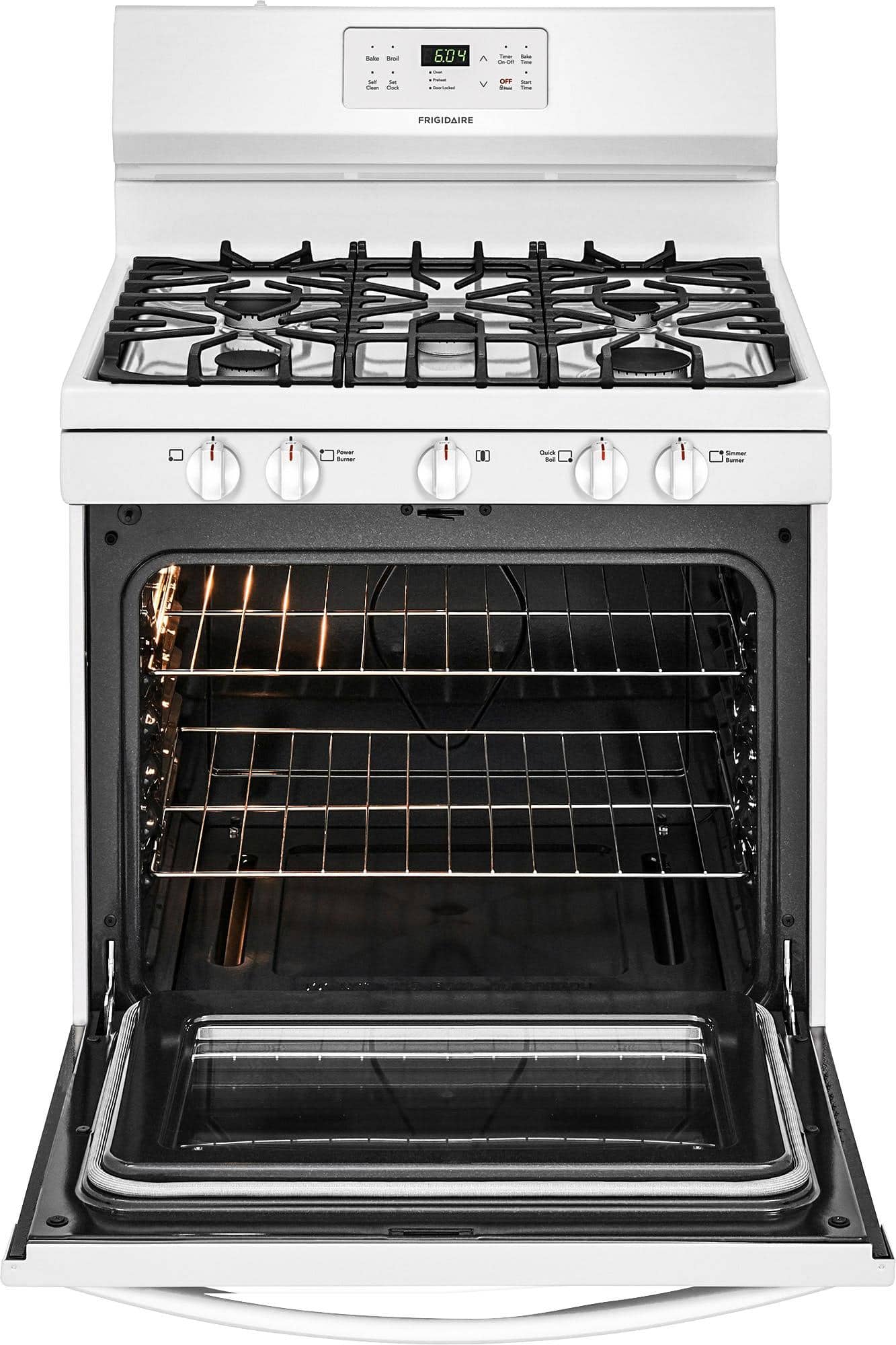
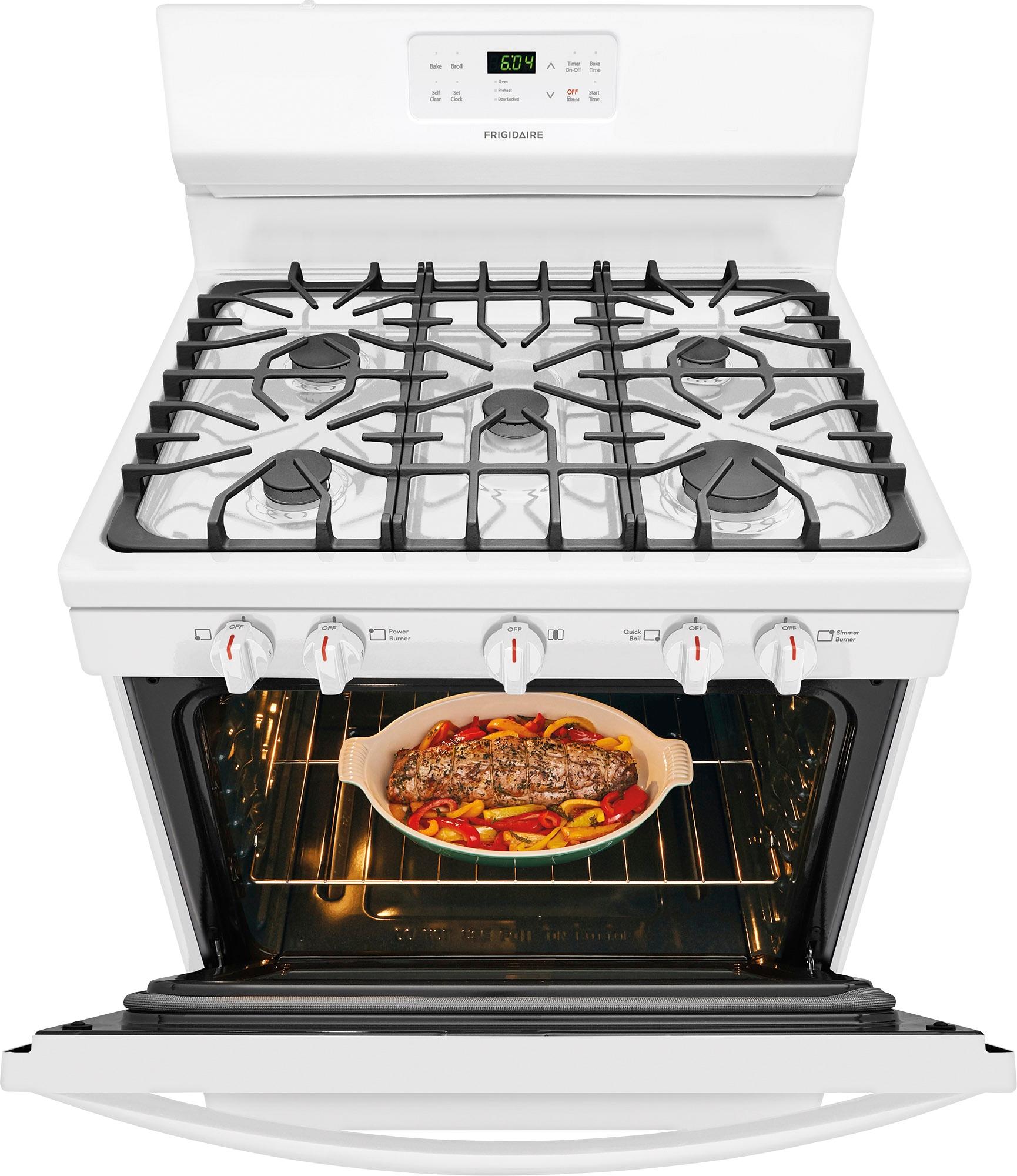
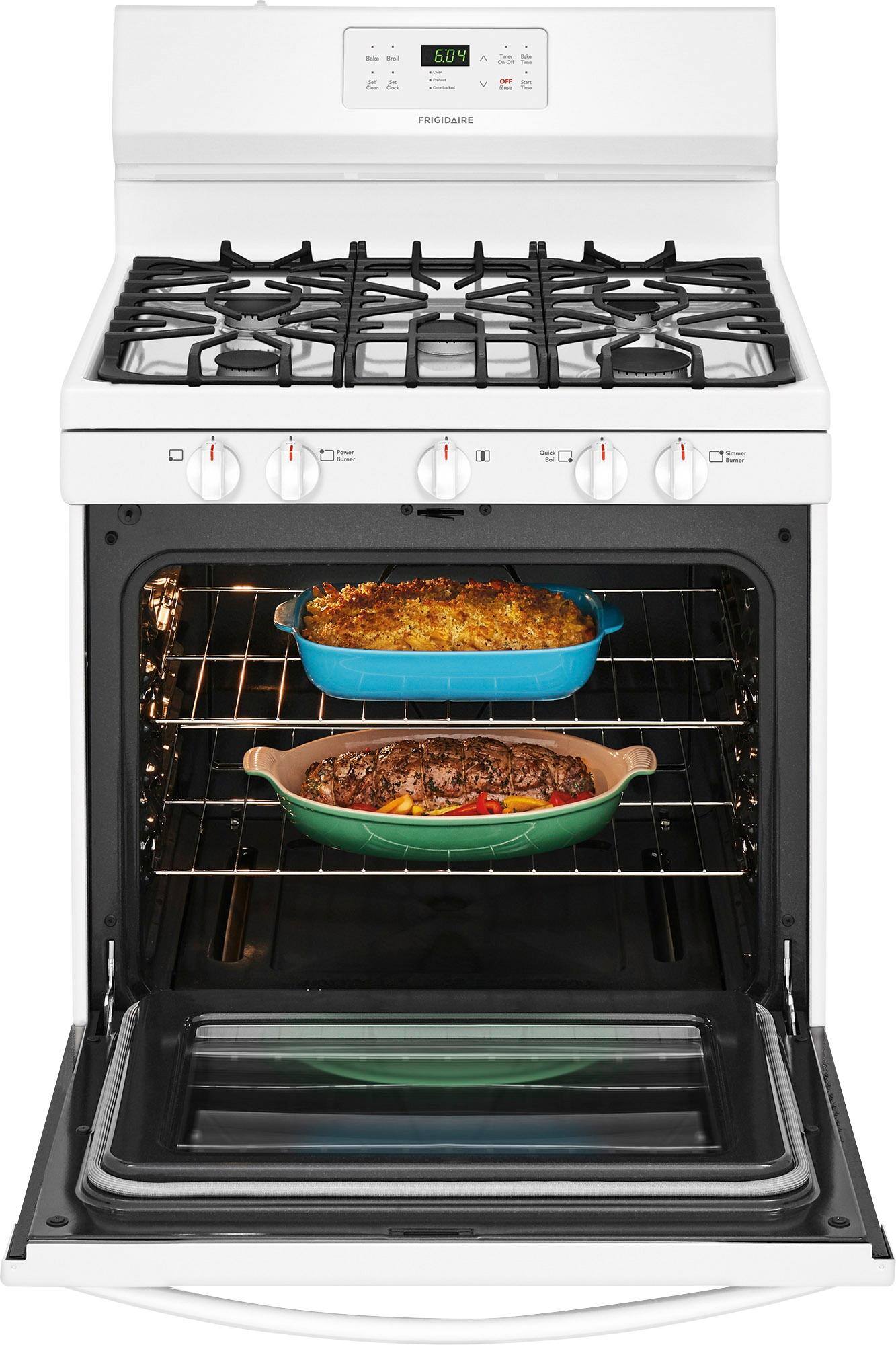
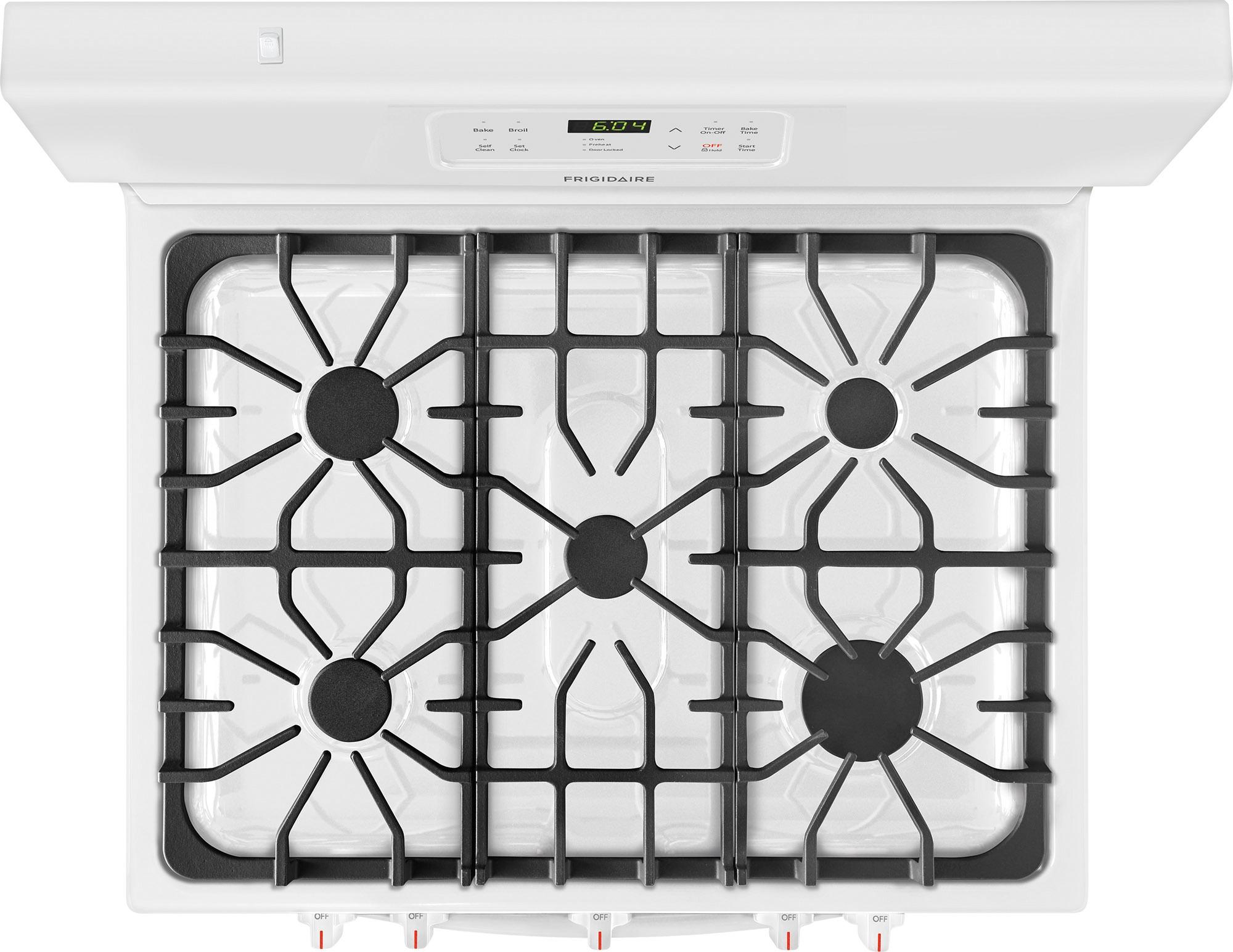
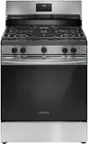
A:Answer Hello Doc. To set a self-clean cycle or a delayed start self-clean cycle: 1. Be sure the clock displays the correct time of day. 2. Press Start Time. The: in the time of day will flash. 3. Press and hold to scroll to the time to start the delayed self-clean cycle. Release the key when the desired time is displayed. 4. Press clean. --- appears in the display. 5. Press until 3:00 appears in the display for a 3-hour self-clean process or push until 2:00 appears in the display for a 2-hour self-clean process. 6. As soon as the controls are set, the motor driven lock will begin to close automatically, and the door locked indicator light will flash. Do not open the oven door while the light is flashing (allow about 15 seconds for the oven door to lock). 7. CLn will appear in the display during the self-clean cycle, and the door locked light will glow until the self-cleaning cycle is complete or cancelled and the oven temperature has cooled. For a copy of the manual, visit our website, search model FFGF3054TS, then scroll down to Guides & Manuals. Thank you, Anna