A:AnswerThat's unexpected! In order to help you effectively, please provide your information to our support team via email at [email protected] with your
- Name:
- Email Address:
- Country:
- Product Name:
- Brief description of issue:
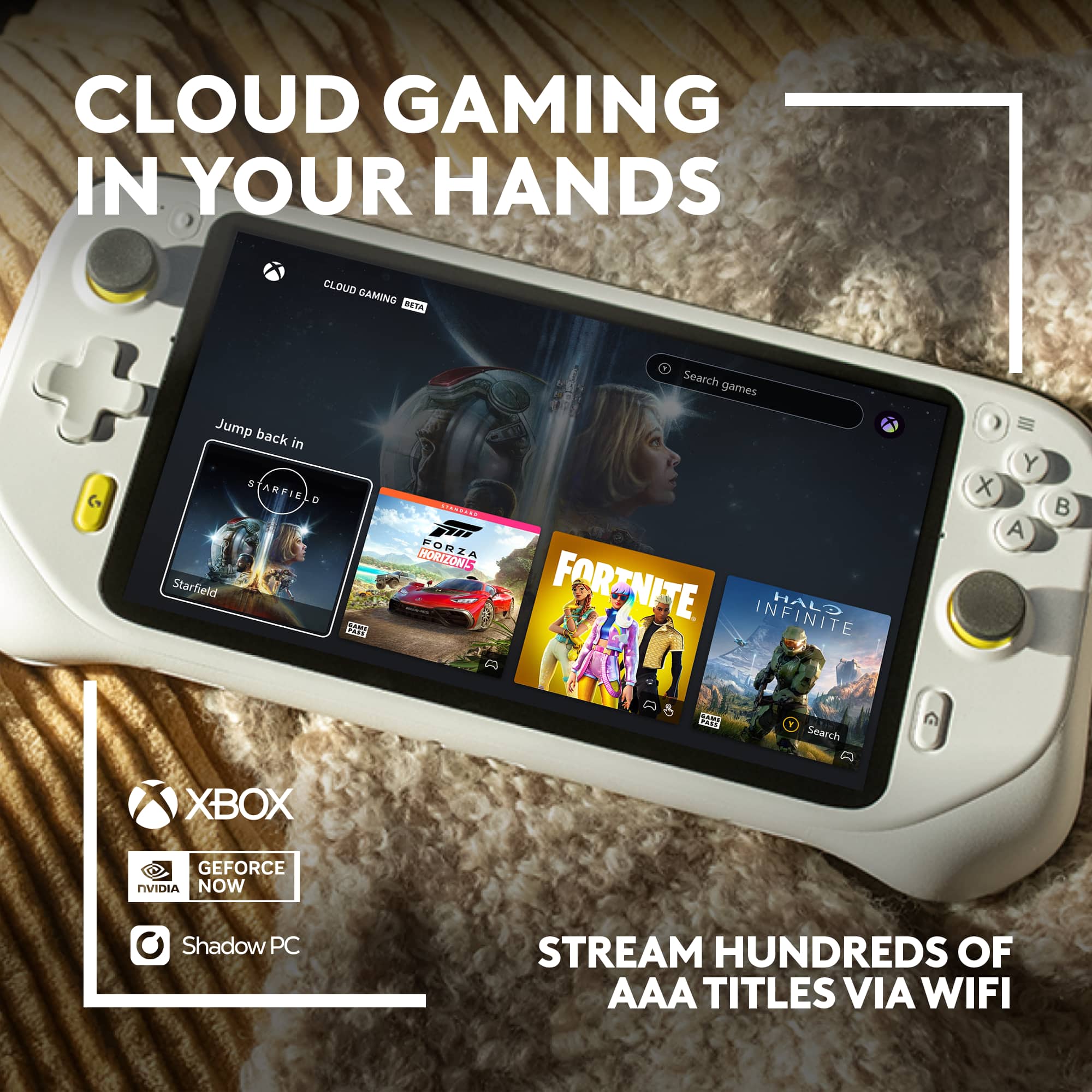
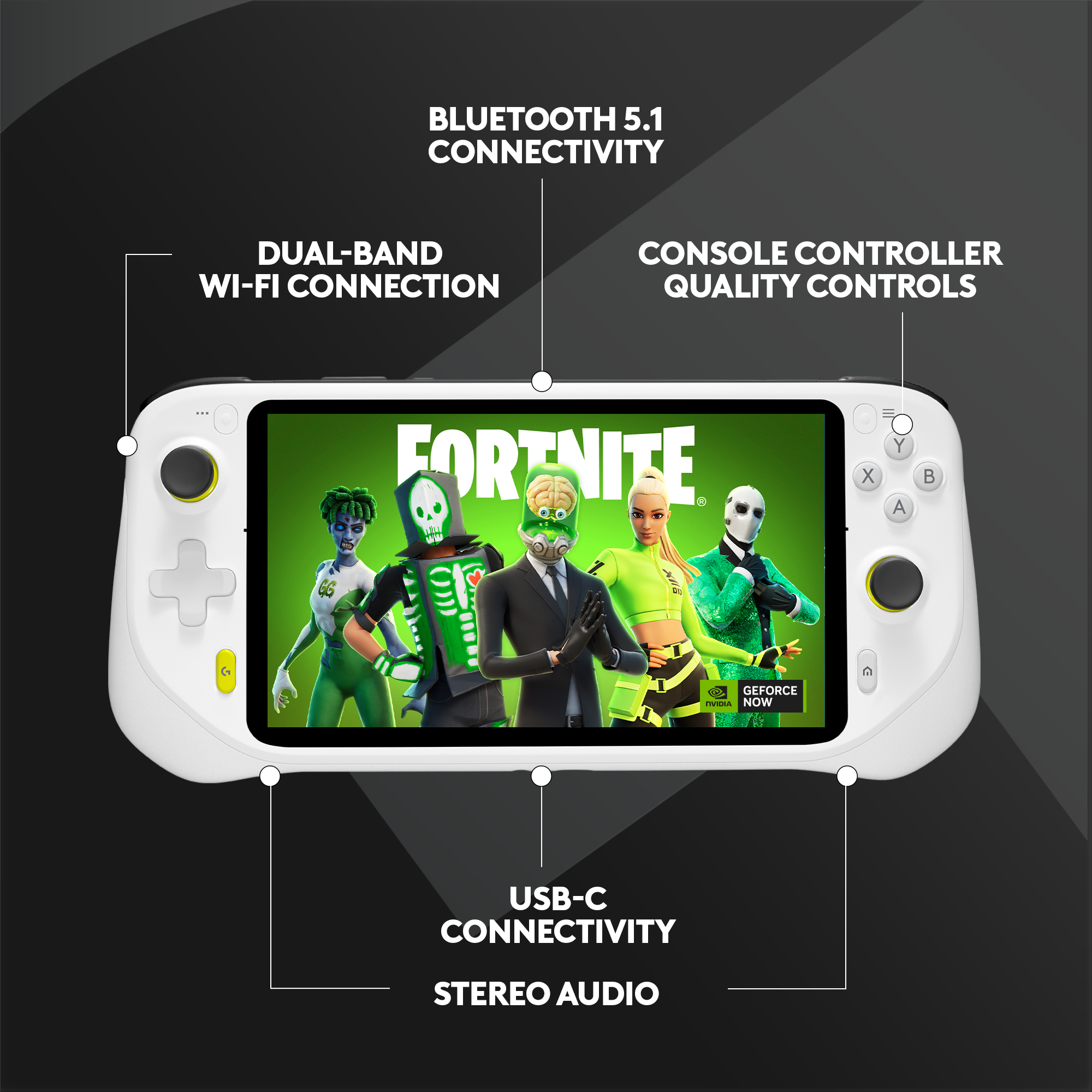
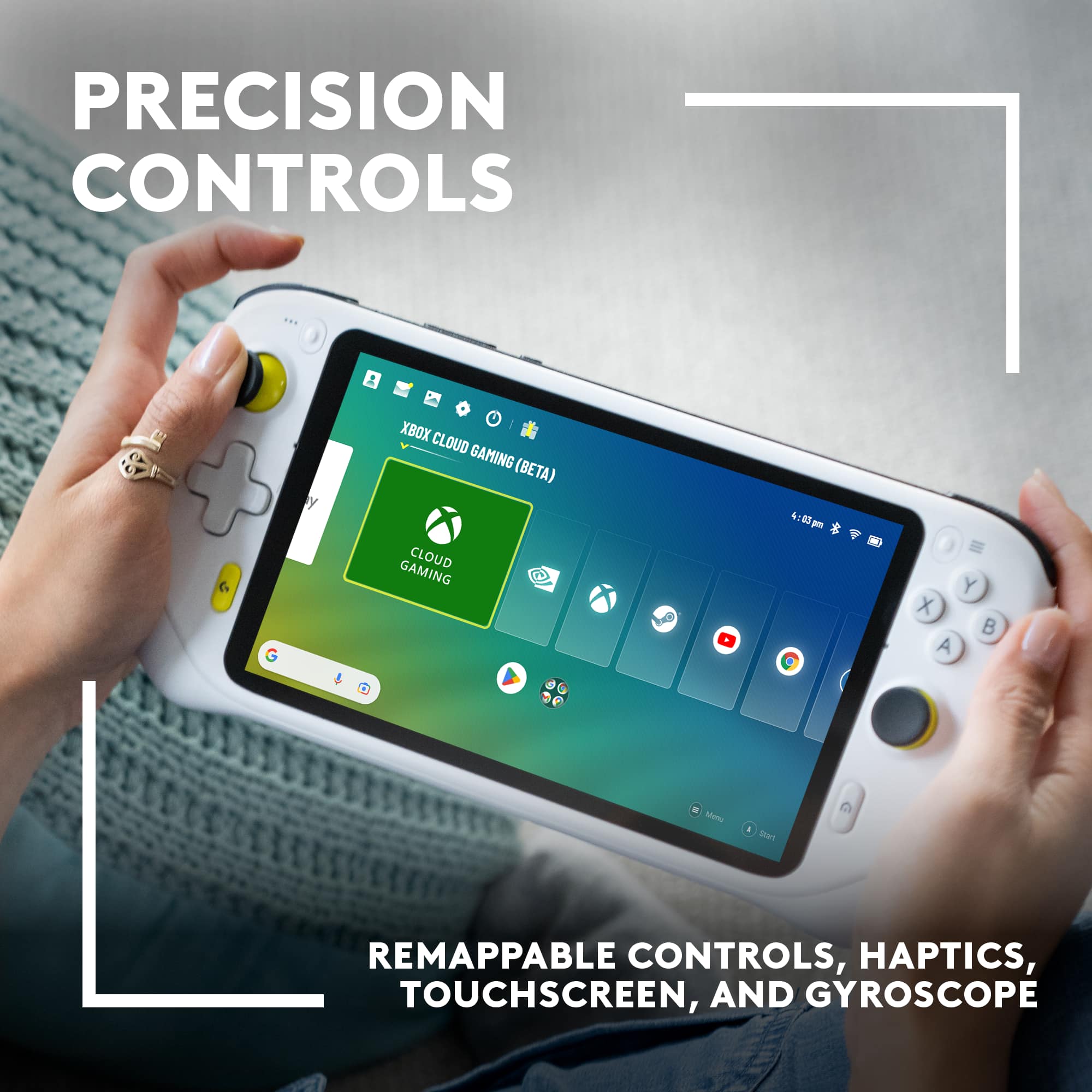
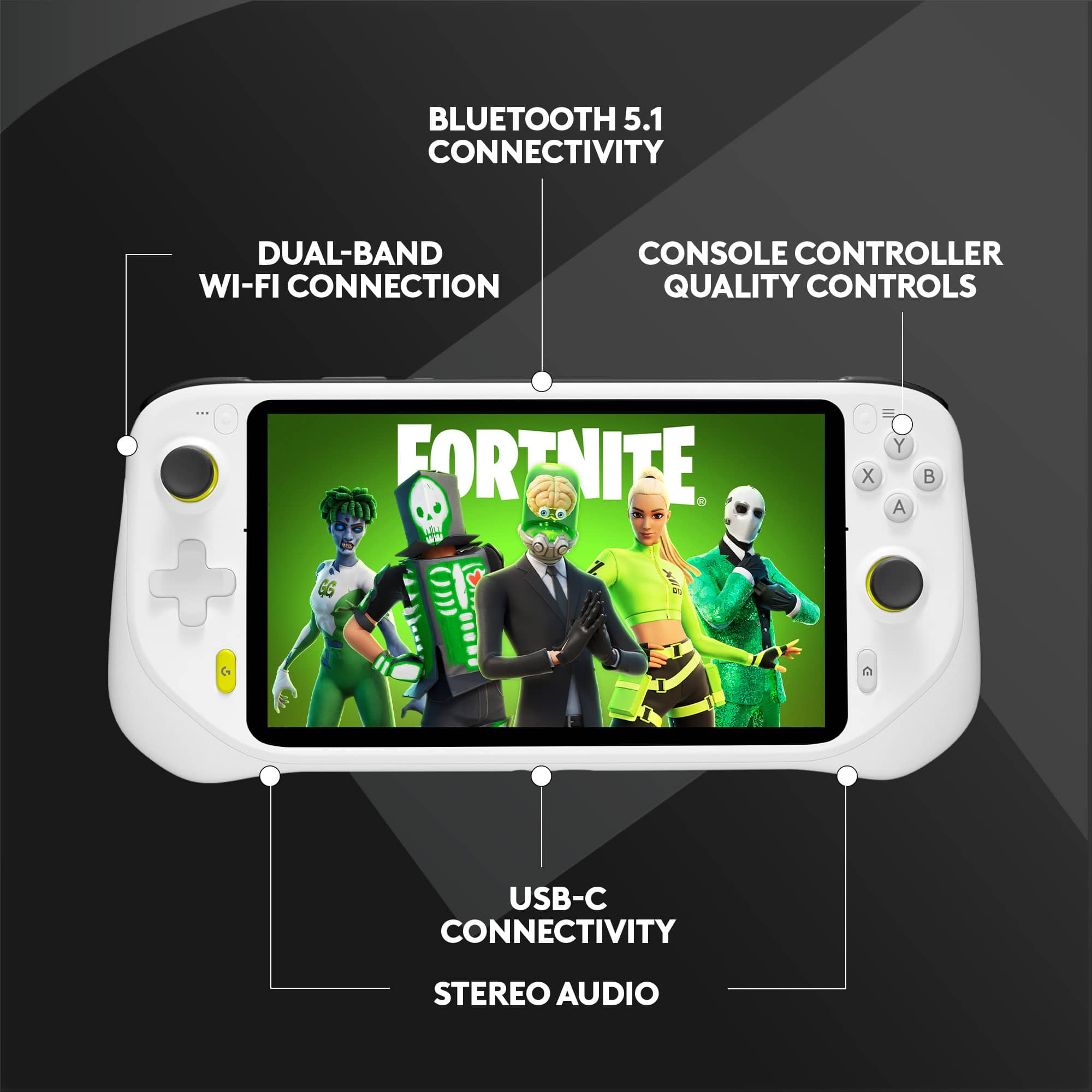
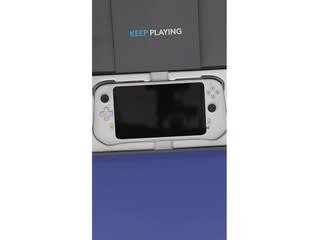
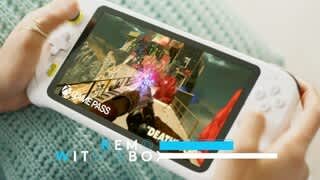
A:AnswerThe Logitech G CLOUD Gaming Handheld is designed to stream games without needing a console or PC to be turned on, just like an Android device using the Xbox app. It supports Xbox Cloud Gaming and NVIDIA GeForce NOW, so as long as you have a stable Wi-Fi connection and the appropriate subscription, you can stream games like Halo, Call of Duty, and GTA directly from the cloud.
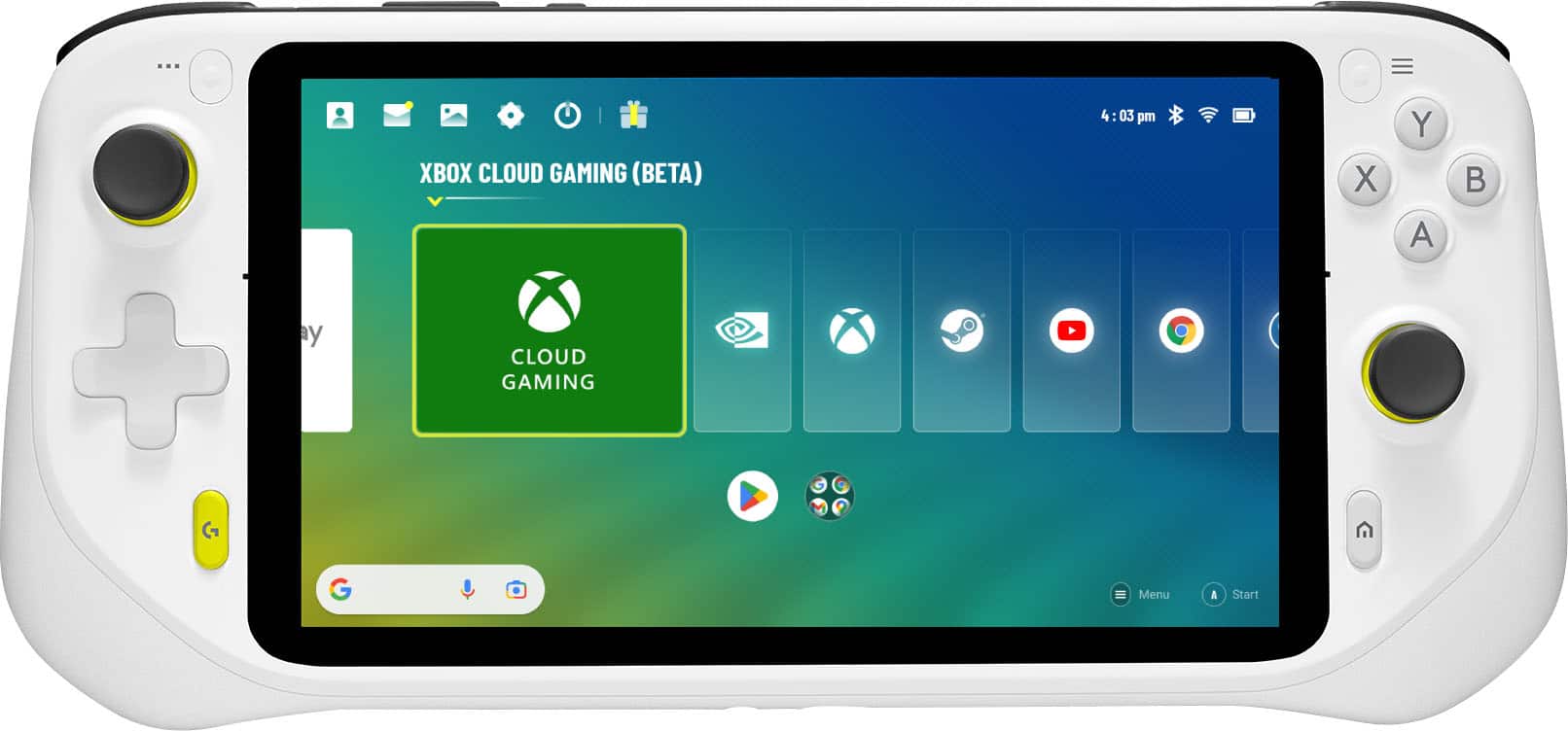
A:AnswerTo use Xbox Game Pass with the Logitech G CLOUD Gaming Handheld Console, you will need the Xbox Game Pass Ultimate subscription. This is the specific tier that includes Xbox Cloud Gaming, which is how games are streamed to the G CLOUD.
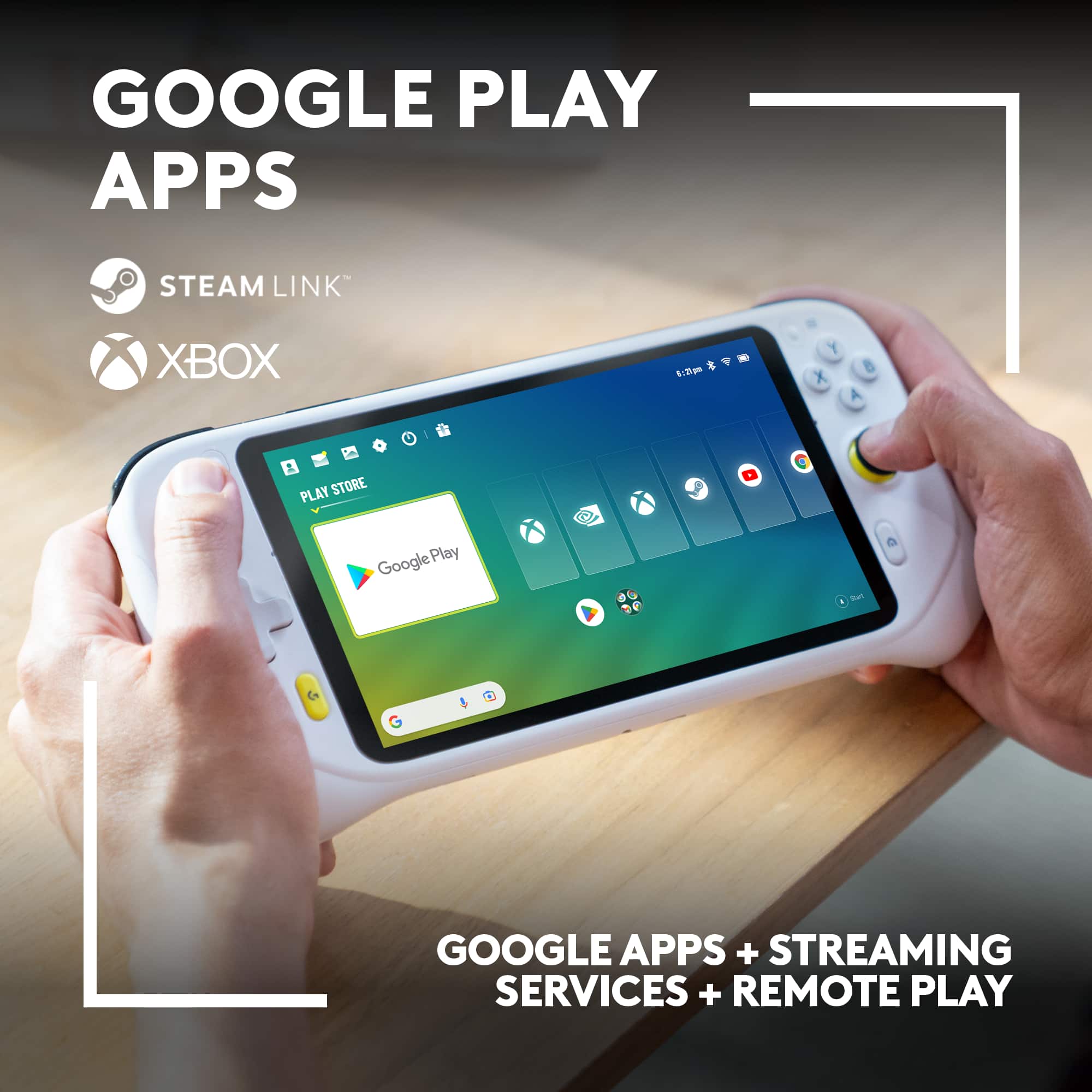
A:AnswerYes, you can play Steam games on the Logitech G Cloud Gaming Handheld Console, but it's important to understand how it works:
The Logitech G Cloud is primarily a cloud streaming device, not a powerful gaming PC that runs games natively. This means Steam games are played by streaming them to the device, not by installing them directly on its hardware.
A:AnswerYou can play Call of Duty on the Logitech G CLOUD through cloud gaming services like Xbox Game Pass or GeForce NOW, by playing Call of Duty Mobile, or via remote play from your Xbox or PC.
A:AnswerYou cannot directly play the games on the G CLOUD itself. Instead, you stream them from either cloud gaming services or your own PS5 or Series X console.
A:AnswerThe G CLOUD can run emulators for PSP, PS1, and PS2, but smooth performance depends heavily on the specific emulator's requirements. If the emulator is optimized and matches the G CLOUD's specs, it should work. Keep in mind that running emulators can impact performance and memory usage, so you might experience some slowdowns.
A:AnswerYou won't need to purchase anything else to use the Logitech G CLOUD for its core functions. It's designed to work primarily over WiFi, so as long as you have a stable internet connection, your daughter can download games.
A:AnswerU can sideload the apk by downloading it from google bypassingvthe epic games store entirely i ro it on my non supported anbernic hanhelds all the time it runs on the t820 chipset very well
A:AnswerThe Logitech G Cloud is primarily designed for cloud gaming, meaning it relies on streaming games from servers to your device.
You cannot directly download and install the Epic Games Store and Fortnite on the G Cloud to play them locally.
A:AnswerUnfortunately, the Logitech G CLOUD Gaming Handheld Console is not compatible with the original PlayStation 2 or Xbox consoles. It's designed to run Android games and stream games from cloud gaming services.
However, there's a possibility you could play The Simpsons Hit & Run on the G CLOUD if you can find an Android version of the game.
A:AnswerThe Logitech G CLOUD Gaming Handheld Console is not compatible with virtual reality glasses. It is designed to be used as a standalone gaming device with its own built-in screen and controls.
A:AnswerYou don't need a PC to play on the Logitech G CLOUD Gaming Handheld Console. All you need is a subscription to a cloud gaming service. The Logitech G CLOUD is specifically designed for cloud gaming, which means you play games directly from the internet, without needing a powerful PC or console.