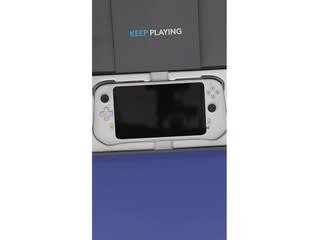
A:AnswerYou Can't Directly Download Steam Games to the Logitech G Cloud. The Logitech G Cloud is primarily a cloud gaming device. This means it doesn't have the processing power to run games directly. Instead, it streams games from a powerful remote server to your device.
A:AnswerHey! Unfortunately, there isn't a way to directly add the EA app to G Cloud at this time. G Cloud focuses on streaming individual games, not entire launchers like the EA app. Additionally, Madden 24 isn't currently confirmed to be playable through cloud gaming services like G Cloud.
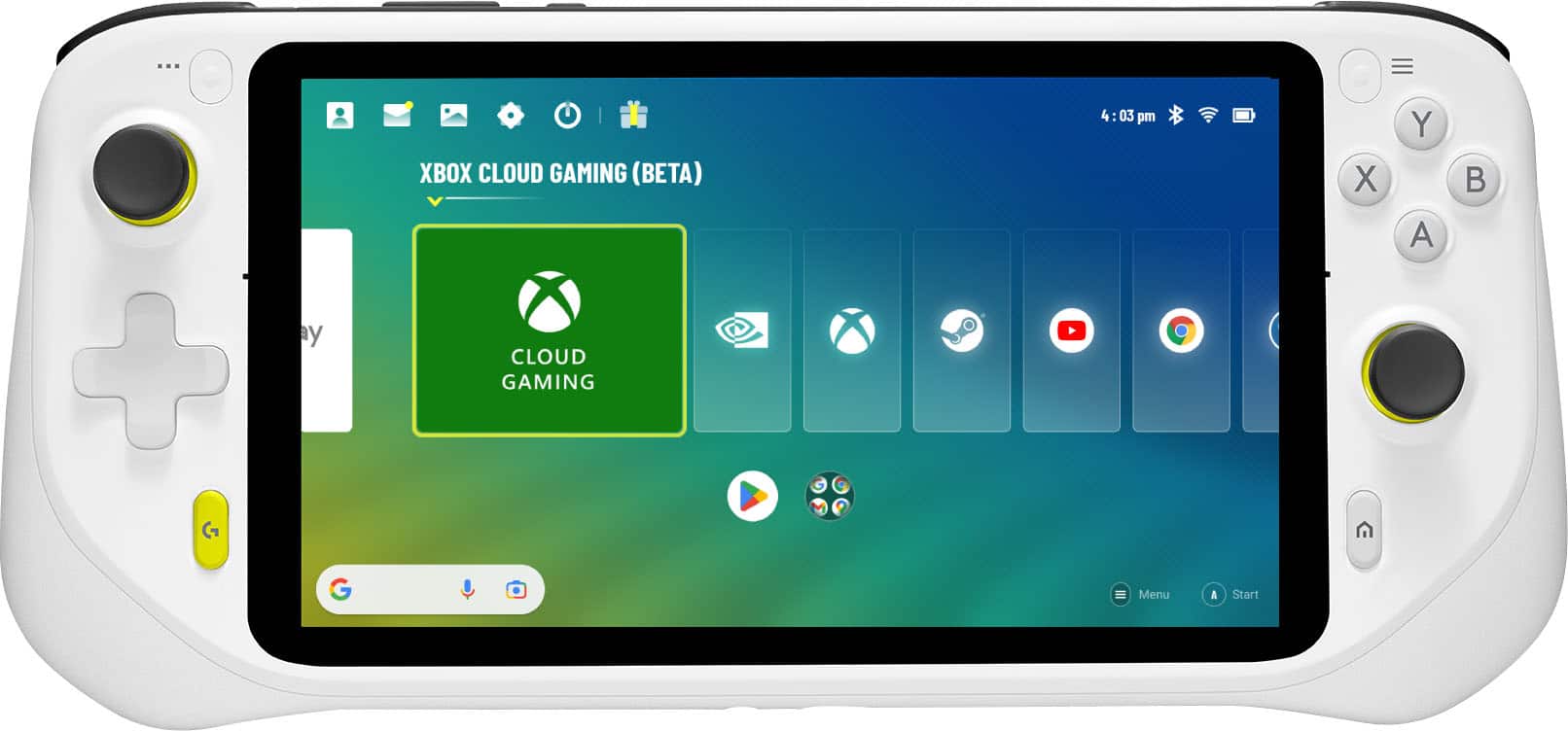
A:AnswerNo, you cannot directly play PlayStation games designed for streaming only (like the Sly Cooper Collection) on a Logitech G Cloud handheld console. Logitech G Cloud requires a cloud subscription service sold separately to work as intended, such as NVIDIA GeForce Now or Xbox Game Pass.
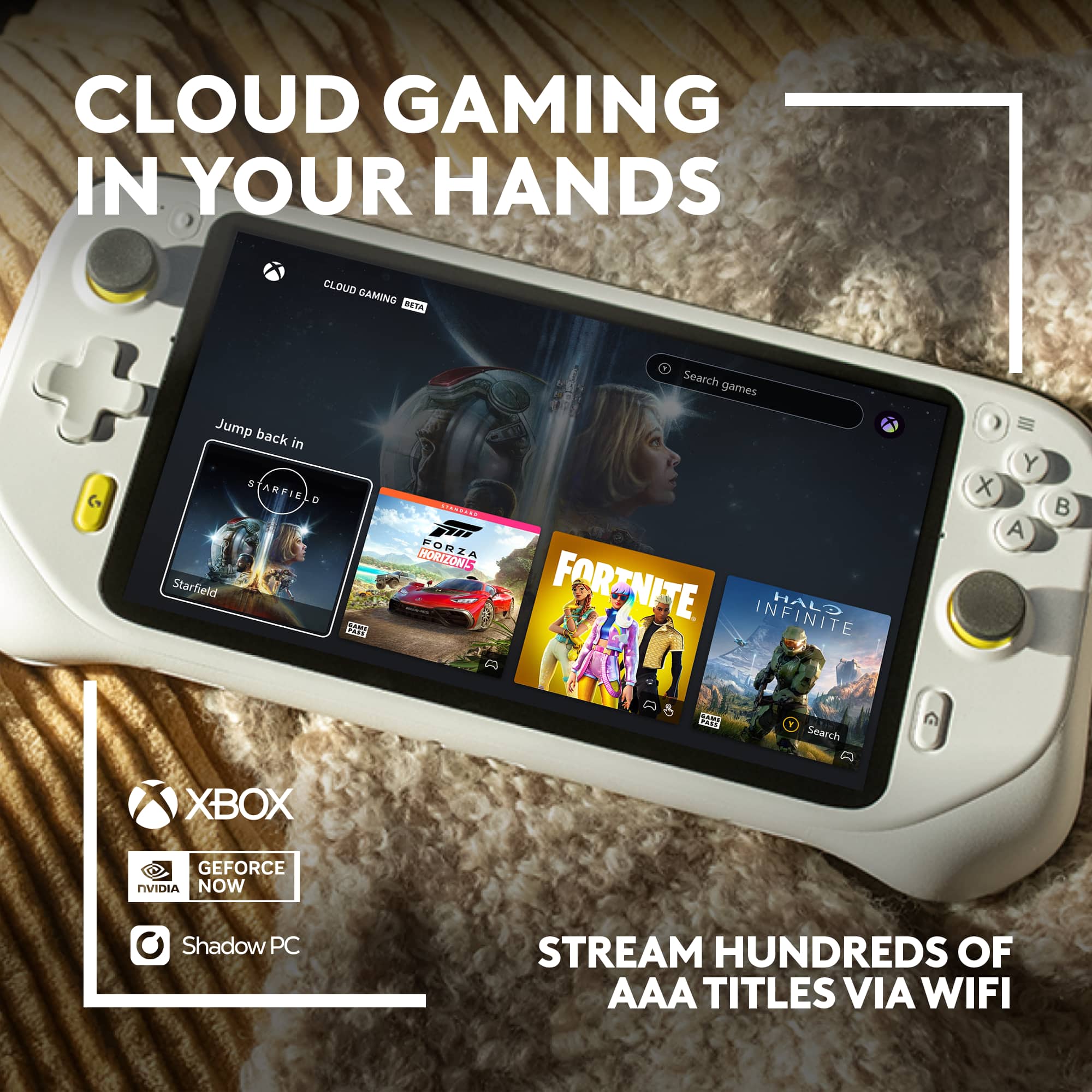
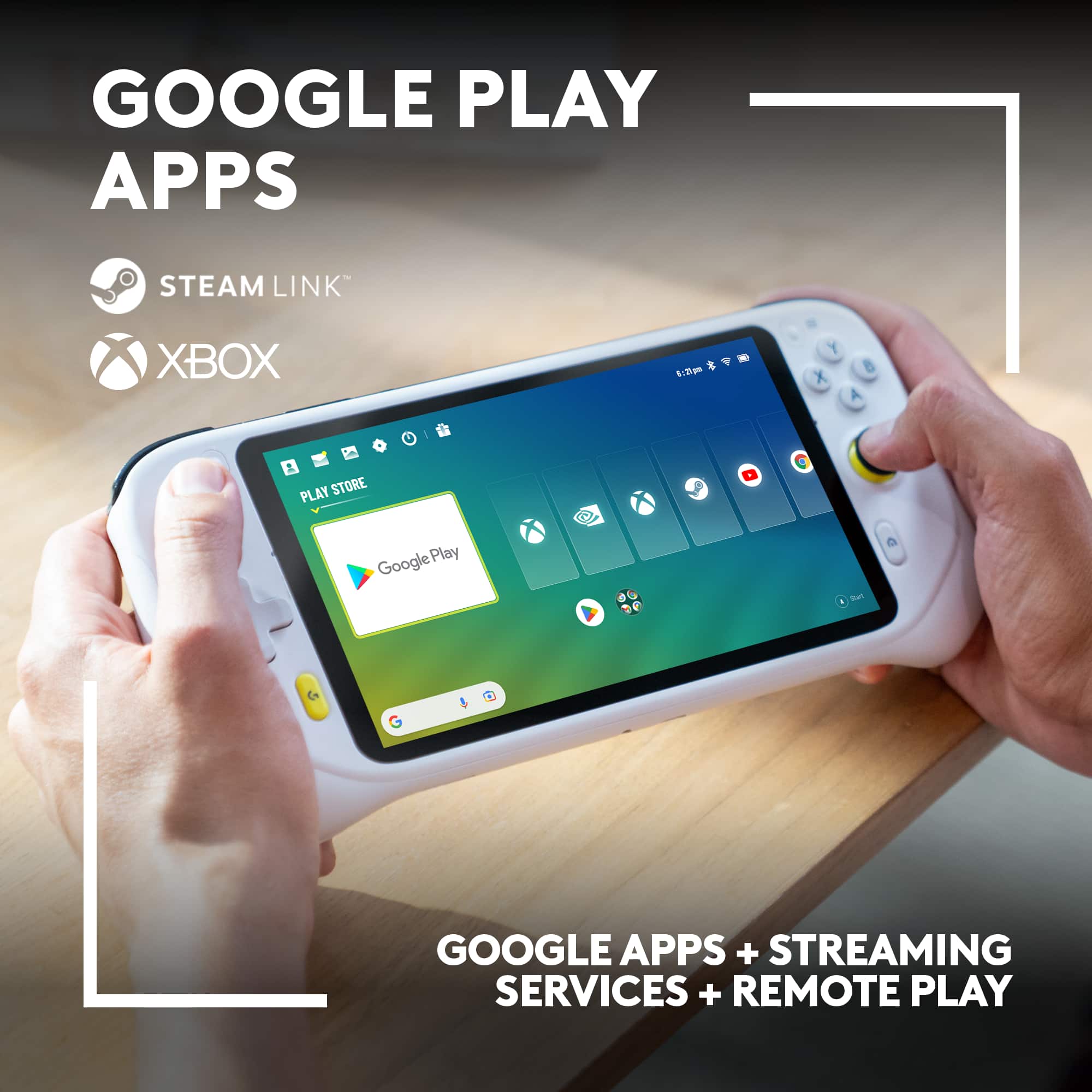
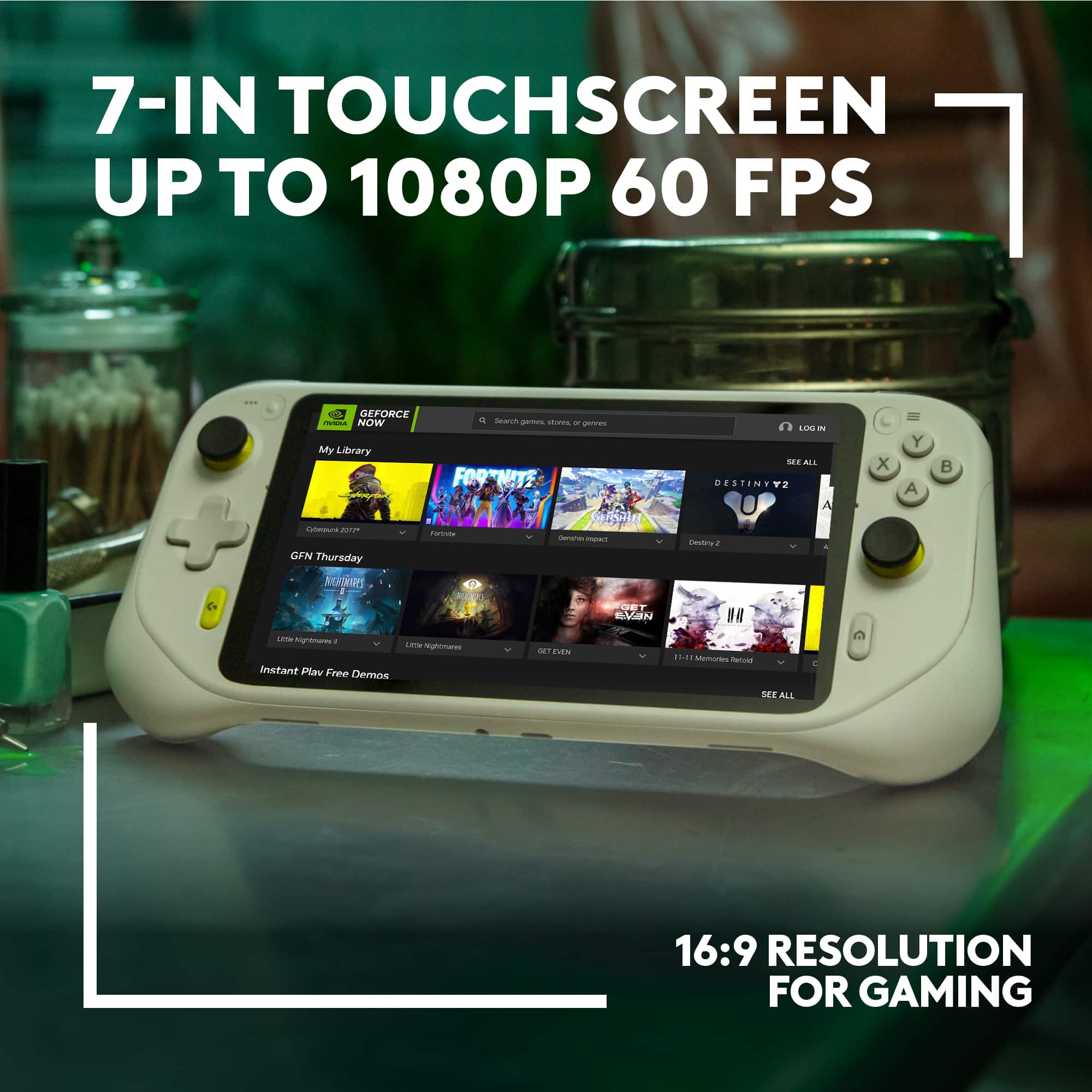
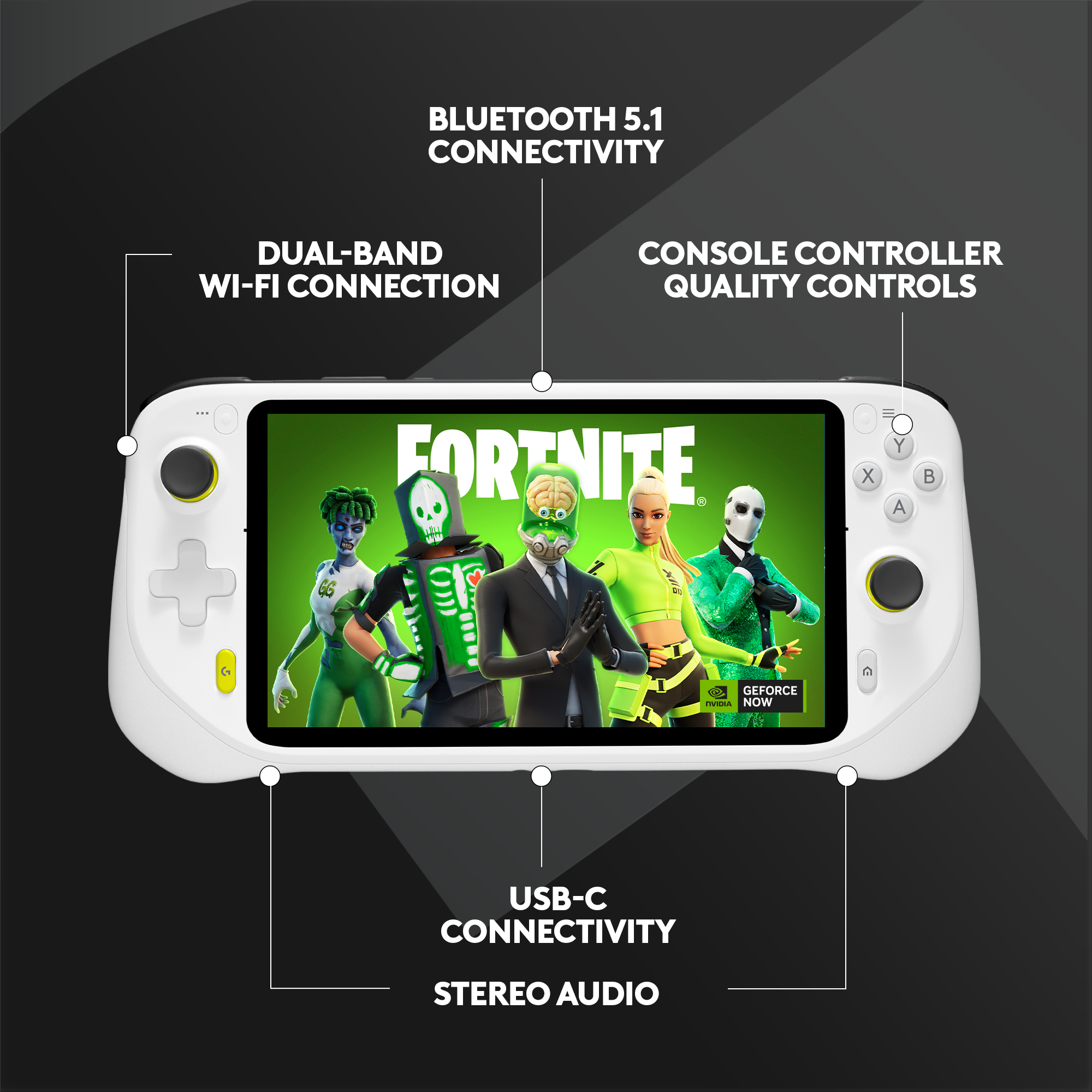
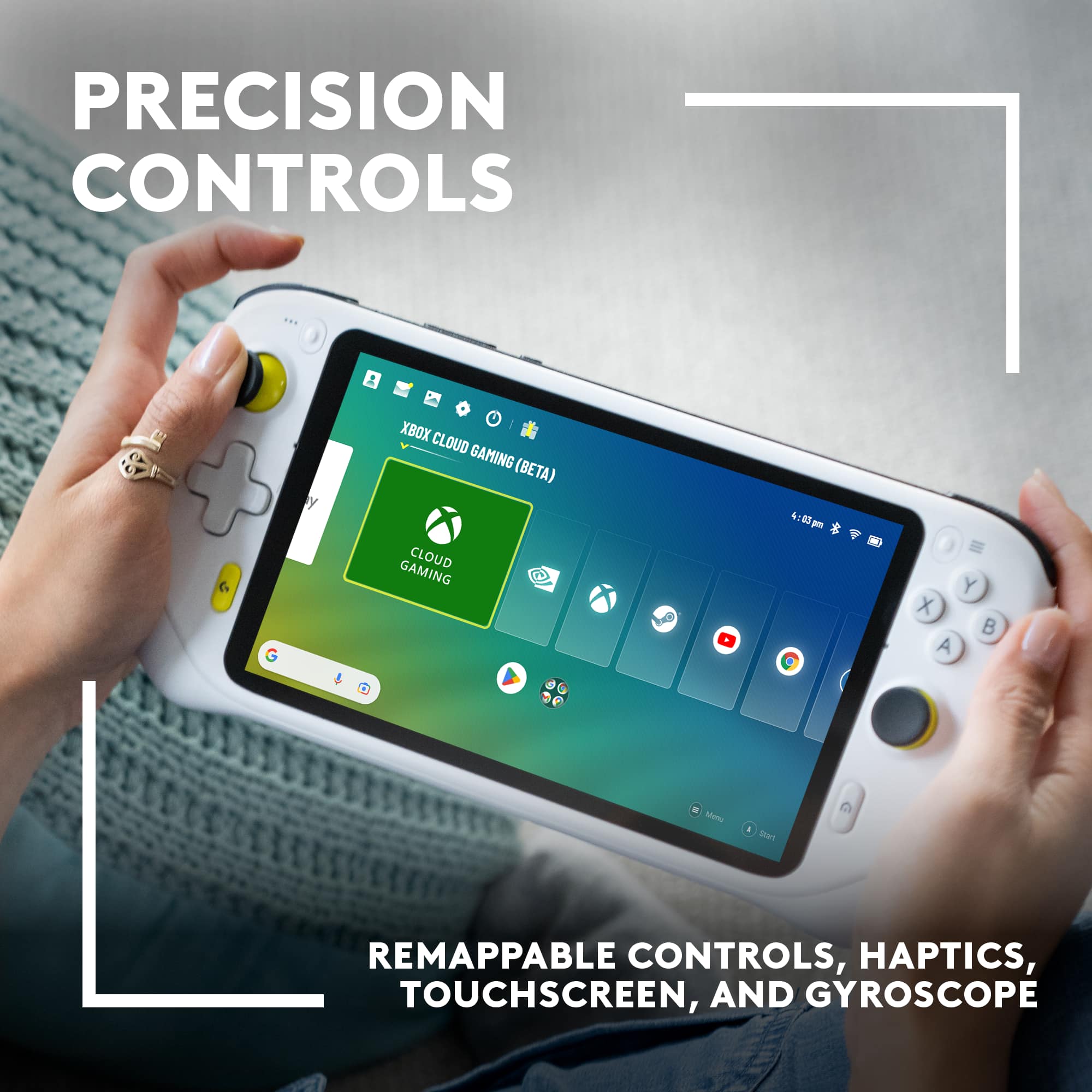
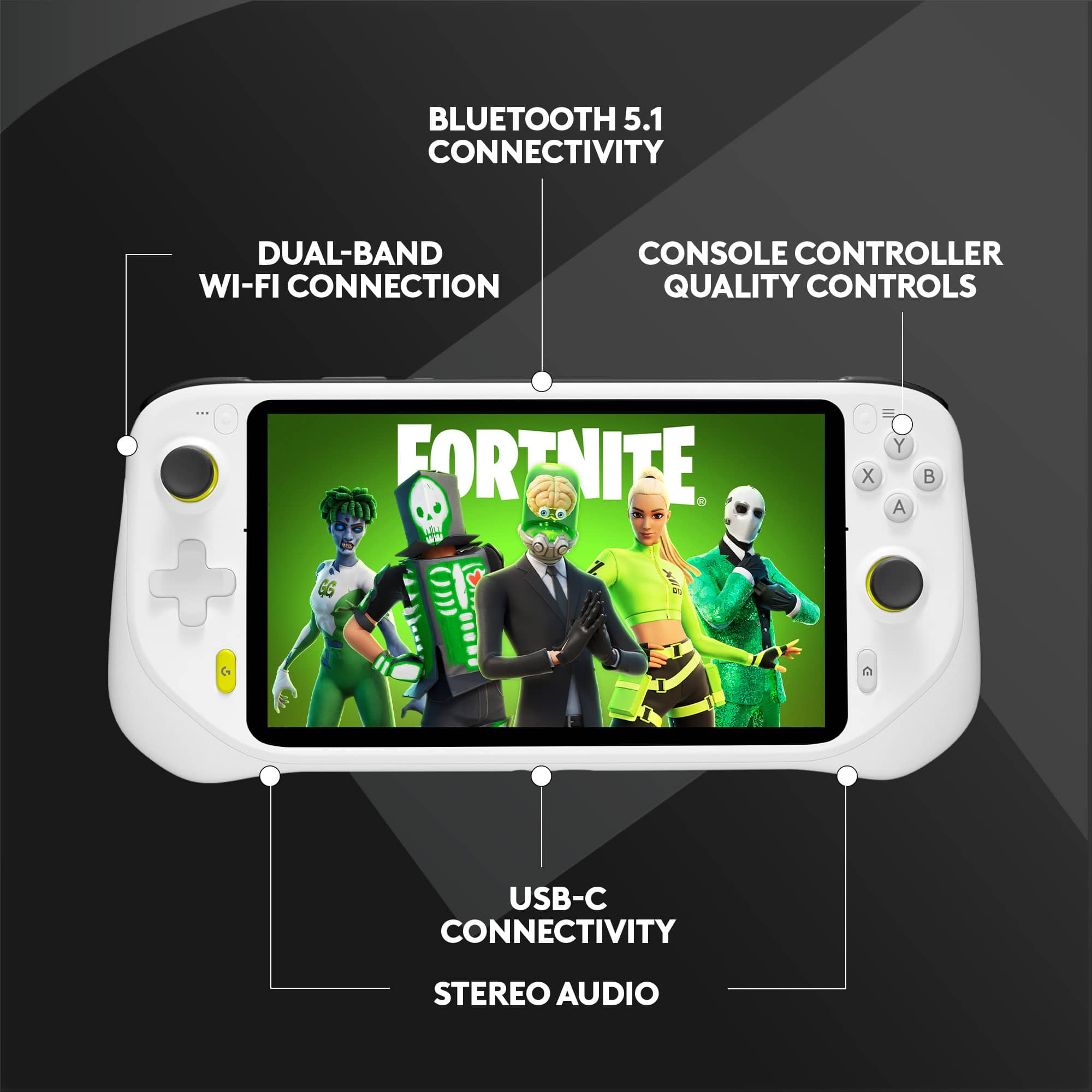
A:AnswerHey there! Logitech G CLOUD takes massive libraries of AAA titles and advanced graphics (up to 1080P/60FPS) from the cloud and puts it all in your hands. This allows you to play a ridiculous amount of games from Xbox, NVIDIA GeForce NOW, and even Steam Link. Just pickup CLOUD and play anywhere you have WiFi.
A:AnswerDoubtful it will function for live-streaming. Think of it as an android tablet that is exclusive meant for cloud gaming. It runs most android games flawlessly and works fairly well with remote play if ps5
A:AnswerIf your using Steam Link yes, im figuring out how to do it over WiFi, but you can locally stream any game with controller support using Moonlight.