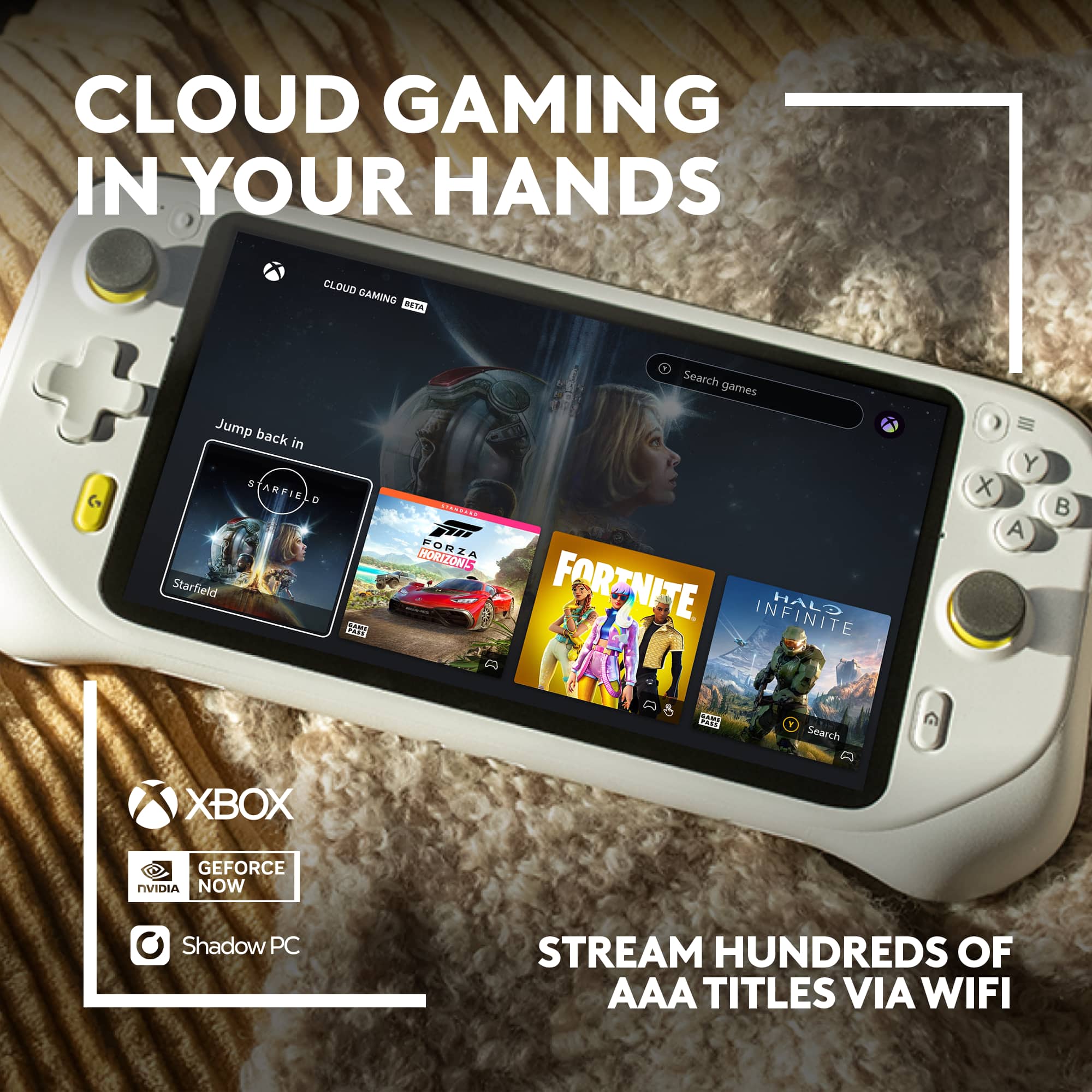
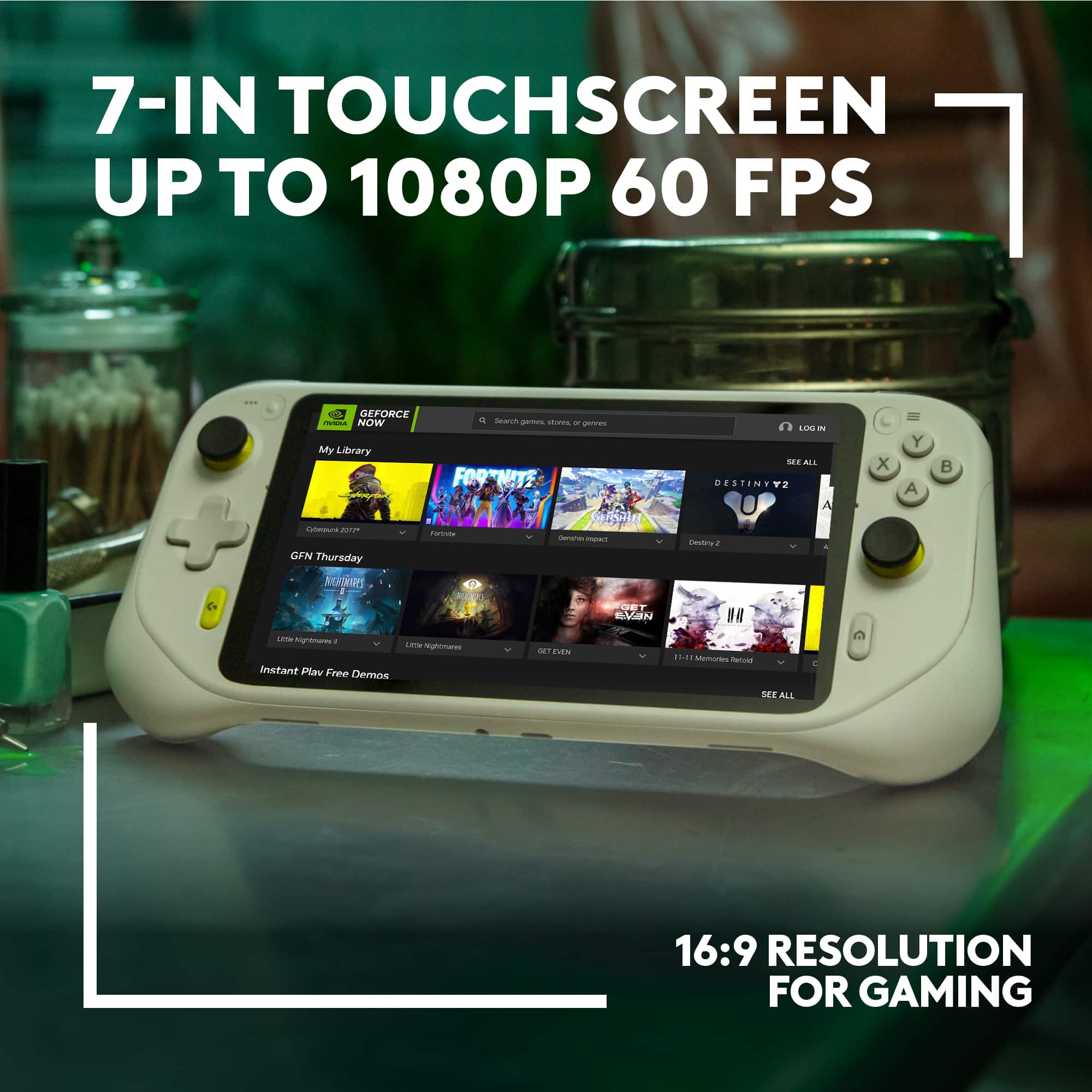
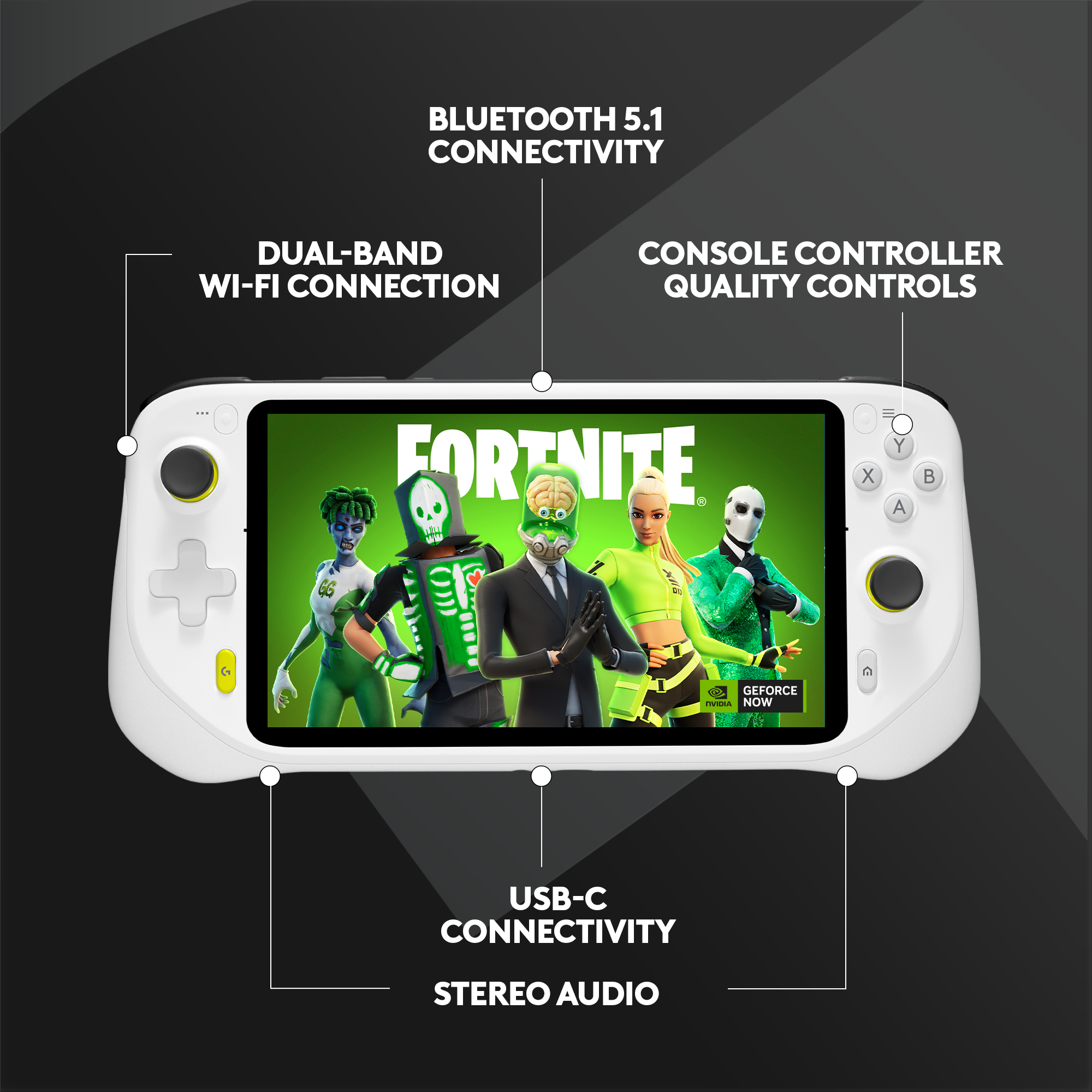
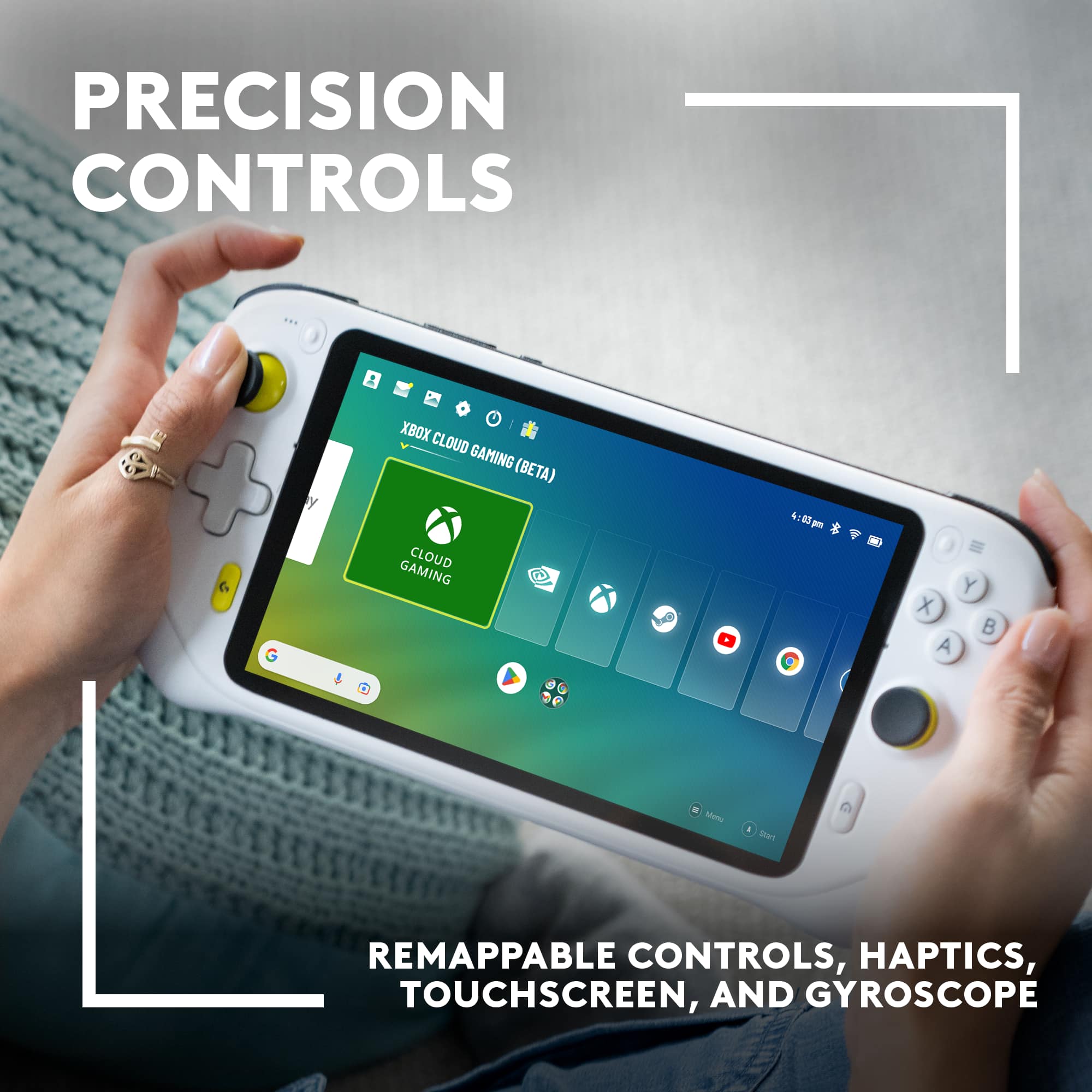
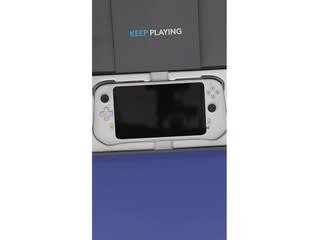
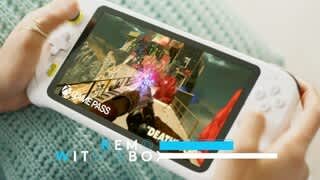
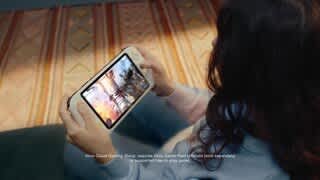
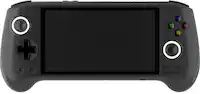
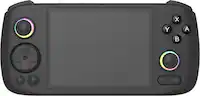
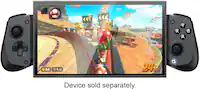
A:AnswerThe Logitech G Cloud is primarily designed for cloud gaming, meaning it relies on streaming games from servers to your device.
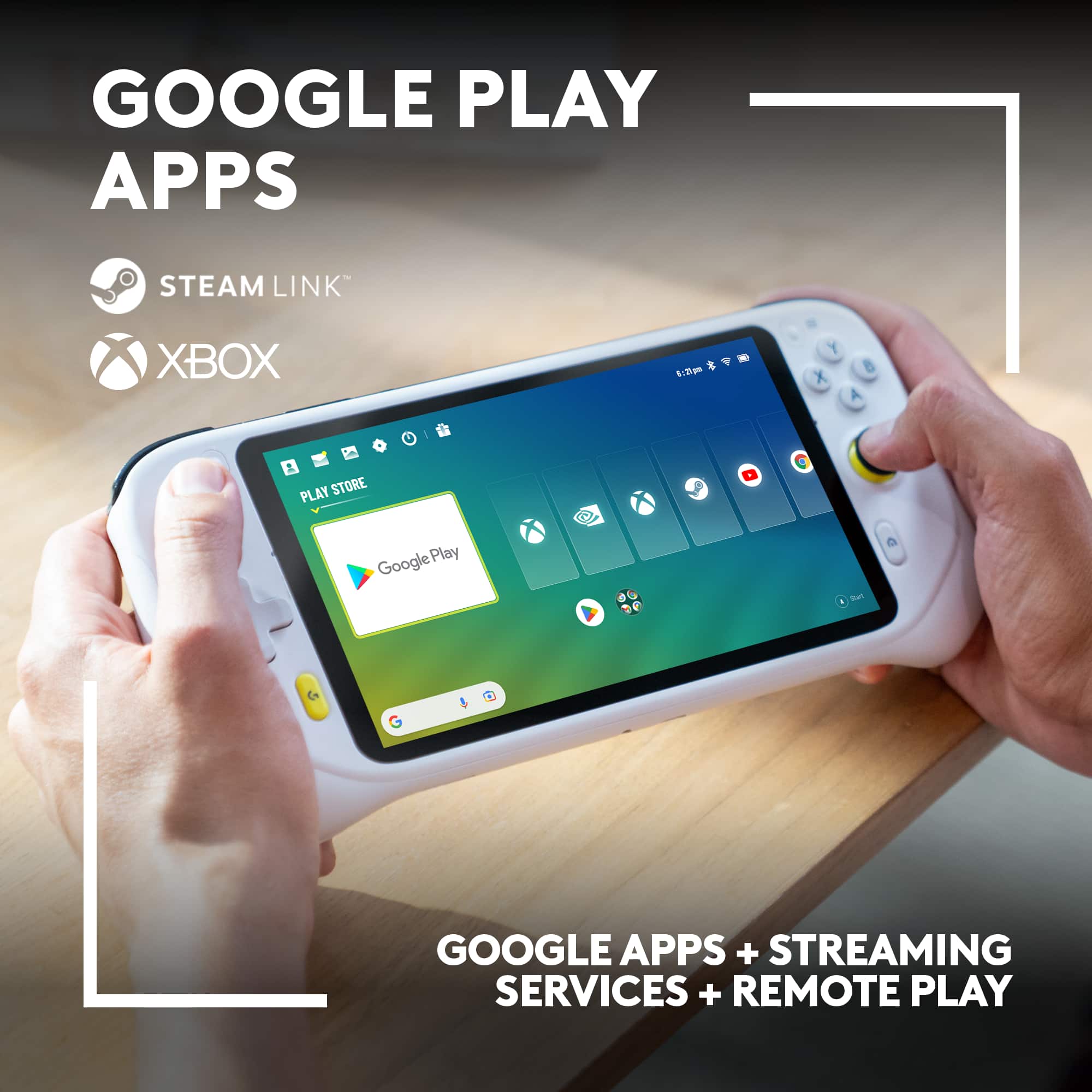
You cannot directly download and install the Epic Games Store and Fortnite on the G Cloud to play them locally.
A:AnswerUnfortunately, the Logitech G CLOUD Gaming Handheld Console is not compatible with the original PlayStation 2 or Xbox consoles. It's designed to run Android games and stream games from cloud gaming services.
However, there's a possibility you could play The Simpsons Hit & Run on the G CLOUD if you can find an Android version of the game.
A:AnswerThe Logitech G CLOUD Gaming Handheld Console is not compatible with virtual reality glasses. It is designed to be used as a standalone gaming device with its own built-in screen and controls.
A:AnswerYou don't need a PC to play on the Logitech G CLOUD Gaming Handheld Console. All you need is a subscription to a cloud gaming service. The Logitech G CLOUD is specifically designed for cloud gaming, which means you play games directly from the internet, without needing a powerful PC or console.
A:AnswerYou Can't Directly Download Steam Games to the Logitech G Cloud. The Logitech G Cloud is primarily a cloud gaming device. This means it doesn't have the processing power to run games directly. Instead, it streams games from a powerful remote server to your device.
A:AnswerHey! Unfortunately, there isn't a way to directly add the EA app to G Cloud at this time. G Cloud focuses on streaming individual games, not entire launchers like the EA app. Additionally, Madden 24 isn't currently confirmed to be playable through cloud gaming services like G Cloud.
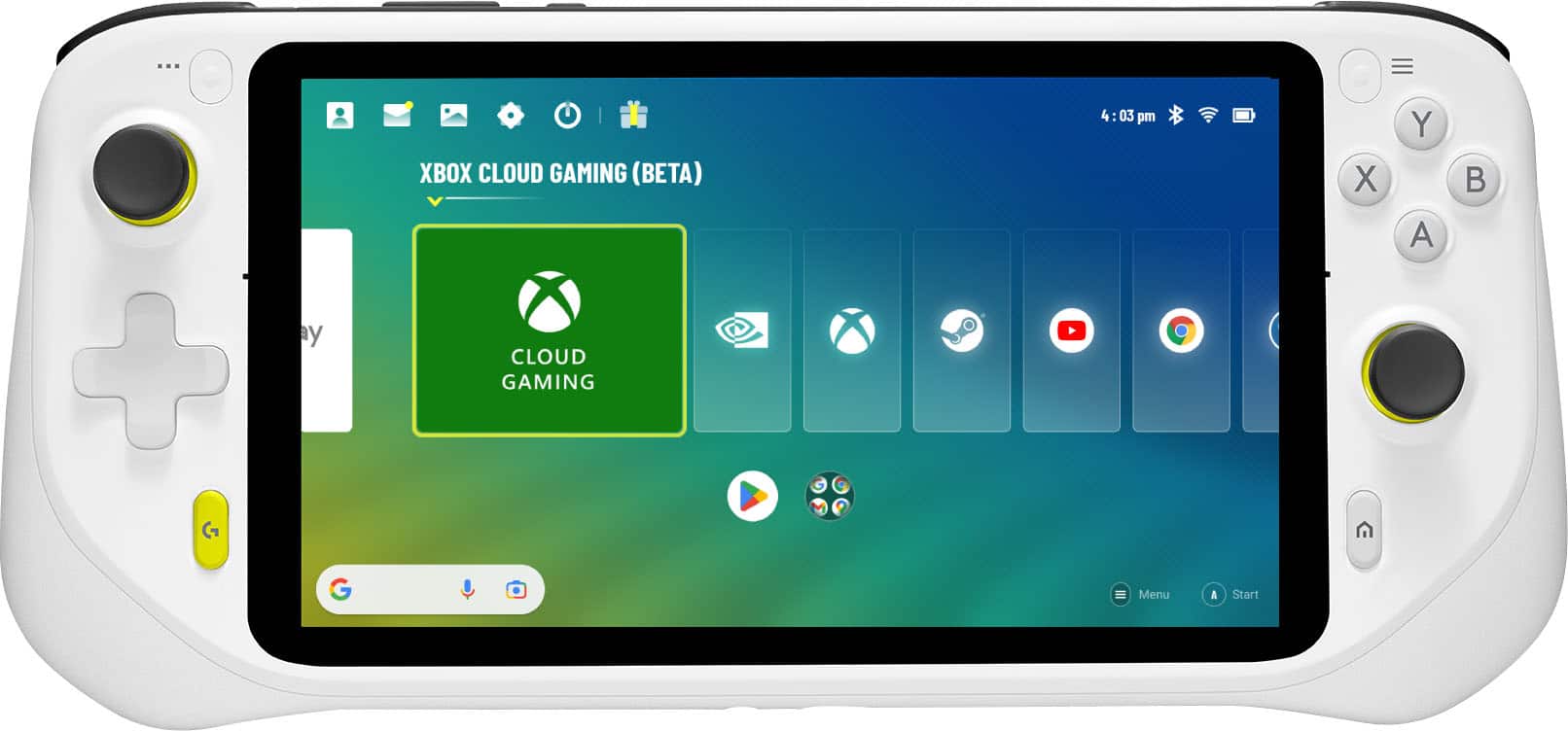
A:AnswerNo, you cannot directly play PlayStation games designed for streaming only (like the Sly Cooper Collection) on a Logitech G Cloud handheld console. Logitech G Cloud requires a cloud subscription service sold separately to work as intended, such as NVIDIA GeForce Now or Xbox Game Pass.