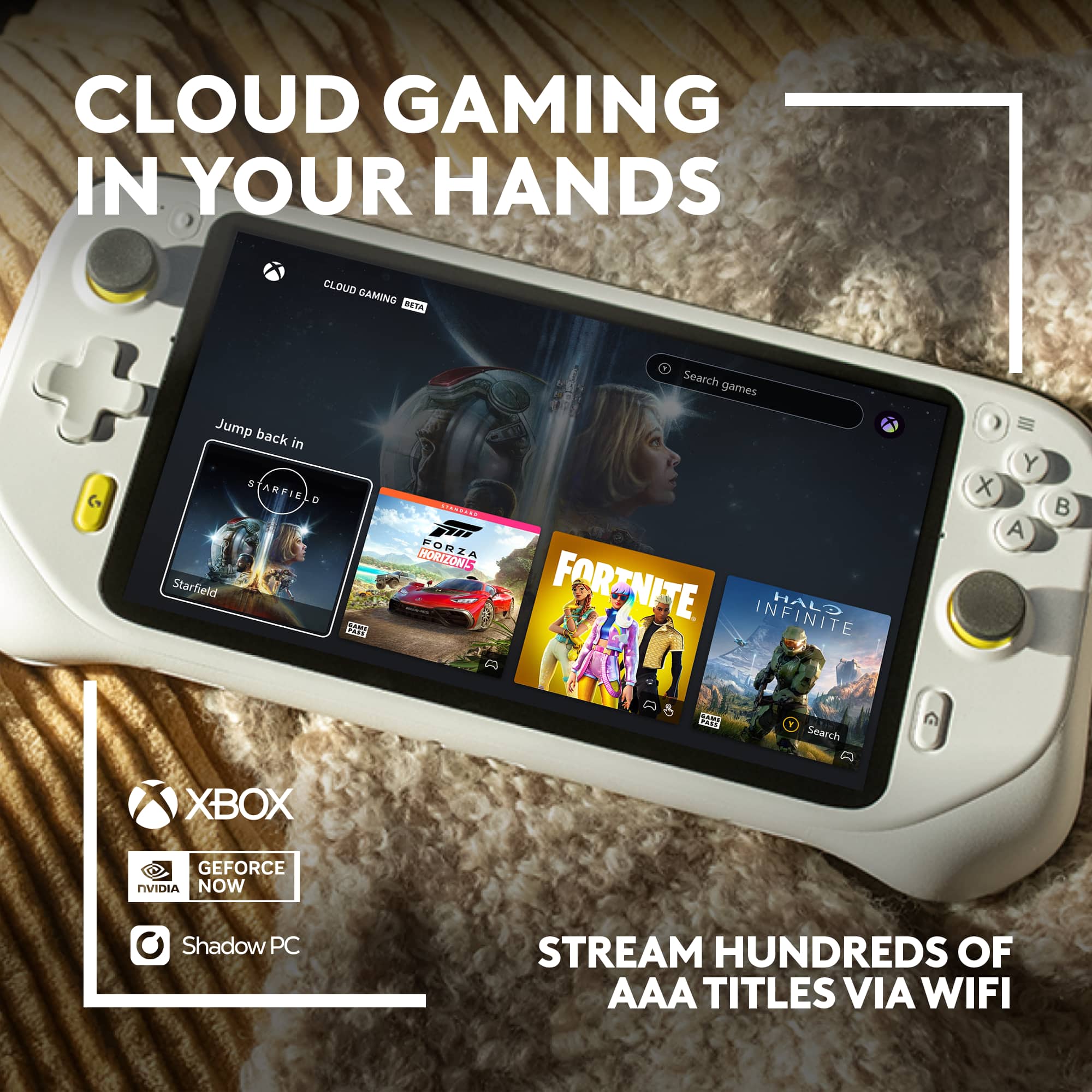
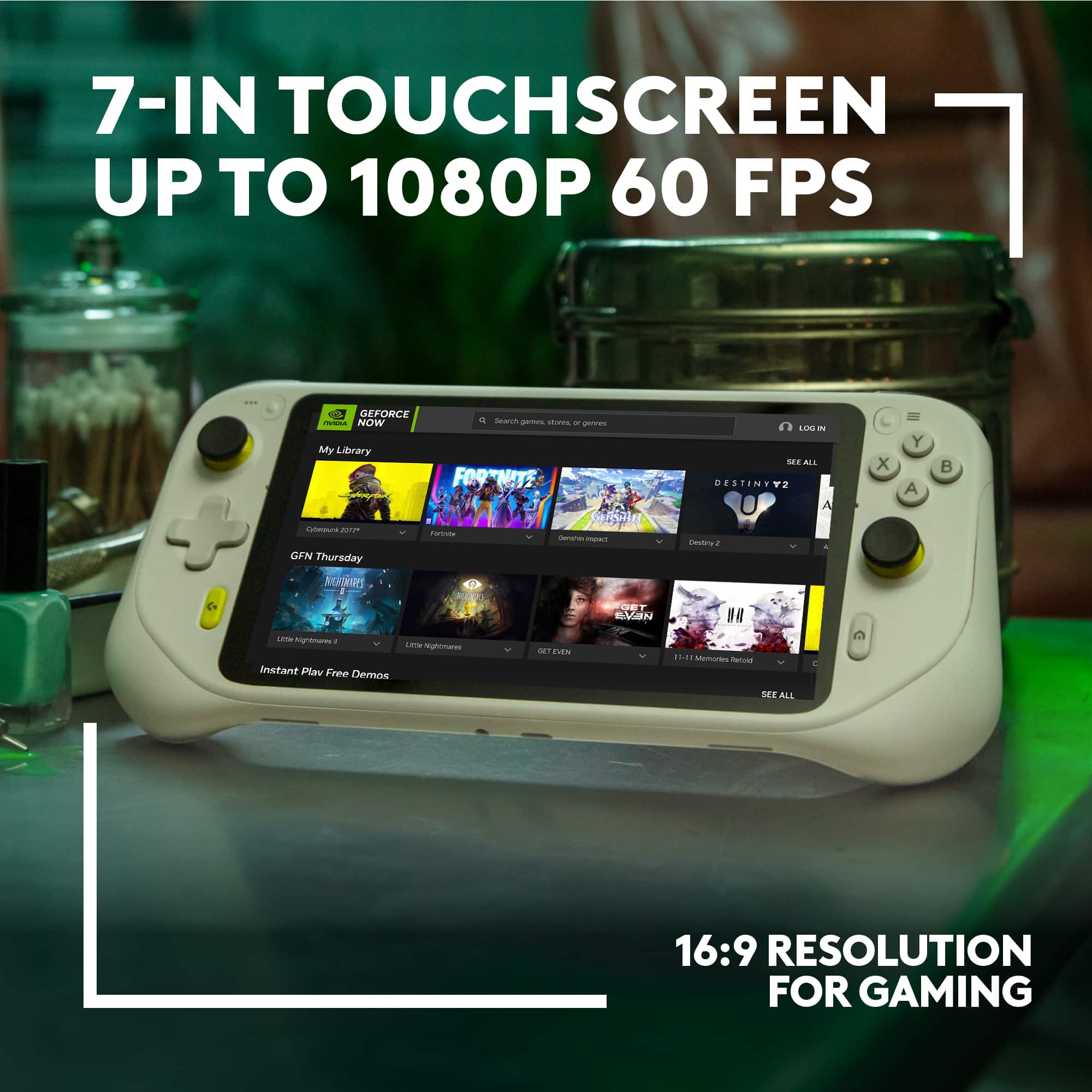
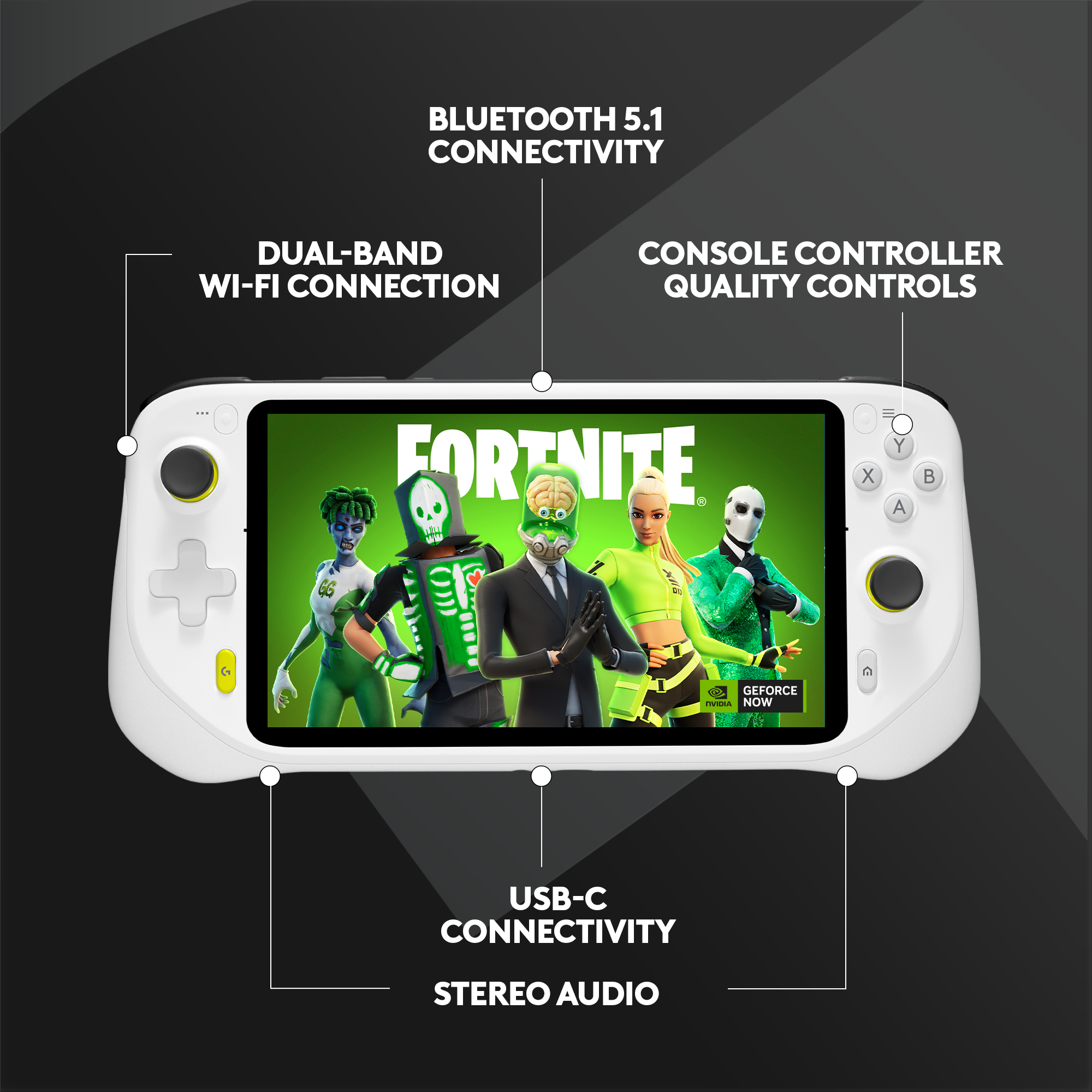
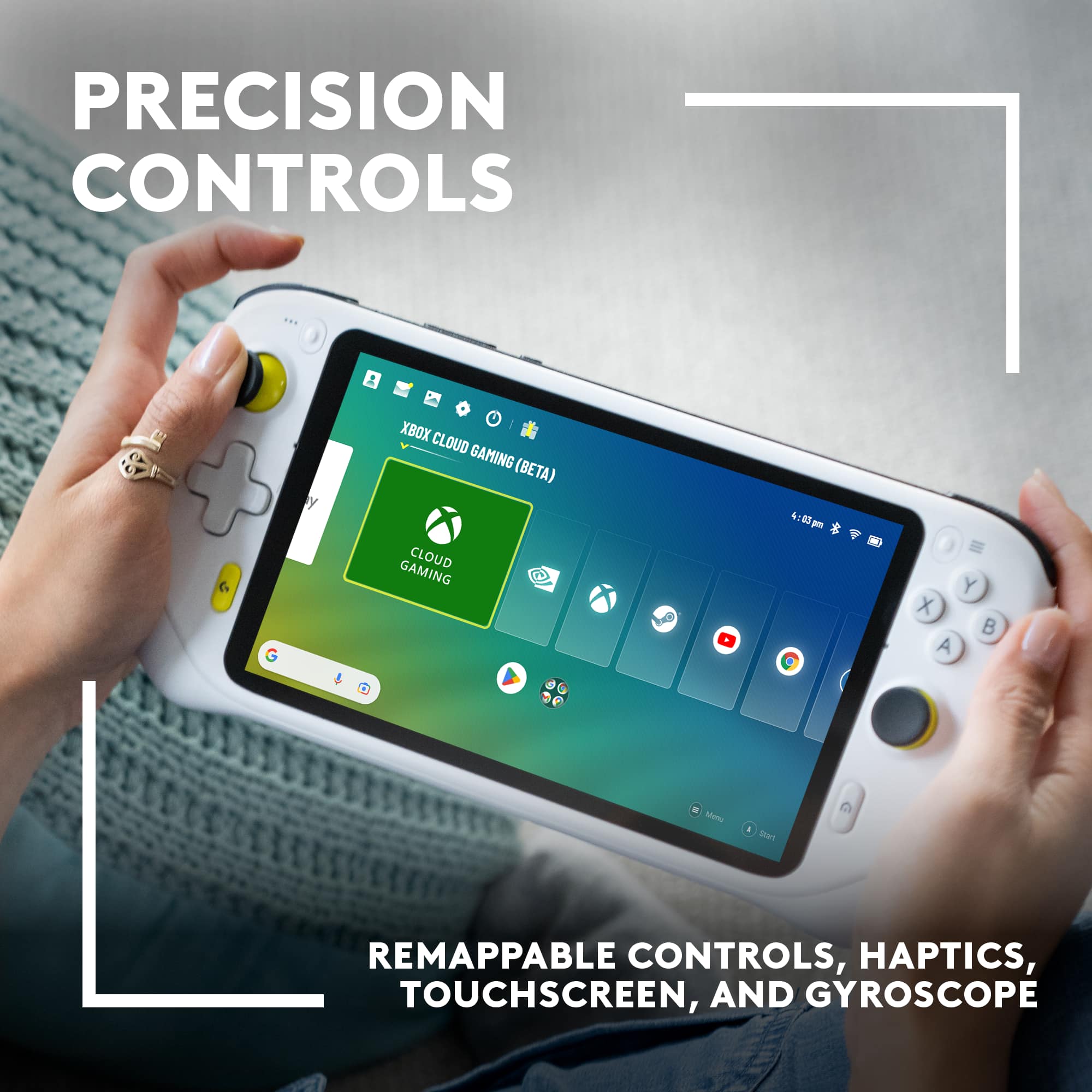
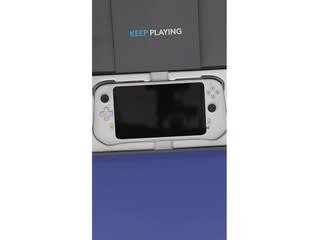
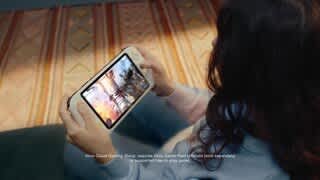
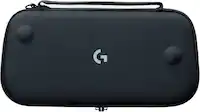
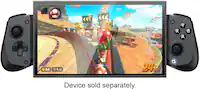
A:AnswerHey there! Logitech G CLOUD takes massive libraries of AAA titles and advanced graphics (up to 1080P/60FPS) from the cloud and puts it all in your hands. This allows you to play a ridiculous amount of games from Xbox, NVIDIA GeForce NOW, and even Steam Link. Just pickup CLOUD and play anywhere you have WiFi.
A:AnswerDoubtful it will function for live-streaming. Think of it as an android tablet that is exclusive meant for cloud gaming. It runs most android games flawlessly and works fairly well with remote play if ps5
A:AnswerIf your using Steam Link yes, im figuring out how to do it over WiFi, but you can locally stream any game with controller support using Moonlight.
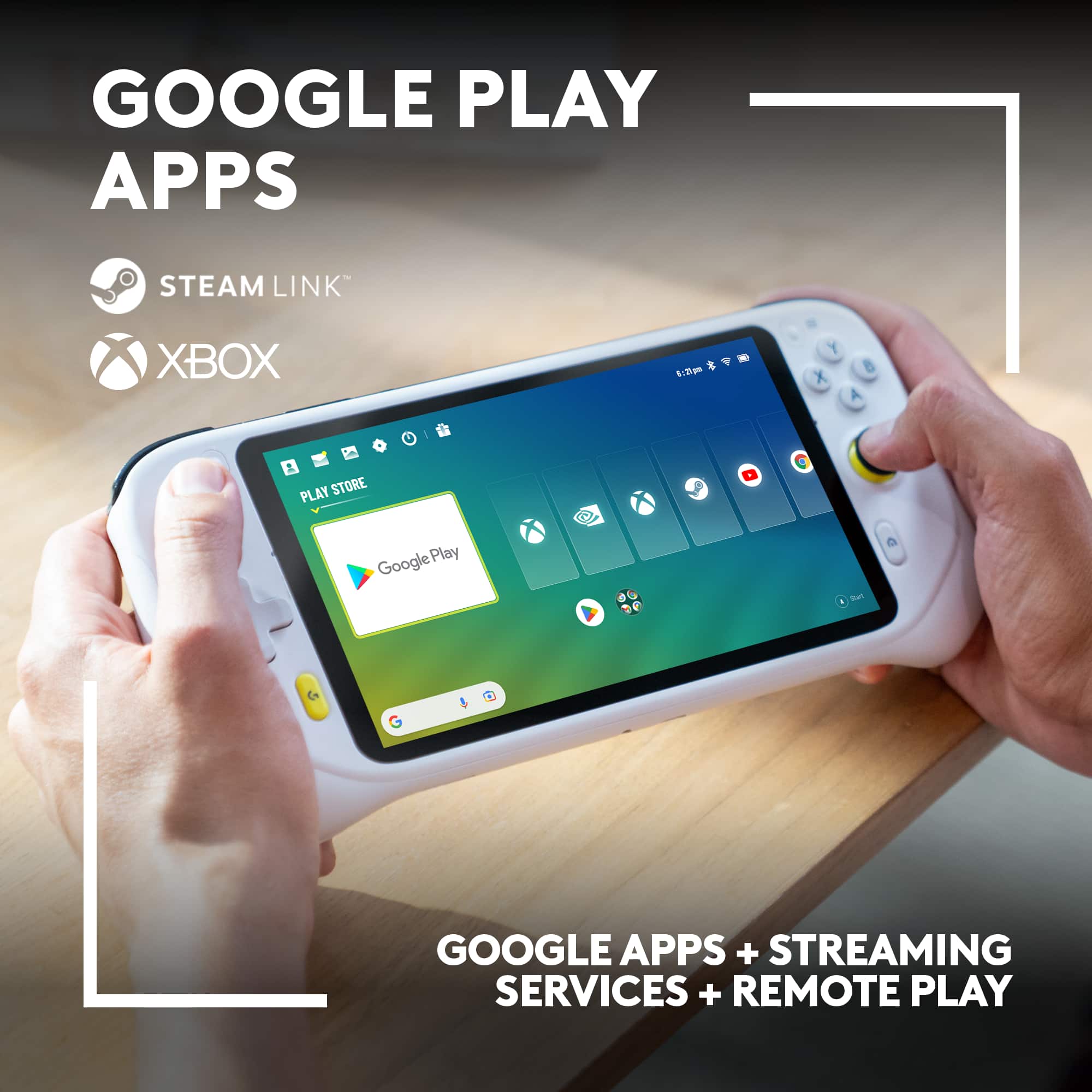
A:AnswerHey! Play games from your console straight to your CLOUD Gaming Handheld over the internet with Xbox remote play and play your Steam games on your CLOUD Gaming Handheld using Steam Link. With touch control schemes newly-optimized for hundreds of top titles, you can now access and play games from your PC while on the couch, or on the go.
A:AnswerYour question is a bit confusing, but the G Cloud is an android tablet. It has Chrome installed by default, so if you could go to the URL on your phone, then you can most likely go to the URL on the G Cloud without any issues. If it's something like Amazon Luna, which runs as an in-browser app, you can even save it directly to the G Cloud as its own shortcut so you don't have to enter the URL each time.
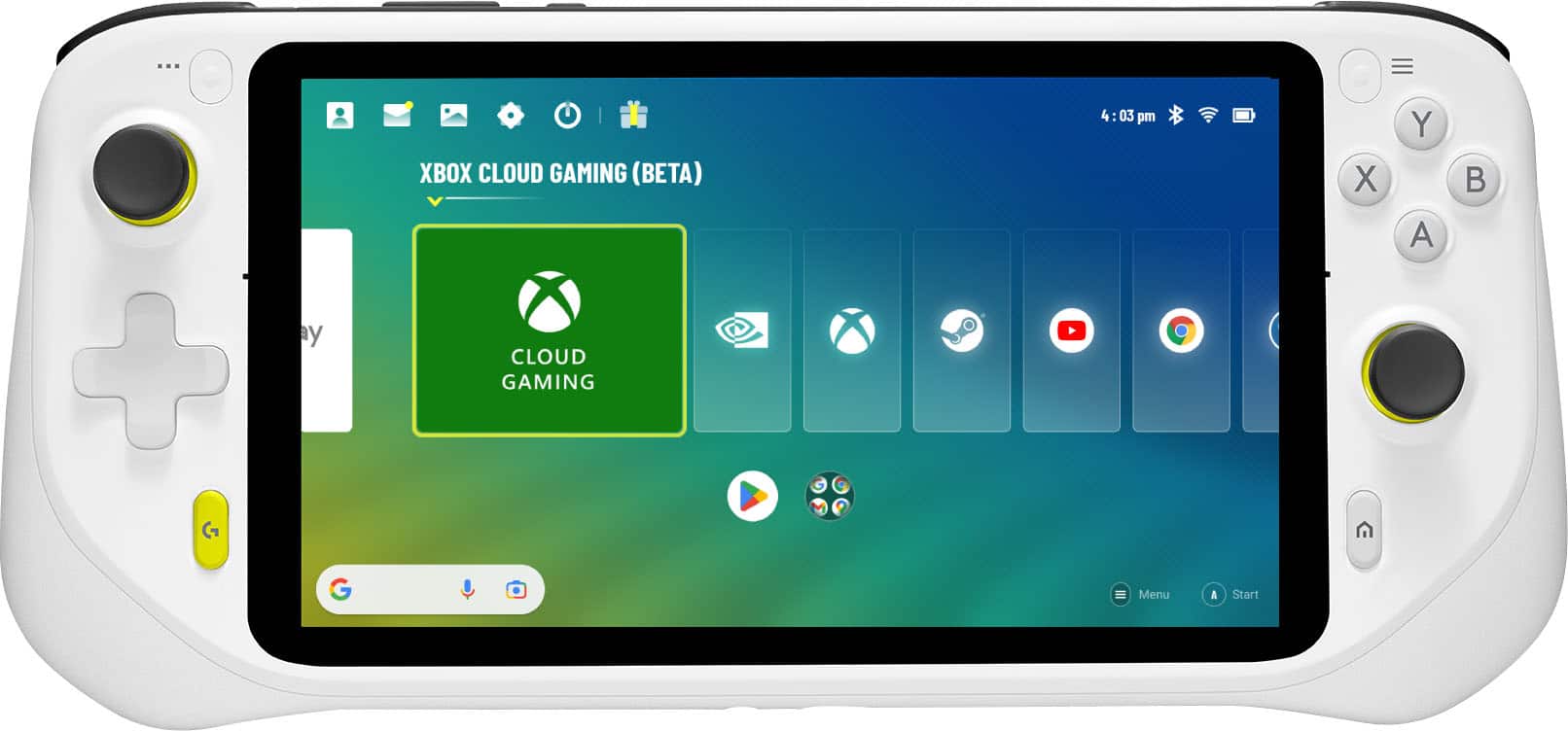
A:AnswerYes and no. Yes, it can play Playstation games, but only if you install a remote play app like PSPlay or the PS Remote Play app. It also can only play those games if you own a Playstation console and the game you want to play, as it's only connecting to the console you own. There are also a small number of games that are not playable using remote play features, which you can test before buying a G Cloud by installing the PS Remote Play App (which is officially from Sony and free) on your phone and trying to launch the game.
A:AnswerNo you need a PS5 first . You can access your PS5 remotely from any mobile device by using PS Remote Play. This lets you play your PlayStation whenever you want,
A:AnswerPlayStation Remote Play is available for download on the Google Play Store to devices running Android 8 or later. The Logitech G Cloud does run Android 11, so any apps that run in that platform would also be compatible. PlayStation Remote Play does only allow Sony branded DUALSHOCK and DualSense wireless controllers to work with the app, so the Cloud would need to use either the on-screen keyboard or a paired Sony controller.
A:AnswerYou can play android games on here or subscribe to xbox game pass ultimae for $16 a month and have access to a library of 400 games with plenty of FPS games.
A:AnswerYes through remoteplay on PS4/PS5. game pass ultimate $16 a montho, xbox remote play, download the android version, steamlink or moonlight from PC. Basically any version of fortnight is playable here.