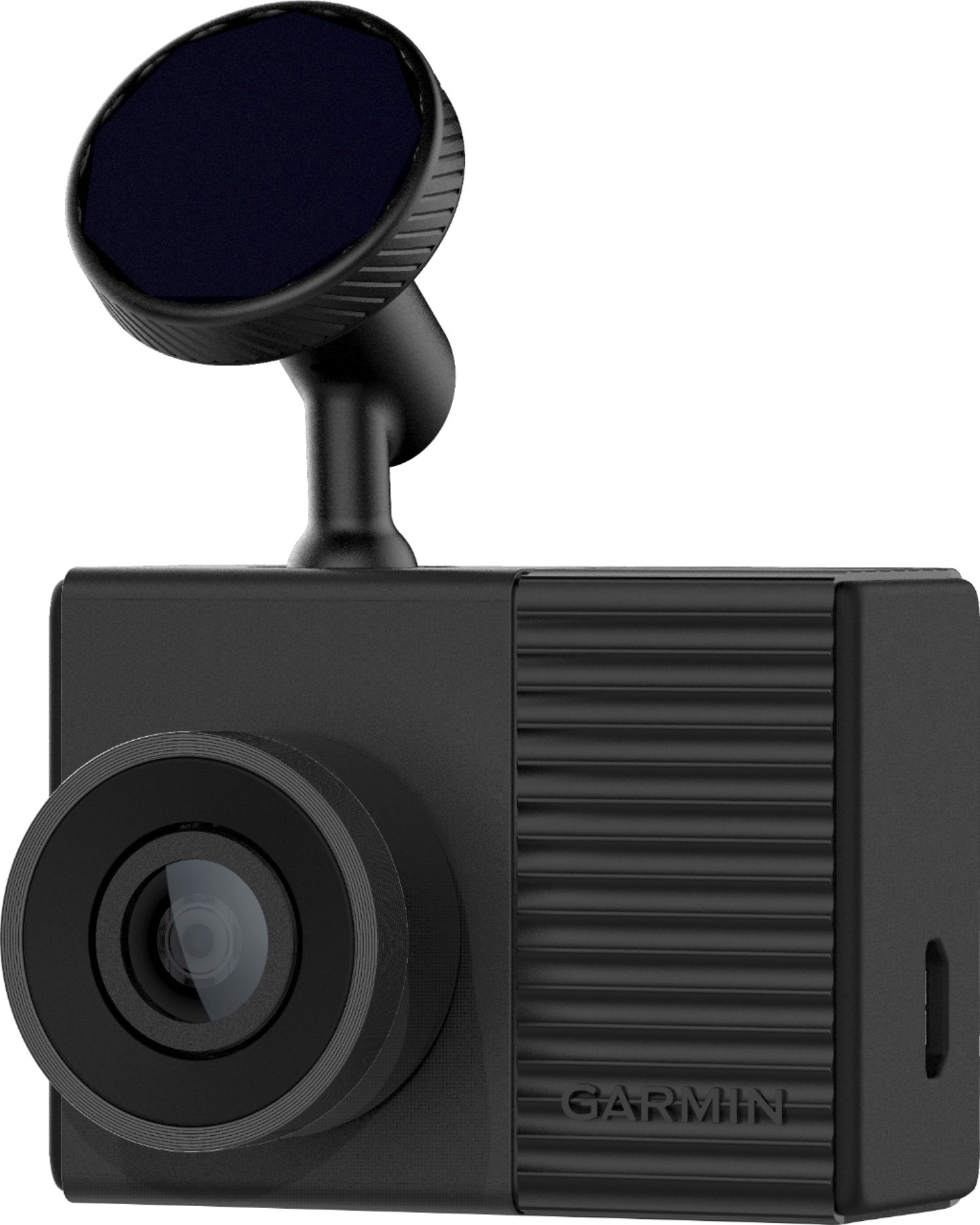
A:AnswerYes, the camera and the mount can easily be removed. Simply pull the camera and the mount away from the windshield, only the metal disc remains on the windshield.
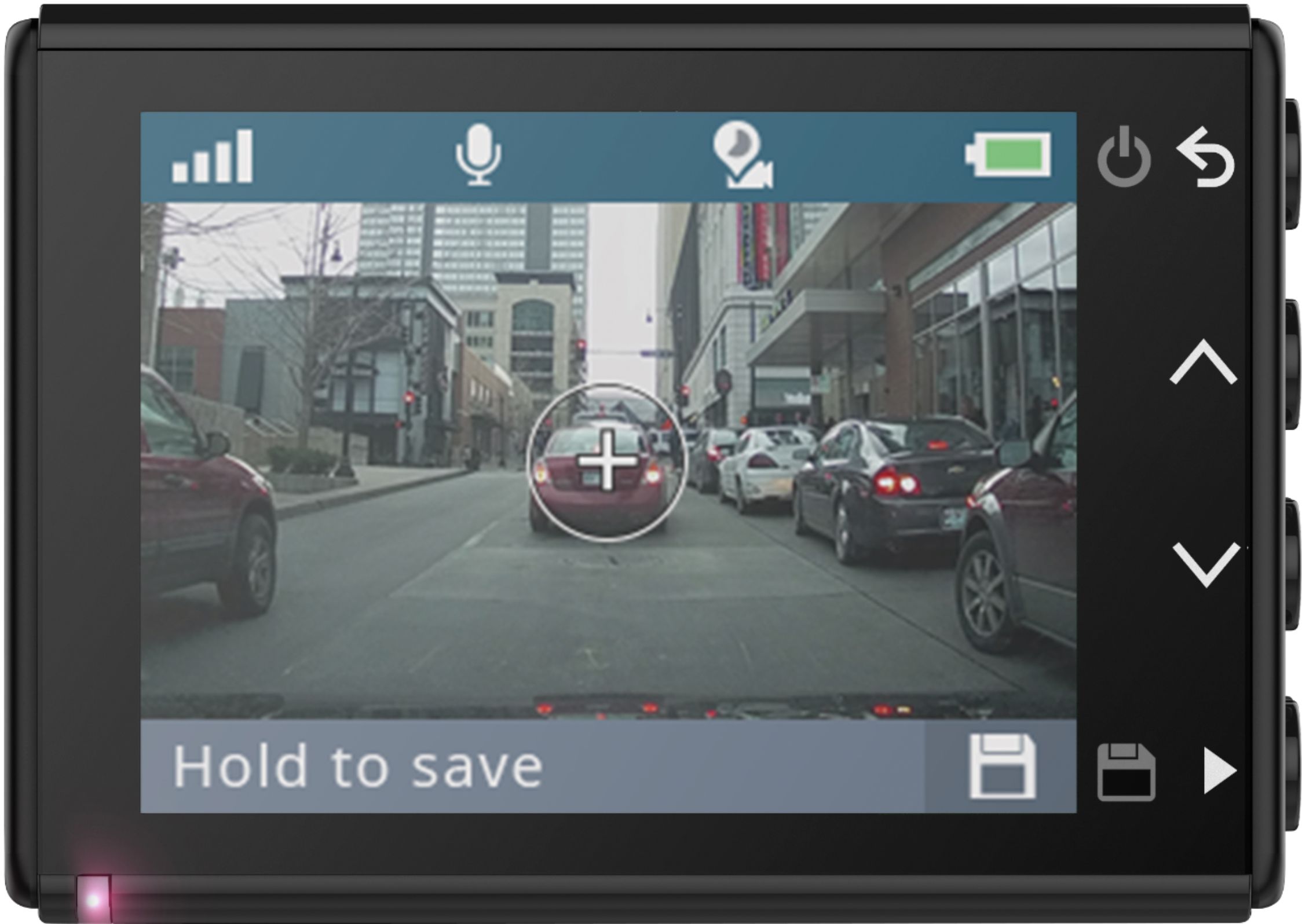
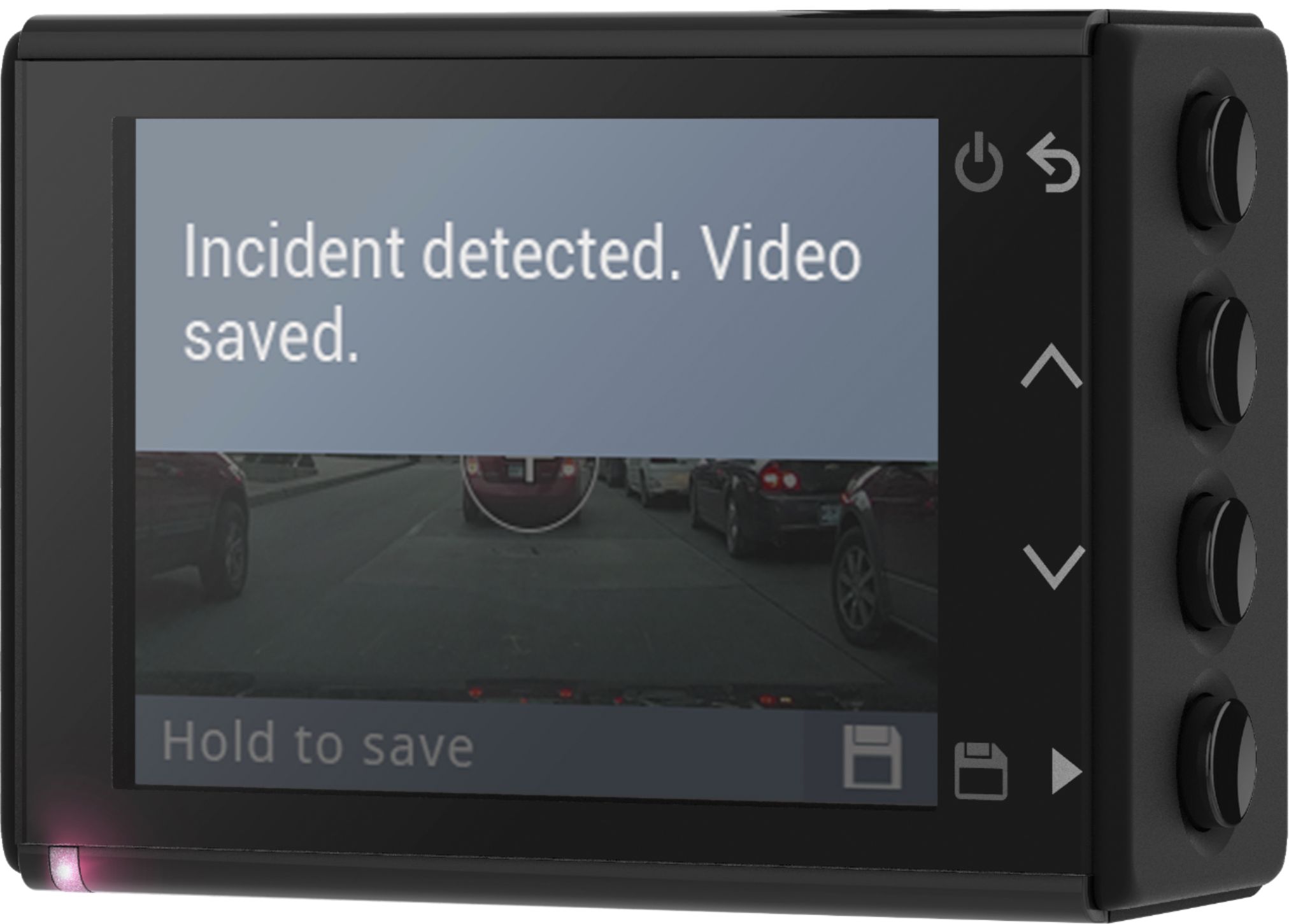
A:AnswerWhile the dash cam is powered on, it is designed to continually record, overwriting the oldest non-protected videos, until the device is turned off
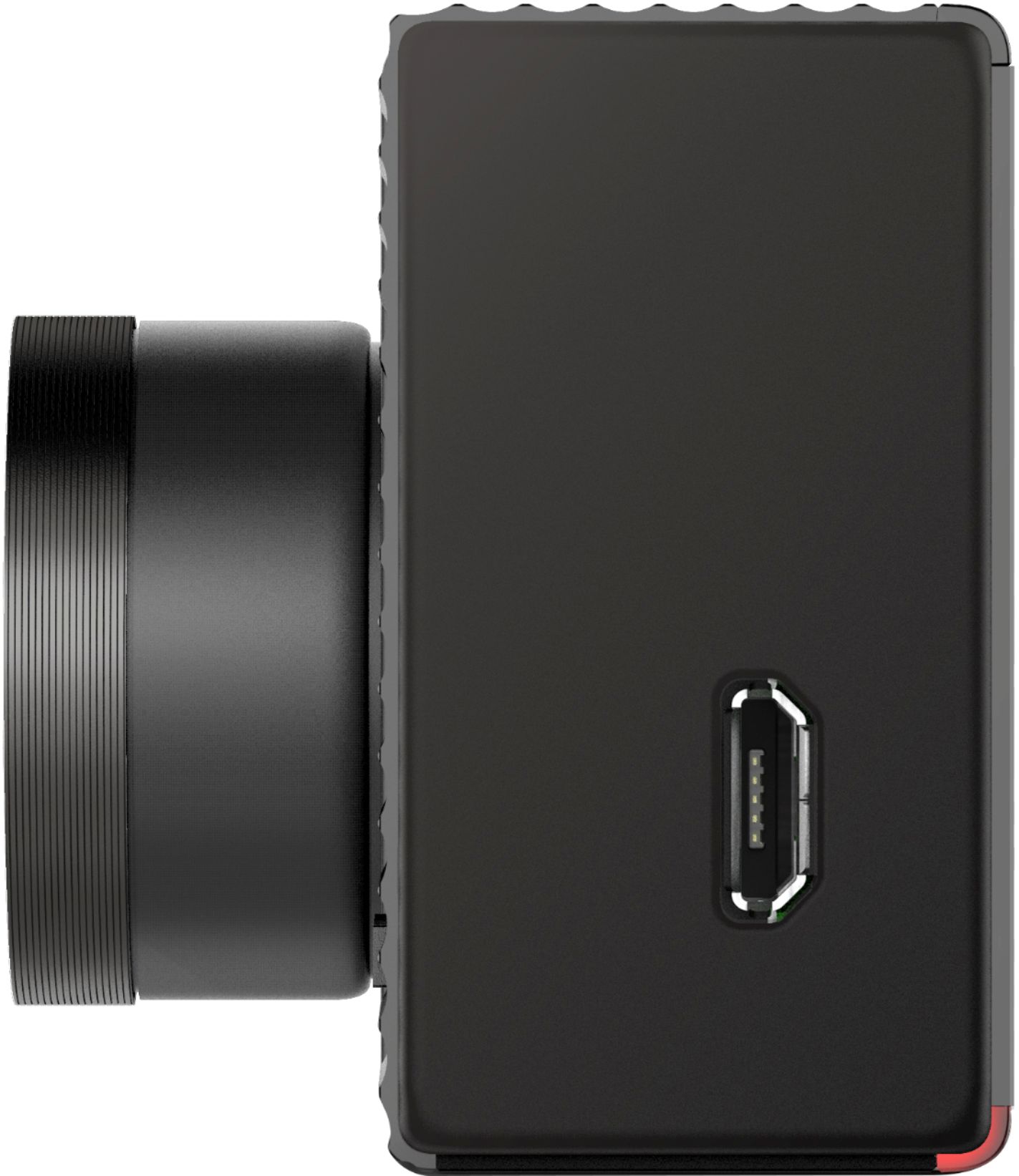
A:AnswerNo it doesn’t bring the hardware to keep it on when the car is off, you should by a peripheral adapter. And connect it from any live + cable near the inside fuse box. See picture attached.
A:Answerthe video is store on the memory card in the camera until you down load it to your computer or another memory card. When the memory card gets full it records over the old video.
A:AnswerDon't know about Arizona heat, but it can hold up in San Diego weather. I had this for a couple months. This is the first dash camera I had that does not turn off due to overheat issues.
A:AnswerYes, with the purchase and installation the Garmin Parking Mode Cable, this dash cam can monitor motion detected in front of your vehicle even when parked and turned off.