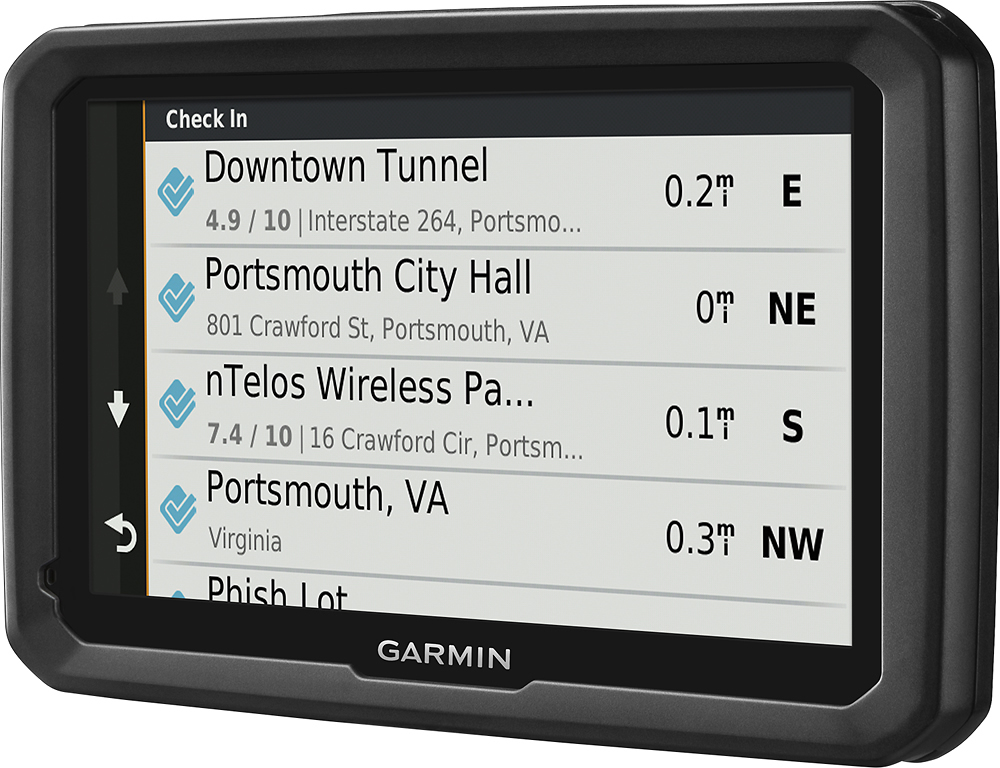
A:AnswerYes, all of them can be transferred using the Garmin Express program. Garmin Express transfers Favorites, Saved Places, and Routes from one compatible device to another. This Garmin FAQ provides all of the details: http://bit.ly/2kxlwz1
A:AnswerThis model isn’t compatible with an external GPS sensor. The amount of cellular data used by Smartphone Link traffic services is generally minimal, but it does vary depending on a variety of factors such as: Time used with the automotive device and Amount of reported traffic information. Other Live services (such as LiveTrack, Weather, photolive, etc.) use even less data than traffic, and shouldn't cause any significant usage of data.
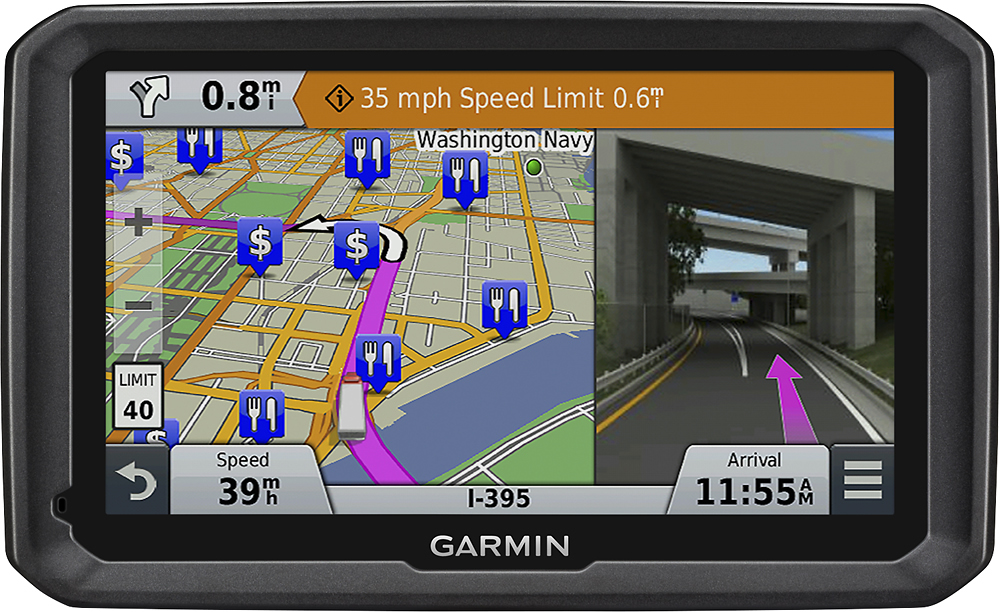
A:AnswerYes, this model has the capability to announce turn by turn directions and view text in Spanish. It is also compatible with City Navigator® Argentina mapping.
A:AnswerThe dēzl 770LMTHD has detailed maps for North America that also include truck-related restrictions – like bridge heights, sharp curves, weight limits and more – and related information for most major roads and highways. The nüviCam™ LMTHD doesn’t include any truck information.
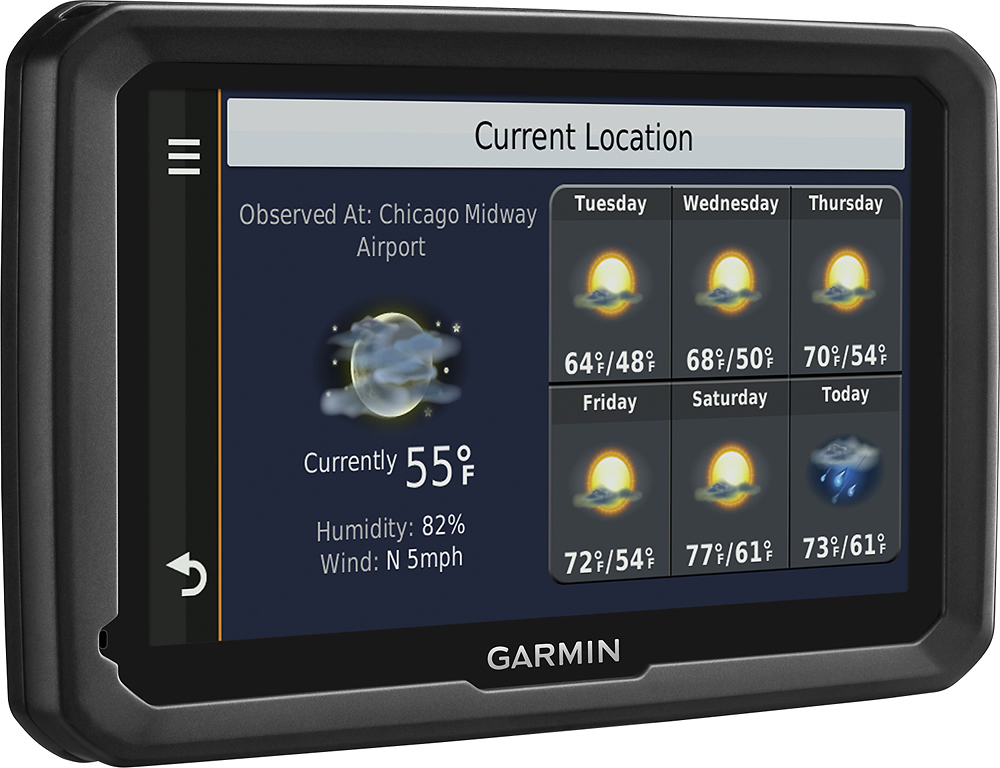
A:AnswerYes, the dēzl 770LMTHD is compatible with the Advanced Weather service and can be purchased through the Premium Live Services in the Smartphone Link app. The Advanced Weather is a 1-time purchase and includes advanced weather data, including live weather radar and severe weather alerts.
This link provides more information about the Smartphone link: https://buy.garmin.com/en-US/US/p/111441
A:AnswerIt Works with Dezel eLog but you need smart Phone for eLog to work. The navigation only displays Times and can not be used with dezel eLog by it self. Your smart phone acts as a link between Garmin eLog and the navigation unit.
A:AnswerYes, this model will alert you to toll roads with the Advanced Toll Road Avoidances setting. This Garmin FAQ gives details about the different settings: http://bit.ly/2kouYBg Thanks, James
A:AnswerYou may want to look at the LiveTrack feature included in the Garmin Smartphone Link app. LiveTrack lets you share your location so friends can track your whereabouts — whether you’re running errands around town or taking a long road trip. The app is available for free download on the App Store™ and Google Play™.
A:AnswerI think if you go to your settings and change the profile on the vehicle you are driving you should be fine. You can also download the owners manual and that may give you some help
A:AnswerYes, the dēzl 770LMTHD includes the Trip Planner feature that can be used to create and save a trip with multiple destinations. If you only want to “shape” a custom route the device has a Shaping Points feature also. Here are a couple of Garmin Support Center articles that will help. Trip Planner- http://bit.ly/2jpFjhR Shaping Points - http://bit.ly/2k4ZkvO Thanks, James
A:AnswerGarmin's dezl series is made with commercial trucking in mind. They will take trucking restrictions into consideration when providing navigational instructions. The RV series is for use in recreational vehicles, with appropriate routing information and RV-specific points of interest.
-MH