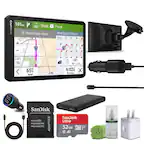
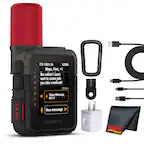
A:AnswerAny USB A to Mini USP cable and a usb charger will work. You can charge from the USB A port of your computer. You need that cable to do map updates anyway. If you don't know if have one here's what they look like. https://www.amazon.com/AmazonBasics-USB-2-0-Cable-Male/dp/B00NH11N5A
A:AnswerFor a tractor trailer, I would recommend the more expensive trucker Garmin which runs around $400 - $500. You get all the same features plus it guides you around low clearance bridges and secondary roads with weight limits.
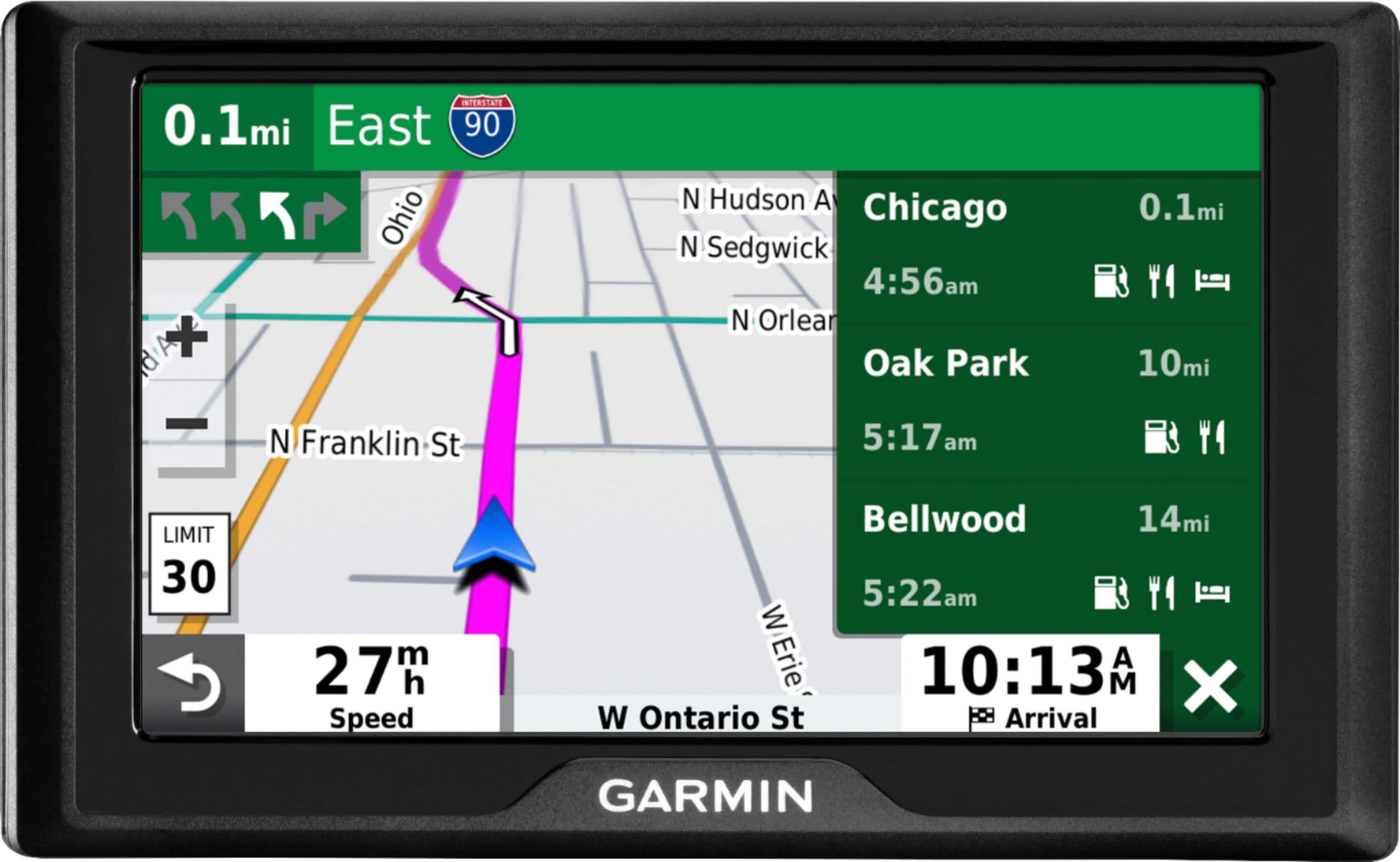
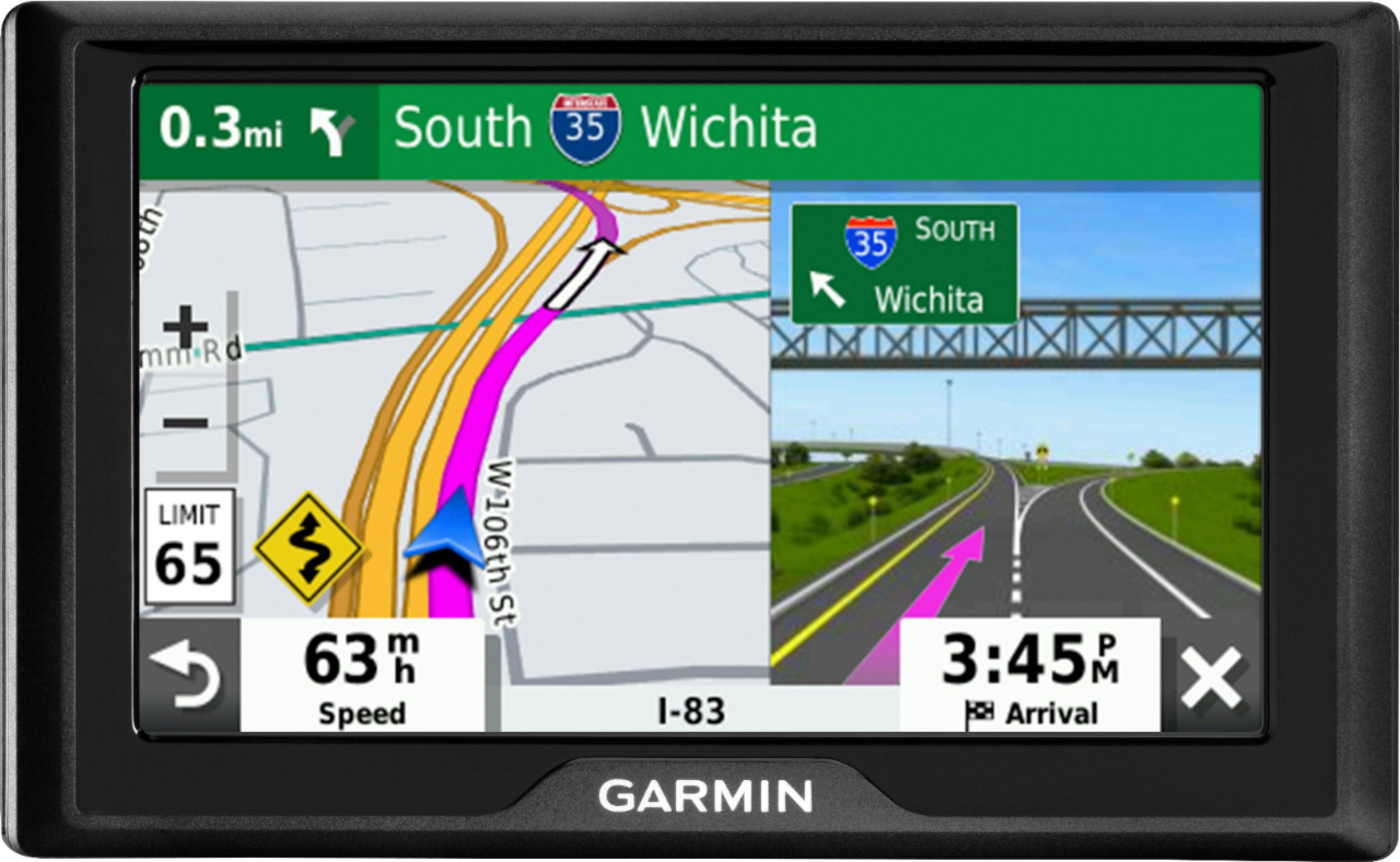
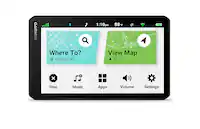
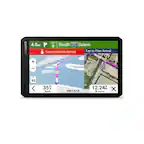
A:AnswerYes, the Garmin Drive 52 does include Lane Assist. The feature guides you to the correct lane for an approaching turn or exit, making unfamiliar intersections and exits easy to navigate. The Lane Assist feature can be found in the upper left corner of the View Map screen during navigation.
A:AnswerThe map of Spain is included in Garmin's City Navigator® Europe NTU map. The map can be purchased from the Garmin website and added to the device. Please see more information about purchasing and adding additional maps at the following link: https://bit.ly/3n4aZJO
A:AnswerThe Garmin Drive™ 52 (010-02036-06) does not include traffic alerts out of the box. However, it is compatible with the GTM™ 36 traffic power cable (010-01009-02) which is sold separately.
The Garmin Drive™ 52 & Traffic (010-02036-07) does include traffic out of the box.
A:AnswerYes, a new map region can be purchased and added to the Garmin Drive 52. Please view more information regarding this at the following link: https://bit.ly/3nVZDbe