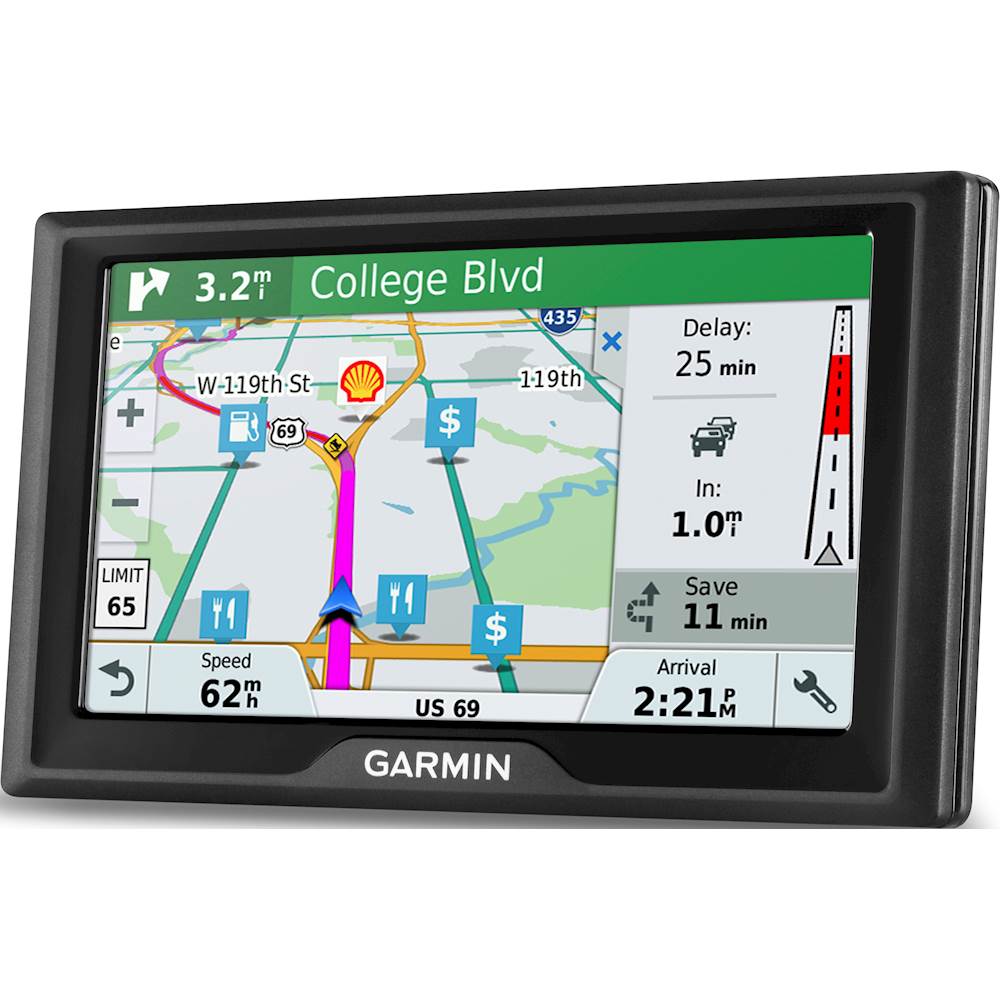
A:AnswerYes, this device requires a Bluetooth connection to a smartphone to receive the live traffic. Vehicle power cables with built-in traffic receivers are available for purchase as optional accessories for your device, should you prefer or need to use this method over the default traffic solution. Thanks, James
A:AnswerI am 68 years old and I too do not travel that much. I find that the Garmin Drive 61 meets all of my needs. It is simple to use and performs wonderfully.
A:AnswerThis model doesn’t include any truck specific routing. The Garmin dēzl™ series includes detailed maps for North America that also include truck-related restrictions – like bridge heights, sharp curves, weight limits and more – and related information for most major roads and highways.
A:AnswerNo, the Drive series does not have the Voice Command feature. I recommend looking into the DriveSmart series of devices for this functionality.
-MH
A:AnswerNo, unfortunately, this model is not compatible with any type of TOPO or off-road maps. You may want to check out the Garmin Overlander, our new rugged, all-terrain navigator with on- and off-road navigation.
A:AnswerNo, this model is for automobiles and doesn’t include any truck specific routing. The Garmin dēzl™ series includes detailed maps for North America that also include truck-related restrictions – like bridge heights, sharp curves, weight limits and more – and related information for most major roads and highways.
A:AnswerYes, model includes the Trip Planner feature that can be used to create and save a trip with multiple stops. An Optimize Order feature is also included to manually have the device calculate the optimum order in which to travel to all the entered points.
A:AnswerNo, this model is for automobiles and doesn’t include any truck specific routing. The Garmin dēzl™ series includes detailed maps for North America that also include truck-related restrictions – like bridge heights, sharp curves, weight limits and more – and related information for most major roads and highways.
A:AnswerThe GTM 36™ and GTM 60™ traffic receiver power cables are compatible with this model, if your previous Garmin GPS came bundled with either of these cables, they will work to provide traffic alerts.
A:AnswerIf additional space is required later for map updates, a micro SD card can be used to expand the memory. The Garmin DriveSmart™ series supports cards from 8 GB to 32 GB, with speed ratings up to class 10 (including unmarked cards).