A:AnswerI cannot answer the question. Puzzled because my Garmin GPS is strictly a GPS with only additional feature is reading audio books and music. It does have a Bluetooth feature but have not used for anything. Love the large size and is fantastic for what I desired. Easy to use too.
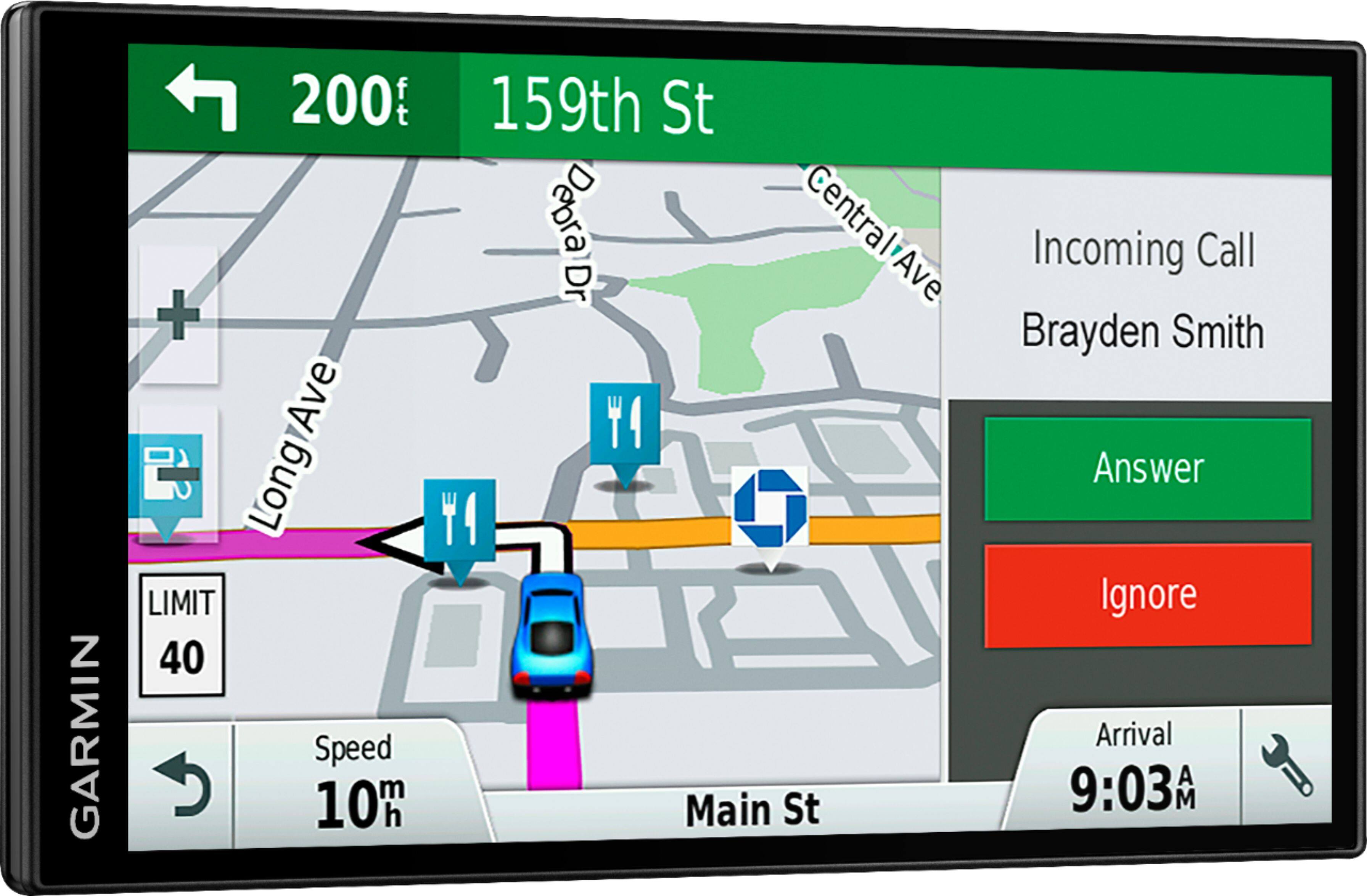
A:AnswerYes, you can view mileage to the destination and/or the mileage remaining as well as the current time in the Trip Data fields displayed on the map screen. Here is a link to a Garmin Support article that will help with the Trip Data fields: http://bit.ly/2plETcH
A:AnswerShort answer: No.
You could still use it to go from A to B, but it is devoid of info specific to a trucker's needs.
For truckers, Garmin has trucking specific GPS units, with all the nuts and bolts for the profession.
A:AnswerYou could use this for a commercial truck, however please be advised that this model does include any truck specific routing. The Garmin dēzl™ series includes detailed maps for North America that also include truck-related restrictions.
A:AnswerIf your device powers on and displays text in a language you cannot read (wrong language), it can be corrected by going through the settings to change the text language. Here is a Garmin FAQ that gives detailed instructions: http://bit.ly/2kb8feN
A:AnswerI just got my GPS but I had a previous one for years. Any time you switch to a different route it will recalculate a new route. AT first it will try to get back to the original. It will also alert you to an alternate route if it detects a traffic back up.
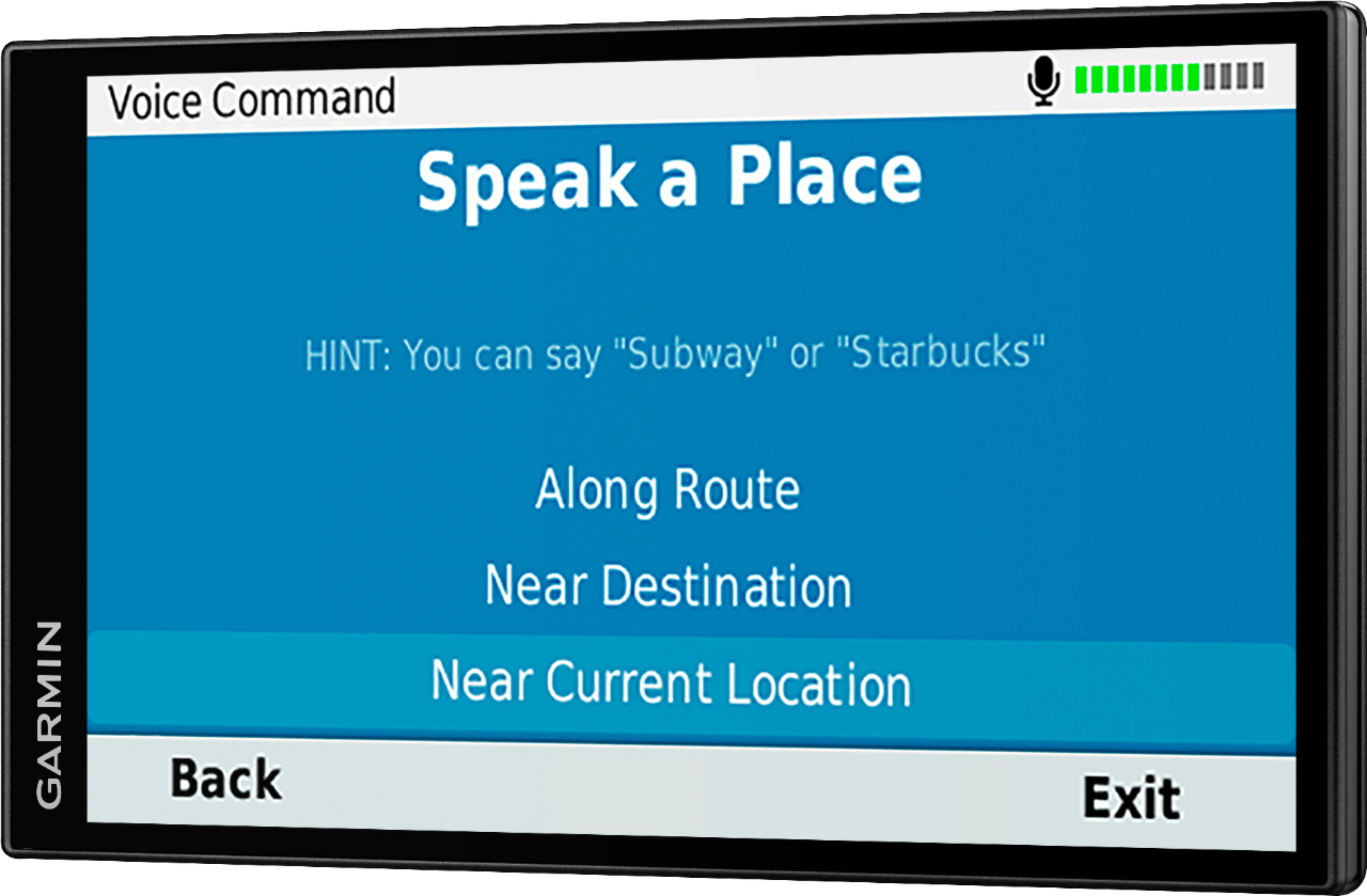
A:AnswerYes, to activate the voice command, say your wakeup phrase. The voice command menu will appear. This Garmin FAQ provides detailed steps to set the wakeup phrase: https://bit.ly/2uED7L0
A:AnswerAlthough the DriveSmart 61 could be used by truckers it is not designed for that. Garmin does have systems designed for Semi Truckers with special features not found on their GPS's for autos. You can find the current model for truckers at:
https://buy.garmin.com/en-US/US/cOnTheRoad-cTrucking-p1.html
A:AnswerVery difficult to set up stops or reroutes. I don't remember limit, but it did say I can only enter a small number of stops or reroutes to trip.
A:AnswerAbsolutely, as long as you have the CHARGING USB that fits in the Garmin you are good to go. I have used my auxiliary portable charger in several countries.