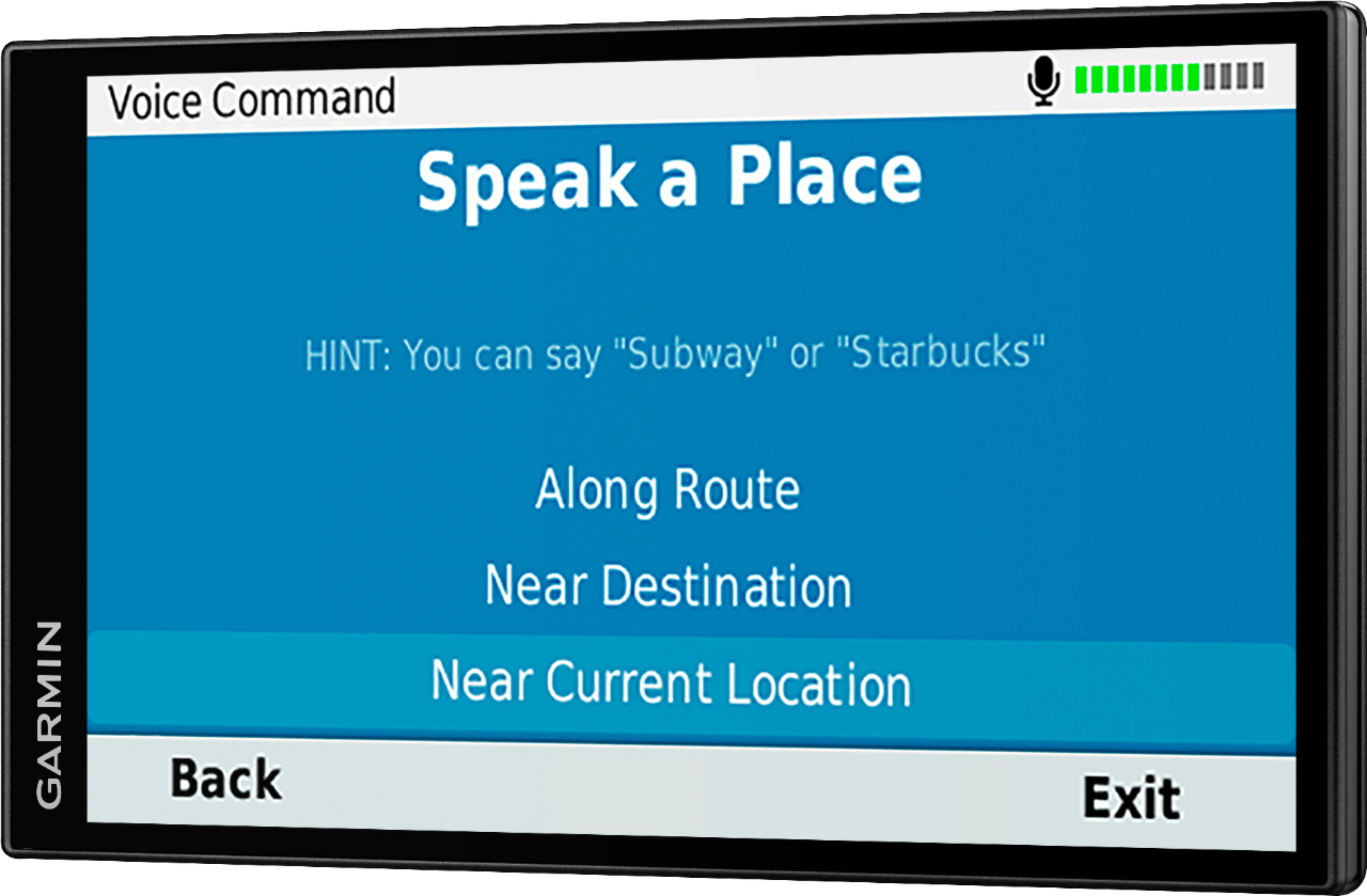
A:AnswerYou can add multiple addresses. You enter in one, then another and it will ask if you want to start a new route-add to route and then you can do placement or allow the GPS to calculate the best route order.
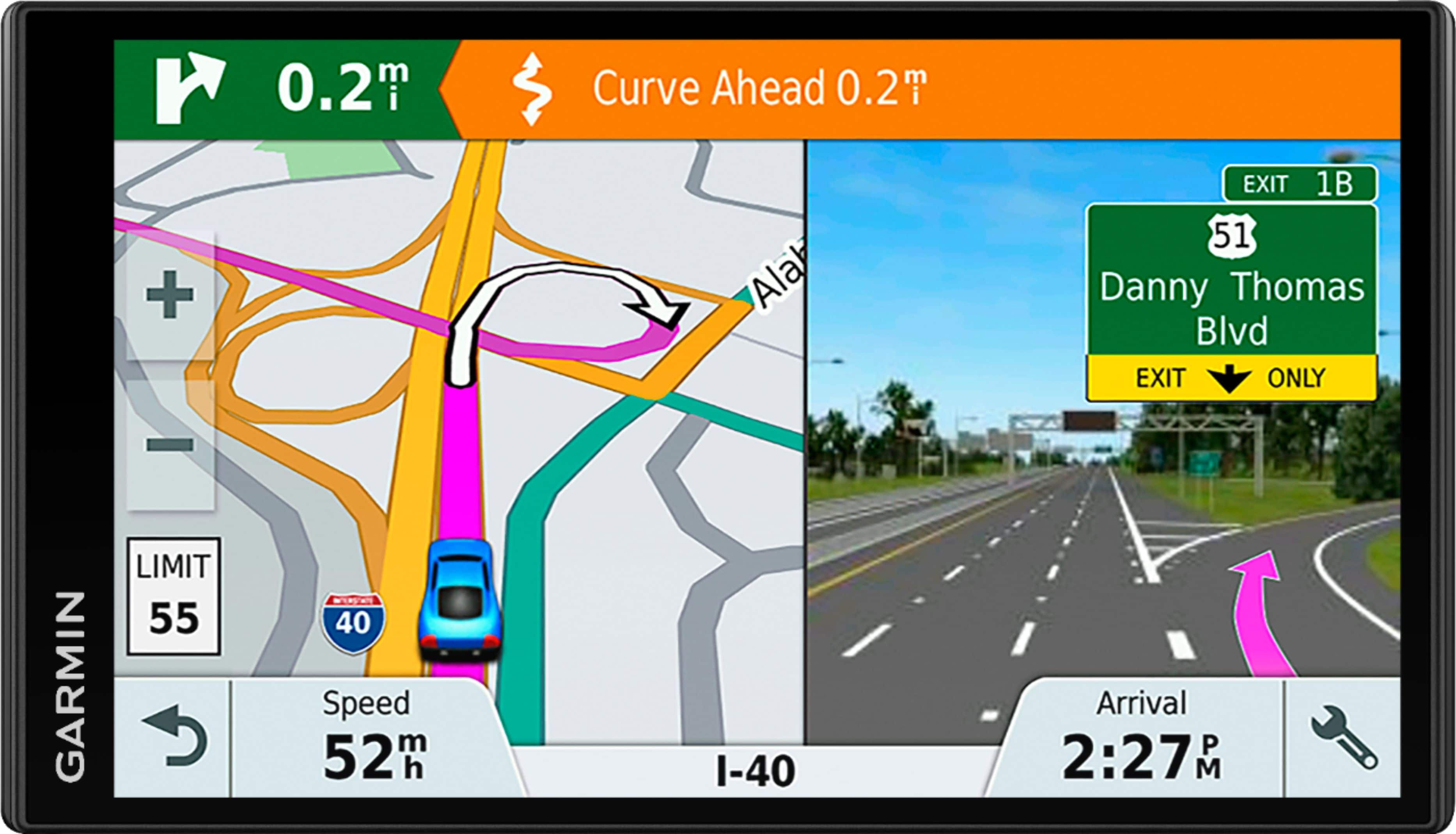
A:AnswerI can't live without my Garmin. 3G and 4G are not important. I drive between Mexico and the US at least 2 X per month. With the Garmin I never have to worry about reception as the Garmin uses Satellite, not cell towers. This means in the middle of the desert in Mexico the Garmin works perfectly. A super benefit is that you can connect your phone to your Garmin. So even when there is no Cell Tower for 50 miles or more, I can receive telephone calls via the Garmin. Every person that has ever driven with me on these long drives, is astounded at how well the Garmin works. The Garmin will identify every gas station, restaurant etc...in the area you are driving and if you drive longer than 2 or 3 hours without stopping, it will look for places to stop and ask you if you want or need to take a break. So when the young people in my family scoff at my Garmin, I remind them that I have Satellite service, not cell service, I have a big screen that I can see the whole time I am driving, I have a view of every road, even dirt roads, in the area, I have a clear picture of where I am and where I am going. I can't say enough about the Garmin. I have owned one since they first came out and they have only gotten better.
A:AnswerYes, Mandarin Chinese is one of the Asian languages available on this device. If these language is not pre-loaded on your device, you can download them using the Garmin Express program. https://www.garmin.com/en-US/software/express/
A:Answervoice activated gps worked finebut
it required training
it also got astonishingly better after a while as in
being able to set a destination from the back seat ! that was a surprise.
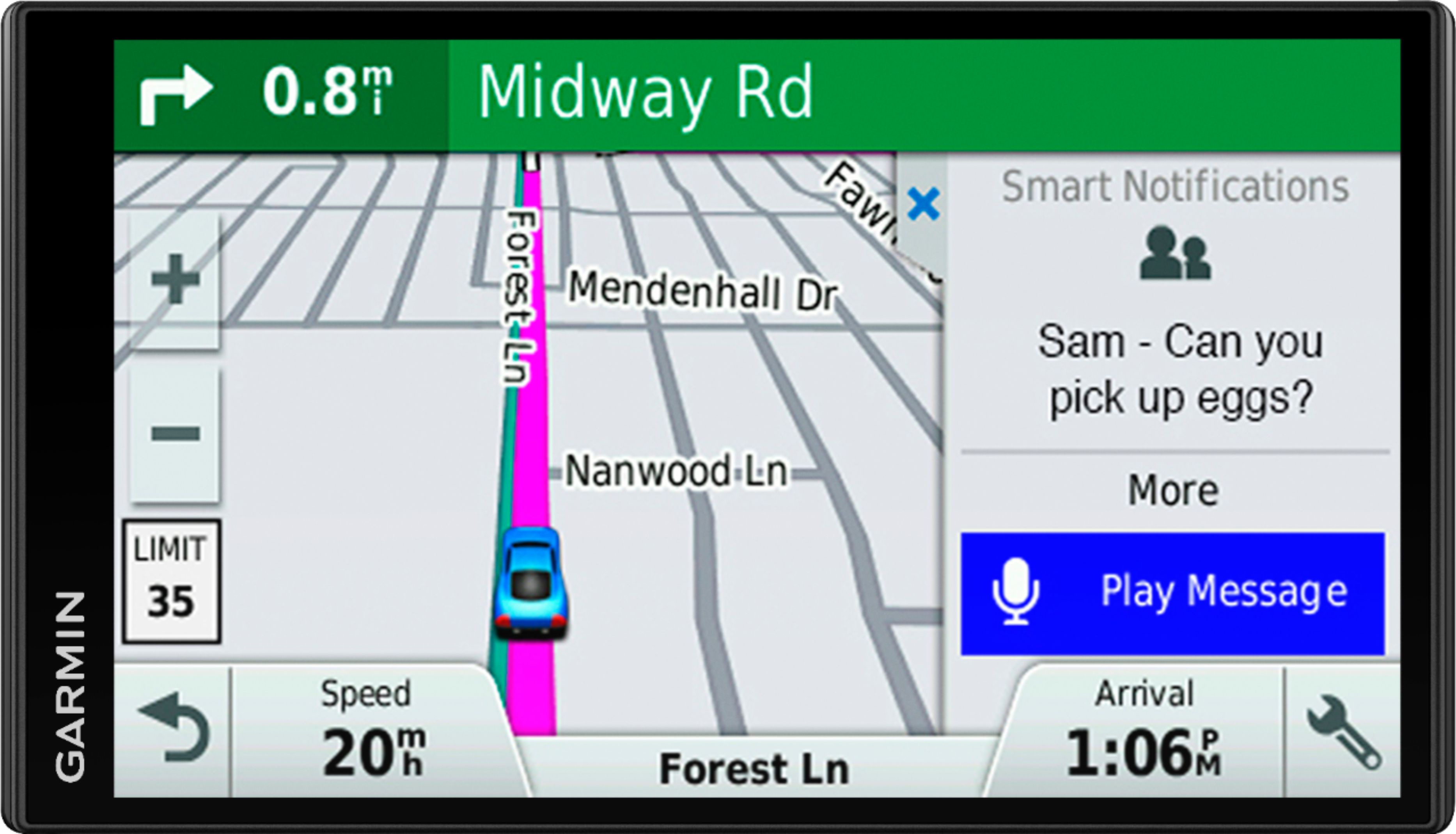
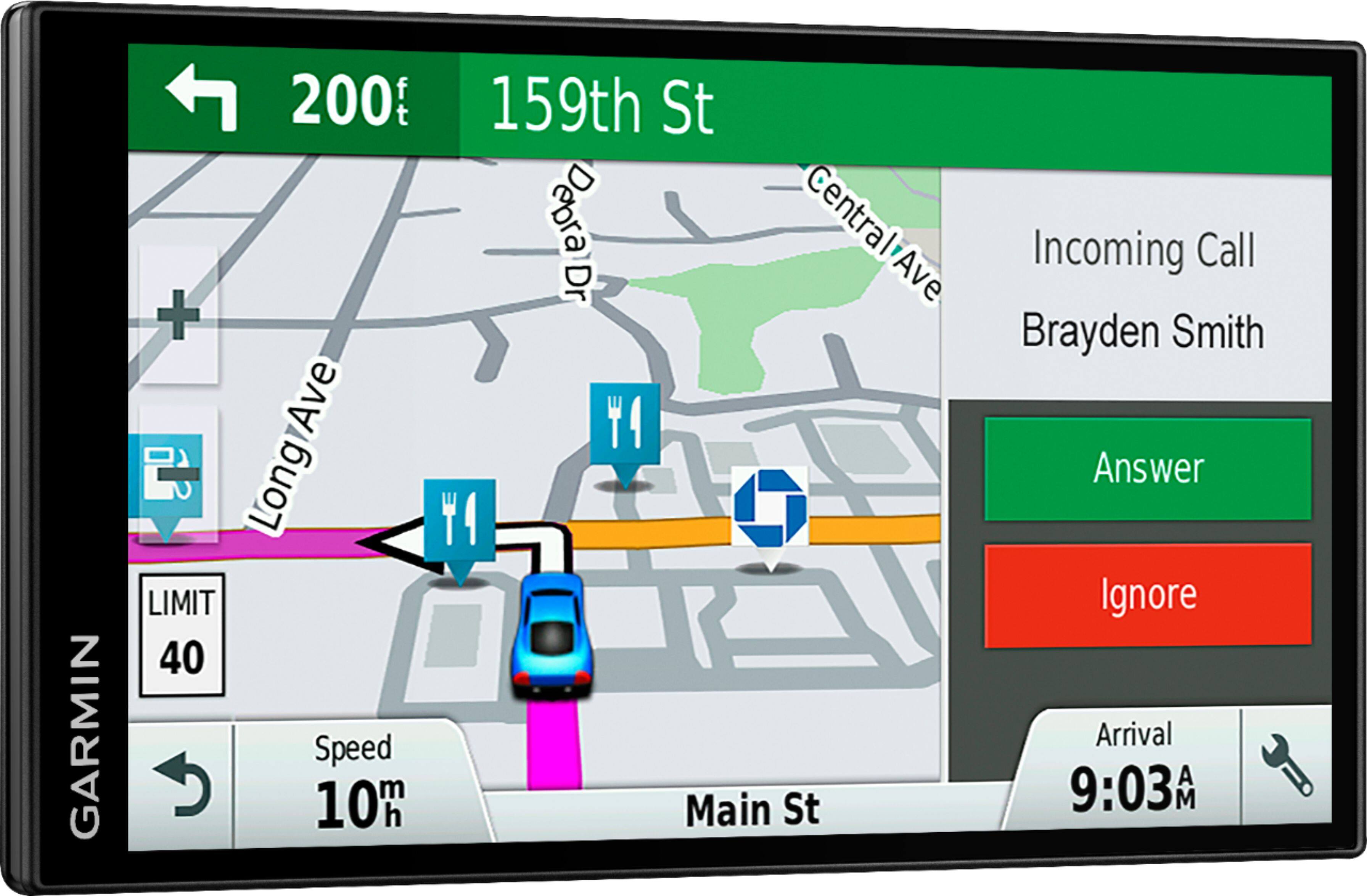
A:AnswerThis device is designed to be synced to a Bluetooth-enabled phone, such as your smartphone for hands-free calling and to share information via the Garmin Smartphone Link app. This GPS will not pair to the Bluetooth in your vehicle.
A:AnswerI have used the Garmin Friction Mount on the dash on many vehicles. But I don't understand the comment "behind gram in scene". Can you be more explicit?
A:AnswerSounds like there may be an issue with the Smartphone Link app. This Garmin FAQ includes troubleshooting tips: https://bit.ly/2G9Xdmf
If you need additional assistance, Garmin Product Support would be happy to help. Our contact information, including telephone number and hours of operation, can be found on at: https://support.garmin.com/en-US/