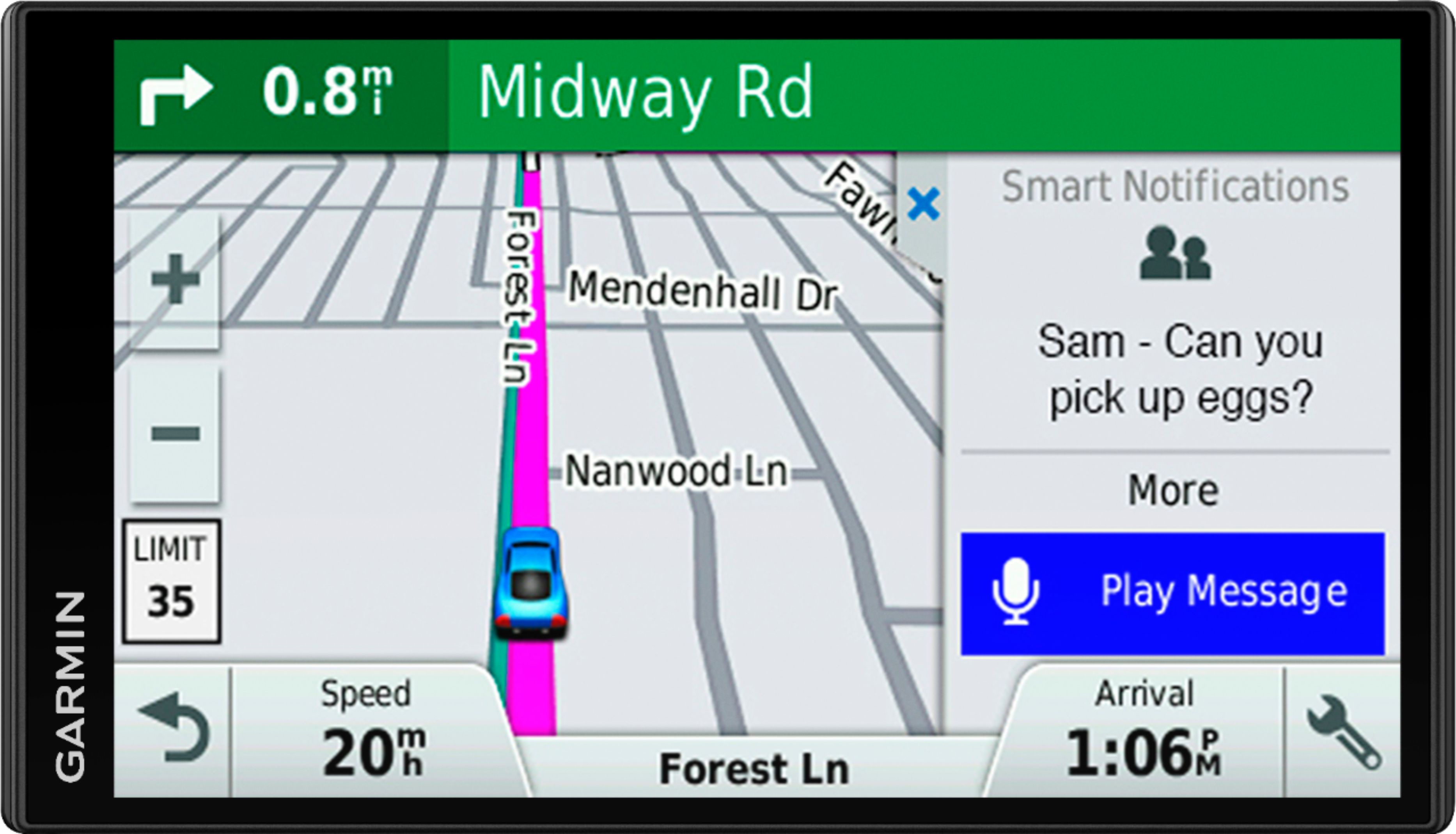
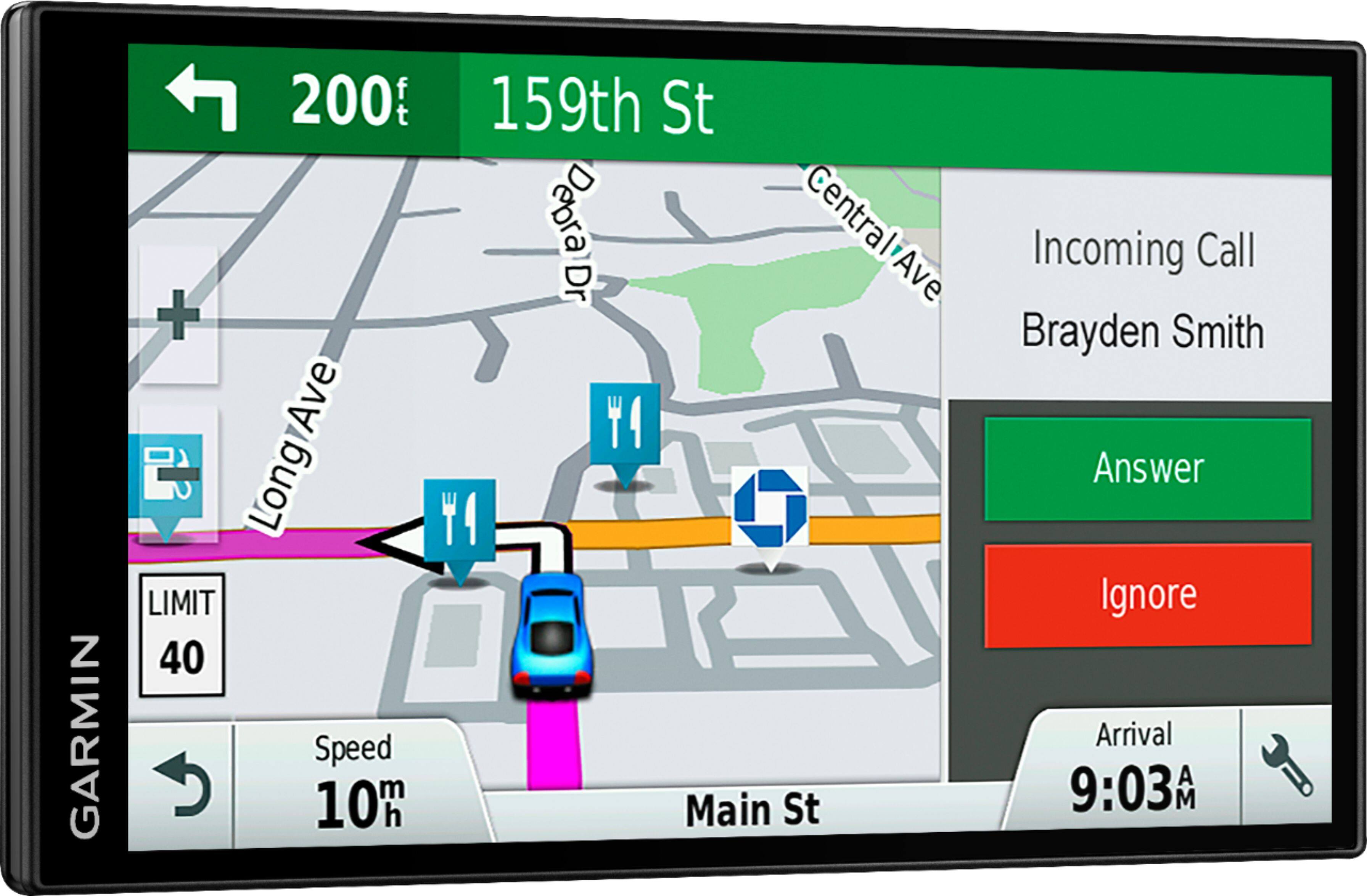
A:AnswerThis device is designed to be synced to a Bluetooth-enabled phone, such as your smartphone for hands-free calling and to share information via the Garmin Smartphone Link app. This GPS will not pair to the Bluetooth in your vehicle.
A:AnswerNo, this model does not include an altimeter. This device will allow you to view your current location's elevation. Note that elevation on automotive devices is based solely on map data and may not be 100% accurate, depending on satellite signal strength and available map data.
A:AnswerNo, this model doesn’t include any truck specific routing. The Garmin dēzl™ series includes detailed maps for North America that also include truck-related restrictions – like bridge heights, sharp curves, weight limits and more – and related information for most major roads and highways.
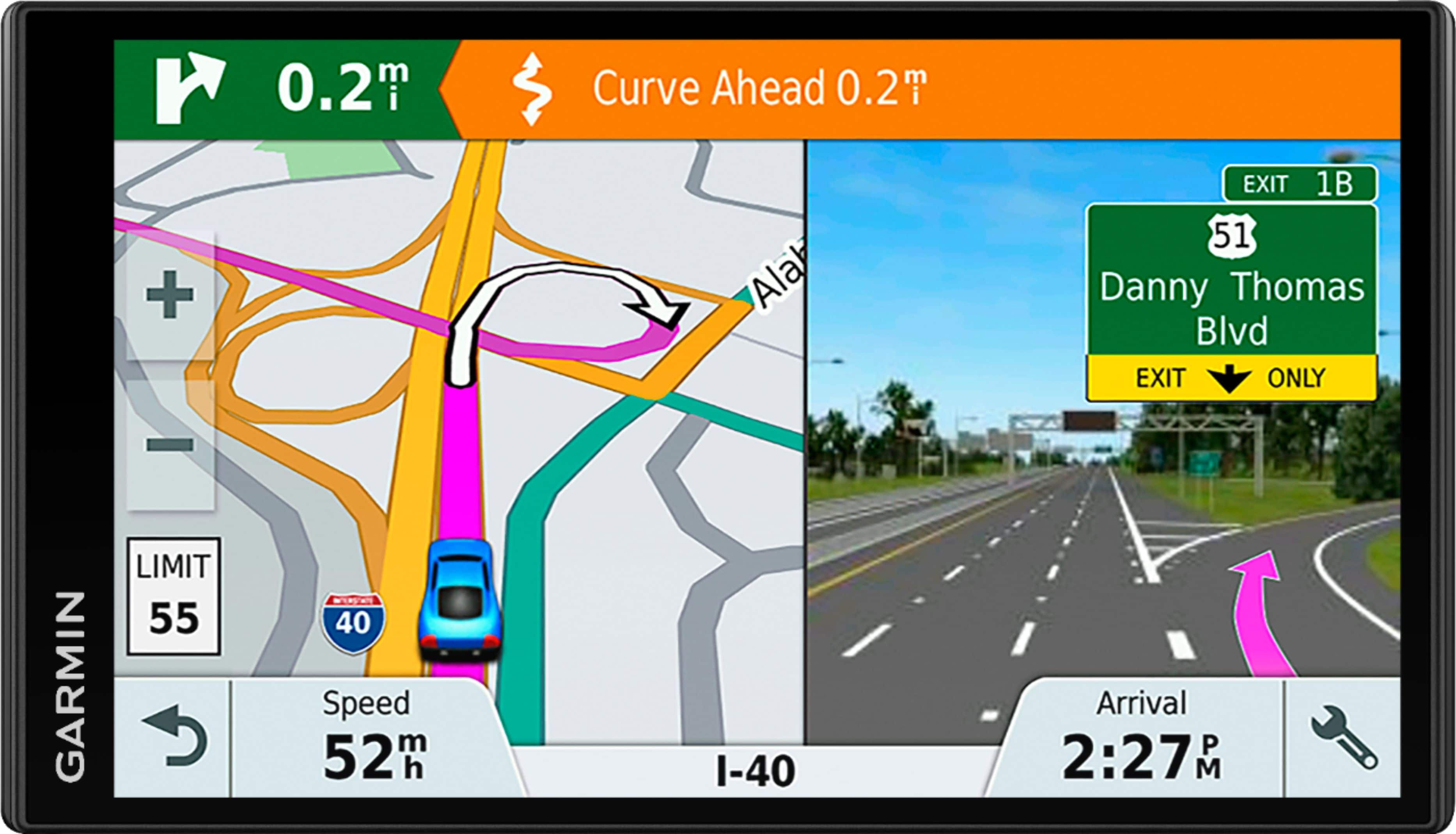
A:Answeryes. the wrench in the lower right corner will bring up a list of choices one of which is the turns. Then, it will be on the right part of the screen much like the picture.
A:AnswerI had the same problem but try using all the ports your computer has, some will not work but one did on my Apple. You will need to download the ap to your computer too. I'm still trying to find a way to charge the battery inside the house. Think you have to buy a specific adapter, of course.
A:AnswerThis model includes Full Coverage maps of North America: 50 United States, Canada, Mexico, Puerto Rico, US Virgin Islands, Cayman Islands, Bahamas (New Providence Island and Grand Bahama), French Guiana, Guadeloupe, Martinique, Saint Barthélemy, and Jamaica.
You can use it however; this model doesn’t include any RV specific routing. The Garmin RV series includes detailed maps for North America that also include RV-related services and restrictions – like bridge heights, sharp curves, weight limits and more – and related information for most major roads and highways.
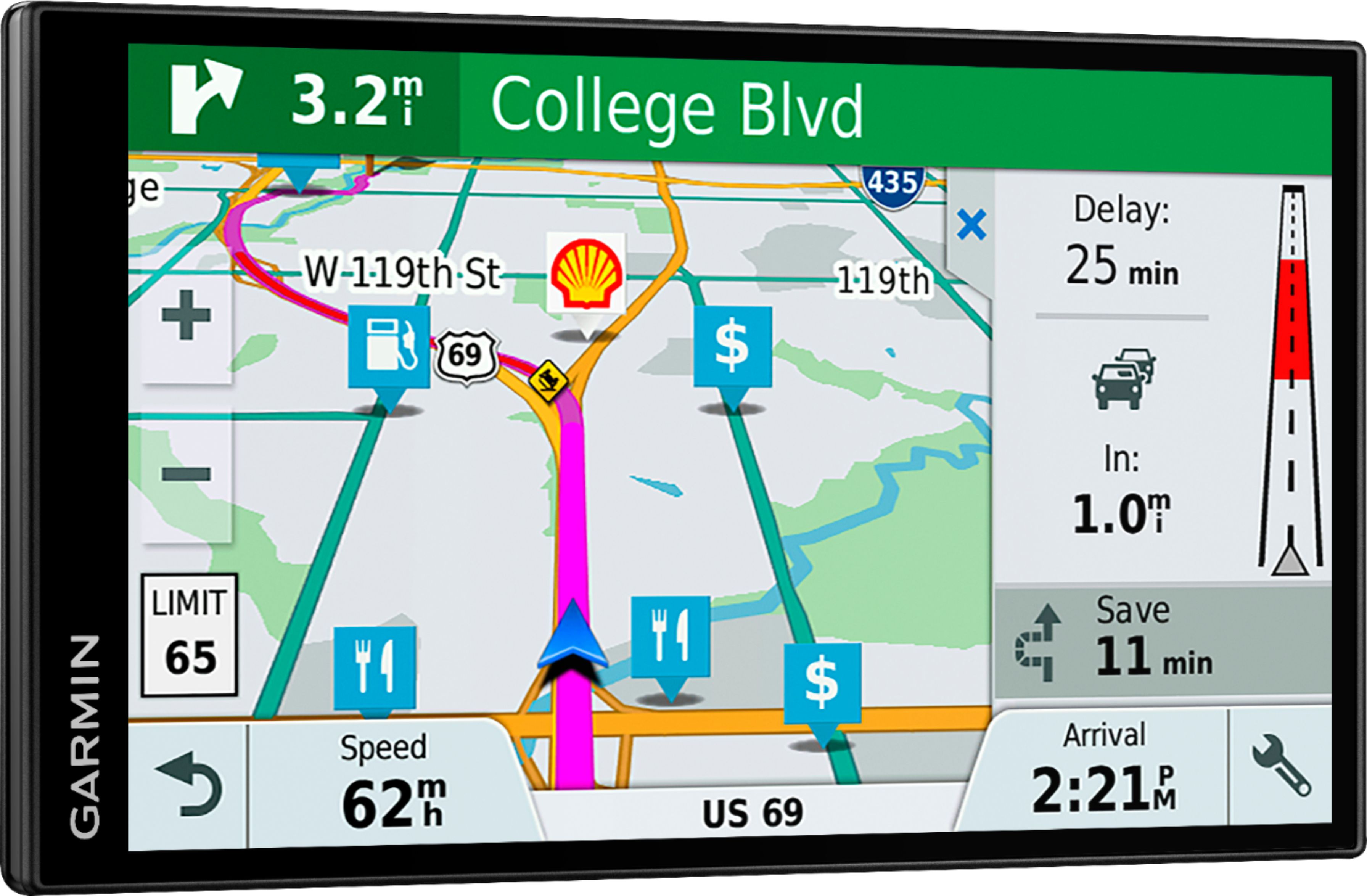
A:AnswerFrankly, the mounts are generic. I designed my own and placed it in front of the dashboard with a hinge so the unit could be lowered to see the GPS as I drove and raised to see the dashboard. it worked pretty well, but may not be for everyone.
A:Answer1. I have updated the maps from my computer. Connect using the supplied USB cable.
2. I don't put mine on my windshield either. There are several mounting options: a) Big Lots sells a large gooseneck clamp that plugs into the 12V socket. b) there probably is a cupholder clamp large enough to fit the GPS. c) for dash mounting you can use the provided suction-cup mount on a smooth surface or get a heavy beanbag mount.
A:AnswerYou will still need to plug the Garmin into your computer and upload the latest maps and the software. The process took a couple of hours for me, but it was easy to do. You just start the process according to directions on website and let it complete. Then it was ready to go. The website lets you know when there are new updates to install, but I don't think that will take as long as the initial update.