A:AnswerThis model should have included a USB cable in the box. Garmin Product Support would be happy to help. Our contact information, including telephone number and hours of operation, can be found on at: https://support.garmin.com/en-US/
A:AnswerNo, this model does not include any truck specific routing. The Garmin dēzl™ series includes detailed maps for North America that also include truck-related restrictions – like bridge heights, sharp curves, weight limits and more – and related information for most major roads and highways.
A:AnswerThe box includes: Vehicle suction cup mount, Lifetime maps and traffic (indicated by “LMT-S” after model number on the box), vehicle power cable, USB cable and Quick start manual
A:AnswerYou can use it however, this model doesn’t include any RV specific routing. The Garmin RV series includes detailed maps for North America that also include RV-related services and restrictions – like bridge heights, sharp curves, weight limits and more – and related information for most major roads and highways.
A:AnswerGarmin Product Support would be happy to help. Our contact information, including telephone number and hours of operation, can be found on at: https://support.garmin.com/en-US/
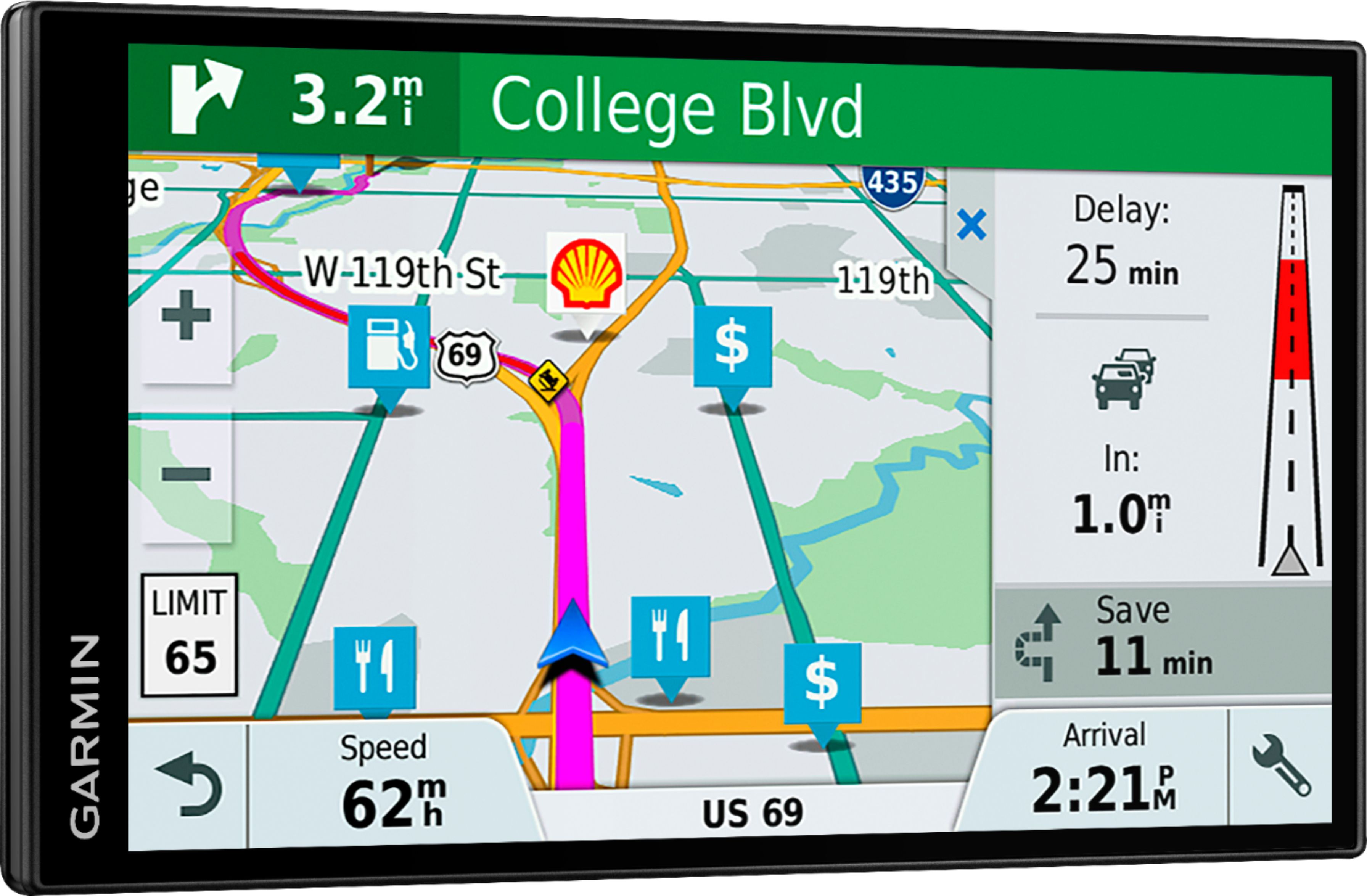
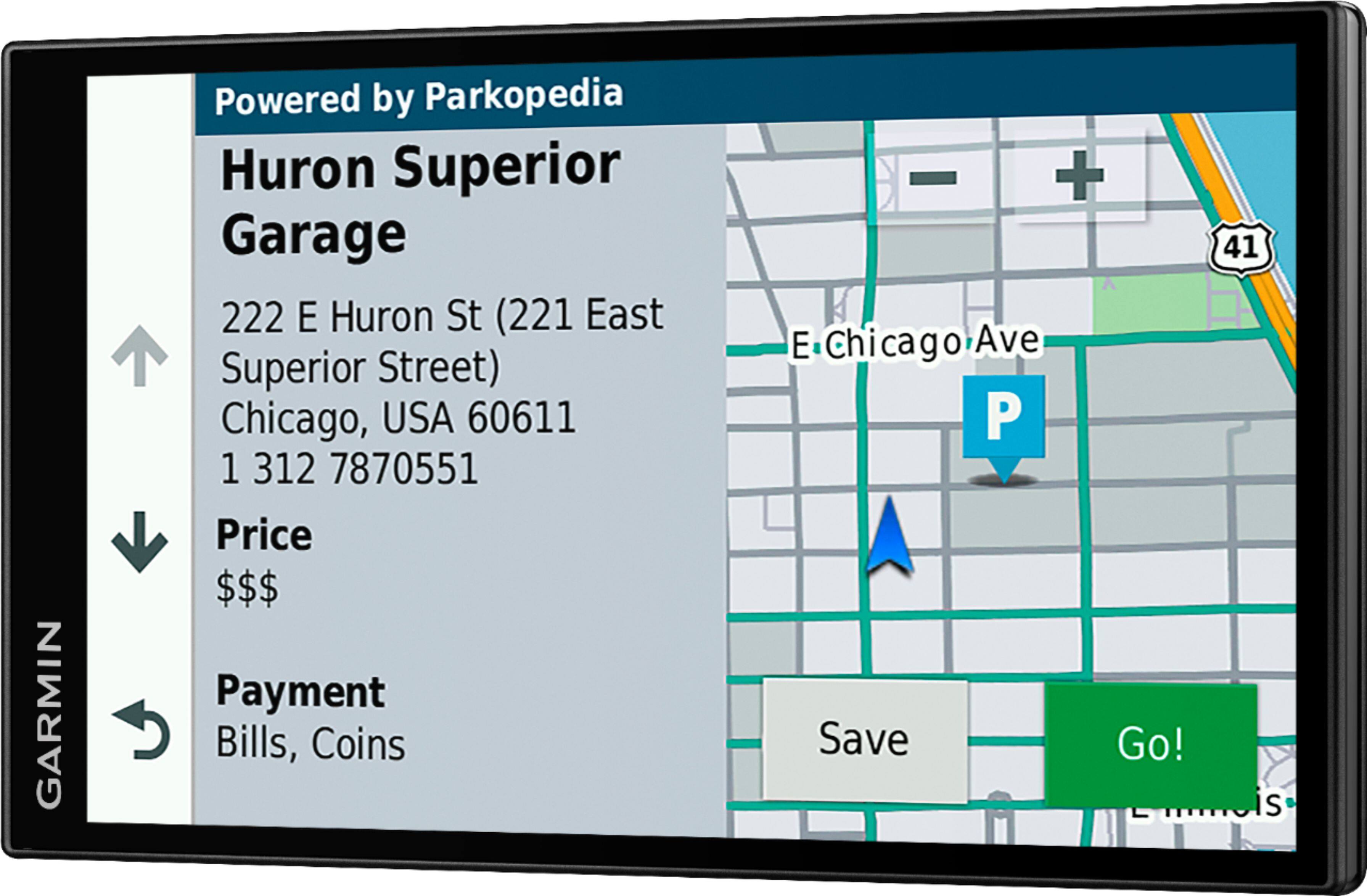
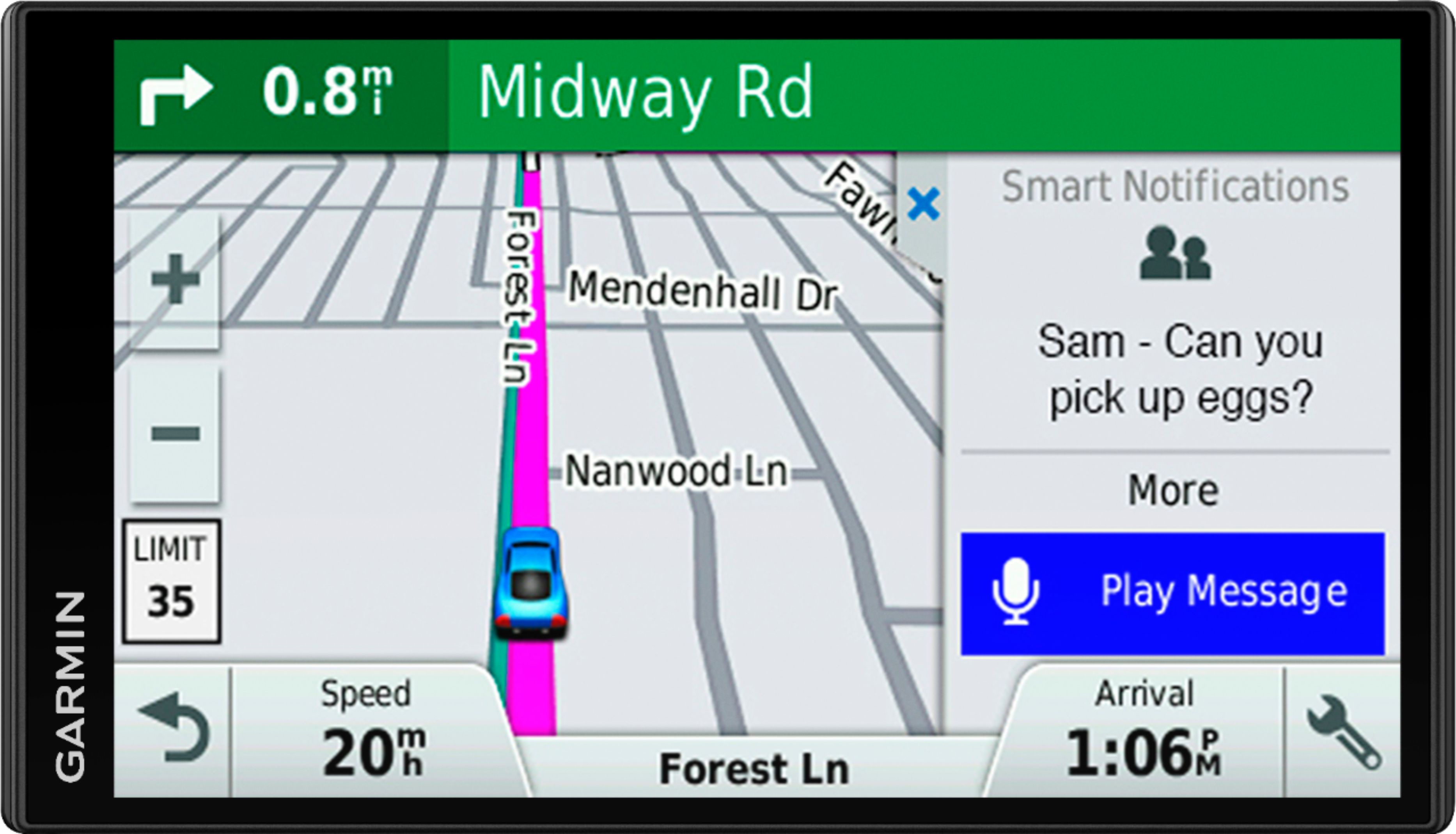
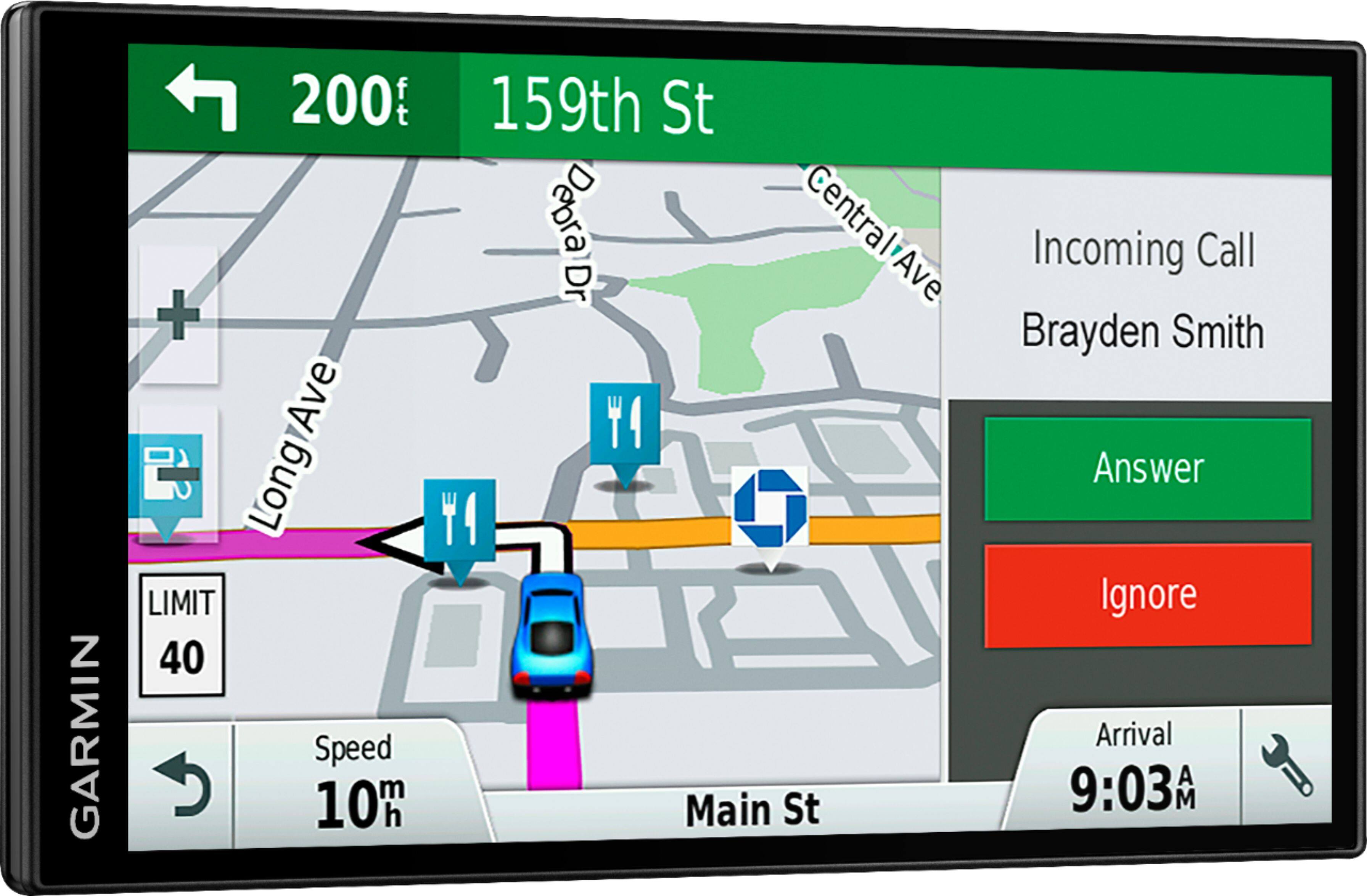
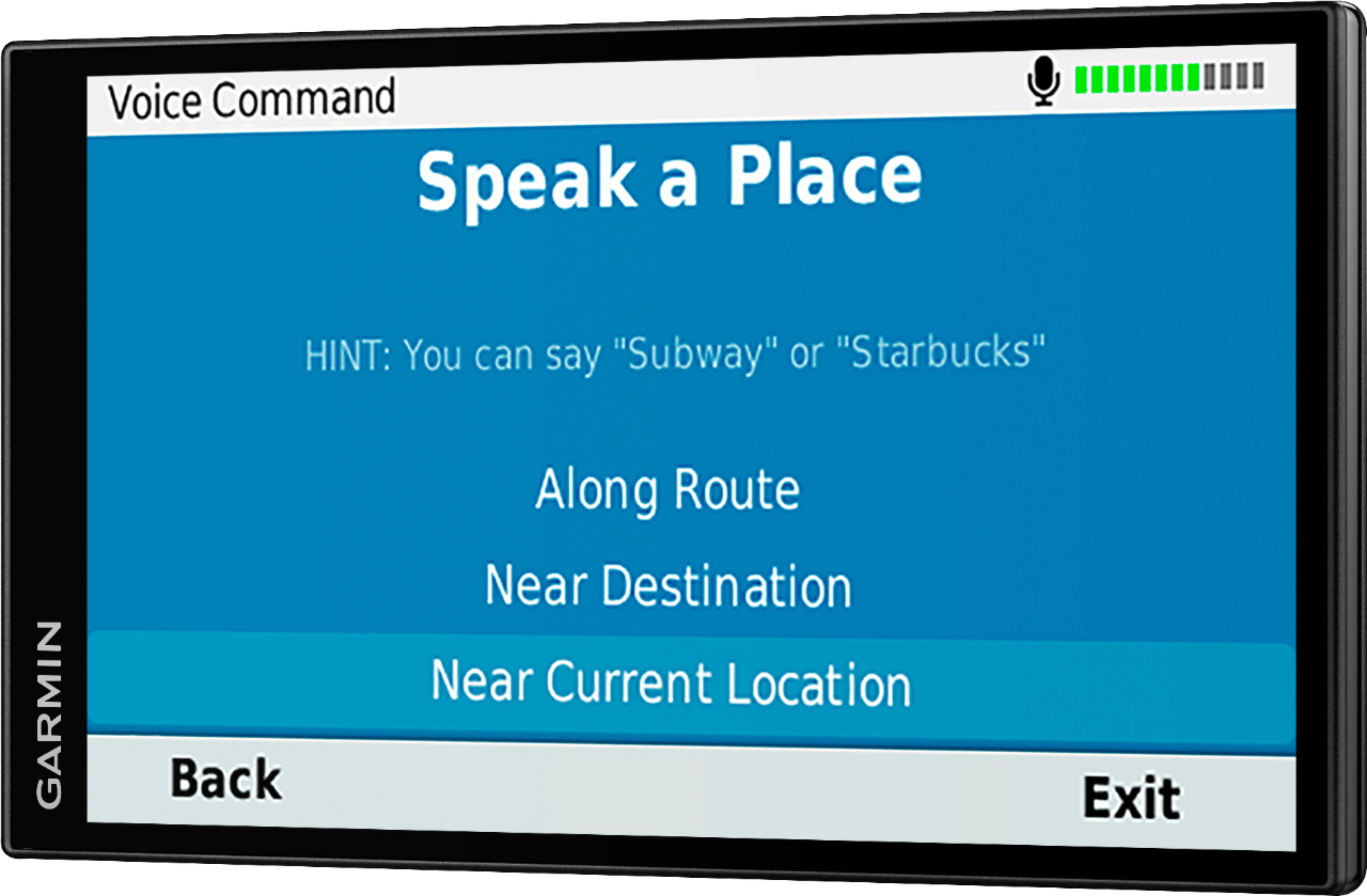
A:AnswerGarmin DriveSmart 61 NA LMT-S with Lifetime Maps/Traffic, Live Parking, Bluetooth,WiFi, Smart Notifications, Voice Activation, Driver Alerts, TripAdvisor, Foursquare.
According to Garmin Website it holds the NA map therefore it should also include both USA and Canada. But I only use it for USA. You should contact Garmin at
https://support.garmin.com/en-US/ to be sure. Your question had a miss spelled word "warking".
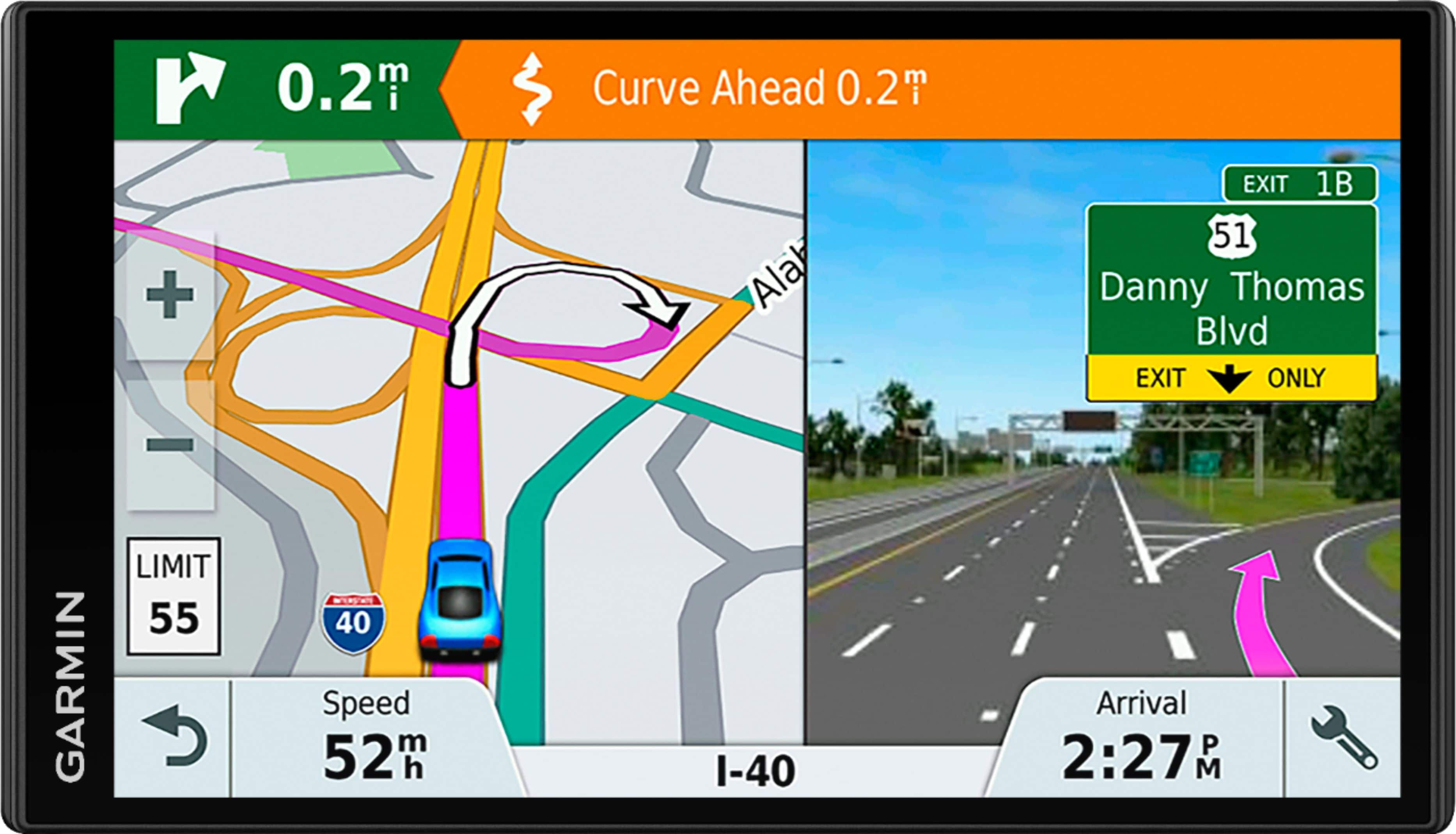
A:AnswerActive Lane Guidance and Lane Assist Lane are both active in the device right out of the box. Both will typically appear on major roads, highways, and interstates however information will not be available for every single road.
A:AnswerBluetooth and Wi-Fi are not needed to find addresses with this device. The mapping and points of interest are loaded to the devices memory. This page of the owner’s manual provides instructions on finding an address: http://bit.ly/2ztYoZE
A:AnswerGarmin devices that do include the Bluetooth feature are designed to be synced to a Bluetooth-enabled phone, such as your smartphone for hands-free calling and to share information via the Garmin Smartphone Link app.
A:AnswerUnfortunately the GTM 35™ is not compatible with this model. Both the GTM 36™ Traffic Receiver and GTM 60™ HD Digital Traffic Receiver are compatible. Thanks, James
A:AnswerYes, City Navigator® Southeast Asia maps can be purchased and added to this device. There are two options for adding these maps to this device: Purchase a pre-programmed microSD™/SD™ Card or Purchase downloadable maps to be installed with the Garmin Express program. If you choose to download the maps, a micro SD card will be needed. The size of card needed for additional mapping is from 8GB SD up to a 32GB card. Please see the Garmin Support Center article about purchasing maps for other countries, for additional information: http://bit.ly/2j64mEc
A:AnswerNo, this model is designed to be synced to a Bluetooth-enabled phone for hands-free calling and to share information via the Garmin Smartphone Link app. It will not stream any media to the GPS. Thanks, James