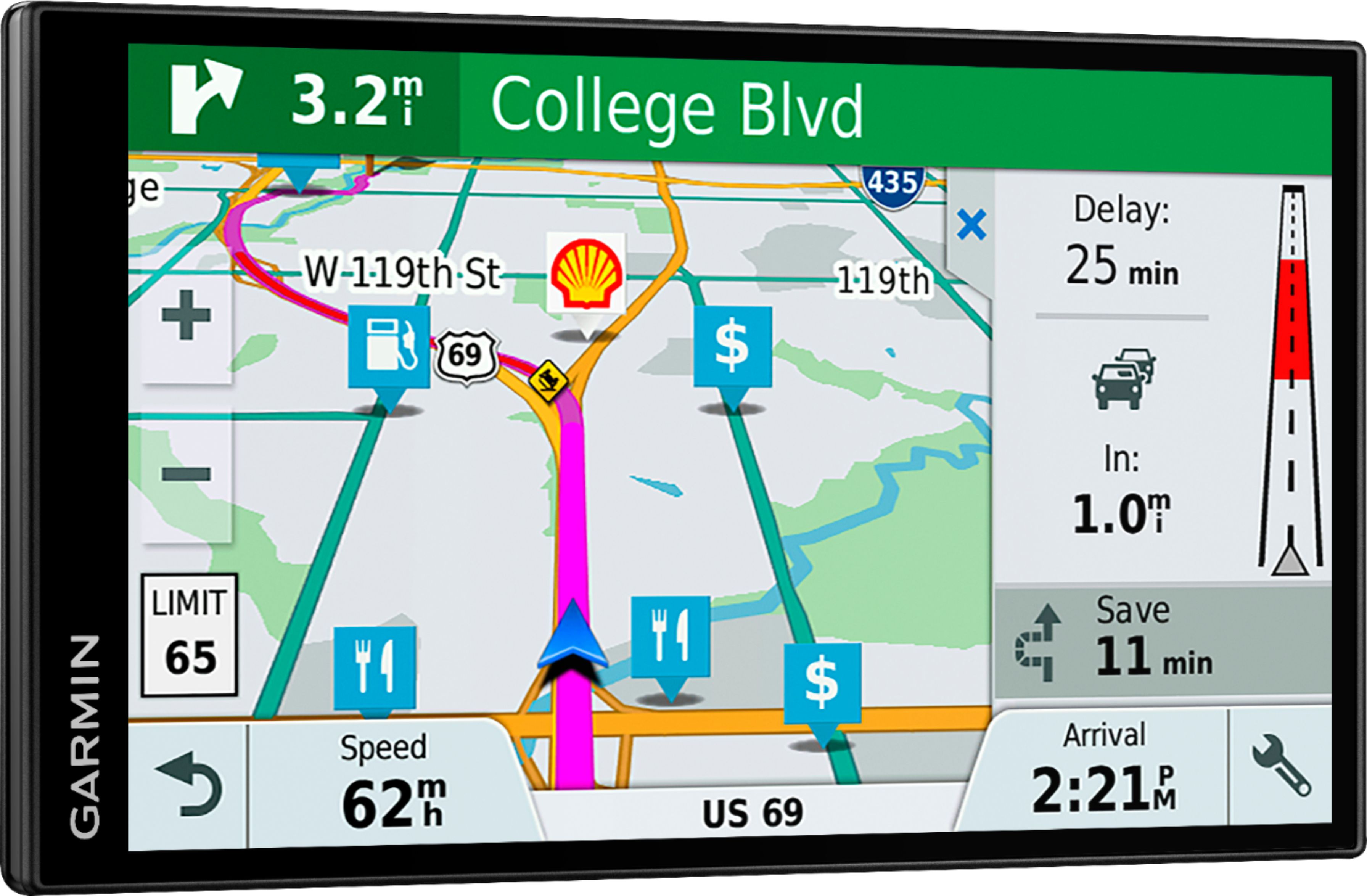
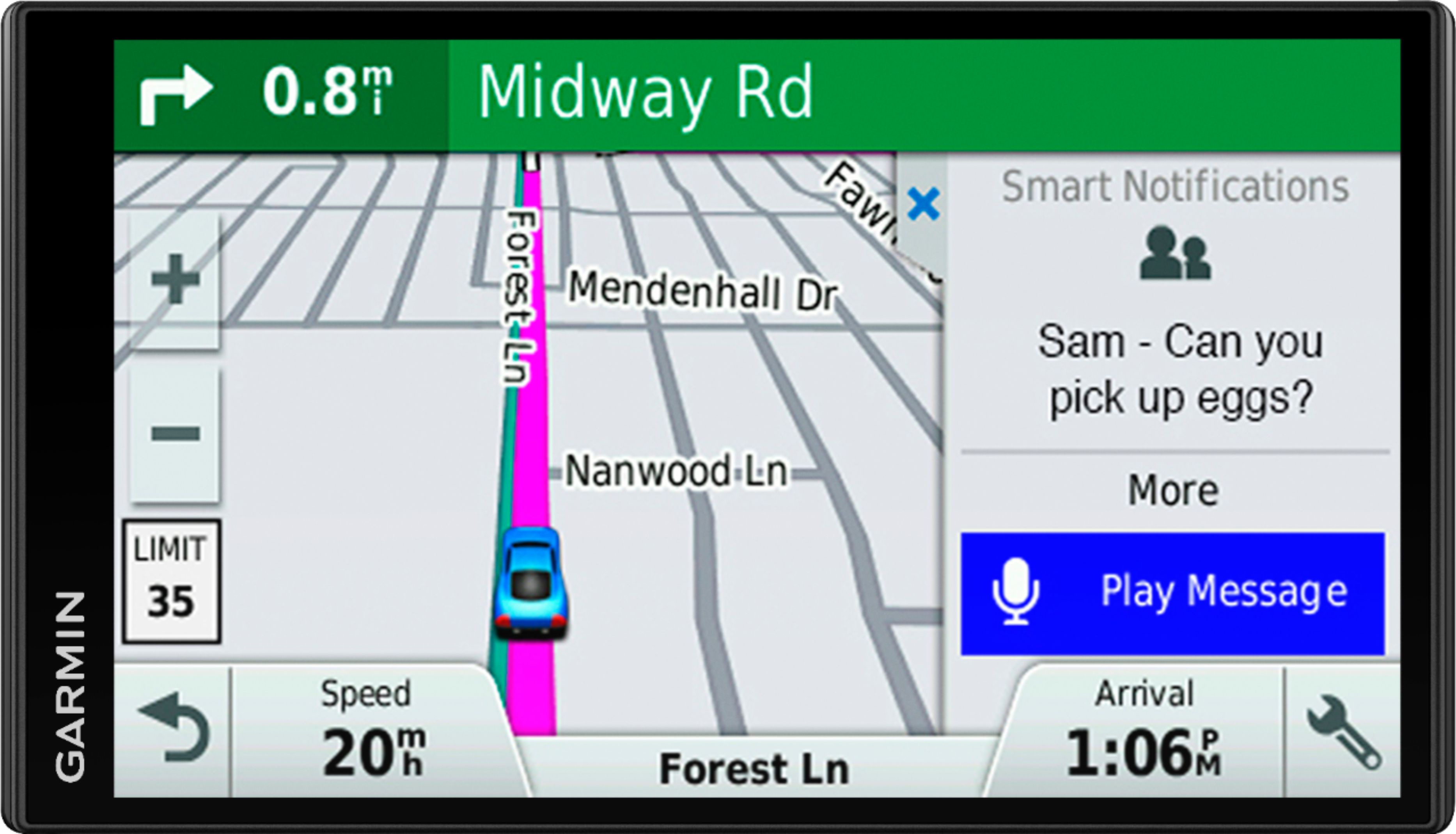
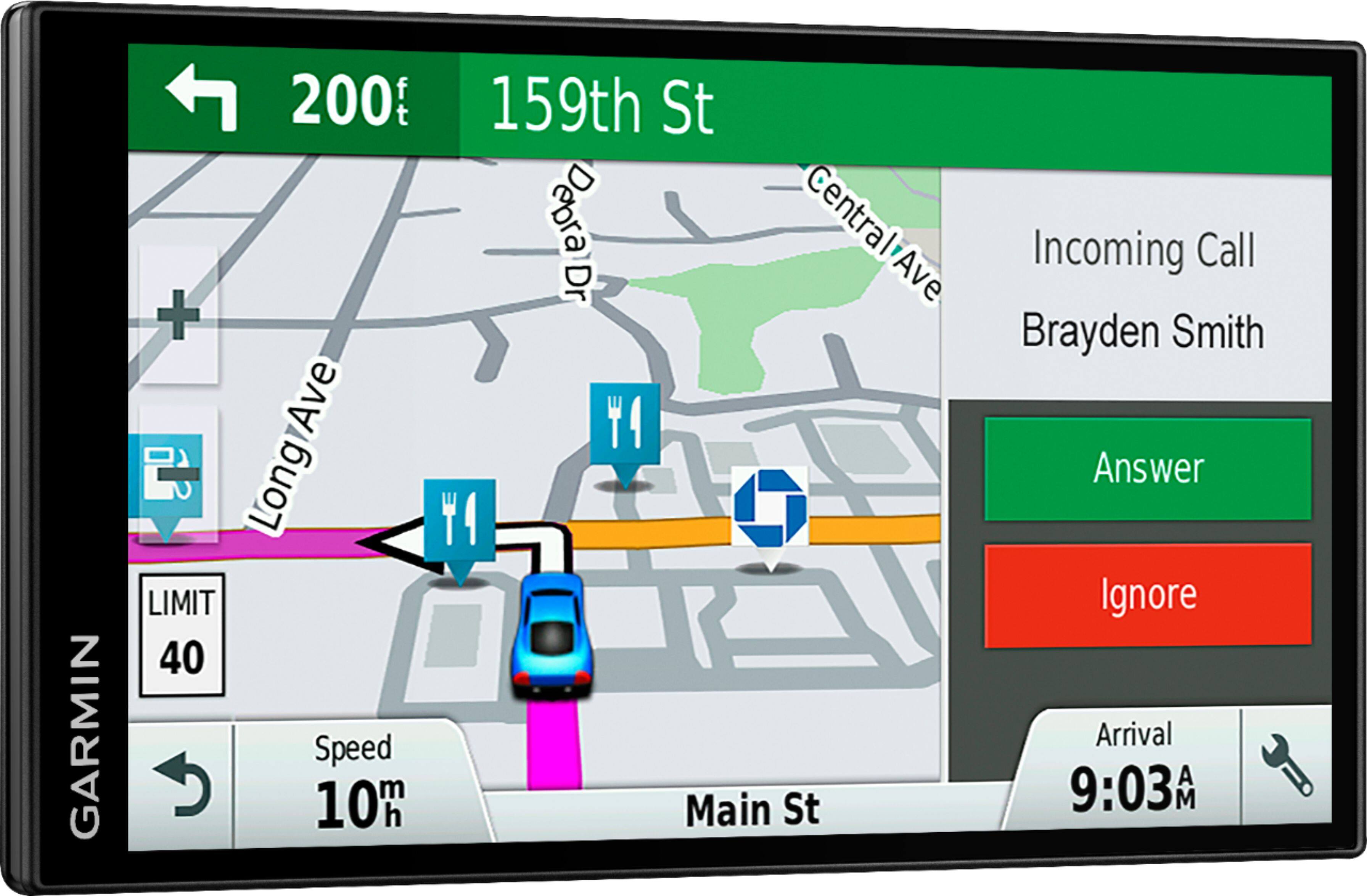
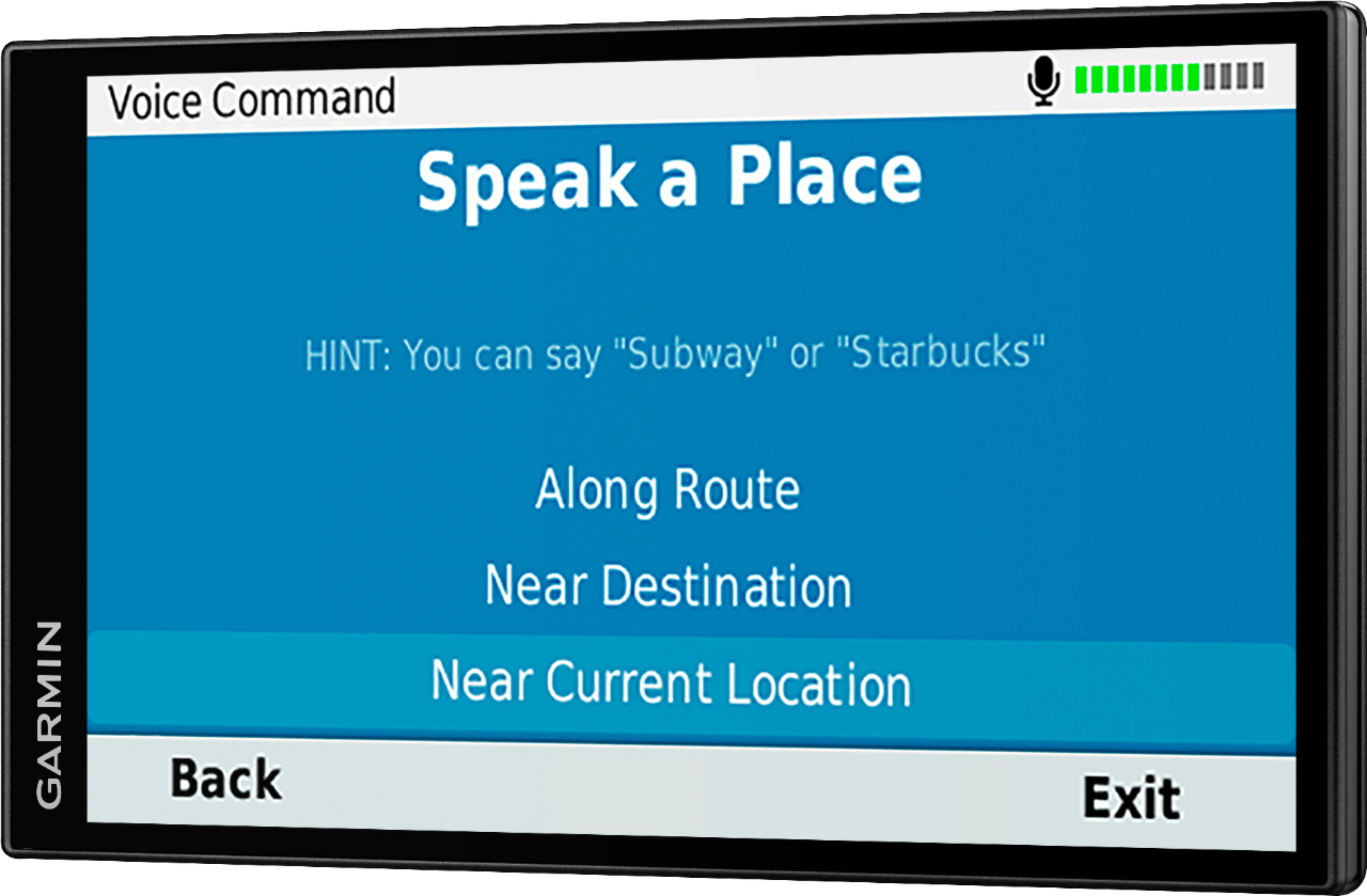
A:AnswerYes, the device can be used to navigate without any outside connection. The purpose of connecting with your phone is for live traffic information and hands-free phone calls.
-MH
A:AnswerI don't believe so. It is a speaker phone and and data link from your phone for traffic data. It does not go the other way as far as I can tell. I think garmin has a line for motorcycles that does do that though....
A:Answer03/10/18 129.99+11.54 Did not use it AT ALL. No instructions how to use. Brought it back without even opening it. WAs told nastily that it could not be returned. I was very hurt.
A:AnswerPoints of interest are great, But as in my review the voice command is horrible, Save the money and get the large format without voice command
Glenn
A:AnswerHello, Garmin Product Support will be happy to help. Our contact information, including telephone number and hours of operation, can be found on at: //support.garmin.com/sv-SE/ Thanks, James
A:AnswerThe DriveSmart™ 61 LMT-S comes pre-loaded with detailed maps of North America that Includes US, Canada, Mexico, Puerto Rico, US Virgin Islands, French Guiana, Cayman Islands, Jamaica, Bahamas, Saint Barthelemy, Guadeloupe, and Martinique. Thanks, James
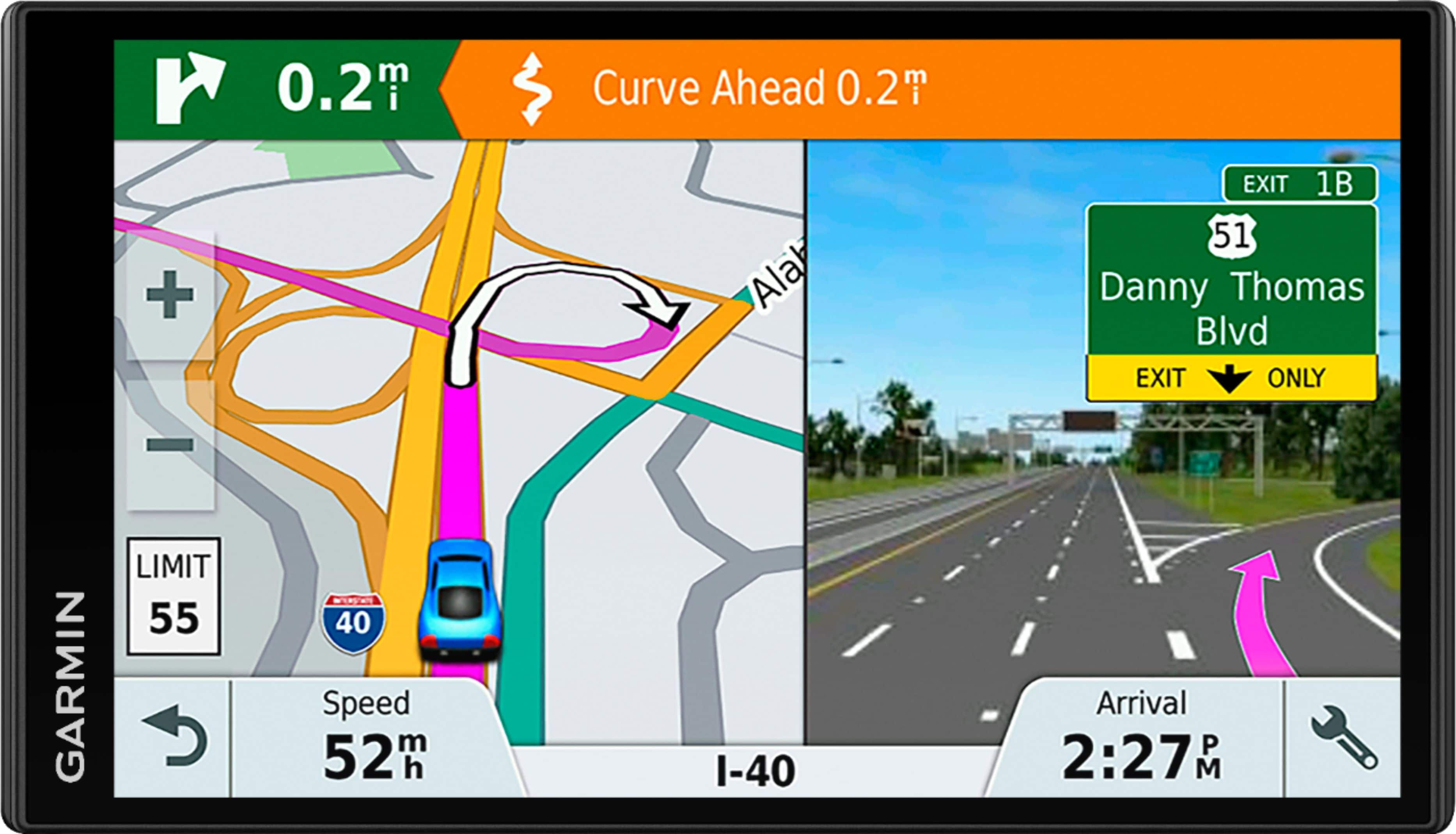
A:AnswerThe DriveSmart™ 61 LMT-S is compatible with microSD cards from 4GB up to 32GB in size. The microSD card is used to expand the memory for additional and larger maps. Thanks, James
A:AnswerThe DriveSmart™ 61 LMT-S comes pre-loaded with detailed maps of North America that includes the United States, Canada and Mexico. Thanks, James

A:AnswerThe MapSource computer program has been replaced by Garmin's BaseCamp program. The DriveSmart 61 LMT-S is compatible with BaseCamp.
BaseCamp can be downloaded for free here: www.garmin.com/basecamp
-MH
A:AnswerIf you have the DriveSmart 61, or even the Garmin DriveSmart 51 LMT, then the map updates are free. The LMT in the product title refers to Lifetime Maps & Traffic, which when you connect the GPS to your computer to perform updates, the latest software and maps will be provided, free, as well as traffic updates like photo cameras and the like.
A:AnswerGood question. Unfortunately the Speed Limit Exceeded alert cannot be turned off, as you mentioned, only the audio can be disabled. Thanks, James

A:AnswerYes it work with your Iphone, and Androide phones. If you don't have a cell phone you have to purchase an receiver for live traffic updates that you can get from their web site.
A:AnswerNo, the DriveSmart 61 LMT-S receives the Live traffic information through your compatible smartphone's data plan, and can be sent instantaneously to your Garmin automotive navigator through the free Garmin Smartphone Link app. Thanks, James