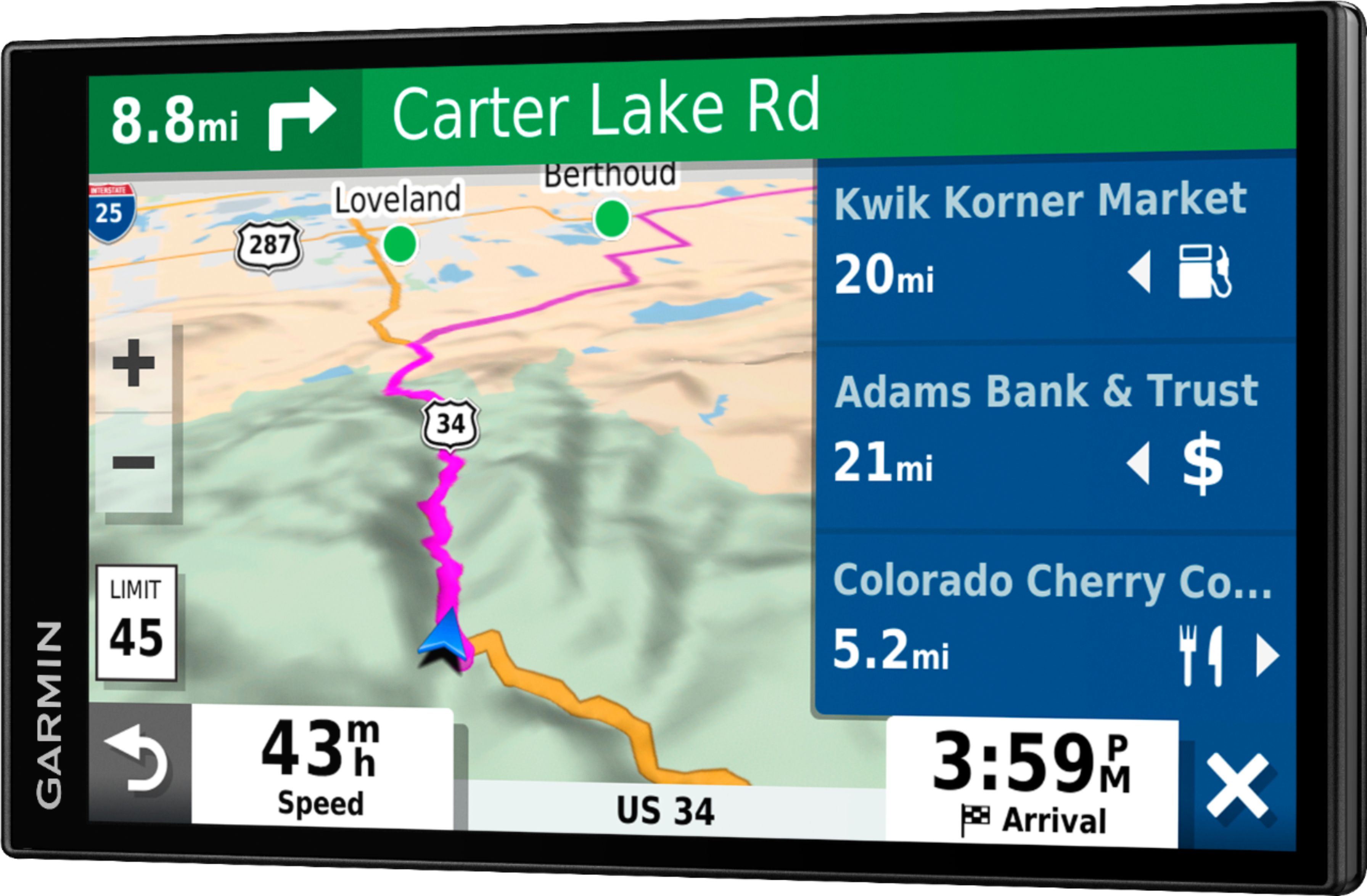
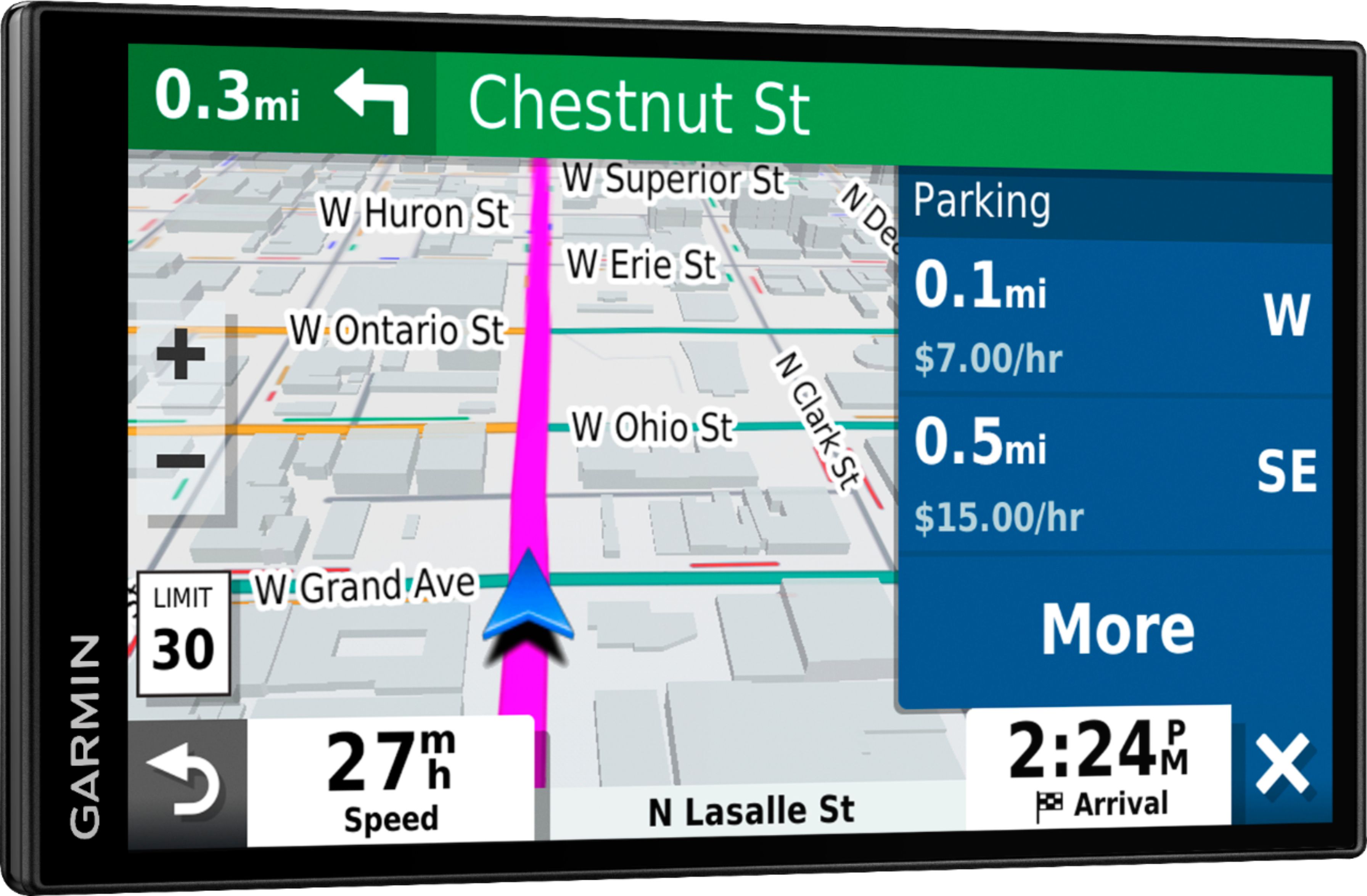
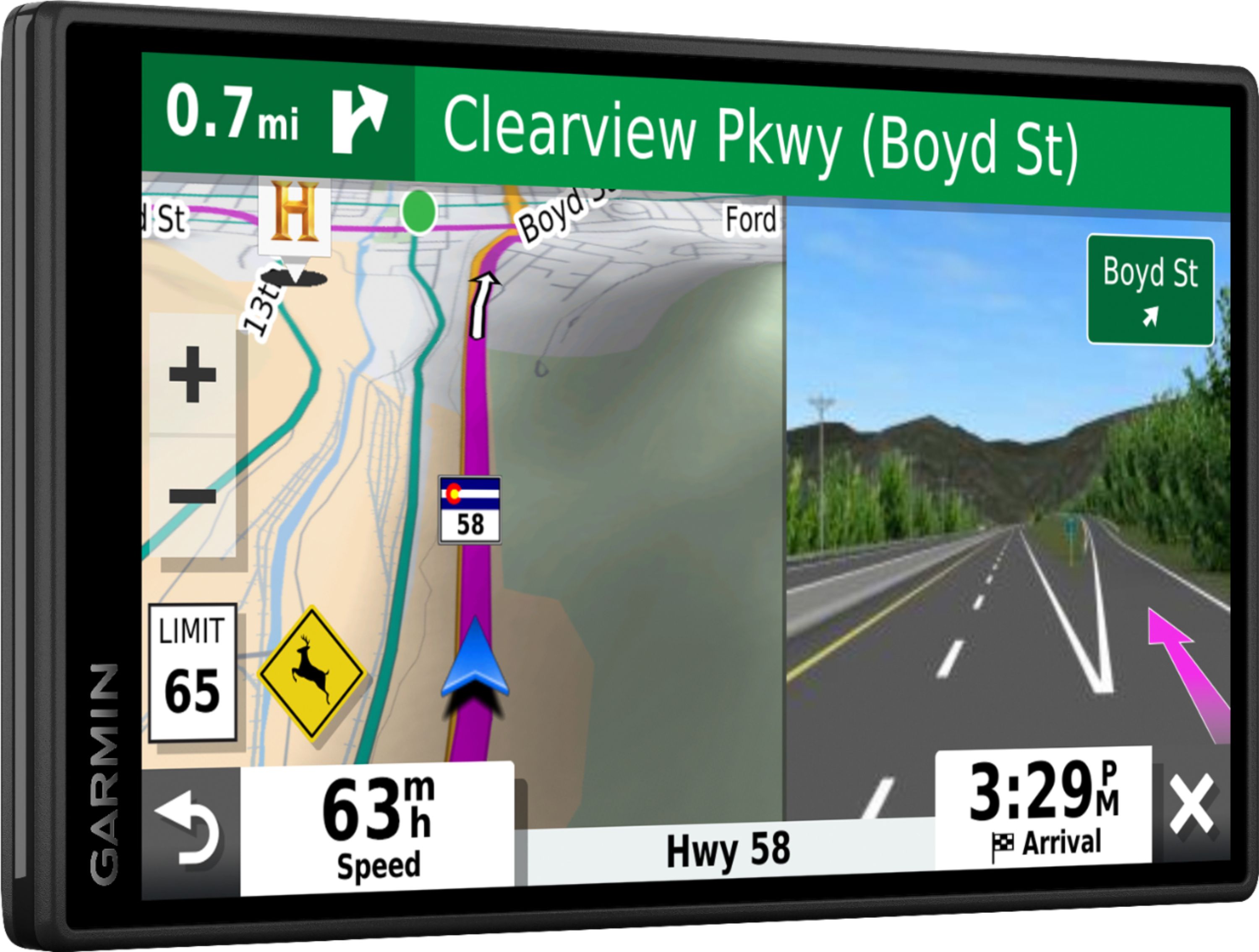
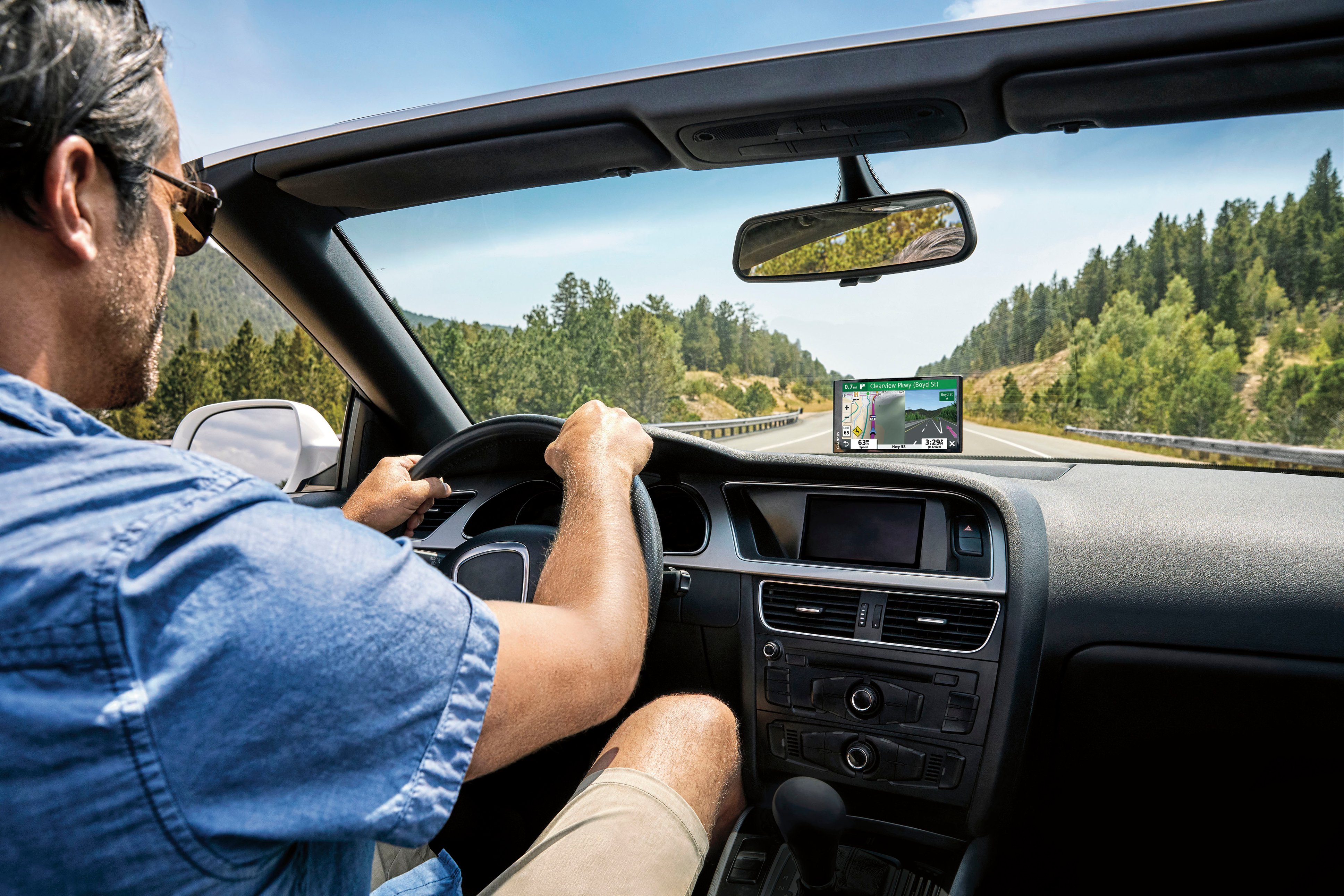
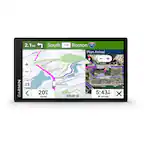
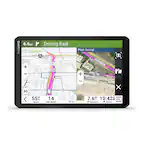
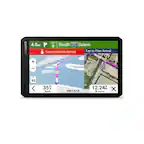
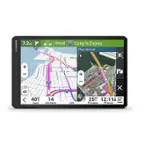
A:AnswerThis model includes detailed street maps for North America with coverage of the U.S., Mexico, Canada, Puerto Rico, U.S. Virgin Islands, Cayman Islands and Bahamas.
A:AnswerYes, this device includes the Trip Planner feature that can be used to create and save a trip with multiple stops. Or if you only want to “shape” a custom route to go the way you prefer; the device has a Shaping Points feature also.
A:AnswerNo, this model is designed for passenger vehicles and doesn’t include any truck specific routing. The Garmin dēzl™ series includes detailed maps for North America that also include truck-related restrictions – like bridge heights, sharp curves, weight limits and more – and related information for most major roads and highways.
A:AnswerGarmin automotive devices are designed to be plugged directly into a cigarette outlet or 12V outlet in a vehicle. Most vehicles will have a 12V outlet even if they don't have a cigarette outlet. Sometimes they are in unexpected places, so it is recommended to check the vehicle's owner's manual if it is not easily found.
A:AnswerIf the store has a specific address that you are using, it will take you to that location. If you enter "Mall Name" for the destination it will just get you to the mall.
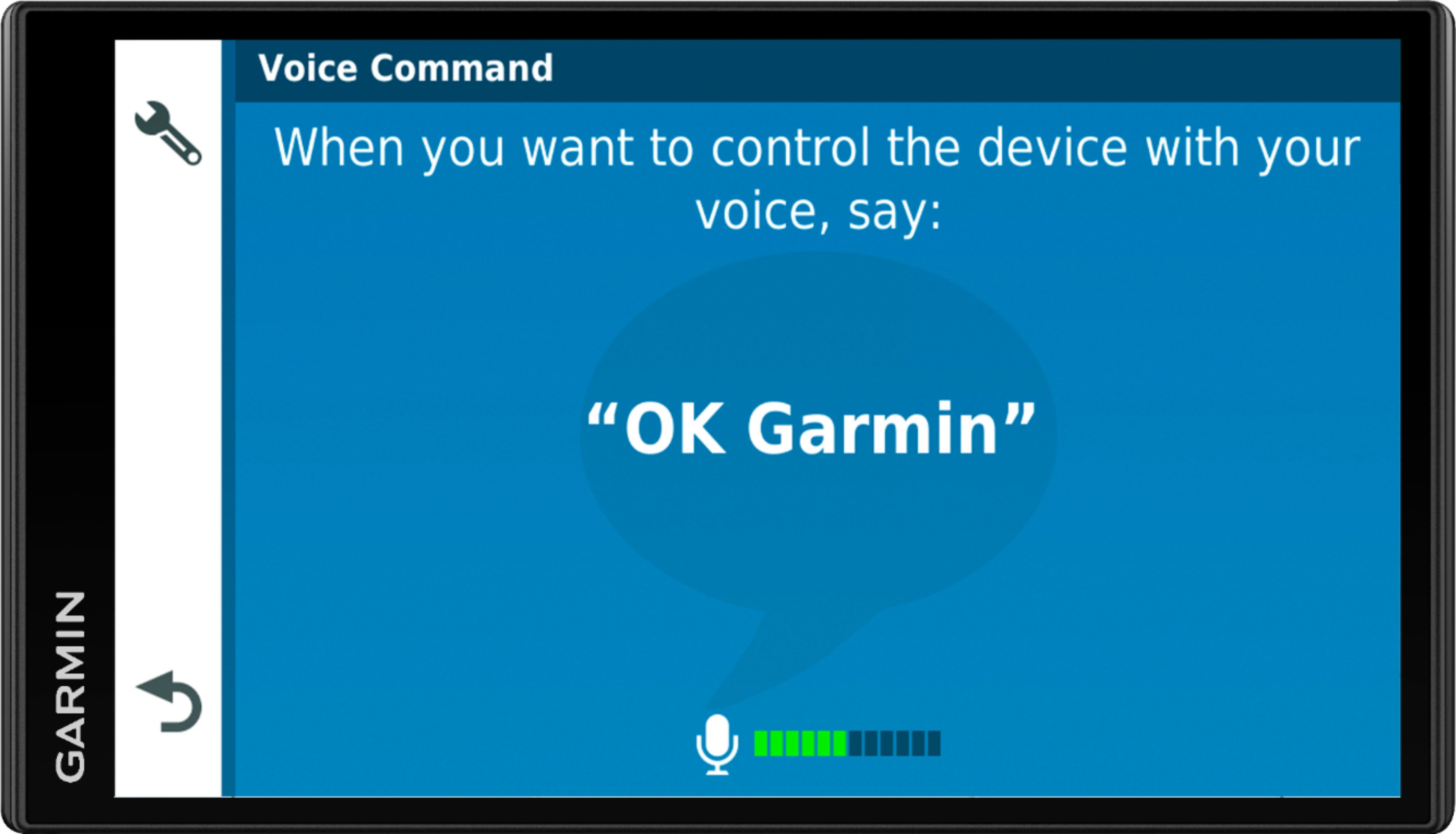
A:AnswerIf you have alexa on your phone you should not need it on the gps. not worth the money. I have found the voice command works well but you need a quiet environment when communicating with it for the best results. Like it for the hands free feature for safety reasons.
A:AnswerBoth models include Smart Features, Map updates and a 6.95” Edge-to-Edge Display. The DriveSmart™ 65 and Traffic is the newer device and includes new features like the HISTORY® database of notable historic sites and U.S. national parks directory. It also comes with traffic ready to use right out of the box with the included traffic cable.