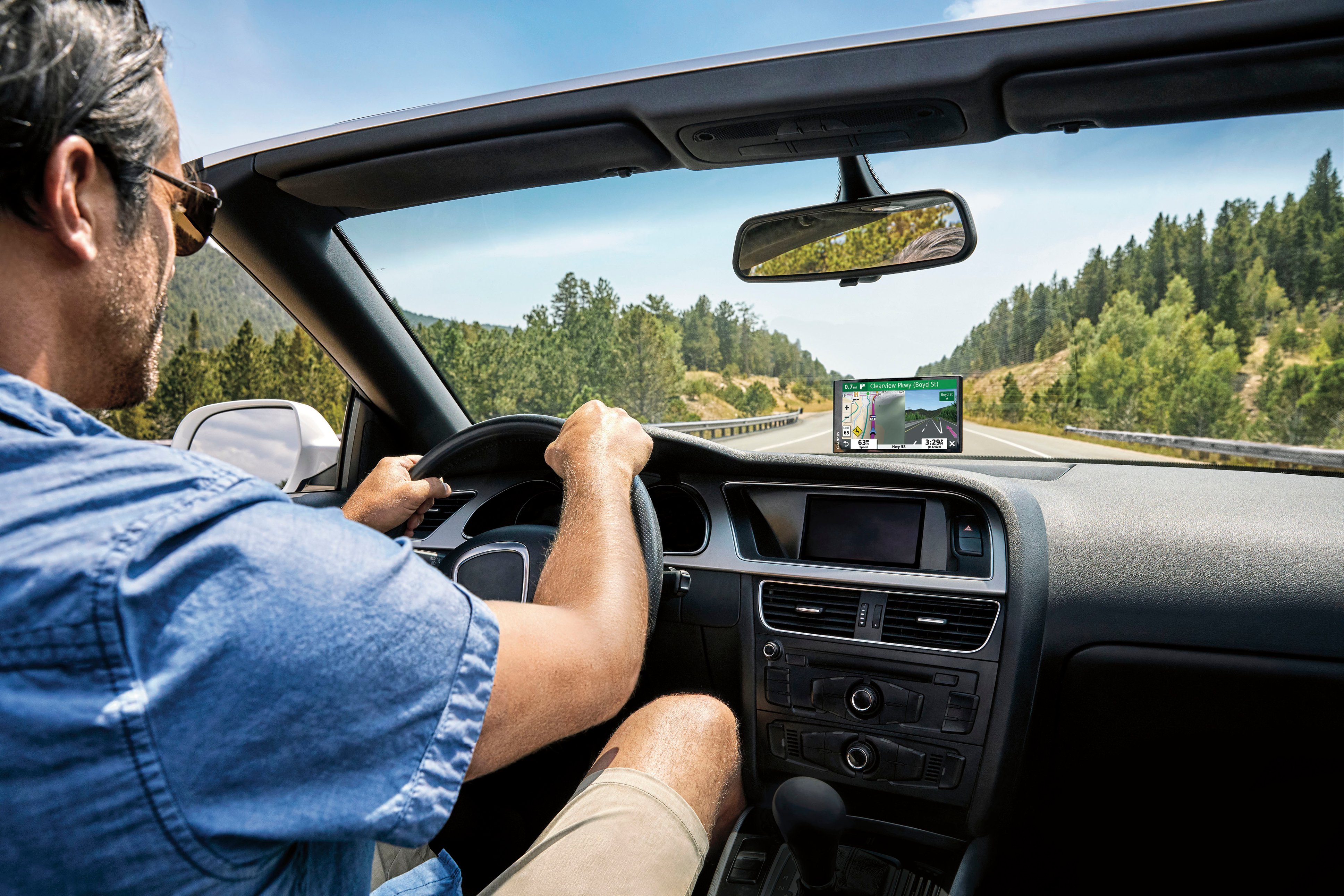
A:AnswerThank you for your question! The Garmin DriveSmart™ 65 & Traffic does not have an option to play through a vehicle's stereo system. The current Garmin DriveSmart™ series (66/76/86) do have this feature.
A:AnswerThank you for your question! It is not required to pair your smartphone to the Garmin DriveSmart™ 65 & Traffic. However, Live Traffic when paired to a smartphone does provide the best traffic information possible. Please see more information at https://bit.ly/3Pf1EO9
A:AnswerThank you for your question. Yes, the Garmin DriveSmart™ 65 & Traffic is typically packaged with a bracket that can attach to ball mounts that 17mm in size.
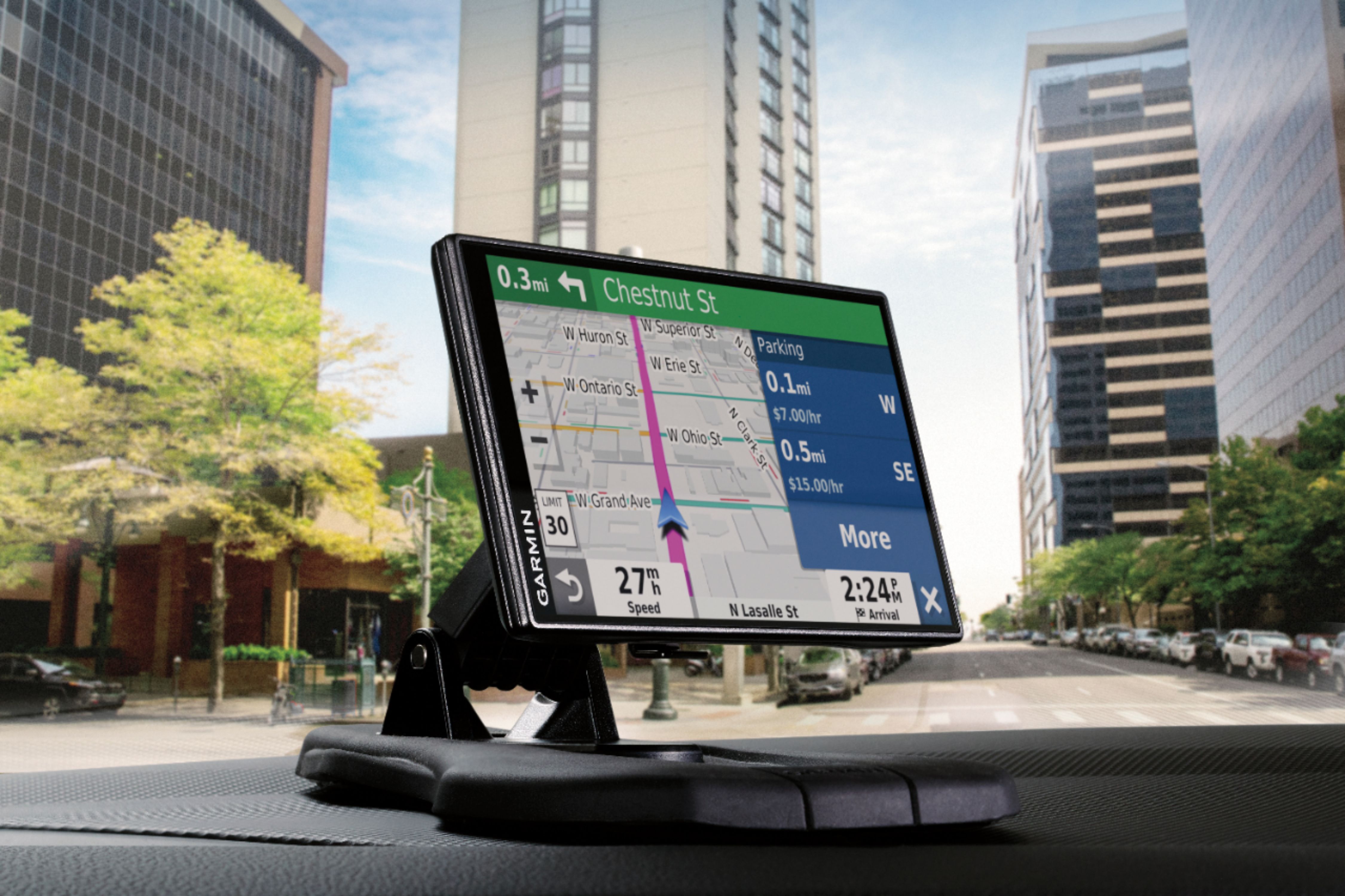
A:AnswerIt is a big unit. There may be something out there when it comes to a mount, however I would go with a dashboard mount. It is stable and it won’t fall.
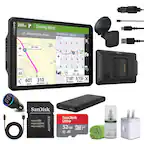
A:AnswerThis product comes with a very nice suction mount and uses the "older style" USB type A to mini cable (trapezoidal shape) which is provided with the GPS. Also included is a lighter-type power plug adapter with long cable for cars without USB ports.
I think Garmin used the older type of cable to be compatible with its' older products. On a side note - do not leave powered up in a hot car - it will destroy the battery, always unplug and move out of direct sunlight. Other than that, the Garmin DriveSmart 65 & Traffic is a great product. I use one and bought two others to give to family. (I did replace the battery in my own even though it voids the warranty and it works just fine).