A:AnswerYes, you can set it to record your pace/mile or some other distance.
You can also go online and get a map of where you have been, elevation changes, miles, pace, etc.
Just be sure the GPS has kicked in.
A:AnswerFor sleep mode you want to keep the Forerunner on while sleeping. The accelerometer in the watch will record the data (like the movement of your body) for restlessness of sleep or cycles of sleep. Once you upload all of your data to Garmin Connect you will want to input your sleep and wake times so it’s not translated as steps. Garmin Connect has a failsafe feature that will default certain times as your sleep time just in case you do not manually input sleep and wake time.
~JH
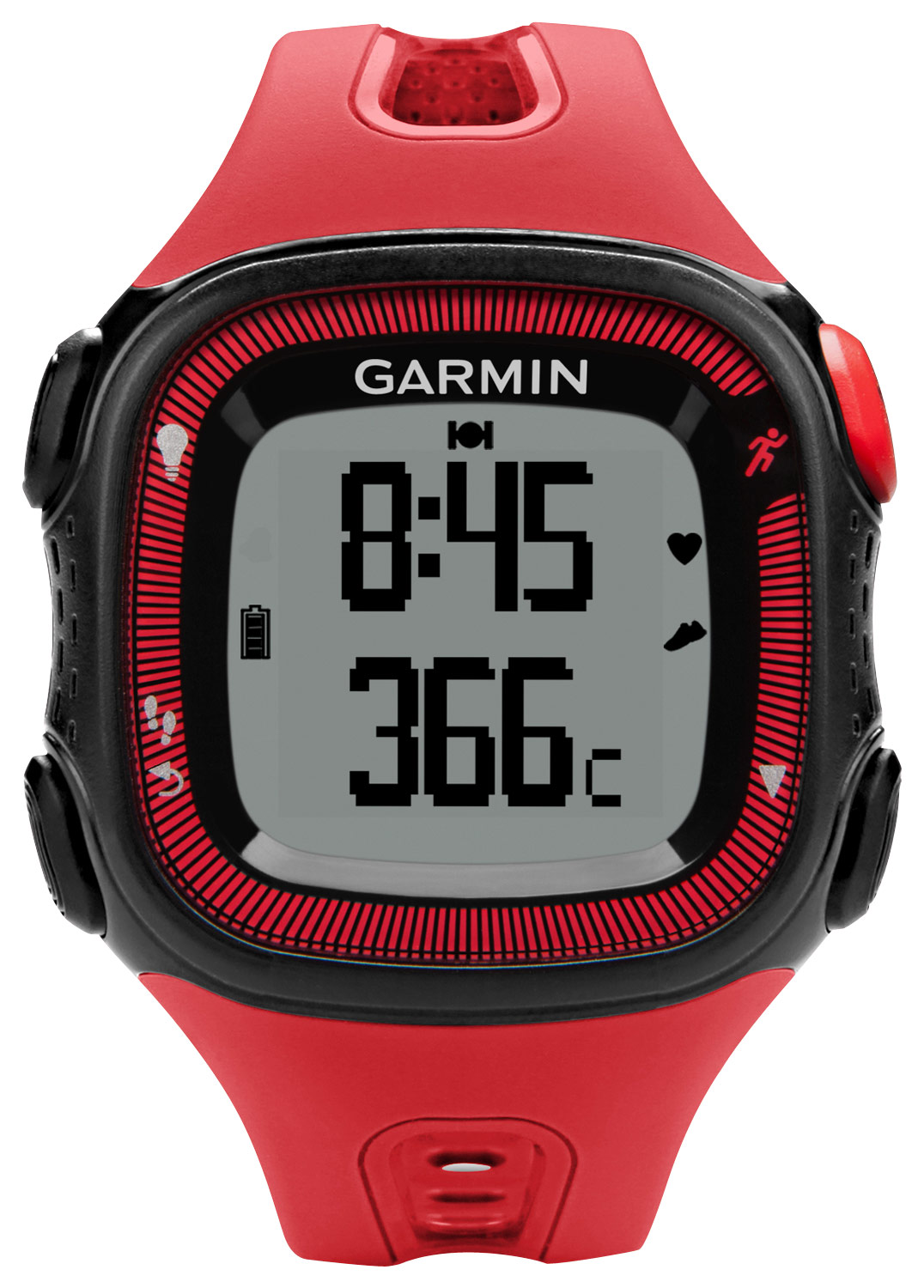
A:AnswerThe large designation actually applies to both the watch face AND the band. The watch face is slightly larger, and the band is both a bit wider AND longer.
A:AnswerThe Forerunner 15 has a timer that can be used to record indoor or outdoor activities. Those activities are stored in the memory of the device and can be synced to Garmin Connect using Garmin Express on a computer.
A:AnswerThe Forerunner 15 does offer Run/Walk intervals that can be set directly on the watch. For more information and instructions for setting the intervals, use the following Owner's Manual link: http://static.garmin.com/pumac/Forerunner_15_OM_EN.pdf.
A:AnswerThe watch is rechargeable, there is no battery to change, I wear mine 24/7 and run daily 1+ hours a day, I only recharge mine for 30 minutes or so once a week.
A:AnswerThere is only one Forerunner 15 (outside of the different colors). The two models you’re looking at are the same with different terminology.
~JH