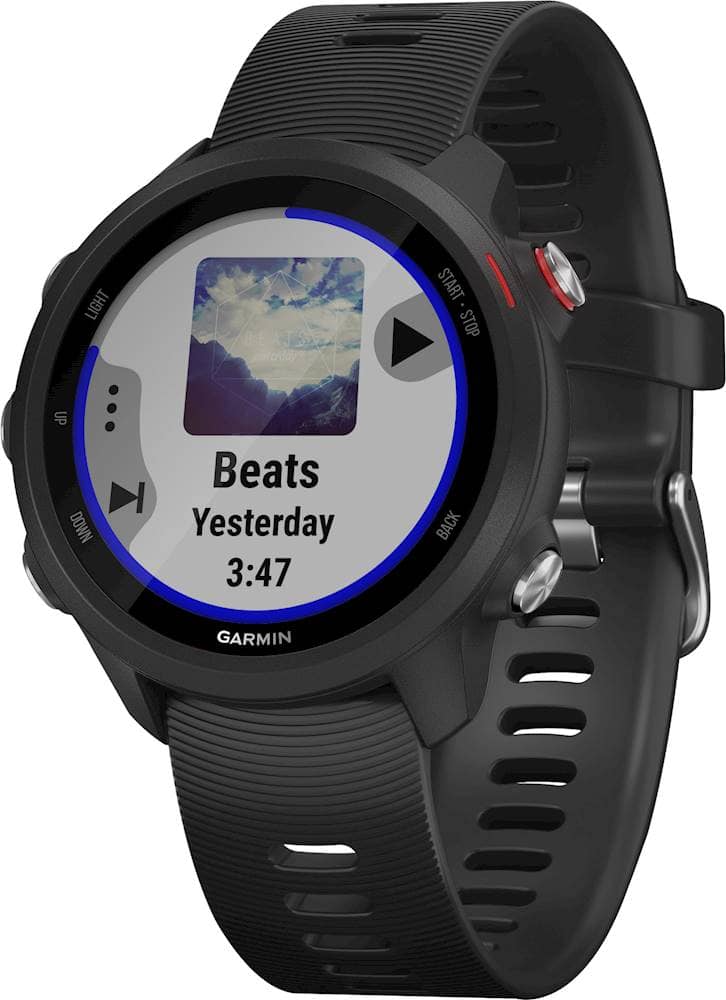
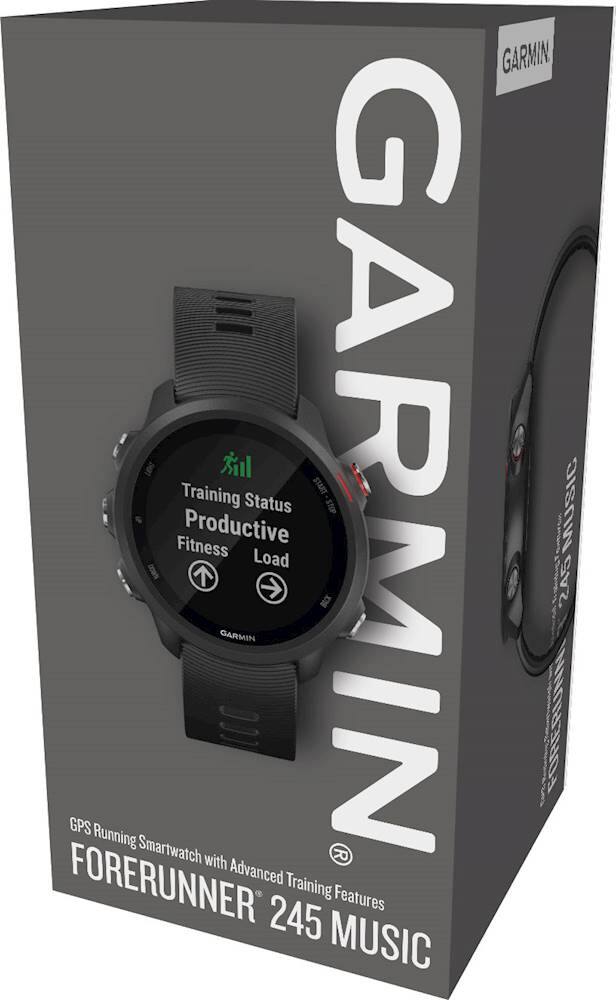
A:AnswerYes, this watch is designed to load music to it and you can listen to music without a phone needed.
Unfortunately there is the possibility of Audio issues with Apple Airpods (see below)
Bluetooth® Headphone Compatibility for Garmin Watches That Feature Music:
https://support.garmin.com/en-US/?faq=FnVJLBvvw51RfH3OE2YUO6&productID=646690&tab=topics&topicTag=region_music
I Am Having Audio Cut out Issues When Using My Apple Airpods with My Garmin Music Watch:
https://support.garmin.com/en-US/?faq=mQISHHl4722vvdvE9ewcX8&productID=646690&searchQuery=Apple%20Airpods&tab=topics
A:AnswerApple Music is not supported on Garmin music watches, but songs that have been purchased from the iTunes Store are supported on Garmin music watches. You can sync your watch with your Apple iTunes library using Garmin Express on your computer. Your Garmin watch has been designed to work with most Bluetooth-compliant headphones. Not all headphone features will work with Garmin watches such as volume control, pause, or skip, for example. Audio performance and Bluetooth range will vary across brands and models. You may also want to go to support.garmin.com where you'll find many helpful FAQ's and video's on the functions of the device. As well, you may reach out to product support from that link if you still need assistance.
Debbie with Garmin
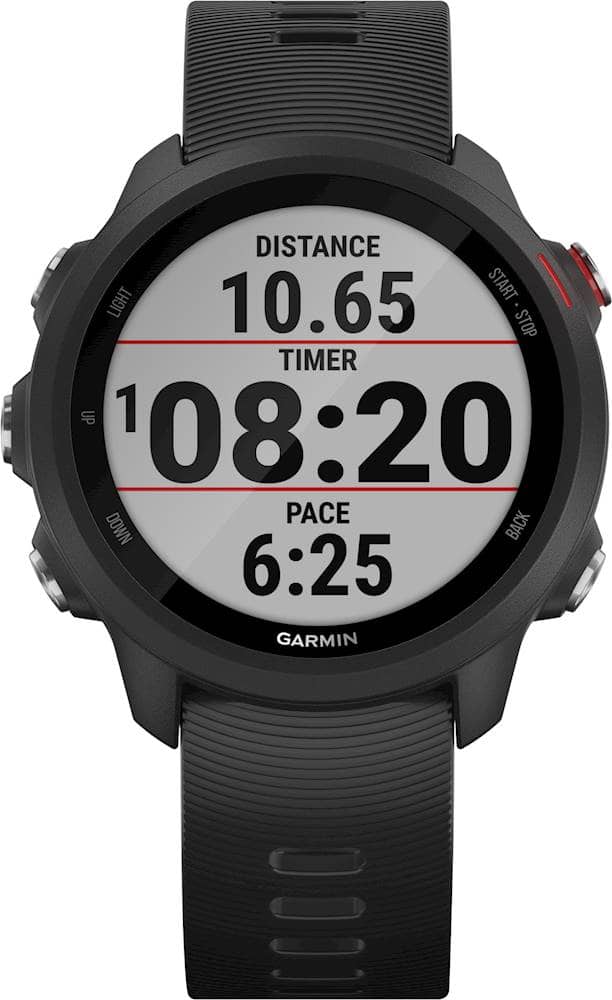
A:AnswerYes, you can download music from Spotify to your device. You will need a compatible set up Bluetooth headphones paired with the watch.
Debbie with Garmin
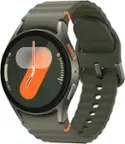
A:AnswerGarmin watches that feature a running activity profile will display a rounded pace, which is calculated by rounding the current pace value to the nearest 5 seconds. For seconds 1 and 2, the watch will round down and 3 and 4 will round up. For example, a current pace of 7:32 will display a pace of 7:30 and a pace of 7:33 will show a 7:35 pace. This is done in order to present a value to the runner that is not constantly changing every second of the activity.
The lap pace value will show when the watch displays the lap banner, when Auto Lap is enabled.
The actual non-rounded pace for a completed activity will display as the average pace on the watch after the activity is stopped. Detailed pace information for the duration of the activity will show once the activity is uploaded to your Garmin Connect account.
Debbie with Garmin
A:AnswerCan I Use Apple Music on My Garmin Music Watch?
Apple Music is a subscription-based service similar to services provided by Spotify or Amazon Music. Apple Music is not supported on Garmin music devices, but songs that have been purchased from the iTunes Store are supported on Gamin music devices. You can sync your watch with your Apple iTunes library using Garmin Express on your computer.
For more details on the difference between downloading songs from Apple Music and purchasing music from the iTunes Store, what types of music files are supported on our devices, and how to install music using Garmin Express, refer to the following FAQs:
Apple Support: Add and download music from Apple Music or buy music from the iTunes Store
What Audio File Types Do Garmin Music Watches Support?
Installing Music from a Computer on a Garmin Music Watch Using Garmin Express
Debbie with Garmin
A:AnswerYes, please go to support.garmin.com where you'll find many helpful FAQ's and video's on the functions of the watch. If you still need assistance, please reach out directly to a product support associate from that link.
Debbie with Garmin
A:AnswerIdk about Bose, but it connects smoothly to my Pixel buds. Which don’t connect to devices as easily as Bose speakers, so I’m guessing it shouldn’t be a problem.
A:AnswerYou can export specific heart rate data under certain activity profiles from Garmin Connect under Reports. You may want to reach out to support.garmin.com where you can reach out to a product support specialist to see if what you are specifically wanting is available to export.
Debbie with Garmin
A:AnswerYou can create a a workout for 100m reps with rest. This device will also do audio alerts. If you need further assistance, please go to support.garmin.com where you'll find many helpful FAQ's and video's on the functions of the device. You may also reach out to a product support associate from this page if you need further assistance.
Debbie with Garmin