A:AnswerThis dash cam requires at least an 8 GB microSD™ card (supports up to 512 GB), Class-10 or faster (not included). The recording time varies based on the size of card you choose; this Garmin Support article provides all of recording times: https://bit.ly/2kP6iXN
A:AnswerNope, that's the typical scenario with the camera coming on only when the vehicle is running. They actually sell a kit that connects the camera to a constant power source to put it into "parked mode" when you turn the vehicle off.
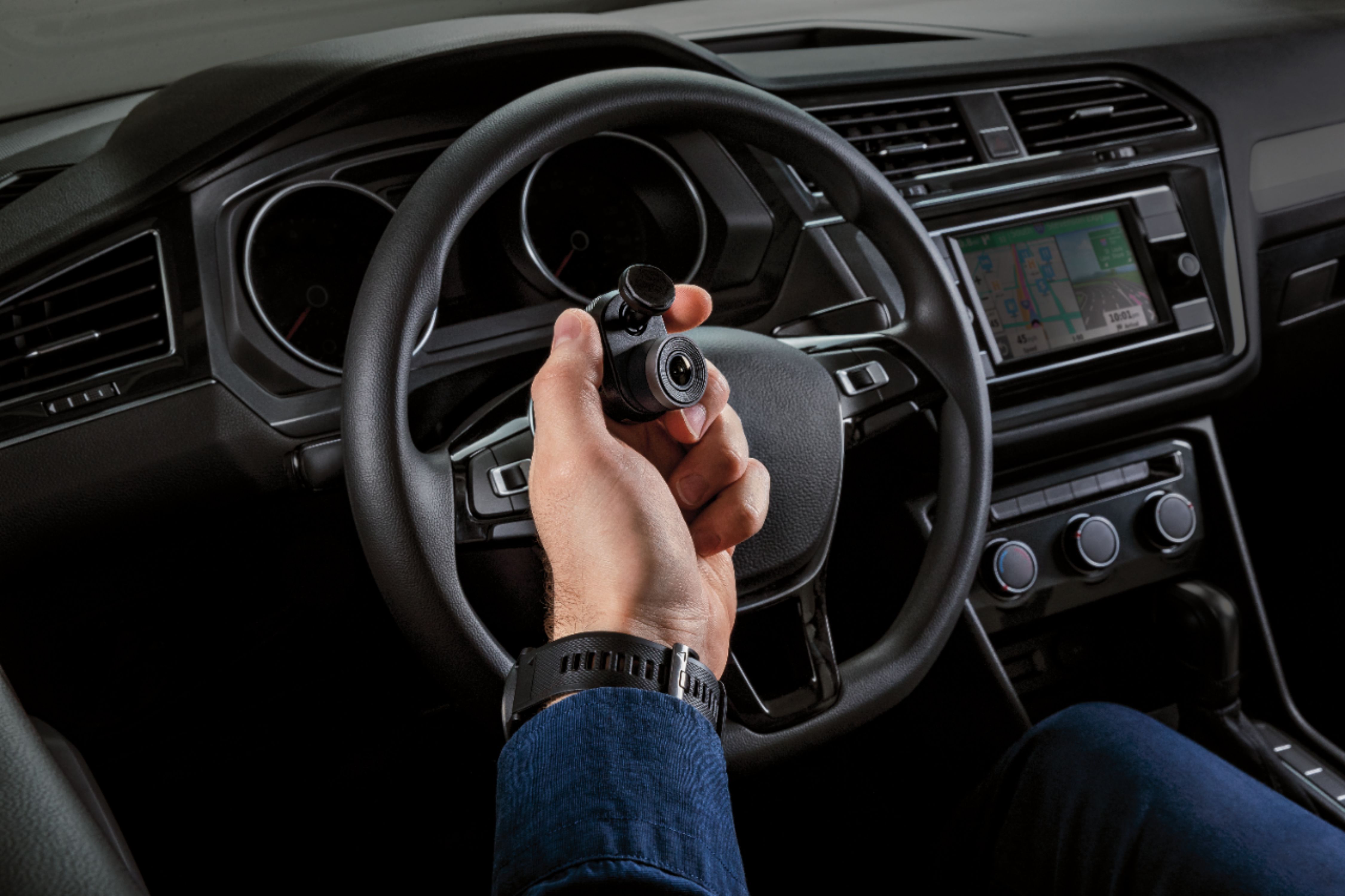
A:AnswerIt can be mounted to the rear windshield, similar to the way you would mount it to the front. It is not battery powered and will need to be plugged in. Look on YouTube to check out various ways to hide cables for dash cams.
A:AnswerNo, the Garmin Dash Cam Mini and the Garmin Dash Cam Tandem does not have an internal battery. Instead, it has a super-capacitor that gives sufficient time for the Garmin Dash Cam to properly power down when external power is removed from the device.
A:AnswerYes, once plugged into your vehicle’s power source, the camera continually records, so you can just set it and forget it. When an incident is detected, this camera automatically saves the footage from just before, during and after it happens.
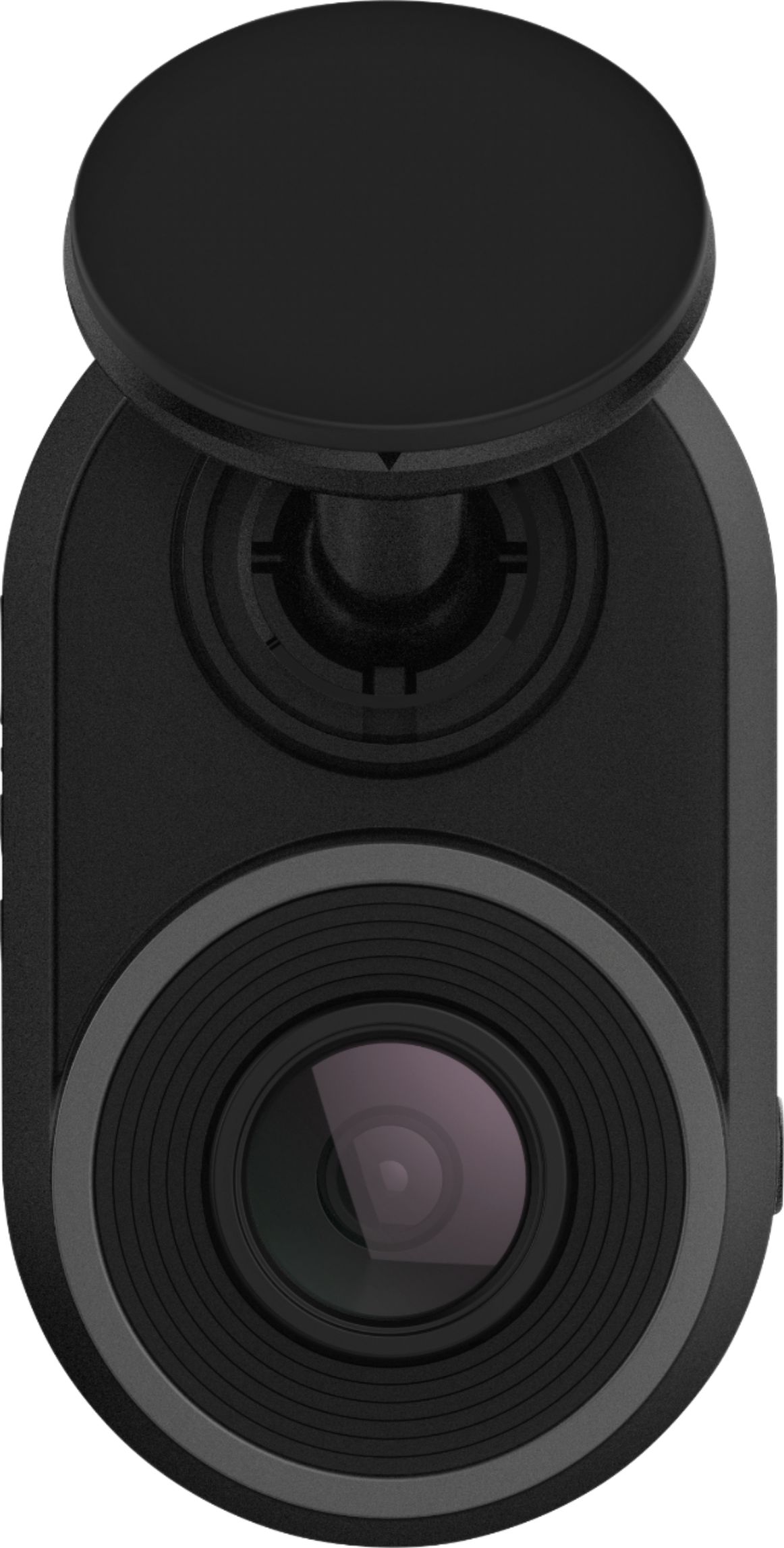
A:AnswerGLV files are used on the Garmin Dash Cam Mini. GLV is a low-resolution video file. This provides a better mobile preview experience and improves the Wi-Fi transfer in the Garmin Drive App. The high-resolution file will be used when exporting a video from the Dash Cam to your phone. The GLV file will not be used when exporting.