A:AnswerYou would probably be better with a boat mounted GPS as it would have more features pertaining to water. This is an all around good GPS that can be adapted to pretty much any need but extra money for the correct maps must be spent to enjoy these extra features.
A:AnswerYou can use the Where To? menu to find a destination to navigate to. For more information contact us at [email protected] or visit our Support Center, https://support.garmin.com/en-US/. Thanks Jenny
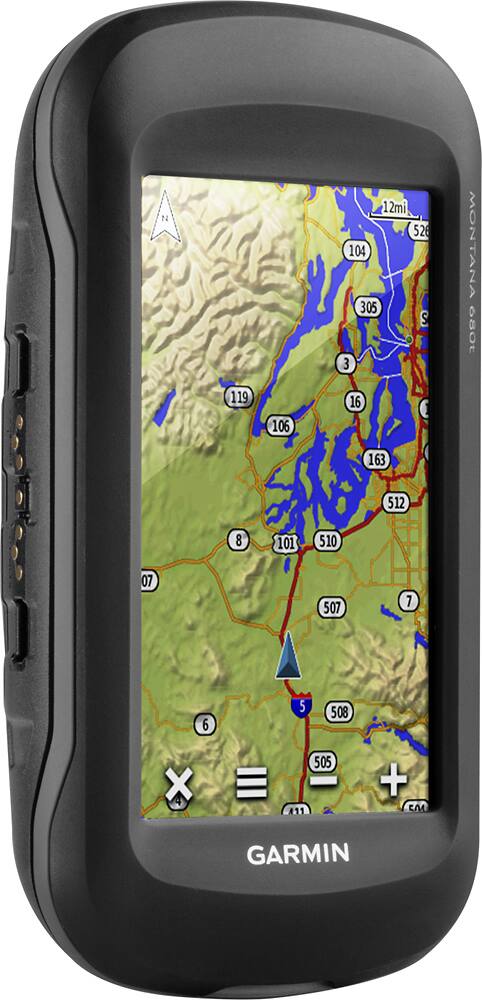
A:AnswerThe Montana 680t comes with topographic maps which will include some road mapping. However if you need detailed road maps with road routing capabilities then you will want to additionally purchase City Navigator NT mapping.
A:AnswerHi,
Unfortunately the City Navigator 2008 map will not work with the Montana 680t. The 2 TOPO maps will work with the device as long as they are on either DVD or preloaded micro SD card.
Thanks
Chris
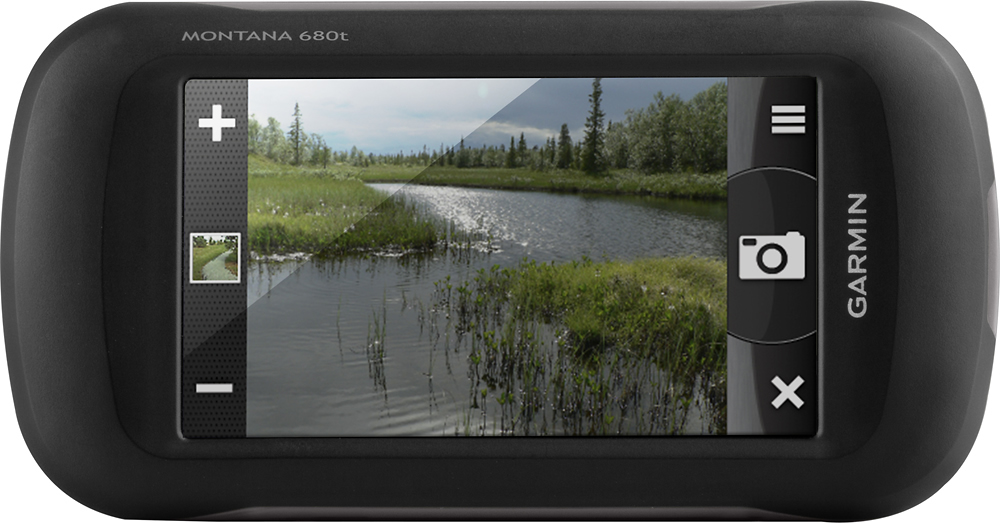
A:AnswerIf a picture that was taken on the Montana 680t is printed, only the image prints. The geographic location that's saved with the photo information is electronic and is meant to be used for you to navigate back to the spot where the picture was taken. Additional notes can not be added to the photos. Thanks! (KS)
A:AnswerWe do sell a Montana 680 that does not come preloaded with Topo maps. The reduced cost will make it more affordable for you to purchase the Topo maps you'd like if the US topo maps won't be of use for you. -JPK