A:AnswerNo, the nüvi 2597LMT deos not feature 3D Terrain or Buildings. 3D Buildings and 3D Terrain map layers are only available on the nüvi 3400, 3500, 3507, and 3508 series devices.
~JH
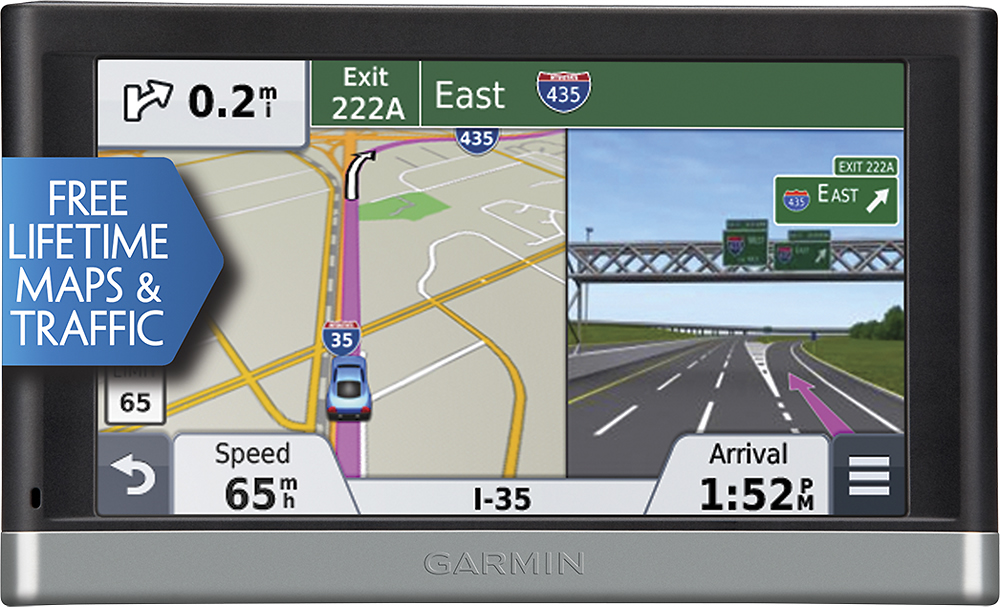
A:AnswerLifetime Map updates are free for the life of the device. Your device will have map updates available a few times a year. These updates can be downloaded from Garmin Express: www.garmin.com/express ~QKO
A:AnswerSorry if your nüvi isn’t giving you spoken directions, if the device isn’t muted it’s possible that the voice files are missing or corrupted. Please click on the link below to fix this problem.
http://support.garmin.com/support/searchSupport/simpleCase.htm?caseId={01058df0-8884-11e5-4cfe-000000000000}&kbName=garmin
If those steps don’t help and you need further assistance please contact our product support team at www.garmin.com/support.
~JH
A:AnswerThe Garmin nüvi 2597LMT receives traffic updates from the traffic provider once it enters the coverage area. As long as the incident has been reported and is being broadcast along with a significant enough delay to your route, then yes it will reroute you. {CW}
A:AnswerThis means the unit comes automatically with a traffic receiver and antenna built into the vehicle power cable, and a Lifetime subscription for Traffic. It is different than map updates in that, other than an occasional software update that may be available for your traffic receiver, there's not actual traffic data that needs to be downloaded, installled or updated. Provided that the device is connected to the vehicle power cable, and you're within a traffic coverage area; the device will automatically receive traffic alerts.
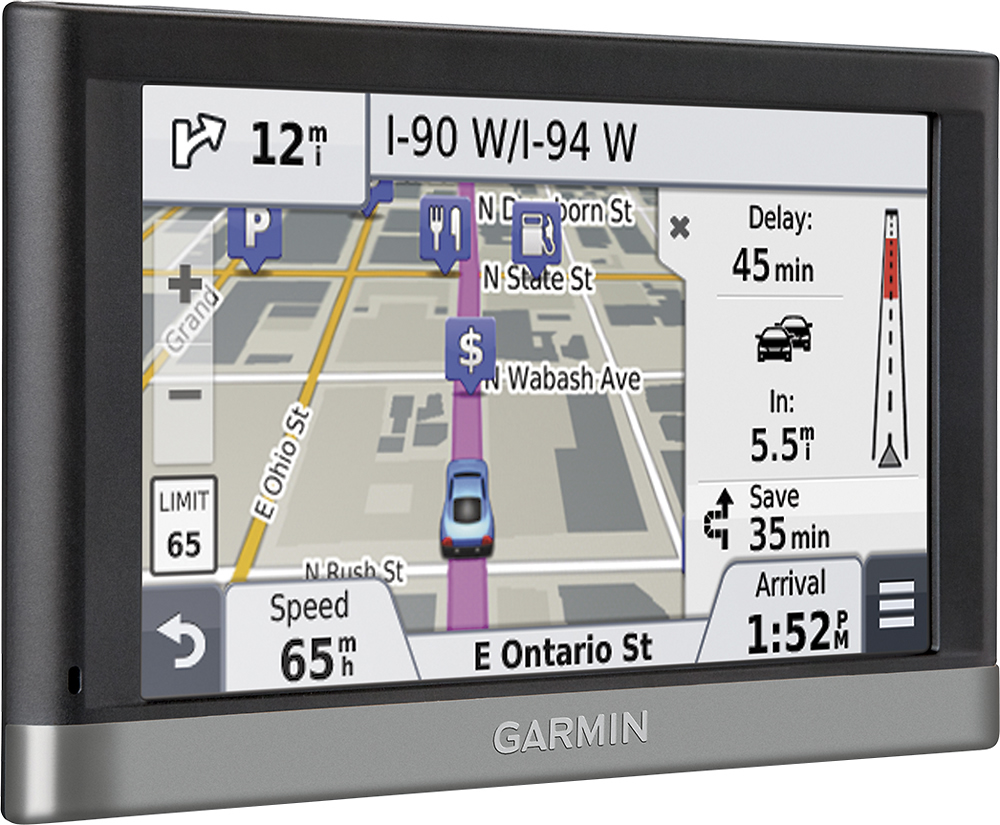
The Garmin Traffic system checks traffic conditions more than 2 billion times a month to help you avoid delays due to accidents, construction or rush-hour congestion. Traffic alerts will appear to the side of your map and messages are spoken as well. Garmin Traffic can give details about the situation, such as how many minutes of delay to expect and if there are any possible detours. It can even confirm whether or not you are on the fastest route. Lifetime traffic entitles your nüvi 2597LMT to receive free traffic information for its entire useful life at no additional cost.
Thank you. *CG
A:AnswerThe Garmin nüvi 2597LMT does come with a Garmin vehicle power cable that would be inserted into the vehicle's power port, not USB port, to provide power to the device. {CW}
A:AnswerThe Garmin nüvi 2597LMT does not provide any compass needle while using it to navigate to a destination. However you can customize a data field on the map screen to indicate to you which direction you are traveling (ie: N, S, E, W, NW, etc.). {CW}
A:AnswerThe 2597LMT will probably be the answer for your question. I have used mine to travel to Arkansas from Florida and up the east coast to Pennsylvania and it has performed as advertised, giving me all traffic warnings and school zones needing NO smartphone connectivity (it does have it) or bluetooth tech (it also has it)!
However to update the device, get the latest maps and power up before using you will need to have an internet connection.
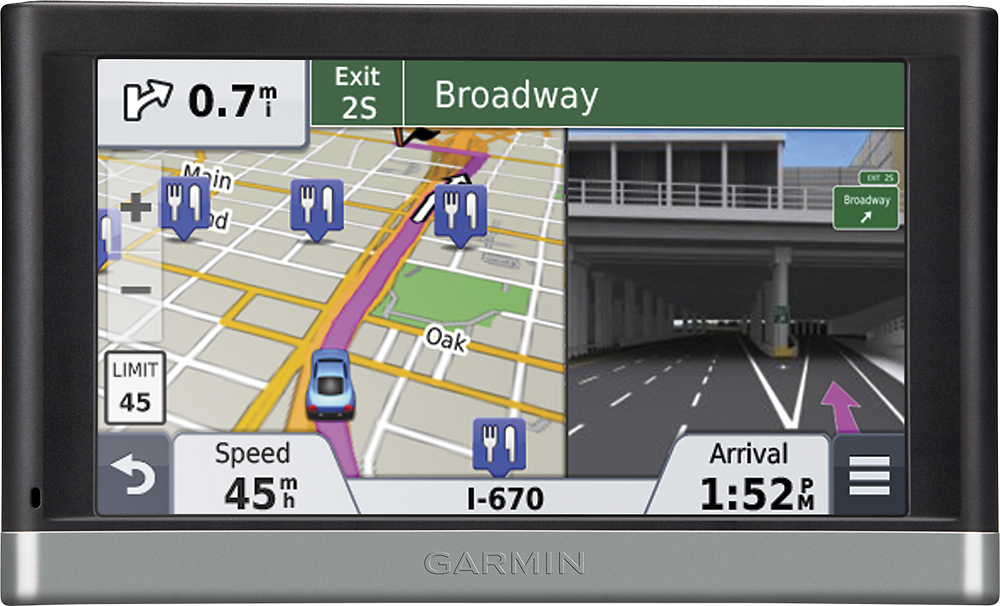
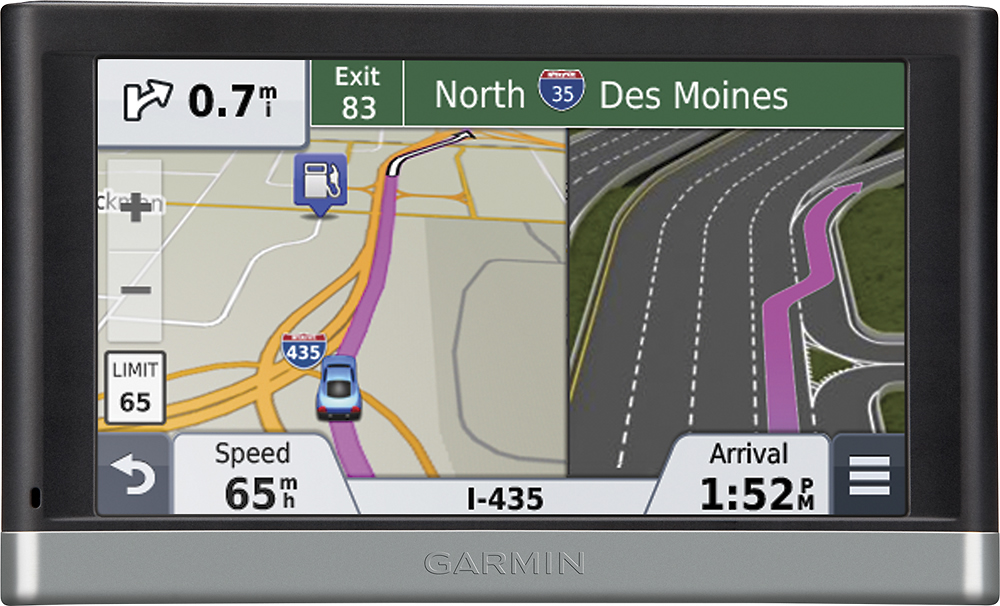
A:AnswerThe nüvi 2597LMT does have features such as Garmin Real Directions, Active Lane Guidance with photos for assistance. Additional features such as HD Digital Traffic is available with such devices such as the nüvi 3597LMTHD found within the 2015 Prestige line. HD Digital traffic provides more detailed traffic alerts, this link will go into detail regarding three different traffic services available http://support.garmin.com/support/searchSupport/simpleCase.htm?caseId={a4755850-cd01-11e0-cf56-000000000000}&kbName=garmin
If you have a compatible smartphone, you can pair your nüvi to your phone for additional features such as the ability to store your parking spot on your phone allowing you to walk from your vehicle's location to your destination and back again. This feature is available with Smartphone Link, which allows you to connect a compatible nüvi and compatible smartphone. More information on Smartphone Link is available here http://support.garmin.com/support/searchSupport/simpleCase.htm?caseId={e63d0370-e830-11e4-c814-000000000000}&kbName=garmin
If you would like to take advantage of our free customer support we can answer additional question, please contact our Customer Service team at http://www.garmin.com/support
<MC>
A:AnswerThe nüvi 2597LMT can be charged from an AC adapter. However Garmin only recommends the use of Garmin wall chargers to properly charge nüvi devices. {CW}
A:AnswerDepending on the route preference (faster time or shorter distance) and avoidance settings on the unit, it will route you the best way it knows how.
With Shorter Distance: The device creates a route that is a shorter driving distance between two points
With Faster Time: The device uses information including posted speed limits, road types, and driving distance to create a route that is faster even if it may be a longer distance
You can try changing the route preference and avoidances, to see if this changes how the unit routes you. Should you prefer taking another route, the device will likely recalculate the route for you as you drive.
The nuvi 2597LMT also has a custom avoidance feature, which allows you to avoid specific lengths of road or areas (such as New York City). For more information on how to use this feature, please see the following link: http://bit.ly/19wytiU.
If you're needing further assistance, please contact Garmin support directly at http://j.mp/GRMNSupport. Thank you. *CG