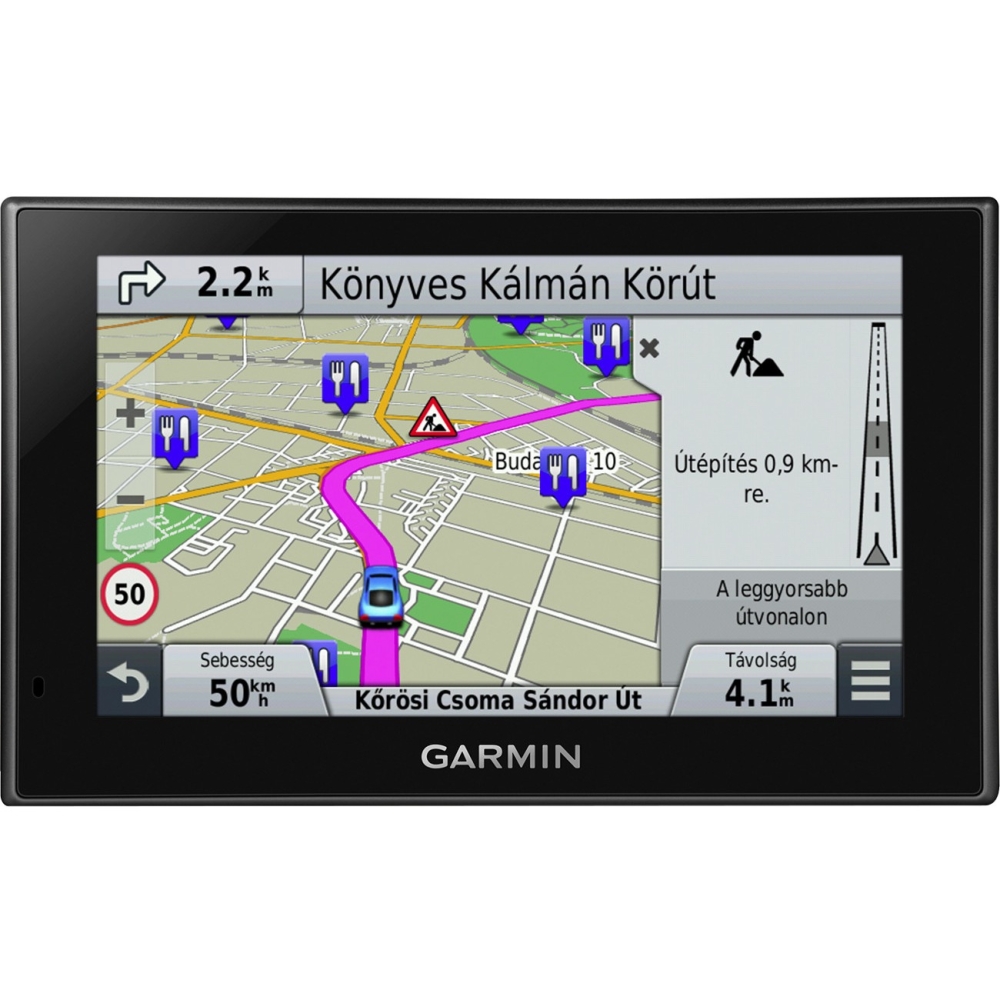
A:AnswerYes, the nüvi 2689LMT provides an audible speed alert. You can learn more about this feature by reading this FAQ: http://bit.ly/1KnY1j9. Thanks! (KS)
A:AnswerYes, the nüvi 2689 can display the current direction you are heading. While in navigation mode you can press on the data field that appears in the bottom right corner of the screen. You can change this option to view various trip data including the direction of travel. You can also view your Trip Information page by pressing on the speed on the bottom left corner. The Trip Information page will include the direction of travel as well.
If you have further questions please contact our Customer Care in the following link:
www.garmin.com/support
~JH
A:AnswerThe nüvi 2689LMT is not designed to connect with Bluetooth headphones. Bluetooth is used to connect a compatible smartphone for use with the Smartphone Link app (such as adding Foursquare POIs) or hands-free calling. -LB
A:AnswerThe nüvi 2689LMT does not support truck profiles, which would take into account truck height, weight, hazmat restrictions, etc. like the Garmin dēzl series. It can be used in a large truck, however does not take that into consideration.
^DK