A:AnswerIf the phone meets our Bluetooth requirements it will work. Please see below.
https://support.garmin.com/en-GB/?faq=pvL8aWsaLU2iKyvF8VrpP9
Debbie with Garmin
A:AnswerThe person wearing the watch must have a phone on them and start the Livetrack function. For more information, please go to support.garmin.com where you'll find many helpful FAQ's on that feature. You can also reach out directly to a product support specialist if you have further question on the feature directly from that link.
Debbie with Garmin
A:AnswerAs long as the phone meets our Bluetooth requirements it should pair/sync. Please see the link below.
https://support.garmin.com/en-GB/?faq=pvL8aWsaLU2iKyvF8VrpP9
Debbie with Garmin
A:AnswerSmartwatch mode: Up to 7 days
GPS mode: Up to 13 hours
Please keep in mind notifications will deplete the battery so depending on how your notifications are set up as to how many you receive it can deplete the battery sooner.
Debbie with Garmin
A:AnswerSorry to hear about the issue that you are having with the device, I would encourage you to go to our support site and check the software on the device, also from there you can contact our staff for further assistance.
vivoactive 3 Software:
https://support.garmin.com/en-US/?productID=571520&tab=software
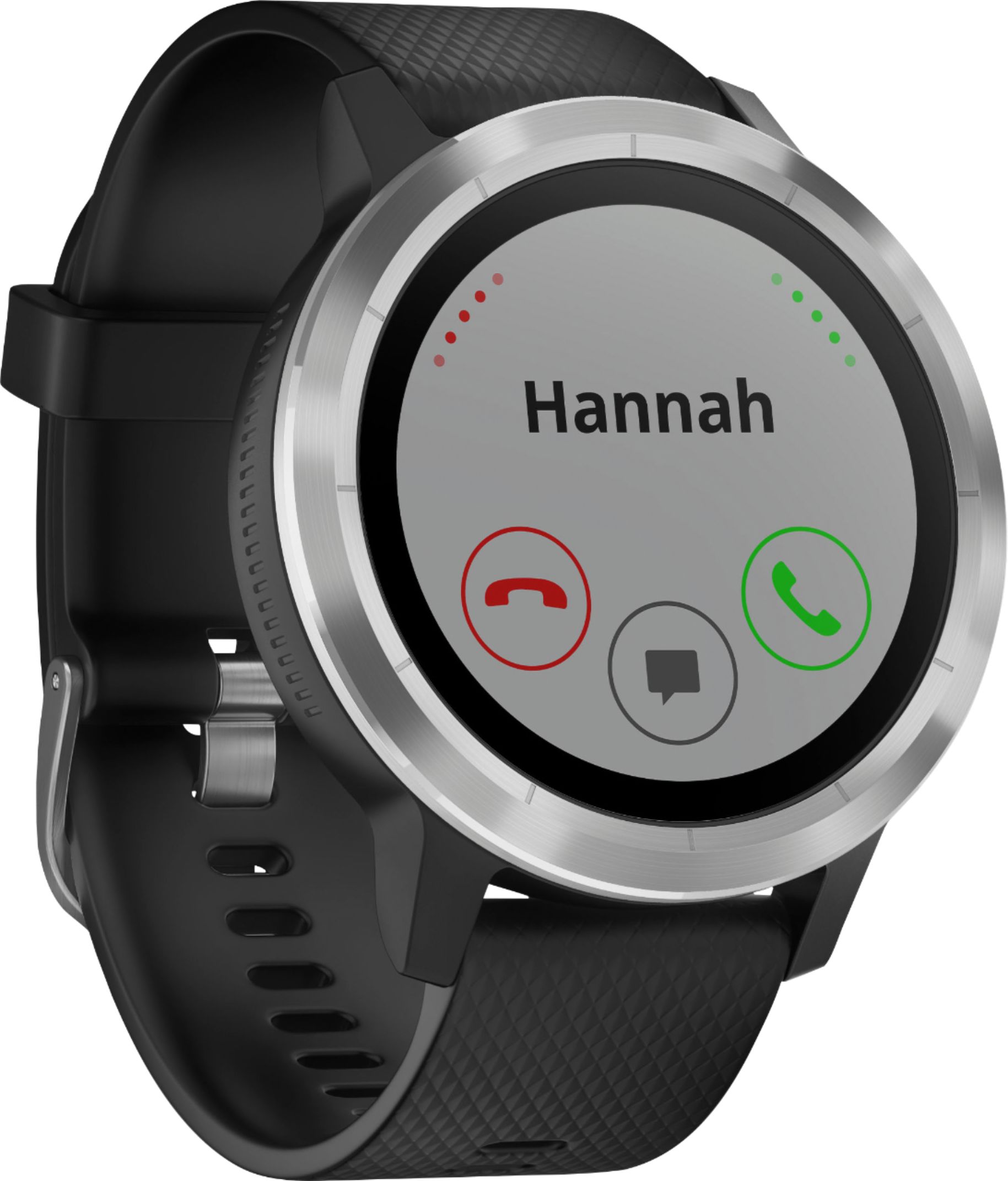
A:AnswerThe vivoactive 3 does not offer the music option. You would need to vivoactive 3 Music in order to download music to the watch itself. Both device you can 'Accept' or 'Decline' the call on. If you 'Accept' the call you will need to have your phone nearby in order to speak to the caller.
Debbie with Garmin
A:AnswerYes, it should work. Please see the link below.
https://internalsupport.garmin.com/en-US/?faq=pvL8aWsaLU2iKyvF8VrpP9&searchQuery=Bluetooth%20requirements%20for%20fitness%20devices
Debbie with Garmin