A:AnswerSome third party chargers may not offer protection from power surges. Please be sure it is a name brand charger.
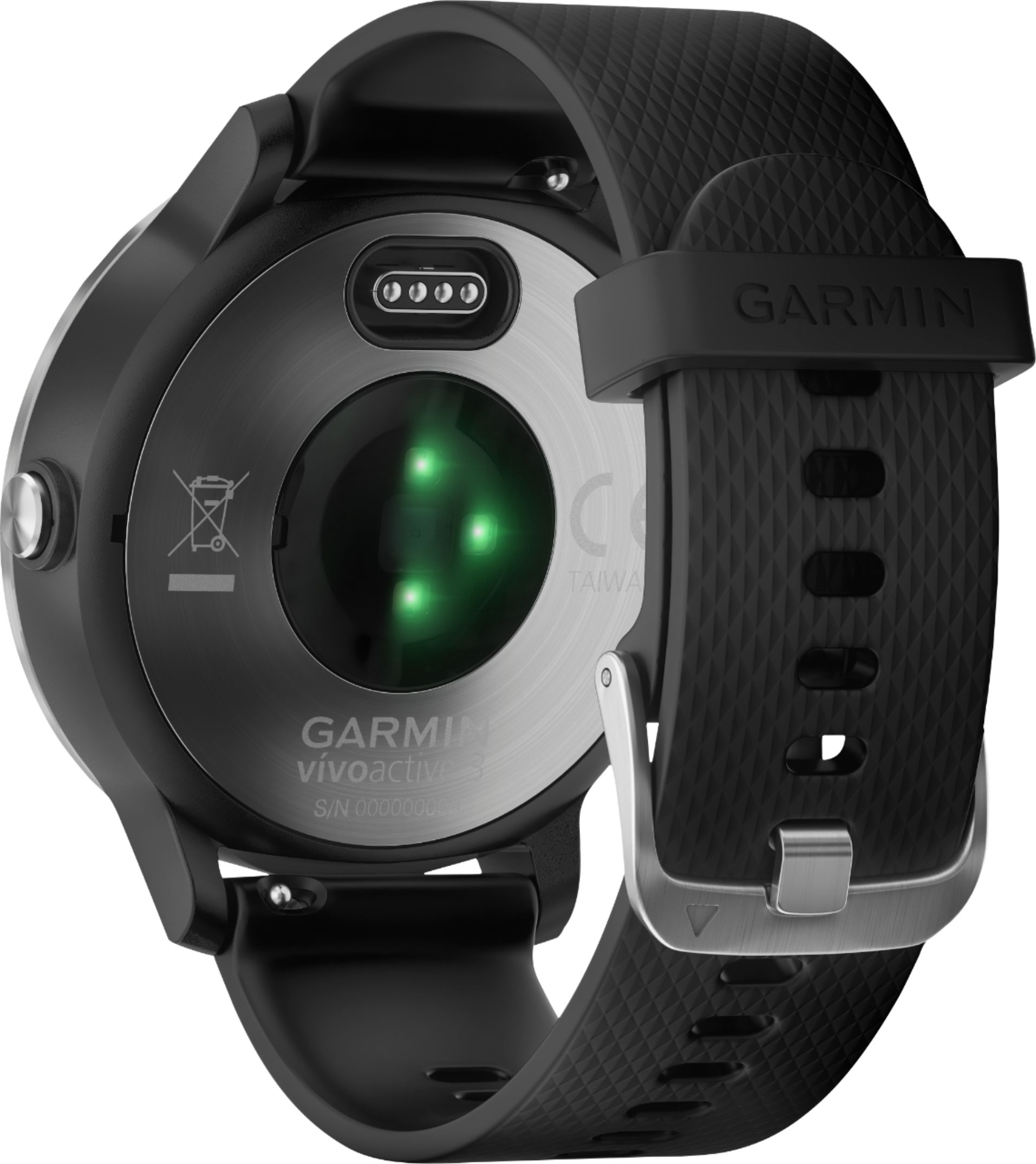
Connect the charger securely to the device to charge it using the USB cable (Charging the Device).
You can charge the device by plugging the USB cable into a Garmin® approved AC adapter with a standard wall outlet or a USB port on your computer. Charging a fully depleted battery takes up to two hours.
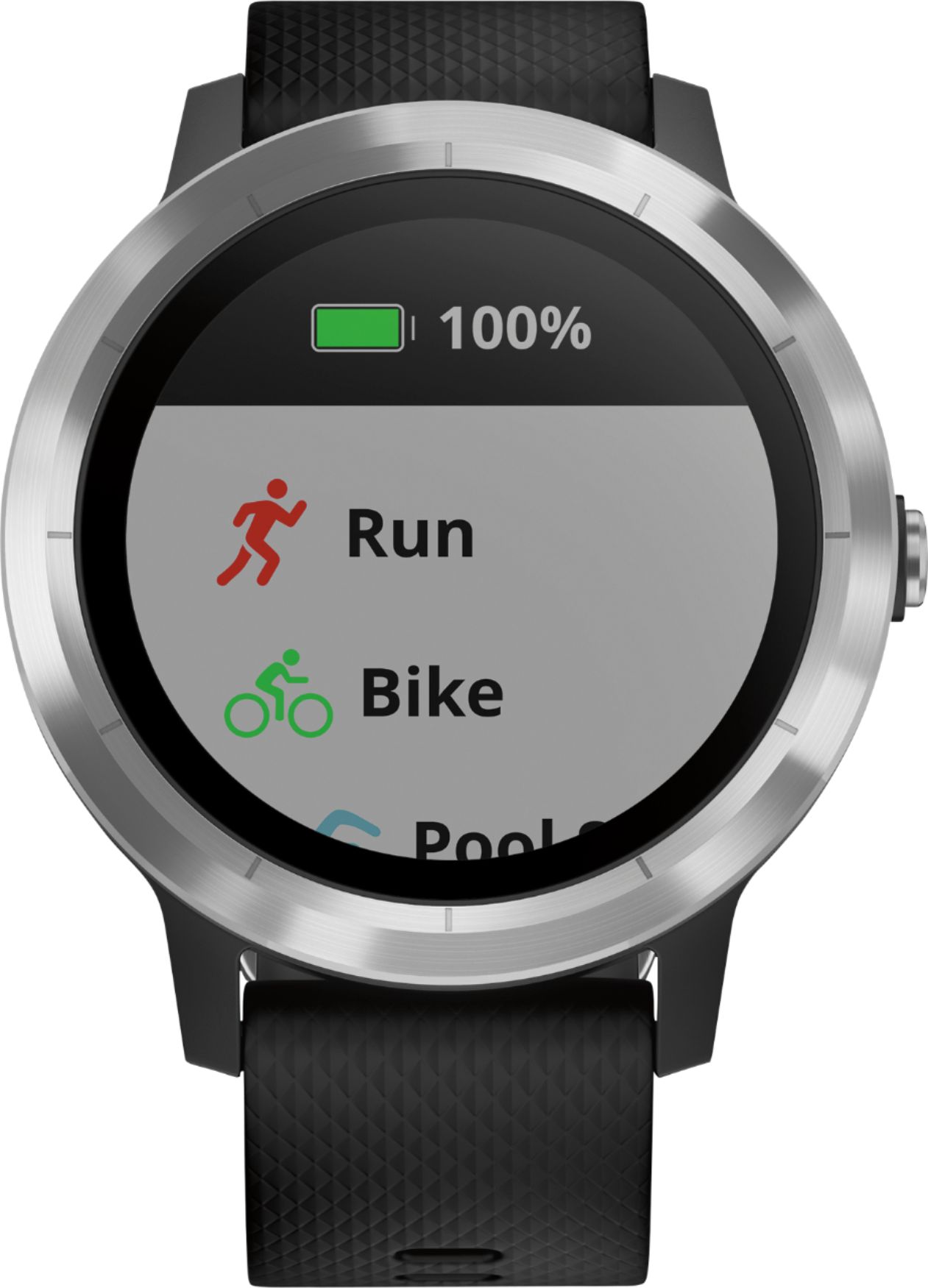
Remove the charger from the device after the battery charge level reaches 100%.
Debbie with Garmin
A:AnswerIf you're experiencing an skin irritation with your band, please go to support.garmin.com and reach out to a product support specialist so we can assist you with this issue.
Debbie with Garmin
A:AnswerAs long as the phone meets our Bluetooth requirements it should pair. Please go to support.garmin.com where you'll find many helpful FAQ's on the functions of the device as well as Bluetooth compatibility.
Debbie with Garmin
A:AnswerAs long as the phone meets our Bluetooth requirements it will work. Please go to support.garmin.com where you'll find helpful Bluetooth requirements FAQ's.
Debbie with Garmin
A:AnswerAs long as your Iphone meets our Bluetooth requirements it will work. For more information please go to support.garmin.com where you'll find helpful FAQ's on Bluetooth requirements.
Debbie with Garmin
A:AnswerAs long as the phone meets our Bluetooth requirements it should pair. Please go to support.garmin.com where you'll find helpful FAQ's on Bluetooth requirements.
Debbie with Garmin
A:AnswerAll data from the watch will upload to Garmin Connect. You'll need to check the Runkeeper app to see if it will pair with Garmin Connect to pull the data from Connect and upload to Runkeeper.
Debbie with Garmin
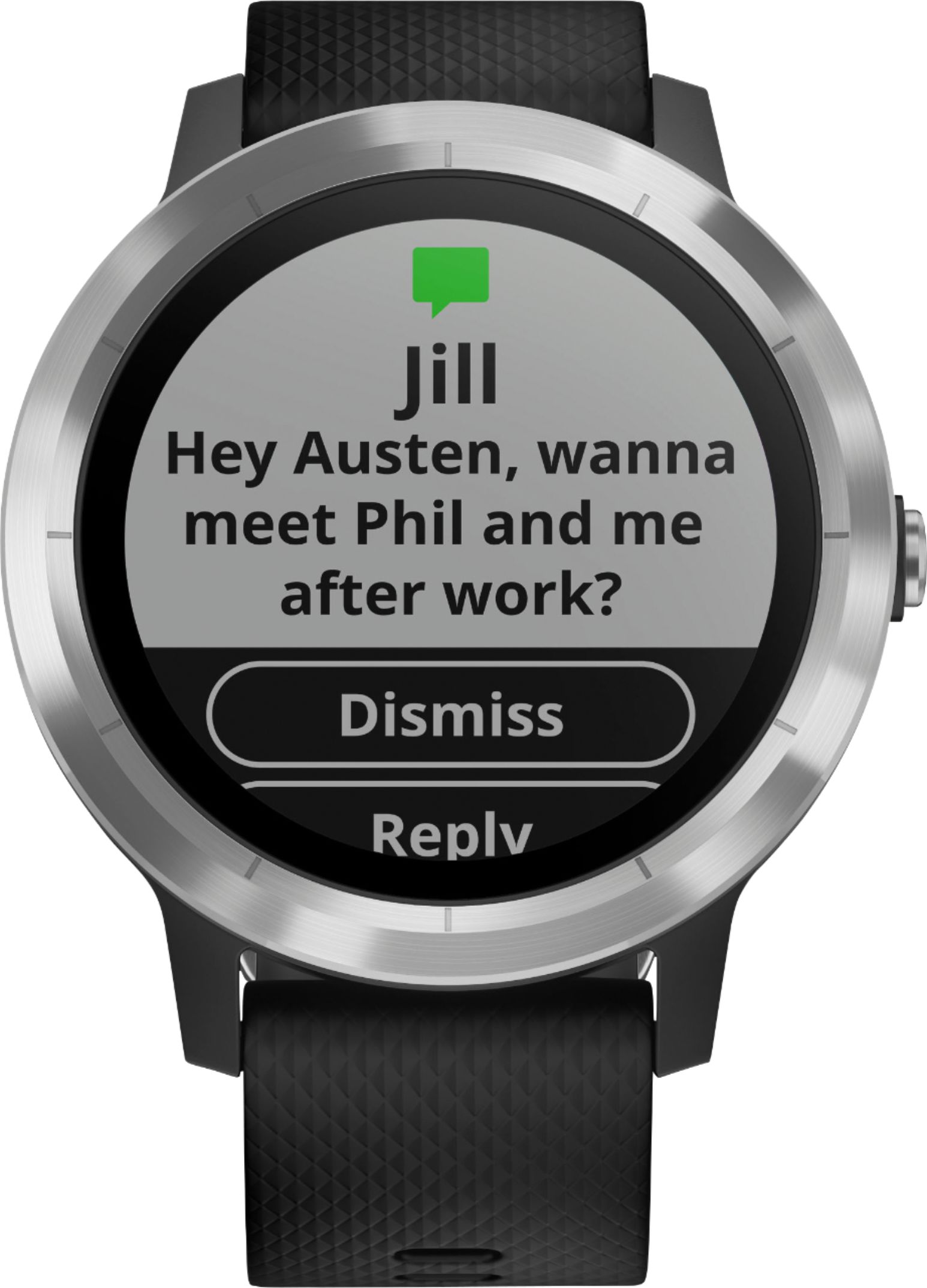
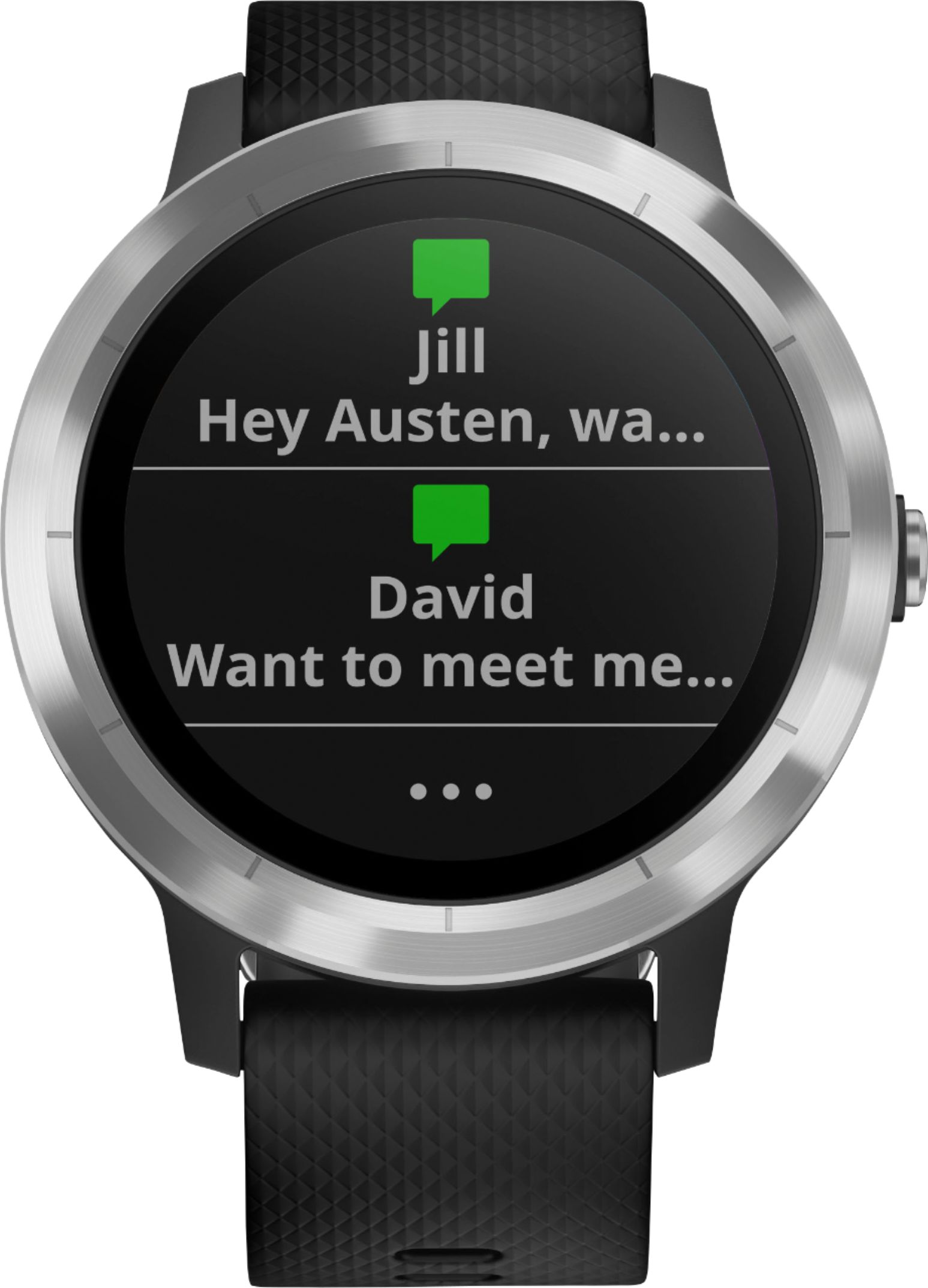
A:AnswerIf your phone meets our Bluetooth requirements it should work. Please go to support.garmin.com where you'll find helpful FAQ's on the requirements. As well, you may receive text, accept a call but you must have your smart phone available to speak to the caller.
Debbie with Garmin
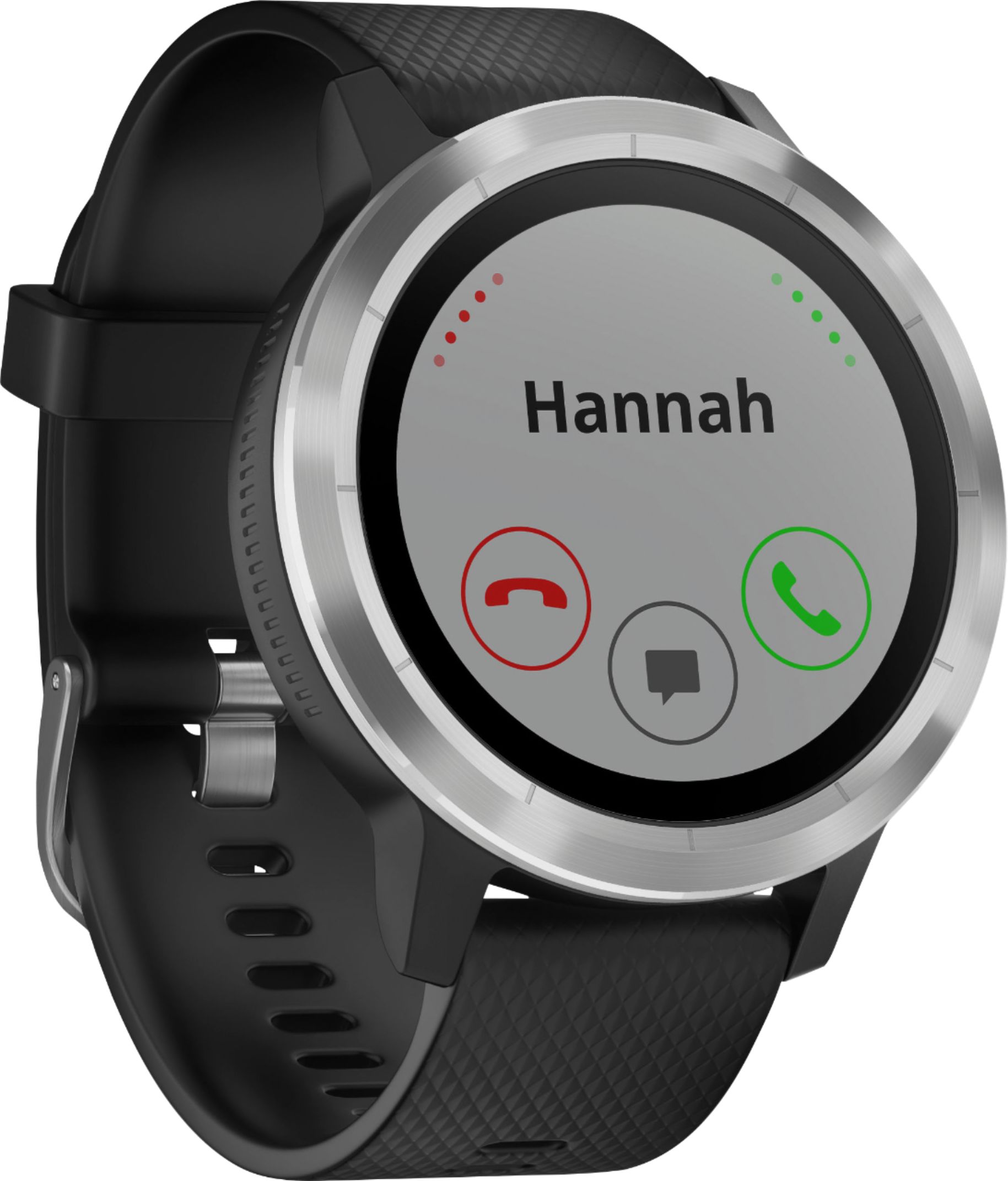
A:AnswerThe watch will let you know you have an incoming call but you cannot speak through the watch to the caller. You must pick up the phone to speak to the caller.
Debbie with Garmin
A:AnswerI would say it depends on your expectations, but I find it very informative. It occasionally will give screwy results, like thinking I was asleep as I watched TV before bed. But I find those to be rare occasions, and I've had the watch almost two years now.
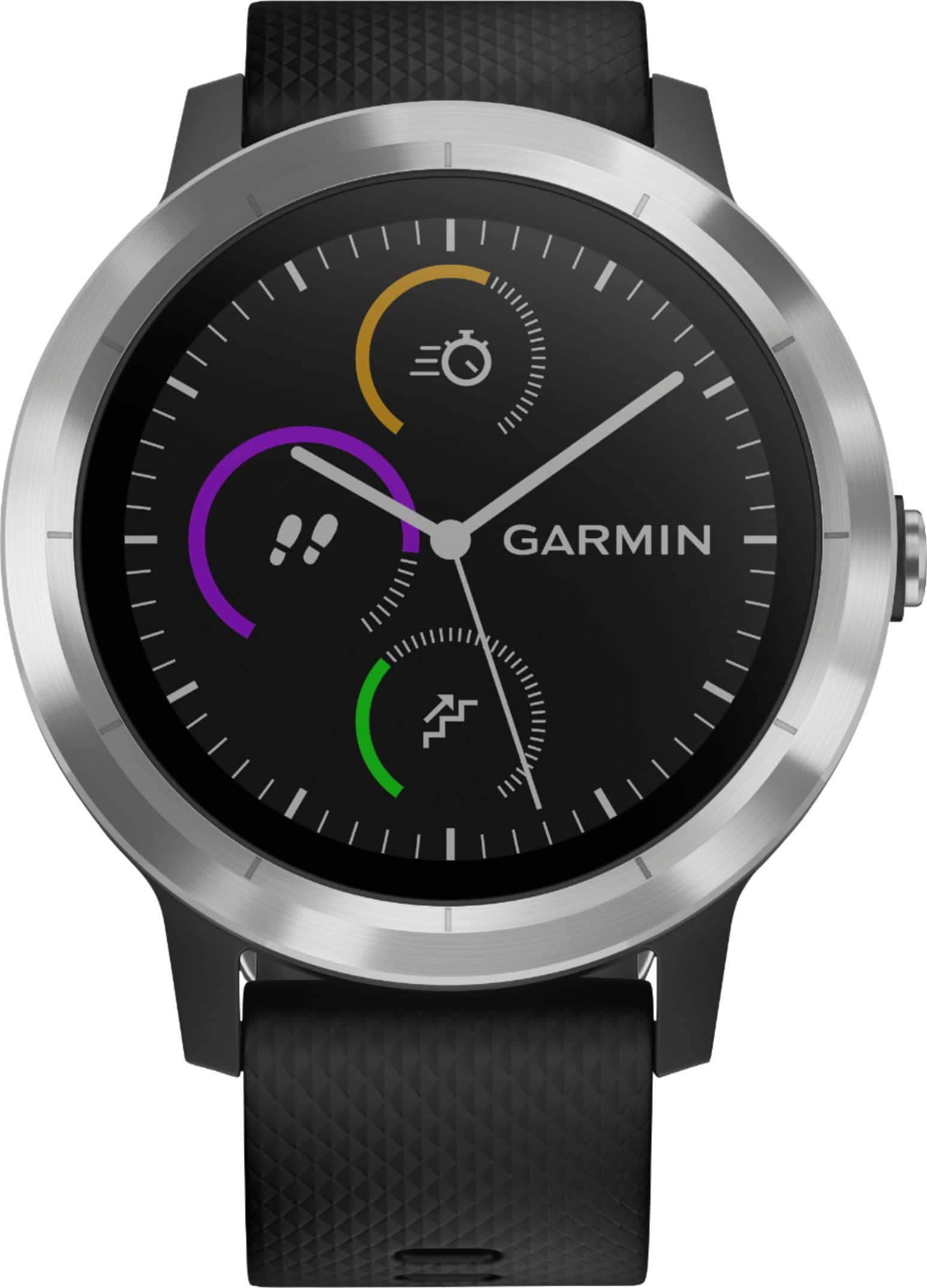
A:AnswerYou can download all types of timers as widgets and use them on your watch. I personally use the Timer Widget that will allow me to set the amount of time for the timer which is good for Soccer because I can set the timer for the halves.
A:AnswerKinda...when you read the email and reply to the email it will actually bring it up on your Bluetooth device (Android or iOS) for you to reply because I don't see a logical way to fit a virtual keyboard onto the small screen face especially when it is rounded. Now if it had a built in projector that would project a virtual keyboard onto your arm that you would actually type on that would be cool, but that would likely also increase the cost of the device to $600+.
A:AnswerNo, the GPS is not used to track a person. If a phone is paired to the watch the user can send a LiveTrack Link for you to see where they are at. This would require that they have phone reception and the phone is with them.
How to Use the Livetrack Feature in the Garmin Connect App:
https://support.garmin.com/en-US/?faq=HbqxxbiBGA3mDhlLX4GUw8&productID=571520&searchQuery=Livetrack&tab=topics
Antonio with Garmin/Fitness Department
A:AnswerNo, you can't enter data on the device such as foods consumed. You an link MyFitnessPal with Garmin connect if you want to see calorie data in your Connect account.
Debbie with Garmin