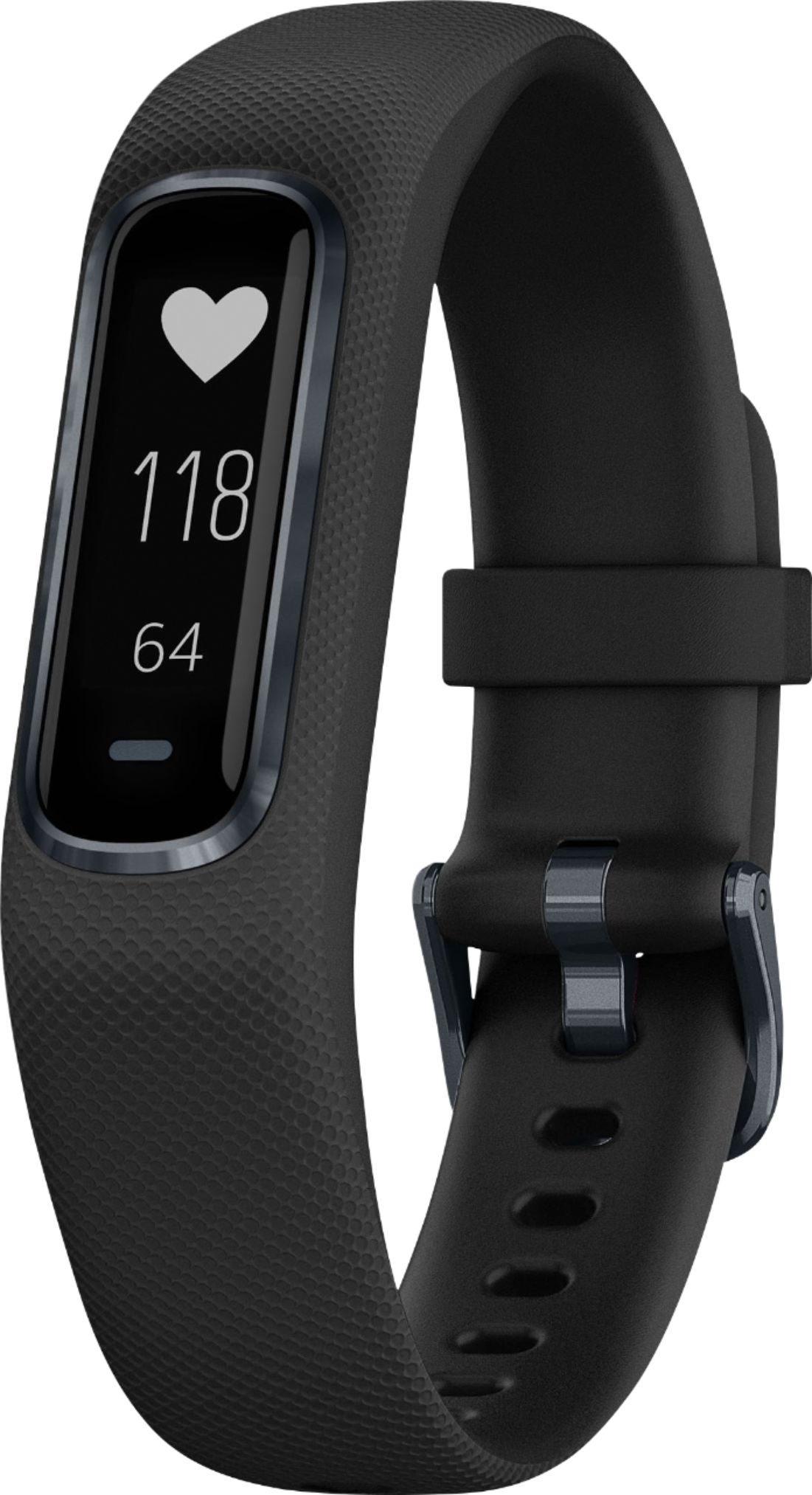
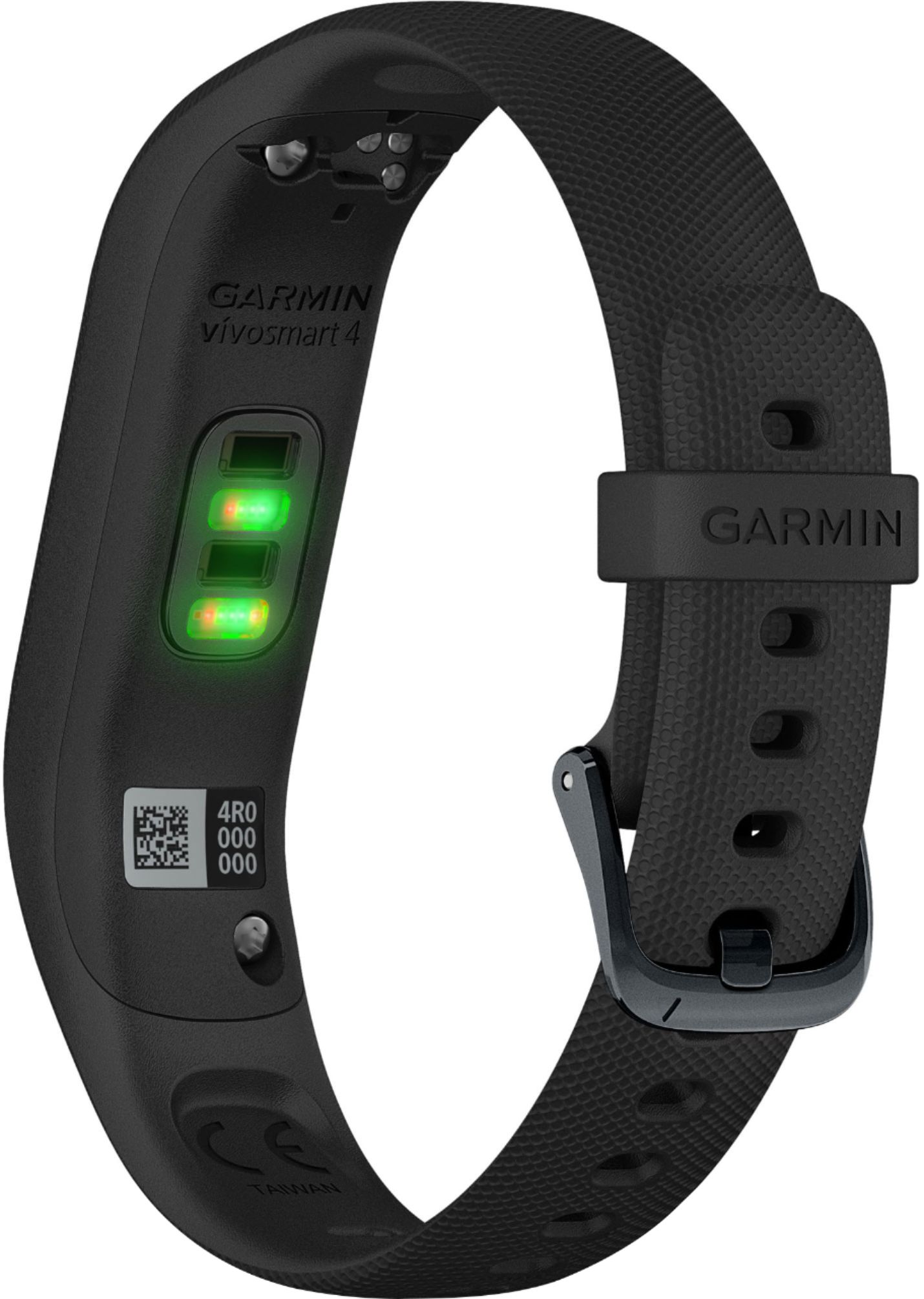
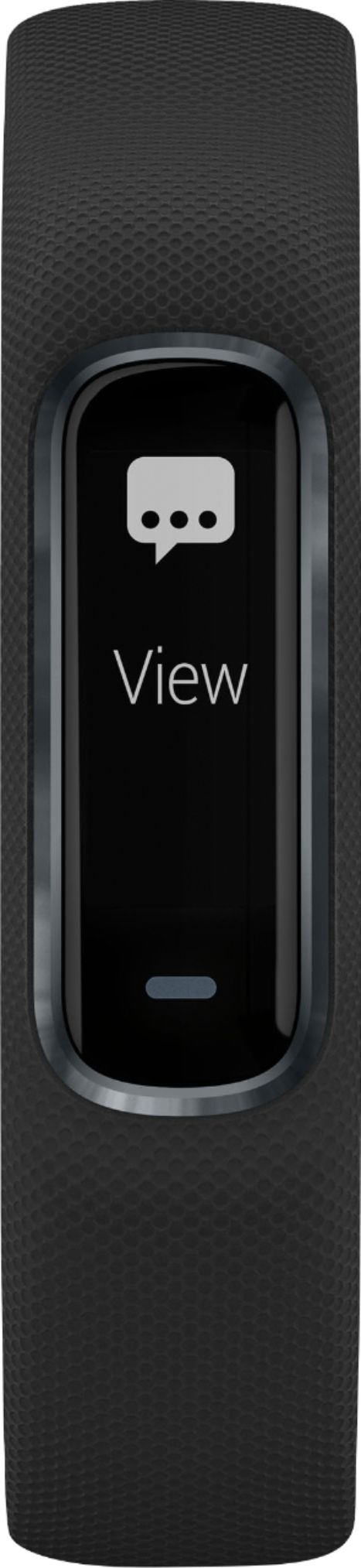
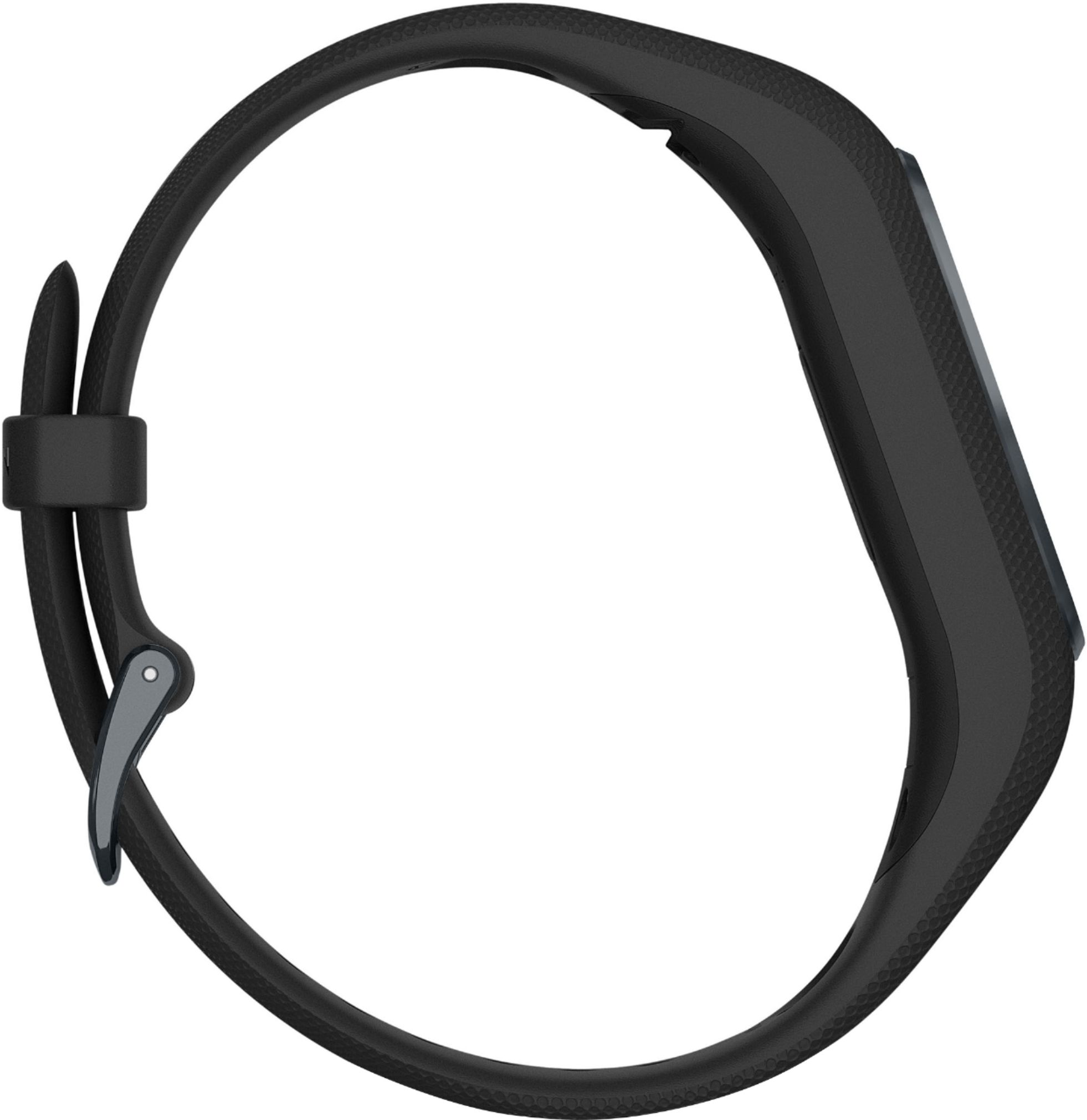
A:AnswerIf you are going to use the GPS function of the device then yes, the phone will need to be with you. If you are not using GPS then you do not need your phone.
Debbie with Garmin
A:AnswerI had the same problem with the HR. Decided to upgrade to the 4 because of the abnormal heart rate alert. Only alerts you while you are "resting" though. Not as cool as I thought it would be. I mainly use it to track my heart rate because of a health condition though.
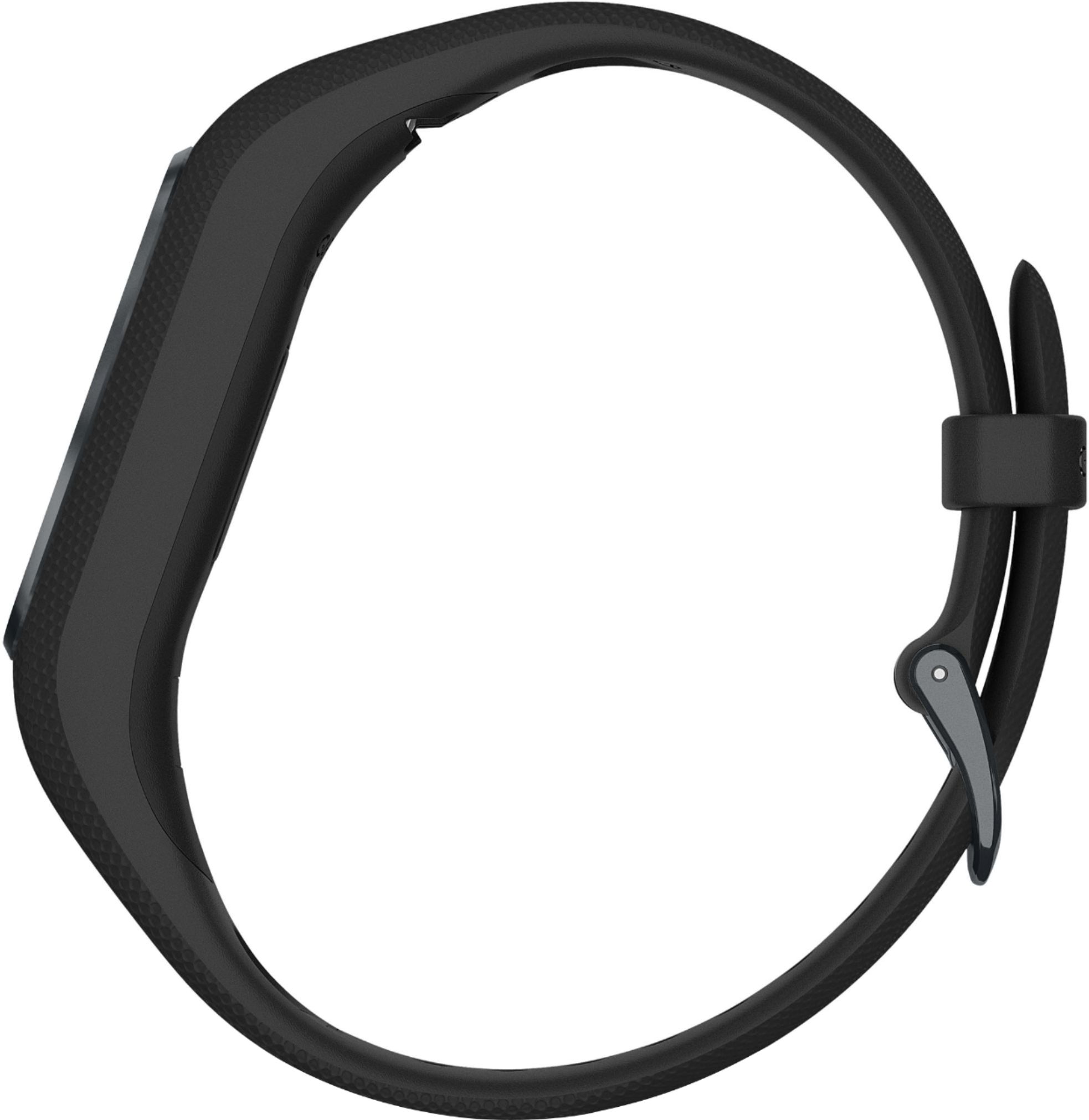
As a warning it is a really small band. It barely fits my wrist and I had a regular HR. You may want to measure your wrist first. I tried my husband's large 4 and it was way too large. But after a little while I got used to the shorter band.
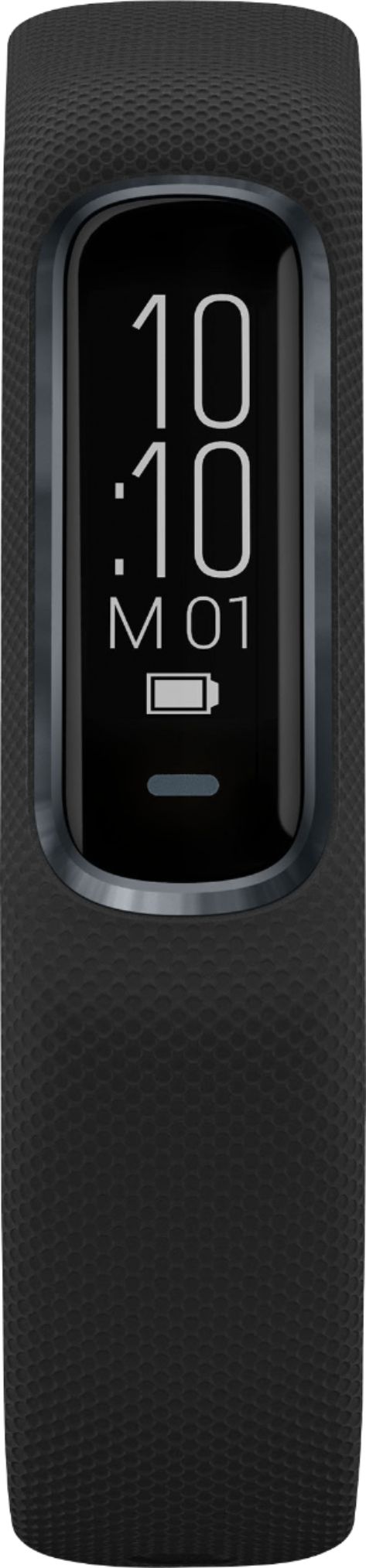
I would say the screen is about half the width of the HR, and you can't turn the display vertical. At least as far as I can figure out. But again I have gotten used to it. The night time O2 sensor is a neat feature.
It is a much lower profile than the HR. It doesn't leave that big indent in my skin when I take the 4 off to charge.
Sorry I don't know much about the 3. I skipped over it for the 4. Everything else about it is just like the HR. Just make sure you give yourself some time to adjust to the smaller band and smaller screen.
A:AnswerThe device will not sync with a Chromebook as it does not have the ability to download Garmin Express, the needed software to sync. To check the Bluetooth requirements for your phone, please see the link below.
https://support.garmin.com/en-GB/?faq=pvL8aWsaLU2iKyvF8VrpP9
Debbie with Garmin
A:AnswerThe language settings come from the phone the device is paired to. Please follow the steps below.
My device is in the wrong language
You can change the device language selection if you have accidently selected the wrong language on the device.
On your smartphone, open the Garmin Connect™ Mobile app, select Menu symbol or Menu symbol, and select Garmin Devices.
Select your device.
Select General > Language.
Select your language.
Sync your device.
Debbie with Garmin
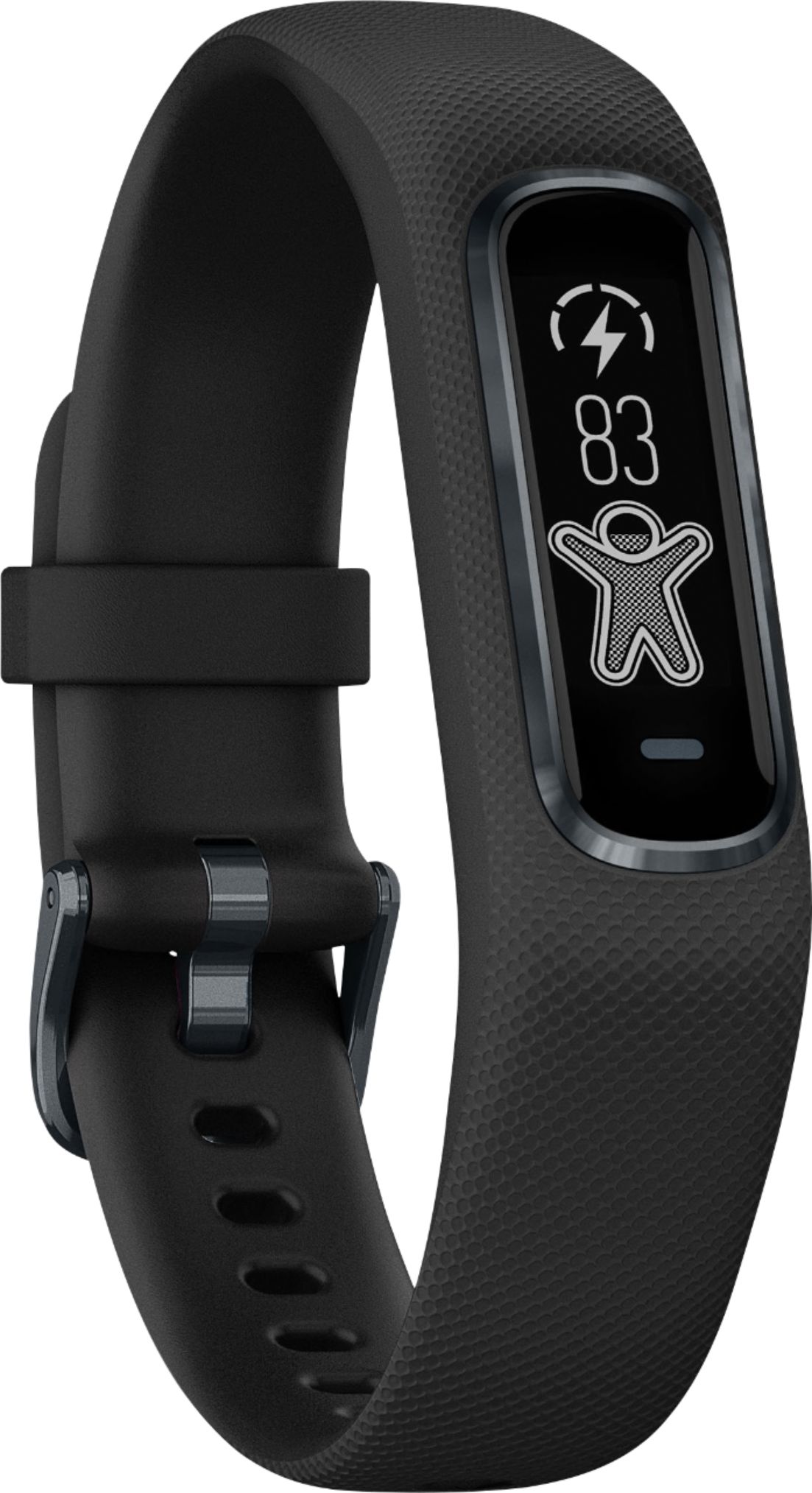
A:AnswerThe device does not measure body temperature. The current temperature and weather will only show on the device if paired to a compatible smart phone.
Debbie with Garmin
A:AnswerYes, this will read Pulse Ox. Please to to support.garmin.com where you'll find helpful FAQ's on Pulse Ox and how it will work with this device. The device does not read blood pressure.
Debbie with Garmin

A:AnswerNo, bands are not separate from the module. If you're experiencing an issue with your band, please go to support.garmin.com where you can reach out directly to a product support specialist for assistance with your band.
Debbie with Garmin

A:AnswerPlease go to support.garmin.com where you'll find FAQ's and video's on the features of this device. If you have further questions you may go to support.garmin.com where you can reach out directly to a product support specialist for assistance.
Debbie with Garmin