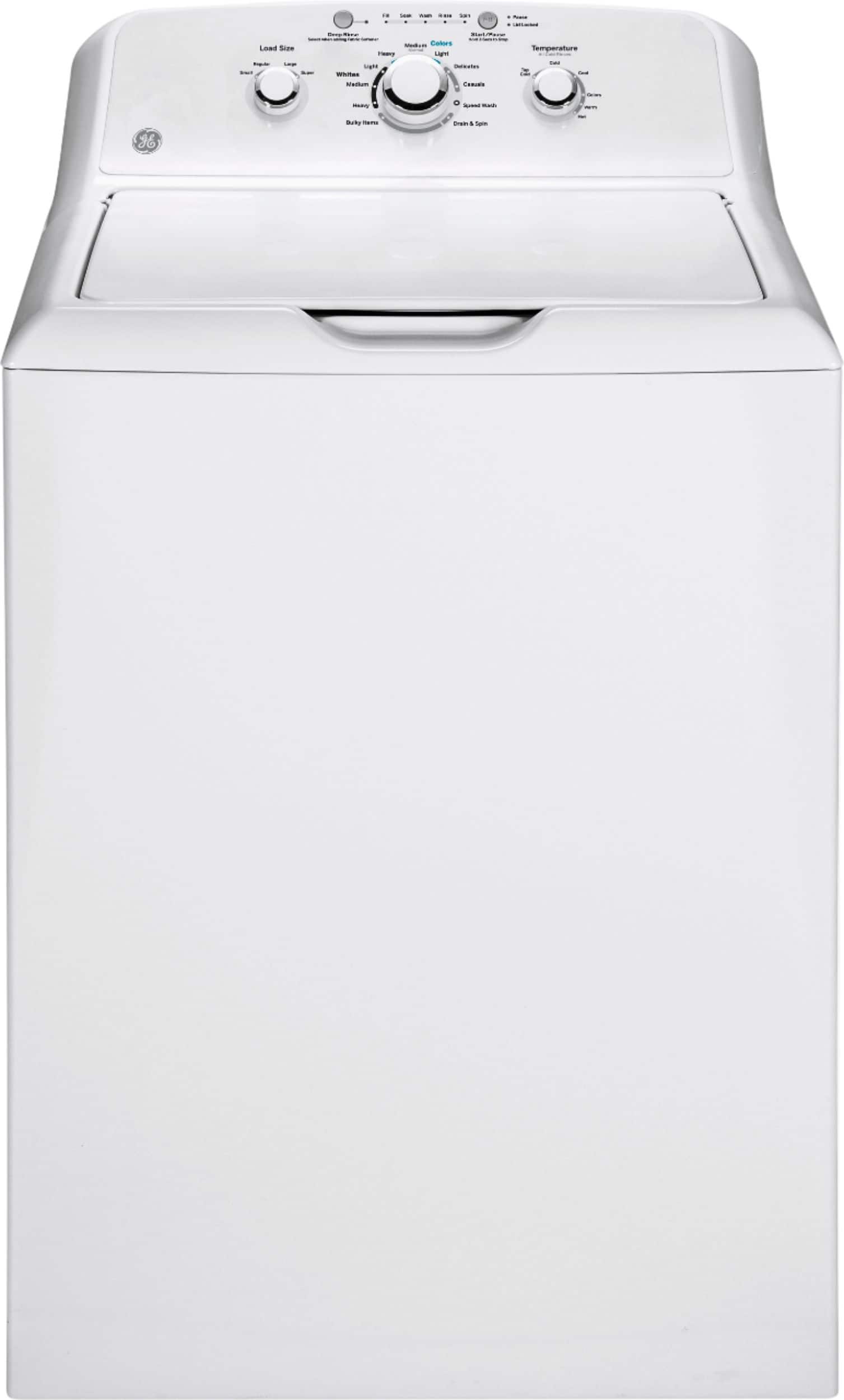
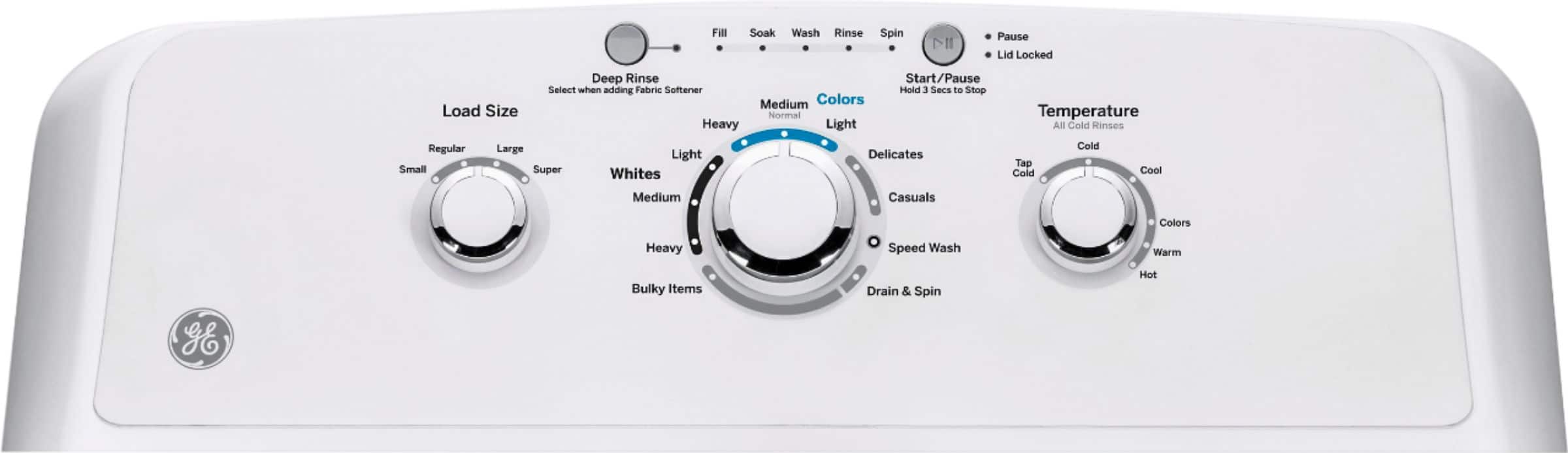
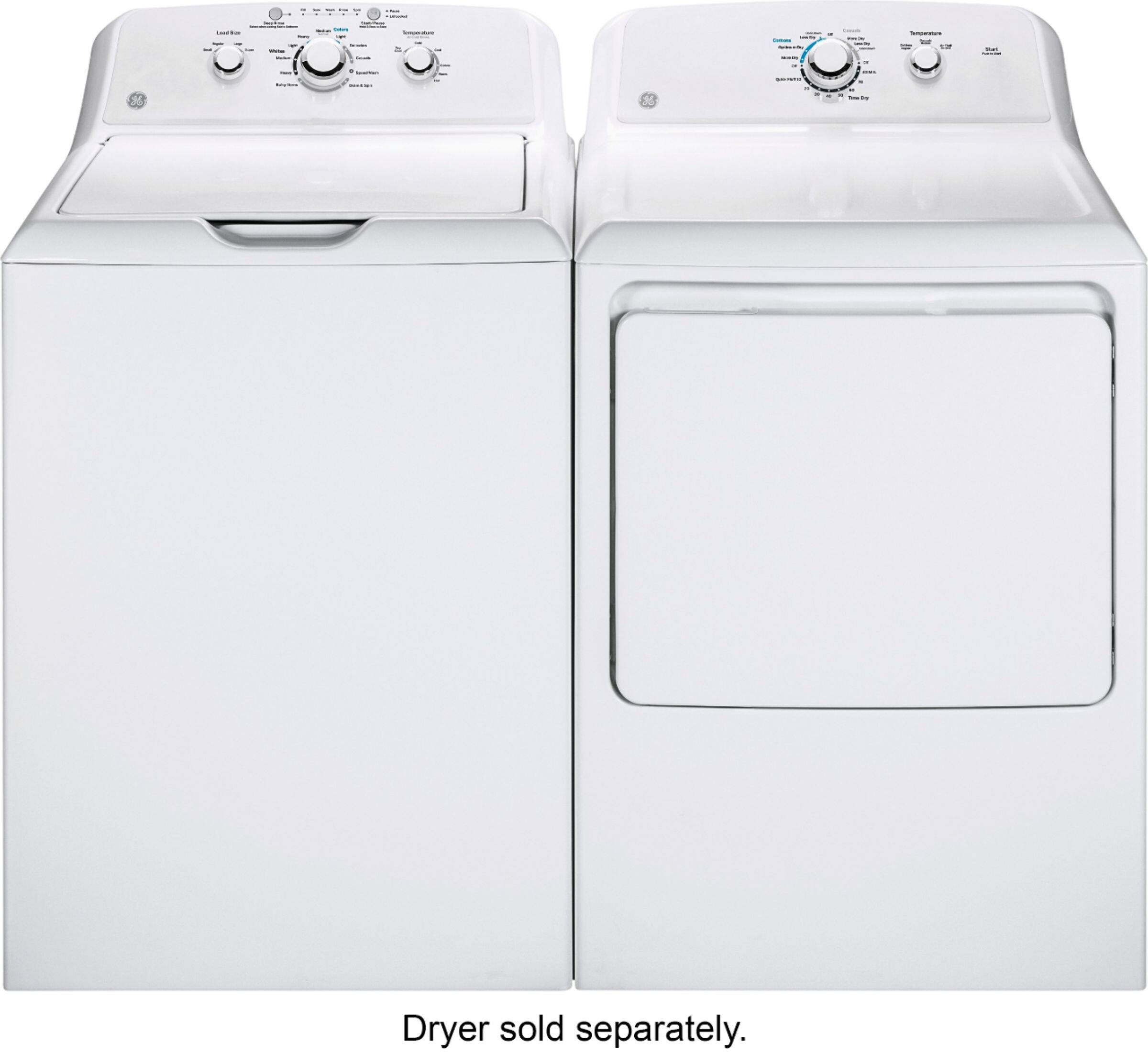
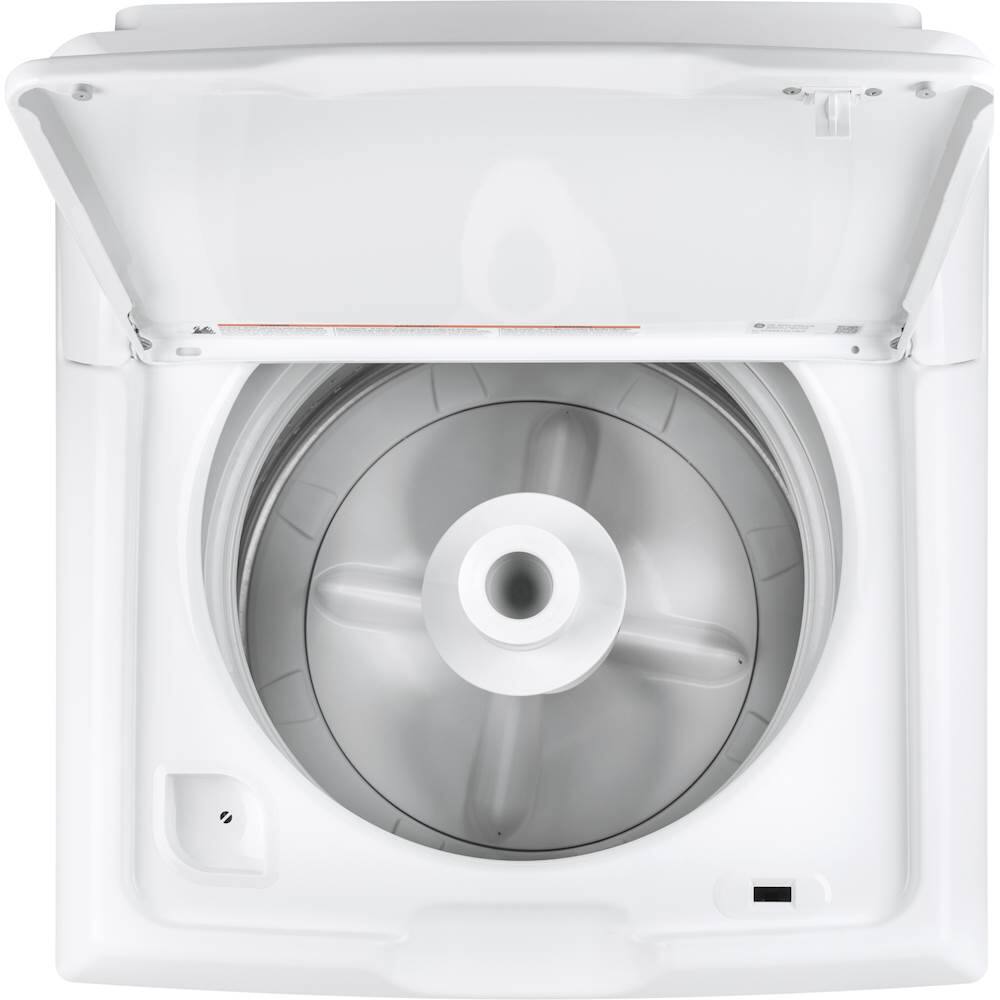
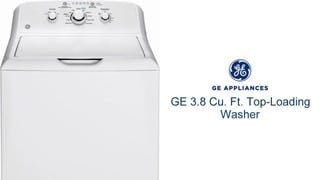
A:AnswerHi Morina - Thanks for viewing GE! We can provide the average water usage which is 24.7 gallons. It features Precise Fill with the option of 4 water level selections. Select your preferred load size for the desired water level or let the machine automatically sense the load and add the amount of water needed to ensure great cleaning results. Also, we do not recommend the use of liquid plumber in the washer. To clean the basket view TOP LOAD WASHER - CLEANING THE WASH BASKET: https://products.geappliances.com/appliance/gea-support-search-content?contentId=35915 - Keep in touch! Sue
A:AnswerHi Tammy - Thanks for reaching out to us regarding your washer. We are sorry to hear you are experiencing difficulty. The electronics may need to be
reset. Unplug washer, wait 2 minutes, plug back in and press Start. If an out-of-balance condition is detected by the washer, the Spin light will blink during the remaining portion of the cycle and will stay illuminated for a short time after cycle completion. When this occurs, the washer is taking actions to correct the out-of-balance condition and complete the cycle normally. In some cases, the washer may not be able to balance the load and spin up to full speed. If this is the case, pause the cycle, redistribute the load and press Start. Clicks, water flowing, gear sounds followed by pauses, and electric hum sounds are all part of the normal wash cycle. We also suggest to view the following links for tips- TOP LOAD WASHER WILL NOT DRAIN: https://products.geappliances.com/appliance/gea-support-search-content?contentId=23080 - TOP LOAD WASHER DOES NOT SPIN: https://products.geappliances.com/appliance/gea-support-search-content?contentId=23082 - TOP LOAD WASHER - MOTOR RESET: https://products.geappliances.com/appliance/gea-support-search-content?contentId=17391 - Clicks, water flowing, gear sounds followed by pauses, and electric hum sounds are all part of the normal wash cycle. See page 26 of the Owner's manual for normal operating sounds you may hear: https://products.geappliances.com/MarketingObjectRetrieval/Dispatcher?RequestType=PDF&Name=49-90576-3.pdf - If you need further assistance, please schedule an appointment online at GEAppliances.com: https://www.geappliances.com/ge/service-and-support/service.htm?ICID=GEARsupportflyout-service - We hope this is helpful. Keep in touch! Sue
A:AnswerHi Randy- Thanks for choosing GE! We suggest to view page 15 of the Owner's Manual at the following link- (Loading the Washer):https://products.geappliances.com/MarketingObjectRetrieval/Dispatcher?RequestType=PDF&Name=49-90576-3.pdf - (Small- Less than 1/3 full of clothes; Medium- Between 1/3 and 1/2 full of clothes; Large- Between 1/2 and 2/3 full of clothes; Extra Large and Super- Over 2/3 full of clothes). See WASHERS - WATER LEVEL AND LOAD SIZE: https://products.geappliances.com/appliance/gea-support-search-content?contentId=17041 - We hope this is helpful. Keep in touch! Sue
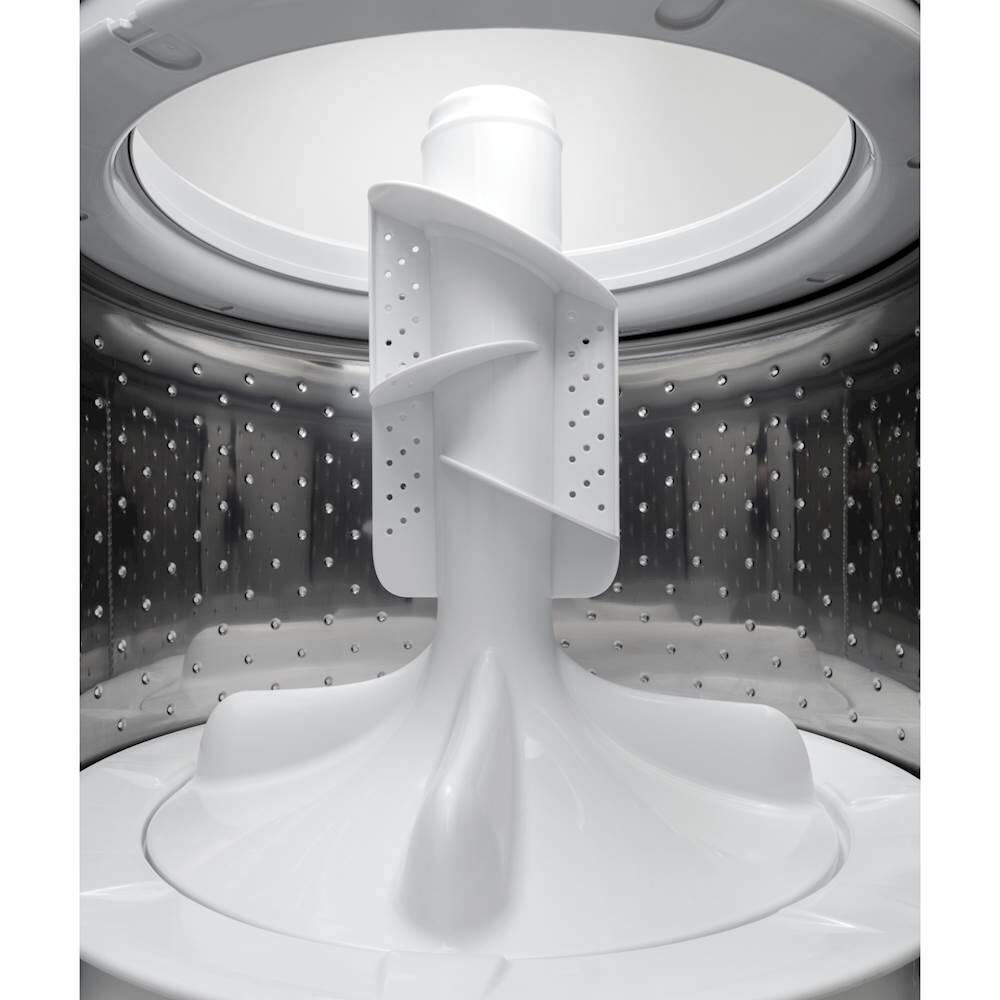
A:AnswerHi Spin - Thanks for choosing GE! We are happy to address your concern regarding the water level. We suggest to view the illustration of water levels on page of the Owner's Manual at the following link: https://products.geappliances.com/MarketingObjectRetrieval/Dispatcher?RequestType=PDF&Name=49-90576-3.pdf - The water will not cover the clothes. The heavy-duty agitator will rotate your laundry and drive clothes down into the water for thorough cleaning. Washers that have a load setting (Super, Large, Medium, Small) fill with the same amount of water every time. Keep in mind that the washer load, type and amount, are different each time, therefore, the water level will appear different. Some materials absorb more water than others. GE Appliances washer models meet or exceed the latest energy and water efficiency requirements so you may notice that your washer fills with less water than your prior model did. This is normal. GE Appliances washers are designed for and are thoroughly tested using modern water levels and will provide the exceptional cleaning. See the following link- TOP LOAD WASHER - FILL FUNCTION: https://products.geappliances.com/appliance/gea-support-search-content?contentId=36353 - Keep in touch! Sue
A:AnswerHi Froggy - The desired Spin speed can be set from the minimum (lowest in
column) to maximum (highest in column). Press Spin to select Max, More, Normal, No Spin. We suggest to view the charts on pages 8-9 of the Owner's Manual. This will help you match the items to be washed with the best wash cycle settings. For optimal performance, select the cycle that most closely matches the items being washed. Selections and options shown in bold are the recommended settings for that cycle. Thanks for choosing GE. Keep in touch at 1-800-626-2005 or GEAppliances.com - Sue