Questions & Answers
- Model:
- JTD3000ENES
- |
- SKU:
- 6337331
Highly rated by customers for: Cooking Performance, Ease of use, Appearance
Page Showing 41-46 of 46 questions
Q: QuestionHow do I use the Shabbat mode on this oven
Asked by Mike.
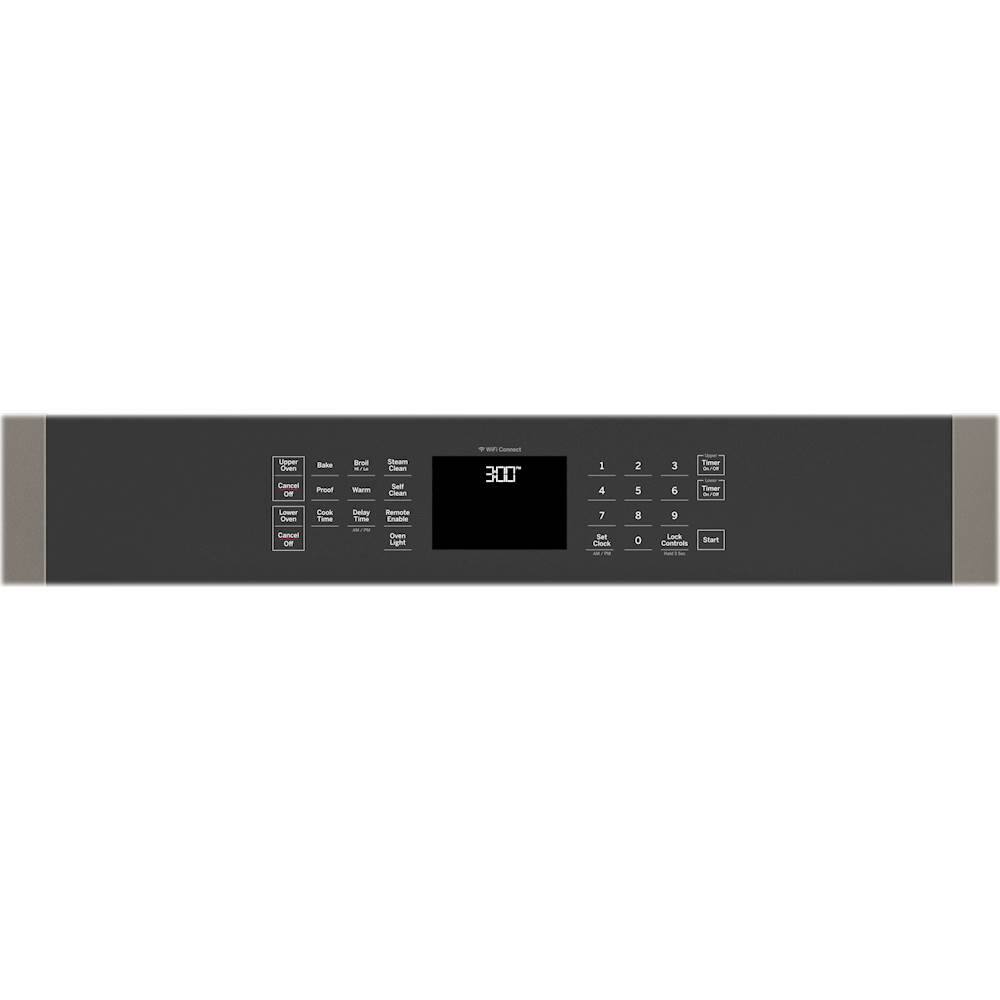
- A:Answer Hi Mike! Thanks for your question. To set Sabbath Mode on this double wall oven, you can following these instructions: 1. Press and hold the Bake and Broil pads for 3 seconds to enter special features. 2. Press the 8 and 2 pads to scroll up and down until “SABBATH" appears in the display. Use the 6 pad to view and edit the current setting, 2 and 8 to change the setting, and 6 again to Save, 4 to exit the Special Features and Start Sabbath mode. (Alternately, use the 4 pad to return to the prior menu from the Sabbath menu without saving). A "]" will appear in the display and the clock will not display. You can find these instructions on page 9 of the Use and Care manual. We hope this helps! Emily@GEA
Answered by GE Answers

Q: Questionoven shuts down before timed cycle; control panel goes completely black.; open the door and comes back on ;sometimes the oven completes its timed cycle
Asked by robert.
- A:Answer Hello robert, Thanks so much for reaching out. We're terribly sorry to hear that your oven is shutting down and the control panel goes blank. We understand how frustrating that would be. We would recommend replacing the fuse or resetting the breaker. If that does not resolve the issue, please schedule a service appointment with a qualified GE technician. We hope this helps. Best wishes! Mike@GEA
Answered by GE Answers

Q: QuestionWe purchased the GE JTD3000SN1SS and was installed as shown in the manual. The electrical box in the cabinet was located as specified, upper right hand corner. The conduit layers on the top area of oven and vibrates during use. What can I do.
Asked by Homeowner1025.
- A:Answer Hi Homeowner1025, thanks for reaching out! We're sorry to hear about this, we know that this must be frustrating for you. If you recently had this oven installed, we'd recommend contacting your installer to come to your home and double check the installation as stated in the manual. Should this be an issue with the appliance itself, please feel free to view the details of your warranty on page 18 of your Use and Care Manual. We hope that this helps! Please stay safe. -Michael
Answered by GE Answers

Q: QuestionHow do you get the WiFi feature to work?
Asked by Sabe.
- A:Answer Hi Sabe - Thanks for choosing GE and welcome to the family! We encourage you to view the following link for complete details- WALL OVEN - SET-UP BUILT-IN WIFI CONNECT: https://products.geappliances.com/appliance/gea-support-search-content?contentId=23936 - For further assistance, call the GE Appliances Connected Home Support Line at 1-800-220-6899, Monday -Friday 9am - 11pm ET, Saturday - Sunday 9am - 3pm ET, or email [email protected]. Enjoy! Sue
Answered by GE Answers

Q: QuestionOur cabinet cut out is 3 inches larger than the oven measurement. Does the oven come with metal trim to fill the hole following installation?
Asked by LittleOldLady.
This question was asked about the related product: GE - 30" Built-In Double Electric Wall Oven - White
- A:Answer Hi there, thanks for asking! The wall oven will come with two types of bottom trim, one that is smaller and one that's larger. The larger trim piece should be installed if your unit was installed on pedestals. If the unit was not installed with pedestals, you'd use the smaller trim piece. You can view these trim pieces on page 8, section 11, of your installation instructions. We hope this helps! -Michael@GEA
Answered by GE Answers

Page 3, Showing 41-46 of 46 questions
Top Rated
- $197.00$197.00The price was $399.00
- $199.99$199.99The price was $309.99
- $249.99$249.99The price was $379.99