Black Friday is hereShop new DoorbustersShop now

Main Content

Questions & Answers

Your price for this item is $584.99
Page Showing 1-9 of 9 questions
  • QuestionDoes the filter need to be changed at all? If so, how often should the filter be changed?

    Asked by FreeSpirit25.

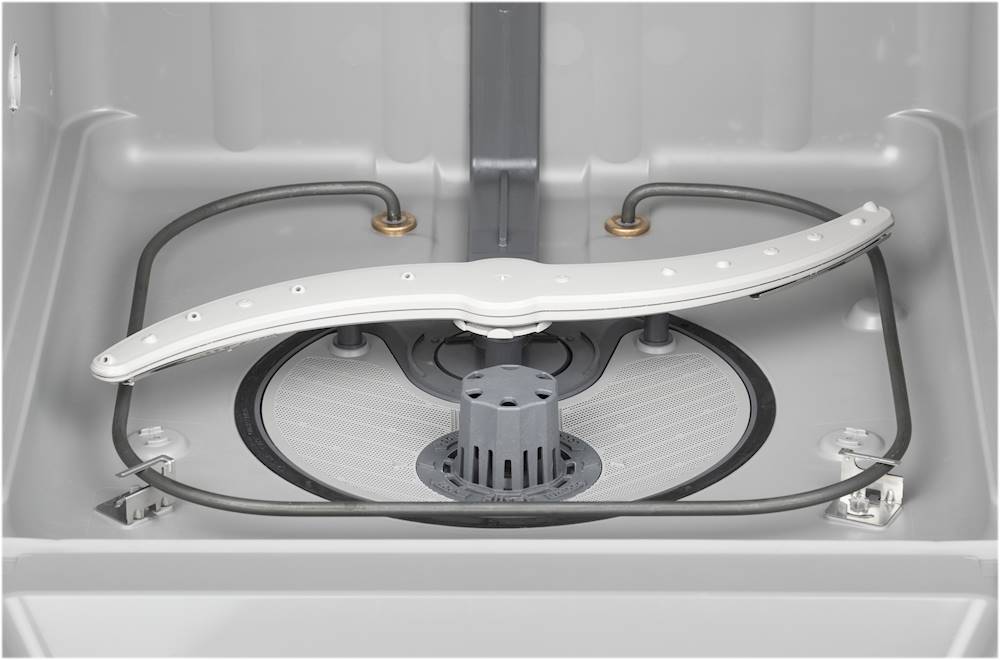
    • Answer Hi - Great news! The filters on our dishwashers do not require replacement unless they are somehow damaged. The filter found on this model, is one that can be removed and cleaned as needed. We hope this helps! Vikki@GEA

      Answered by GE Answers

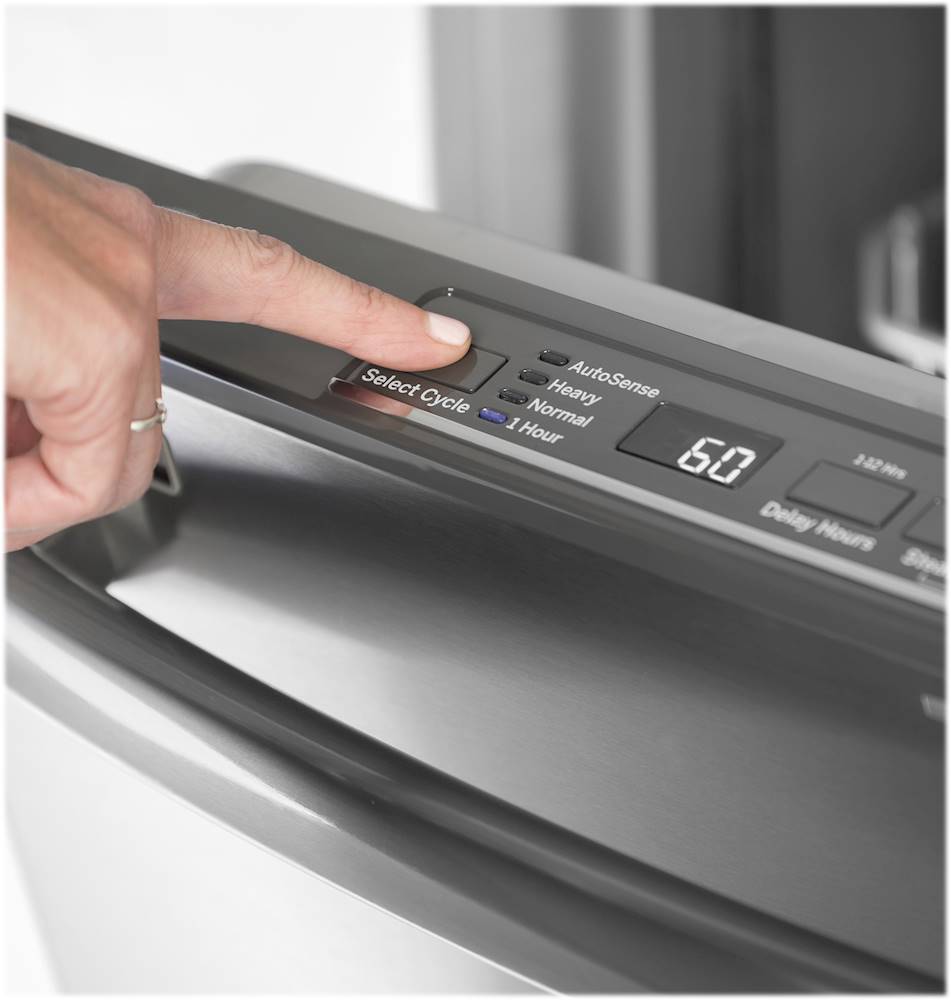
  • QuestionWhat does IH mean on the time

    Asked by Anonymous.

    • Answer Hello - Thanks for your question; we are happy to help! IH means one hour. Thanks for checking. Olga@GEA

      Answered by GE Answers

  • QuestionWhat is needed for new install that doesn't come with dishwasher? Supply line, discharge line?

    Asked by dan.

    • Answer Greetings, Thank you for reaching out. You can find a list of materials needed and materials that are included in the installation instructions. https://files.bbystatic.com/4hVkhLouucufMH5qmHi%2FQg%3D%3D/038d9f5b-4832-40b1-ab87-cc4832bf793d.pdf. We appreciate your support! Mike@GEA

      Answered by GE Answers

  • QuestionDo you haul away old dishwasher?

    Asked by Bamadoc.

  • QuestionHow do you fix a problem where the lights turn on and the light flash and blink and beeps at you and won’t start the wash cycle

    Asked by Justy.

    • Answer Hi there, and thanks for reaching out about your dishwasher. We hate to hear you've had an issue with lights flashing and the unit beeping while not actually starting the wash cycle. We know an issue like that would be concerning and would like to assist. If lights are flashing and the dishwasher is beeping, the door may have been left open or the cycle interrupted. If you press the Start pad and close the door within 4 seconds, this may get everything started properly. As the wash cycle is not starting normally, you may want to check the fuse or circuit breaker to ensure power is reaching the unit. Flashing lights can also indicate a problem has been caused by power surges; pressing the Start pad to reset the dishwasher and waiting 2 minutes can sometimes resolve the issue. If the problem isn’t fixed, try disconnecting the unit completely from power for 30 seconds, then restore power. This resets the electrical components and may fix the concern. Further troubleshooting steps are listed in the manual, starting on page 19. If the above troubleshooting does not help to resolve the issue, you may want to contact our service department at 1-800-432-2737. We hope you are able to get this resolved quickly, and are happy to help with any other concerns or questions. Wishing you all the best! -Sarah@GEA

      Answered by GE Answers

  • QuestionAre GE dishwasher hard wired or use a plug

    Asked by Anonymous.

    • Answer Hello- Thanks for your question. We appreciate you checking with us. Most dishwashers are hardwired, but you can connect a plug if desired. The WD06X10020 is a Quick Connect Power Cord that can be used with this particular model. It is a 3-wire connector and 6 feet in length. You can also use the GPFCORD on this model if desired. We hope this is helpful! If you have any additional questions, please let us know. We are here to help! Joyce@GEA

      Answered by GE Answers

  • QuestionWill this dishwasher connect to GE SmartHQ?

    Asked by Anonymous.

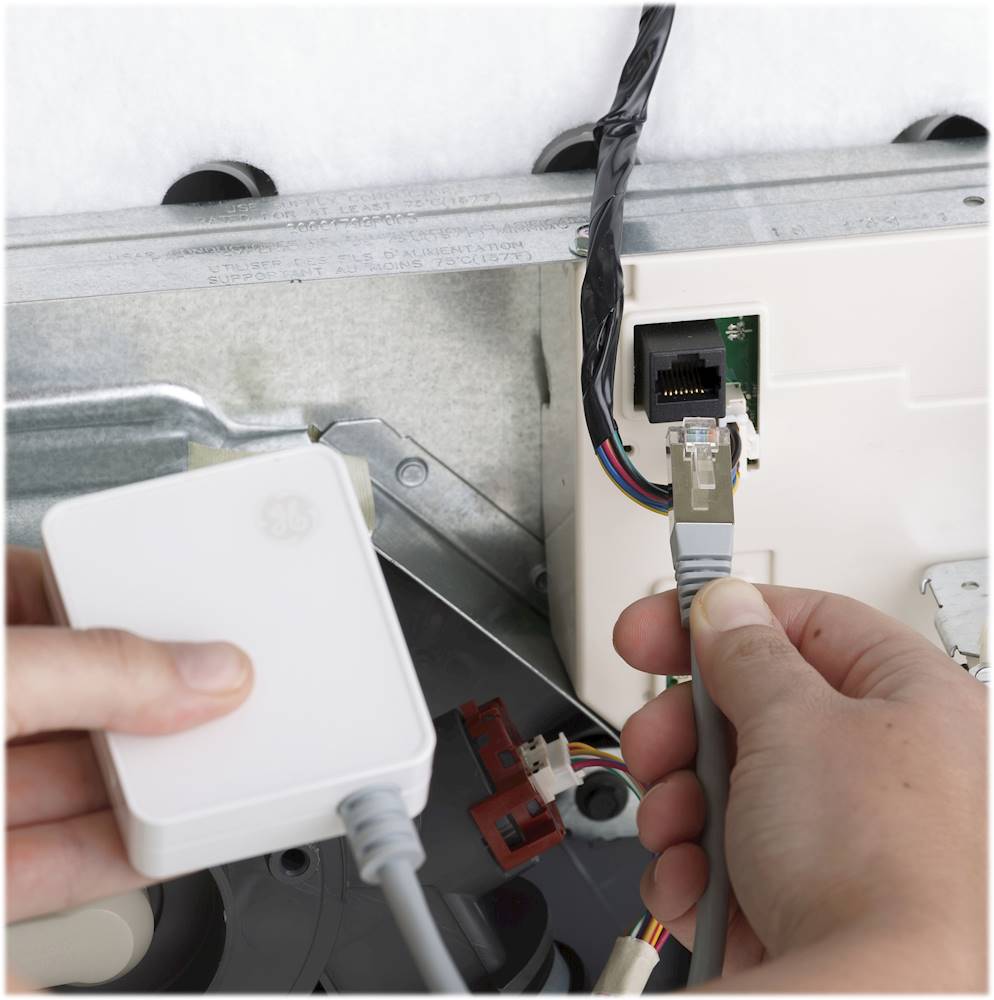
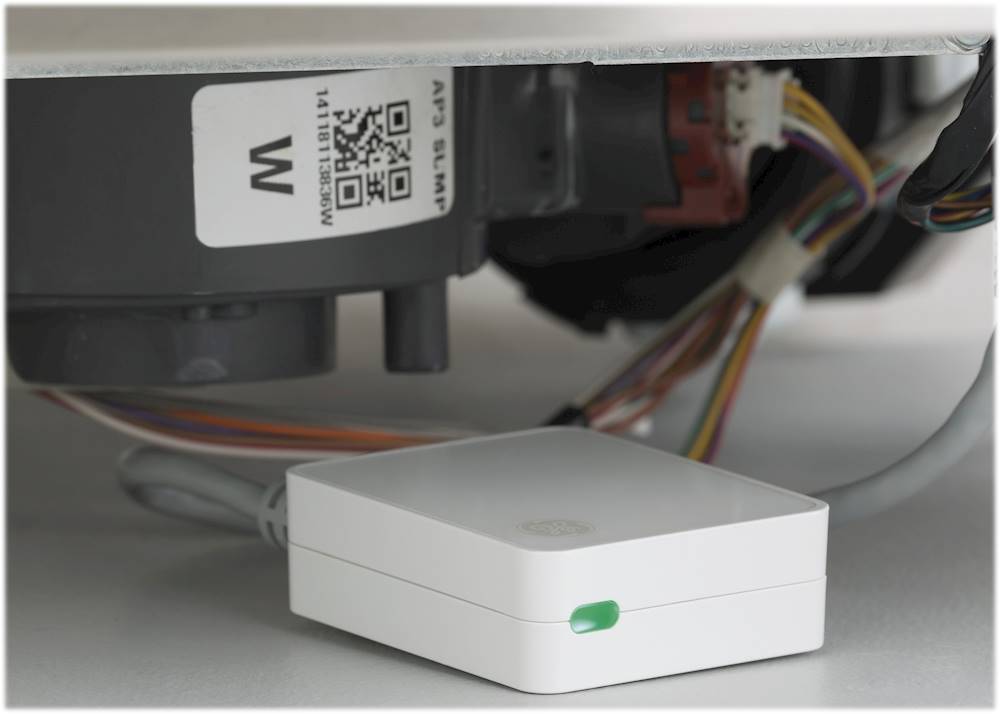
    • Answer Hi, thank you for reaching out to us. We are happy to answer this question for you. In addition to the many other fantastic features that this dishwasher has to offer, it is also capable of being connected to Wifi and the SmartHQ app for even more options! You can connect this model to the optional WiFi using the Connect Module, part PBX23W00Y0. If you would like to learn more about connecting your dishwasher to Wifi and the many benefits of using the SmartHQ app, please feel free to visit the Smart Dishwashers page on our site for additional information. We hope that this helps! -Eliza@GEA

      Answered by GE Answers

  • QuestionHow do you change the time on the washer to only run for an hour

    Asked by Sandy.

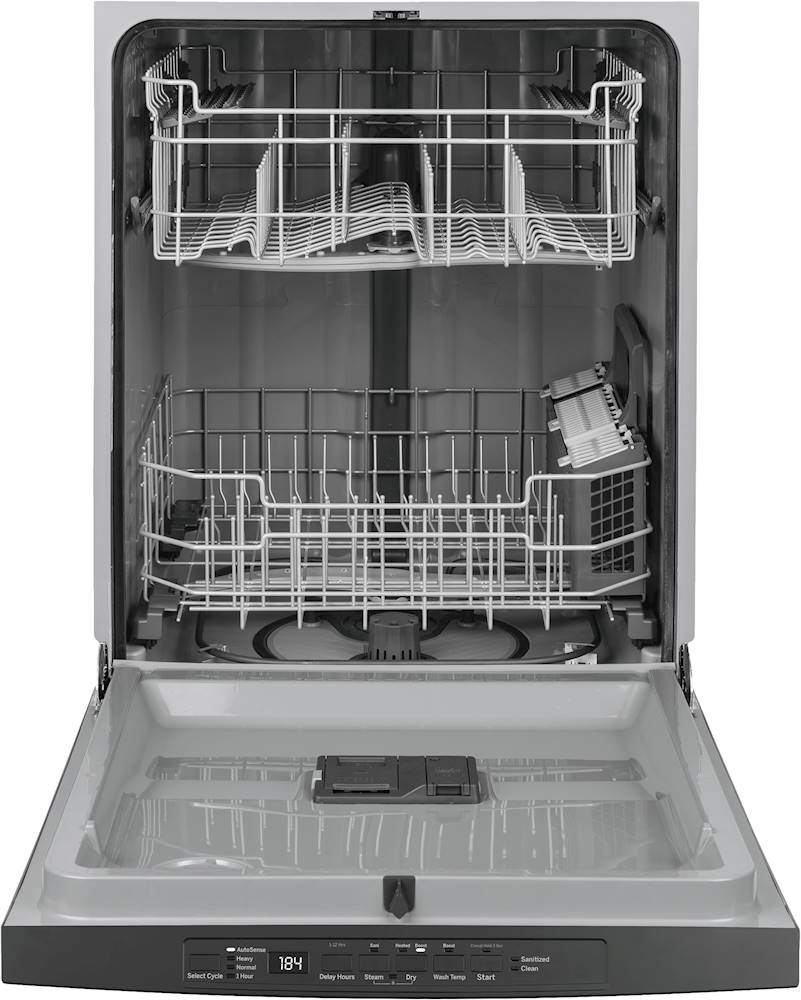
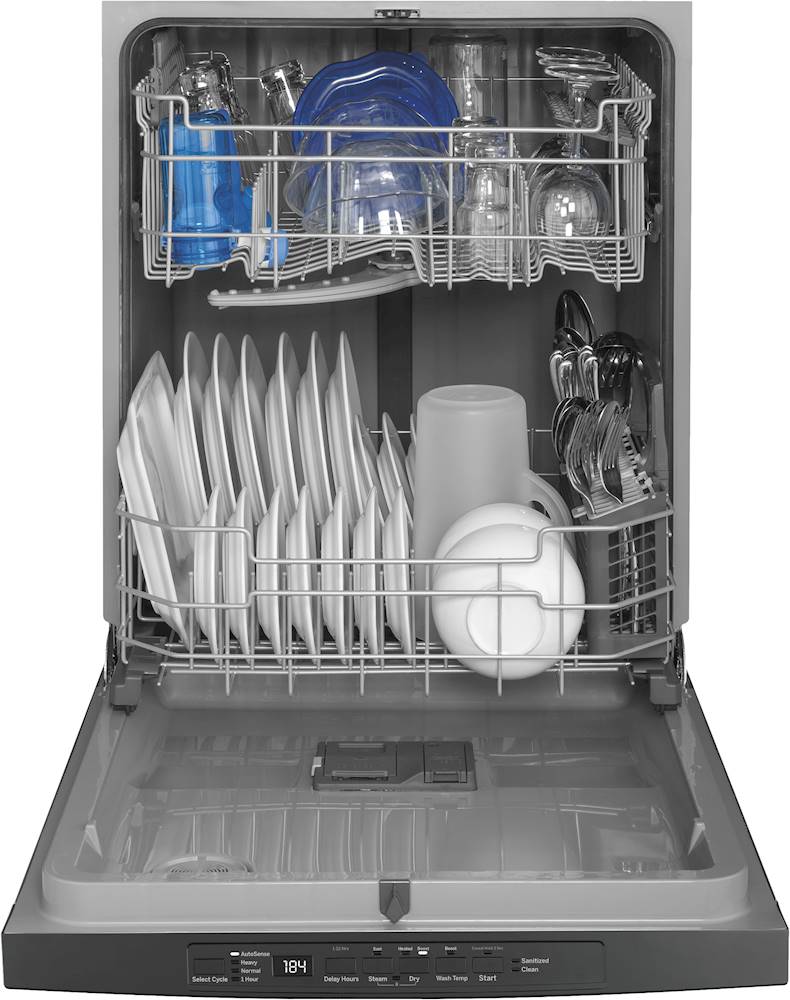
    • Answer Hi Sandy - Thanks for choosing GE Model GDT530PMPES and welcome to the family! Press the Select Cycle pad for the desired wash cycle (1 Hour). The light next to 1 Hour will be lit to indicate it has been selected. For reference, we suggest viewing page 5 of the Use and Care Guide here: https://products.geappliances.com/MarketingObjectRetrieval/Dispatcher?RequestType=PDF&Name=49-55122-4.PDF - If you have any additional questions, don’t hesitate to ask. We are also happy to help at GEAppliances.com. Enjoy! Sue

      Answered by GE Answers

  • QuestionAre you getting more of these in the Baton Rouge area

    Asked by Anonymous.