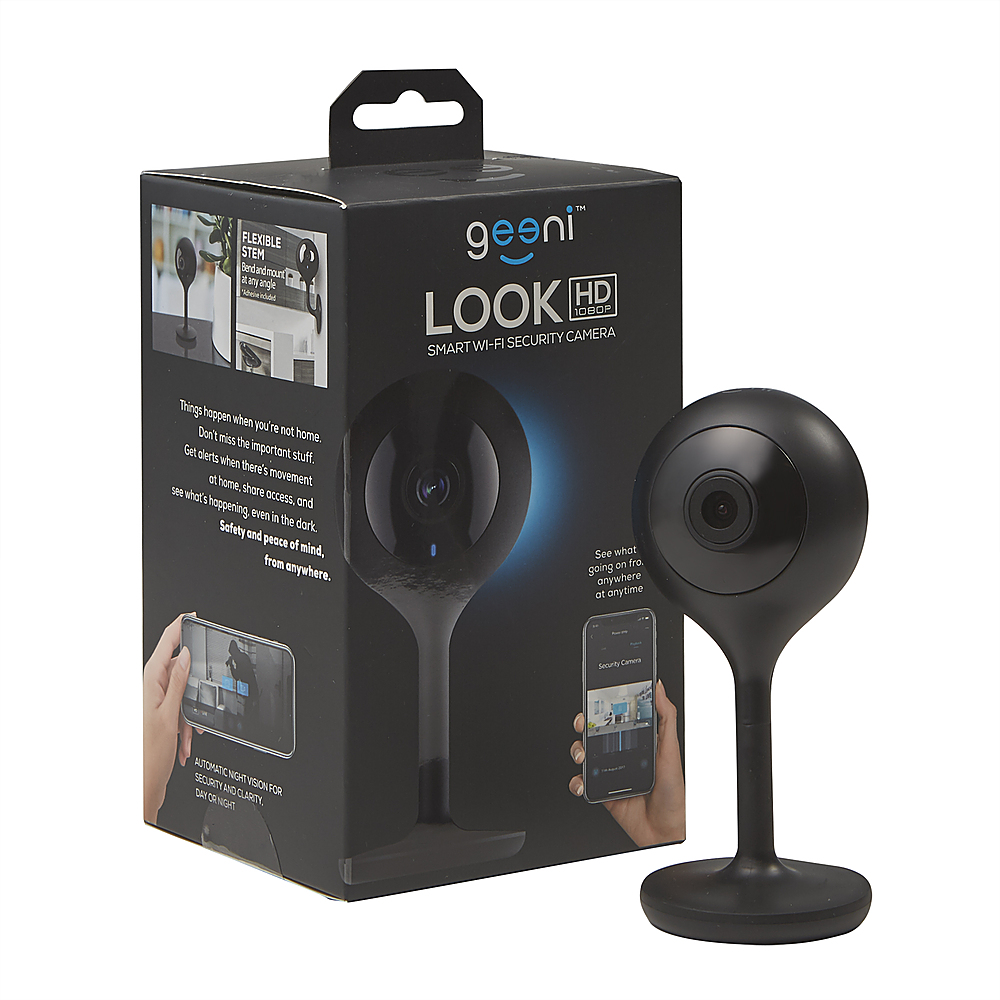
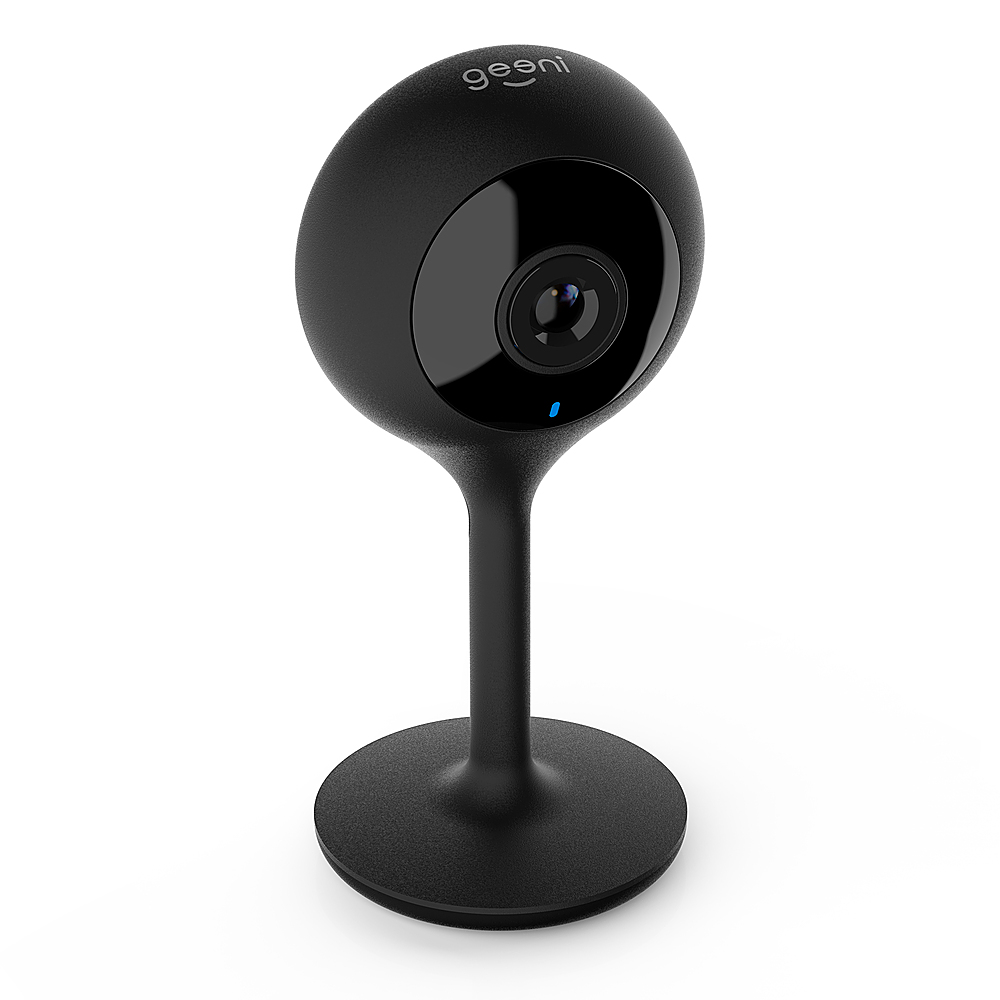
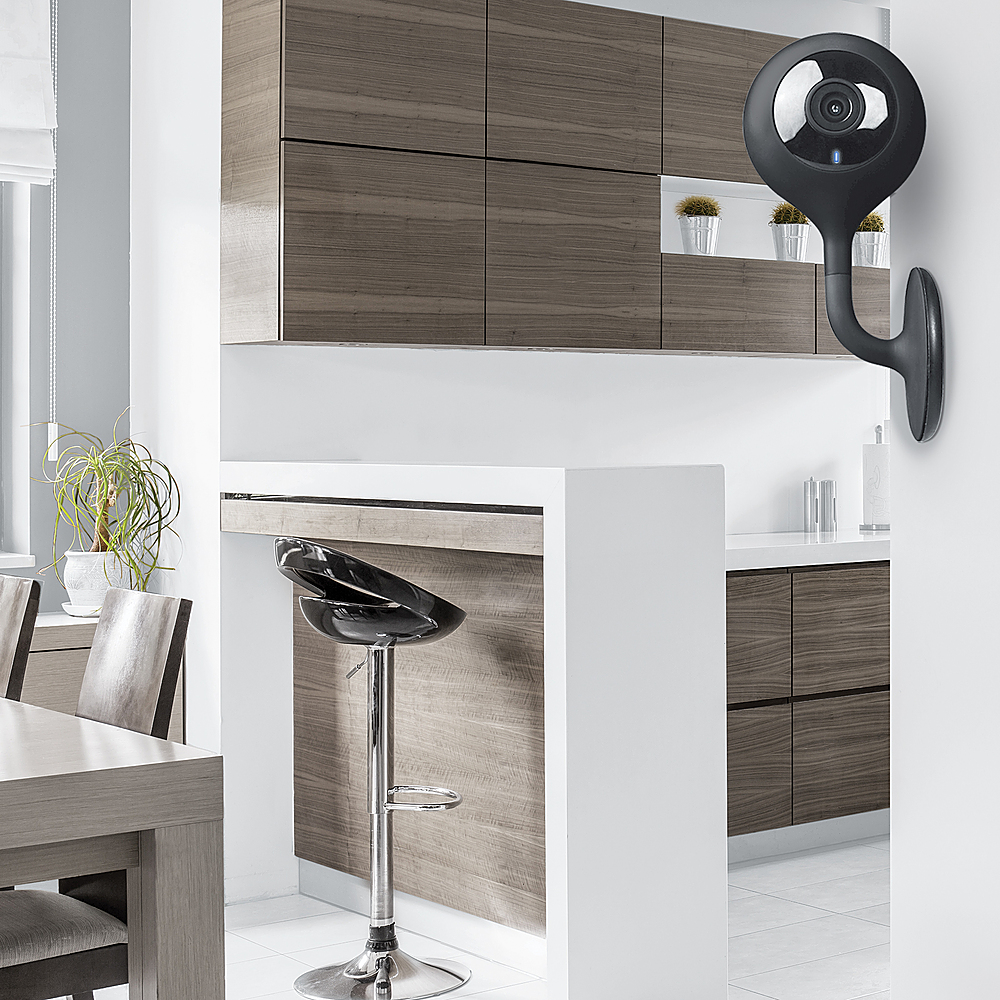
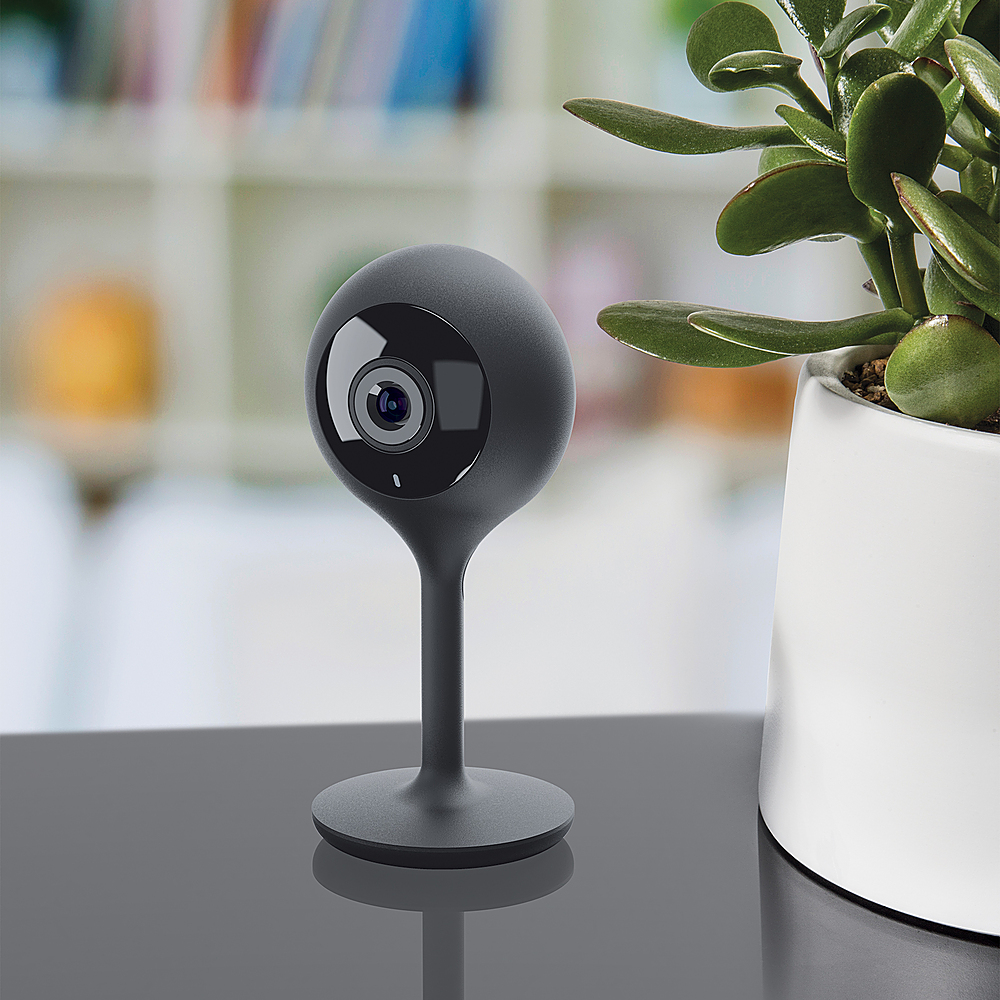
A:Answer On some of those Geeni Cameras, the red light above the camera lens is actually the infrared that it uses to "see in the dark" so if that is what you are referring to, you can go into the app, choose the camera, then go into settings for that camera and toggle the night vision or infrared or however it is labeled in the app from auto to off. The actual option for your model may have a bit of a different name for the feature but the basic concept of what i am saying should be pretty easy to get once in the app. Keep in mind that although Geeni and most other manufacturers of these kind of products are pretty good about making it stupid proof and not allowing you to disable things or enable things that will make the unit stop working without at least a warning that tells you that you are essential gonna break the device or stop if from doing something, but don't just start clicking disable on features you have no idea what they are. If you have no idea what the option is or don't understand what you just did and it asks you to confirm, take a second and think before you hit ACCEPT of OK. You may just want to hit cancel and start over if you have no idea what you are doing. Just my 2 cents