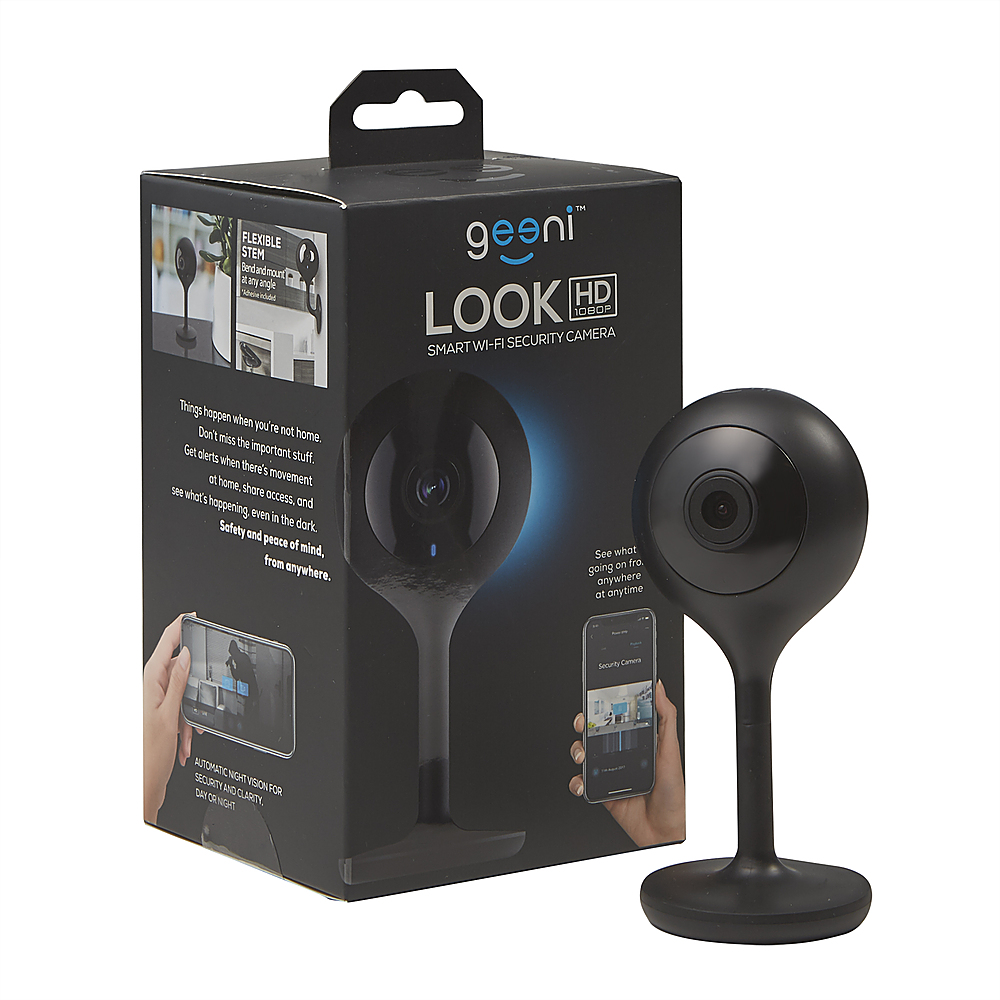
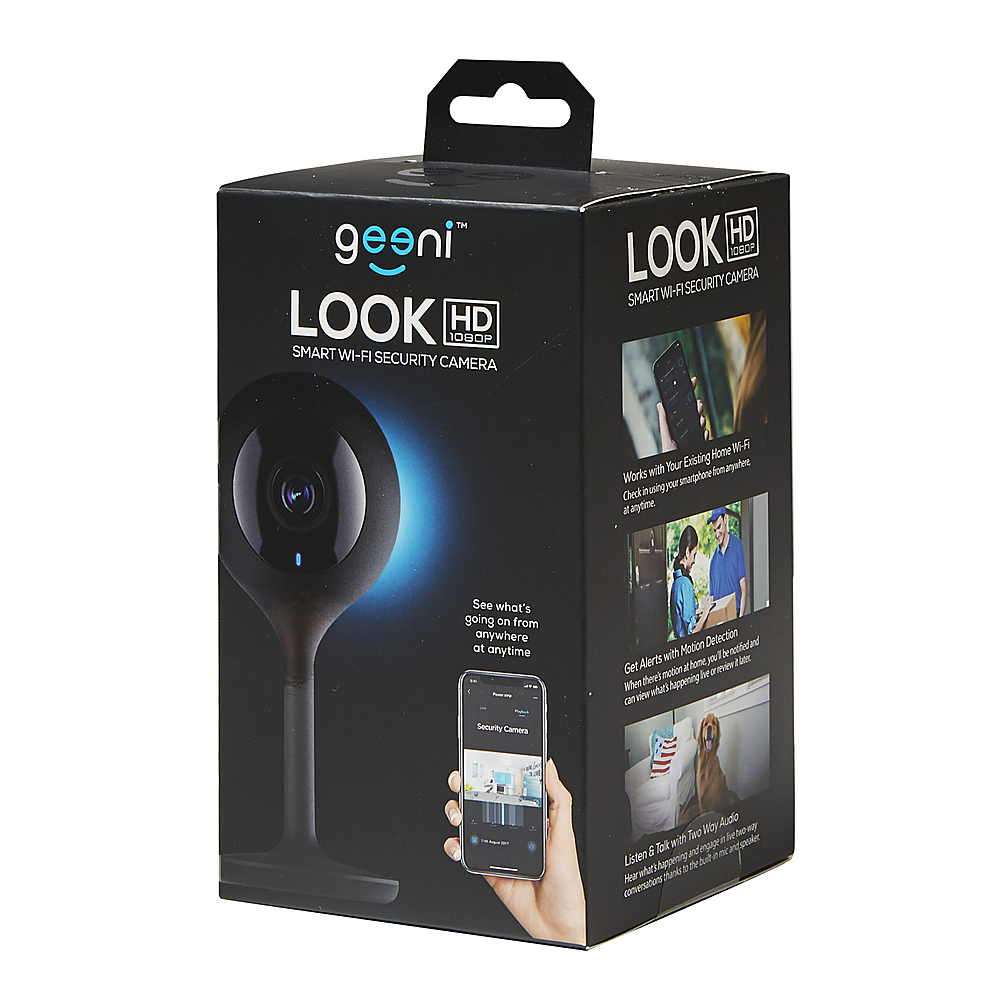
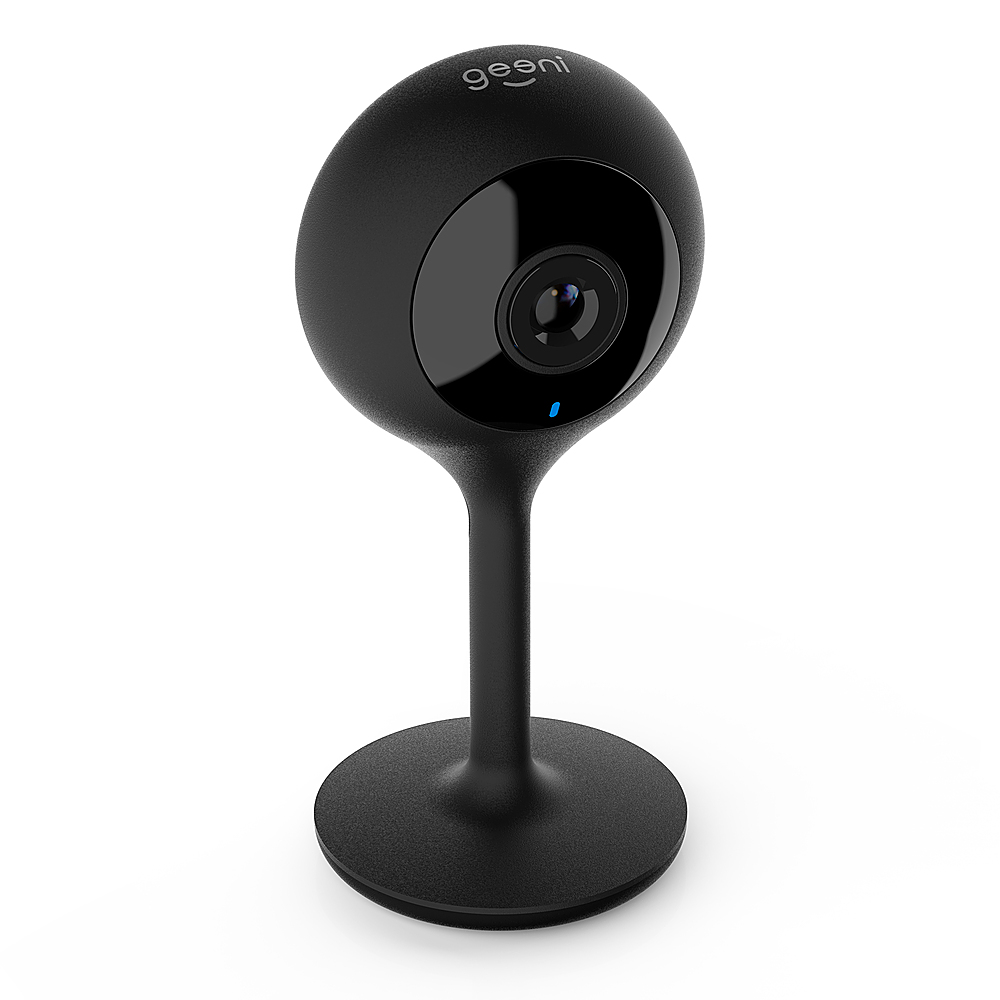
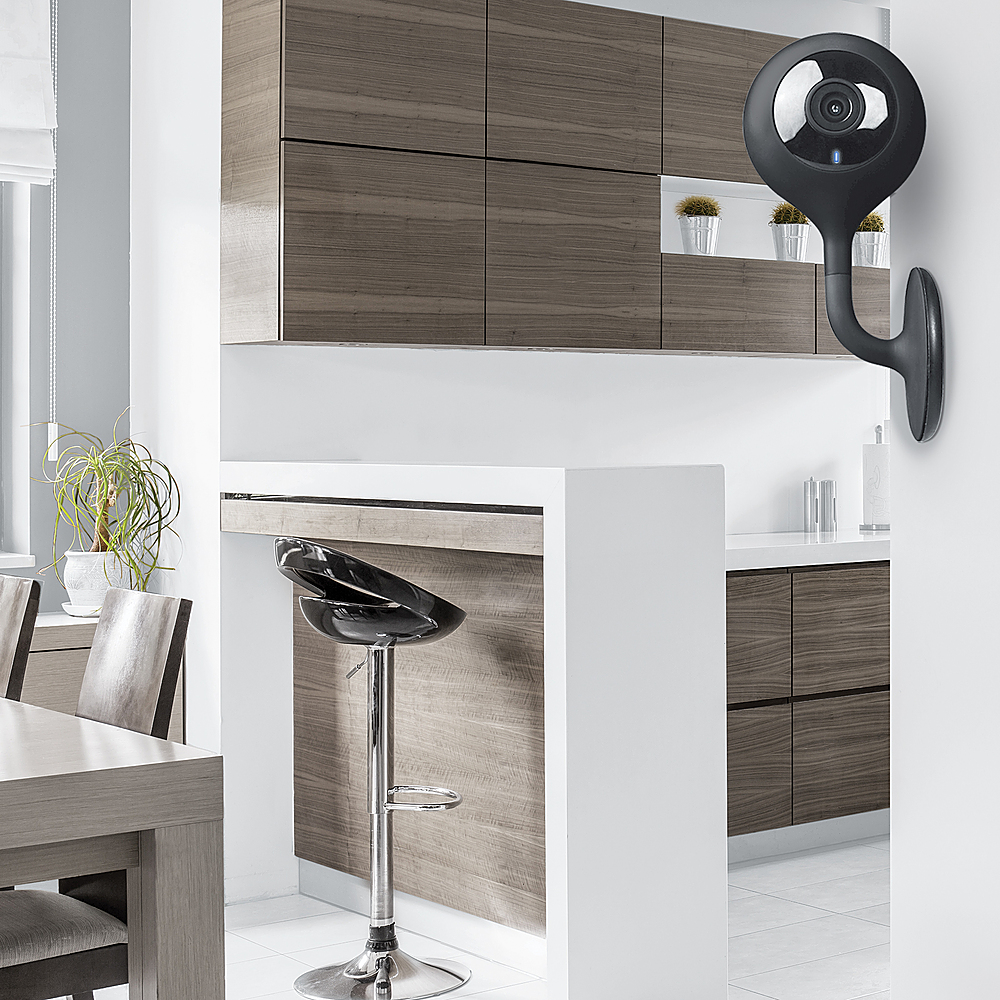
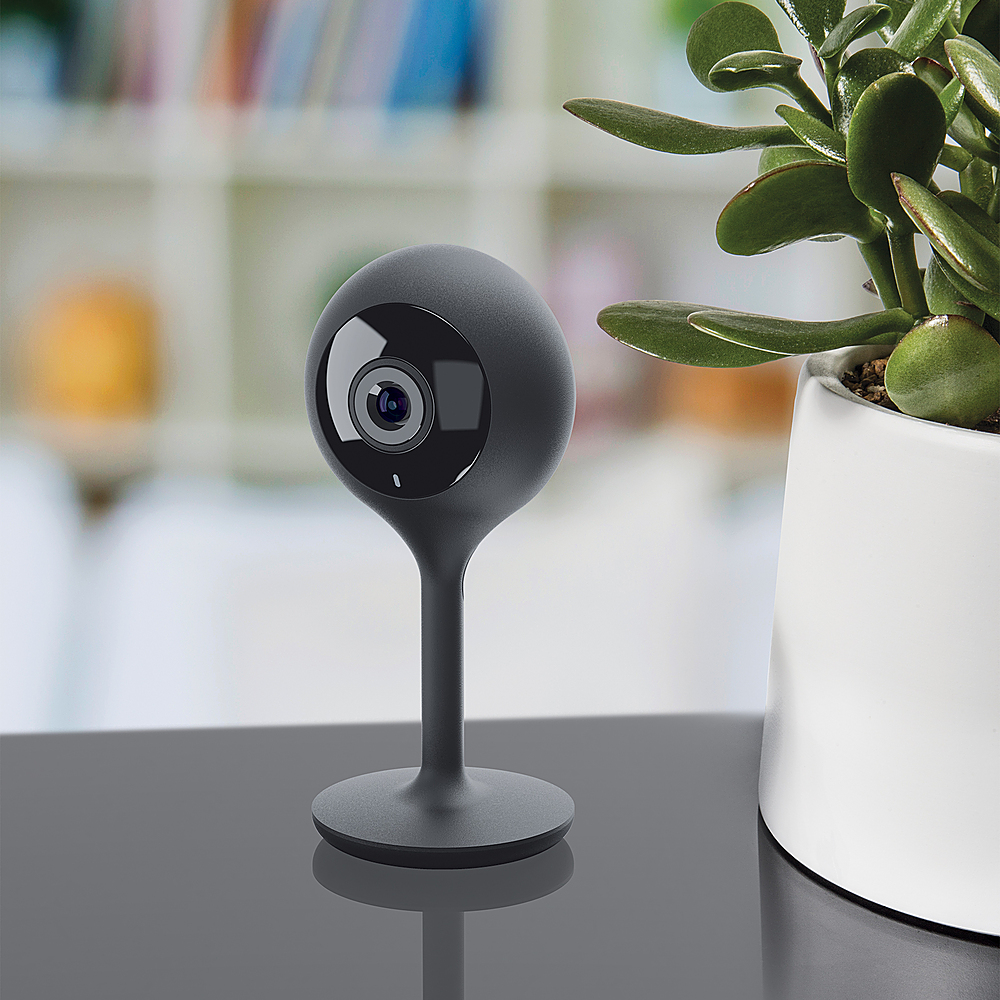
A:Answer Hello Ziggy! We do apologize for the inconvenience that you encounter, especially after daylight saving time. The time display on your camera usually depend on the time of your phone settings, please also check the time zone located inside of the Geeni application. Once checked, you can just unplug and re-plug the camera. If the issue persists, please contact us via email at support@mygeeni.com or call us at +1 (888) 232-3143, available from Mon-Sun, 9:00 AM to 9:00 PM EST.