Black Friday is hereShop new DoorbustersShop now

Main Content

Questions & Answers

Your price for this item is $329.99
Page Showing 1-20 of 23 questions
  • QuestionDoes this support G-Sync?

    Asked by Gamer.

    • Answer Yes, I'm using a Gigabyte Aorus 3070 and it works just fine. While it's not on the list of tested and certified monitors from NVIDIA many still work with a little tweaking to settings. Look online for articles for how to set them up. Super easy and takes about 5 min.

      Answered by DaveS

  • QuestionCan i use a ps4 pro with this? Also im currently using a 55” curved UHD 60hz tv so i guess really im asking would it be worth it to have a smaller screen and use this to get rid of the shutter? Please help thank you

    Asked by Flakeyb.

    • Answer You can, but if what you mean is stuttering and low framerates, this monitor won't fix anything. The PS4 Pro can't run games at anything higher than 1080p at 60fps regardless, so a 60hz display is all you need. You're at the mercy of your console, not the display you are using. On the other hand, the PS5 has the extra horsepower to take advantage of a high refresh rate monitor, but doesn't currently support variable refresh rate, so even higher framerate gaming on a display that supports it would still have stutter, though less intrusive than on the PS4. Long story short, unless you plan on upgrading to a next gen console/gaming pc in the future, stick to your larger display :)
      Answered by Owen

  • QuestionDoes it have UHD and what hdmi version is the input?

    Asked by Jim.

    • Answer Typically UHD is for 4k and QHD is for 2k, just as FHD (Full-HD) is for 1080 resolution. I double checked at the Gigabyte website to be sure too. If you wanna take a look. https://www.gigabyte.com/Monitor/G27QC/sp#sp Oh and, HDMI 2.0 x2, Display port 1.4 x1 Pretty sure that answers for ya.

      Answered by Phoenix

  • QuestionDoes this monitor have sound

    Asked by Mael.

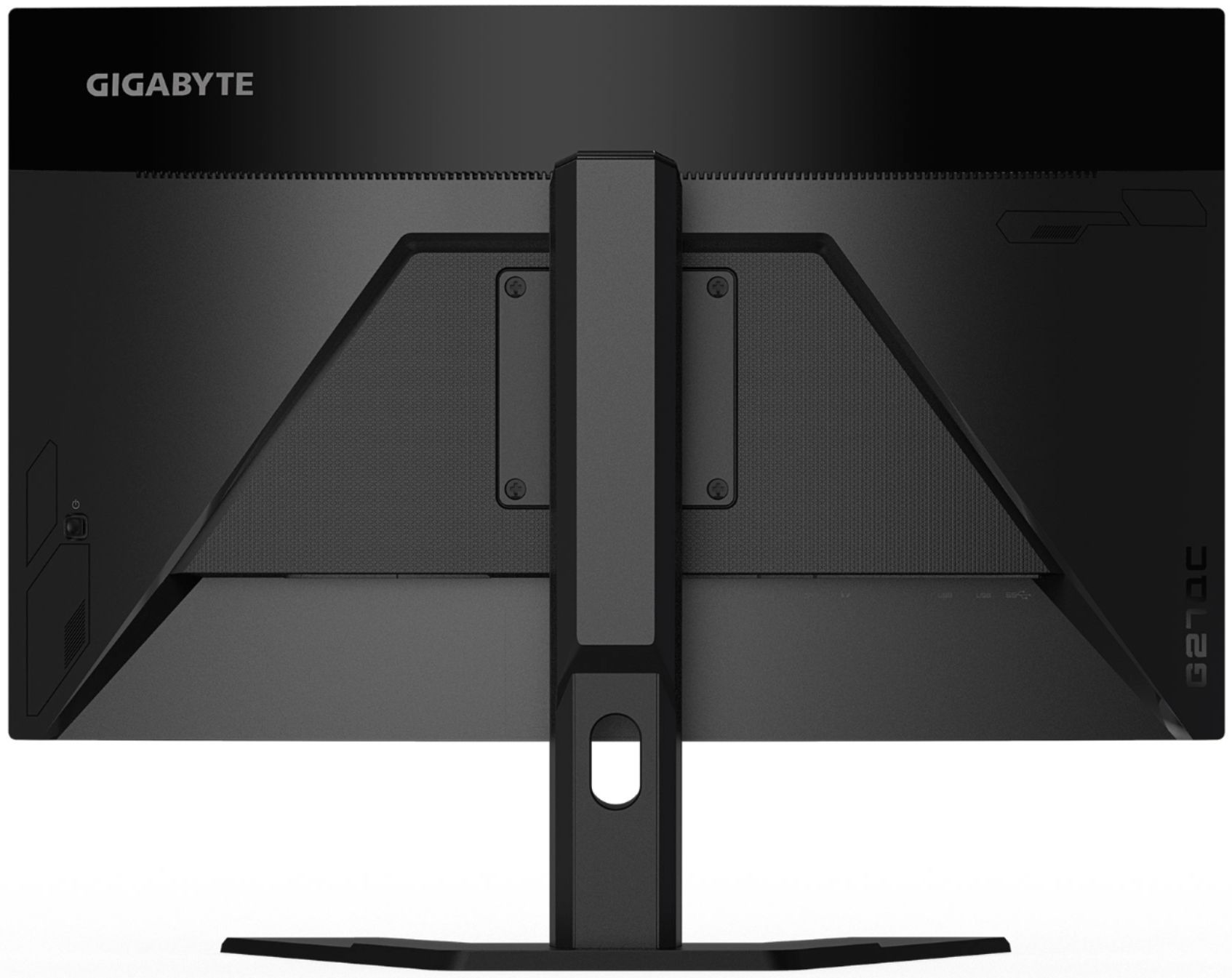
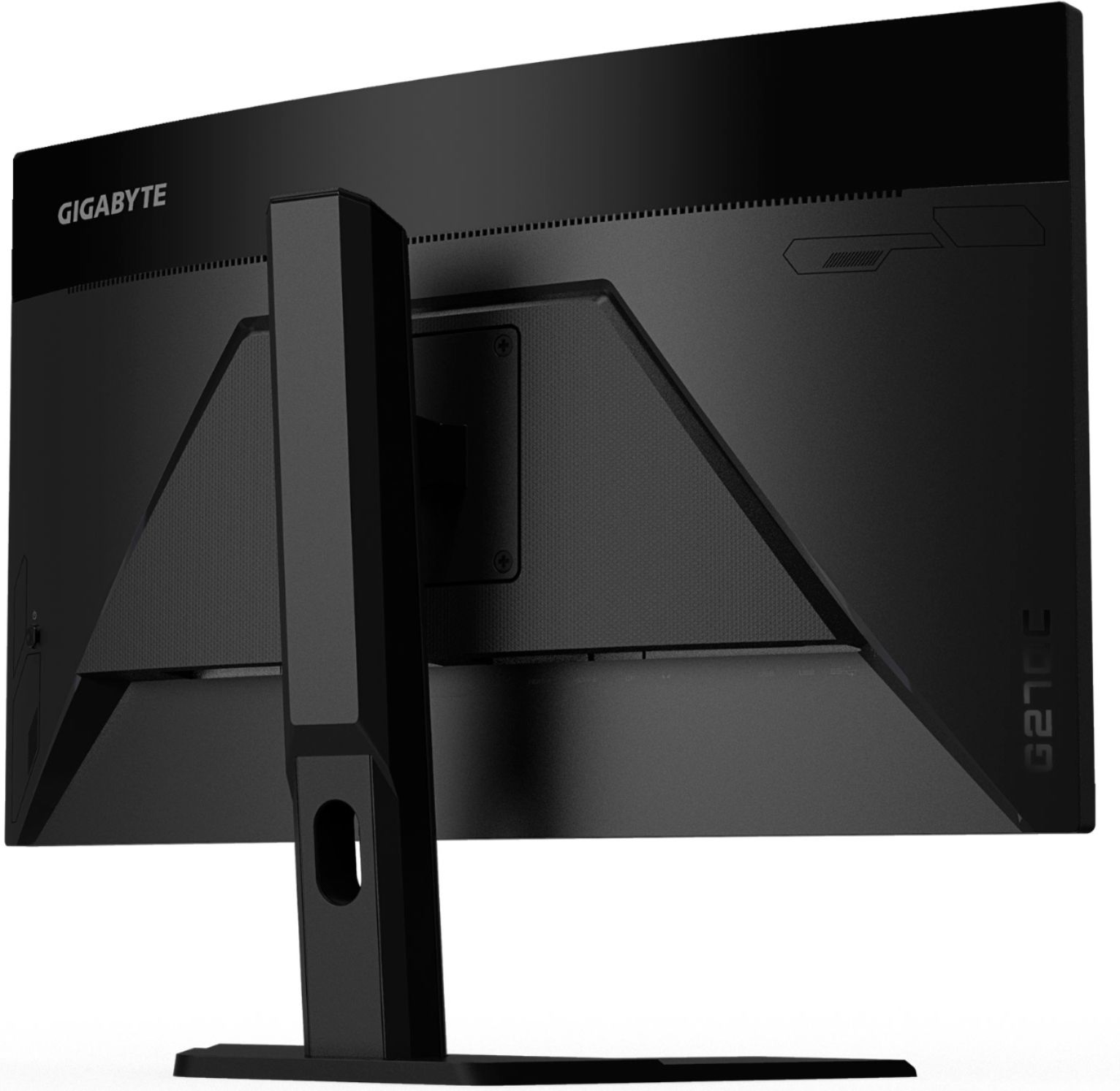
    • Answer Yes it has speakers, and an audio jack.

      Answered by Derek

  • QuestionMy tower has a DVI dual like port out of the graphics card that goes to a monitor ~ what cable dip I need so I can connect it to this display?

    Asked by JJFRY.

    • Answer You will need an adapter to connect either to the HDMI or Display port of this monitor. If you have the cable already than get the adapter. Check exactly what type of DVI cable you have. That is, is your current cable DVI-A (analog), DVI-D (digital) and DVI-I (integrated; analog and digital). It is easy to figure out what cable you have by google and check images to see which ones matches your cable. Than get the adapter that will help convert your DVI cable to either display port or HDMI. Another option can also be to get a cable that has display port or HDMI on one end and DVI (your cable type) on the other end. Sometimes a complete cable can be cheaper than the adapter. Also a benefit of the cable is that you can get ends that have gold plating as it can help a little with signal. There are also adapters with gold plating on their ends as well. Sorry I threw too much information in there. But hopefully this helps.

      Answered by Phoenix

  • Questioncan you plug in a speaker in the back of the monitor or does it even have an audio jack.

    Asked by skrull.

    • Answer Yes it has an audio jack. The speakers on the monitor, though, arent that good for bass.

      Answered by Derek

  • Questiondoes this wireless or not?

    Asked by Gamerrrr.

    • Answer It is not wireless

      Answered by AlexanderJ

  • QuestionWhat is the minimum refresh rate the monitor supports?

    Asked by deponsd.

    • Answer 120hz

      Answered by Danny

  • QuestionDoes it support 1440p and 120hz at the same time? or can it only do one at a time?

    Asked by LTCLANDRY.

    • Answer I am using this and it is able to do both 1440p and 120Hz. I am using a AMD 5800X for CPU and RX5500XT GPU. Be mindful that your CPU and GPU needs to be powerful enough otherwise the output display will only show what your PC can put out. Putting in the best of the best display will only show what your PC can push out in terms of display. Hope this helps.

      Answered by Phoenix

  • QuestionWhat is the depth of the base?

    Asked by Nitro.

    • Answer It is about 7.25" to 7.5". I measured it inside the packaging as I did not use it. I have both of mine mounted on a dual monitor mount. Hope this helps.

      Answered by Phoenix

  • Questionhow to i sue the speakers on the monitor i havent found how to do it yet.

    Asked by dwayne.

    • Answer After plugging in my xbox via hdmi you can adjust the voucher using the control/power button in the back.

      Answered by NickB

  • QuestionHow much ghosting is there and has anyone seen it from this monitor?

    Asked by Geek86.

    • Answer I have been using it for about 2 months now with zero ghosting. There is also no screen tearing unless I set the setting of the game to what maxes out the resources of my CPU and GPU and they create a bottleneck for them to display properly. At the end of the day, I like smooth game play and sometimes dialing down the setting or tweeking it manually helps a lot. Many of the A+ titles out recently play well on my AMD 5800X and RX 5500 XT with this display. Wish there was an affordable way to upgrade my GPU. :) Hope this helps.

      Answered by Phoenix

  • QuestionDoes this have adjustable height?

    Asked by Amber.

    • Answer Yes the height is adjustable. as a matter of fact I might be my one slight complaint about this monitor is that it is too easy to move it up and down.

      Answered by Howie6791

  • QuestionWhat is the Response Time on this monitor? I don't see it listed. I'm sort of new at this. TY

    Asked by Verifiedpurchaser.

    • Answer For some reason it lists under the description tab not specifications 1ms (MPRT) Response Time

      Answered by Howie6791

  • QuestionOk so what is the display port? Is it the wire you connect the moniter to the pc? If so does THIS monitor support it?

    Asked by Jojo.

    • Answer Yes a display port is just another way to connect it to your PC. And this does have one. and from what I understand in order for you to get the full refresh rate you need to use display port

      Answered by Howie6791

  • QuestionDoes this have speakers?

    Asked by xanni.

    • Answer Yes but they kind of suck so don't plan on using them unless you need to

      Answered by Howie6791

  • QuestionAre the HDMI ports HDMI 1.4, HDMI 2.0, HDMI 2.1??

    Asked by Tyler.

    • Answer HDMI 2.0 x2 Please find the specs at the following link below: https://www.gigabyte.com/Monitor/G27QC/sp#sp

      Answered by Darrell

  • QuestionHow many HZ is it?

    Asked by Way.

    • Answer This monitor has a maximum refresh rate of 165hz.

      Answered by Darrell

  • Questiondoes this product have hdmi 2.1 ?

    Asked by dom.

    • Answer There's no monitors on the market yet with HDMI 2.1

      Answered by Kyle

  • Questionhow many m/s long is the response time ?

    Asked by dom.

    • Answer Response time is 1ms. Check out the specifications on the product page on the Gigabyte website. https://www.gigabyte.com/Monitor/G27QC/sp#sp

      Answered by Mibo49