Questions & Answers
- Model:
- G5 MD-51US113SO
- |
- SKU:
- 6511339
Highly rated by customers for: Performance, RAM, Price
Page Showing 81-93 of 93 questions
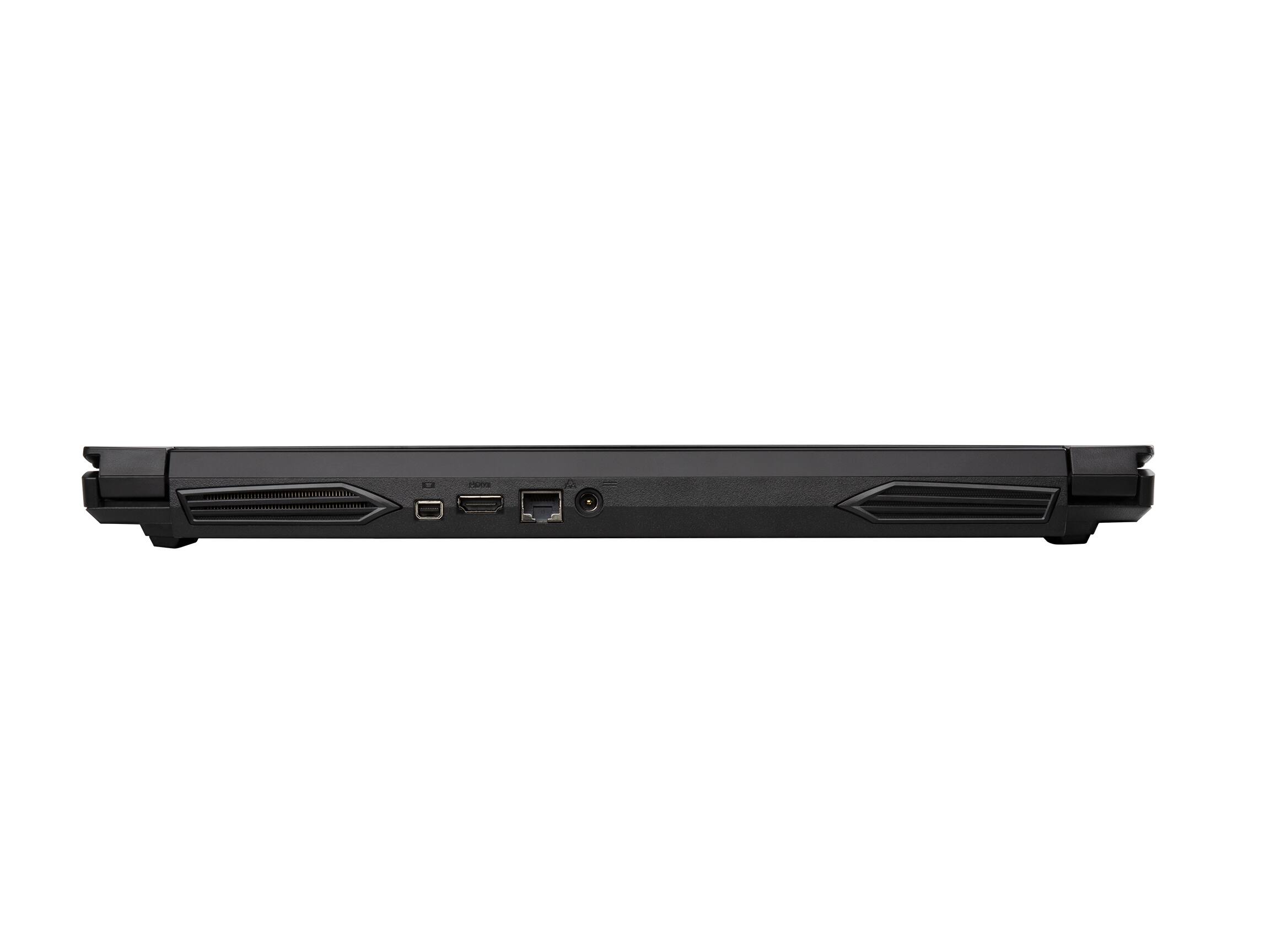
Q: QuestionI recently lost the charger for this laptop ,what is the name of the charger also is the charger available for purchase alone with ought the laptop
Asked by Anonymous.
- A:Answer you can contact gigabyte for a new one and they will probably sell one to you otherwise it is a chicony 240v adapter or if you google gigabyte g5 md replacement power supply you should be able to find one
Answered by Cody
Q: Questionbattery run time
Asked by Anonymous.
- A:Answer it is not great. ~2 hrs. You will want to leave it plugged in most of the time. Otherwise, a lot for the money
Answered by JamesM
Q: QuestionDo y’all reccommend updating the bios to FB10
Asked by Andre.
- A:Answer it doesnt really offer any benefits that i know of while i did do it its not typically recommeded to mess with the bios of a computer unless there is a major security fault which isnt the case here that said you can update it if you choose to tho you will most likely not see any difference in performance or system stability
Answered by Cody
Q: QuestionCan anyone tell me what BIOS version this laptop comes with and if it needs to be upgraded?
Asked by Michael.
- A:Answer Mine came with like version 9 and i think it can be upgraded to 10 or something , not sure how it works to be honest.
Answered by Anonymous
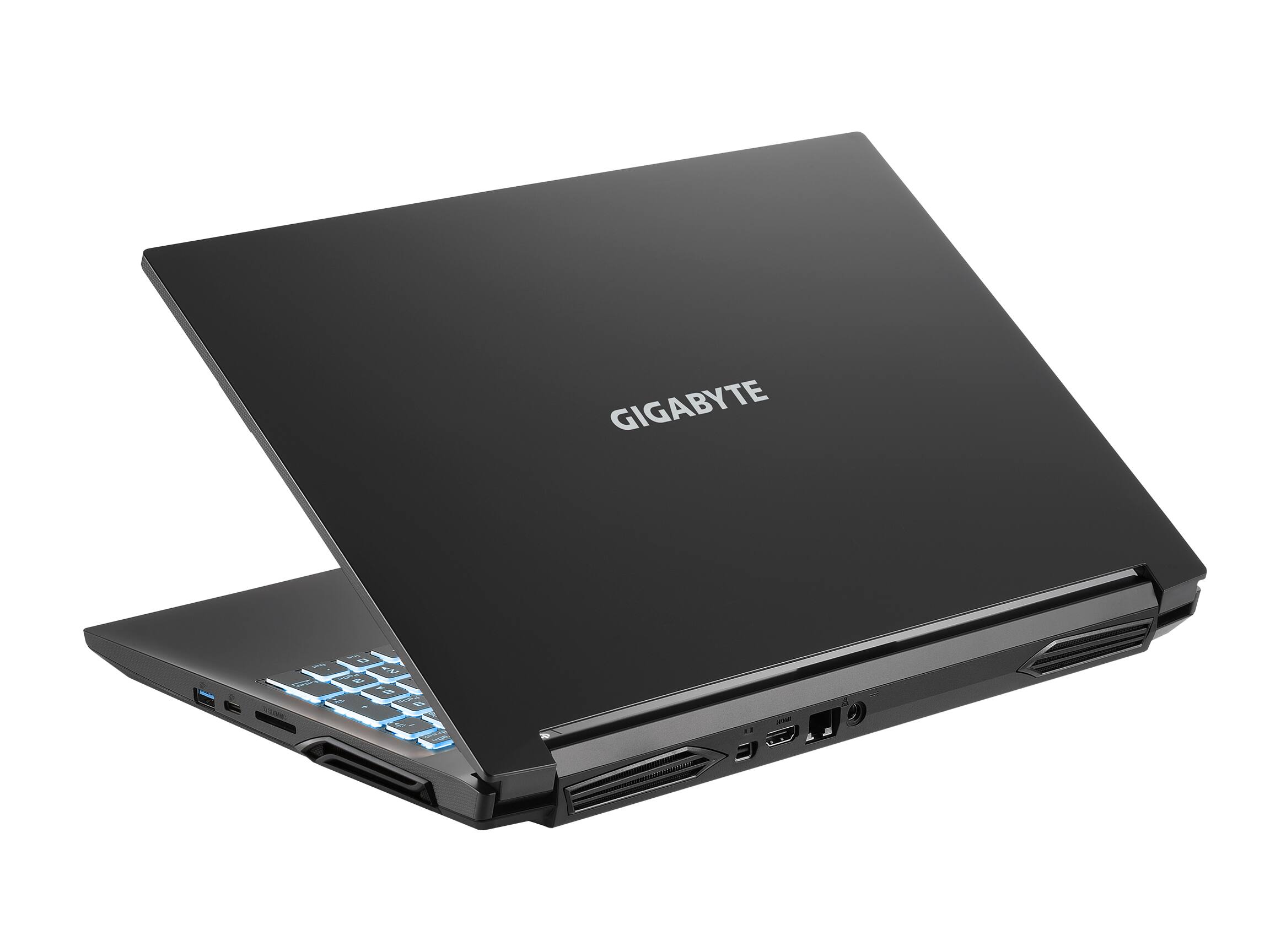
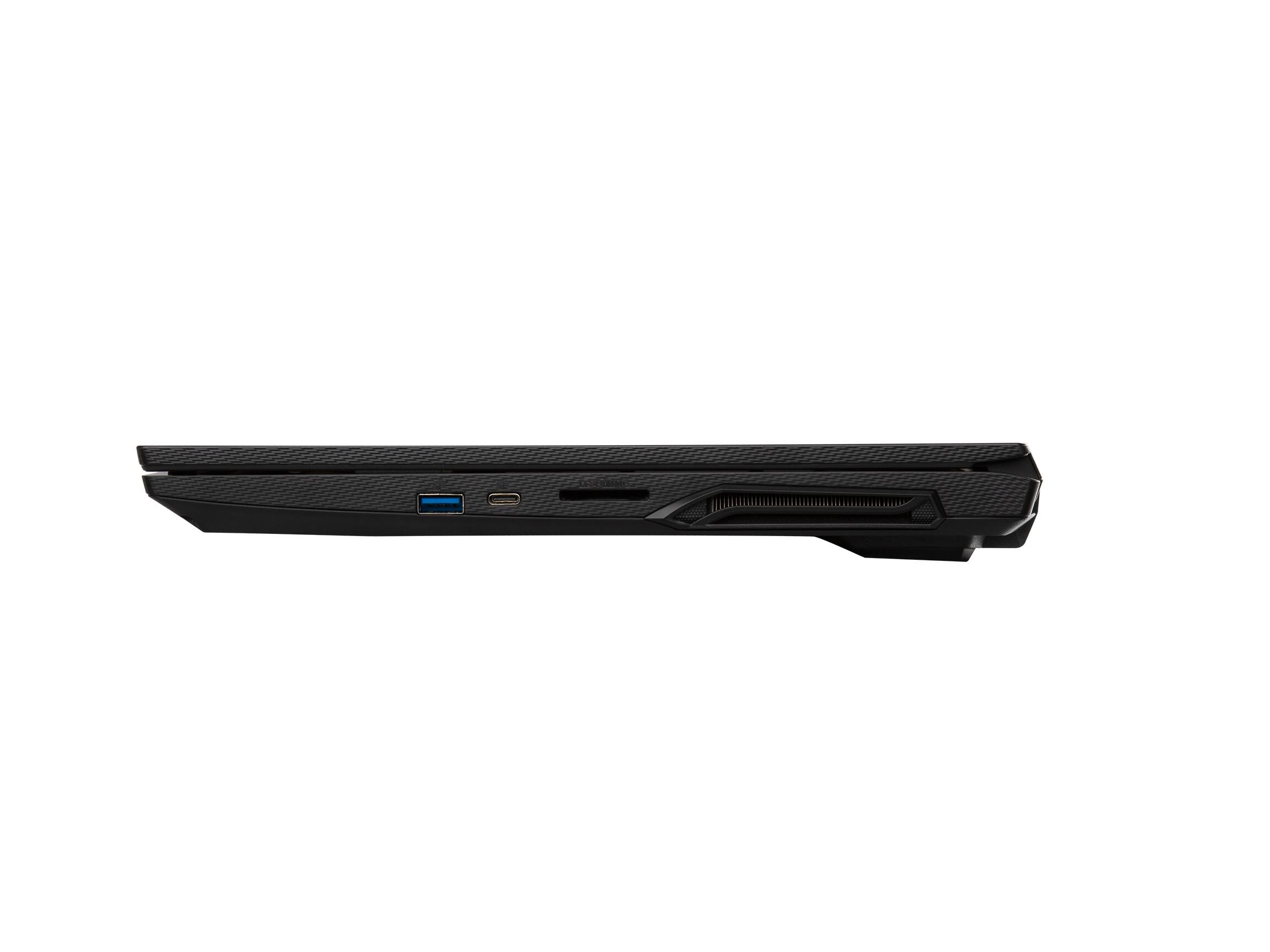
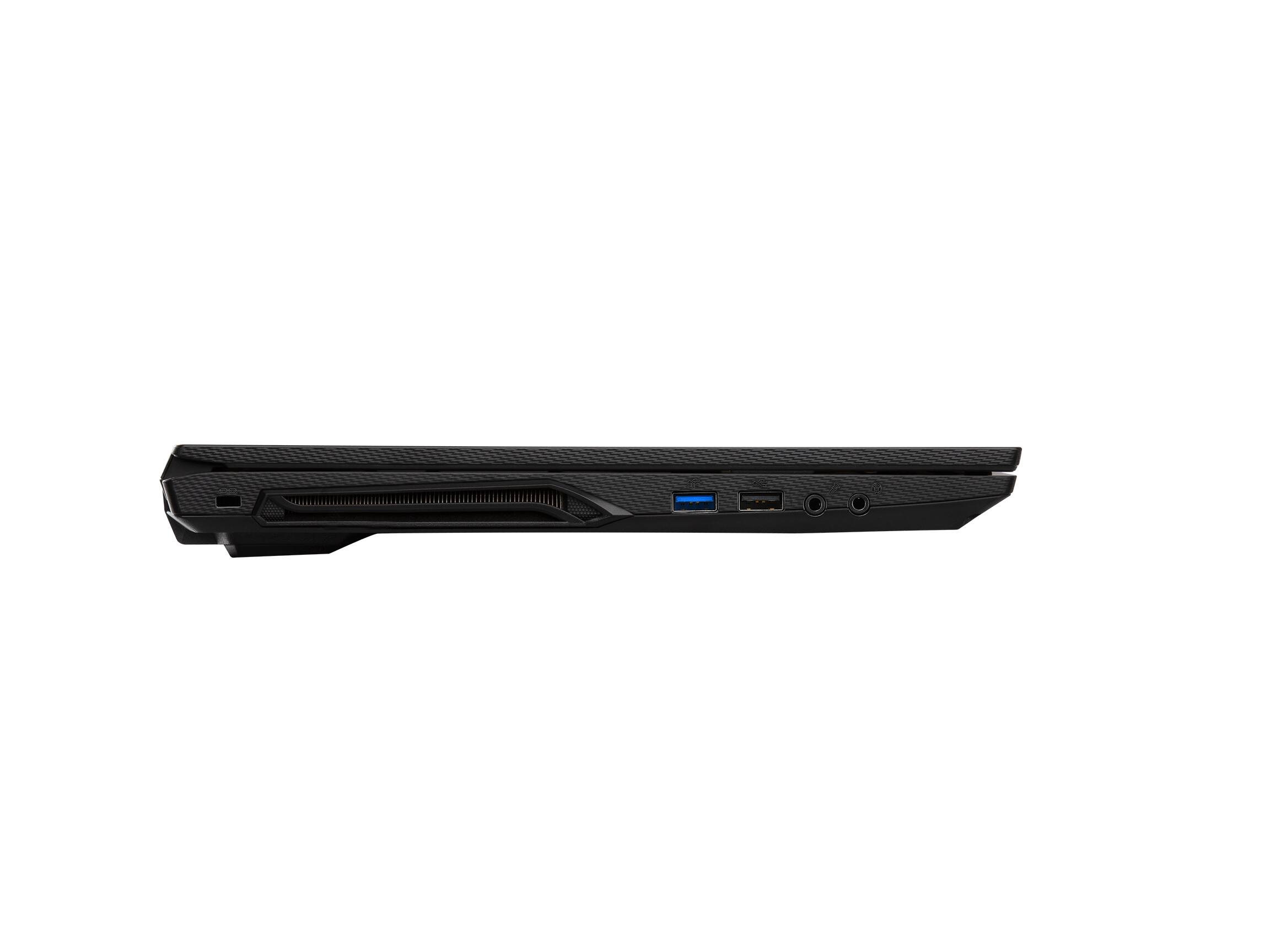
Q: QuestionIs the USB-C port a thunderbolt or regular USB-C?
Asked by Drizzle.
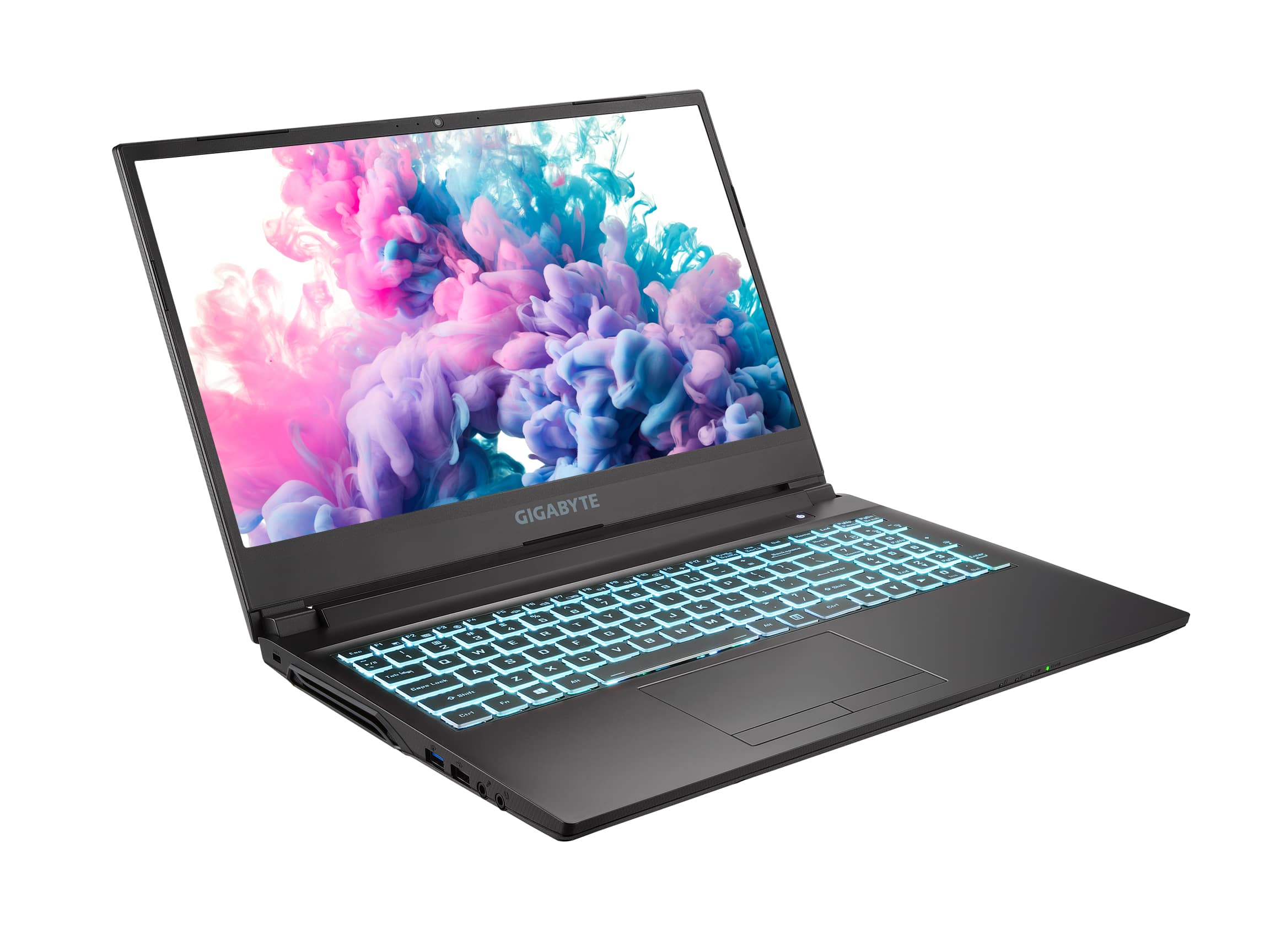
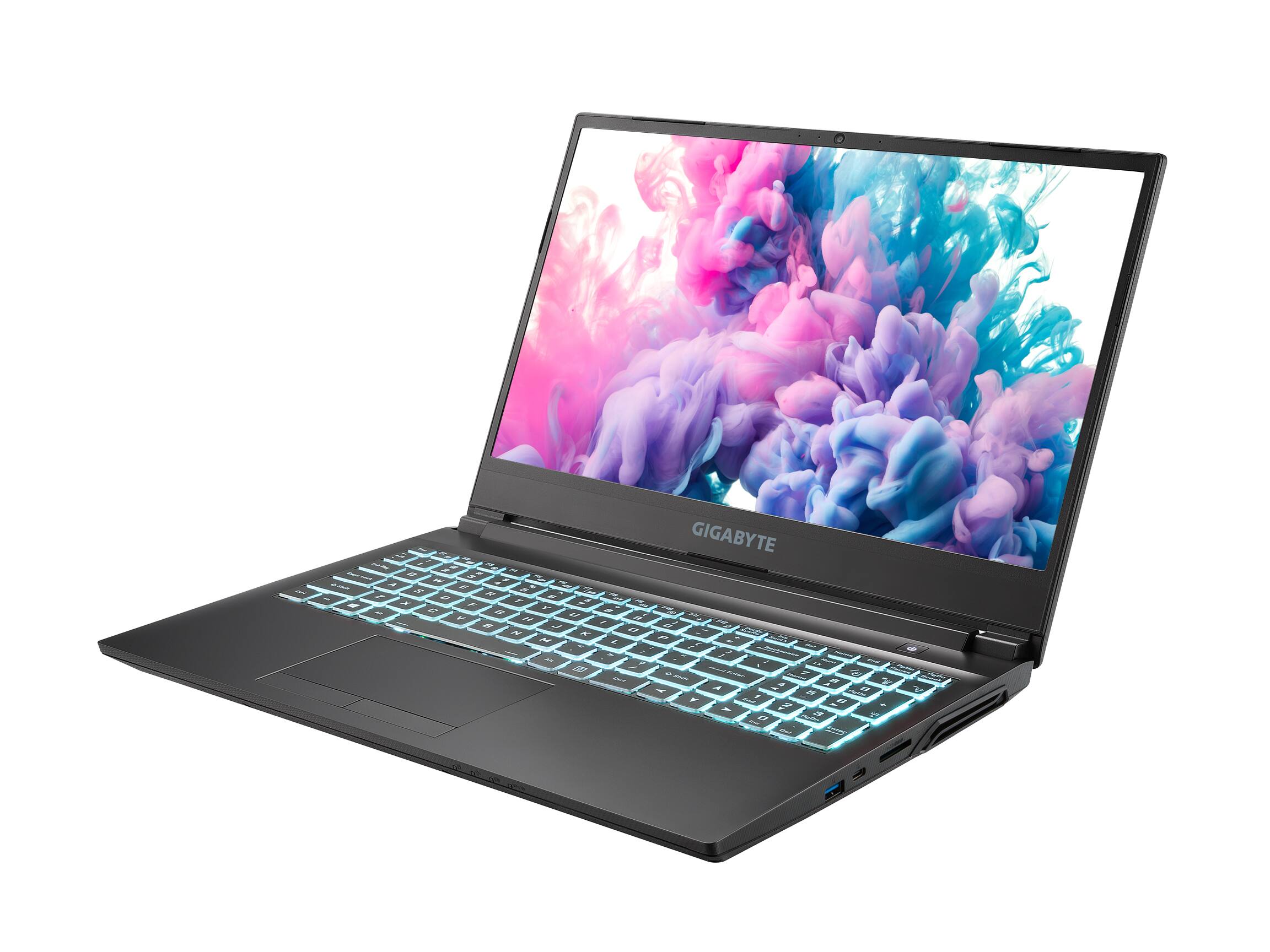
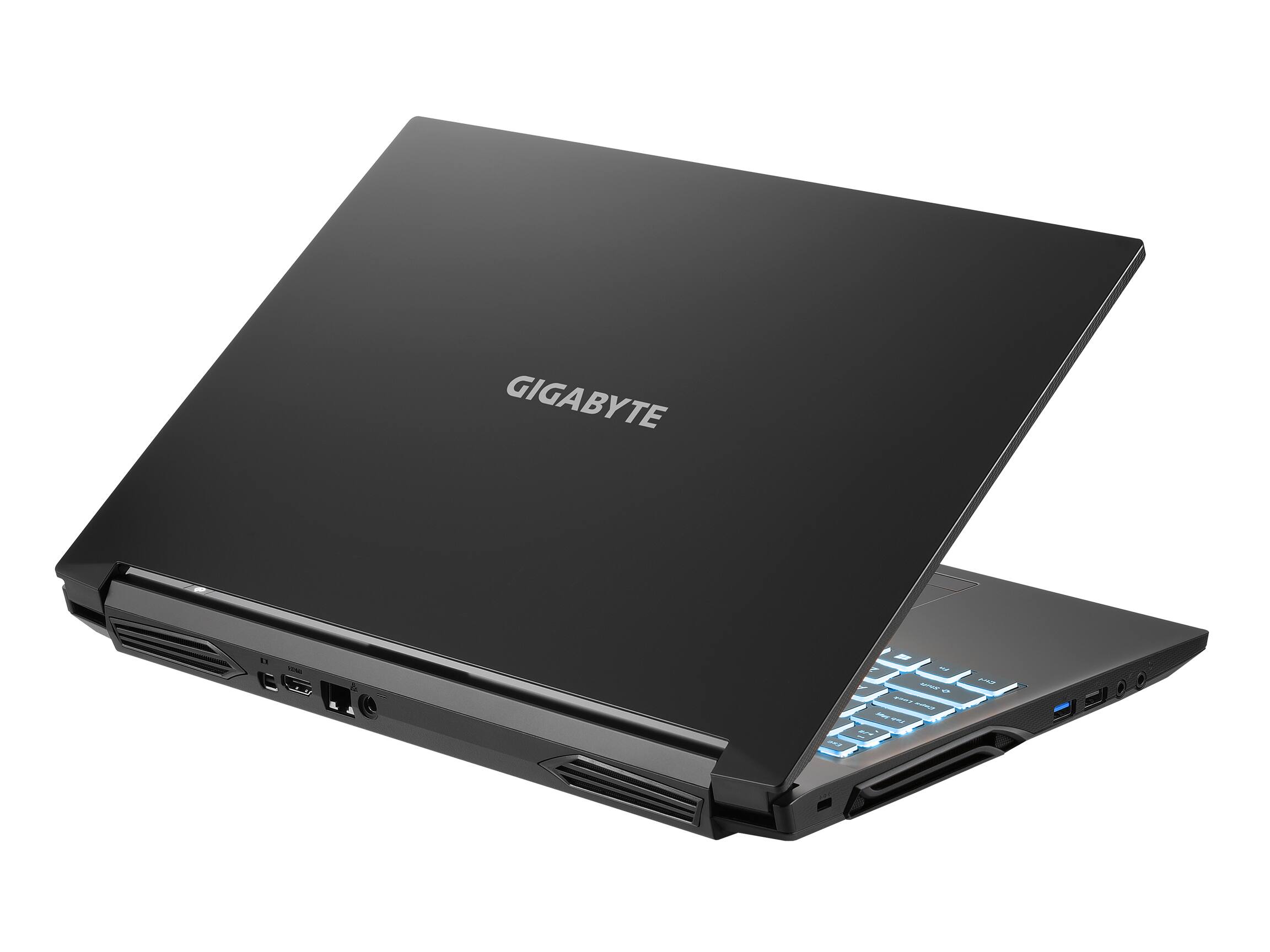
- A:Answer On the G5 MD I received, the USB type C port is a 3.1 Gen2 (faster than 3.1 Gen1) USB port. And, two of the USB type A ports are 3.1 Gen2 too.
Answered by Anonymous
Q: QuestionWhat is the RGB range of this laptop? Limited, full, etc.?
Asked by BottledPoe.
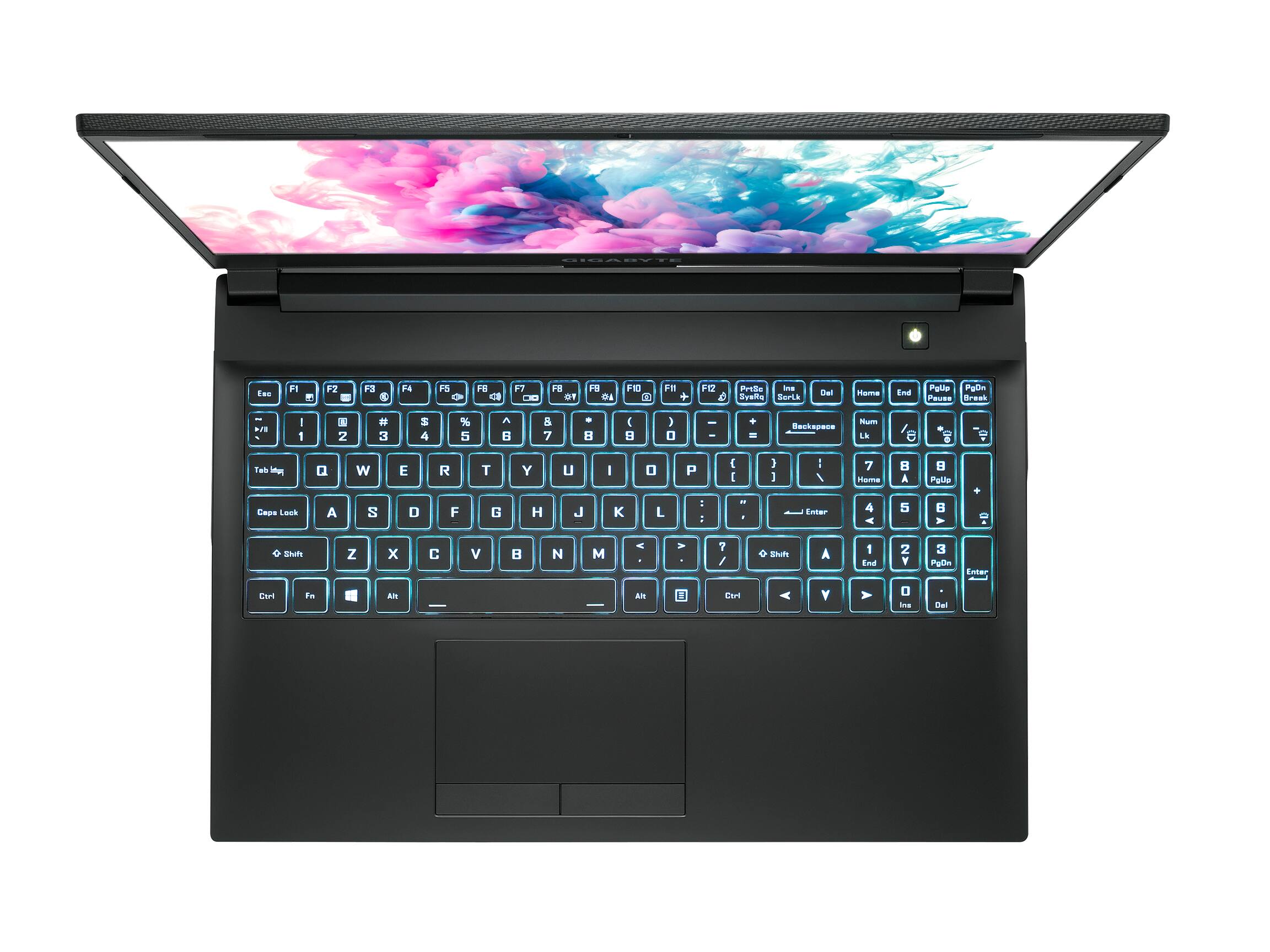
- A:Answer It has 7 or 8 colors and they do not change or do any special effects. Still very cool.
Answered by Jessica
Q: QuestionDoes this support USB C video output and charging? Ideally I would like to connect it to a docking station/hub where I currently have my desktop set up (dual monitors, keyboard, mouse, speaker, etc).
Asked by Treetop.
- A:Answer No display signal support on USB C. Use the miniDP port with this: MP 2-Port Mini DisplayPort 1.2 to DisplayPort Multi-Stream Transport (MST) Hub or use a 1.4 for 3 or more display ports.
Answered by MegaHugro
Q: QuestionIs this laptop VR capable? Which VR devices are compatible?
Asked by Peter.
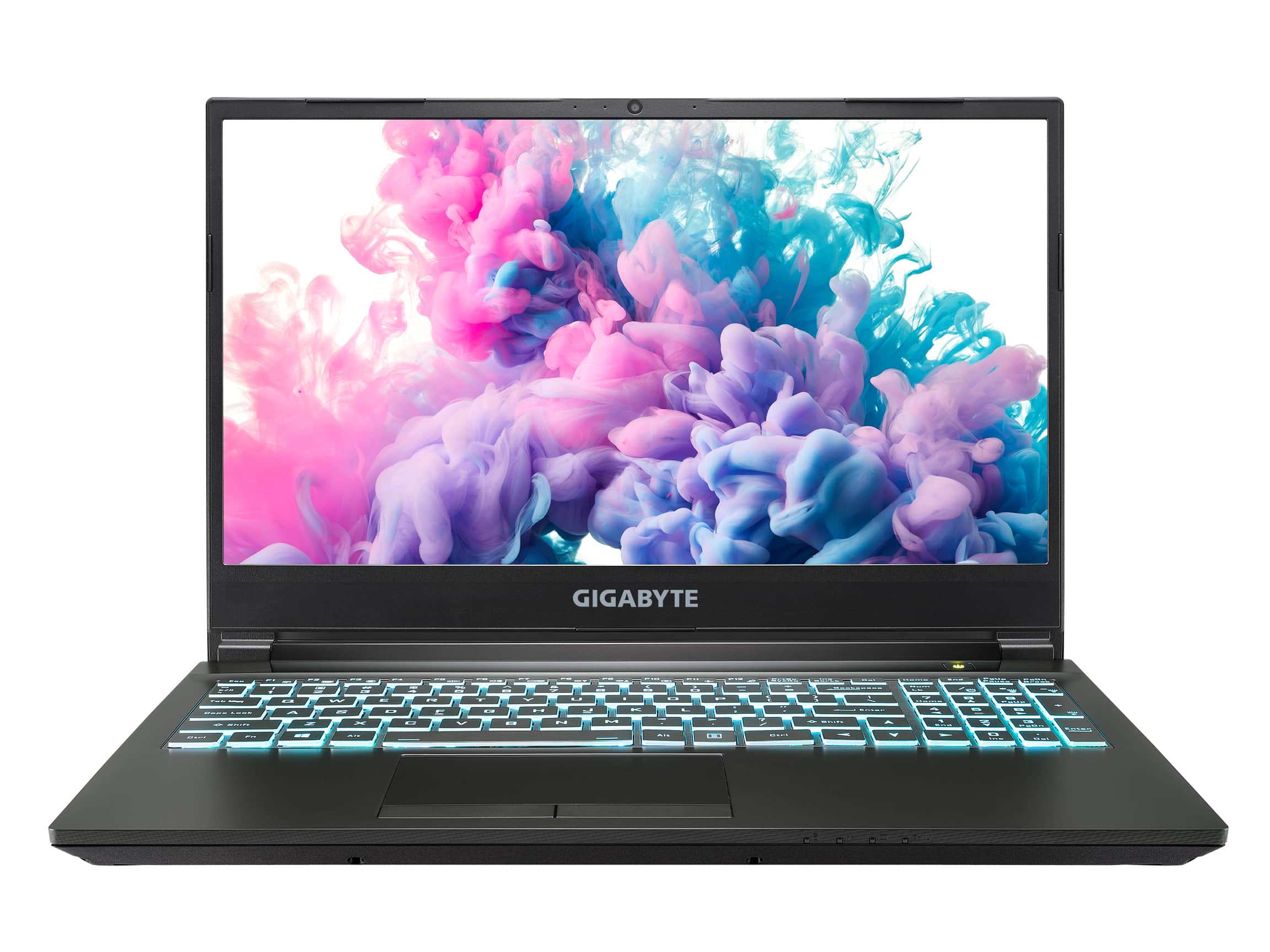
- A:Answer VR Ready is a buzz term generally meaning the combination of its CPU + graphics card + Ram+ disk drive (SSD) = enough power to run a virtual reality headset. Graphically any GeForce RTX model 2060 and higher can handle your low to mid tier headsets so questions like which headset will you be using (Quest,Vive,Index,Reverb) and WHAT ARE YOU USING IT FOR are the bigger questions. Seeing as a Meta Quest doesnt need a PC at all this would be a great companion to it as you can utilize the extra power from your PC to play more intense VR games from stores like Steam. Most other headsets a computer is REQUIRED and you'll be tethered to your computer via usb-c cables. For these more powerful VR headsets like the $1000 Valve Index for instance I would recommend a computer with at least an RTX 2070/3070/4070 to begin with and honestly, 16GB of Ram is about the least you should have if you want an enjoyable experience on any VR headset but preferably 32gb. Hope that helps.
Answered by MarzMatic
Q: QuestionCan you change the keyboard color? Or does it stay the teal/blue?
Asked by Lin.
- A:Answer Hi Lin, Yes you can using our built in Gigabyte Control Center. Hope this helps! - John
Answered by GIGABYTE Official
Q: QuestionCan ram be easily added to this? Would be nice to add an extra 8gb stick to this
Asked by Cristian.
- A:Answer Yes, theres a video on it on youtube, in short, all you have to have is a screwdriver, remove the batterie, then remove the screws and add the ram then rescrew everything
Answered by random1helper
Q: QuestionHow many nits is the screen brightness? Also, will this laptop work with HP, Canon, and Brother mobile and home printers? That is, do those mainstream printer companies download printer software onto this laptop?
Asked by Giger.
- A:Answer Yes you will have to install software. If looking to buy a printer I might go Epson- its ink cost less than the others- or buy an all-new unit each time you need ink. A whole new unit cost less than buying just ink- or for a simple home unit anyway.
Answered by ezeht
Q: QuestionWhat is the wattage for the geforce rtx 3050 ti. 35 watts or 80 watts
Asked by Bhl.
- A:Answer Yes all of that, it varies. It depends on what its doing and if plugged in or on battery. If set for power saving or performance etc.
Answered by ezeht
Q: QuestionCan the laptop charger over USB-C?
Asked by JWilson.
- A:Answer Hi JWilson, The laptop will not be able to charge over USB C. You will need to use the included charger. Hope this helps! - John
Answered by GIGABYTE Official
Top Rated
- $249.99$249.99The price was $379.99
- $99.99$99.99The price was $129.99
- $329.99$329.99The price was $469.99
- $149.99$149.99The price was $199.99
- $33.33 per month$33.33/mo.for 36 months; 0% APR