
Save up to 50% on 3-Day Sale deals.Ends 12/14.Shop now

Main Content

Questions & Answers

Your price for this item is $79.99
Clearance
The comparable value price is $99.99
Page Showing 1-4 of 4 questions
  • QuestionHow can I connect through Bluetooth?

    Asked by Anonymous.

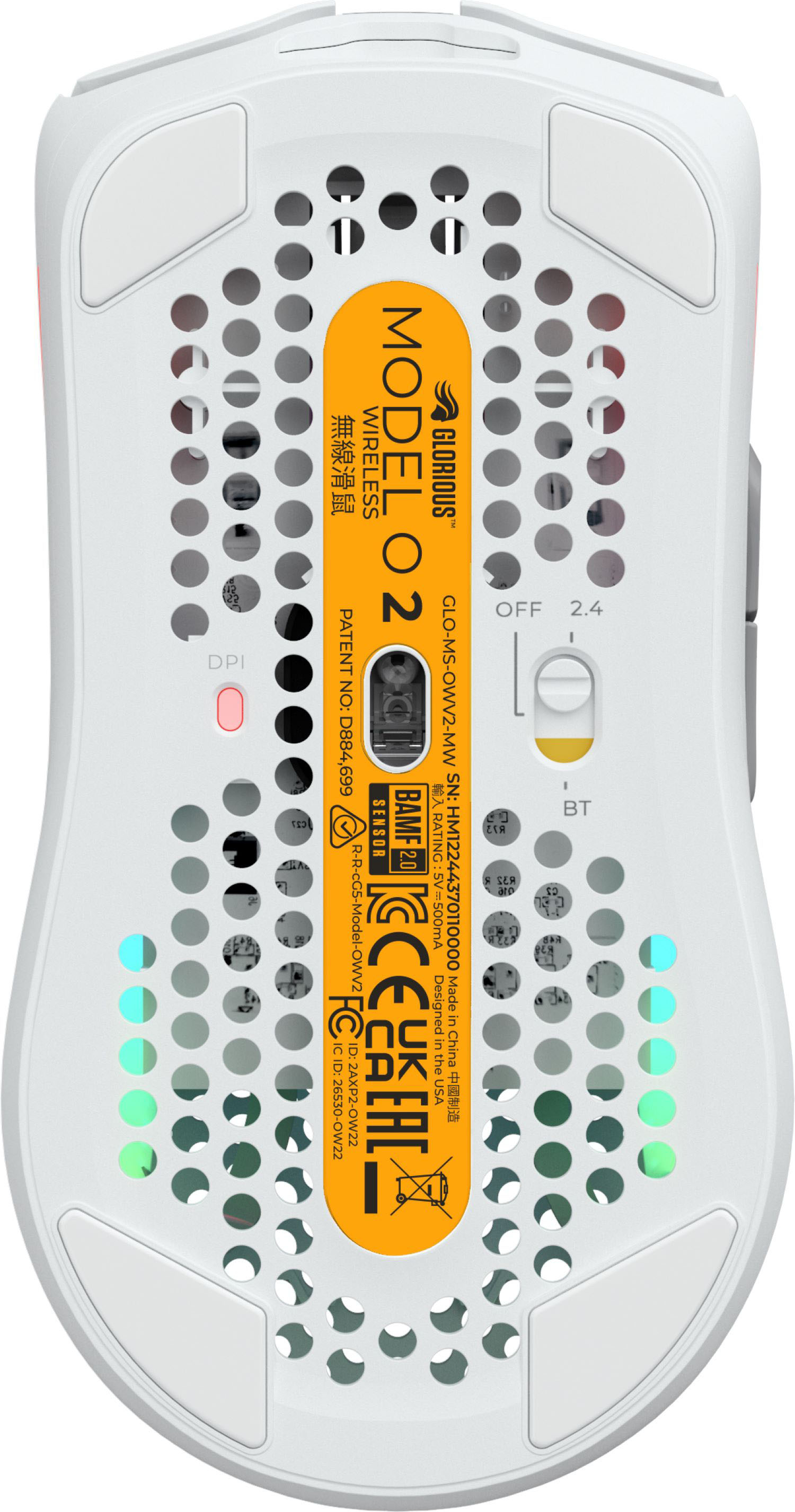
    • Answer Power On the Mouse: Ensure that the mouse is powered on. Some wireless mice have a physical on/off switch on the bottom. Insert Batteries or Charge: If the mouse uses replaceable batteries, make sure they are correctly inserted. If it's rechargeable, connect it to a USB cable to charge it before attempting to connect. Connect the Wireless Receiver: If your mouse comes with a USB wireless receiver, plug it into an available USB port on your computer. Make sure it's securely connected. Install Drivers/Software: Some gaming mice require specific drivers or software to be installed for full functionality. Check the manufacturer's website for the latest drivers or software. Pairing (If Necessary): If the mouse uses Bluetooth, ensure that your computer has Bluetooth enabled, and follow the manufacturer's instructions for pairing the mouse. Check for a Connect Button: Some wireless mice have a connect button on the bottom. Press this button to initiate the connection process. Follow Manufacturer's Instructions: Consult the user manual or any included documentation for specific instructions related to your mouse model. Test the Mouse: Move the mouse to see if the cursor on your computer screen responds. If not, there may be an issue with the connection or drivers. Adjust Settings (Optional): Install any customization software that came with the mouse to adjust settings like sensitivity, button assignments, and lighting. Remember that these are general instructions, and it's crucial to refer to the specific user manual or support documentation provided by Glorious for your Model O 2 mouse. Additionally, check the Glorious website for any firmware updates or troubleshooting guides that may be available. If you encounter difficulties, reaching out to Glorious customer support may also be helpful.

      Answered by SynergyHits

  • QuestionCould I change the colors to the mouse? I want it to look solid blue.

    Asked by Alondra.

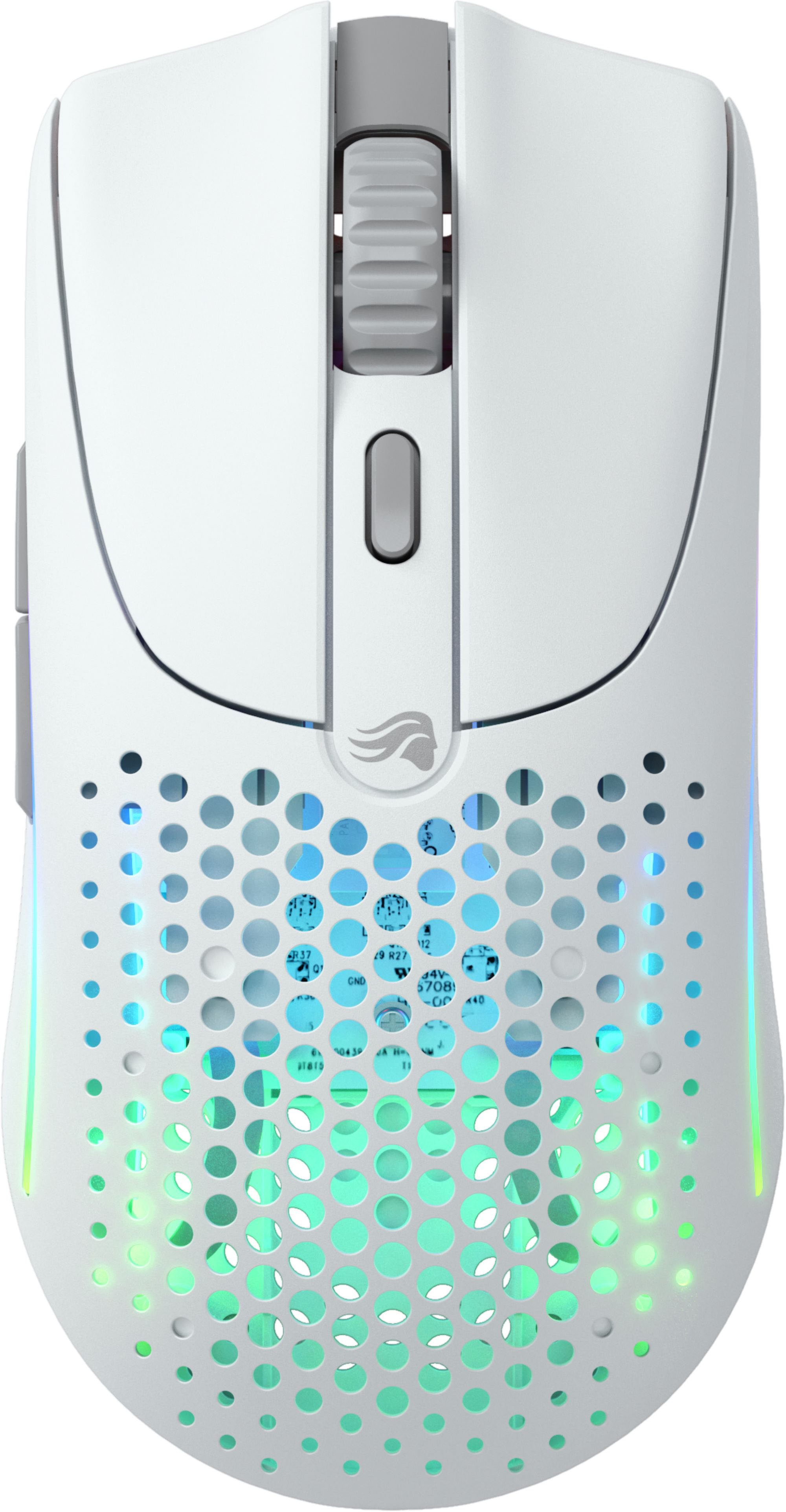
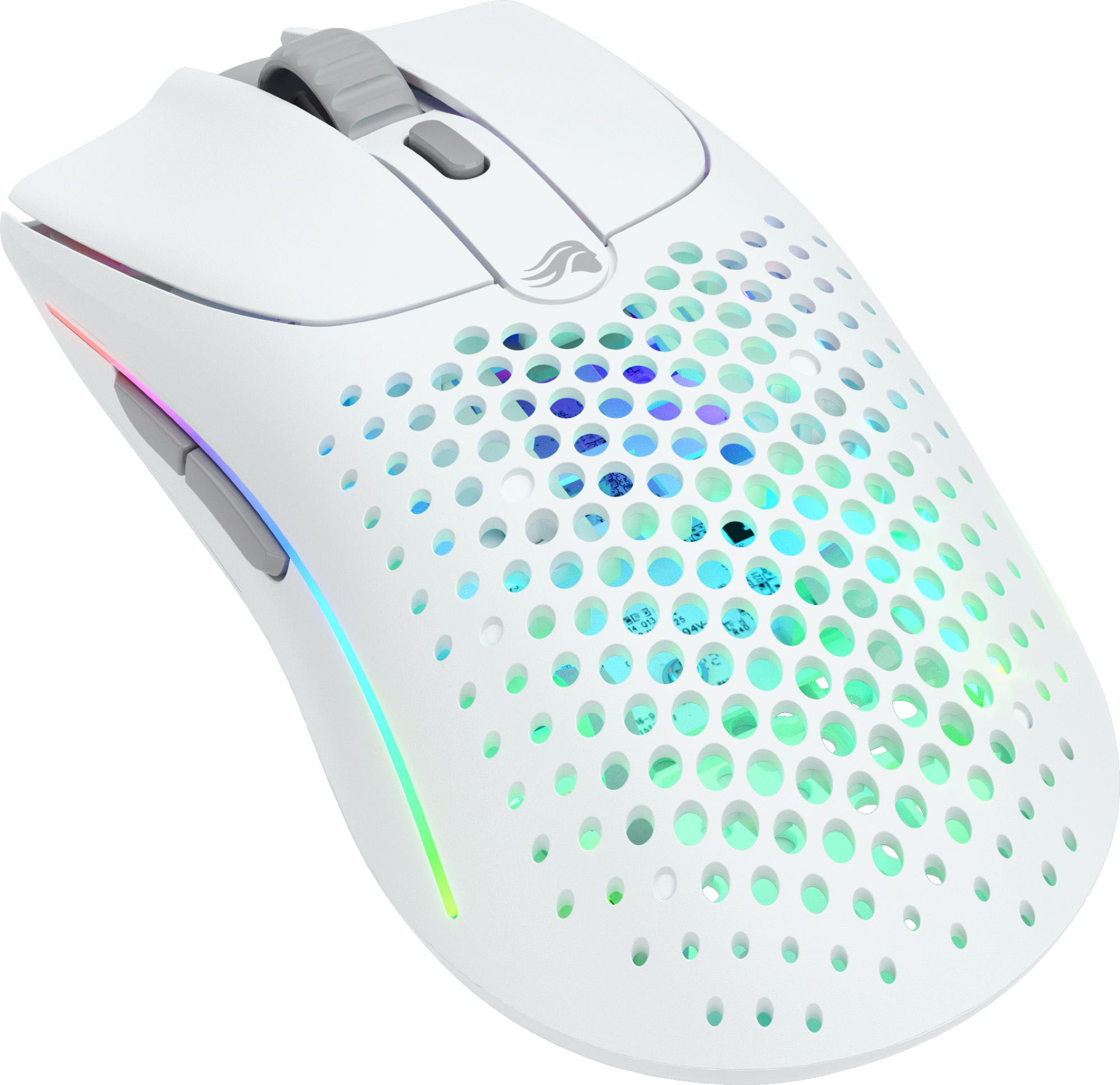
    • Answer If you're referring to the lighting, yes. You can absolutely change it to a solid blue. (:

      Answered by Memz

  • QuestionDoes it work with iPad 9th generation

    Asked by PacGames001.

  • QuestionIs this a silent clicker

    Asked by Anonymous.

    • Answer Pretty much. Soft push and makes some noise but not very noticeable.

      Answered by Tjsc