A:AnswerChromecast itself doesn't have any stored channels or apps. It streams your Chromecast-enabled apps on your phone or tablet to your TV. You can take a look at our partner apps here to find out if your favorite channel apps are Chromecast-enabled here: https://store.google.com/product/chromecast_apps
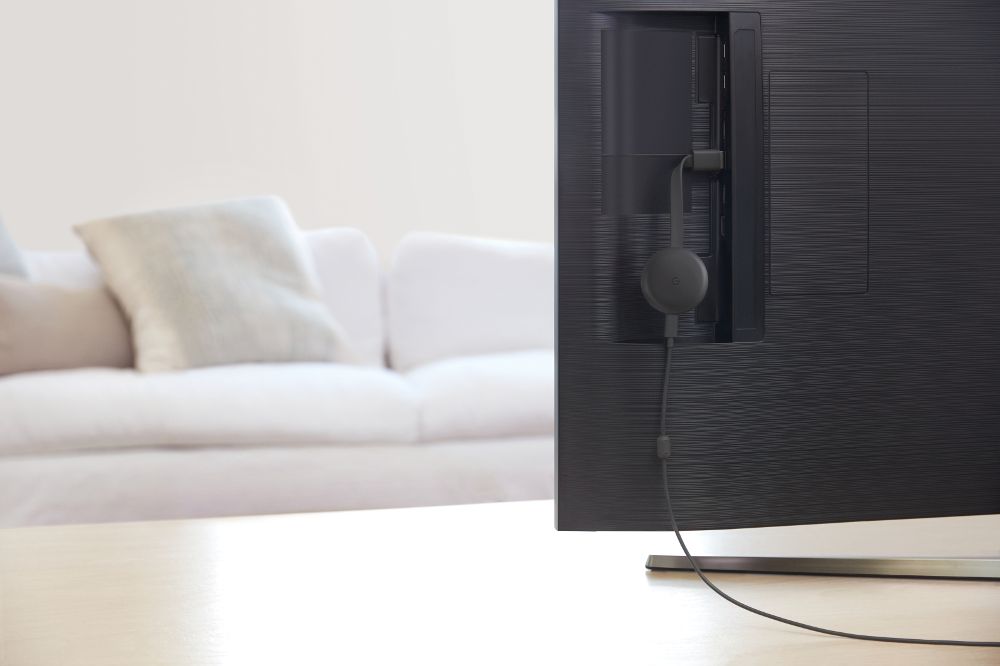
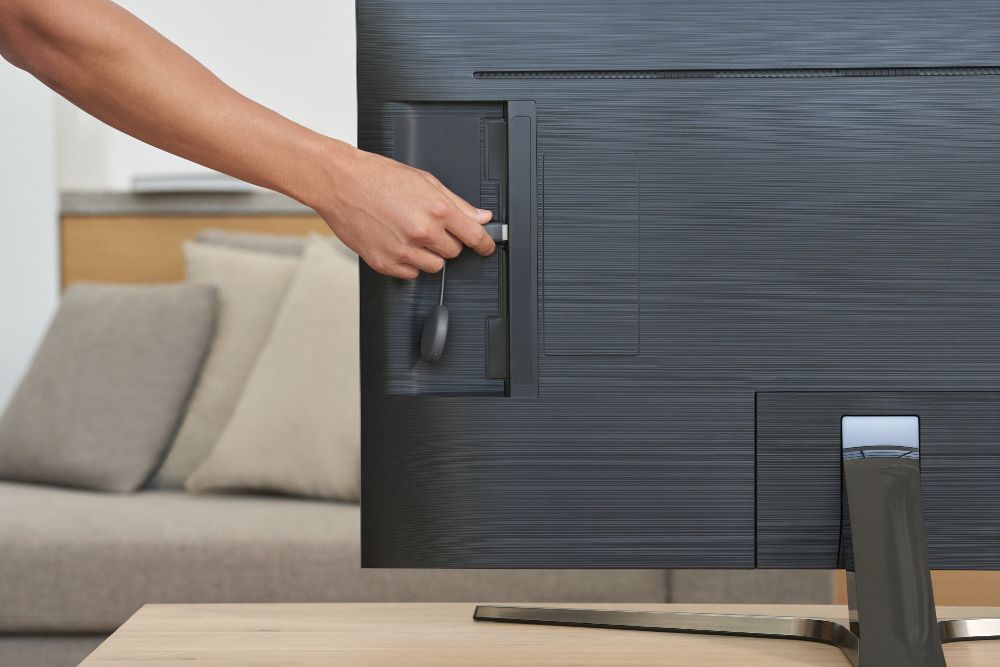
A:AnswerChromecast is a casting protocol. It simply creates a path between your casting source (smartphone/tablet/Chrome browser on a laptop) and your TV. It plugs into the HDMI port of your TV and you need to connect it and your casting source to the same broadband Wi-Fi network. Chromecast can't stream any content by itself, you need to have a smart phone, or a tablet to set it up. Then you can stream content of the Chromecast-enabled apps on your smart devices or Chrome browser tab on your laptop.
A:AnswerChromecast is available in India and will work as long as you have a TV with an HDMI port, a broadband internet connection, and a smart device with apps that are cast enabled.
A:AnswerYou need to download Google Chrome browser in order to cast a browser tab on a macOS device. On iOS devices, you can cast from Chromecast-enabled apps.
A:AnswerHere are the compatible smartphone operating systems (OS) :
- Android phone 5.0 and higher,
- Apple iOS 11 and higher,
For more on the requirements for Chromecast devices, visit this link: https://support.google.com/chromecast/answer/7022492
A:AnswerYes, you can cast content from Amazon Prime Video app on your smart device to your TV via Chromecast. You cna find the requirements to set up Chromecast here : https://support.google.com/chromecast/answer/7022492
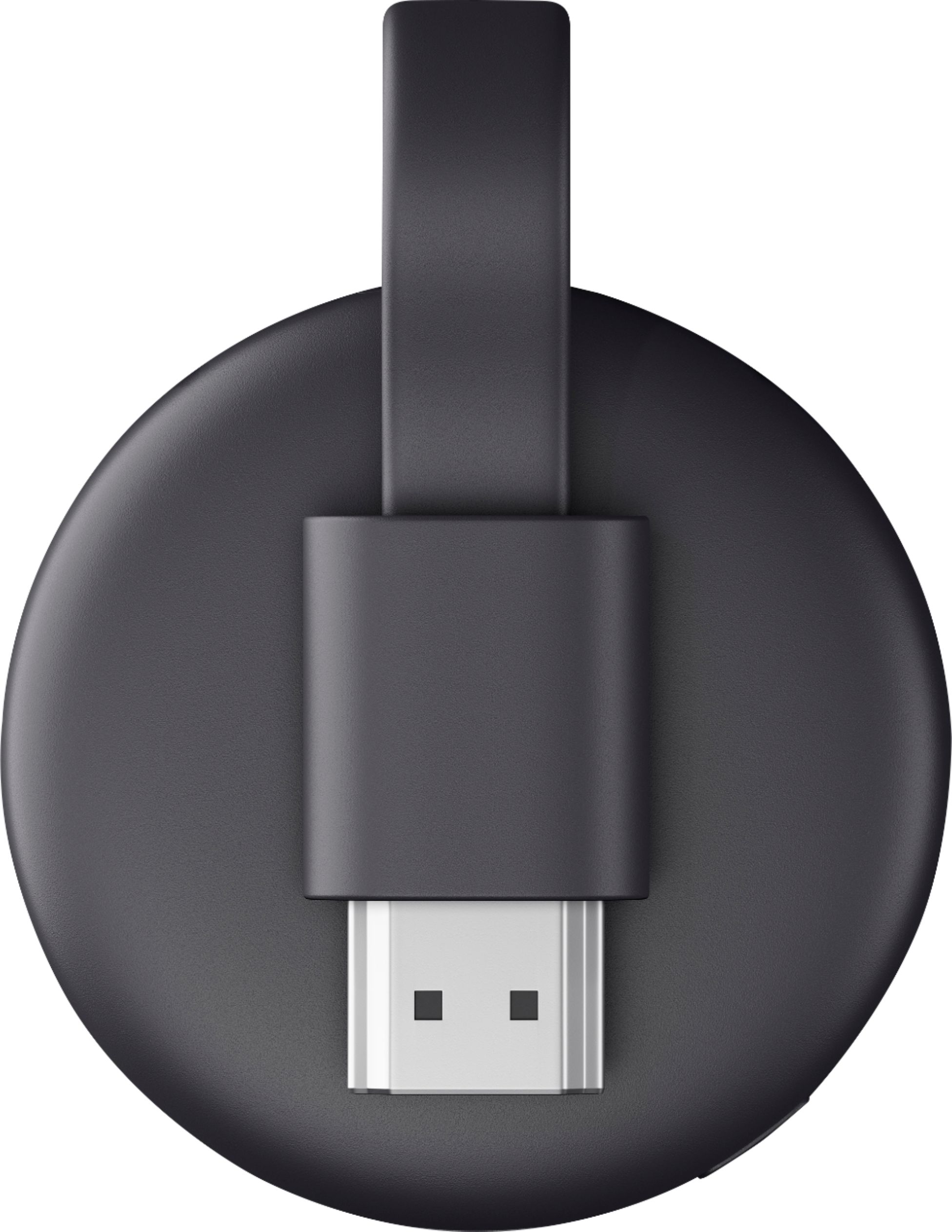
A:AnswerA Wi-Fi connection is recommended to reliable and strong connection. Furthermore, Chromecast and your smartphone need to be connected to the same Wi-Fi network. You can find the details about the setup and requirements here : https://support.google.com/chromecast/answer/2998456
A:AnswerGoogle no longer supports Chromecast setup on a computer. To set up your Chromecast, you can use your wife's iPad. You can follow the instructions on how to set it up here: https://support.google.com/chromecast/answer/2998456?hl=en&co=GENIE.Platform=iOS
A:AnswerYes, you can cast Hulu from your phone to your TV via Chromecast. You can find out more on how to cast content with Chromecast here : https://support.google.com/chromecast/answer/6006232
A:AnswerYes. I sit at my desktop with my phone next to me so I will sometimes stream from my phone but I often will stream directly from my desktop to the dumb tv - mostly using the Chrome browser. By the way, you can also use the new Microsoft Edge browser to stream to the tv as well. It's a couple extra steps but I do that as well.