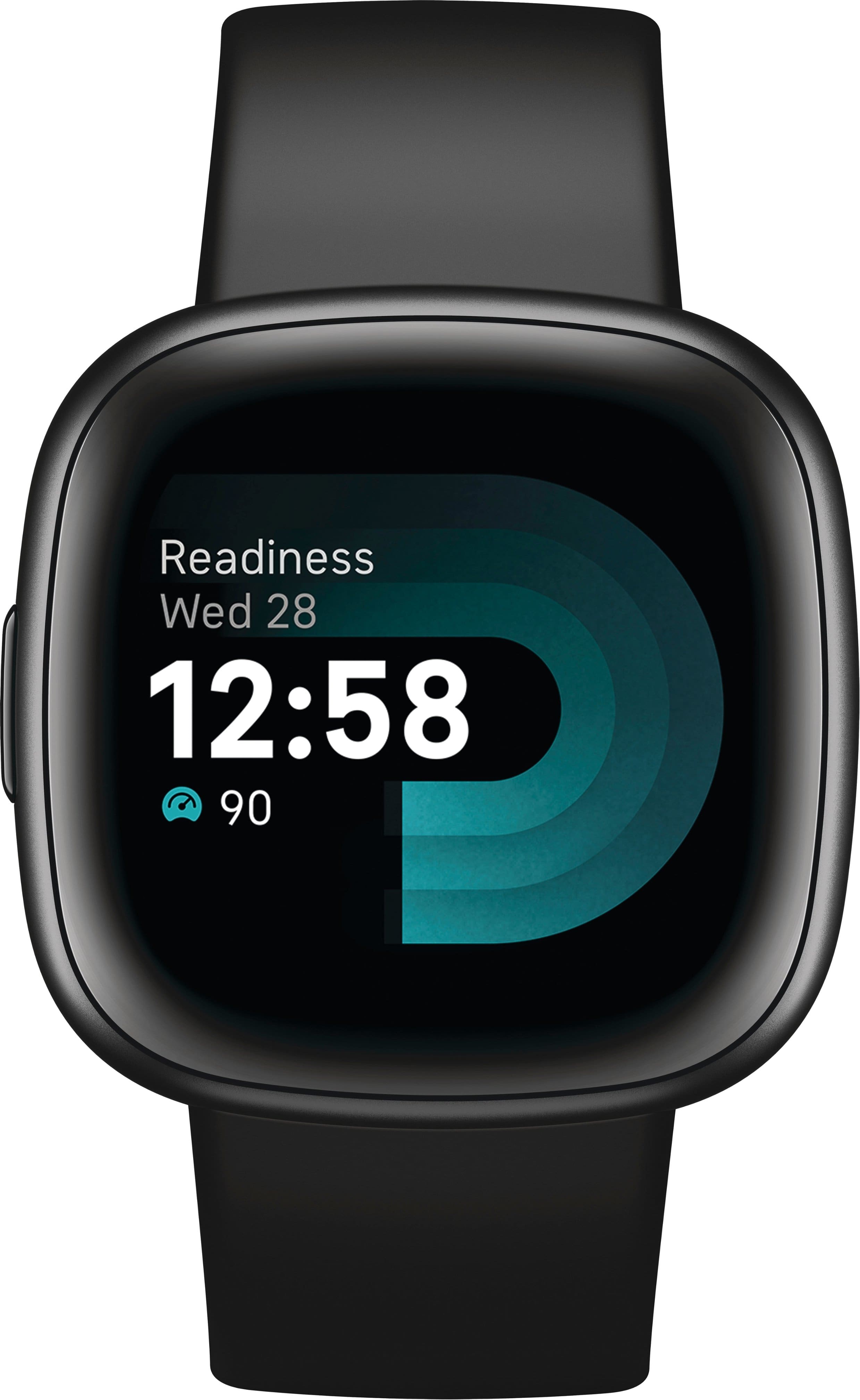
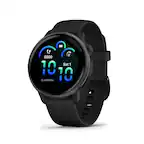
A:AnswerThanks for asking, Nana. The Exercise app on the Versa 4 offers a range of exercise options. Select the one that best matches your activity, or choose "Workout" if your specific exercise isn't listed. It will also automatically detect certain workouts and open the Exercise app and start tracking after a few minutes. Here’s a link with more information: https://support.google.com/fitbit/answer/14236510?
A:AnswerThe heart rate monitor works without syncing to the phone, and it doesn't need its own service. The watch face is normally blank -- to see time, date and heart rate you push the button on the left side of the case.
A:AnswerIt syncs with my Google Pixel phone, which is an Android. It buzzes when the phone receives a text or email, and displays the message. It doesn't do phone calls.
A:AnswerThanks for the inquiry, Trina. The Inspire 3 connects with the Fitbit app to keep track of several health metrics. For specific app integration, we recommend reaching out to the app developer for more information. Here’s a link with more details: https://support.google.com/fitbit/answer/14236613
A:AnswerHey there. Yes, the Versa 4 works with devices running Android 11 or higher. Here’s a link with more information: https://support.google.com/product-documentation/answer/14226283?hl=en
A:AnswerHi there. Unfortunately, the Versa 4 is not equipped with any fall detection. The watch does offer various health and fitness features, including sleep tracking and heart rate monitoring.
A:AnswerHi there, 122. If you’re referring to bands being interchangeable then unfortunately Versa 3 bands will not work with the Versa 4. If you have any additional questions, feel free to reach out here: https://support.google.com/fitbit/gethelp?hl=en
A:AnswerHey there, ed. Unfortunately no, the Versa 4 must be set up and synced using the Android or iOS app. Here’s a link with more information: https://support.google.com/fitbit/answer/14236818