Questions & Answers
- Model:
- GA10555-US
- |
- SKU:
- 6642293
Q: QuestionDoes this speaker have built-in speakers?
- A:Answer Yes, this speaker has built-in speakers.
This question and answer was generated by AI based on customer and product data.Q: QuestionDoes this speaker work with other Nest devices?
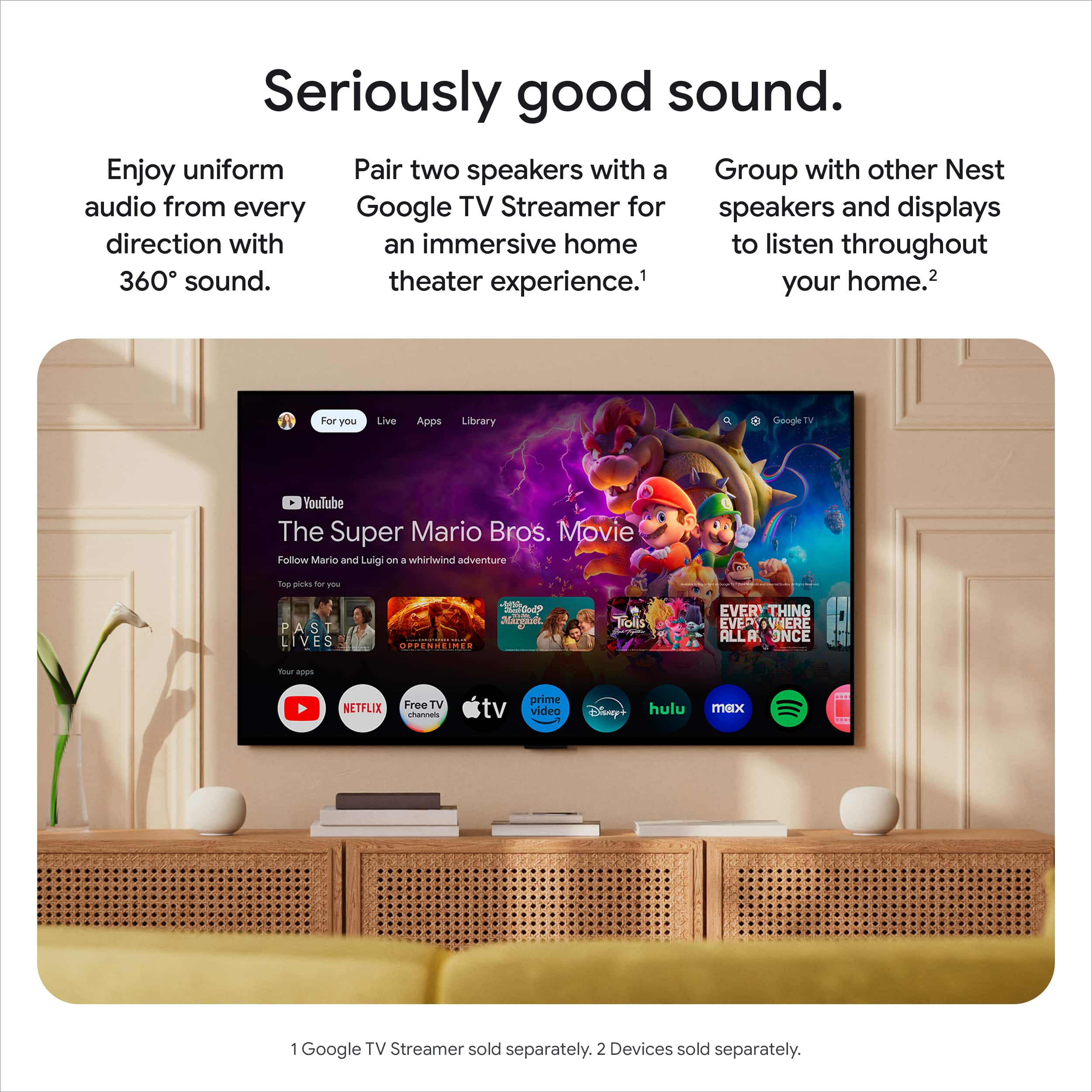
- A:Answer Yes, this speaker works with Nest speakers, Nest displays, and Google Cast-enabled devices.
This question and answer was generated by AI based on customer and product data.Q: QuestionDoes this speaker work with other Nest devices?
This question was asked about the related product: Google - Home Speaker - Smart Speaker with Gemini For Home Voice Assistant and 360-Degree Sound - Berry
- A:Answer Yes, this speaker works with Nest speakers and displays.
This question and answer was generated by AI based on customer and product data.Q: QuestionWhat kind of sound does this speaker produce?
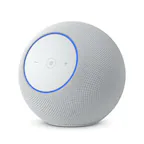
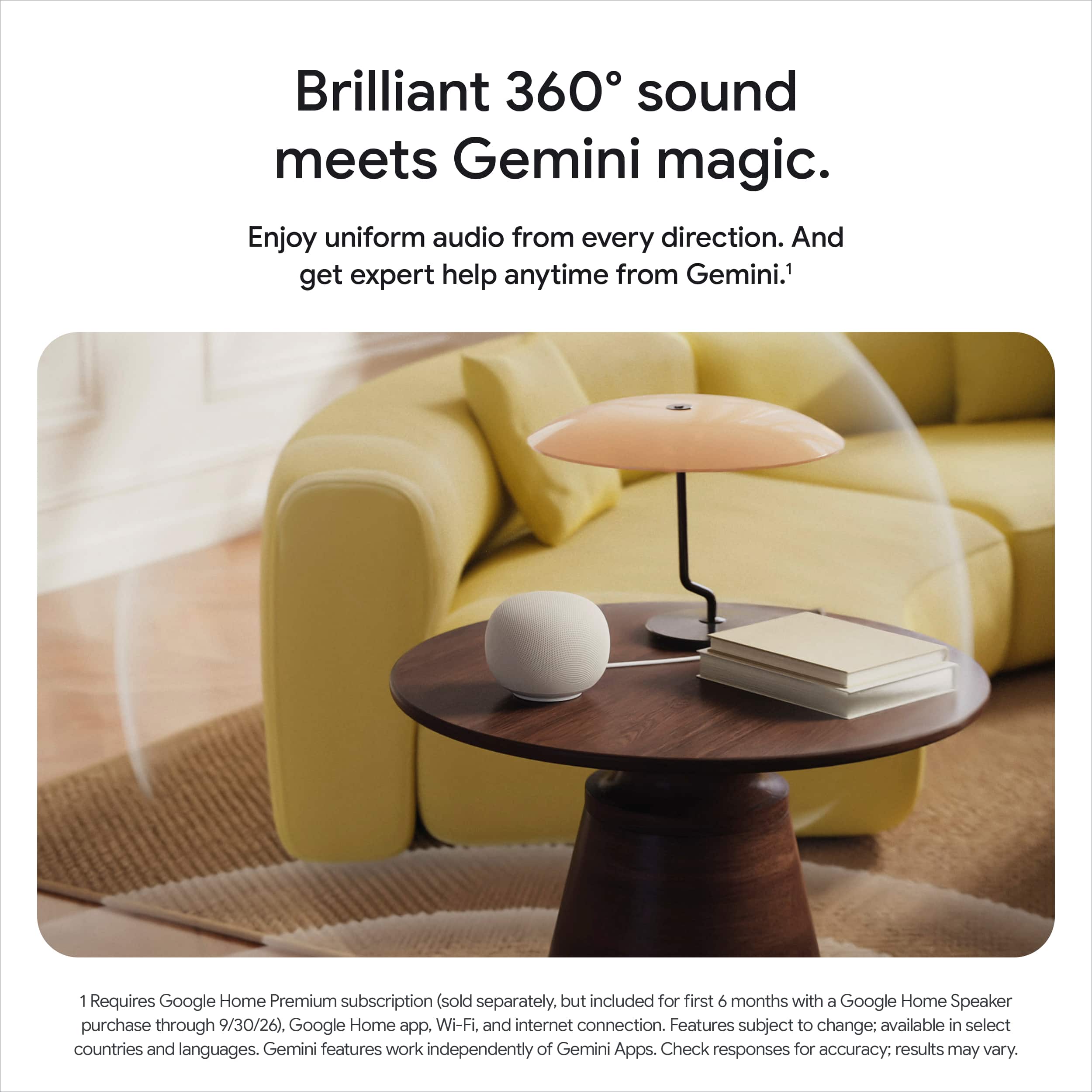
- A:Answer This speaker produces brilliant 360° sound.
This question and answer was generated by AI based on customer and product data.Q: QuestionDoes this speaker work with other Nest devices?
- A:Answer Yes, this speaker works with Nest speakers and displays.
This question and answer was generated by AI based on customer and product data.Q: QuestionIs it possible to mute the microphone on this speaker?
This question was asked about the related product: Google - Home Speaker - Smart Speaker with Gemini For Home Voice Assistant and 360-Degree Sound - Berry
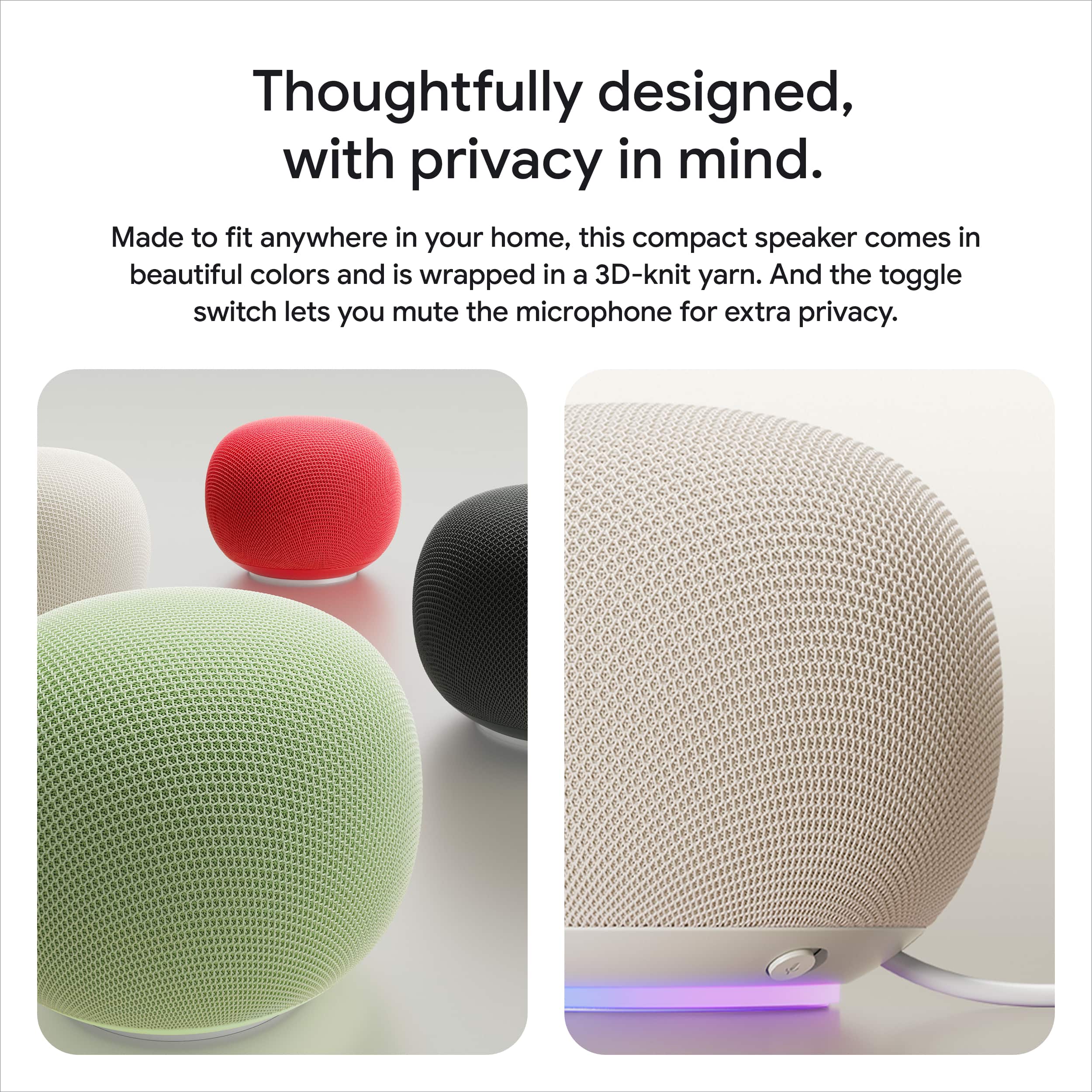
- A:Answer Yes, you can mute the microphone for privacy using the toggle switch.
This question and answer was generated by AI based on customer and product data.Q: QuestionDoes this speaker have built-in speakers?
This question was asked about the related product: Google - Home Speaker - Smart Speaker with Gemini For Home Voice Assistant and 360-Degree Sound - Berry
- A:Answer Yes, this speaker has built-in speakers.
This question and answer was generated by AI based on customer and product data.Q: QuestionWhy is there no answers to the Non Ai questions? Especially the ones about subscriptions and post purchase expenses?
Asked by RootBeerBelly.
This question was asked about the related product: Google - Home Speaker - Smart Speaker with Gemini For Home Voice Assistant and 360-Degree Sound - Porcelain
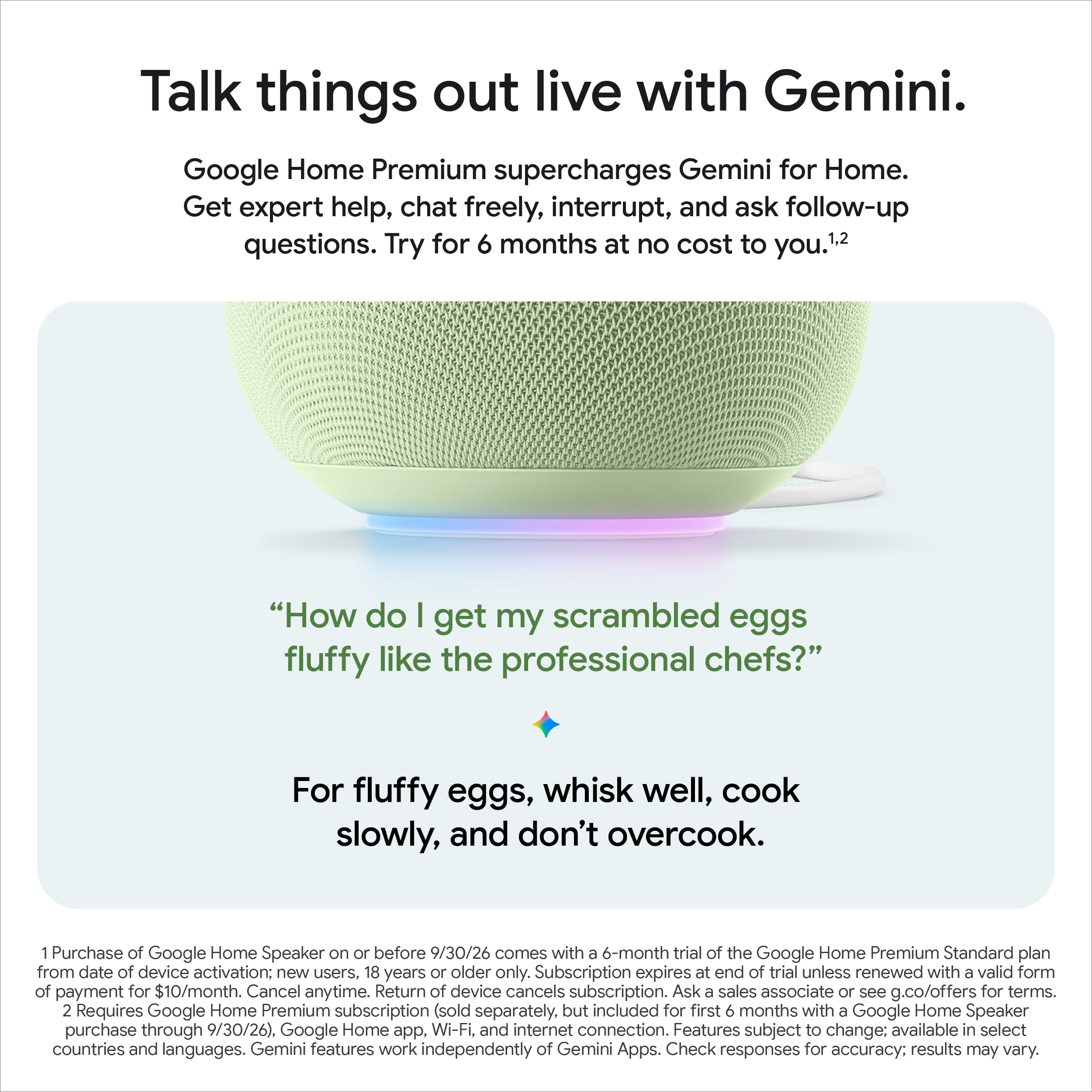
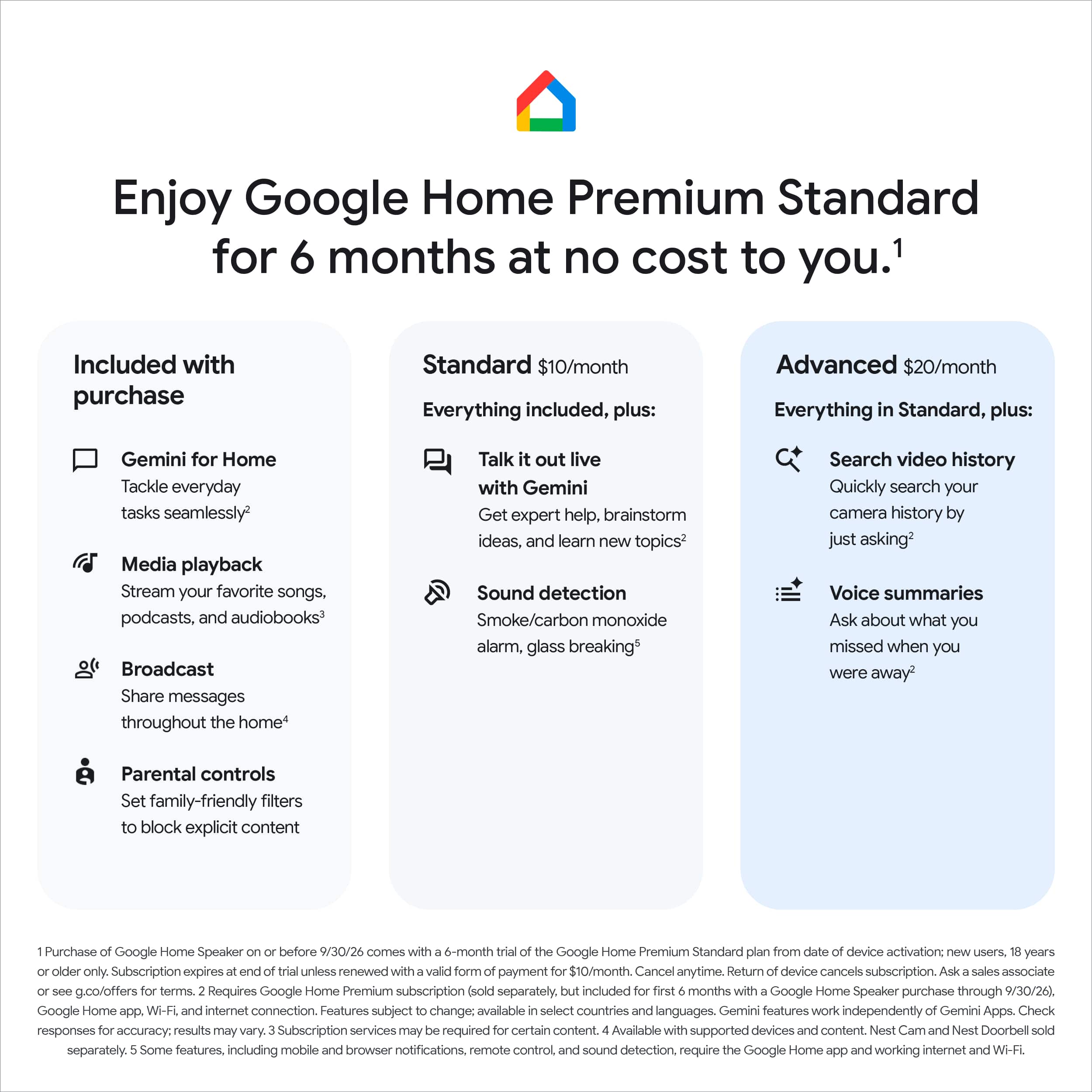
- A:Answer Google will sell Google Home Premium subscription plans for $10 per month (or $100 per year) if you want to take advantage of more powerful AI features. This includes being able to have more free-flowing conversations with Gemini Live, which you kick off by saying, “Hey, Google, let’s chat.” Home Premium can also help you ask about and make sense of activity captured on your home’s Nest cameras, or offer summaries of what happened in the home while you were out.
Answered by elon
Q: QuestionCan you use it as an alarm clock
Asked by Kru9770.
- A:Answer Hey there. Yes, you can use the Google Home Speaker as an alarm clock. You can easily set alarms and wake-up routines using just your voice. Check out this link with more information: https://support.google.com/googlehome/answer/7071598?hl=en
Answered by Google Team
Q: QuestionCan is pair with another speaker for stereo sound?
Asked by Taders.
This question was asked about the related product: Google - Home Speaker - Smart Speaker with Gemini For Home Voice Assistant and 360-Degree Sound - Porcelain
- A:Answer Great question. Yes, you can pair two Google Home Speakers together in the Google Home app to play synchronous media throughout the home. Here's a link with more information: https://support.google.com/googlehome/answer/7174267
Answered by Google Team
Q: QuestionCan i connect to my Nest doorbell
Asked by CaroleT.
This question was asked about the related product: Google - Home Speaker - Smart Speaker with Gemini For Home Voice Assistant and 360-Degree Sound - Porcelain
- A:Answer Great question. Yes, the Google Home Speaker can announce visitors when someone rings your Nest Doorbell. Here is how to set it up: 1. Open the Google Home app. 2. Tap Home and then Cameras and then your doorbell. 3. Tap More and then Settings and then Doorbell. 4. Turn Visitor announcements on or off. If you need a hand, we’re available 24/7 here: https://support.google.com/googlehome/gethelp
Answered by Google Team
Q: QuestionIs this a nest speaker
Asked by Gary.
This question was asked about the related product: Google - Home Speaker - Smart Speaker with Gemini For Home Voice Assistant and 360-Degree Sound - Porcelain
- A:Answer Technically no, Google bought out nest, therefore nest doesn’t exist. This does work with other nest speakers though.
Answered by Chelsea
Q: QuestionI bought this device as it has a free six month subscription to premium plus. However, I don't see it or can figure out how to access it. Help!
Asked by CCY.
- A:Answer Thanks for reaching out, CCY. The offer is only available to new users and not to current subscribers or free trial users of Google Home Premium. We'd be happy to lend a hand and make sure everything is set up correctly — reach out to us here: https://support.google.com/googlehome/gethelp
Answered by Google Team
Q: QuestionWill this speaker work with my google wireless doorbell
Asked by Teresa.
- A:Answer Great question, Teresa. Yes, the Google Home Speaker can announce visitors when someone rings your Nest Doorbell. Here is how to set it up: 1. Open the Google Home app. 2. Tap Home and then Cameras and then your doorbell. 3. Tap More and then Settings and then Doorbell. 4. Turn Visitor announcements on or off. If you need a hand, we’re available 24/7 here: https://support.google.com/googlehome/gethelp
Answered by Google Team
Q: QuestionDoes this speaker work as a sound bar for your TV?
Asked by Bobd.
This question was asked about the related product: Google - Home Speaker - Smart Speaker with Gemini For Home Voice Assistant and 360-Degree Sound - Porcelain
- A:Answer You can link the google home speaker with Bluetooth to any compatible device.
Answered by EcoBeast
Q: QuestionDoes this play a chime from google nest wired doorbell ?
Asked by Chadk.
- A:Answer Thanks for asking, Chadk. Yes, the Google Home Speaker can announce visitors when someone rings your Nest Doorbell. Here's how: 1. Open the Google Home app. 2. Tap Home and then Cameras and then your doorbell. 3. Tap More and then Settings and then Doorbell. 4. Turn Visitor announcements on or off. If you need a hand, we’re available 24/7 here: https://support.google.com/googlehome/gethelp
Answered by Google Team
Q: QuestionDoes this work with google door bell
Asked by Anonymous.
This question was asked about the related product: Google - Home Speaker - Smart Speaker with Gemini For Home Voice Assistant and 360-Degree Sound - Porcelain
- A:Answer Great question Yes, the Google Home Speaker can announce visitors when someone rings your Nest Doorbell — here's how: 1. Open the Google Home app. 2. Tap Home and then Cameras and then your doorbell. 3. Tap More and then Settings and then Doorbell. 4. Turn Visitor announcements on or off. If you need a hand, we’re available 24/7 here: https://support.google.com/googlehome/gethelp
Answered by Google Team
Q: Questionwill bluetooth sync with smart TV audio
Asked by mike.
- A:Answer Hi there, mike. The Google Home Speaker is designed primarily as a standalone smart speaker for music and home automation. However, when paired with the Google TV Streamer (4k) you can set the audio output to the speakers. Check out this link for more details: https://support.google.com/chromecast/answer/17108927?hl=en
Answered by Google Team
Q: QuestionDoes this speaker connect to my Wi-Fi Pro 6E system?
Asked by Anonymous.
This question was asked about the related product: Google - Home Speaker - Smart Speaker with Gemini For Home Voice Assistant and 360-Degree Sound - Porcelain
- A:Answer Great question. Yes, the Google Home Speaker is fully compatible with your Nest Wifi Pro 6E system. You can easily set it up using the Google Home app to enjoy your music and smart home controls throughout your network. You can find more details on setting up your devices here: https://support.google.com/googlehome/answer/7029485
Answered by Google Team