Questions & Answers
- Model:
- GA01592-US
- |
- SKU:
- 6432682
Q: QuestionCan this play an audio book via Bluetooth from the Audible app on my phone? My wifi is spotty at times.
Asked by Laura.
- A:Answer You can connect directly to them with Bluetooth
Answered by Usbview
Q: QuestionCan this product be setup in Spanish? Meaning if the person only speaks Spanish will the nest understand what the person is saying and do it?
Asked by Bullet.
This question was asked about the related product: Google - Nest Audio - Smart Speaker - Sky
- A:Answer You can change the language of your Google Assistant, or add an additional language to speak to the Assistant in two languages. Changes to your Assistant's language will affect all Google Nest and Home devices linked to your account. Note: Some devices may not support all languages in all regions. (courtesy of Google)
Answered by BTPisMe
Q: QuestionCan it be placed on its side? Does the audio get obscured when its on its side?
Asked by Brad.
This question was asked about the related product: Nest Audio - Smart Speaker with Google Assistant - Chalk
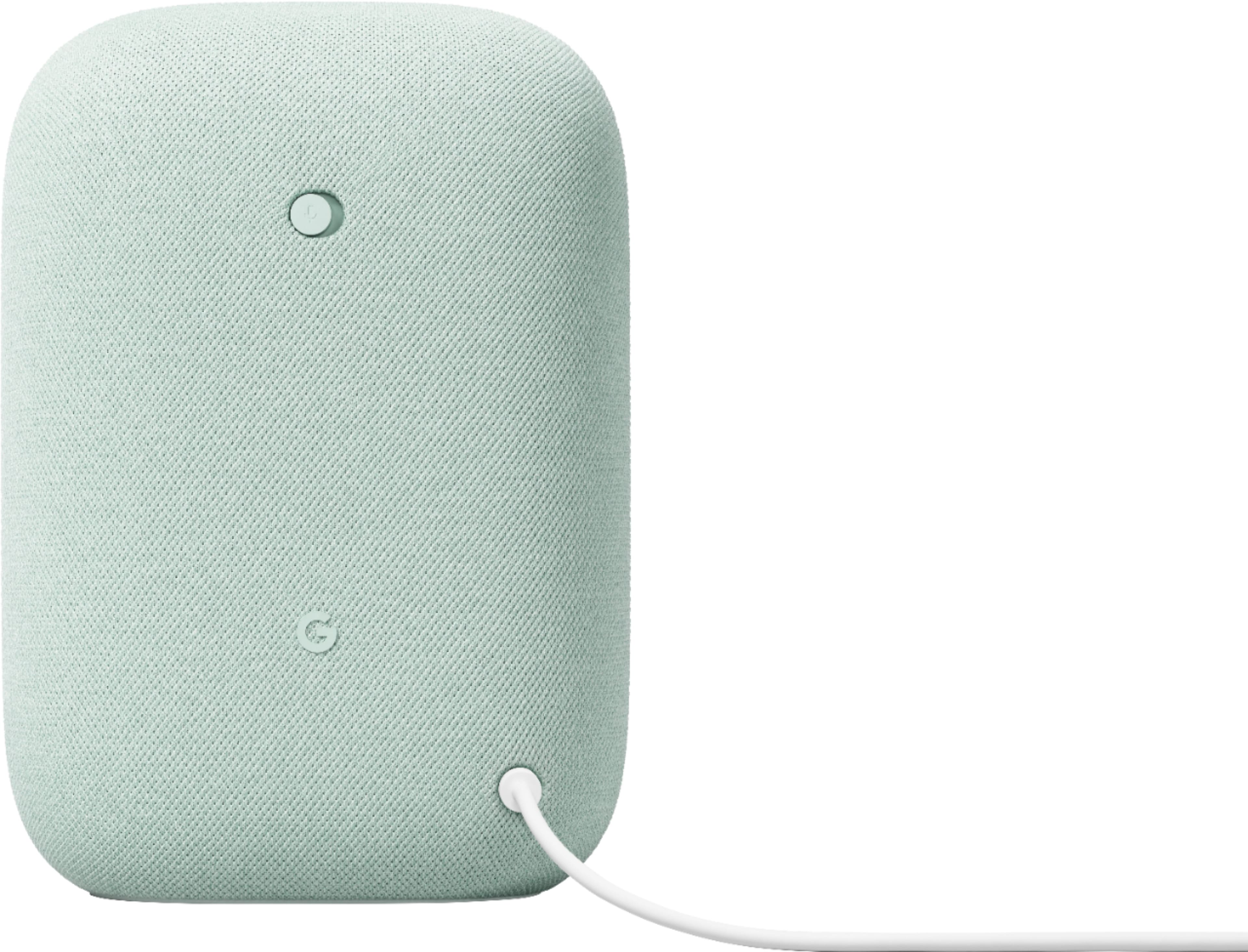
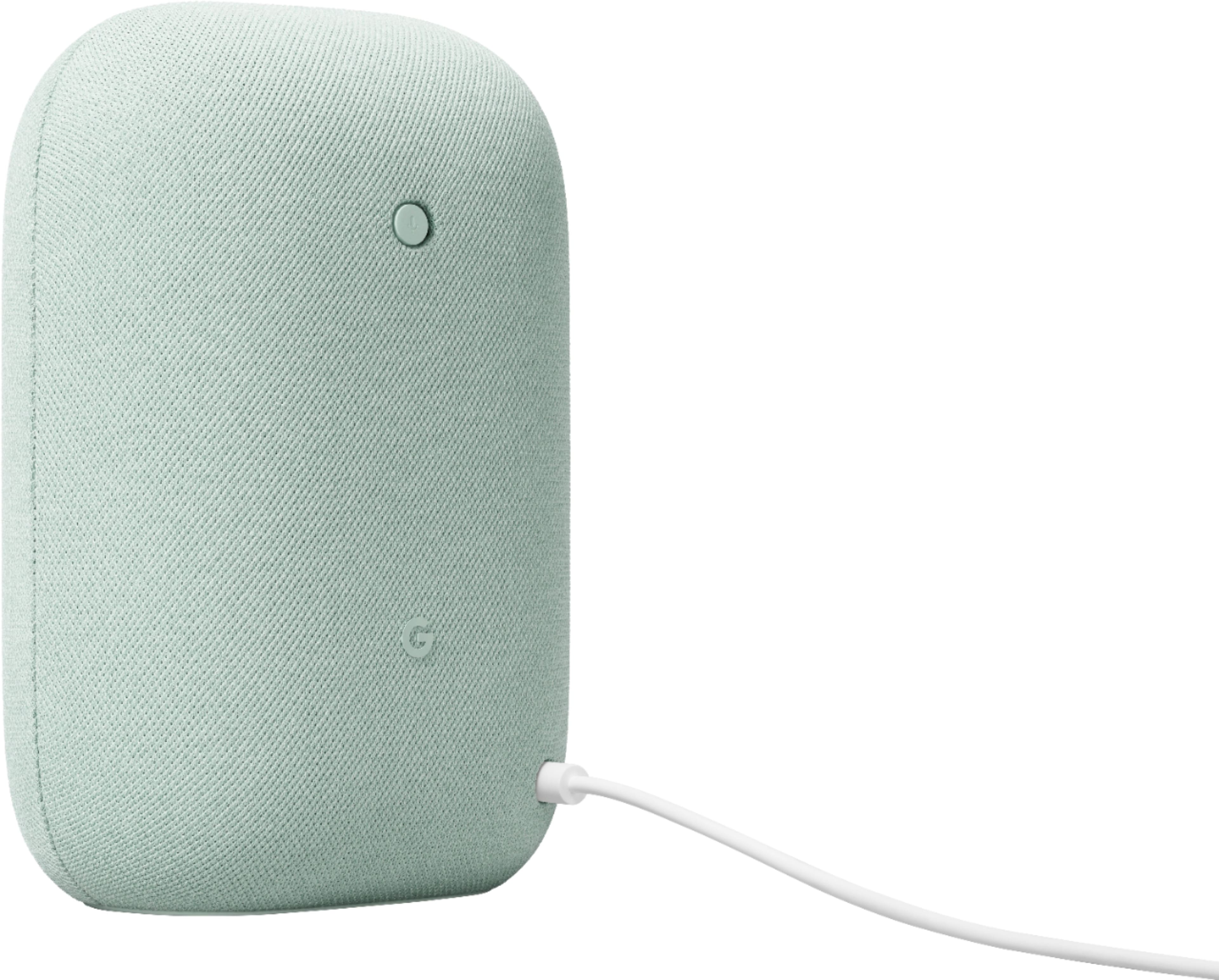
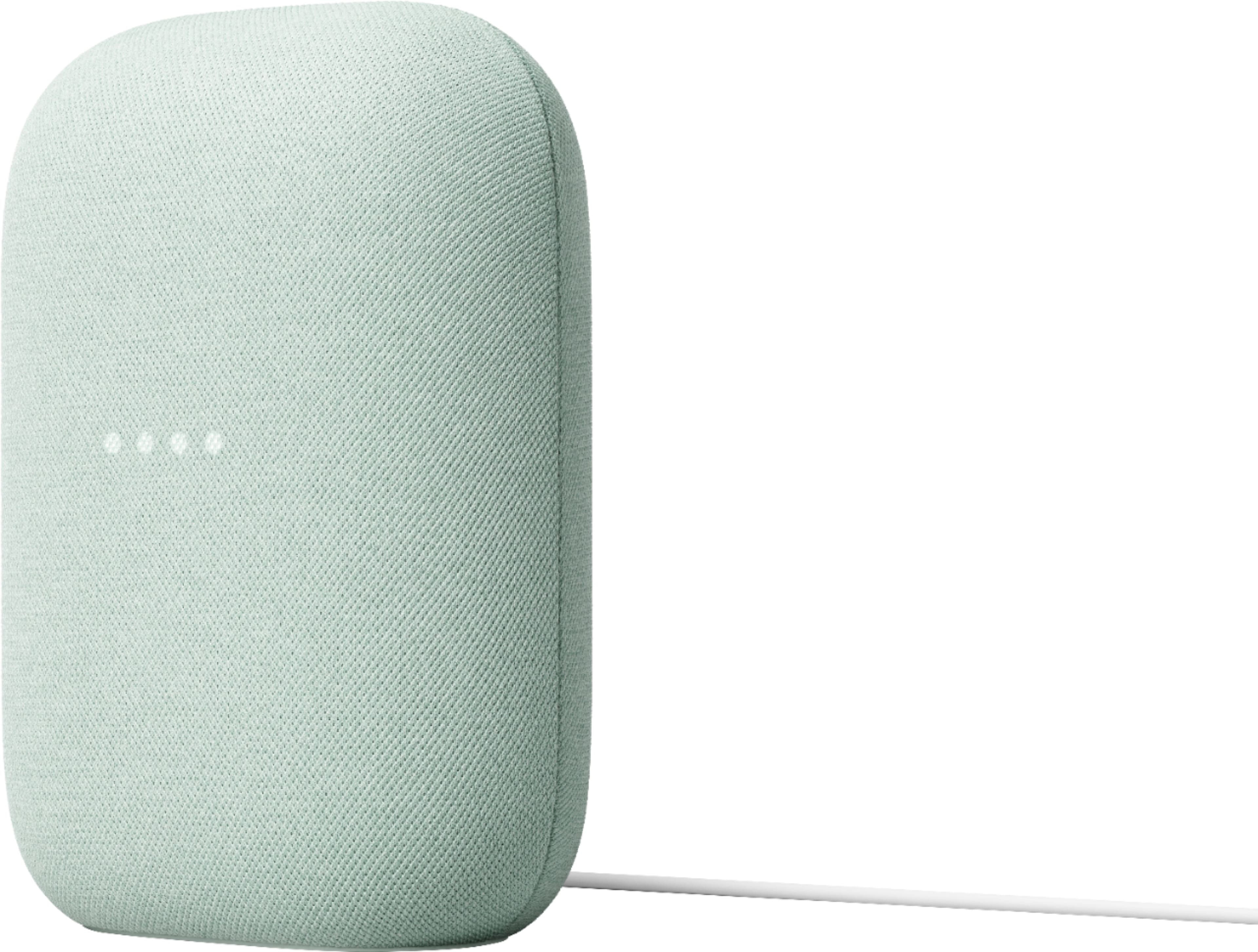
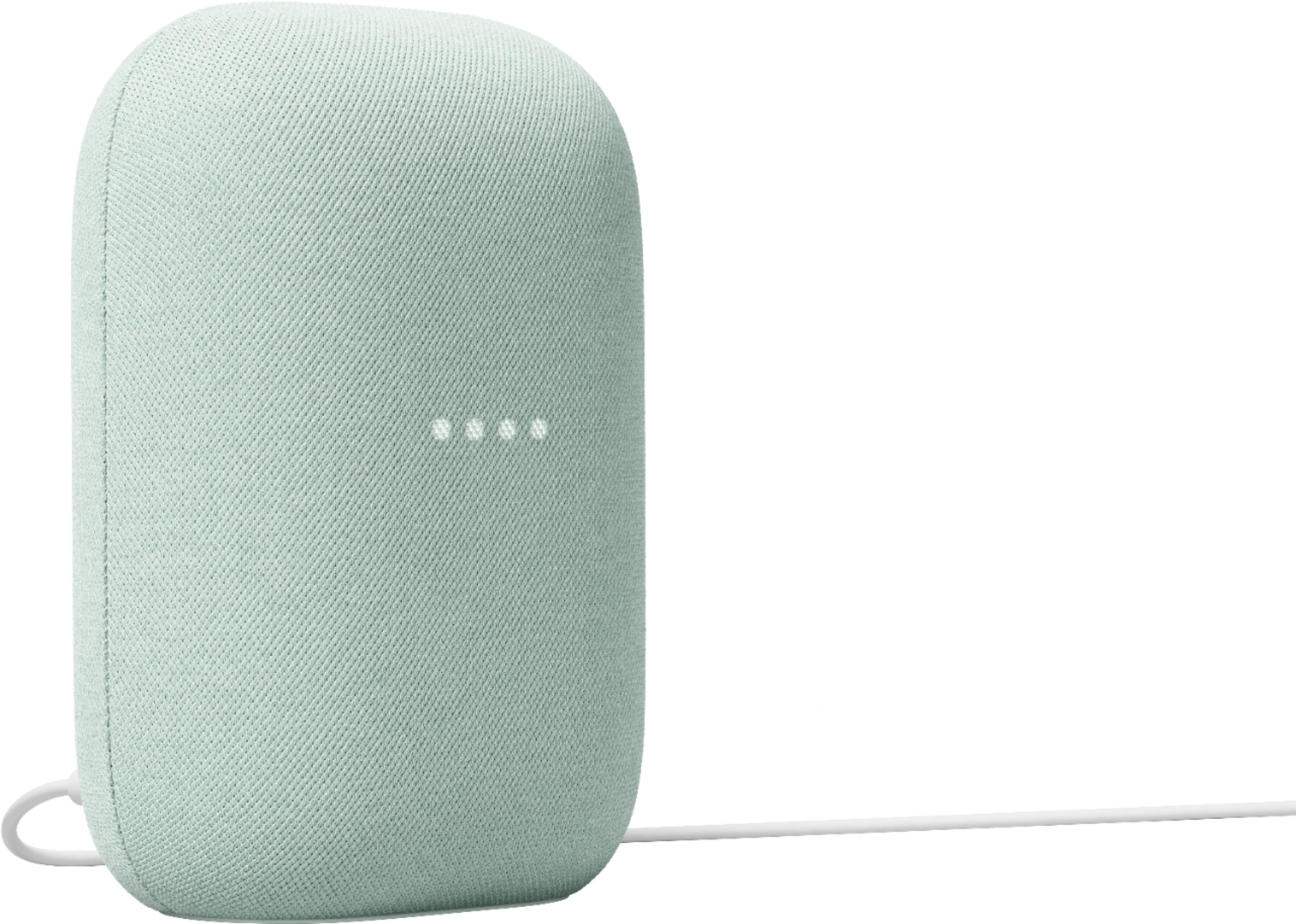
- A:Answer We recommend placing Nest Audio in an upright position to get the best audio experience. The woofer that provides the bass frequencies is on the lower portion of the device, while the capacitive touch controls to play/pause and adjust the volume are on the top portion.
Answered by Google Nest Support

Q: QuestionDoes the Nest Audio speaker work with Google 3rd. generation wired doorbell?
Asked by Jack.
This question was asked about the related product: Nest Audio - Smart Speaker with Google Assistant - Chalk
- A:Answer Hey there, Jack. Yes! The Nest Audio will notify you when someone rings your Nest Doorbell (Wired, 3rd Gen). Here's a link with more information: https://support.google.com/googlenest/answer/7672451?hl=en
Answered by Google Team
Q: QuestionCan this be connected to an amplifier?
Asked by Anonymous.
- A:Answer Hi there. The Nest Audio does not have an auxiliary output to connect directly to an external amplifier. It's designed to be used as a standalone smart speaker. You can find more information about its features here: https://support.google.com/googlenest/topic/7195017
Answered by Google Team
Q: QuestionDoes this work with Google Doorbell Chime?
Asked by Colam1979.
- A:Answer Thanks for asking, Courtlam79. The Nest Audio is designed to work with your Nest Doorbell through the Google Home app. When someone rings your doorbell, your Nest Audio can announce it by playing a chime sound. You can find more information on setting up visitor announcements here: https://support.google.com/googlenest/answer/7672451?hl=en If you need any extra help getting this set up, we’re available 24/7 here: https://support.google.com/googlenest/gethelp
Answered by Google Team
Q: QuestionCan I answer my phone with this device?
Asked by Anonymous.
- A:Answer Great question. While you can use your Nest Audio to make and receive calls via Google Meet, you aren't able to answer calls directly from your mobile phone through the speaker. Here is a link with more information: https://support.google.com/googlenest/answer/14114319?hl=en#zippy=
Answered by Google Team
Q: QuestionI cannot get my Nest Audio smart speaker to connect to my Internet I even purchased the newest Google wifi with 3 pods and it will not connect. I have tried everything that Gimini suggest but to no avail Please assist so I can continue using it!
Asked by Craigacguy.
- A:Answer Hi there, Craigacguy. Sorry you’re running into a problem setting up the Nest Audio. Here are some troubleshooting steps to get your device connected to your internet: 1. Reboot your Wi-Fi router: Unplug the power source for one minute, then plug it back in. 2. Reboot your Nest speaker or display: Disconnect the power cable from the speaker then reconnect the power cable back into the speaker. 3. On your mobile device, turn off the Wi-Fi, then turn it back on. 4. If you have a dual-band router, try to set up your speaker or display on both the 2.4 GHz and 5 GHz bands. Here’s a link with additional tips: https://support.google.com/googlenest/answer/7212129? If these steps don’t resolve your concern, we’re just a click away: https://support.google.com/googlenest/gethelp?
Answered by Google Team
Q: QuestionCan I use it to listen to local radio stations without a monthly fee?
Asked by Bonnie.
This question was asked about the related product: Nest Audio - Smart Speaker with Google Assistant - Chalk
- A:Answer Great question, Bonnie. Yes, you can listen to the radio stations of your choice with the Nest Audio. Though, premium online radio streaming may require a subscription. Here’s a guide with more details: https://support.google.com/googlenest/answer/7071793
Answered by Google Team
Q: QuestionAudio controls like bass and treble
Asked by Rusty.
- A:Answer Thanks for asking, Rusty. Good news! There’s an option on the Nest Audio to adjust your device’s equalizer — here’s how: 1. Open the Google Home app. 2. Tap Favorites or Devices. 3. Tap and hold your device's tile. 4. At the top right, tap Settings > Audio > Equalizer. 5. Adjust Bass and Treble levels. Don’t hesitate to reach out to us anytime here: https://support.google.com/googlenest/gethelp
Answered by Google Team
Q: QuestionIf I buy one now, will it automatically upgrade to gemini when available? - Nest Audio - Smart Speaker with Google Assistant
Asked by tacitus.
- A:Answer Hi there, tacitus. Early access to the Gemini for Home voice assistant started rolling out on Google speakers and displays in the United States on October 28, 2025 and Canada on December 18, 2025 in English and will be released to more Google Home users over time. You’ll be notified when it's available to you, or you can request early access.
Answered by Google Team
Q: Questiondoes it connect yale smart lock with matter to the internet
Asked by Anonymous.
This question was asked about the related product: Nest Audio - Smart Speaker with Google Assistant - Chalk
- A:Answer Hi there. While the Nest Audio is considered a Matter hub, you’ll still need to connect the lock to your wi-fi. Here’s a link with more information: https://support.google.com/googlenest/answer/12391458?
Answered by Google Team
Q: QuestionIs this compatible with my 4 existing nest mini’s 2nd gen?
Asked by Las.
This question was asked about the related product: Nest Audio - Smart Speaker with Google Assistant - Chalk
- A:Answer Hi there, Las. Yes, the Nest Audio can be added to the same home as your other Nest devices under the Google Home app.
Answered by Google Team
Q: QuestionCan it play a radio station
Asked by Radio.
This question was asked about the related product: Nest Audio - Smart Speaker with Google Assistant - Chalk
- A:Answer Great question. Yes, you can listen to the radio stations of your choice on the Nest Audio. Though, premium online radio streaming requires a subscription. Here’s a guide with more details: https://support.google.com/googlenest/answer/7071793
Answered by Google Team
Q: QuestionWill this speaker work with my first generation nest wired camera doorbell?
Asked by Steve.
This question was asked about the related product: Nest Audio - Smart Speaker with Google Assistant - Chalk
- A:Answer Thanks for the inquiry, Steve. Yes! The Nest Audio can announce when someone rings your Google Nest doorbell — here’s how: 1. Open the Home app. 2. Tap Home > All devices > touch and hold your device's tile. 3. In the top right, tap Settings and then Doorbell. 4. Turn Visitor announcements on or off. Check out this article for more information: https://support.google.com/googlenest/answer/7672451
Answered by Google Team
Q: QuestionIs the Google Gen 3 Nest Speaker compatible with MATTER? And, does it function as a hub such as Apple Home Pod or Apple TV?
Asked by FSUNoles.
This question was asked about the related product: Nest Audio - Smart Speaker with Google Assistant - Chalk
- A:Answer Thanks for the inquiry, FSUNoles. Yes, the Nest Audio can act as a hub and supports Matter over Wi-Fi. Here’s a link with more details: https://support.google.com/googlenest/answer/12391458?hl=en
Answered by Google Team
Q: QuestionDoes best smart speaker work with google nest doorbell camera 2nd generation?
Asked by Bubba.
- A:Answer No, its for Music. Be sure to pair with the large speaker to get great stereo mode.
Answered by JosephR
Q: QuestionCan this be connected to the Google home hub max so when you make a phone call it will come through the speaker so my dad can hear it better because he has bad hearing?
Asked by Jewel.
This question was asked about the related product: Nest Audio - Smart Speaker with Google Assistant - Chalk
- A:Answer Yes it will. And recentlly saved my mother-in-law after a fall that put her in the hospital. Read the rules, Google Nest account is required with a few Cheaper than any monitoring service.And I have 6 security cameras and 5 speakers/monitors all for little over 20.00$ a month. It can save a life; just educate yourself on know how. Alexa really let us down in past emergencies.
Answered by JosephR
Q: QuestionCan these be used in a covered outdoor patio
Asked by Greg.
This question was asked about the related product: Nest Audio - Smart Speaker with Google Assistant - Chalk
- A:Answer Hi there, Greg. As long as the Nest Audio is connected to a power outlet and wi-fi, then it will work outdoors. Keep in mind that the device is not waterproof.
Answered by Google Team

Q: QuestionHow do I connect my speaker to WiFi ?
Asked by Conductor.
This question was asked about the related product: Nest Audio - Smart Speaker with Google Assistant - Chalk
- A:Answer Thanks for the inquiry, Conductor. Here's the steps to get the Nest Audio connected to your Wi-Fi. 1. Open the Google Home app. 2. Tap Devices > Add > Google Nest. 3. Follow the in-app steps. If you need an extra hand, don’t hesitate to reach out to us here: https://support.google.com/googlenest/gethelp?
Answered by Google Nest Support

Most-viewed items
- $259.99$259.99The price was $459.99
- $129.99$129.99The price was $209.99
- $599.90$599.90The price was $654.95