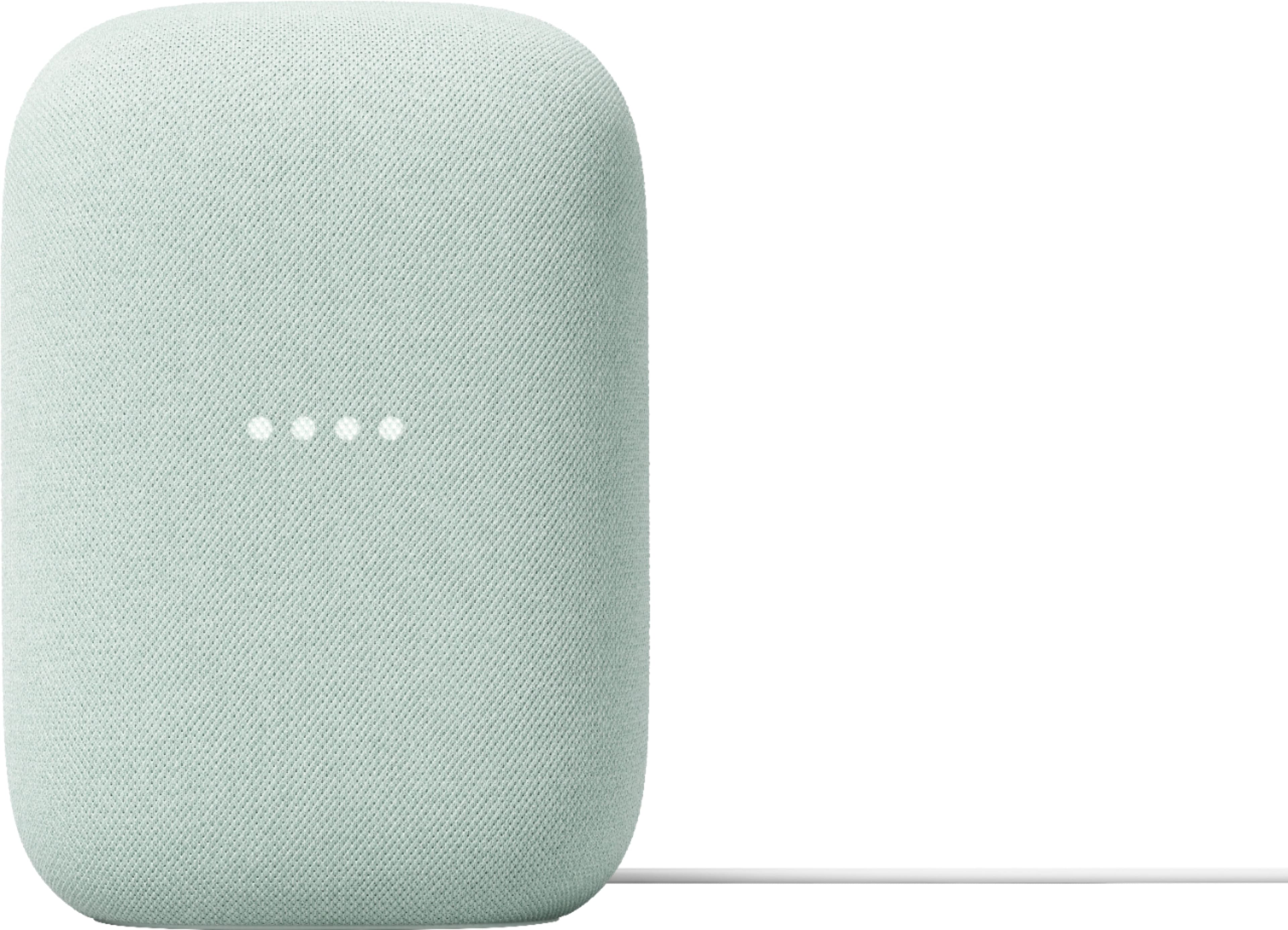
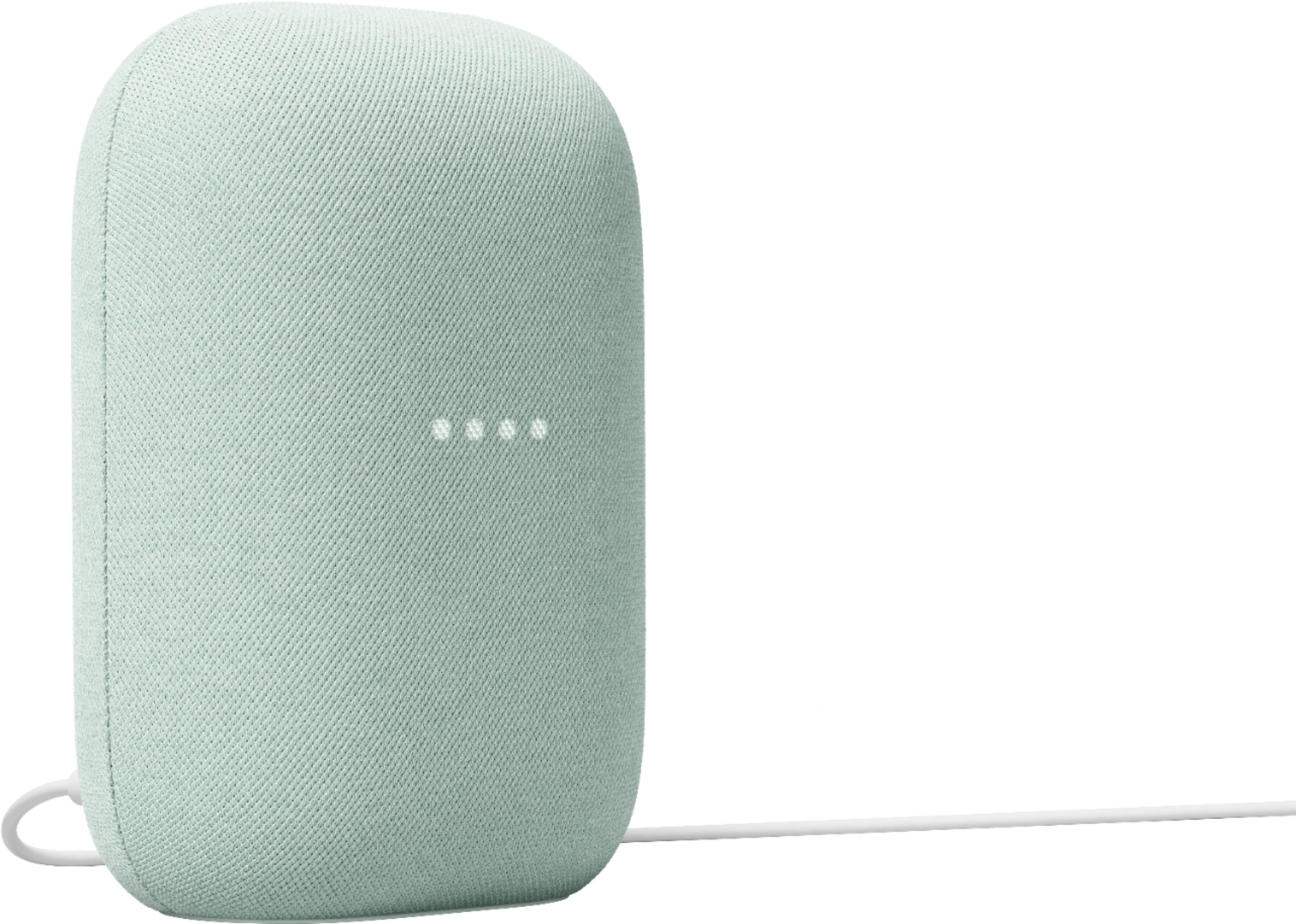
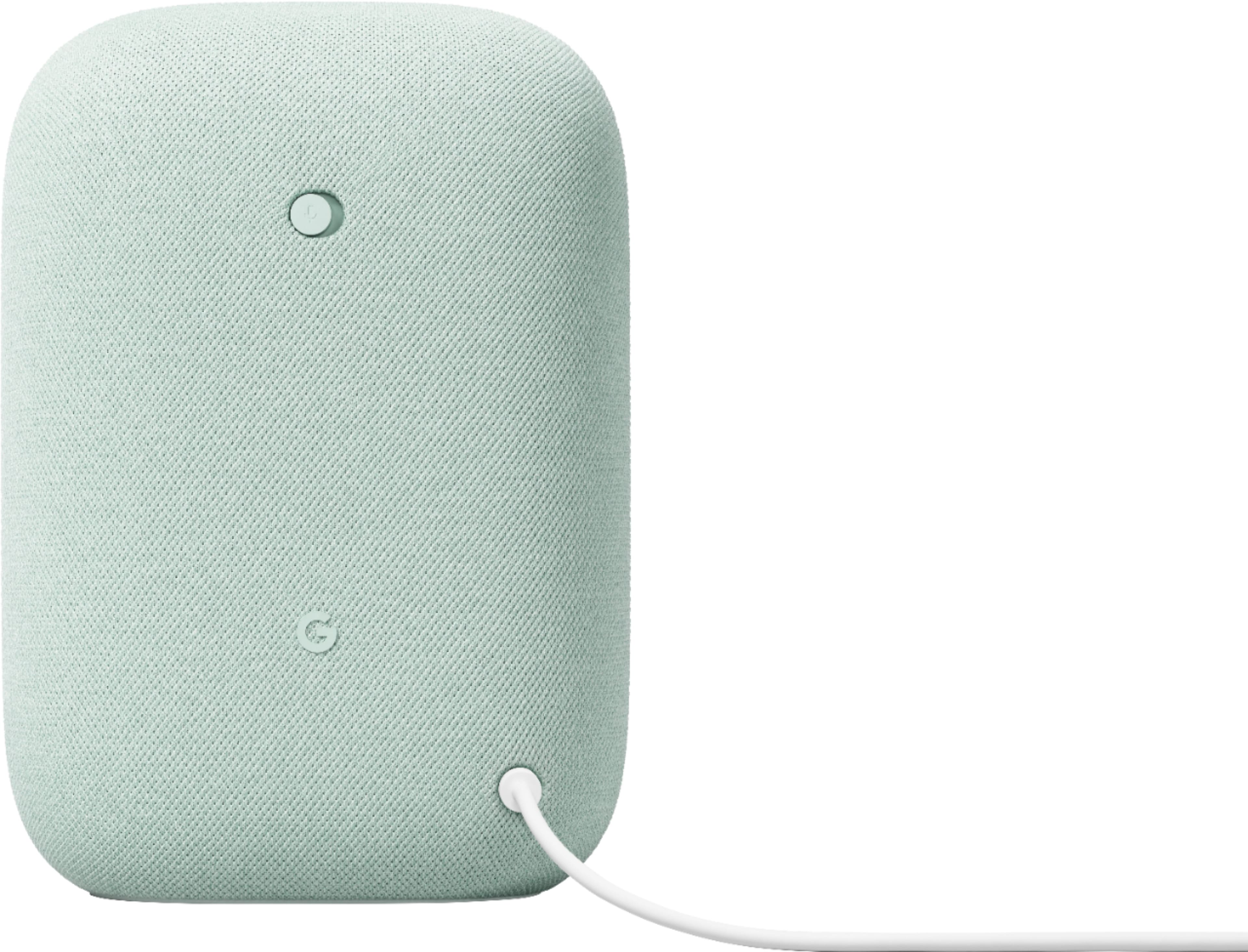
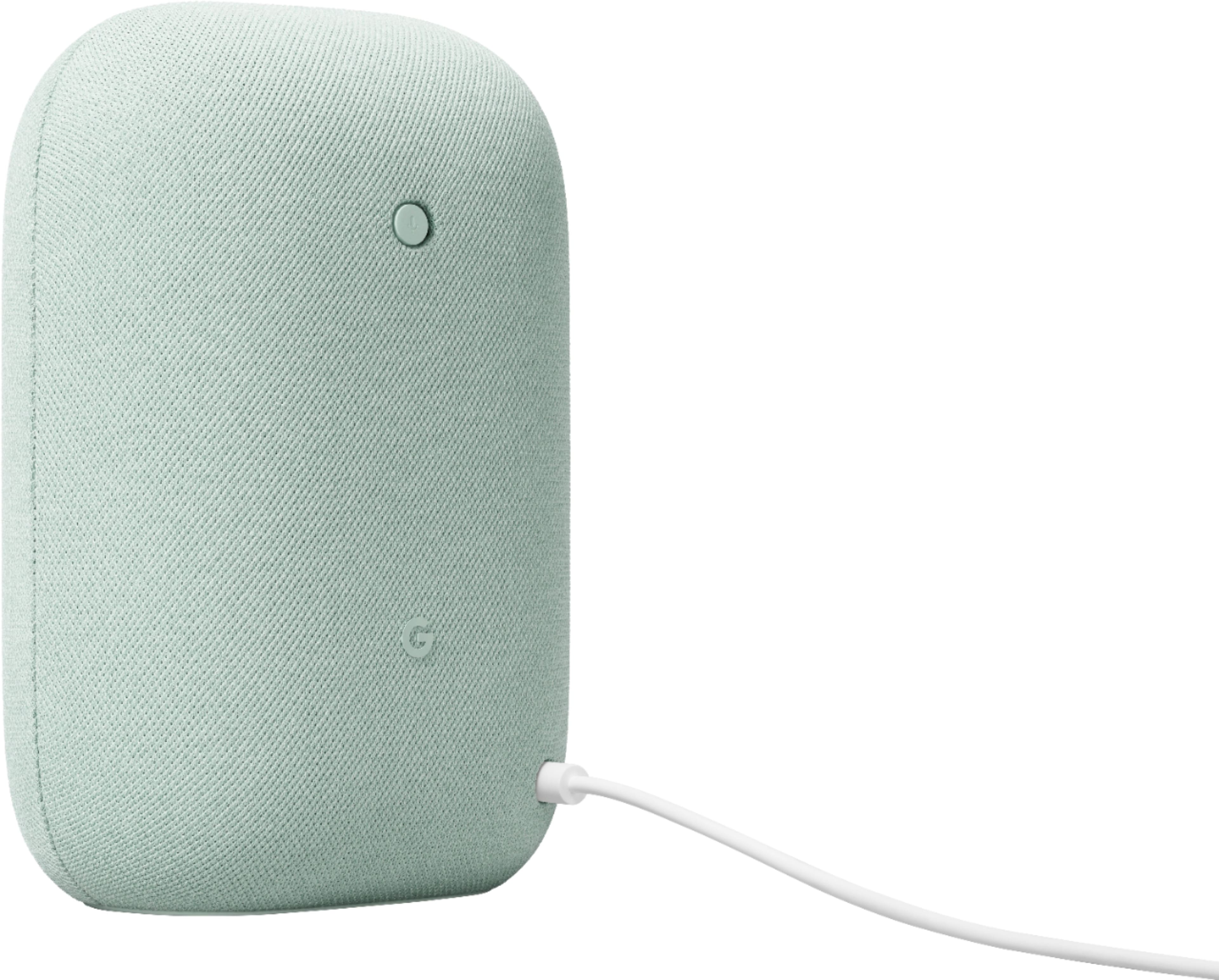
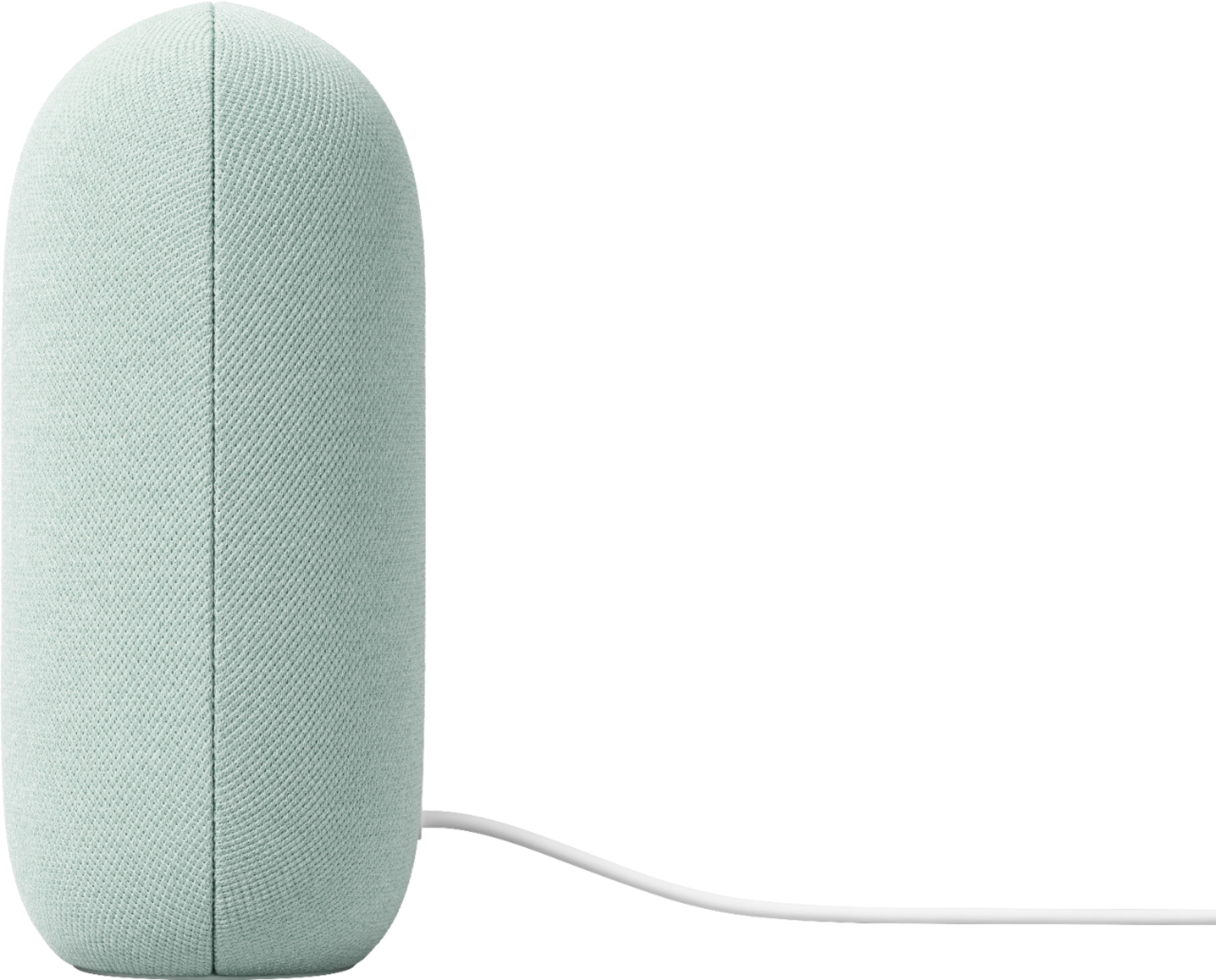
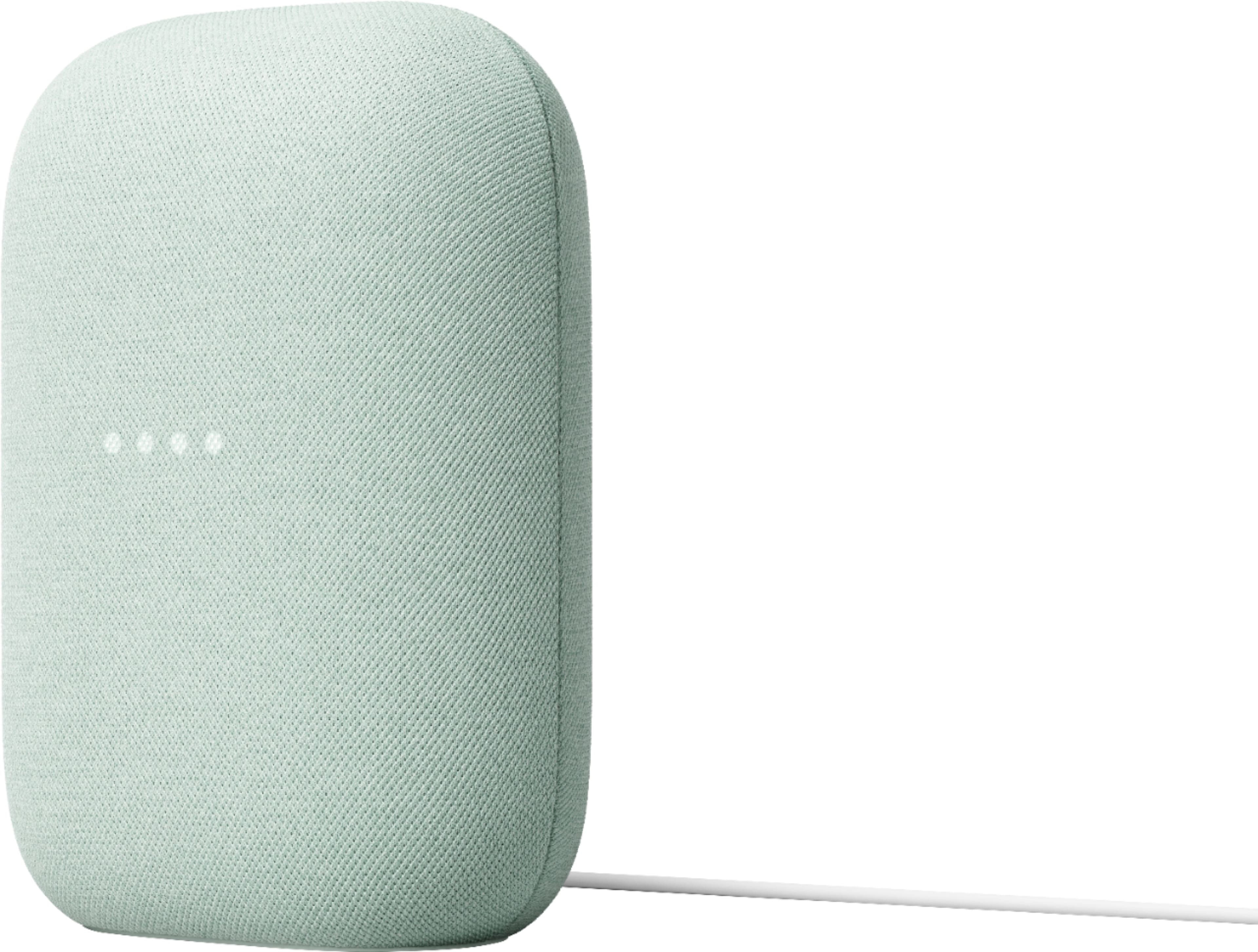
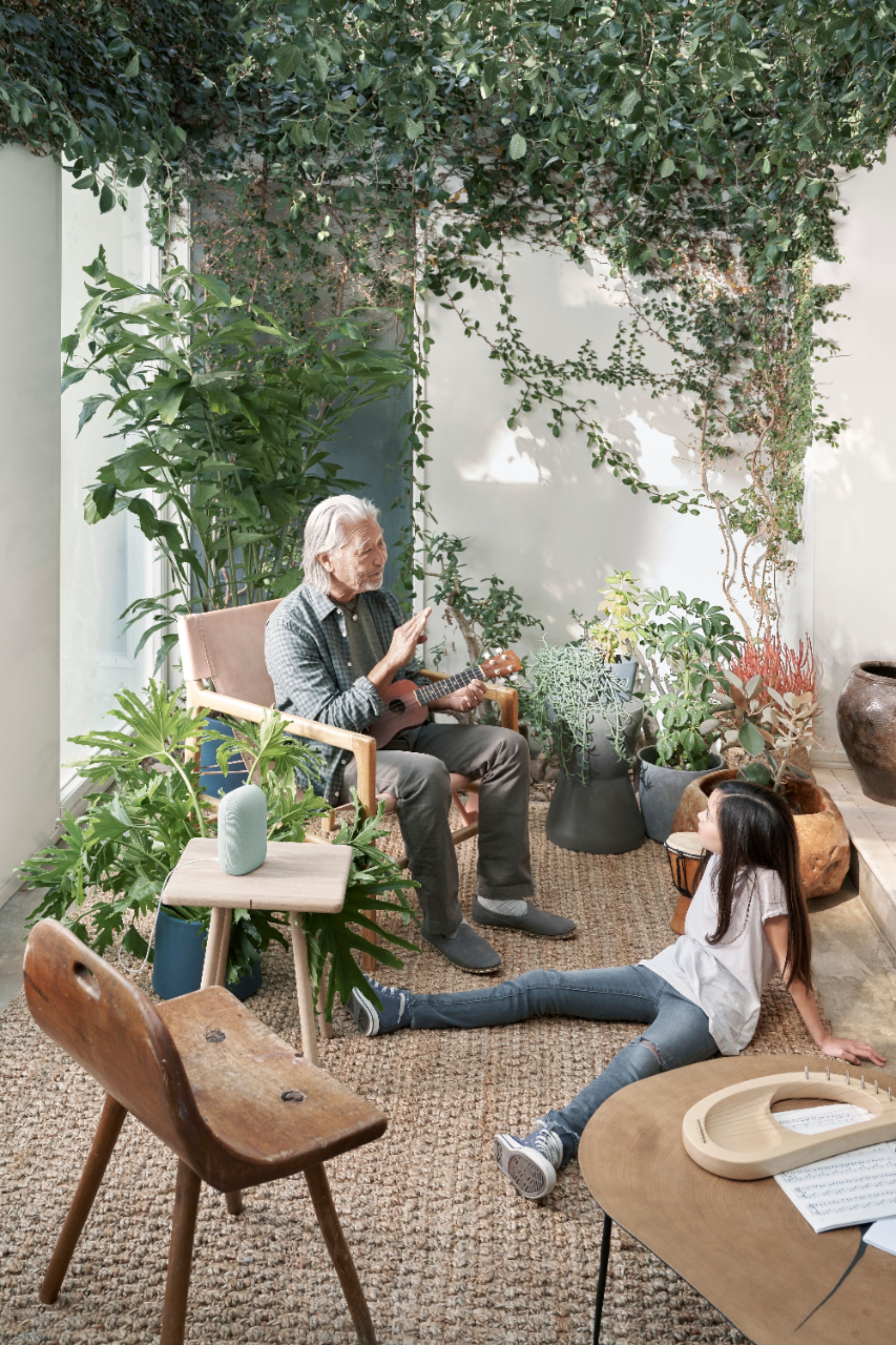
A:Answer Hi Terese. Thanks for your question. Yes, it's possible to use your Nest Smart Speaker outside as long as it's connected to a strong internet connection.
Here's how to pair your Nest Smart Speaker:
Turn on the Bluetooth device and make sure it's in pairing mode. You may need to press the pairing button on the Bluetooth device, if it has one.
Open the Google Home app.
Tap Favorites or Devices.
Select the speaker or display.
At the top-right, tap Settings, then Audio, then Default music speaker.
Tap Pair Bluetooth speaker. The speaker or display will scan for Bluetooth devices.
Tap the device when it appears on the screen. The Bluetooth device will pair with the speaker or display.
Tap Done.