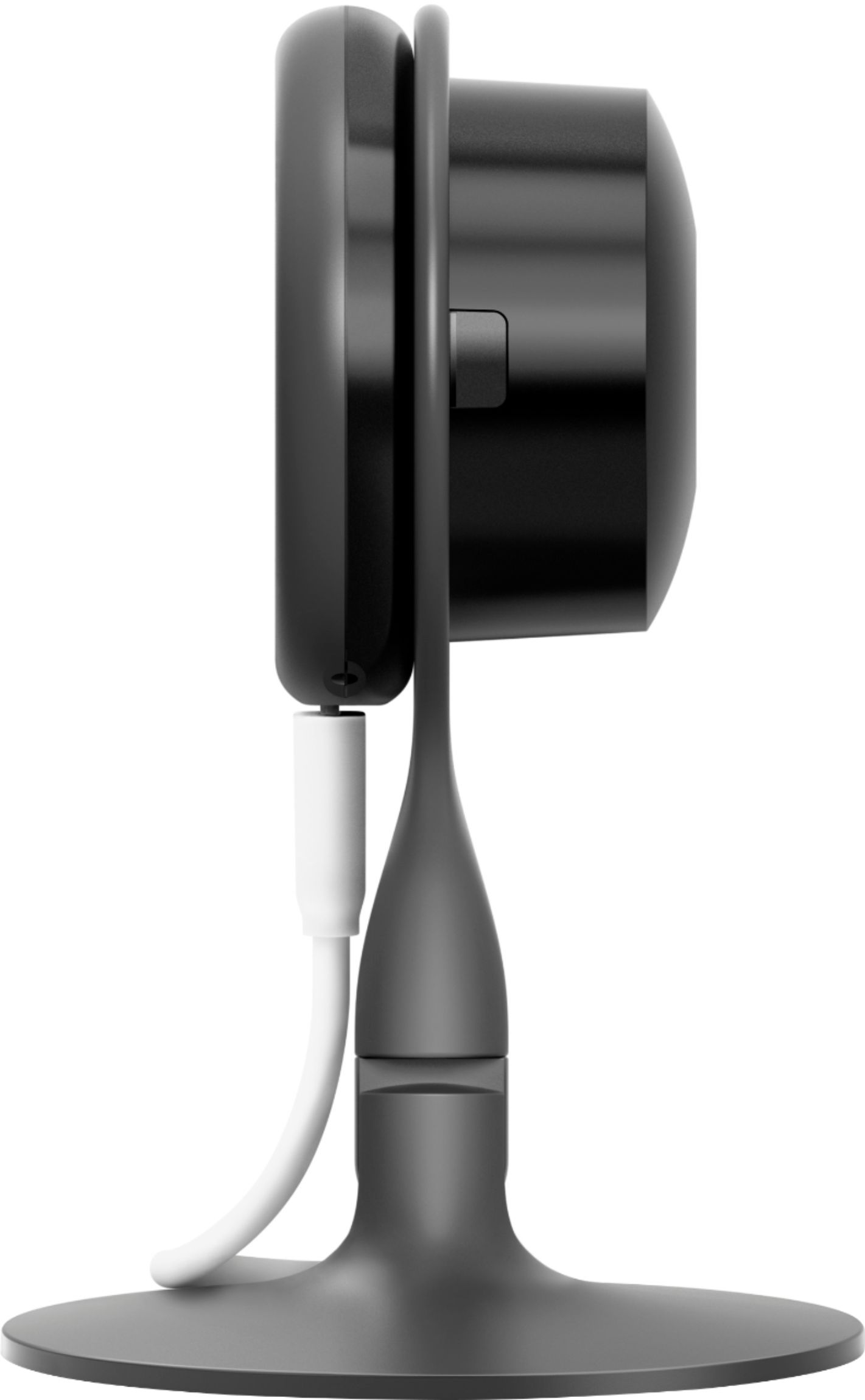
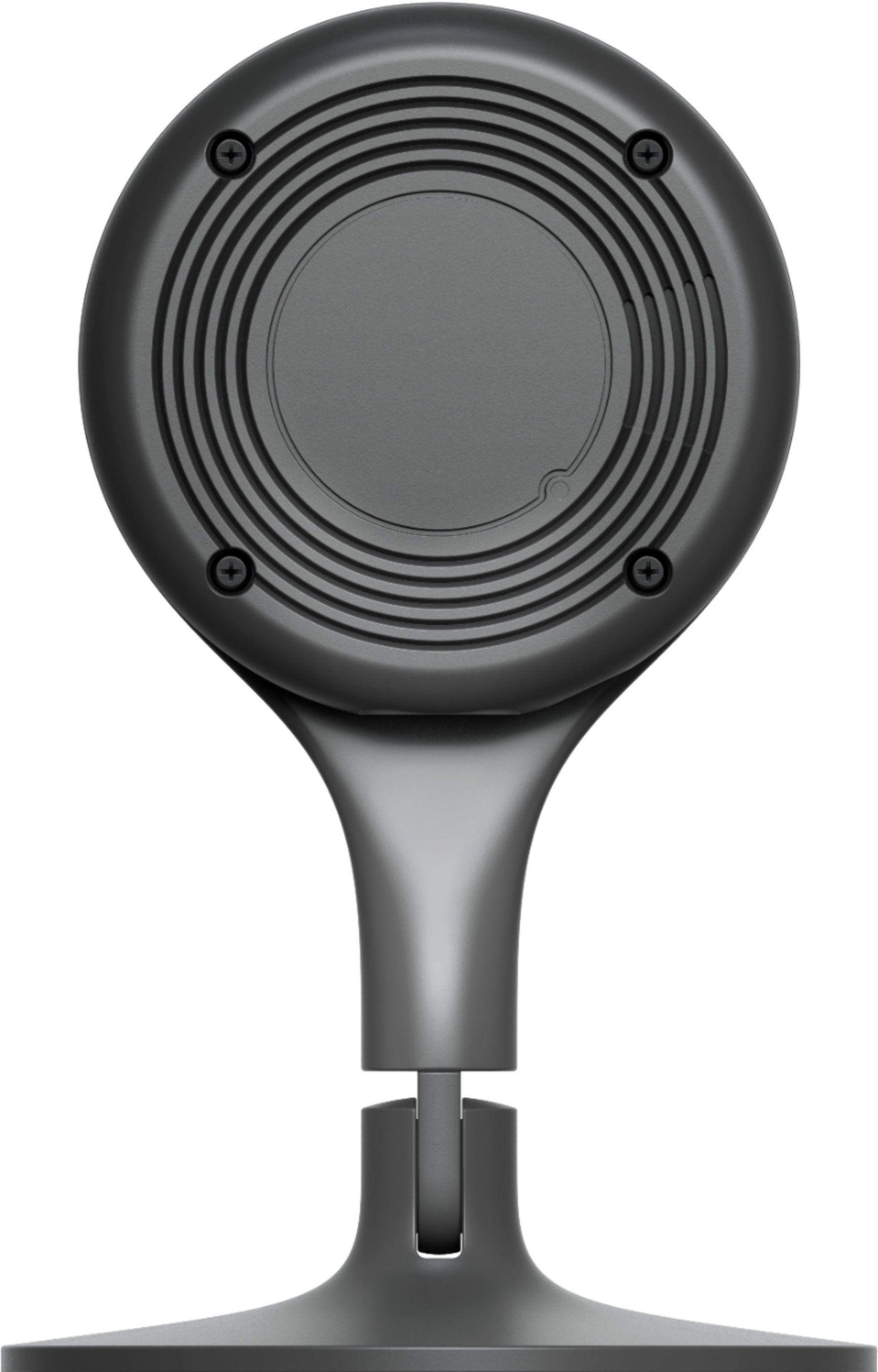
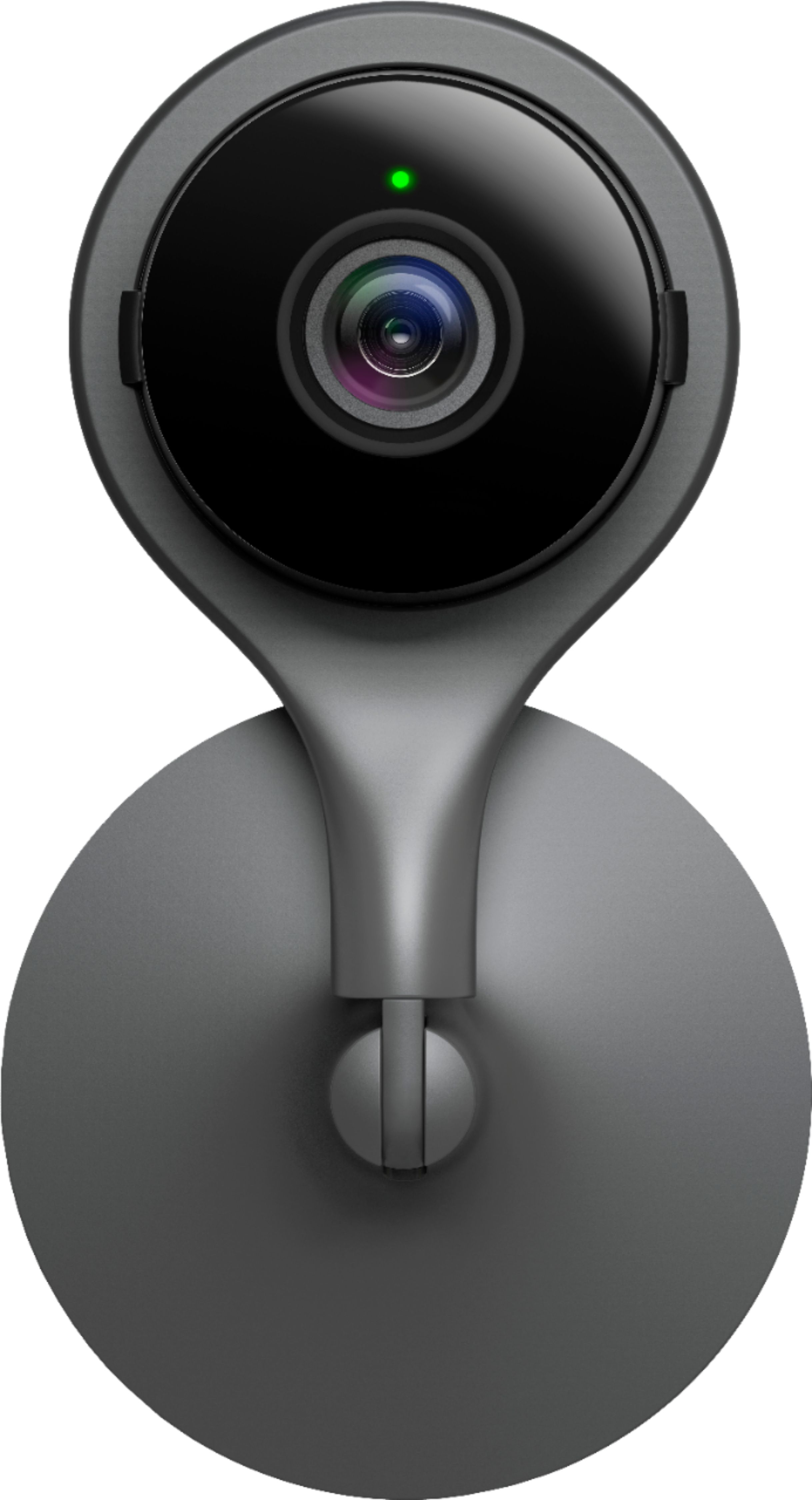
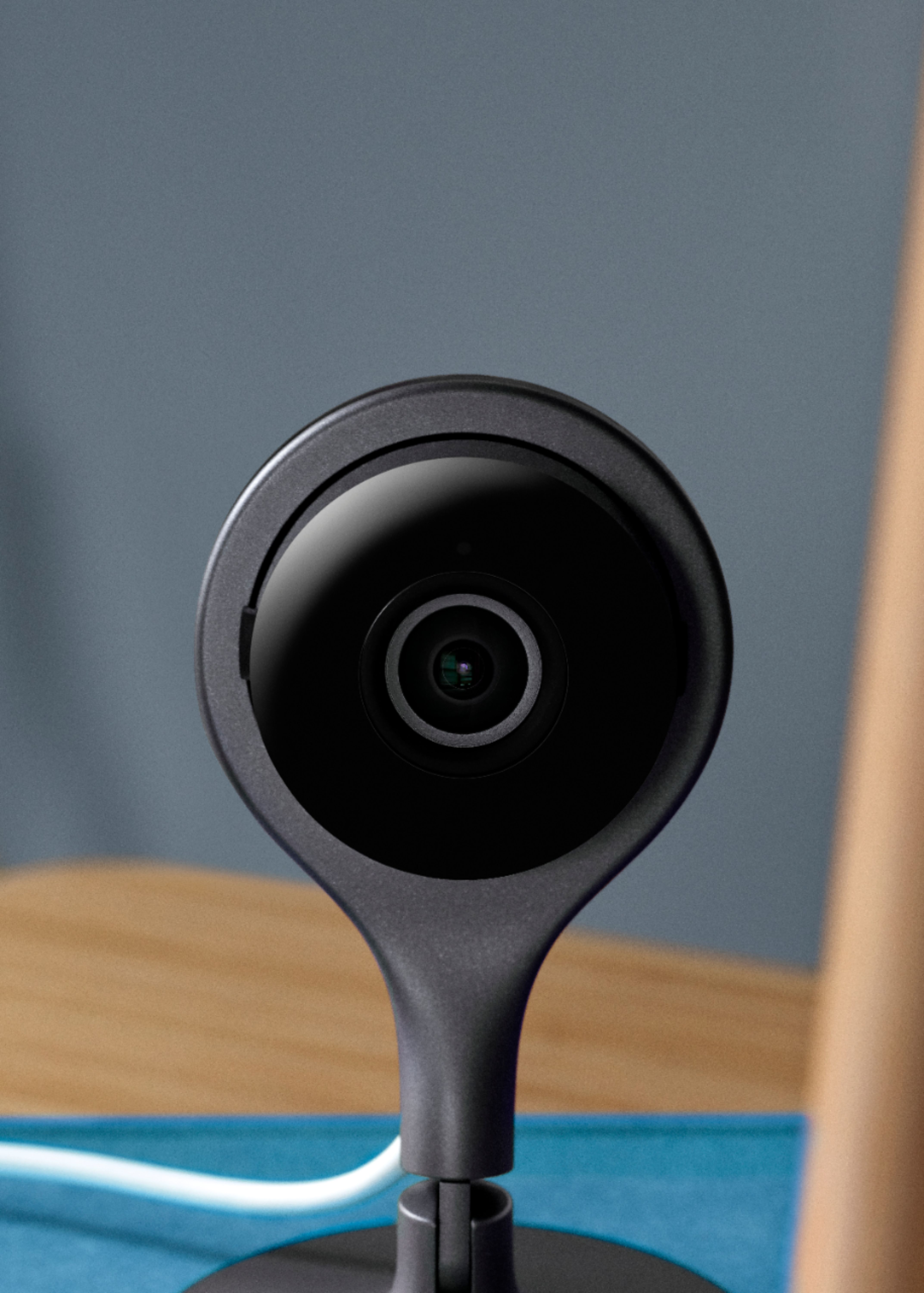
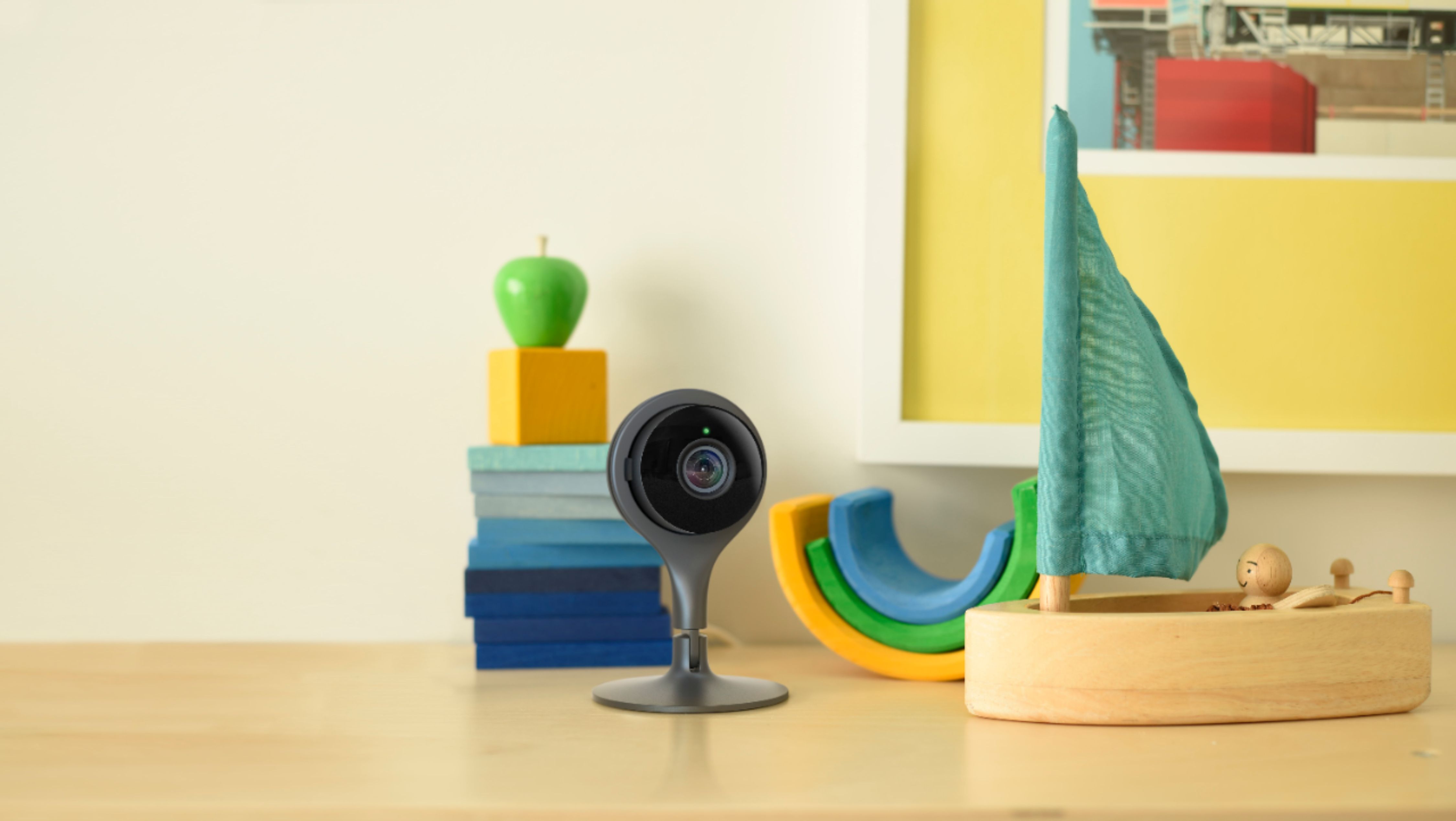
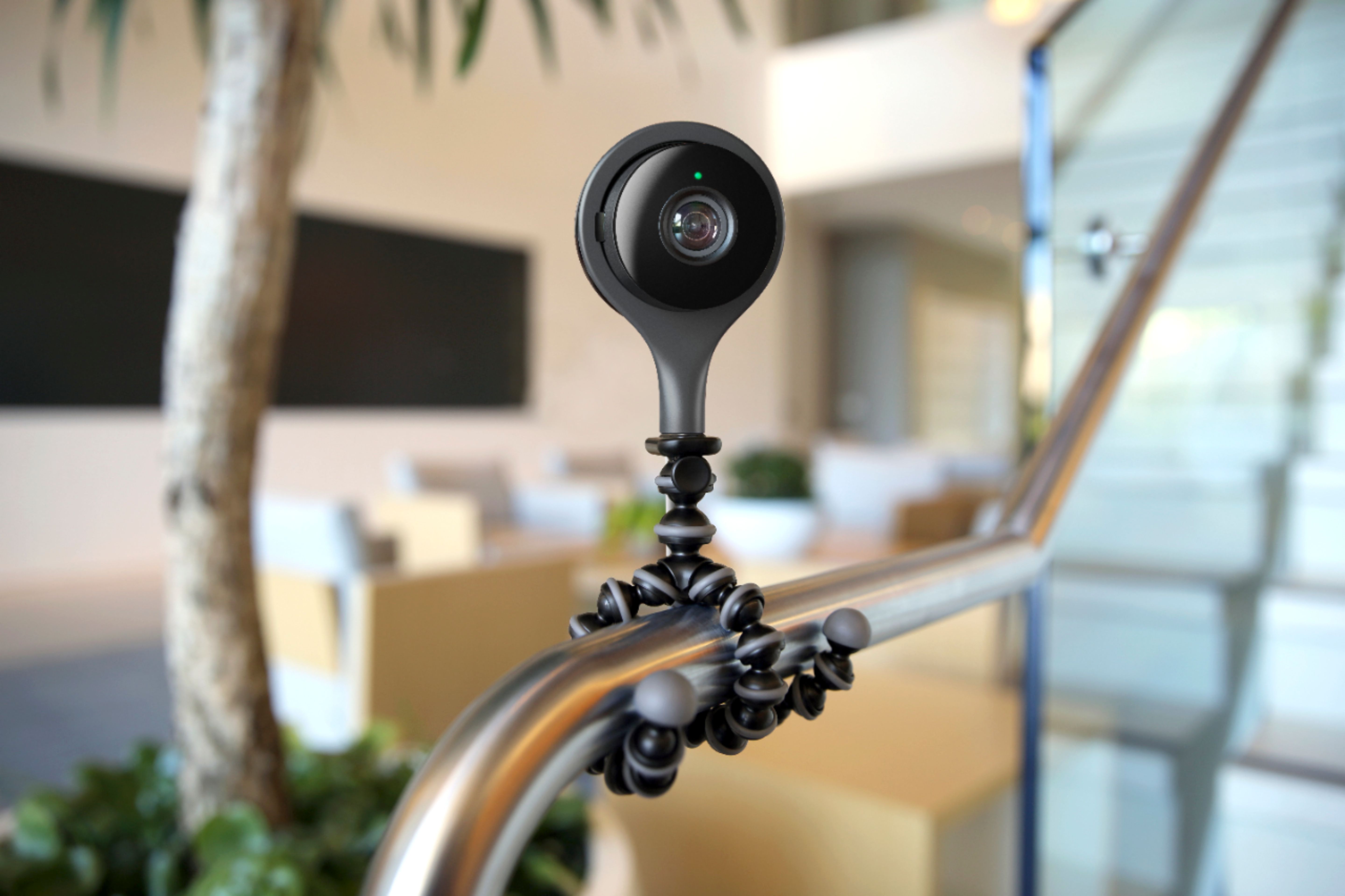
A:AnswerDimensions should be in the product specs. Each unit would need its own power supply but the cords are a good length. Yes you can see it with a naked eye but you can get quite creative as it swivels and rotates to get the right coverage.
A:AnswerIt's separate. The nest camera uses it's own software and settings. However, it can compliment any other alarm system. For example, my ADT alarm went off and I received a call from the company. I was able to open up the app and see what was going on inside the house. As long as you have power and your WIFI system is working, you'll get access to your camera(s).
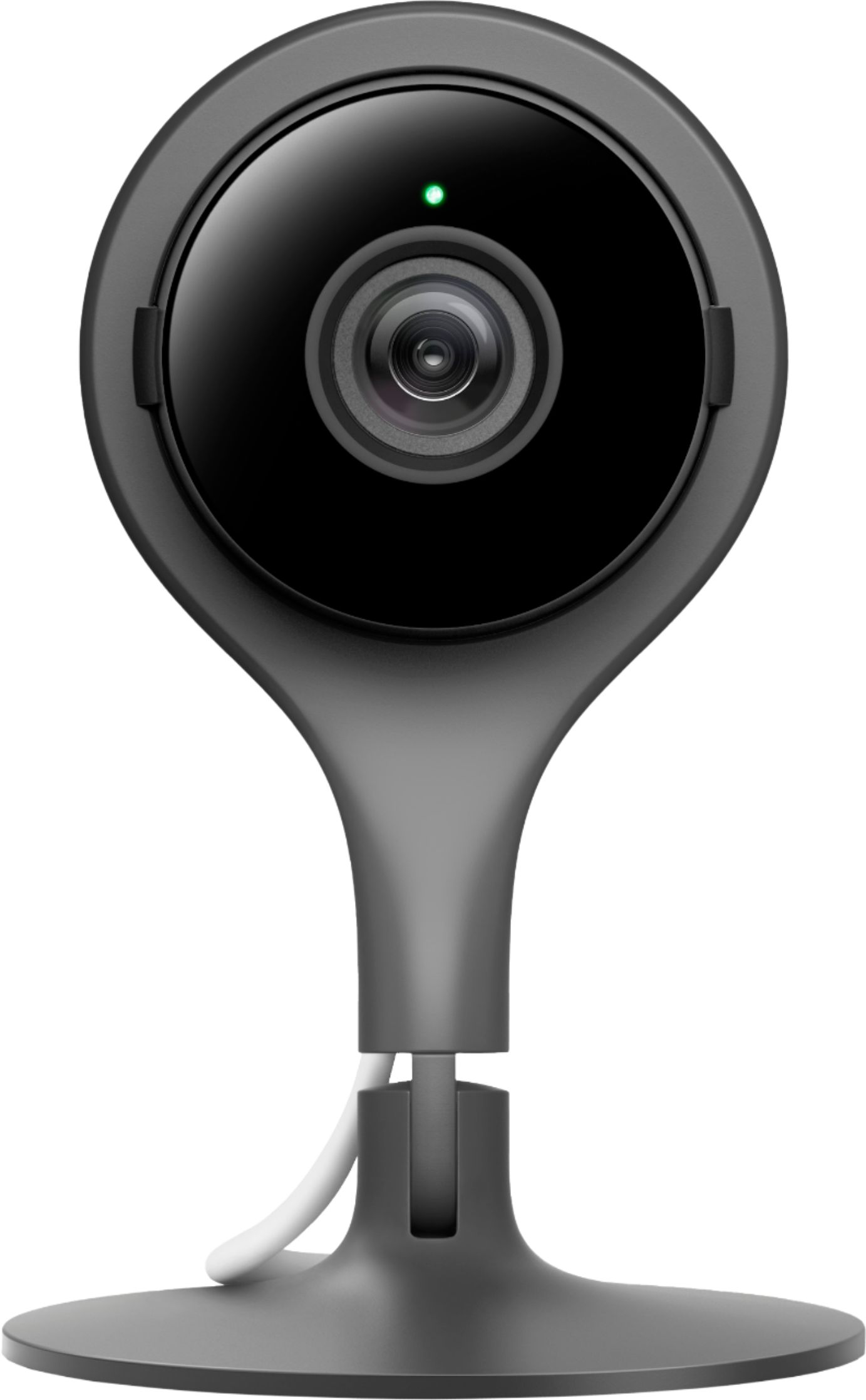
A:AnswerThe indoor records in color, and very clear color/picture! However, I noticed that when it was night and dark in the house, the picture then appears more black and white.
A:AnswerThis camera is not designed to be connected to the computer. It is a standalone device and does not work with non-Nest software. It is designed to be a security camera
A:AnswerYes it has a sound and motion detector built into the camera. You will get a notification every time the camera senses motion or hears sound in the area
A:AnswerThere are no motors. The camera is stationary. The camera does not move unless you manually position it. You can use the software to zoom in on any portion of the field of view screen.
A:Answer“Live” does have a tiny delay, I would say less than 1/4 of a second.
I pay for the 5 day recording plan and the “live” is exactly the same while paying for recording or not.
Also, Watching the camera live (even zooming in or anything like that) doesn’t effect the recording at all.
Hope that answers your question.
A:AnswerJust a power source. Settings can configure alerts by sound, movement or nothing at all. You can check independently manually or auto alert. Very flexible