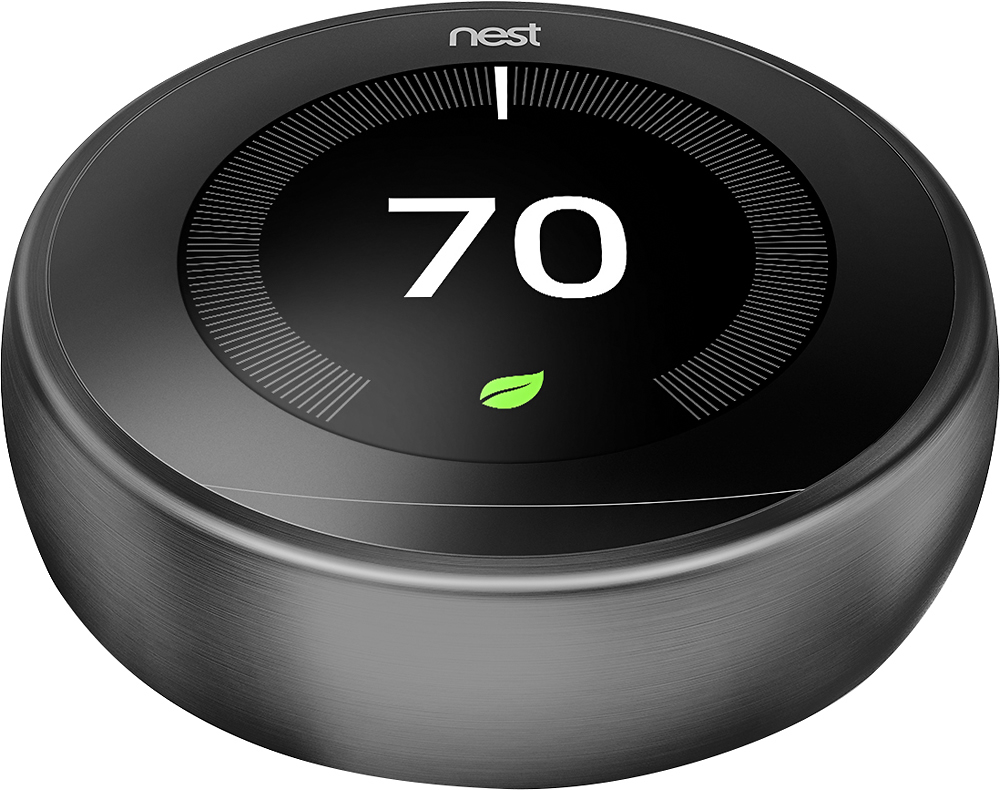
A:AnswerHey there, that's a good question. Yes, if there's an outage or your Nest Learning Thermostat has Wi-Fi trouble, it will reconnect automatically once it detects your current Wi-Fi network.
A:AnswerHi Joseph! We want to let you know your AC temperature can be set up with your Nest Thermostat only, so you can change the settings from the app — Check out this guide to find more details: https://support.google.com/googlenest/answer/9260554?hl=en#zippy=%2Ccheck-the-temperature-in-rooms-with-sensors%2Cmanually-change-the-active-temperature-sensor
A:AnswerHey there! Thanks for your question. Yes, it is possible for a single Nest Learning Thermostat to control both your HVAC (heating, ventilation, and air conditioning) system and your dehumidifier unit, provided that certain conditions are met. Ensure that your HVAC system is compatible with your device. Most standard HVAC systems, including central heating and cooling systems, are compatible with the Nest thermostat. You can check compatibility using the compatibility checker tool here: https://store.google.com/intl/en_us/widget/compatibility/thermostat/ If you have more question and other concerns, please reach out to our dedicated team of specialists on the Google Help Center here: https://support.google.com/googlenest/gethelp
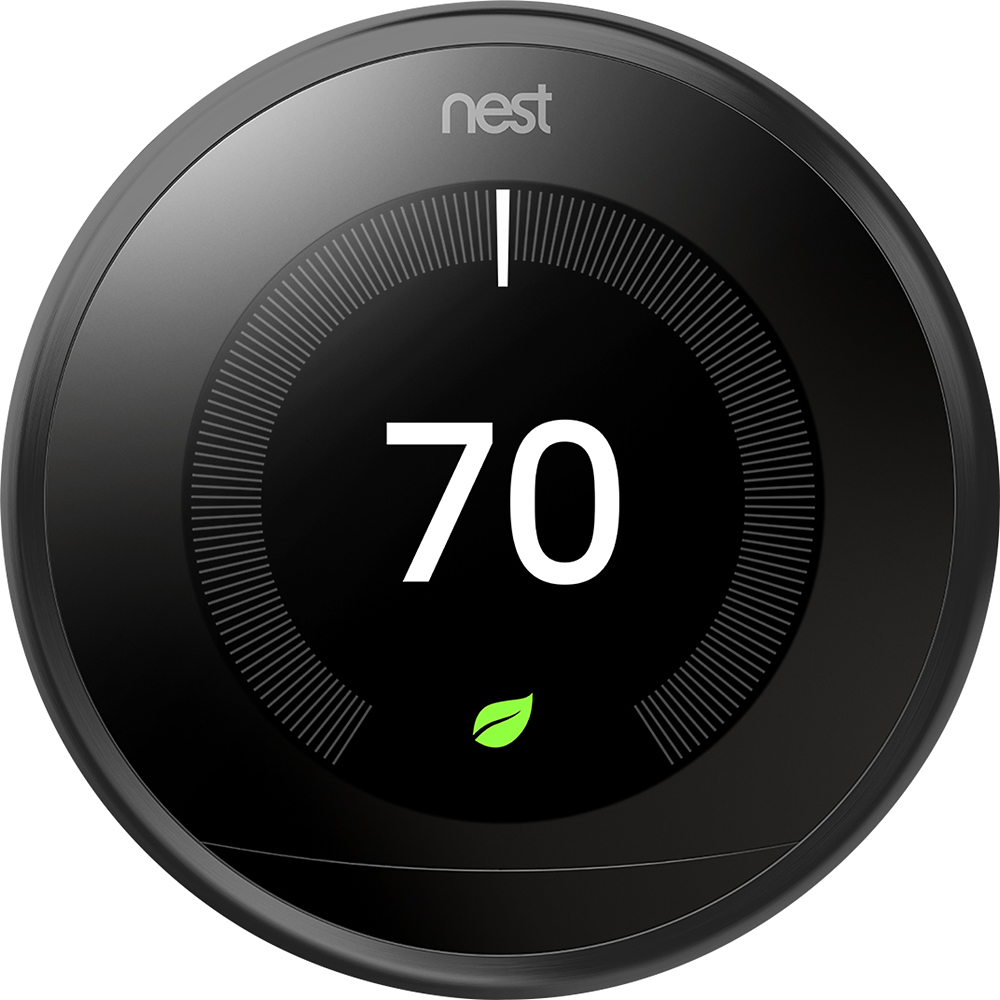
A:AnswerHi there, Mike. Thanks for your inquiry about the Nest Learning Thermostat. Most 24V heating and cooling systems, including all common fuel types like natural gas, oil, and electricity are compatible with Nest thermostats and would generally work without a common (C) wire. However, there are some systems that would require a C wire on the new Nest Thermostat like a heat only or cool only system. And sometimes, you may need to connect a power accessory like the Nest Power Connector to make your system compatible. Either one will provide a stable power source for your Nest thermostat when your system can’t deliver enough consistent power to it. We recommend checking your system’s compatibility with our online Compatibility Checker: https://store.google.com/intl/us/widget/compatibility/thermostat/
A:AnswerHey there, Dsh51. Thanks for the inquiry. Yes, each Nest Learning Thermostat comes with a Nest Thermostat Trim Kit designed specifically for that model. It has only one color which is white. Visit Google Nest Help page to learn more about the Nest thermostats and technical specifications: https://support.google.com/googlenest/topic/9361775v
A:AnswerHey there, Sherm. We appreciate your inquiry about the Nest Learning Thermostat. Nest thermostats are designed to use very little power, and in many cases they can use your system’s heating and cooling wires to get enough consistent power. But sometimes, you may need to connect a common wire (C wire) or power accessory, like the Nest Power Connector, to make your system compatible. We recommend checking your system’s compatibility with our online Compatibility Checker: https://store.google.com/intl/us/widget/compatibility/thermostat/
If the issue still persists, please reach out to our support team and let us help find a better resolution for you. You can contact us on our Google Nest Help page here: https://support.google.com/googlenest/gethelp
A:AnswerHey there, ATCee. Thanks for your inquiry about the Nest Learning Thermostat. You can control your thermostat remotely with the app, even when you’re not at home. Or create your schedules for the thermostat to follow. You can read more about this article by visiting this link: https://support.google.com/googlenest/answer/10184385
A:AnswerHi there! we appreciate your interest, and we'd like to learn more about your inquiry so we can help. Please contact us anytime here: https://support.google.com/googlenest/gethelp
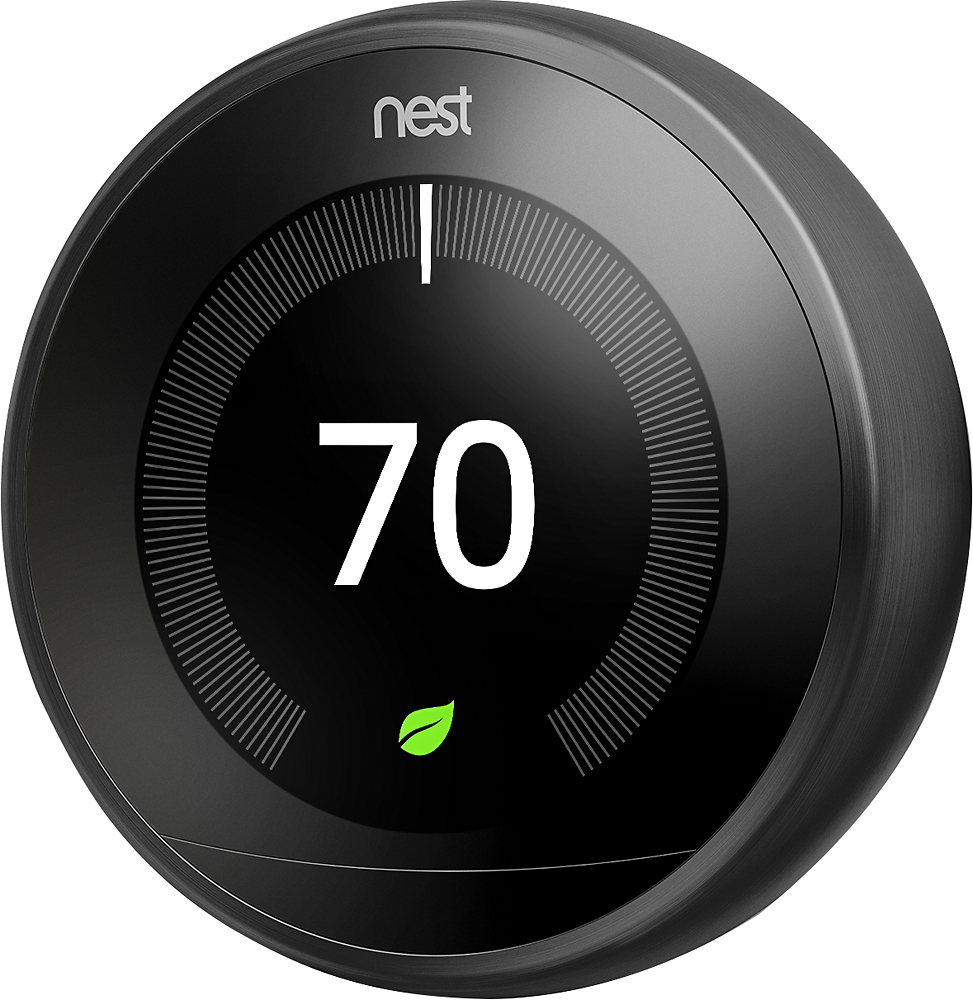
A:AnswerHey there, Harry Thanks for your interest. The Nest thermostats are designed to work with most 24 V systems. The brand or model doesn’t matter, you’ll only need to know what type of system you have. You can visit our website to learn more about the Nest Thermostat compatibility, here: https://support.google.com/googlenest/answer/9246656
A:AnswerHey there, CaptainKen! Thanks for your interest. We encourage you to contact your retailer for questions about the benefits or services included with your membership, and what to expect during installation along with the terms and conditions. For inquiries about the product features and functionality, feel free to visit us here: https://support.google.com/googlenest/gethelp
A:AnswerIt can be used with a 2 wire system, as that is what mine has. Just a red and a white or black and white depending on your set up. Mine have stayed charged at over the 3.7 and seem to gain a little more with use. I have 5 of these set up, and they usually range around the 3.8 charge level. Check out the YouTube channel One Hour Smart Home. The guy is super knowledgeable and was a great resource when i was researching these thermostats to see if it would work with my system.
A:AnswerIt will tell you on the box, or if its something that is installed already, you can pull the face off, and there is a QR code on the back of that. You can can it and get more details.
A:AnswerGood question
I am almost a year out to be able to able to operate my said Nest Controlled Mitsubishi Heat Pump HVAC Multiple Units-
No response
A:AnswerI'd talk to Trane before buying. Our Geothermal system is not as hands off with this thermostat. It looks cool but it doesn't work as well as advertised. It keeps changing settings, trying to learn. It's just annoying. What I really hate is unless you walk past it it doesn't display temps. Our old one was readable from quite a distance. I guess to save that one watt of electricity it doesn't display.