A:AnswerThanks for your inquiry. We encourage you to contact your retailer for questions about fees and their installation services. And if you run into any concerns about the performance or functionality of the Nest thermostat, please reach out to us here: https://support.google.com/googlenest/gethelp
A:AnswerYou can control the Nest Learning Thermostat manually or using the app. We suggest checking these links for more information:
- How to set up your Nest thermostat: https://support.google.com/googlenest/answer/9266423
- Control your Nest thermostat with the app: https://support.google.com/googlenest/answer/9249866
A:AnswerI believe building36 is a brand. I don’t think it’s a way to tell if this thermostat is compatible. You need to check the HVAC system and ensure it meets the requirements from the product.
A:AnswerThe Nest Learning Thermostat works with 95% of 24V heating and cooling systems, including gas, electric, forced air, heat pump, radiant, oil, hot water, solar, and geothermal.
We recommend checking your thermostat wiring using our compatibility checker: https://store.google.com/us/widget/compatibility/thermostat
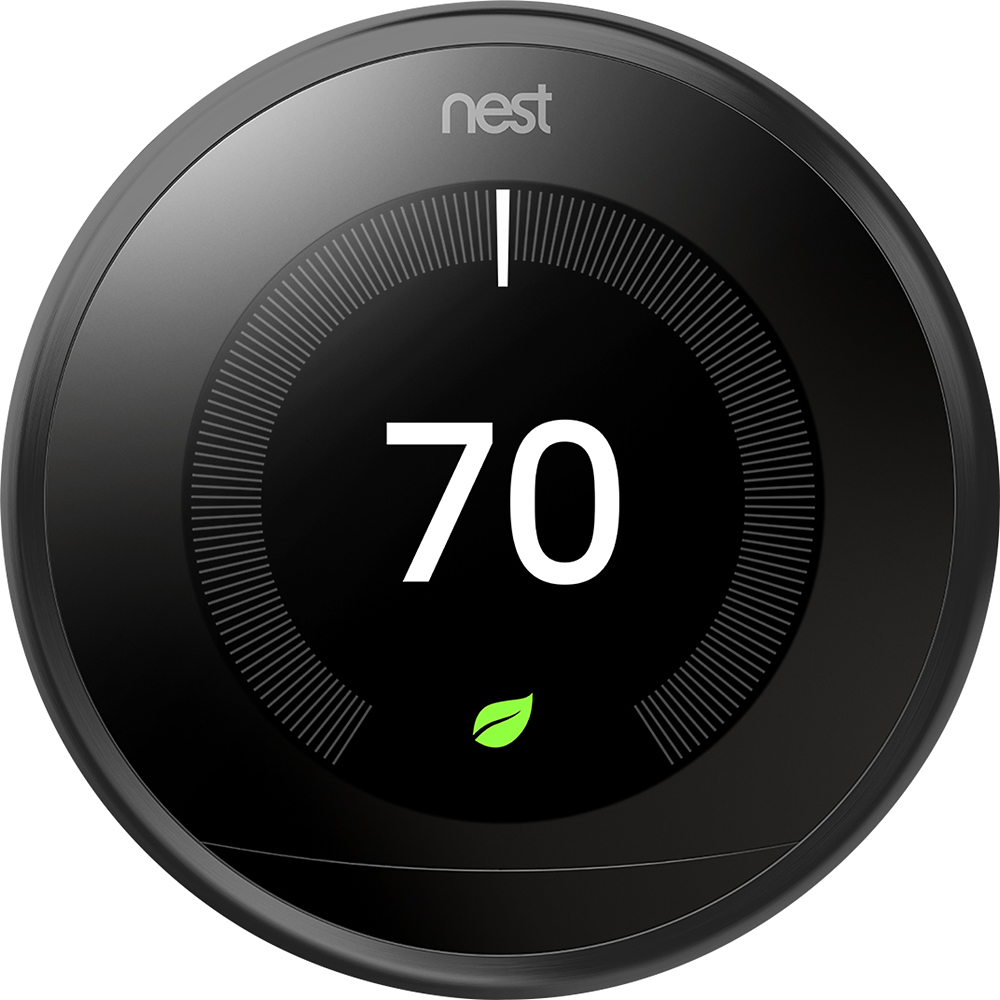
A:AnswerWhen your system and Google Nest thermostat are working normally, there can be a small difference between what the app and your thermostat show and the temperature you feel. It’s normal for your home’s temperature to vary slightly above or below the temperature set on your thermostat for a short while. This is often due to the built-in delay for turning on your system. This delay is commonly called the maintenance band, deadband, differential, or temperature swing. We'd still recommend that you reach out to our support specialists so we can take a better look at the issue for you. You can contact us on our Google Help page here: https://support.google.com/googlenest/gethelp

A:AnswerHello there, thanks for your interest in getting a Nest Learning Thermostat. Nest thermostats are compatible with most 24 V heating and cooling systems, however, there are some systems that aren’t compatible. You may visit the online Compatibility Checker that has full instructions to check if your AC system with heater will work with Nest thermostats: https://support.google.com/googlenest/answer/9246656
A:AnswerTo check the battery level, on your Nest Learning Thermostat, you would need to open the Quick View menu and select "Settings". Then choose "Technical Info" and then "Power". You should find the number labeled “Battery.”. Please be reminded that if it is below 3.6V, there might be a power issue that causes your thermostat to disconnect. We'd recommend that you reach out to our support specialists if you need further assistance with your device. You can contact us on our Google Help page here: https://support.google.com/googlenest/gethelp
A:AnswerI don't think it would.
If the power goes out the thermostat will stay on for a short amount Of time but without electricity to the blower in the heating unit you won't get heat throughout the house