Questions & Answers
- Model:
- GA04281-US
- |
- SKU:
- 6522751
Q: QuestionHow many hours charging will come... & How much it will take to recharge
Asked by Beena.
- A:Answer Says 8 hours but lasted me 12 hours
Answered by user580263
Q: QuestionAre the good for people that workout ?
Asked by Hhhh.
This question was asked about the related product: Google - Pixel Buds A-Series True Wireless In-Ear Headphones - Clearly White
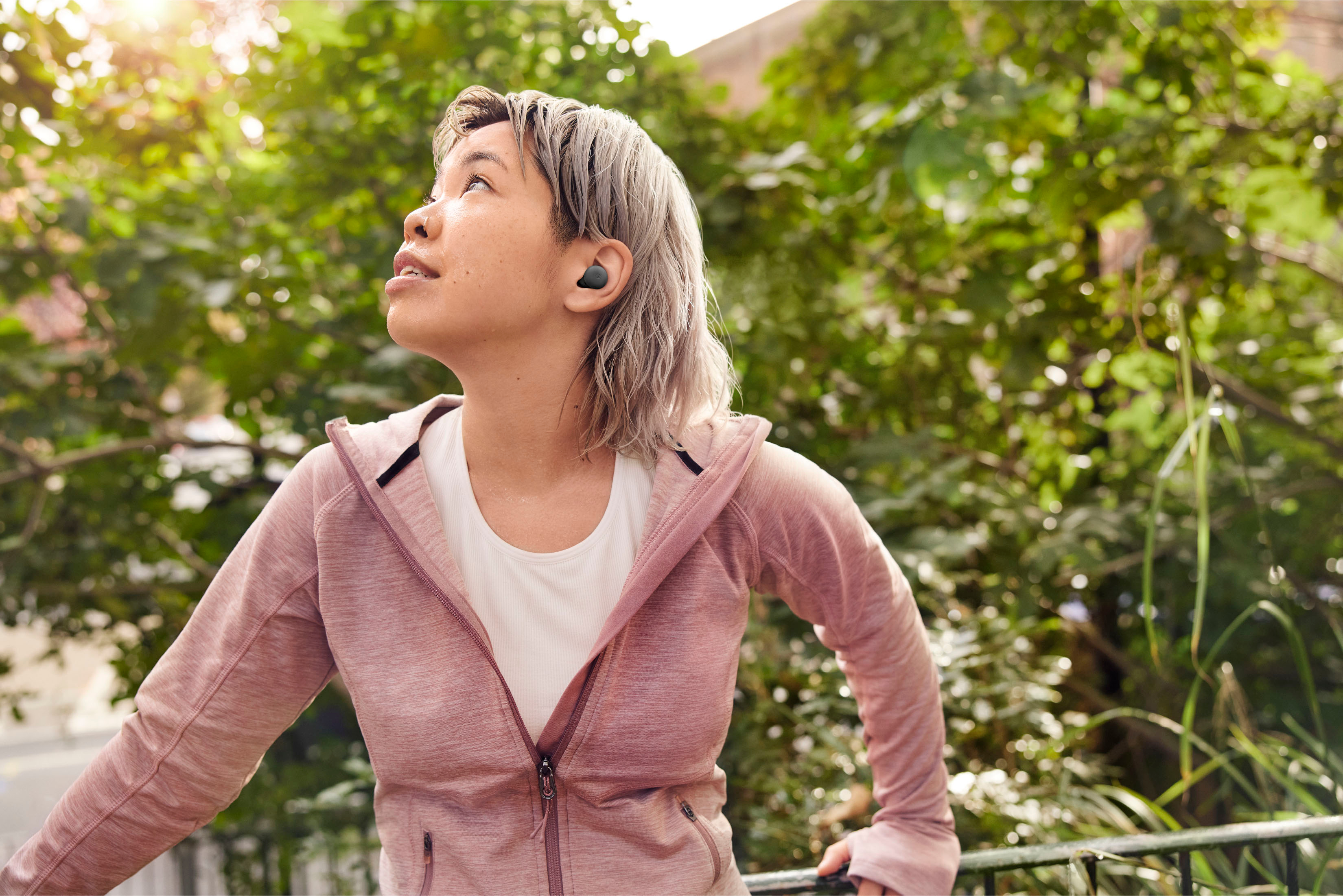
- A:Answer Hey there, Hhhh! Yes, the Google Pixel Buds A-Series are a good option for people who workout, with several features that make them suitable for exercise. The device is sweat and water resistant with an IPX4 rating, which means they can withstand splashing water and sweat. To know more about the device or if you have additional inquiries, please don't hesitate to contact us on our Google Help page here: https://support.google.com/googlepixelbuds/gethelp
Answered by Google Team

Q: QuestionI just bought a new pixel buds a series for my pixel 7A phone. When I open the pixel buds case door, nothing happens. I tried manually pairing it under the Bluetooth app but the buds do not appear. Any suggestions?
Asked by Eerix.
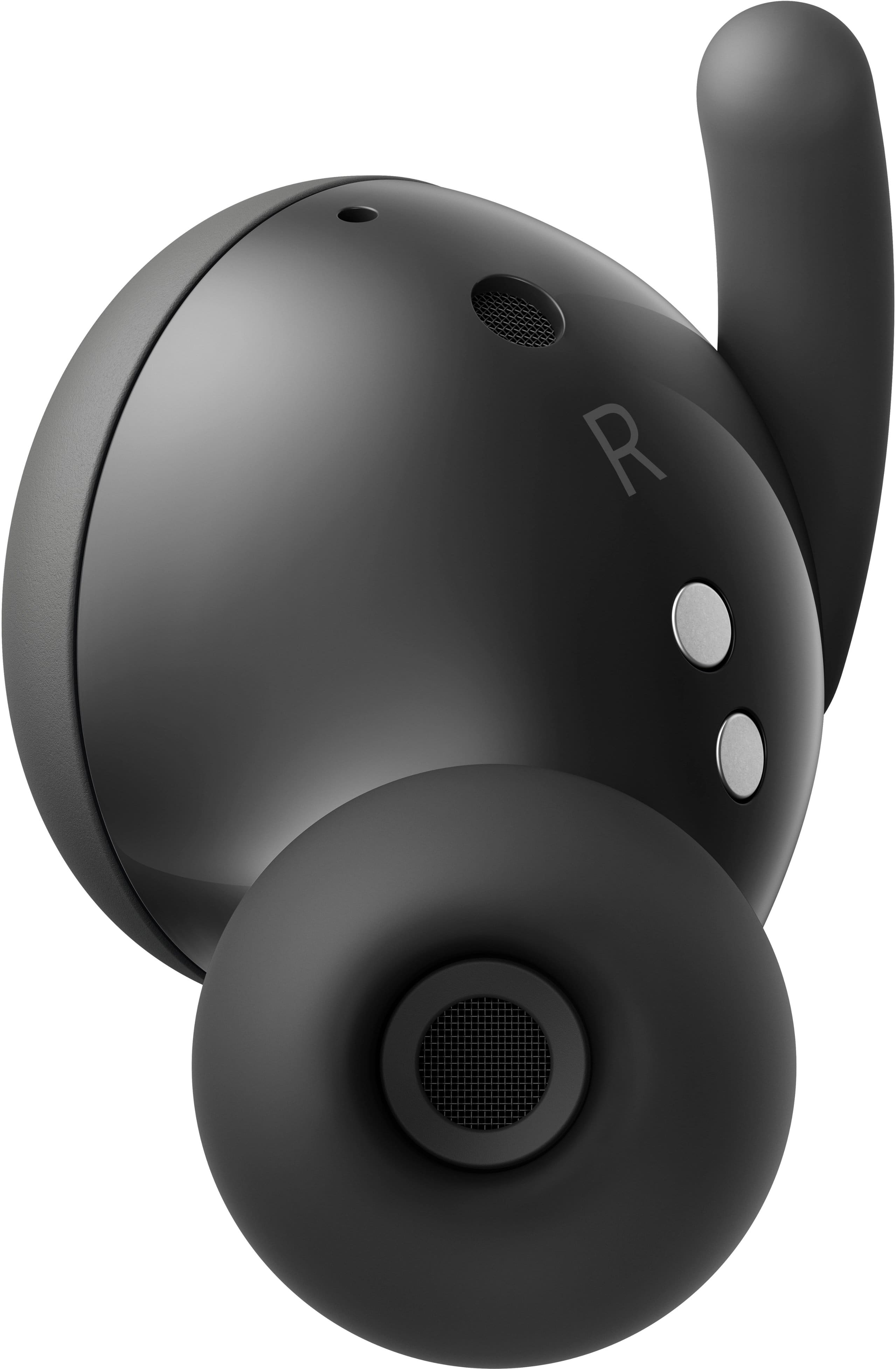
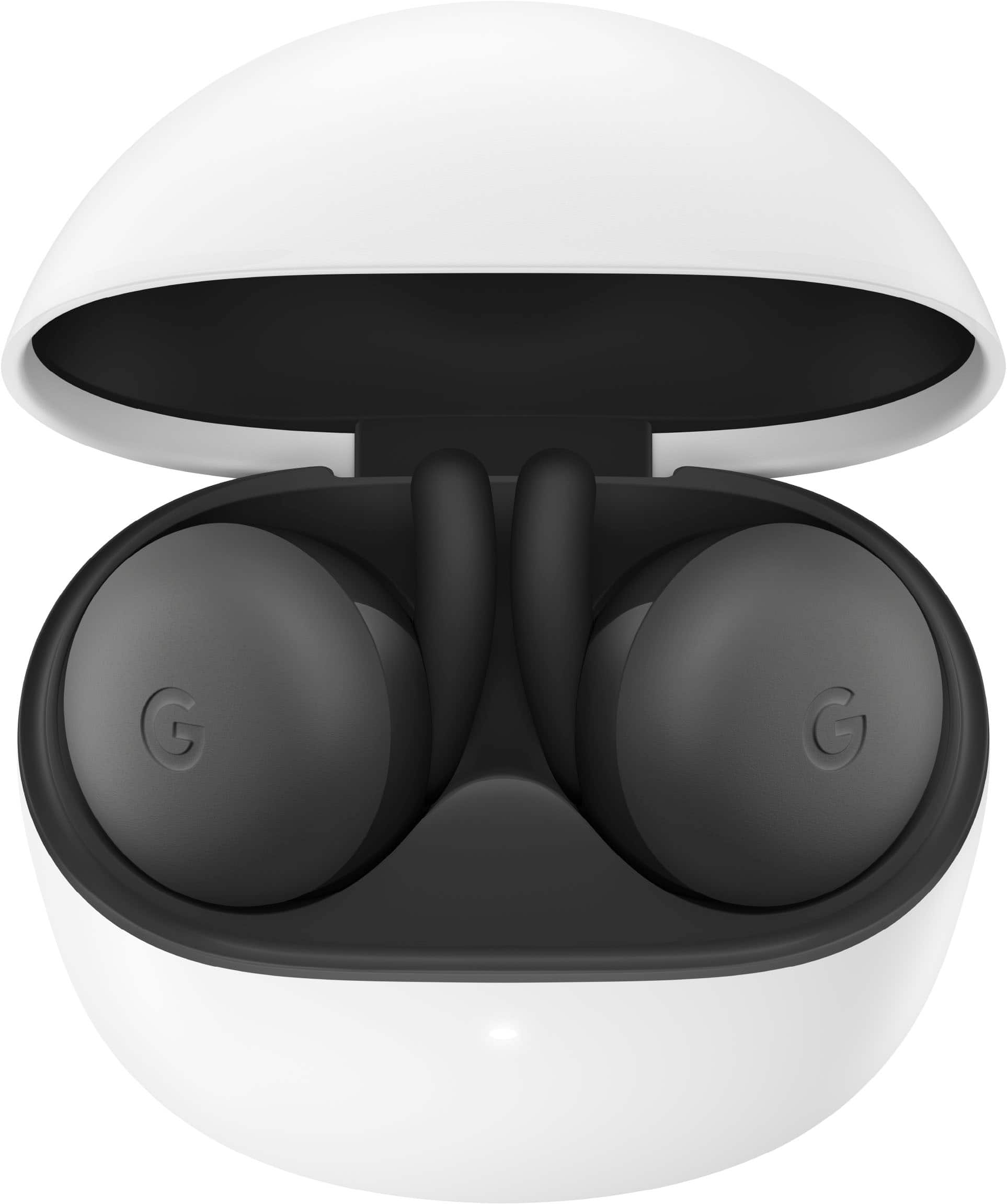
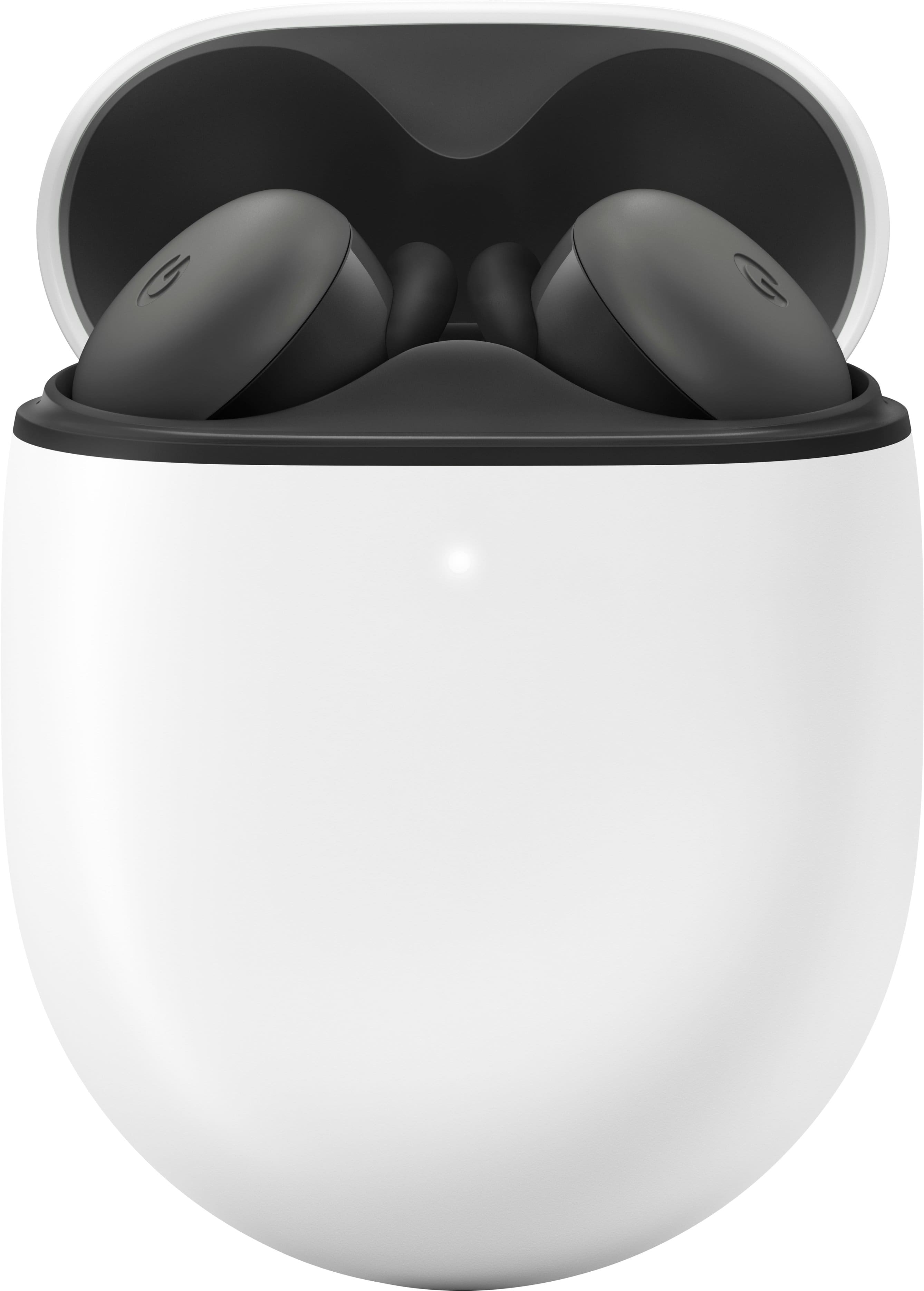
- A:Answer Hey there, Eerix! We’re sorry to hear you ran into this issue with your Pixel Buds A-Series. Checking if the earbuds are responding is the first thing to do. Try plugging the charging case into a power source using the included USB-A to USB-C cable. Then remove the Pixel Buds from the case. Replace one earbud and watch for the earbuds' status light to blink when the earbud is inserted into the case. The light will turn orange if the earbud is charging or white if it is fully charged. Replace the other earbud and wait for the earbuds status light to blink. If either earbud is charging, the light will be orange. If both are fully charged, the light will be white. Hold the pairing button for three seconds. If you see the bouncing white case status light, your device is ready to pair. On some Android devices, you may need to look for your Google Pixel Buds in the Bluetooth settings menu and add them as a new device. If more help is needed, let us know by visiting us anytime here: https://support.google.com/googlepixelbuds/gethelp
Answered by Google Team

Q: QuestionWill these work with the Pixel Pro 6 phone and the Google Tablet?
Asked by Compatability.
- A:Answer Yes
Answered by JamesC
Q: QuestionAte they TEAMs compatible?
Asked by TEAMS.
This question was asked about the related product: Google - Pixel Buds A-Series True Wireless In-Ear Headphones - Clearly White
- A:Answer Yes
Answered by Sues
Q: QuestionCan these translate languages?
Asked by Ney.
- A:Answer I don't think so.
Answered by user605174
Q: QuestionCan these actually translate 40 languages in real time?
Asked by Daddydean.
- A:Answer No those are the pixel buds pro
Answered by Jreop
Q: QuestionCan these buds be used for translating language barriers
Asked by Ki.
- A:Answer According to Google, you can good and press an earbud to open Google assistant. Ask to help translate to whatever language you need, but you must have the Google translate app installed.
Answered by Anonymous
Q: QuestionDoes the normal google pixel not the pro have the noise cancellig feature?
Asked by Kersher.
- A:Answer No, you can hear things around you with them on... The background sound is very muffled, but still there.
Answered by user605174
Q: QuestionBattery life ?
Asked by Barb.
This question was asked about the related product: Google - Pixel Buds A-Series True Wireless In-Ear Headphones - Clearly White
- A:Answer These have a GREAT battery life. Not sure how long they are rated for, but I use them on a one hour commute both ways and I only really have to charge them once a week.
Answered by user605174
Q: Questionhello I was wondering if you connect these to a desktop computer with a google account can you still activate the noise canceling feature or is that only with a mobile device ??
Asked by Anonymous.
- A:Answer There is not a true noise cancelling feature on the A series... Just the Pro.
Answered by user605174
Q: QuestionCan you use these earbuds with a computer instead of a phone?
Asked by ESL.
- A:Answer It should work as long as your computer has Bluetooth
Answered by user605174
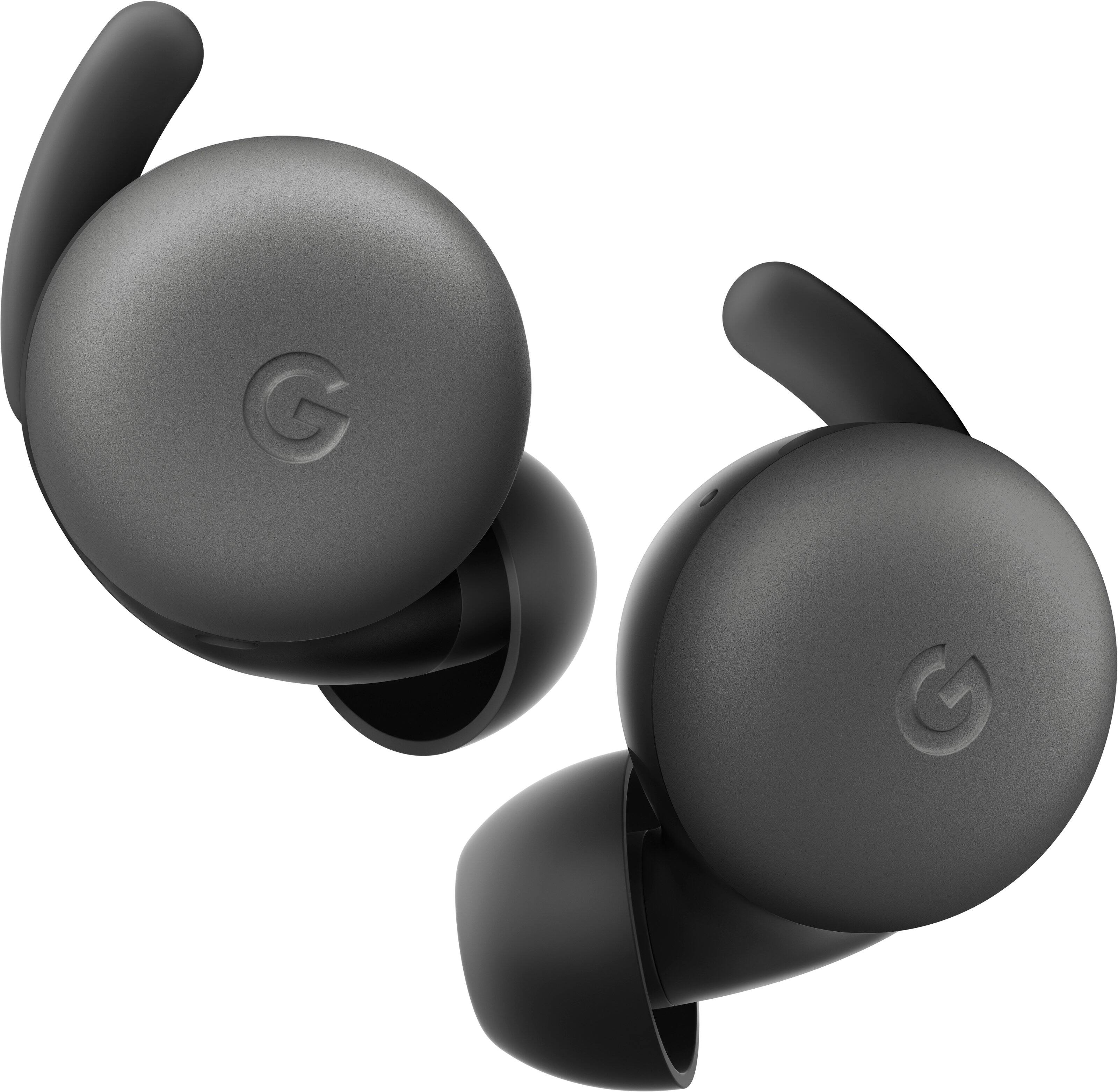
Q: Questiondo these stay in place when working out?
Asked by Michelle90.
- A:Answer Yes they do. I use them for weight training and running. I am up and down from laying on a bench, squats, sit ups, and so on. I have never had these fall out. I wish they had noise cancellation, but that is what the pros are for I guess. For the price, these are excellent.
Answered by Cbtech
Q: QuestionAre these eat buds for a pixel 4a 5g phone?
Asked by Frmarie.
This question was asked about the related product: Google - Pixel Buds A-Series True Wireless In-Ear Headphones - Clearly White
- A:Answer Yes, they do. These earbuds work great with any Pixel phone and android phones in general.
Answered by EddyShed
Q: QuestionCan you wear these with hearing aides
Asked by Suz.
This question was asked about the related product: Google - Pixel Buds A-Series True Wireless In-Ear Headphones - Clearly White
- A:Answer I would say no.
Answered by bhard44
Q: QuestionWill they work with my Samsung phone android
Asked by Pipelegs.
This question was asked about the related product: Google - Pixel Buds A-Series True Wireless In-Ear Headphones - Clearly White
- A:Answer yes
Answered by Mal27
Q: QuestionWell it be able to translate for you if you are watching Netflix or when you are listening to someone speak another language?
Asked by Roni.
This question was asked about the related product: Google - Pixel Buds A-Series True Wireless In-Ear Headphones - Clearly White
- A:Answer No. [You're probably inferring to "Live Translate", which is available for the Pixel Buds Pro]
Answered by LordMerovingian
Q: QuestionDo they feel heavy in your ears?
Asked by Bubbles.
This question was asked about the related product: Google - Pixel Buds A-Series True Wireless In-Ear Headphones - Clearly White
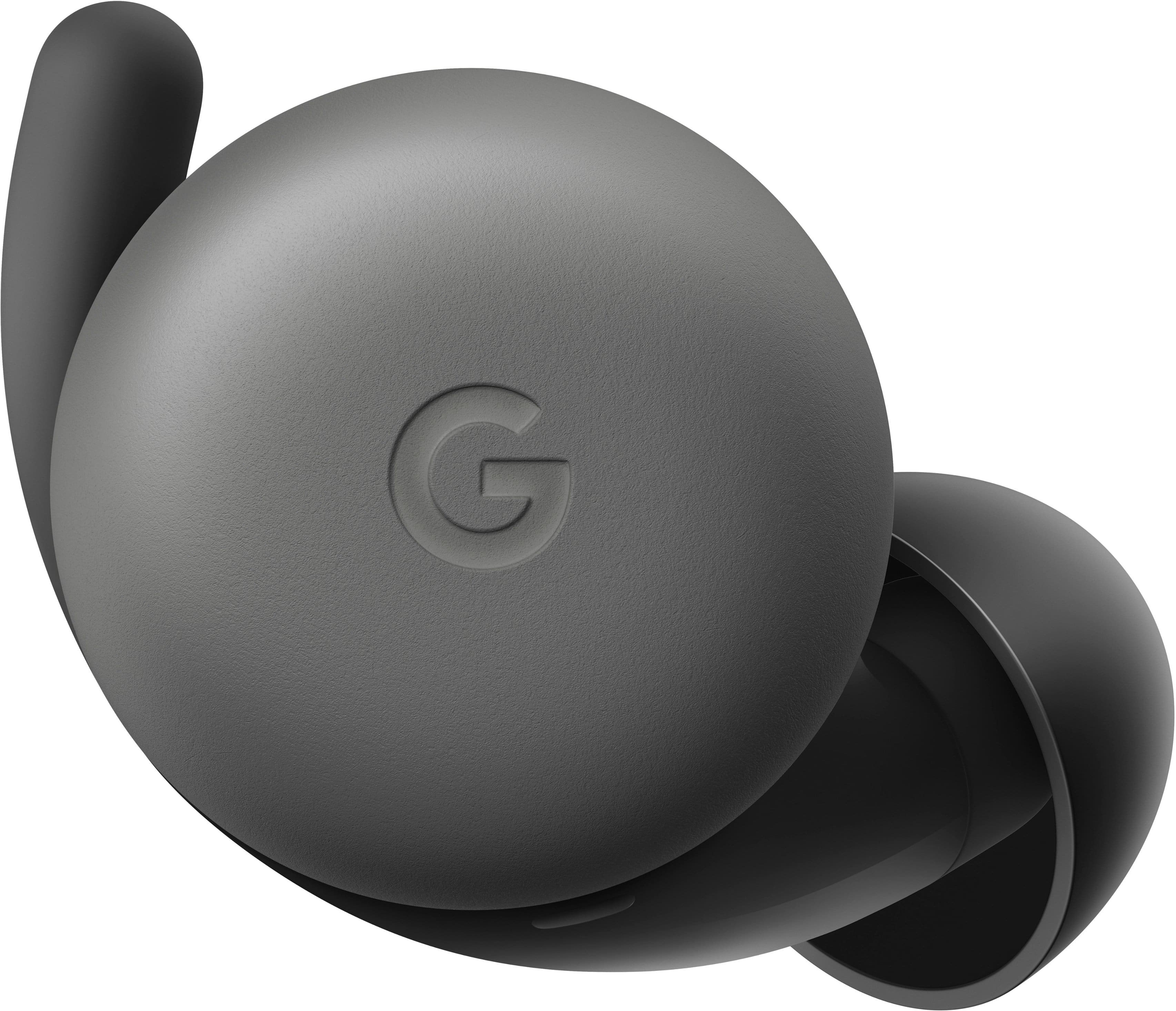
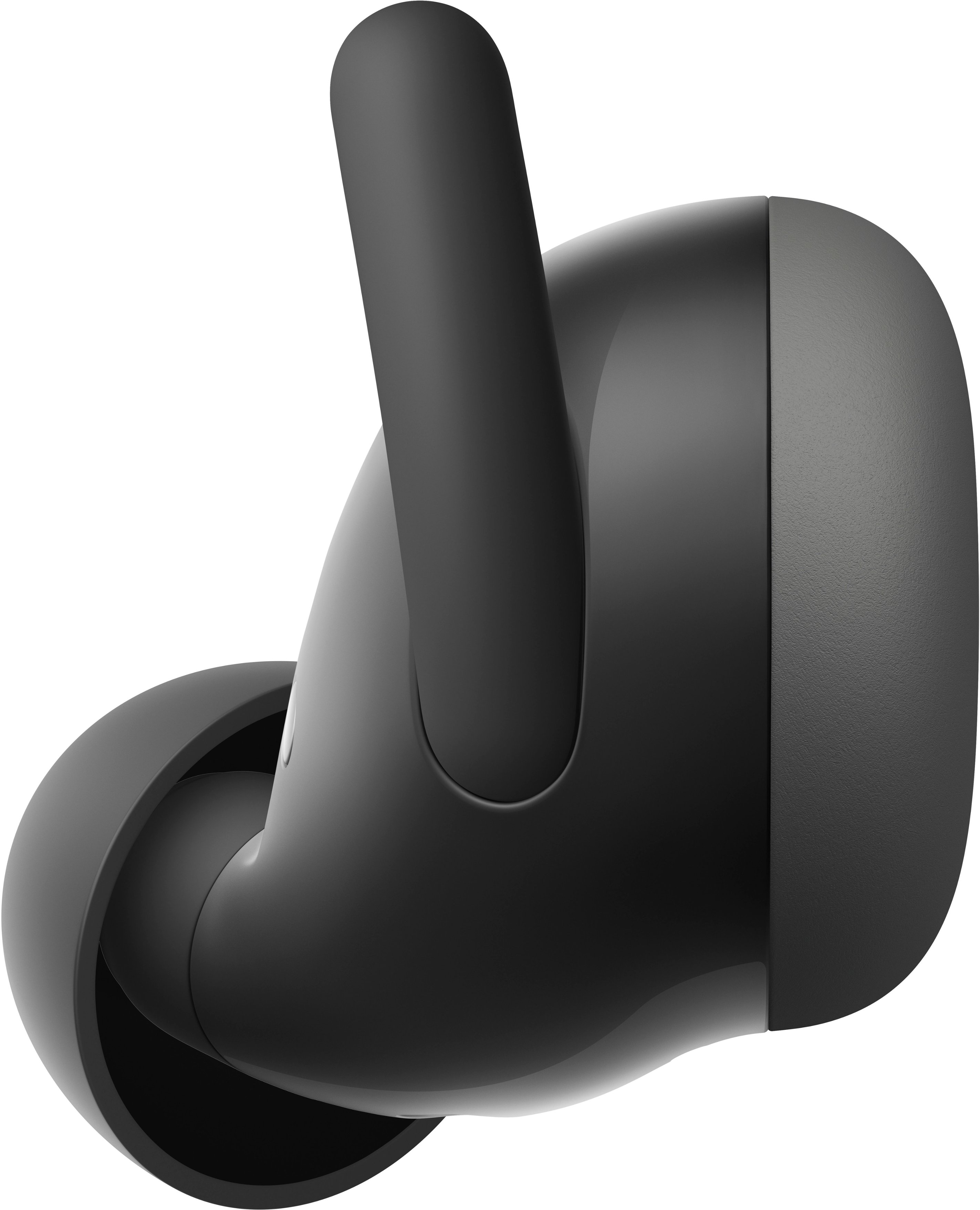
- A:Answer No very comfortable and they stay in place
Answered by Ljjz
Q: QuestionHow well do they stay in your ear?
Asked by Anonymous.
- A:Answer Pretty good!! You can shake your head and they won't even move
Answered by Andrea
Q: QuestionCan you use pixel earbuds with iPhones?
Asked by Anonymous.
This question was asked about the related product: Google - Pixel Buds A-Series True Wireless In-Ear Headphones - Clearly White
- A:Answer Yes. I use mine for my ipad. Connects easily. Just open the case with Bluetooth turned on near the device.
Answered by SteveV
Most-viewed items
- Black Friday Deal$219.99Your price for this item is $219.99
- $79.99Your price for this item is $79.99$129.99The comparable value for this item is $129.99
- Black Friday Deal$429.99Your price for this item is $429.99
- $139.99Your price for this item is $139.99$179.99The comparable value for this item is $179.99
- Doorbuster$159.99Your price for this item is $159.99
- $184.45Your price for this item is $184.45$249.99The comparable value for this item is $249.99
- Black Friday Deal$398.00Your price for this item is $398.00
- Black Friday Deal$179.99Your price for this item is $179.99
- Black Friday Deal$199.00Your price for this item is $199.00
- Black Friday Deal$159.99Your price for this item is $159.99
- Black Friday Deal$39.95Your price for this item is $39.95
- $189.99Your price for this item is $189.99$249.99The comparable value for this item is $249.99
- $298.99Your price for this item is $298.99$429.00The comparable value for this item is $429.00
- Black Friday Deal$248.00Your price for this item is $248.00
- Black Friday Deal$216.00Your price for this item is $216.00
- Black Friday Deal$129.99Your price for this item is $129.99
- Black Friday Deal$129.00Your price for this item is $129.00
- Black Friday Deal$199.00Your price for this item is $199.00
- Black Friday Deal$399.00Your price for this item is $399.00
- Black Friday Deal$119.99Your price for this item is $119.99