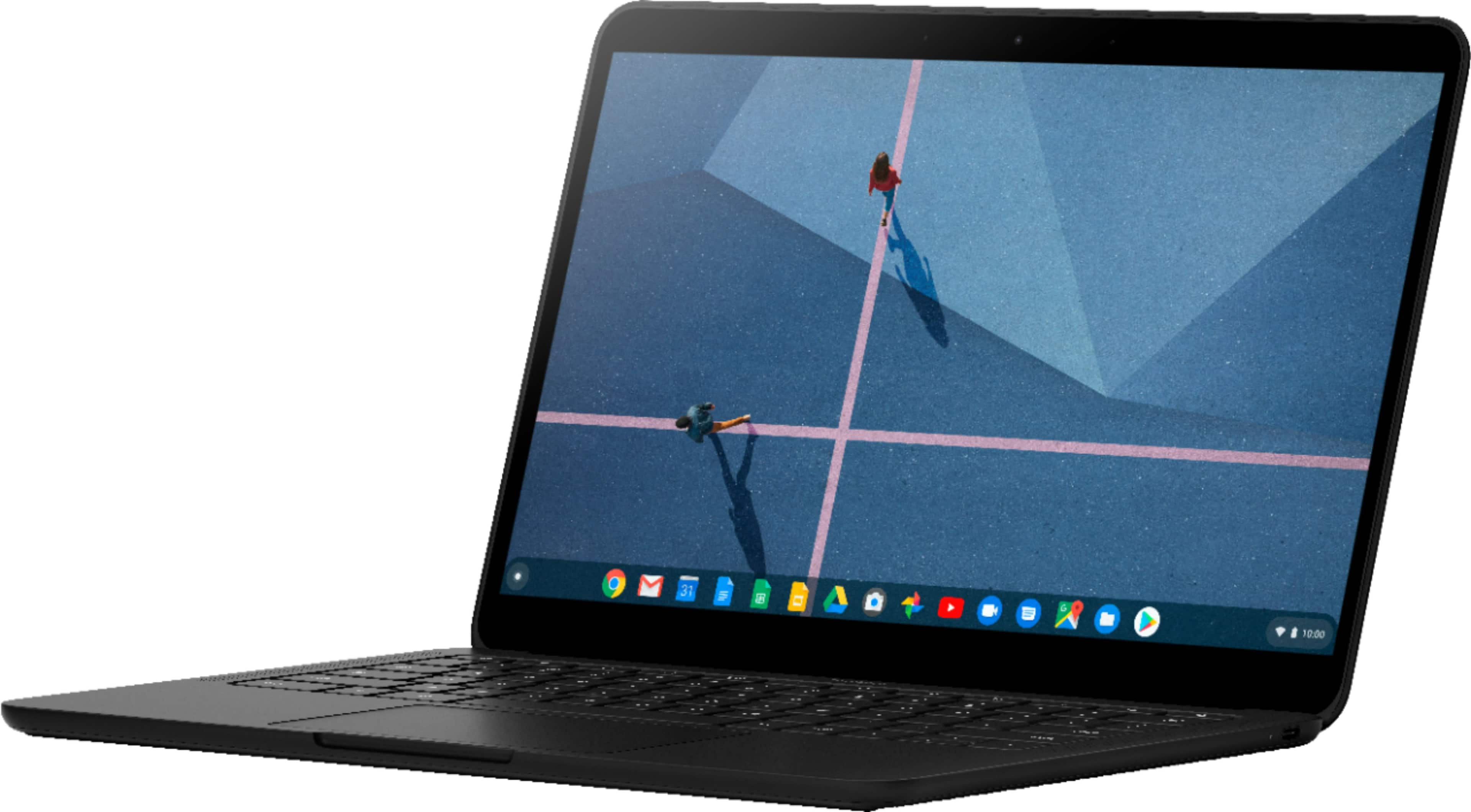
A:AnswerYou can do most everything without touching the screen at all, so you can use the touchpad or mouse instead. The touchpad is so responsive and uses a tap instead of a click. I actually prefer it to a mouse. Some things are faster to do with the touchscreen so maybe you could use one of those stylus pens?
A:AnswerYes, Pixelbook Go has a 2MP Duo Camera and 2 microphones. You can find more specs related info here: https://support.google.com/pixelbook/answer/9481398
A:AnswerNo, Pixelbook Go doesn't have a Thunderbolt 3 port. Pixelbook Go has 2 USB-C ports for charging, up to 4K external display out, and fast data transfer as well as a 3.5 mm headphone jack.
A:AnswerPixelbook Go has two USB-C ports, one on each side. To find out more about the specs, you can have a look at this link: https://support.google.com/pixelbook/answer/9481398
A:AnswerThere's a way for you to disable the touch screen through chrome:/flags. We advise that you contact us at https://support.google.com/pixelbook/gethelp and chat with a Pixelbook specialist as this might affect some of the functionalities of your Pixelbook Go.
A:AnswerYes, Pixelbook Go comes with a 45 W USB-C™⁵ wall power adapter and a USB-C™⁵ charging cable. It has a battery life of up to 12 hours per charge and fast charging of up to 2 hours for 20 minutes of charge.