A:AnswerI would think so. I did the same thing but wirelessly. You need to have the goggle WiFi app and follow the instructions,,should be no problem. I have 5G all over the house now Good luck.
A:AnswerPlease reach out to our support team for further help with the damaged power adapter for your Google Wifi here: https://support.google.com/wifi/gethelp
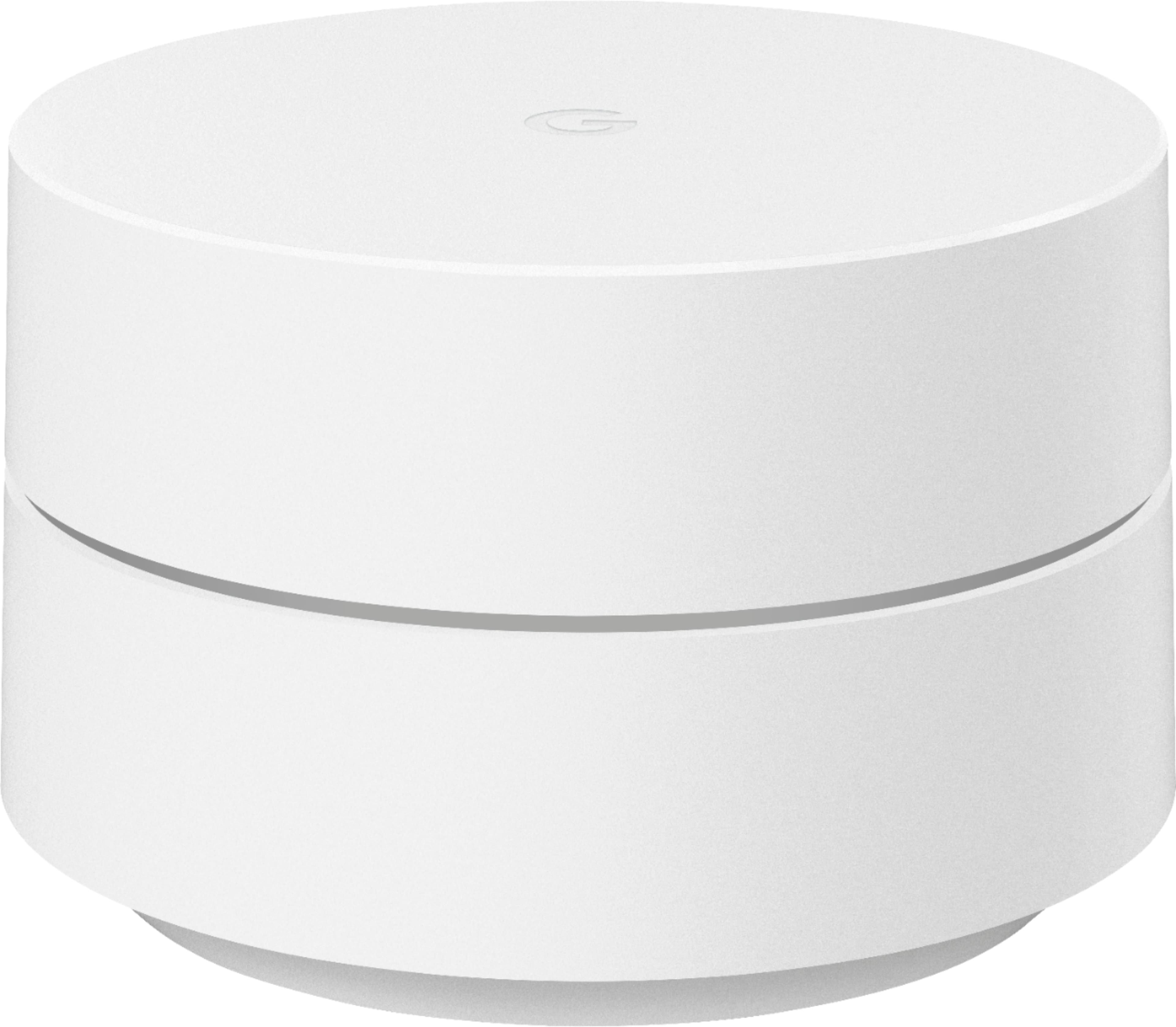
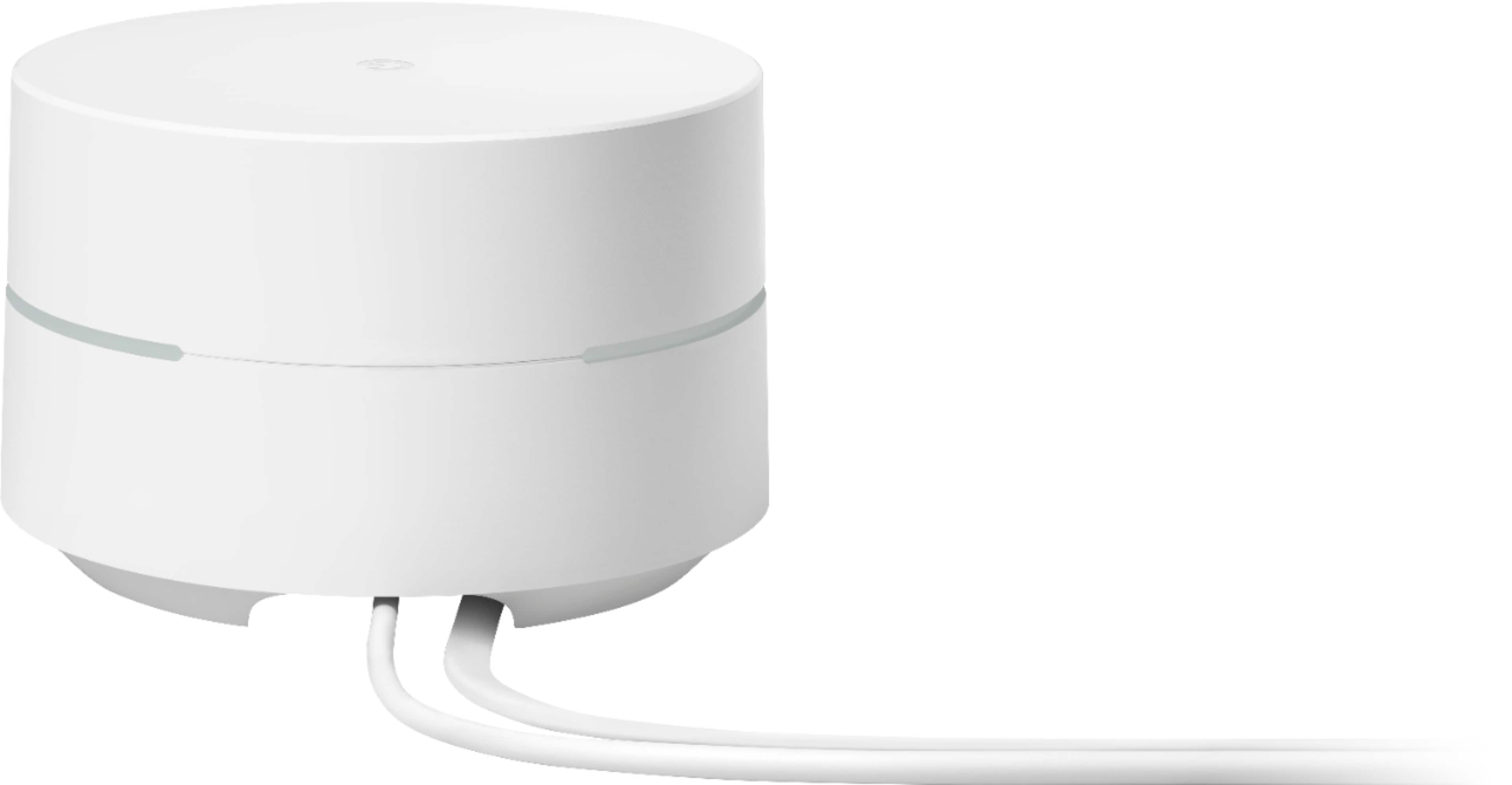
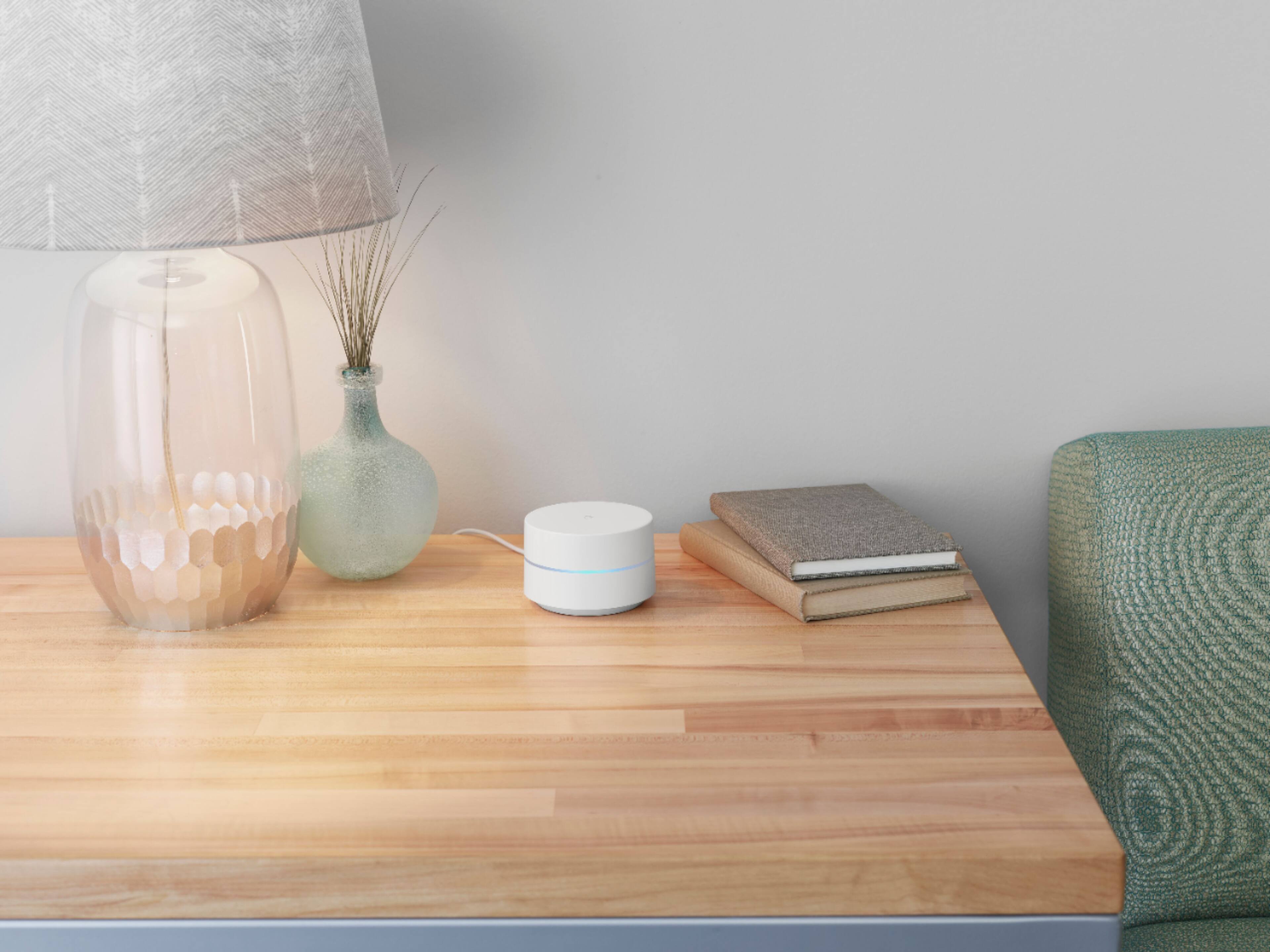
A:AnswerGoogle Wifi is a home mesh Wi-Fi system that replaces your traditional router and provides seamless, reliable Wi-Fi coverage throughout your home. Google Wifi can help distribute the full speed it receives from your modem. Keep in mind that the internet speed and reception depend on the modem and internet service provided by your Internet Service Provider (ISP).
A:AnswerIt is tricky if you have a modem and router combo. I have a modem only and use one of the Google points as the router and it works fine. Should not matter what provider you have. This is compatable with most providers as long as you have good signal. Once you download the Google home app it will walk you through step by step on set up. I
A:AnswerYes. Google Wifi works with most Internet Service Provider so you can choose your preferred ISP. Take a look at this link for the setup requirements and guide on how to setup: https://support.google.com/wifi/answer/7183148
A:AnswerGoogle Wifi is designed to work in ambient temperatures between 32° to 95° F (0° and 35° C), and should be stored between ambient temperatures of -4° and 140° F (-20° and 60° C). Do not leave your Google Wifi in places where the temperature may exceed 140° F (60° C). You can check this link for more details: https://support.google.com/wifi/answer/7450618
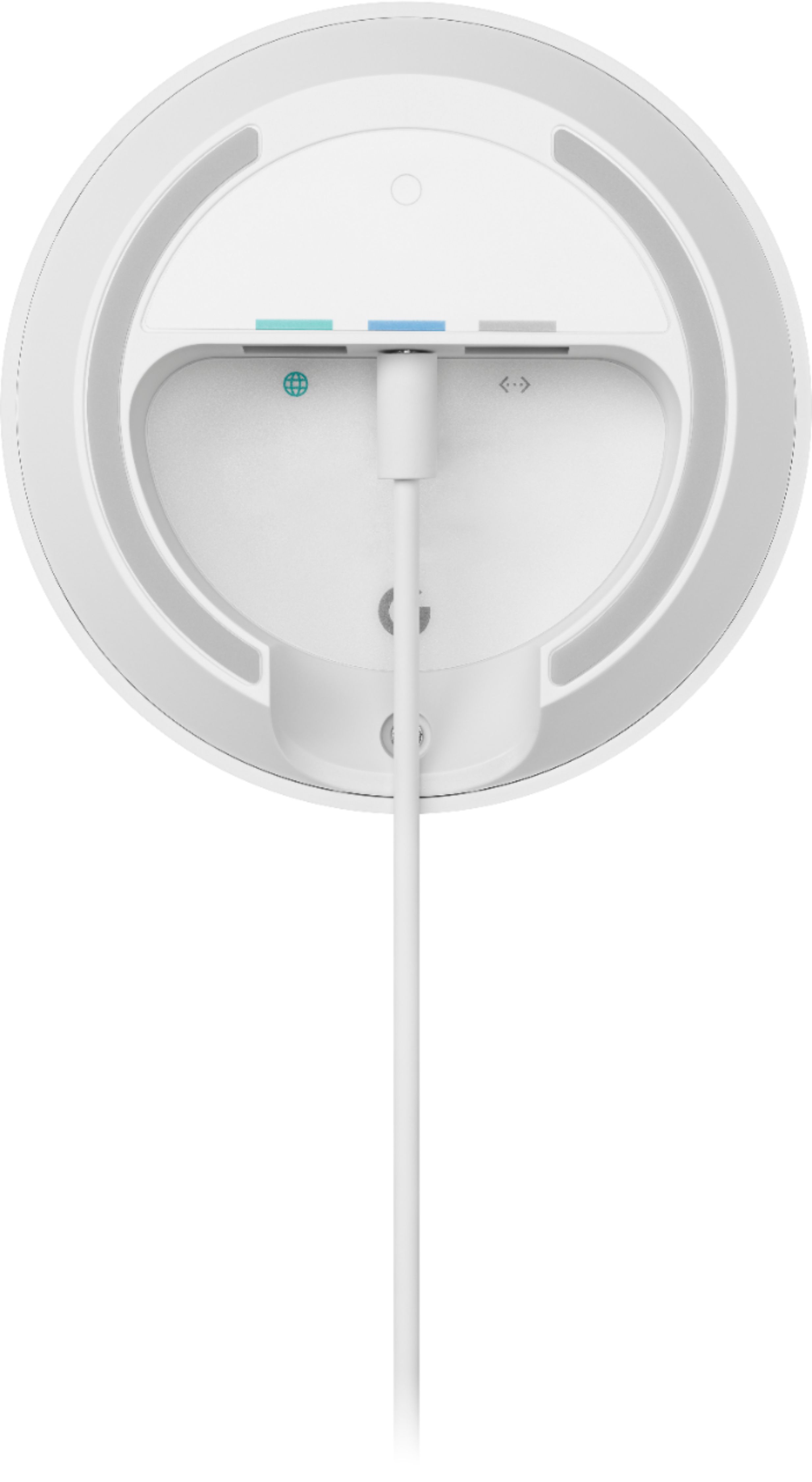
A:AnswerYes. However, this may cause Double NAT. Double NAT is a setup where both Google Wifi and your current router broadcast their own private networks which can cause connectivity issues when playing online games and doing port-forwarding. To avoid Double NAT, you can setup Google wifi as your primary Wi-Fi directly connected to your modem with an Ethernet cable. Then, put your current router in Bridge mode or disable the Wi-Fi functionality and use it as a downstream switch.
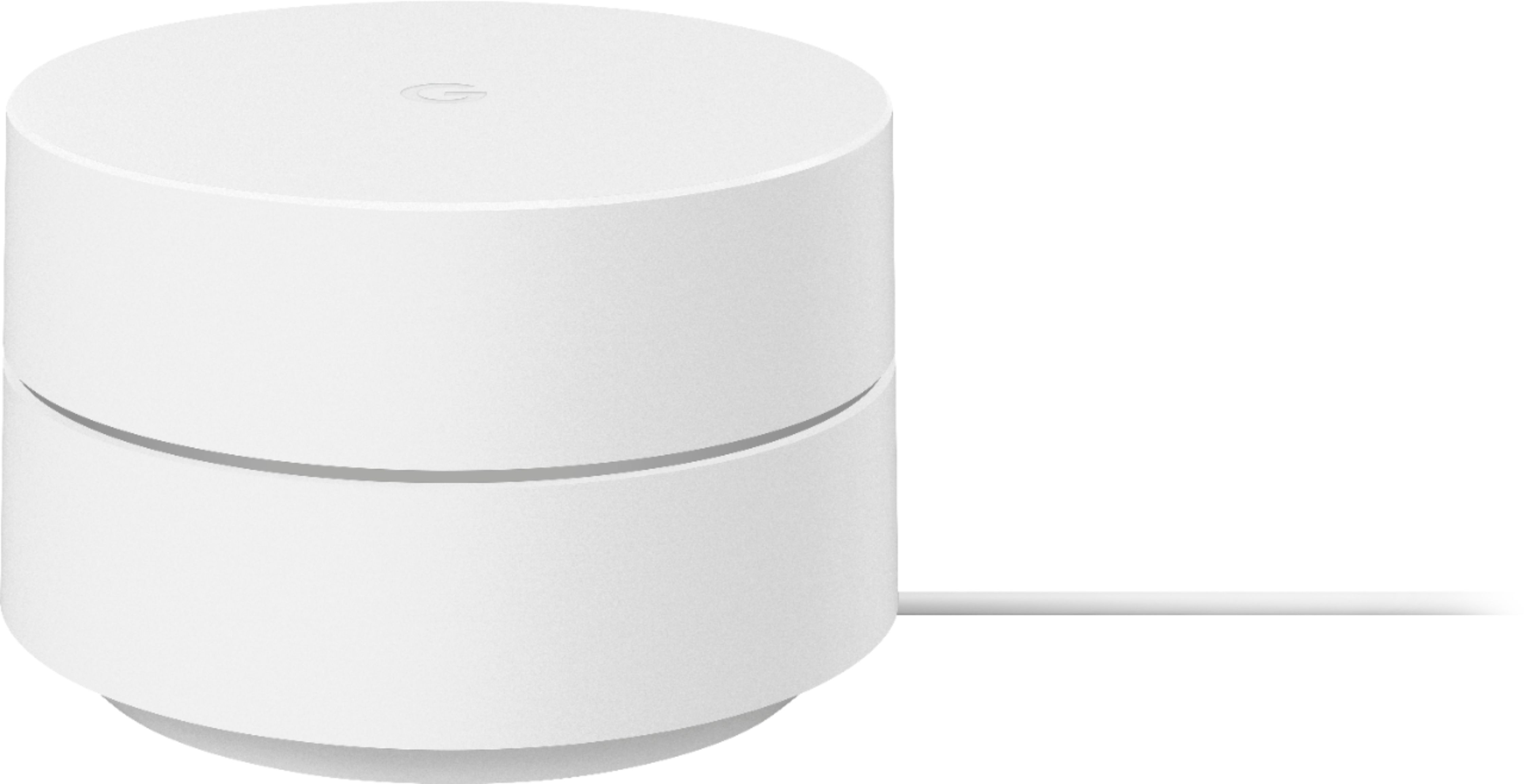
A:AnswerAbsolutely, you can purchase this directly from the google store or do as i did and purchase this from best buy. Very simple setup and works better than most wifi's that i have used.
A:AnswerYES! I have WOW (100 Mbps internet speed) 100 year old house with lath and plaster walls. Upgraded my system to Google mesh with 3 units and no longer have dead zones. Also own my own modem (Netgear 16 x 4 Doc sis 3.0) and WiFi distribution works great. The Google app helps me maintain great coverage and identifies WOW speed throughout the entire house, Needed WOW to set the modem up, but not the Google mesh system.