Main Content

Questions & Answers

$134.99
Save $45
The comparable value is $179.99
Page Showing 1-10 of 10 questions
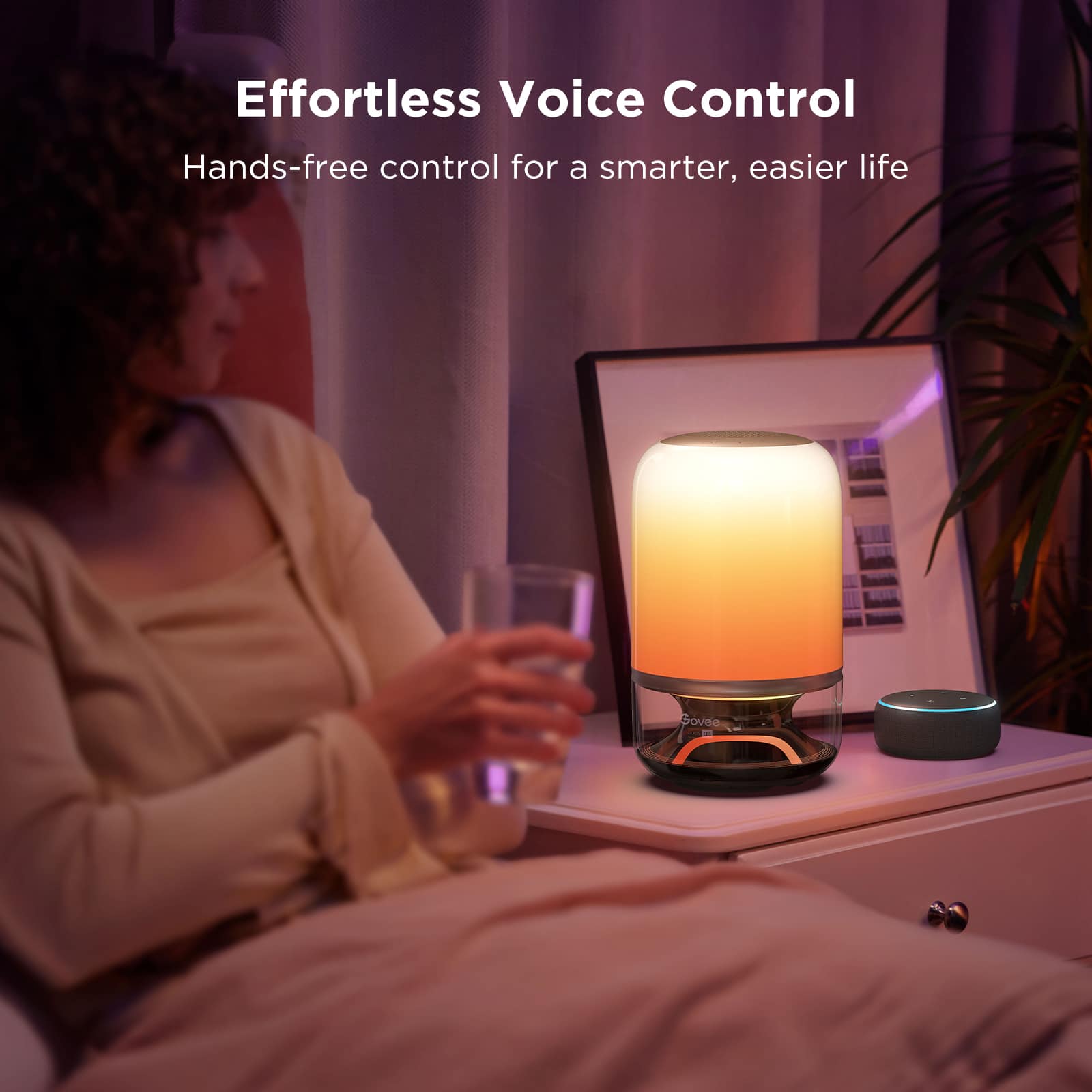
  • QuestionCan I control this table lamp using voice commands?

    • Answer Yes, you can control this table lamp with voice via Alexa or Google Assistant.
    This question and answer was generated by AI based on customer and product data.

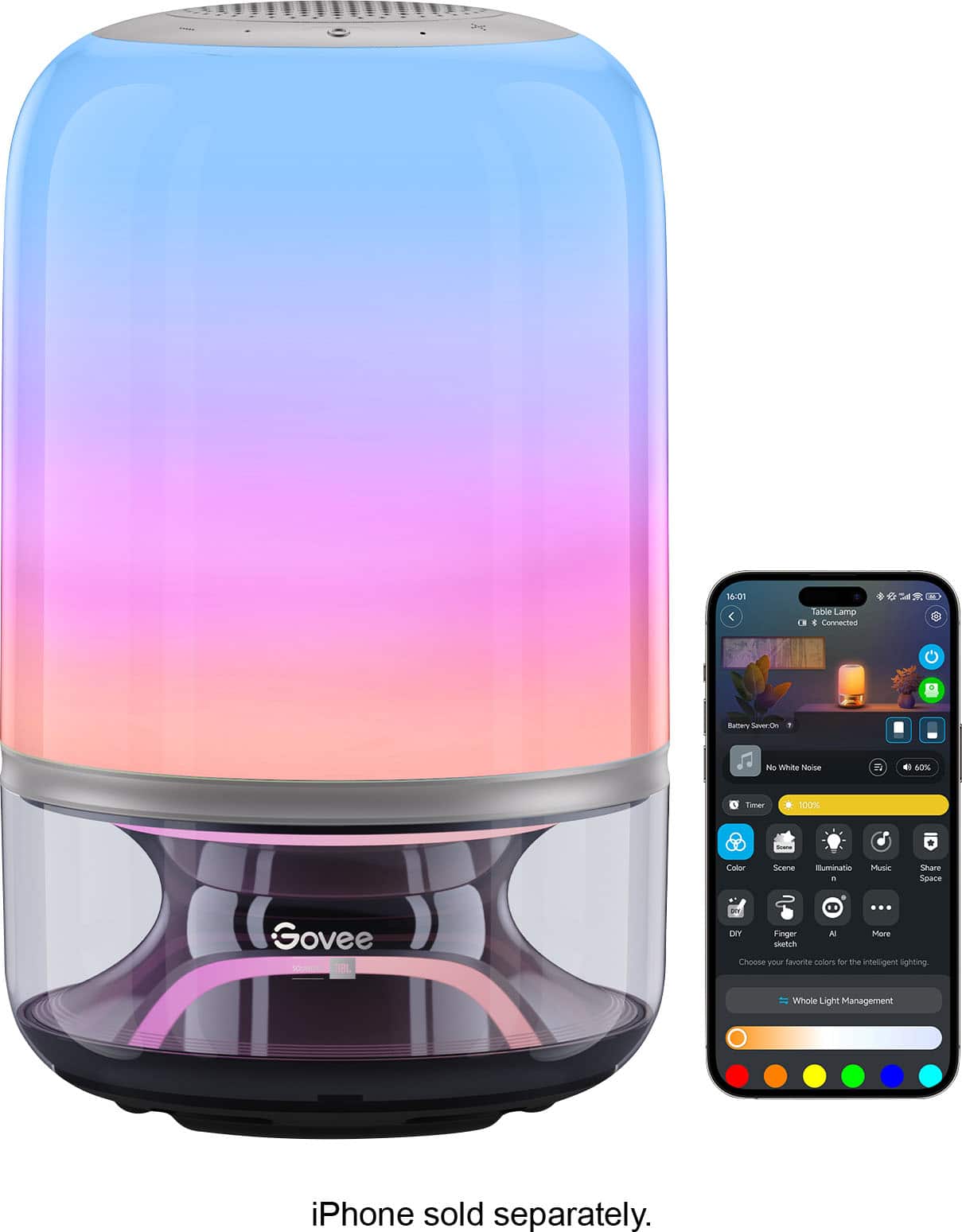
  • QuestionIs this table lamp compatible with a mobile application?

    • Answer Yes, this table lamp is compatible with a mobile application.
    This question and answer was generated by AI based on customer and product data.
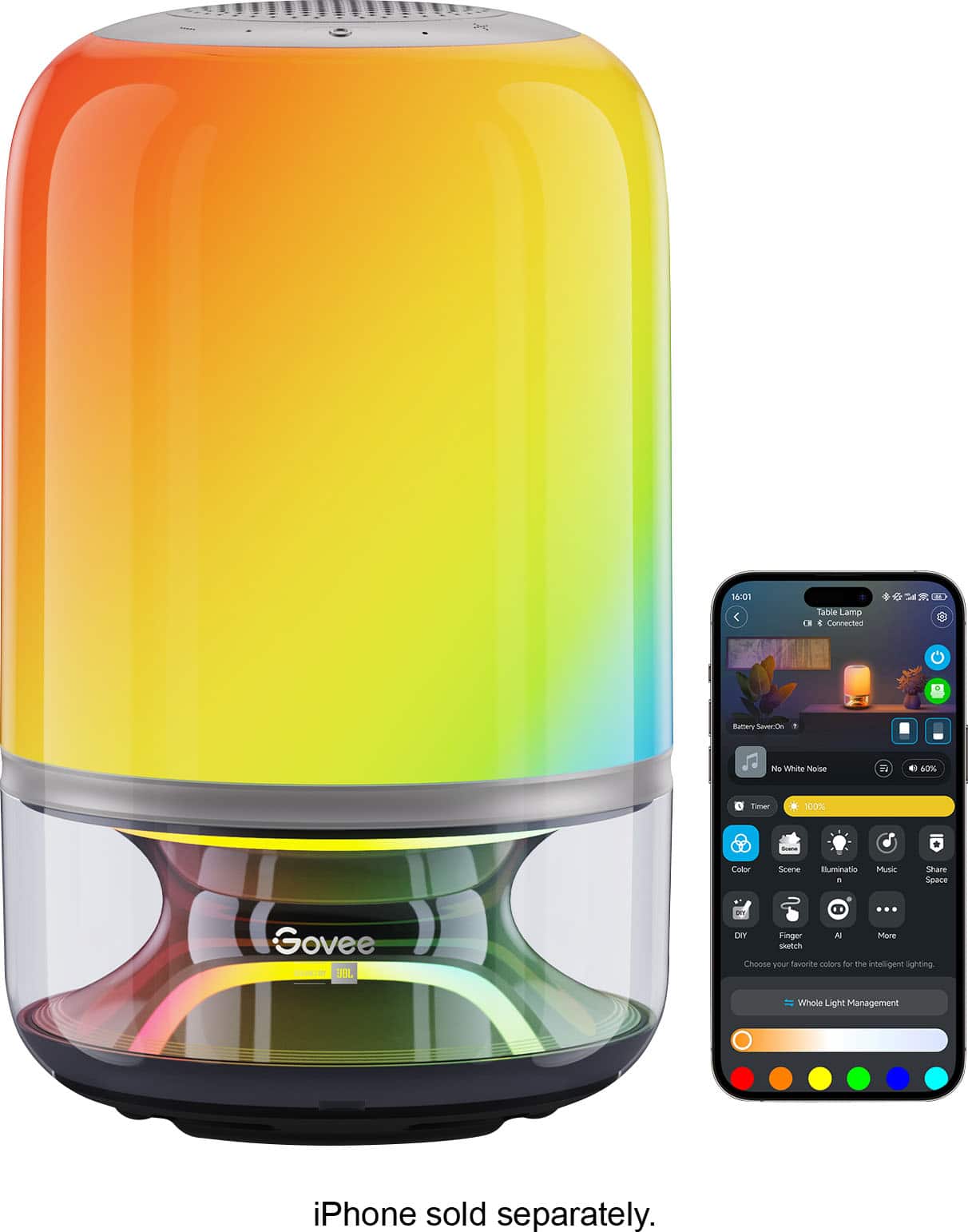
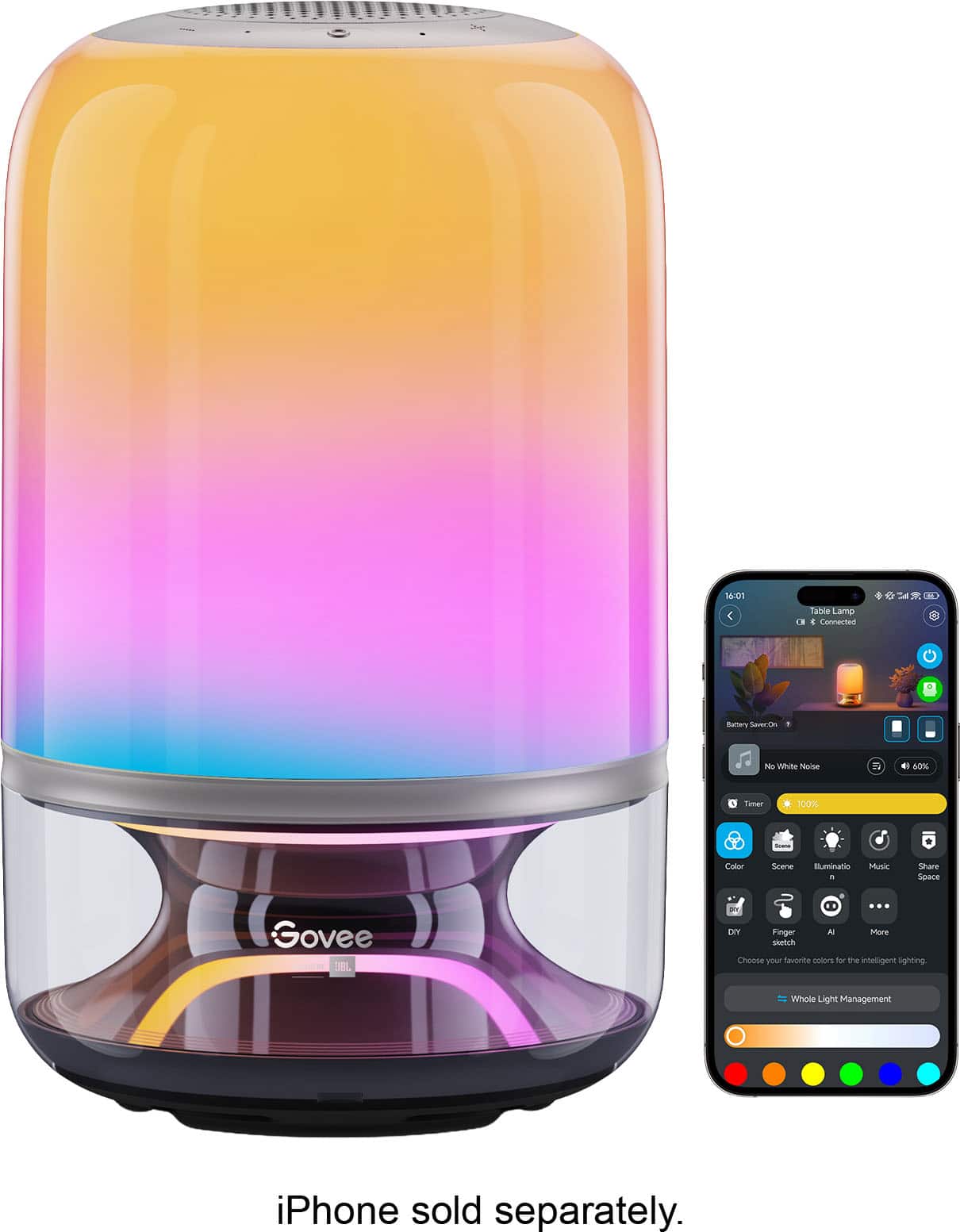
  • QuestionAre there multiple lighting scenes available for this table lamp?

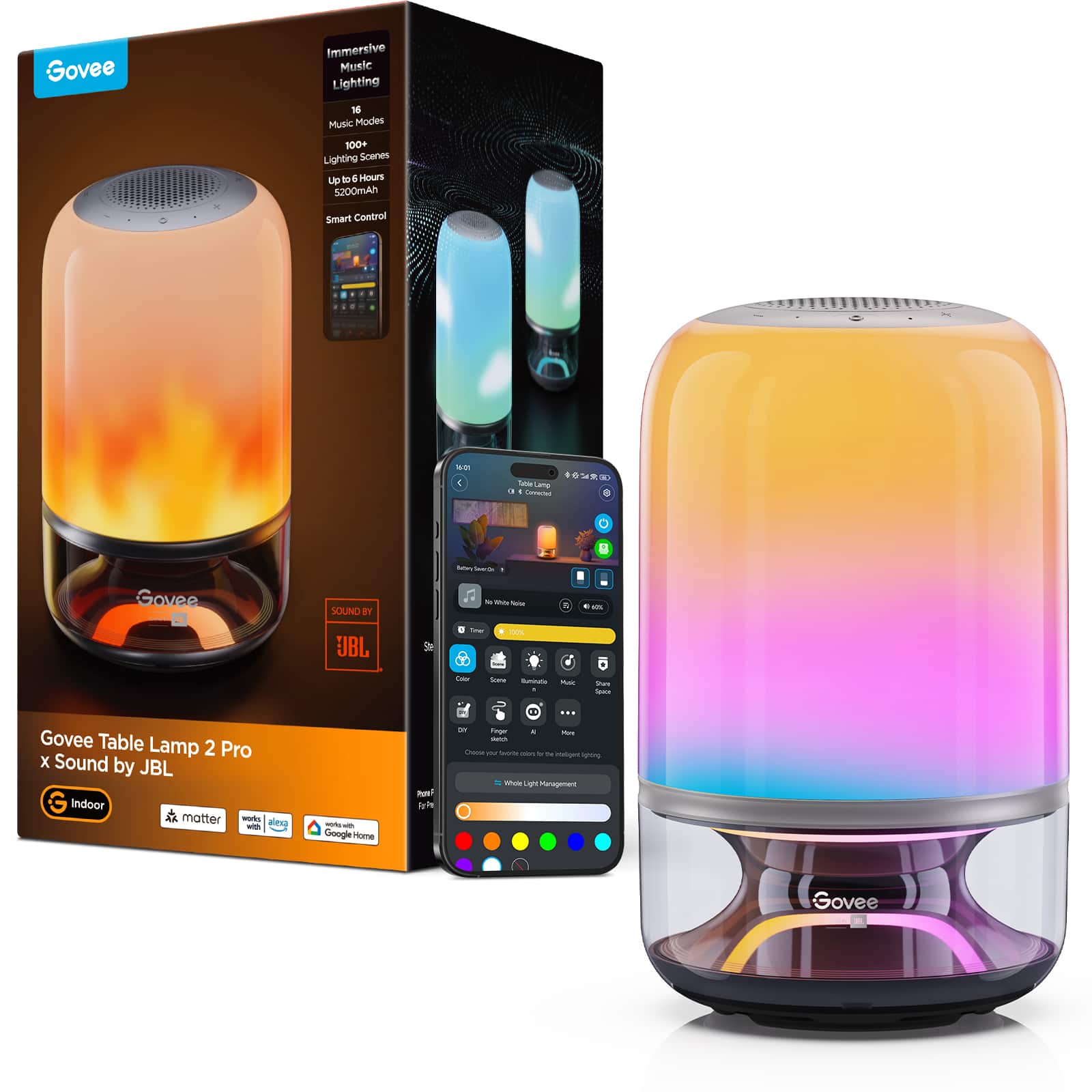
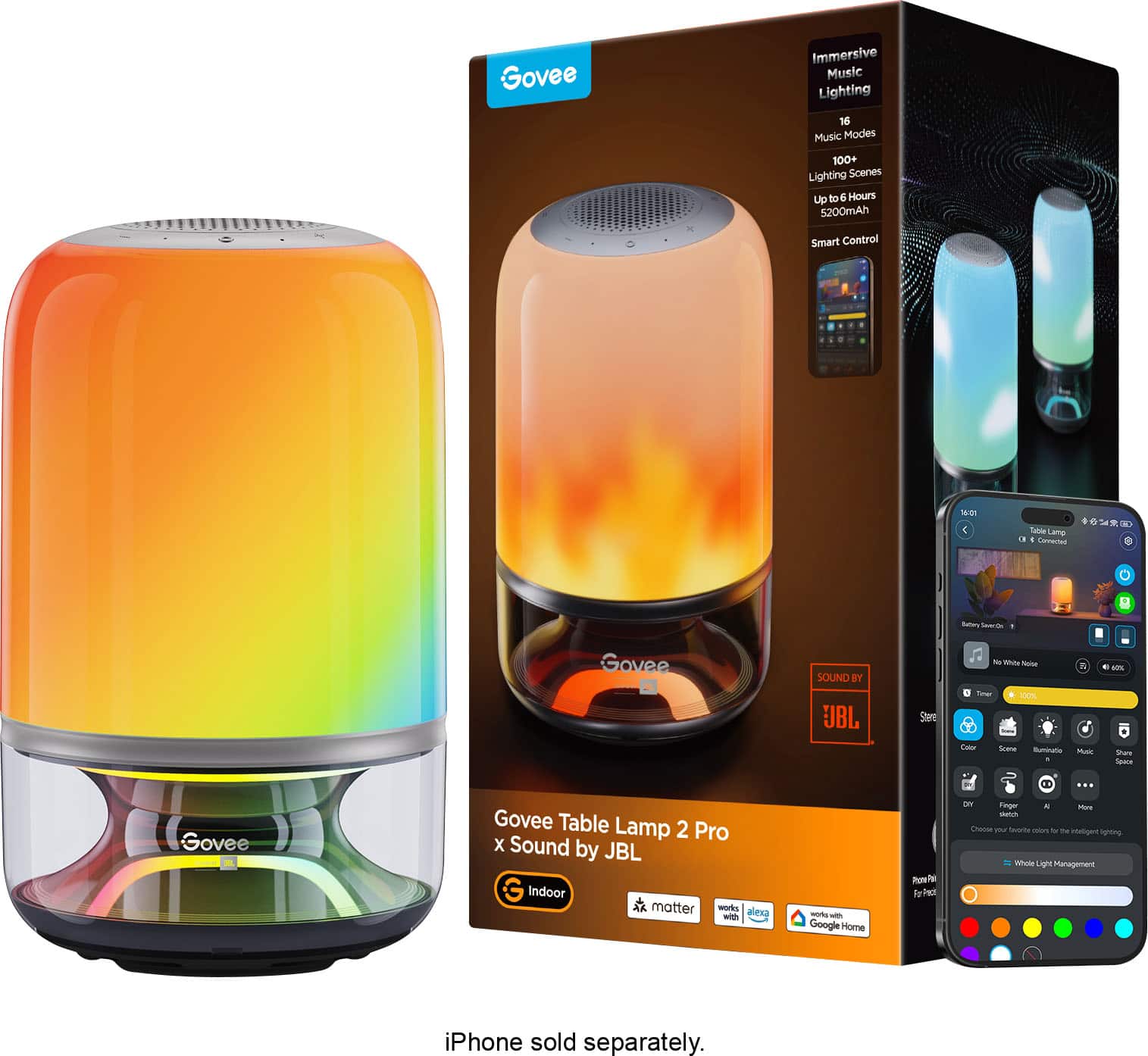
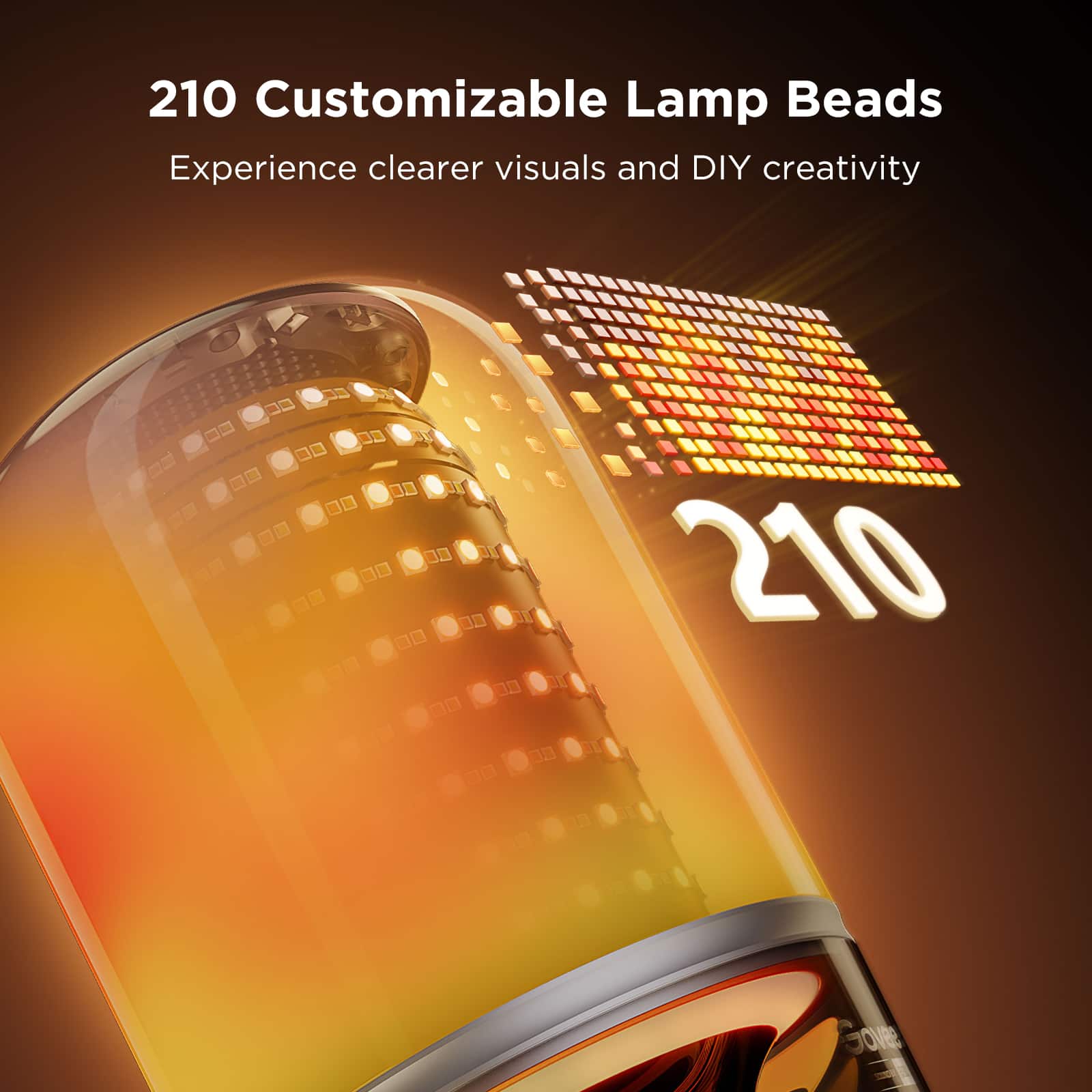
    • Answer Yes, there are over 100 scenes with adjustable brightness and color temperature.
    This question and answer was generated by AI based on customer and product data.
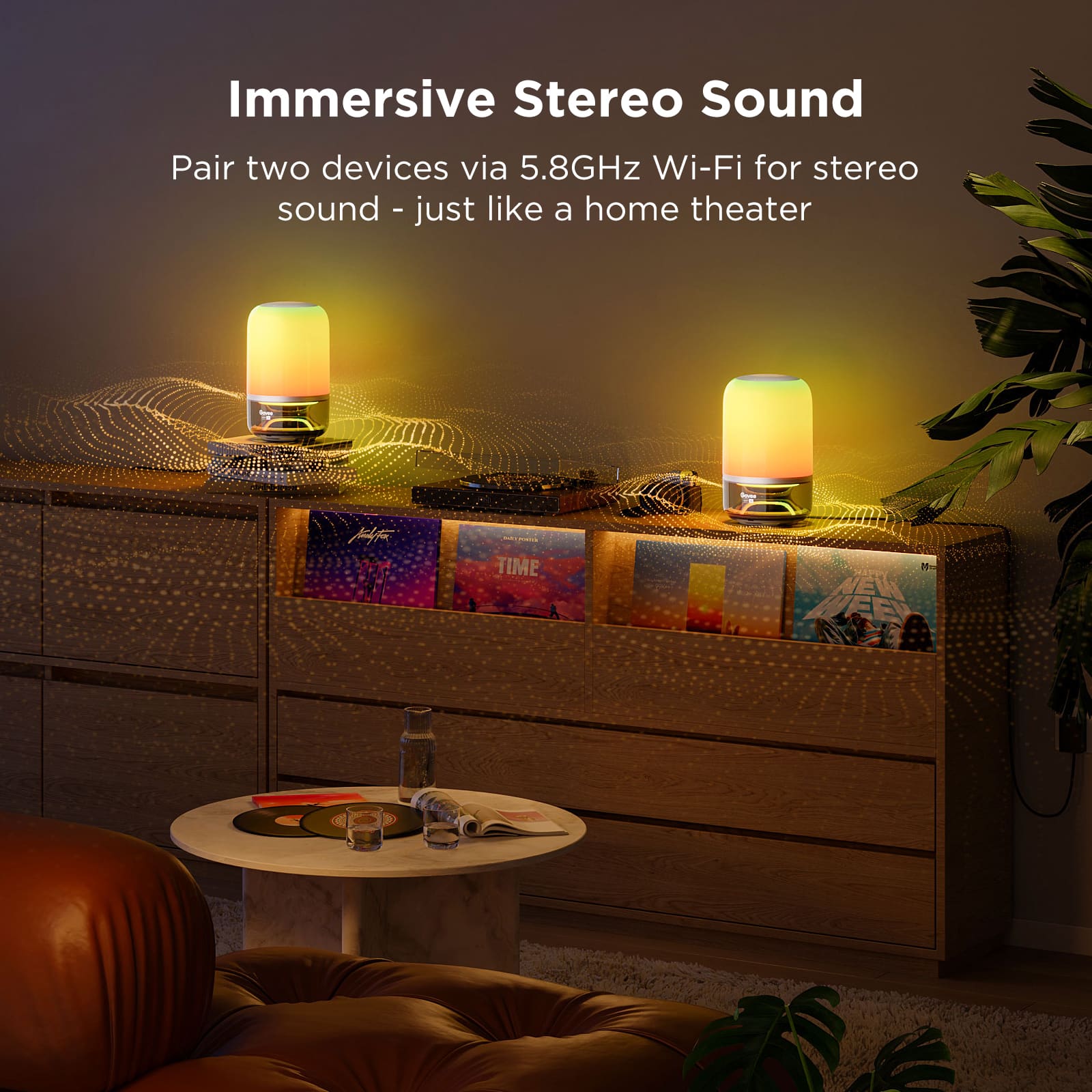
  • QuestionDoes this table lamp support stereo pairing?

    • Answer Yes, this table lamp supports stereo pairing for powerful, immersive sound.
    This question and answer was generated by AI based on customer and product data.
  • QuestionDoes this table lamp have dimmable capabilities?

    • Answer Yes, this table lamp is dimmable via the app.
    This question and answer was generated by AI based on customer and product data.
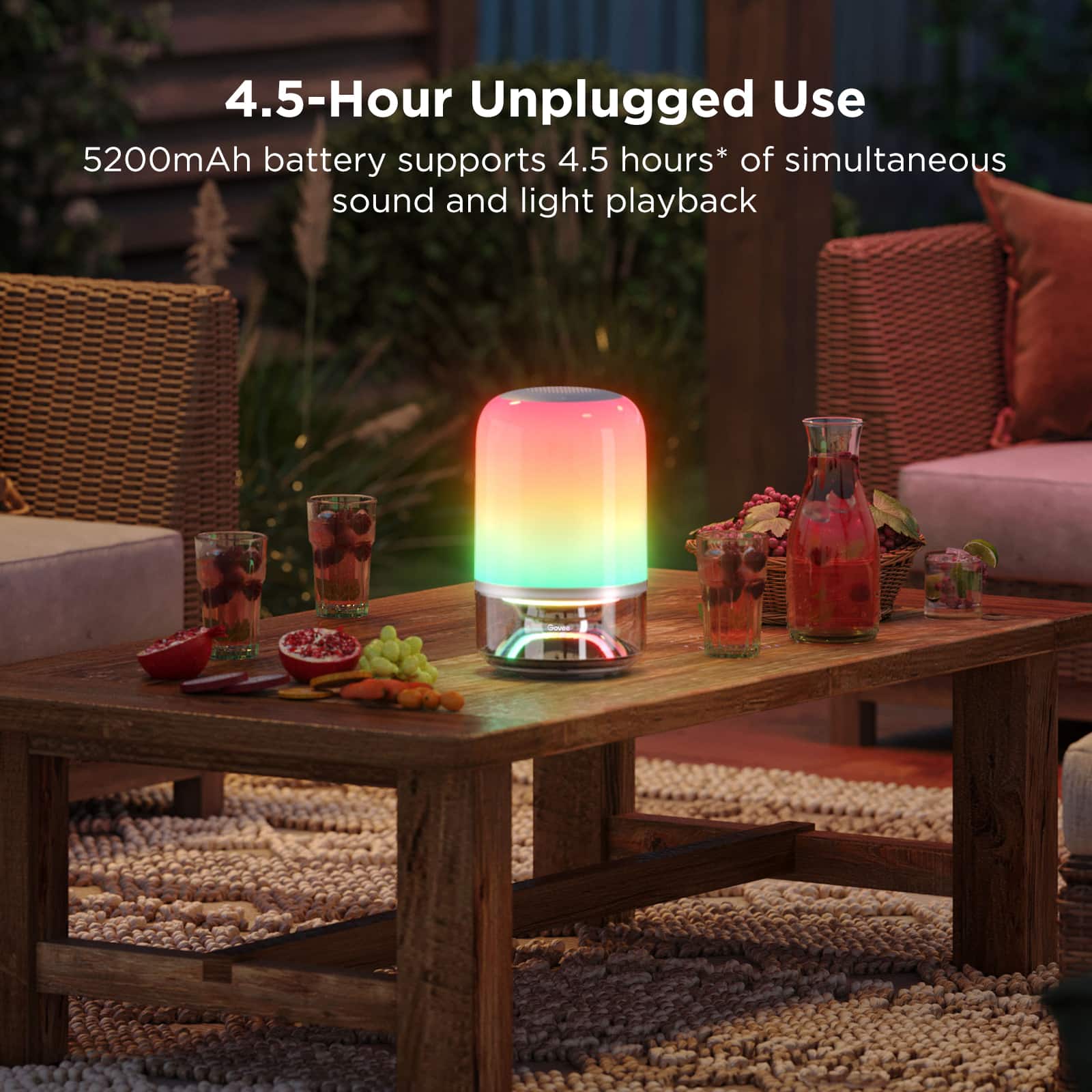
  • QuestionHow long can I use this table lamp wirelessly?

    • Answer You can enjoy 4.5 hours of wireless sound and light with this table lamp.
    This question and answer was generated by AI based on customer and product data.
  • QuestionDoes this table lamp come with a bulb?

    • Answer No, the product specifications indicate that the bulb is not included.
    This question and answer was generated by AI based on customer and product data.
  • QuestionWhat is the wattage of the lamp? How is the sound quality?

    Asked by Anonymous.

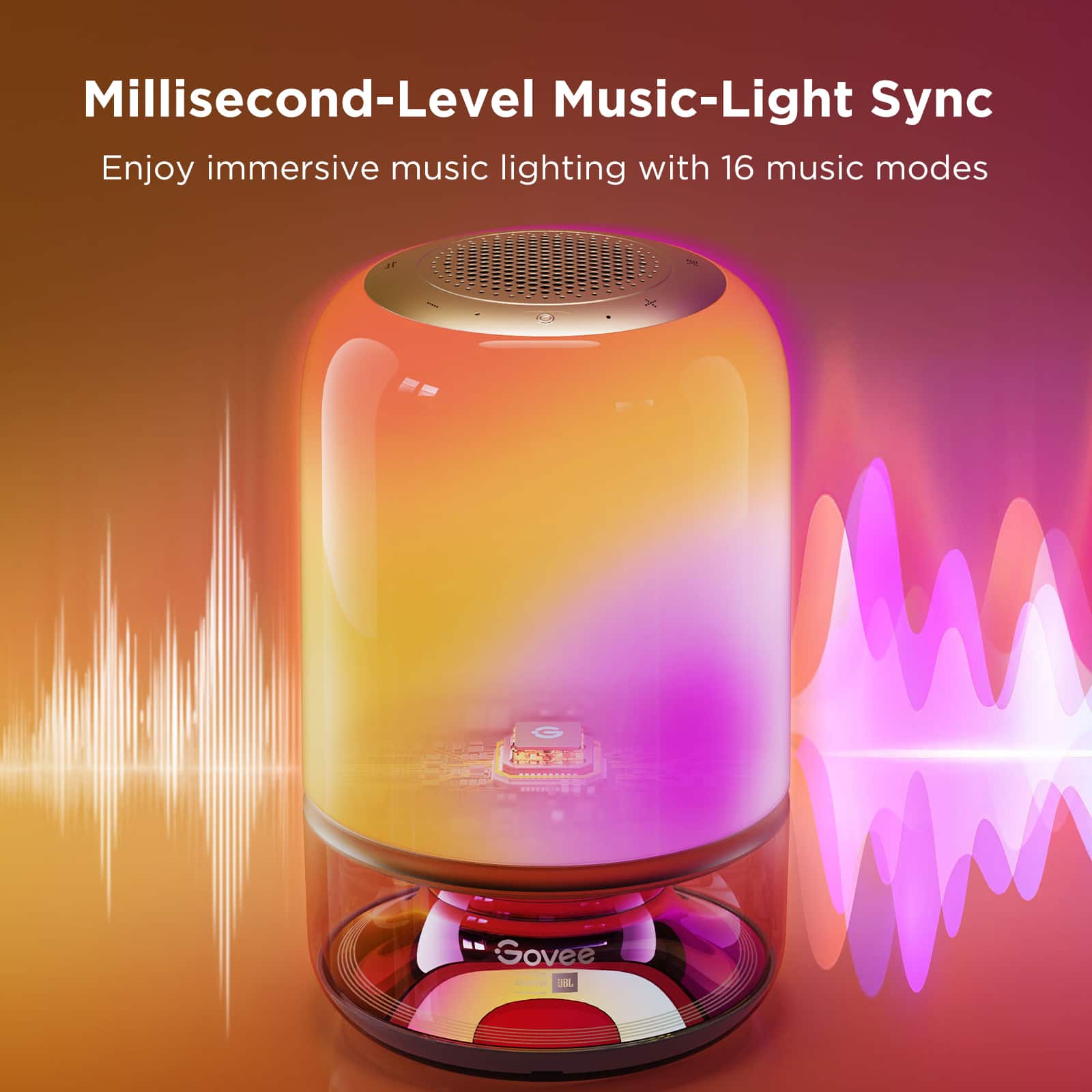
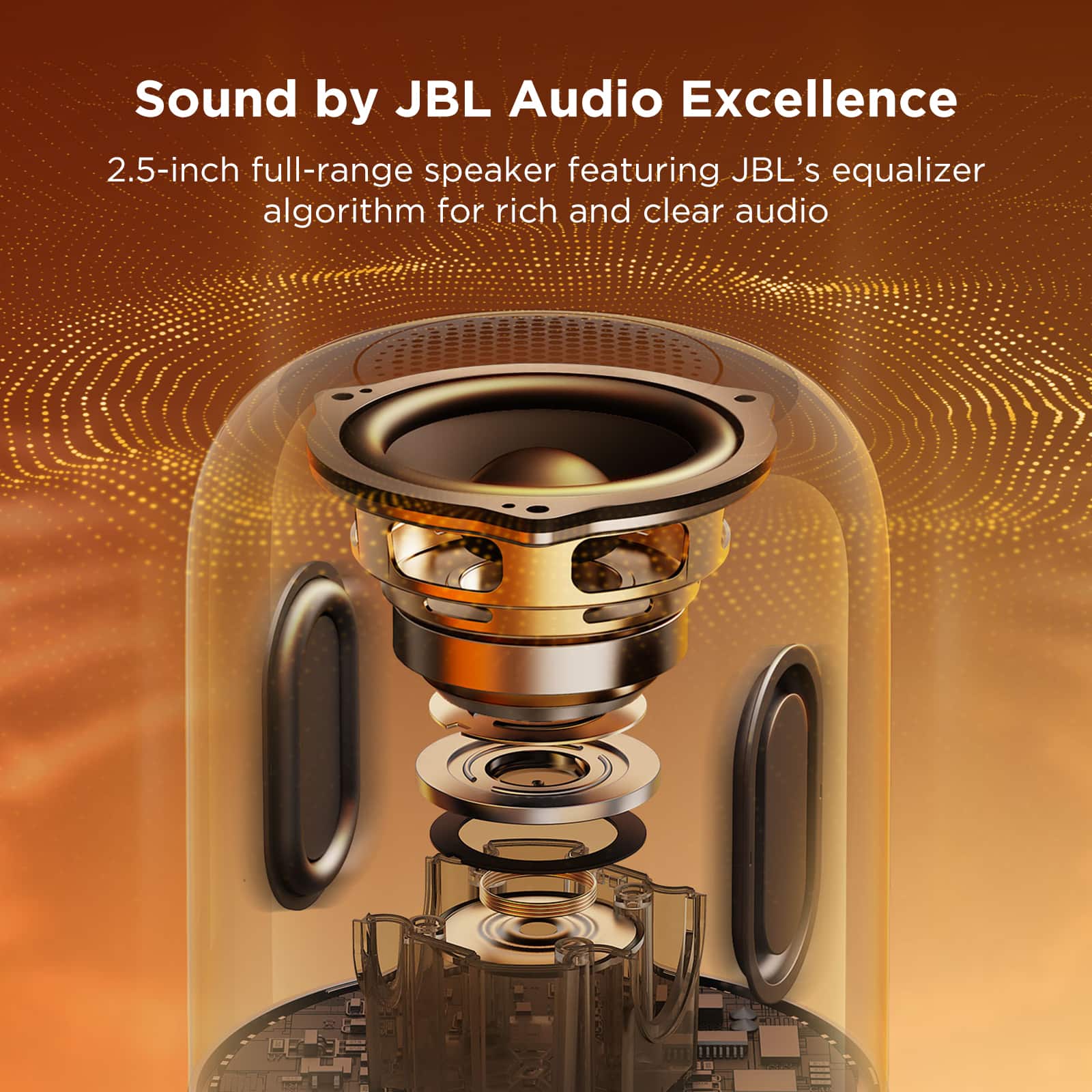
    • Answer Thank you for your inquiry. The lamp features a 35W power rating. It is equipped with premium JBL audio, offering stereo pairing for powerful, immersive sound and synchronized lighting. This combination ensures both high-quality illumination and an exceptional audio experience.

      Answered by Govee Official

  • QuestionWhat is the app that I download

    Asked by Tyler.

    • Answer Thank you for reaching out. The app you need to download to control your Govee products is called:Govee Home.

      Answered by Govee Official

  • QuestionSpeaker won't connect to Bluetooth won't connect to the app please help

    Asked by AndresO.

    • Answer Thank you for your question. We recommend trying the following steps: 1.Check if the Wall Sconce is powered on. 2.Check if Bluetooth on the smartphone is enabled, or try connecting to another smartphone. 3.When connecting for the first time, ensure the smartphone is near the Wall Sconce. 4.If the connection error still exists, please delete the connected Wall Sconce from the "Device" page on the app. 5.Reconnect to the Govee Home App by following the previously provided instructions.

      Answered by Govee Official