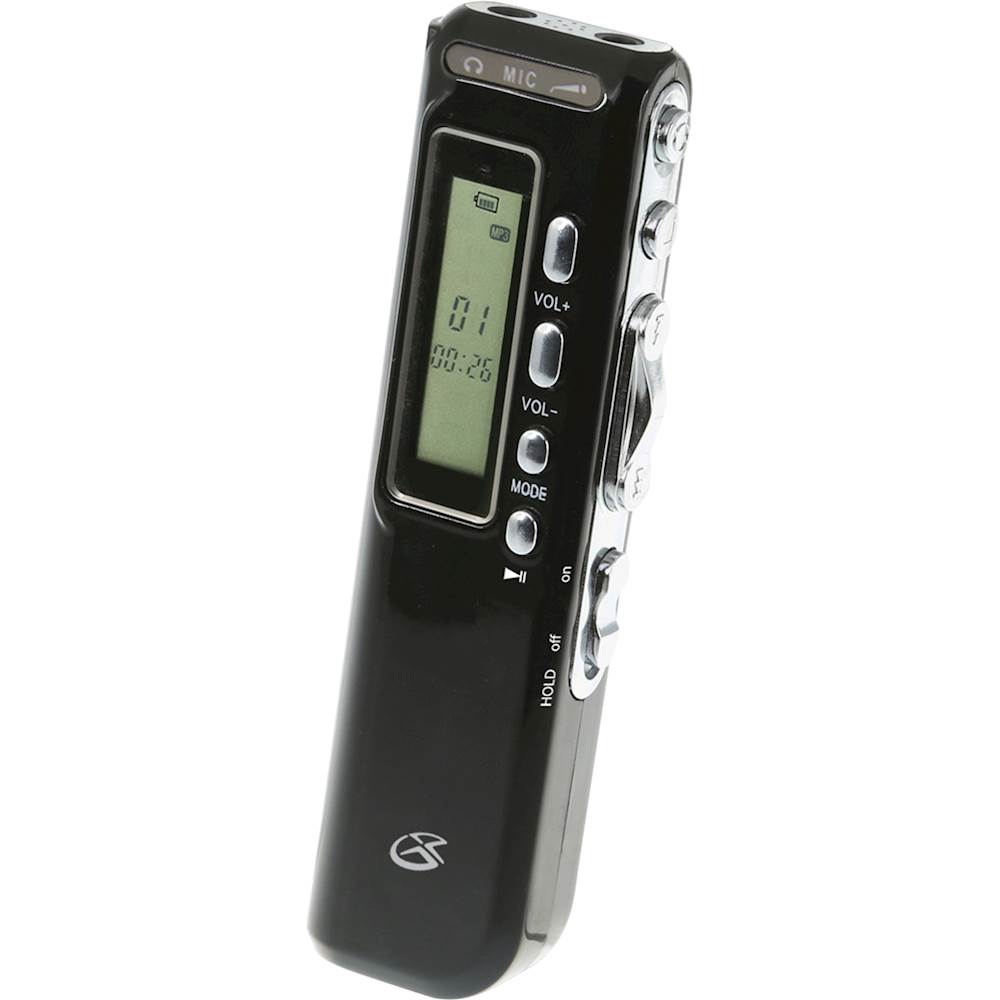
A:Answer Voice Activate Function:
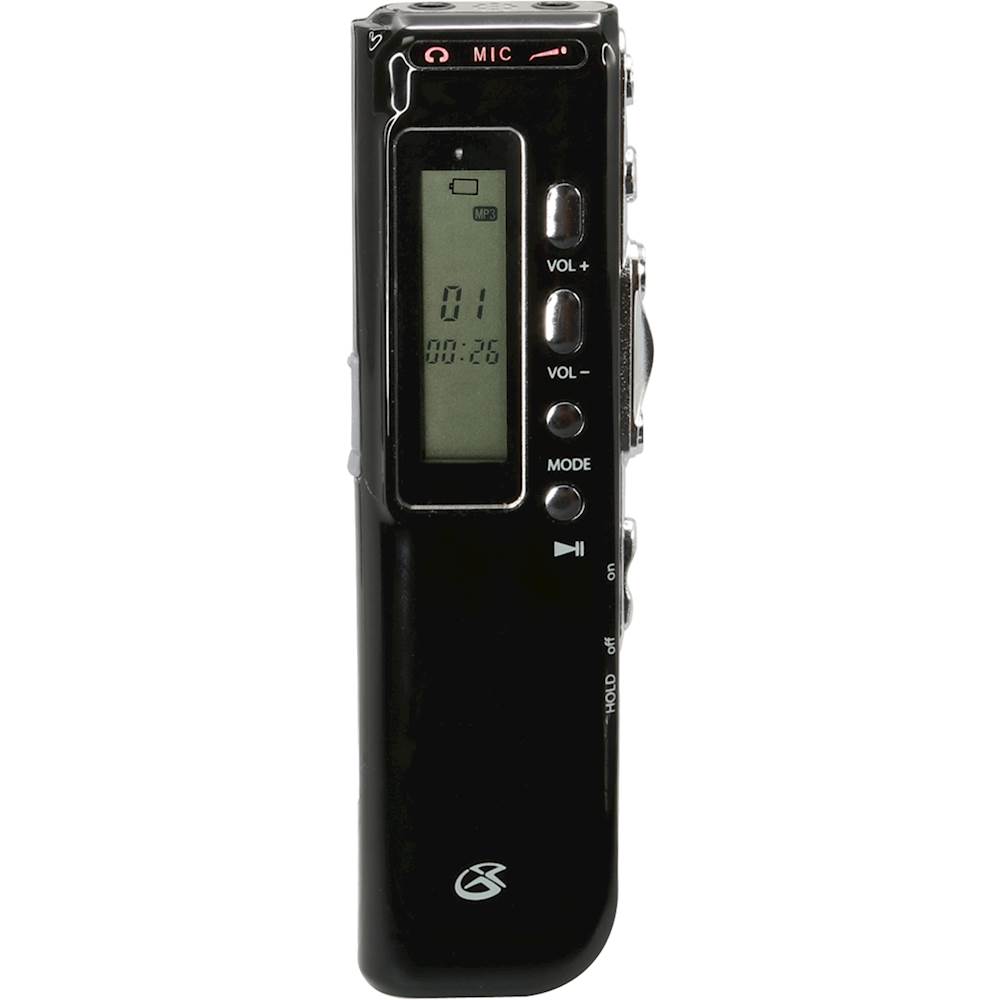
1. In DVR Mode, long press the Mode button, then short press the Mode button until the display reads “VOR”.
2. Press Up/Down to turn Voice Activation ON, indicated by “On” on the display. Press Play/Pause to confirm the selection.
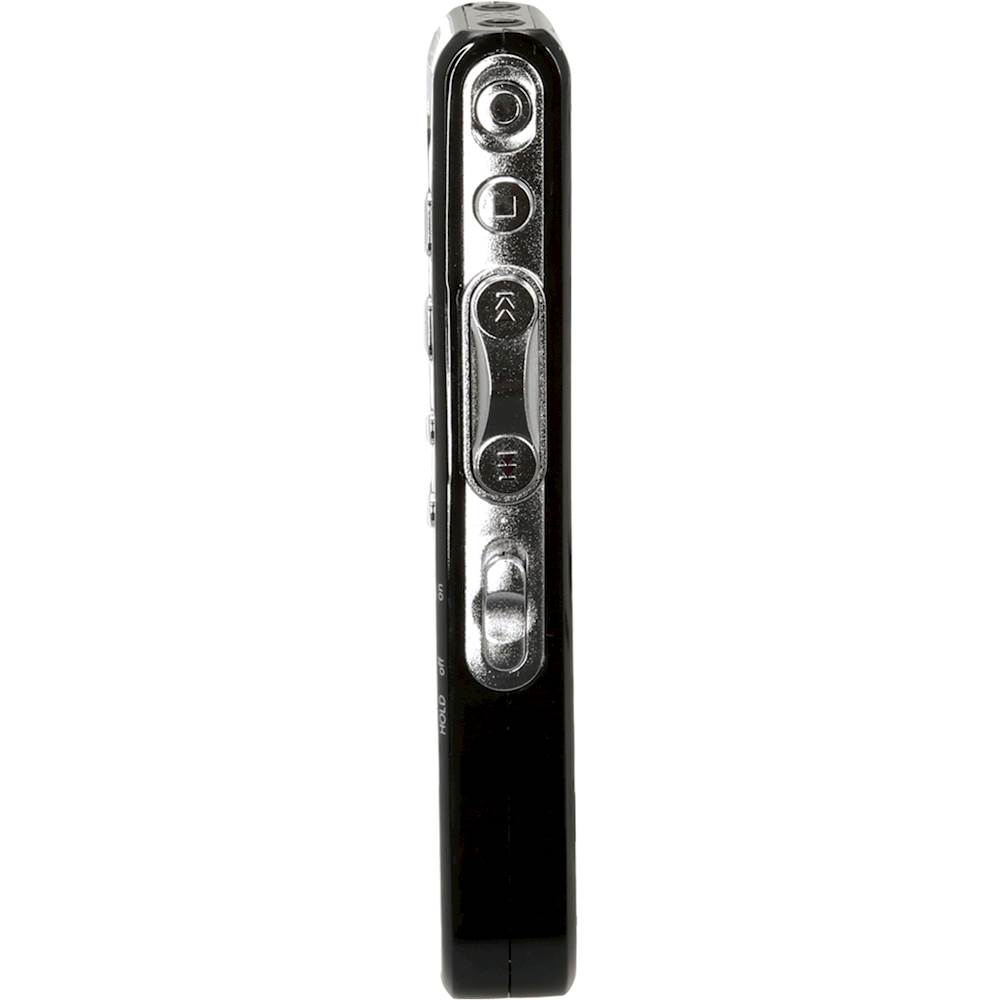
3. Press Record to begin recording. The unit will pause recording when no sound is detected and will resume recording when sound is detected.