A:AnswerHello Mikey, Thank you for your interest in the 40H5500F. Yes you are able to cast from your phone to this television. This will be via WiFi. If you have any further questions please give us a call at 1-888-935-8880 or email us at [email protected].
Thanks Again,
We look forward to hearing from you!
Harley with the Hisense Support Team
A:AnswerHello Tye, Thank you for your interest in the 40H5500F. The television was designed for use in the USA and as such we would not be able to recommend the use of this unit in Europe. If you have any further questions please give us a call at 1-888-935-8880 or email us at [email protected].
Thanks Again,
We look forward to hearing from you!
Harley with the Hisense Support Team
A:AnswerHello Hisense Customer, Thank you for your interest in the Hisense 40H5500F. Yes the NFL sport app is supported, along with a few of your favorite apps such as Hulu and Disney Plus. If you have any further questions or concerns please give us a call at 1-888-935-8880 or email us at [email protected]. Thanks Again, Harley with the Hisense Support Team
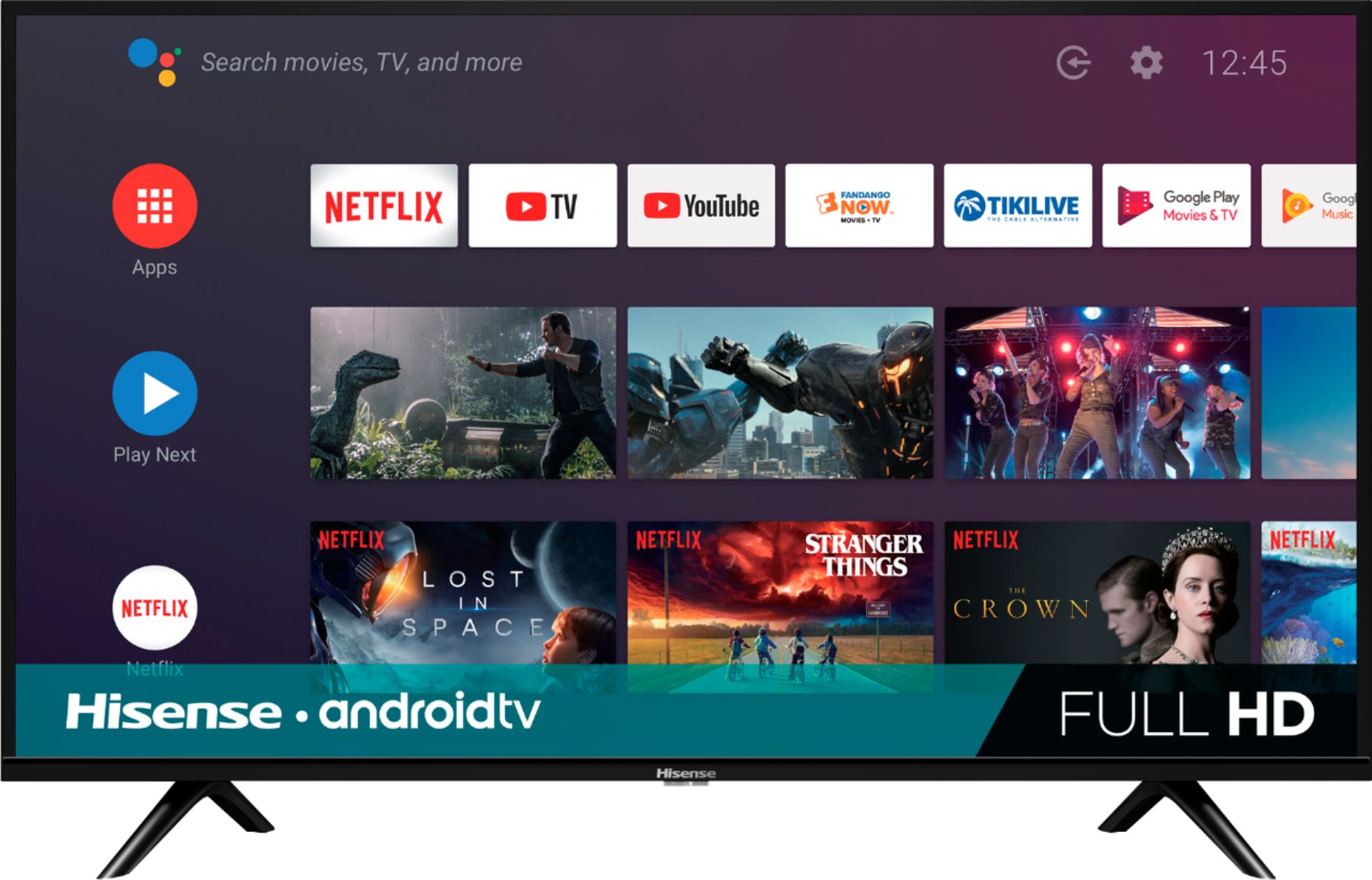
A:AnswerHello Jat, Thank you for your interest in the 40H5500F. You can cast from apps on your iPad that has the Chromecast feature. If you have any further questions please give us a call at 1-888-935-8880 or email us at [email protected].
Thanks Again,
We look forward to hearing from you!
Harley with the Hisense Support Team
A:AnswerHello Quint, Thank you for your interest in the Hisense 40H5500F. Regrettably the Verizon Fios App is not supported on this TV, however you can download a few of your favorite apps such as Hulu and Disney Plus. If you have any further questions or concerns please give us a call at 1-888-935-8880 or email us at [email protected]. Thanks Again, Harley with the Hisense Support Team
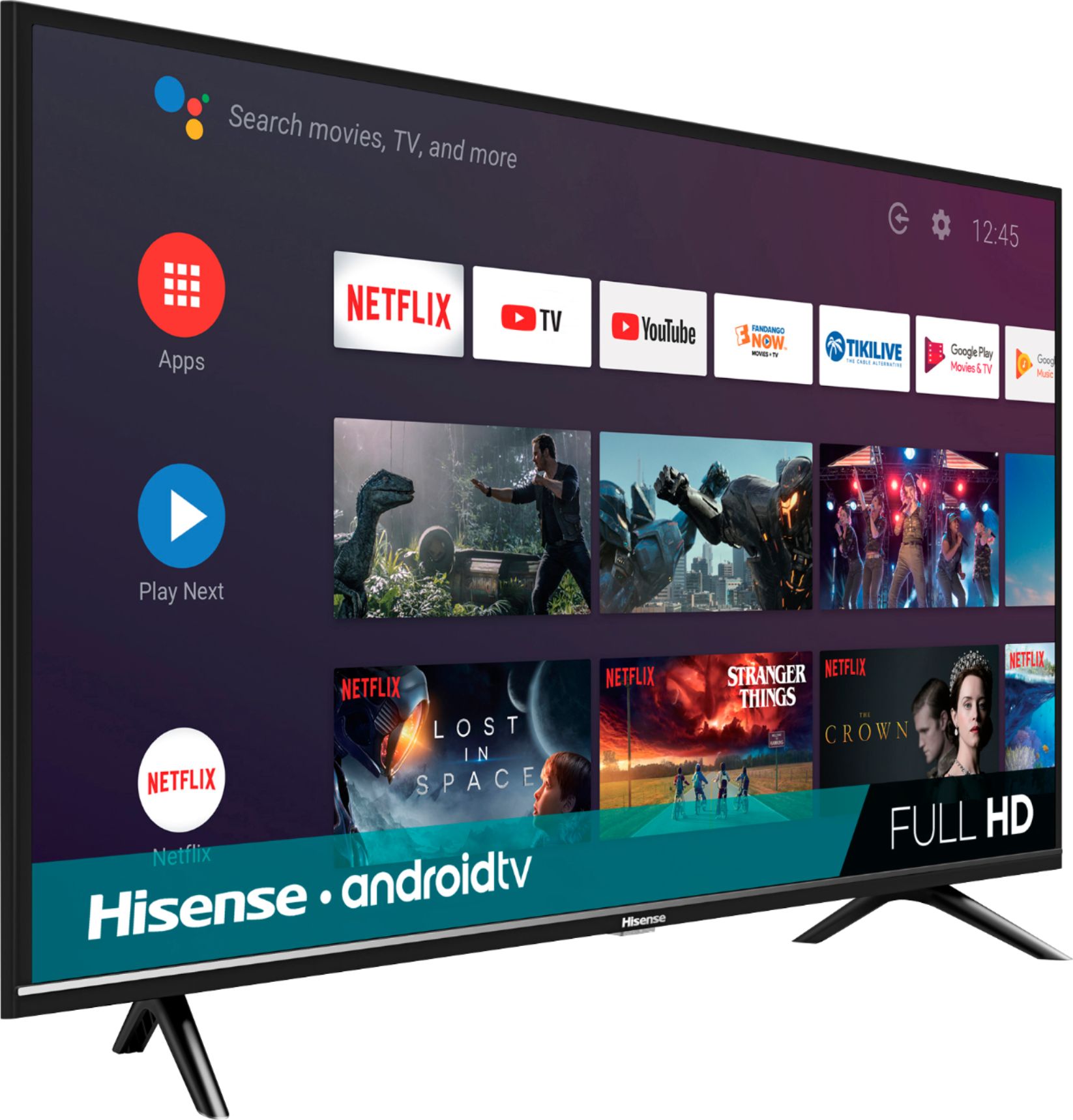
A:AnswerHello Hisense Customer, Thank you for your interest in the Hisense 40H5500F. We're so sorry that the TV is not connecting to the internet's Wifi. This is no more acceptable to us than it is to you, please perform a factory reset by going to settings>>device preferences>>factory reset. Also reset the internet router. If this does not resolve the issue, please give us a call at 1-888-935-8880 or email us at [email protected]. Thanks Again, Harley with the Hisense Support Team
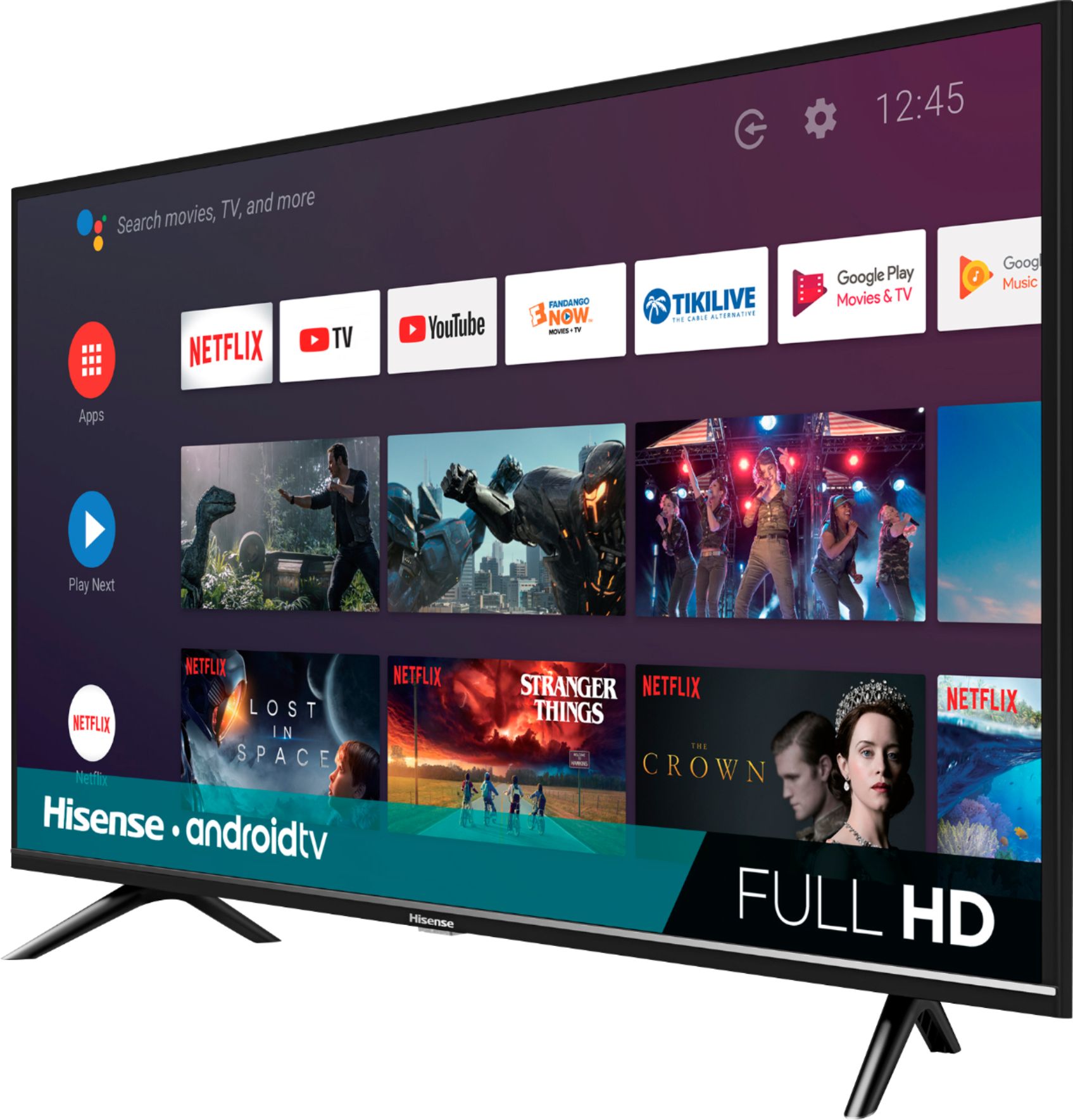
A:AnswerHello Red, Thank you for your interest in the Hisense 40H5500F. Our TV has non-polarized power cord. If you have any further questions or concerns please give us a call at 1-888-935-8880 or email us at [email protected]. Thanks Again, Harley with the Hisense Support Team
A:AnswerHello Sammy, Thank you for your interest in the Hisense 40H5500F. Yes you can pause and control video playing through the chromecast with the remote control with voice activation mode. If you have any further questions or concerns please give us a call at 1-888-935-8880 or email us at [email protected]. Thanks Again, Harley with the Hisense Support Team
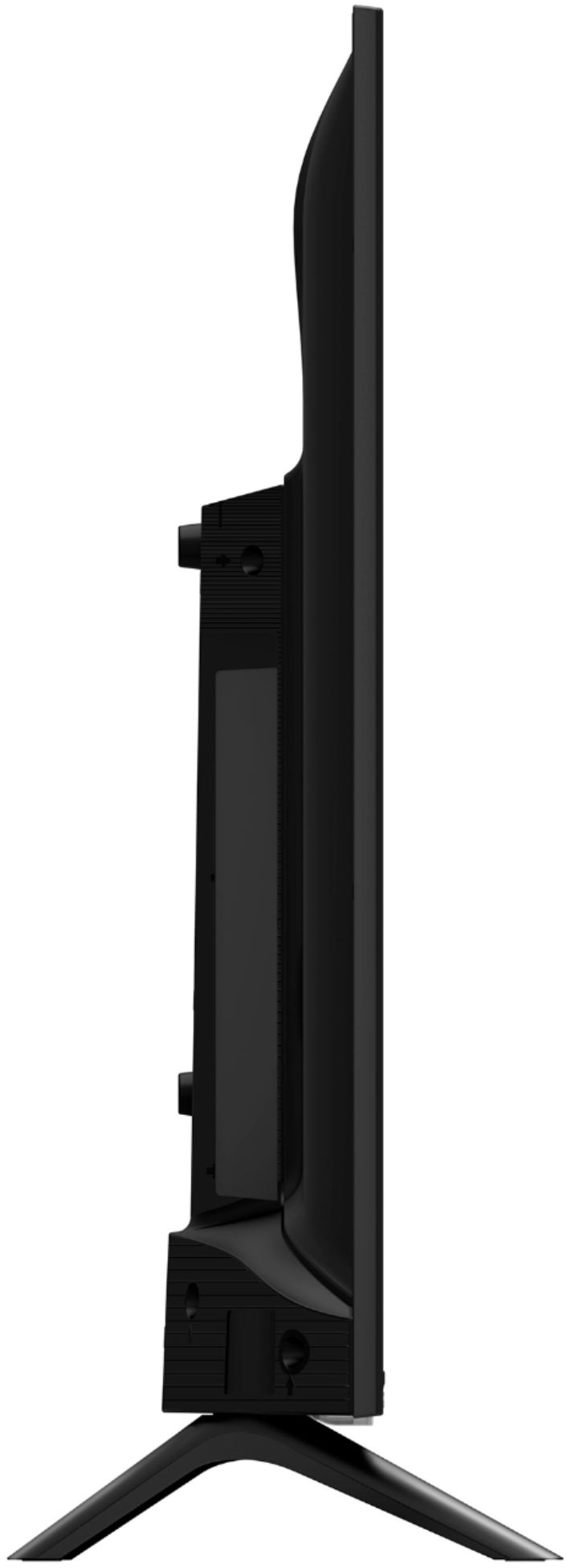
A:AnswerHello Sylvi, Thank you for your interest in the 40H5500F. No the Roku app is not available on this television. If you have any further questions please give us a call at 1-888-935-8880 or email us at [email protected].
Thanks Again,
We look forward to hearing from you!
Harley with the Hisense Support Team
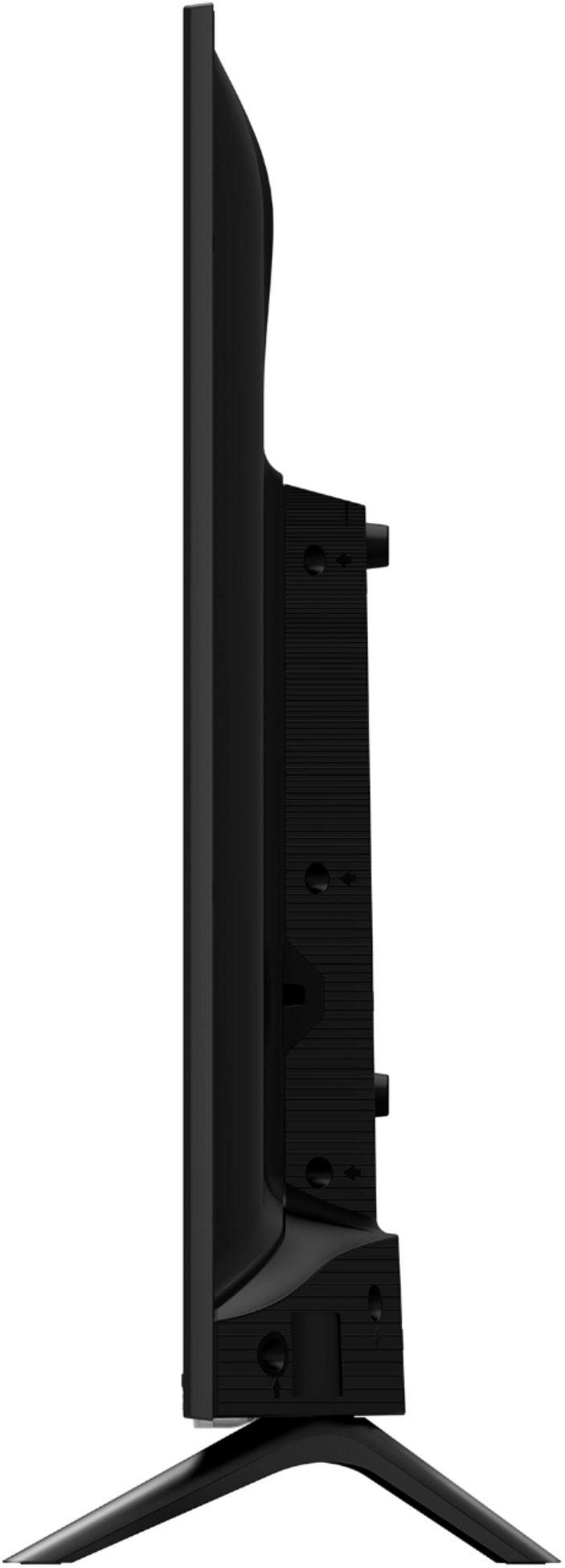
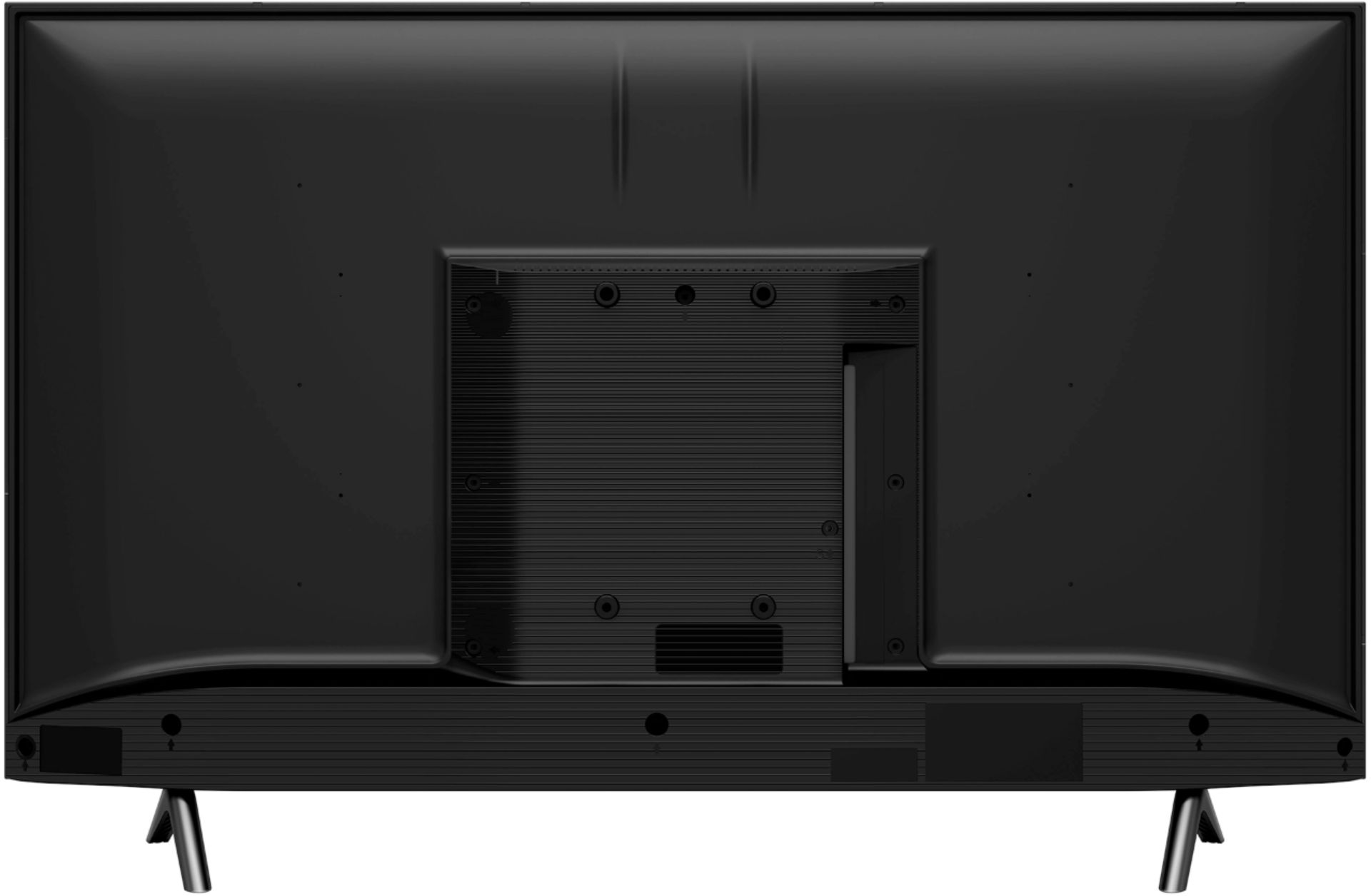
A:AnswerHello David, Thank you for your interest in the 40H5500F. The screws required to mount this unit are M6 that are 8.0 - 10.0 mm in length. If you have any further questions please give us a call at 1-888-935-8880 or email us at [email protected].
Thanks Again,
We look forward to hearing from you!
Harley with the Hisense Support Team
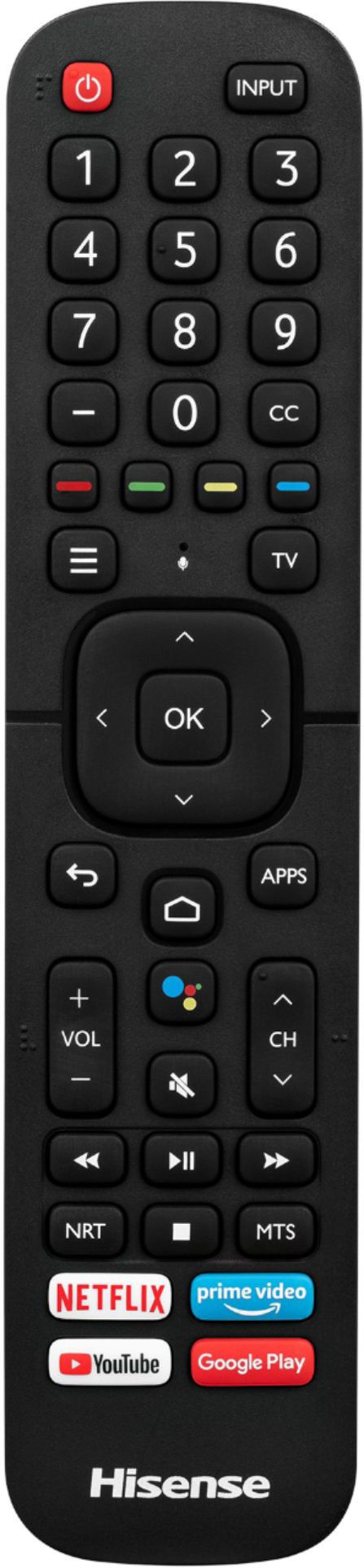
A:AnswerI have done screen mirroring with my iPhone 8 and it works great. The picture quality is excellent by my standards. I cannot answer about internet speed requirements, but we don’t have any super speed at our house and it works just fine. Good luck Rachel!
A:AnswerHello Hugh, Thank you for your interest in the 40H5500F. The stand width on this unit is 29.3”. We do hope you find this information useful in placing your stand. If you have any further questions please give us a call at 1-888-935-8880 or email us at [email protected].
Thanks Again,
We look forward to hearing from you!
Harley with the Hisense Support Team

A:AnswerHello Hisense Customer , Thank you for your interest in the 40H5500F. You are able to get the Sling TV app on this unit however you would not be able to get the Phillo app. If you have any further questions please give us a call at 1-888-935-8880 or email us at [email protected].
Thanks Again,
We look forward to hearing from you!
Harley with the Hisense Support Team
A:AnswerHello Peter H, Thank you for your interest in the Hisense 40H5500F. Once you are not able to locate the app in the google play store, it means it is not compatible with the unit. To locate the google app store on the TV, please go to home, then scroll to google play store. If you have any further questions or concerns please give us a call at 1-888-935-8880 or email us at [email protected]. Thanks Again, Harley with the Hisense Support Team
A:AnswerHello Chris, Thank you for your interest in the 40H5500F. No this television is AC 120V. If you have any further questions please give us a call at 1-888-935-8880 or email us at [email protected].
Thanks Again,
We look forward to hearing from you!
Harley with the Hisense Support Team

A:AnswerHello Hisense Customer, Thank you for your interest in the 40H5500F. Yes the television does have a Game mode. If you have any further questions please give us a call at 1-888-935-8880 or email us at [email protected].
Thanks Again,
We look forward to hearing from you!
Harley with the Hisense Support Team














