A:AnswerThis Is a smart tv. And one of the better ones. Nowadays I think you’re going to be very hard-pressed to find a non-smart TV. I was thinking the same thing myself because you never use the operating system on the TV. Do you use a fire stick or something so I pay extra for smart TV when they could put the money into making the TV itself better
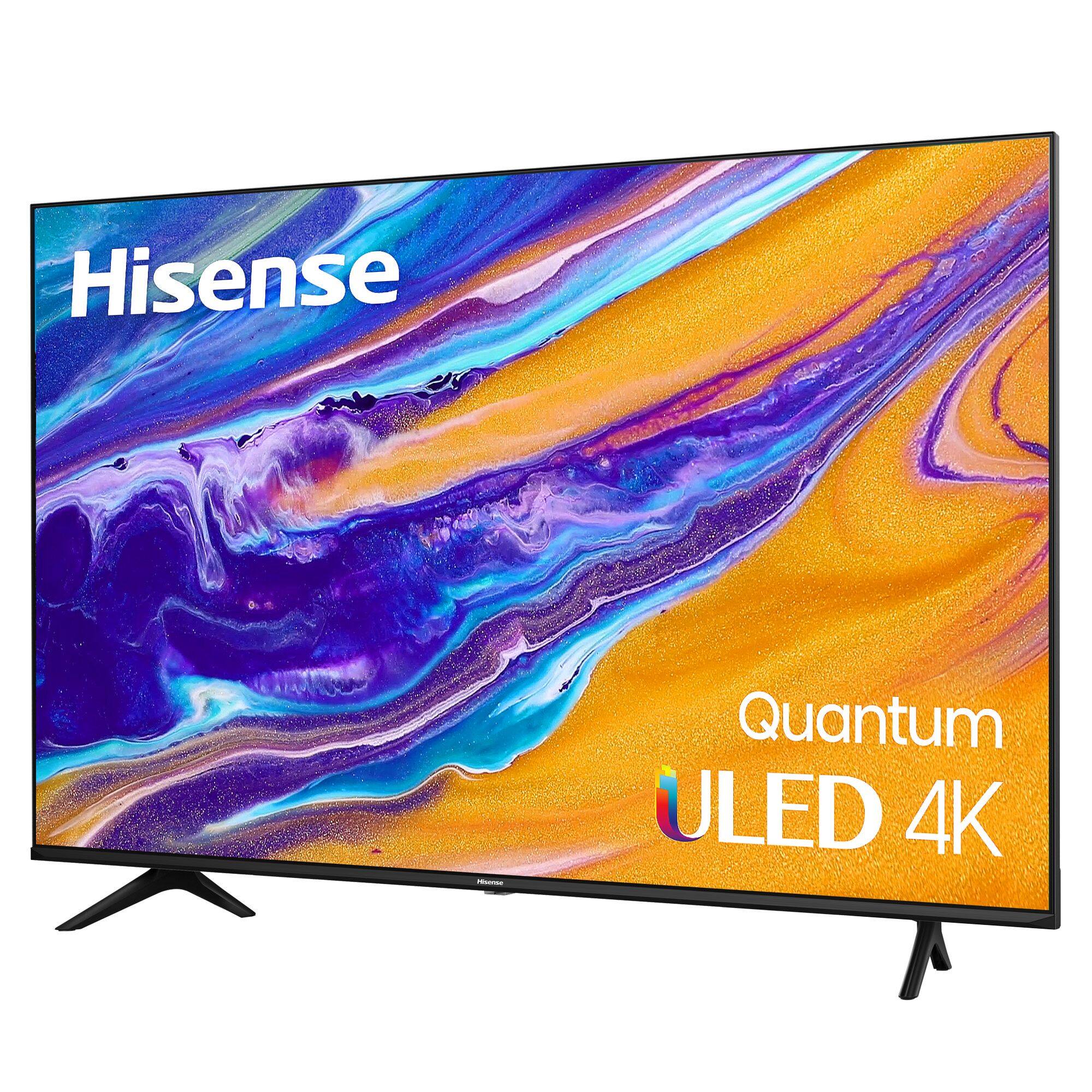
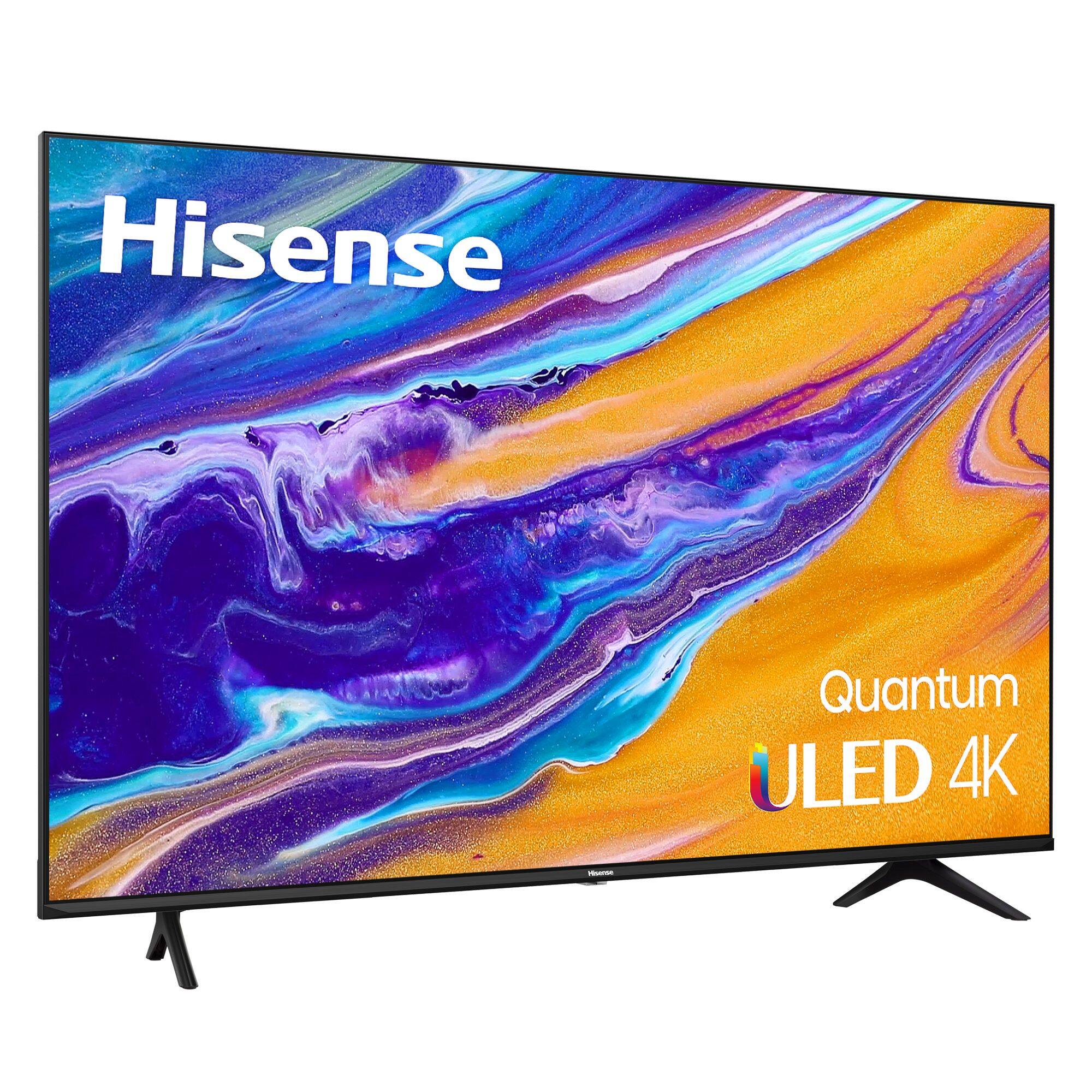
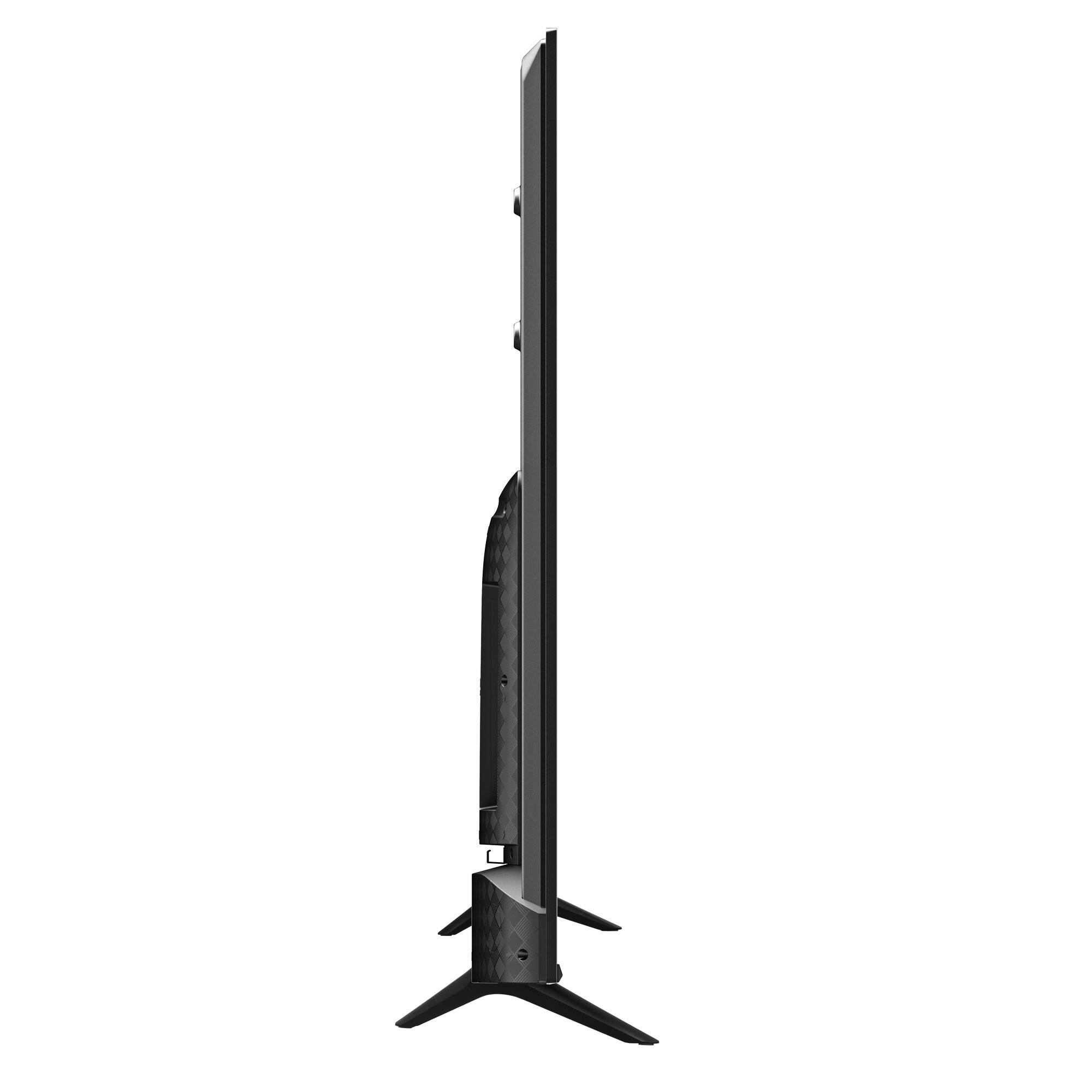
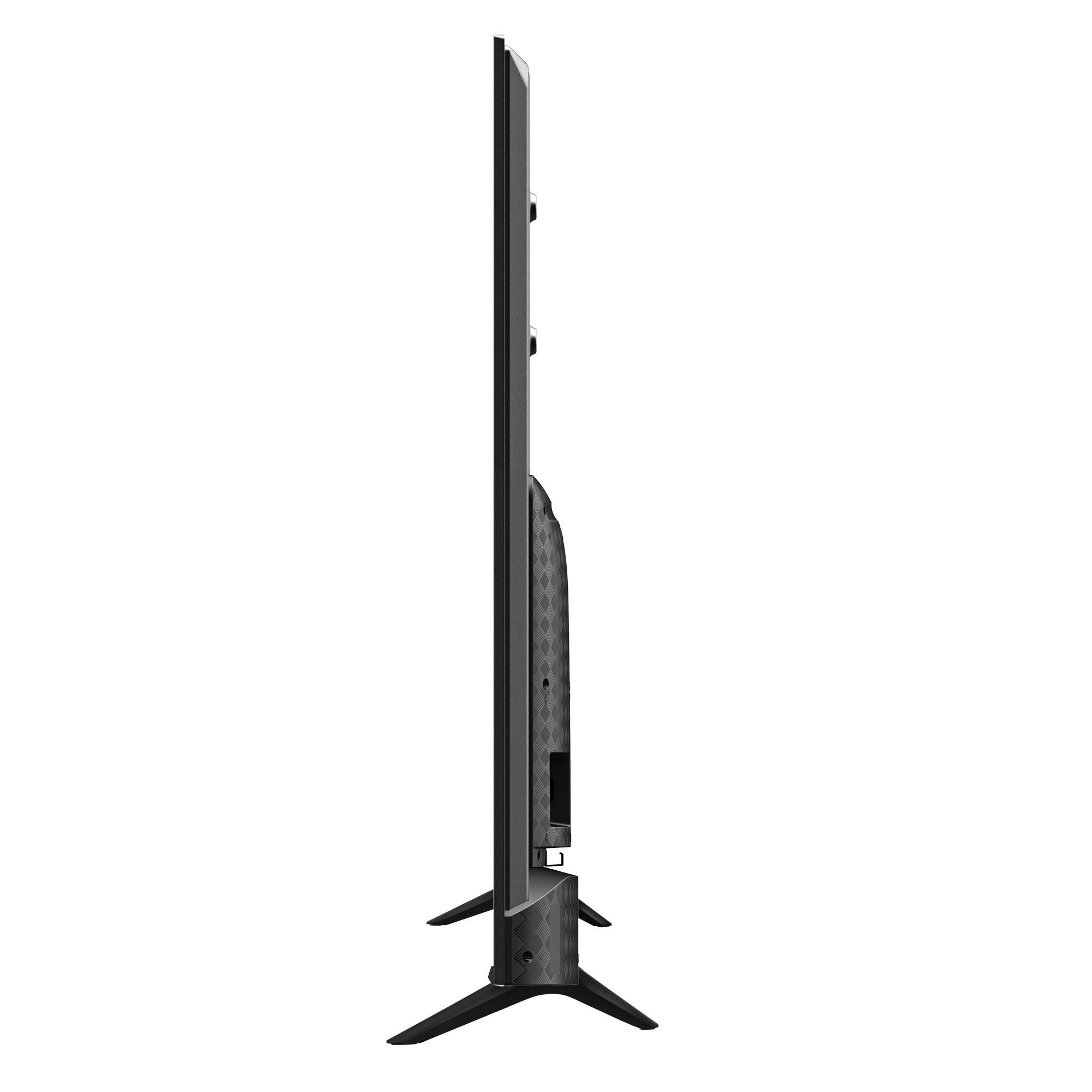
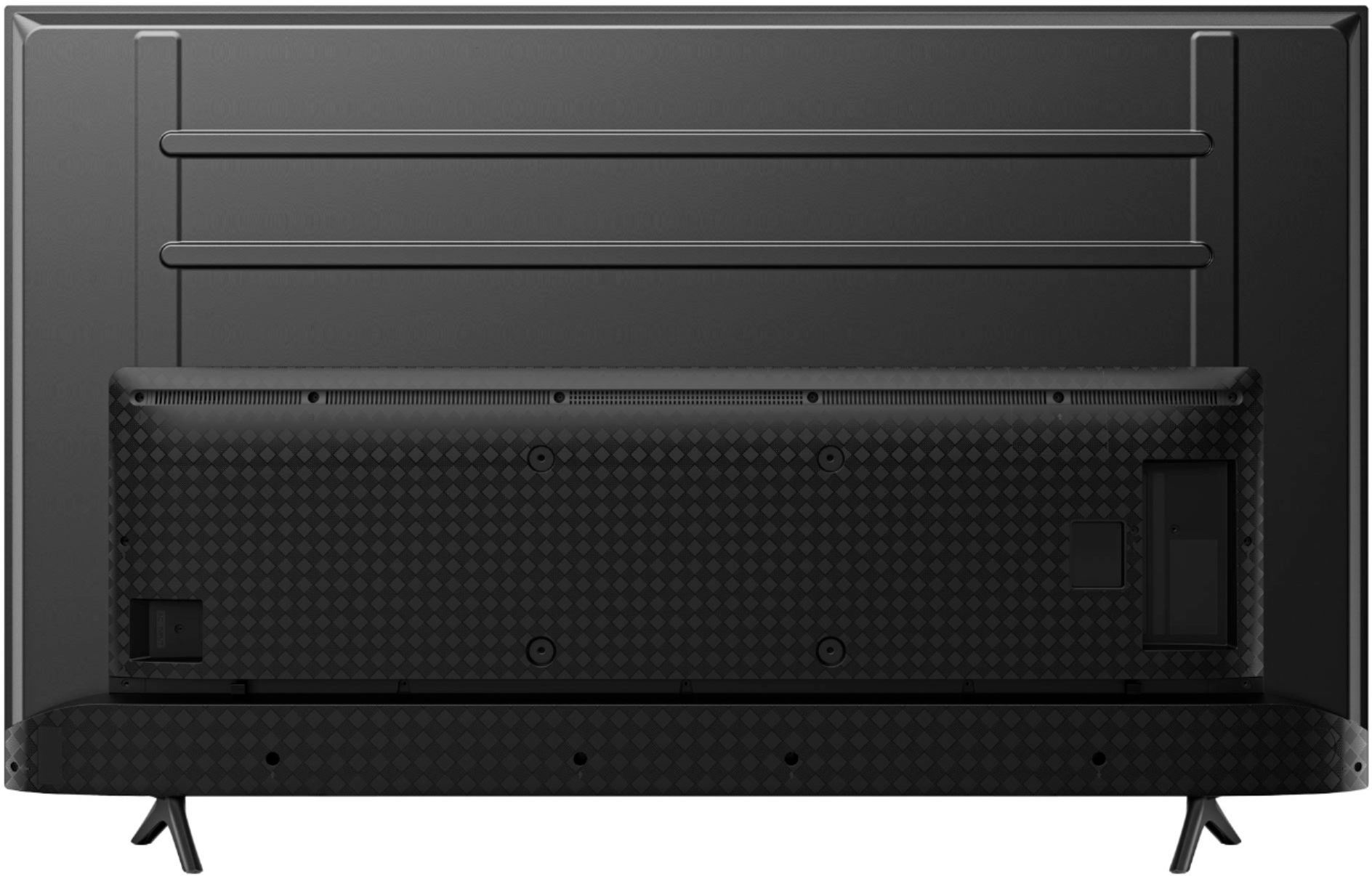
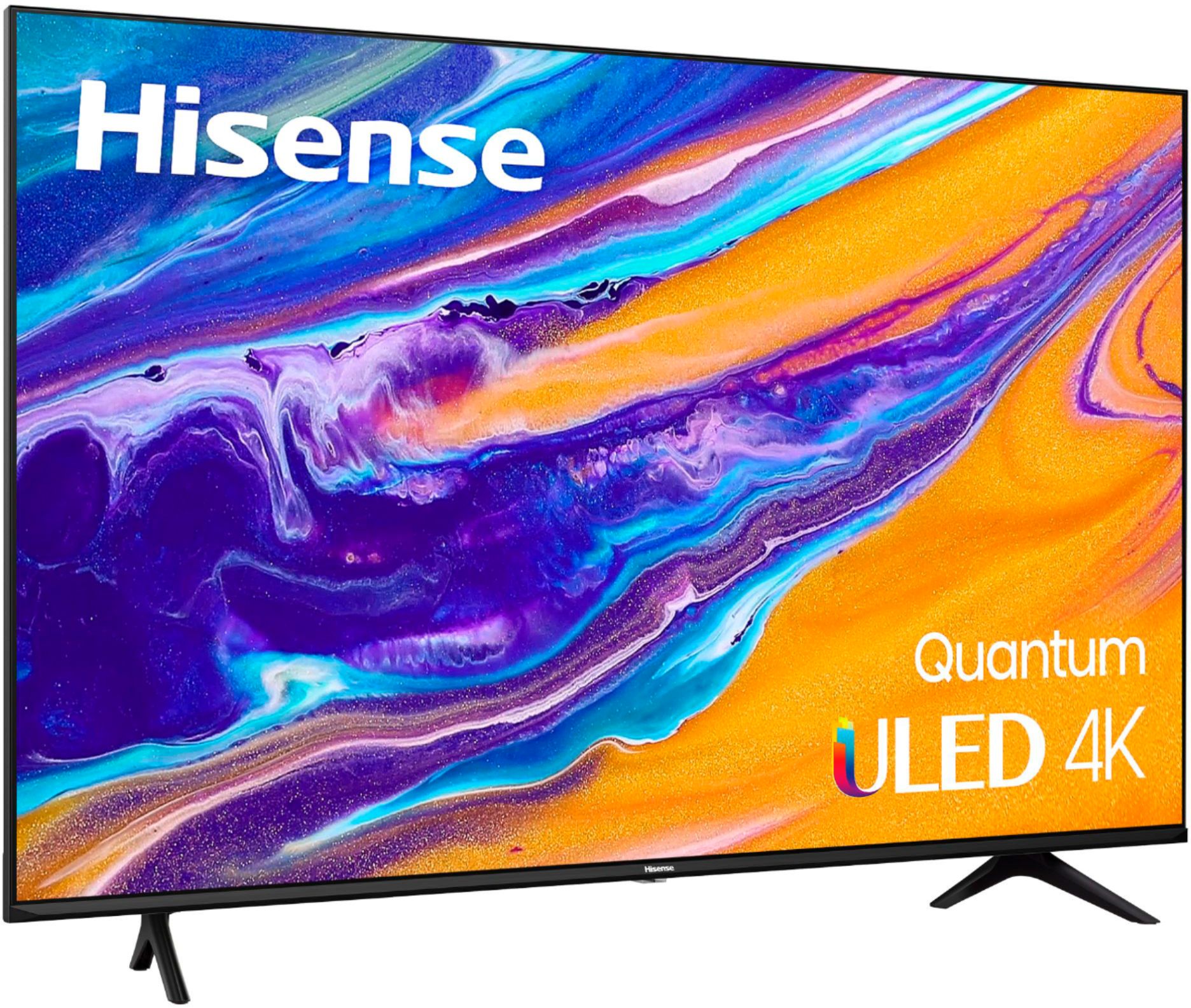
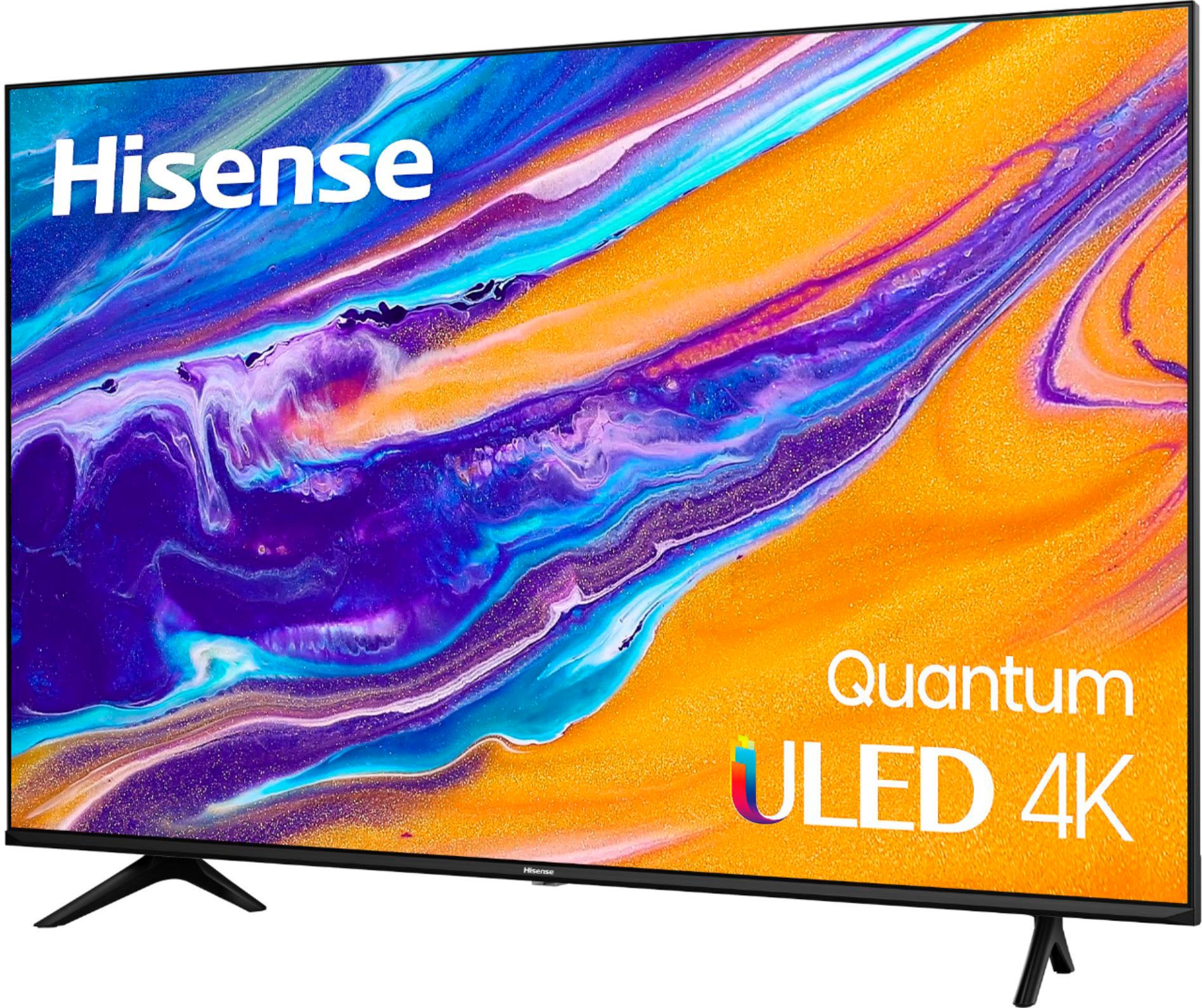
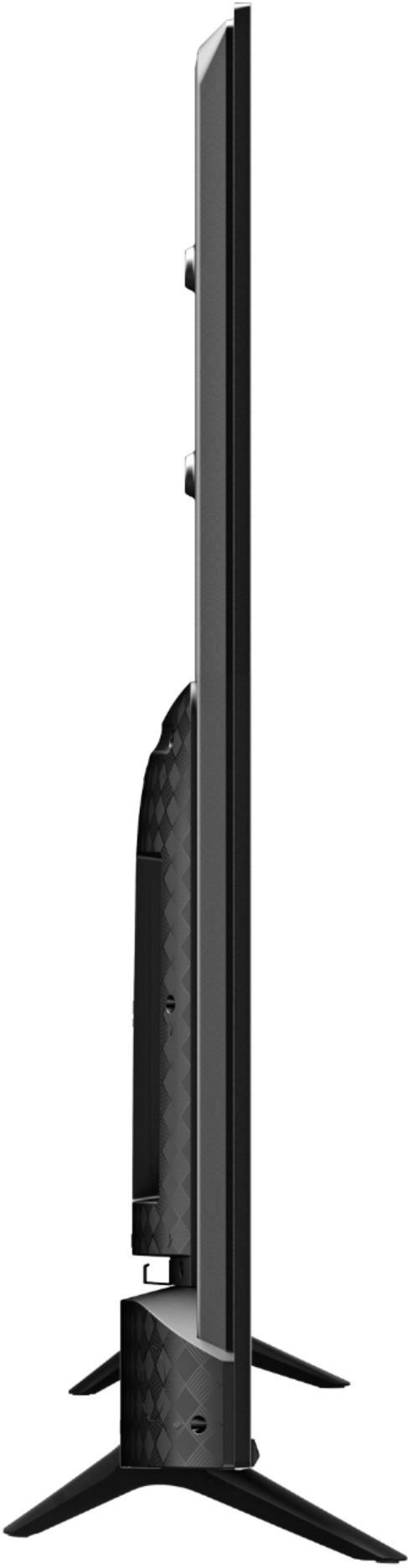
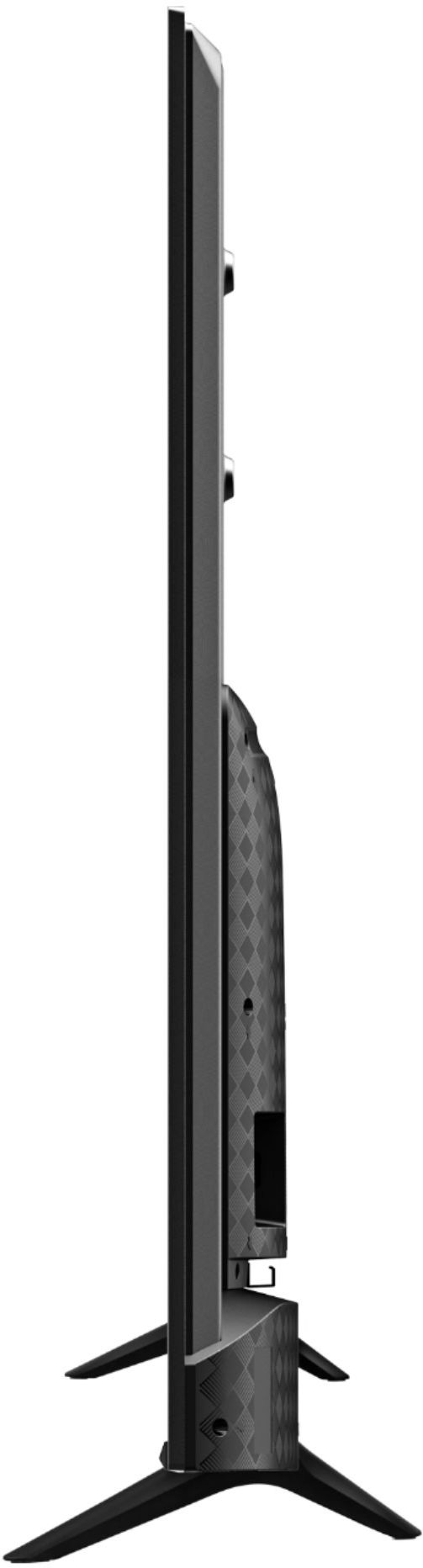
A:AnswerHello Hisense Customer, thank you for your interest in the Hisense 50U6G. The product dimension (W x H x D) are 43.8 × 25.4 × 3.1 inches without the stand and 43.8 × 27.8 × 8.9 inches with the stand. If you have any further questions or concerns please give us a call at 1-888-935-8880 or email us at [email protected]. Thanks again, Harley with the Hisense Support Team.
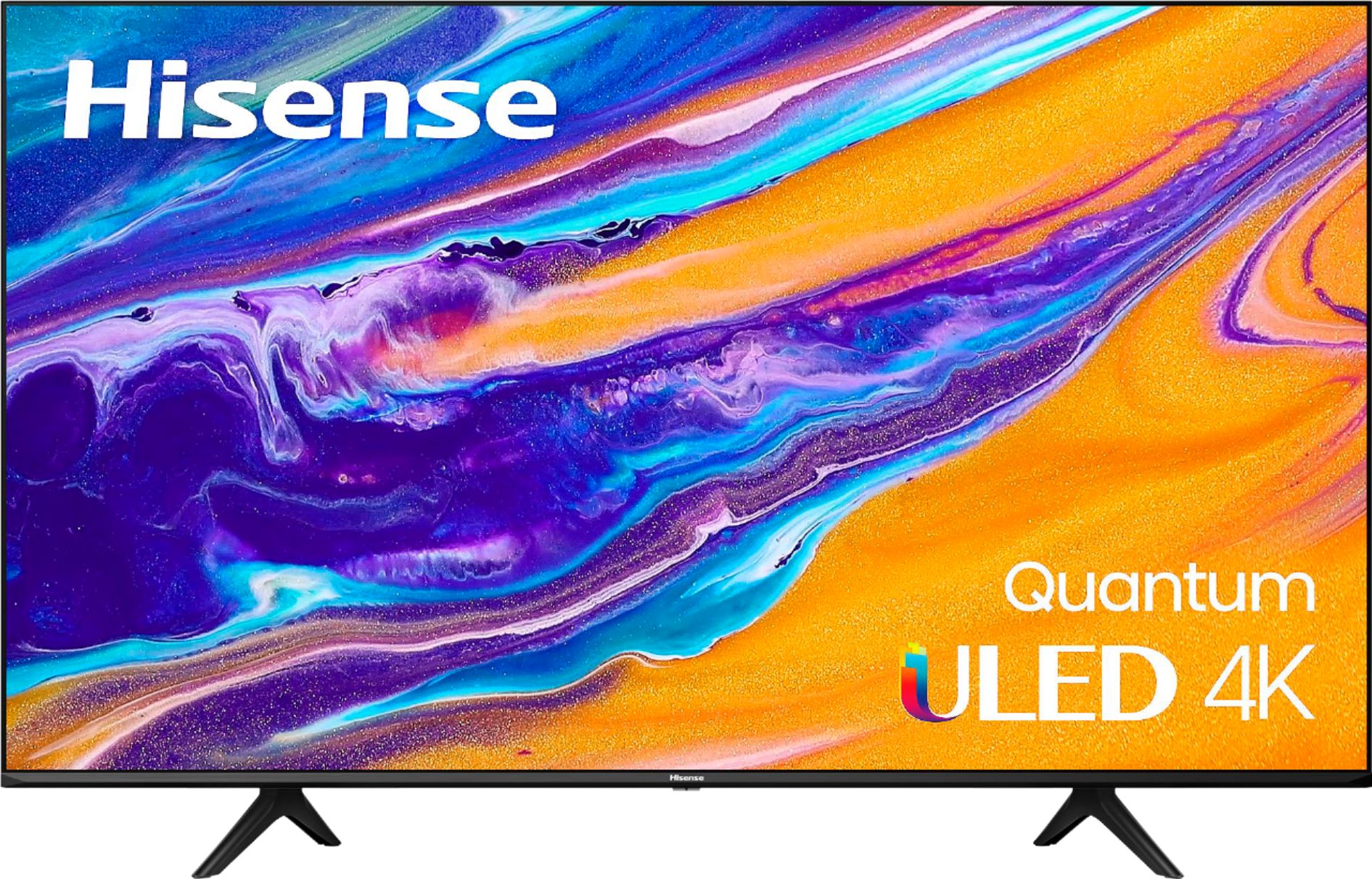
A:AnswerHello Wayne, Thank you for your interest in the Hisense 50U6G. Yes, this model does include the automatic light sensor function. If you have any further questions or concerns, please give us a call at 1-888-935-8880 or email us at [email protected]. Thanks again, Harley with the Hisense Support Team.
A:AnswerHi Toni, Thank you for your interest in the Hisense 50U6G. This unit has a one year manufacturer's warranty, for the extended warranty, it is granted through the retailer at the time of purchase. If you have any further questions or concerns please give us a call at 1-888-935-8880 or email us at [email protected]. Thanks Again, Harley with the Hisense Support Team
A:AnswerHi Nate, Thank you for your interest in the Hisense 50U6G. This model has a built in google play store, to check the availability of a desired app, you can visit Google Play https://play.google.com/store/apps If you have any further questions or concerns please give us a call at 1-888-935-8880 or email us at [email protected]. Thanks Again, Harley with the Hisense Support Team
A:AnswerHello Hisense Customer, Thank you for your interest in the Hisense 50U6G. Yes, this TV comes with Google Assistant, yes you can turn on and off (enable and disable) the google assistant feature. If you have any further questions or concerns please give us a call at 1-888-935-8880 or email us at [email protected]. Thanks Again, Harley with the Hisense Support Team
A:AnswerHello Hisense Customer, Thank you for your interest in the Hisense 50U6G. The TV Stand Width is 31.3×8.9 inches. If you have any further questions or concerns please give us a call at 1-888-935-8880 or email us at [email protected]. Thanks Again, Harley with the Hisense Support Team
A:AnswerHello Hisense Customer, Thank you for your interest in the Hisense 50U6G. Regrettably, this model does not support HDMI 2.1 but 2.0, however, the 55U8G supports the HDMI 2.1. If you have any further questions or concerns please give us a call at 1-888-935-8880 or email us at [email protected]. Thanks Again, Harley with the Hisense Support Team
A:AnswerHi Hisense Customer, thank you for your interest in the Hisense 50U6G. No, this unit does not have the ATSC 3.0 turner. If you have any further questions or concerns please give us a call at 1-888-935-8880 or email us at [email protected]. Thanks Again, Harley with the Hisense Support Team.
A:AnswerHi Dan, thank you for your interest in the Hisense 50U6G. You can connect the DIGITAL AUDIO OUT port on the back of the TV to the Optical port on the Amplifier. Then go to Settings / Menu > Sound > Advanced Settings > Digital Audio Out to select Dolby Digital to receive the Dolby Digital
audio. If you have any further questions or concerns please give us a call at 1-888-935-8880 or email us at [email protected]. Thanks again, Harley with the Hisense Support Team.
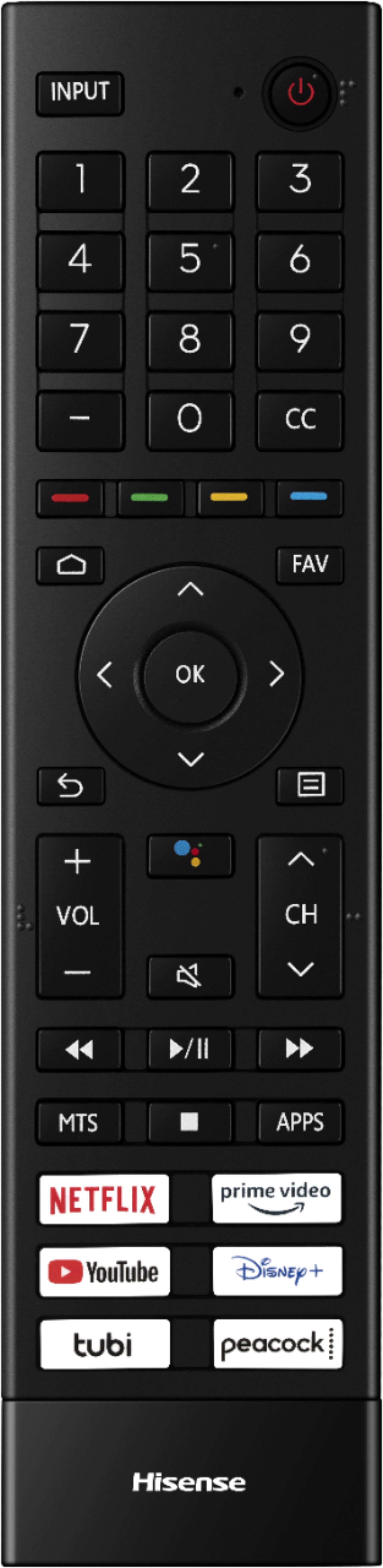
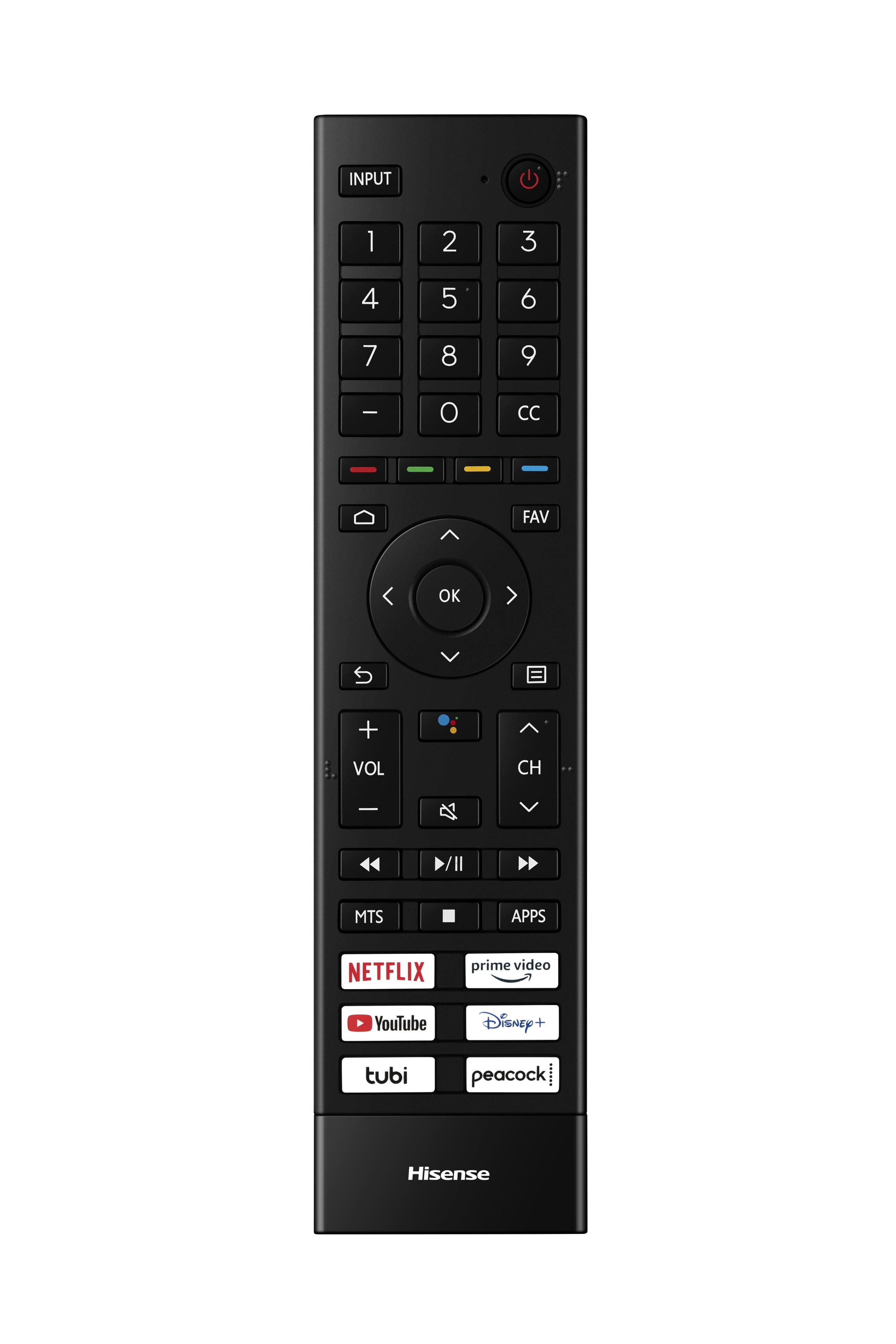
A:AnswerHi Keyz, thank you for your interest in the Hisense 50U6G. Please check with the remote manufacturer to confirm if it is compatible with your TV. If you have any further questions or concerns, please give us a call at 1-888-935-8880 or email us at [email protected]. Thanks again, Harley with the Hisense Support Team.
A:AnswerHi Hisense Customer, thank you for your interest in the Hisense 50U6G. To connect an antenna, cable set-top box or satellite receiver: Connect one end of a coaxial cable (not included) to the RF OUT port on the antenna, cable or satellite box. Connect the other end of the cable to the ANT/CABLE port on the side of TV. Using your remote, select the Inputs icon in Home screen and select Channels as the input source. If you have any further questions or concerns, please give us a call at 1-888-935-8880 or email us at [email protected]. Thanks again, Harley with the Hisense Support Team.
A:AnswerHi John, thank you for your interest in the Hisense 50U6G. This model is HDR-compatible (Dolby Vision HDR & HDR10). It does not have Auto Low Latency Mode. However the 65A6G model has Auto Low Latency Mode which adjusts your TV settings for gaming. So you automatically get smooth, uninterrupted play and is also HDR-compatible. If you have any further questions or concerns, please give us a call at 1-888-935-8880 or email us at [email protected]. Thanks again, Harley with the Hisense Support Team.