A:AnswerThe red indicator means that the TV is ready to receive commands from the remote, that is the normal 'off' mode. To shut off the red light, of course you could always manually unplug the TV or use a smart plug that is controlled by an app from your smart phone (I don't know if these options will cause you to lose any TV settings, and of course a smart plug also uses power in standby mode). If you do that, you can not turn the TV back on using the remote. If your main concern is energy consumption, you will find this TV uses very little electricity to stay in standby mode.
According to the Quick Start Guide that comes with this TV, the standby power consumption is .5 watts. If you multiply that by 24 (hours per day) and by 365 (days in a year) and then divide by 1000 (to get kilowatts), you will see that the TV consumes 4.38 kilowatt-hours per year (if it was always in standby mode). In the US, the average price per kilowatt-hour (kWh) is $0.12, giving you a cost of $0.53 per year. That is comparable to having a 100 watt lamp on for 4.38 hours, or a 60 watt equivalent LED light bulb on for approximately 43.8 hours.
According to the FTC energy guide that came with this TV, in 1 year we will use approximately $0.35 in standby power and another $23.41 while the TV is on. They figure 5 hours of usage per day. They round that to $24 per year.
However, having said that, it is not only the TV using energy when not in use. We have many 'wall warts' and other standby power supplies that may account for as much as 20% of your monthly electricity bill. That could be 4 percent of our country's electricity, or 20 average size power plants.
A:AnswerAt the widest part, the feet are precisely 40 inches apart. I just measured (see picture). You will need a TV stand of 40 inches or more to accommodate this TV. This is the exact TV I purchased and I purchased it from Best Buy in 2019, so I am confident in the accuracy of my answer.
A:AnswerIt is really 60Hz which seems to be the most common yet (but all like to say they are 120Hz via software - and this is the case of this TV too). I really don't find that important, have lived my whole life with 60Hz and it has been very good.
A:AnswerYou can enable HDR gaming, but buyer beware. This TV is only "HDR Compatible", meaning that it can take an HDR signal as input, but there's no guarantee that it will display that signal in accordance with the HDR spec. That's fine for some people, but just know that you are getting what you pay for.
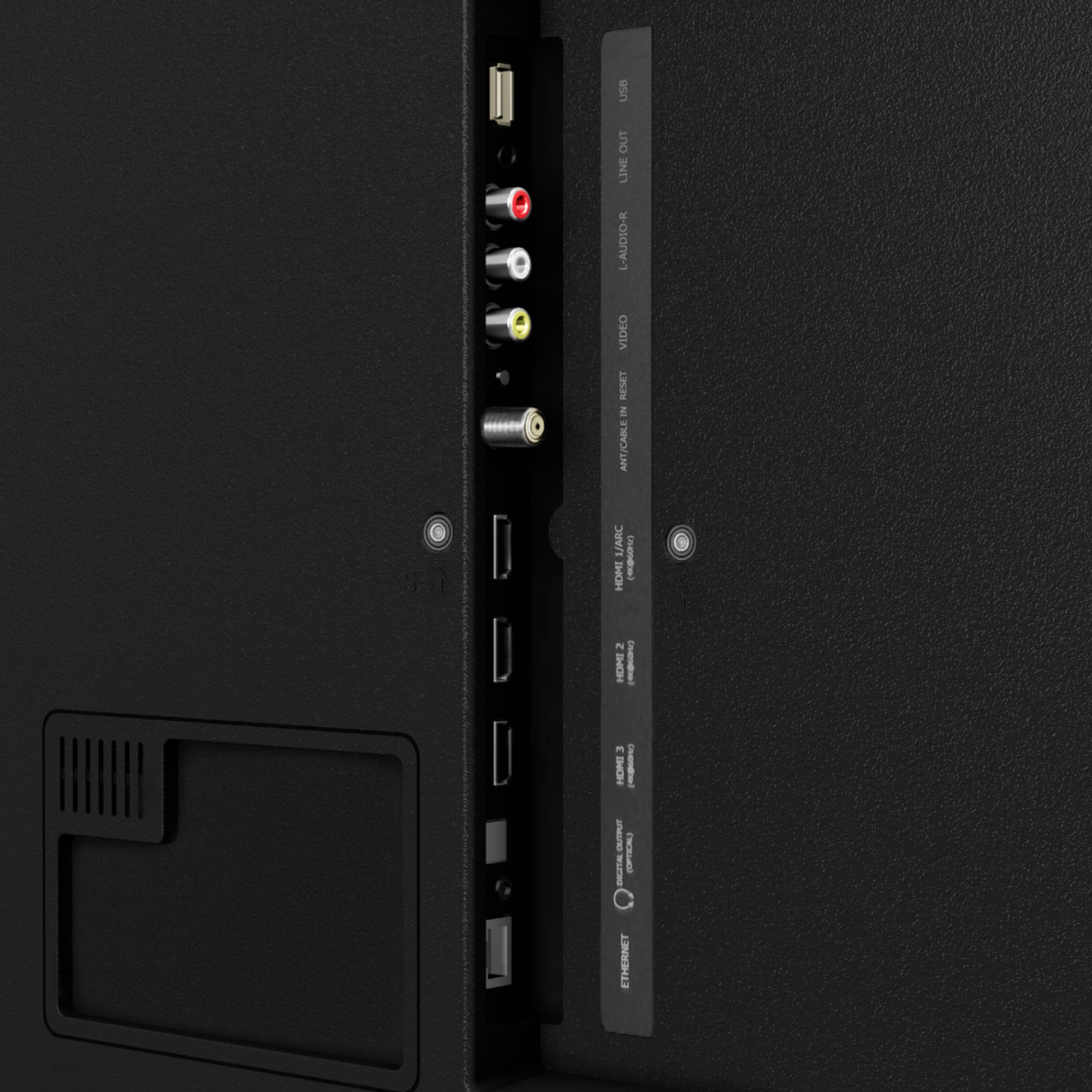
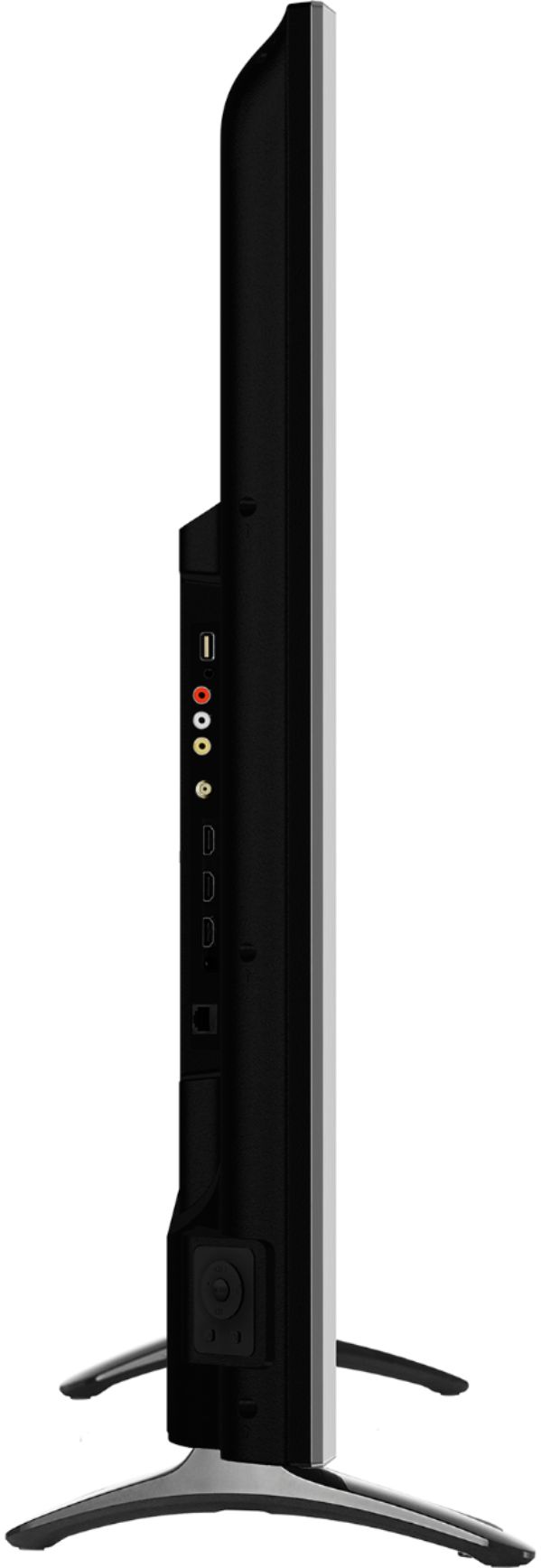
A:AnswerHello Starina, Thank you for your interest in the Hisense 55R7E. Yes you can connect the sound bar using HDMI or coaxial cables to digital audio output input. If you have any further questions or concerns please give us a call at 1-888-935-8880 or email us at [email protected]. Thanks Again, Harley with the Hisense Support Team
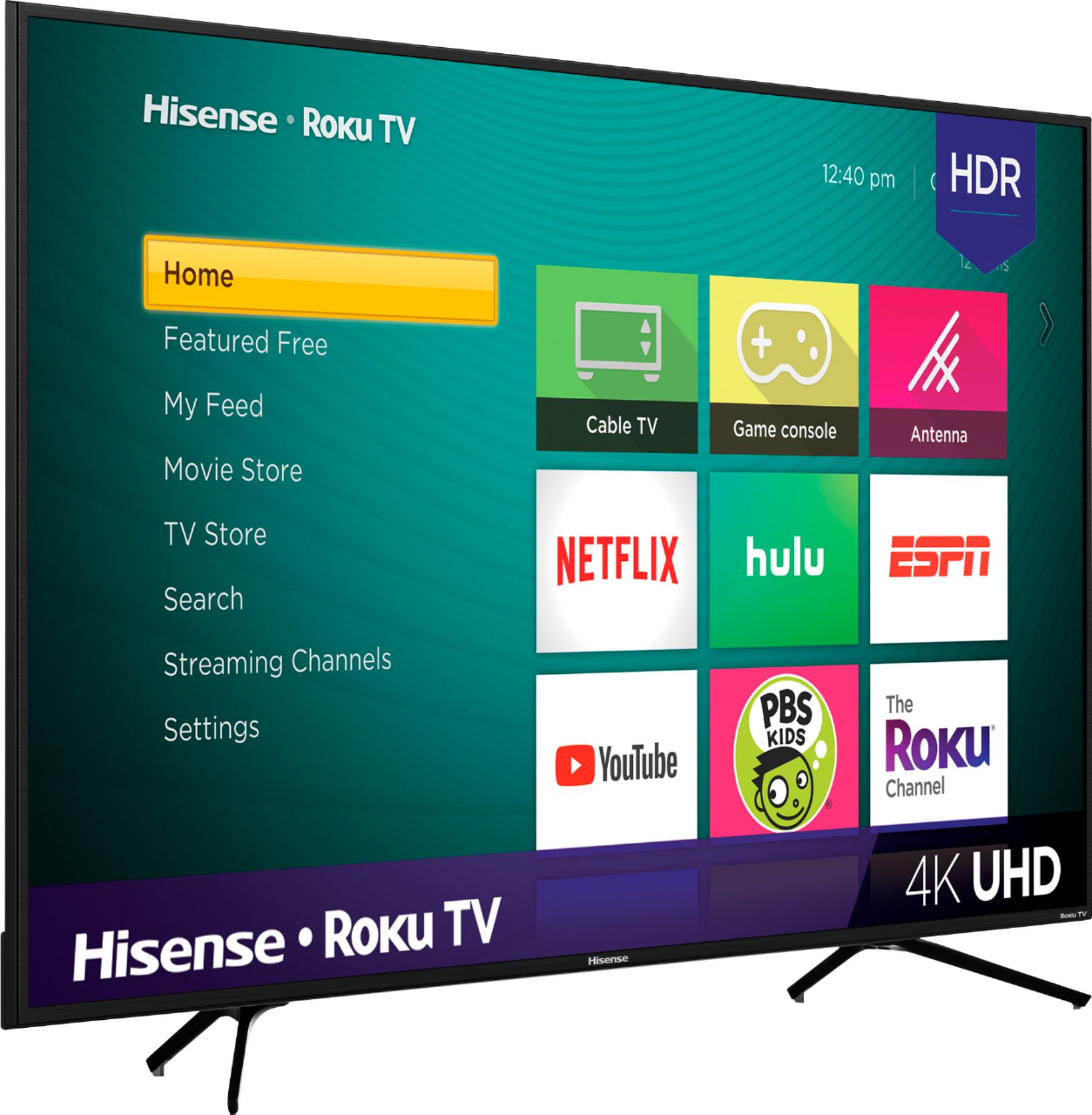
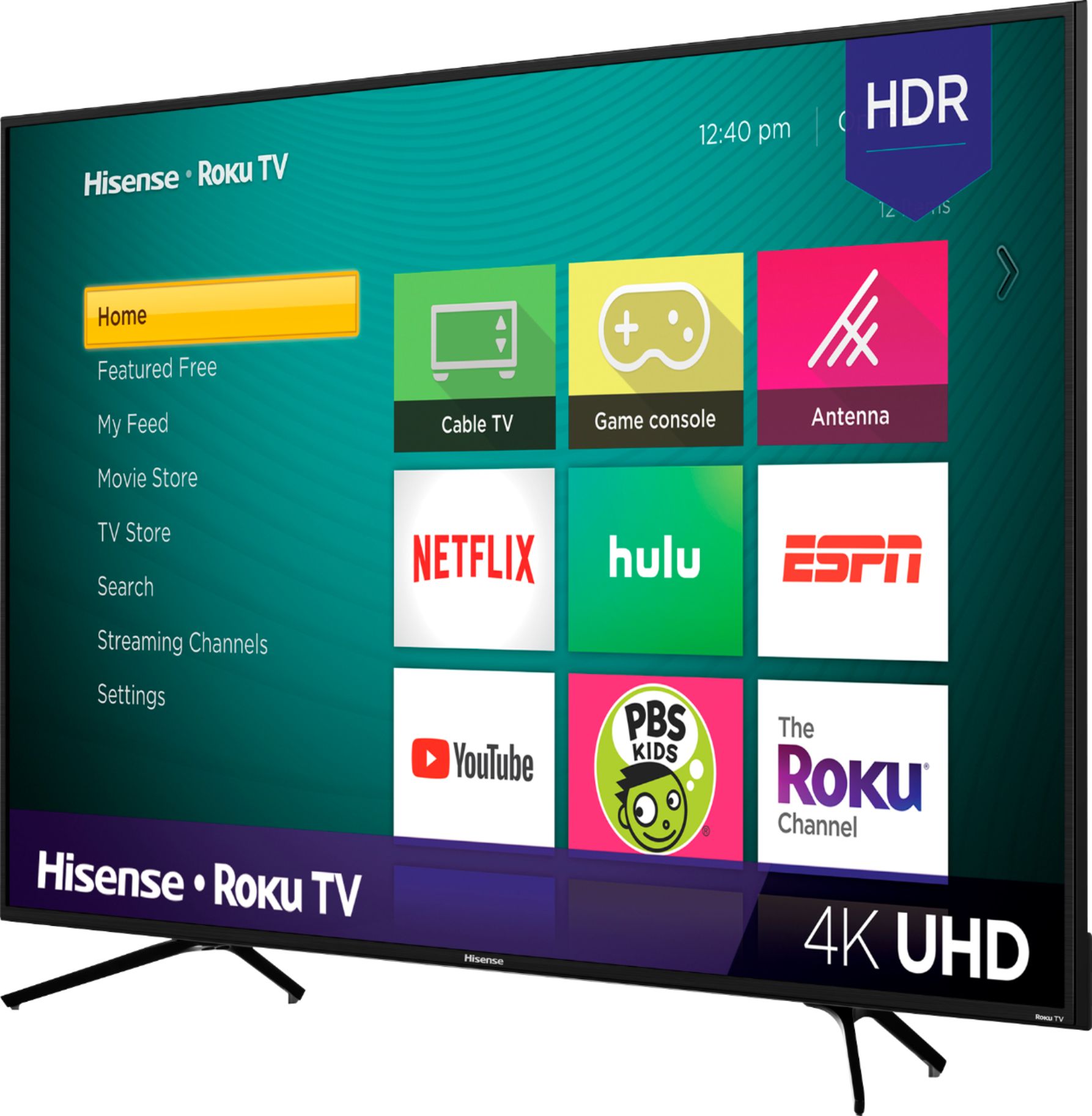
A:AnswerThe R7E comes packed with a 4K Ultra High Definition picture, High Dynamic Range that boosts color and contrast, and Motion Rate 120 technology that makes it easier to follow fast action. This TV doesn’t just display your favorite movies, shows and games—it transforms them.
A:AnswerThank you for your interest in the 55R7E. No there is not something you can buy to mount the legs in the center. While you are not able to buy something to move the legs closer to the center you can have the TV wall mounted using a wall mount that supports the 200x200 VESA Pattern. If you have any further questions please give us a call at 1-888-935-8880 or email us at [email protected].
Thanks Again,
We look forward to hearing from you!
Harley with the Hisense Support Team
A:AnswerHello, and thank you for your interest in the Hisense 55R7! The R7 shows an input lag of 30.8ms in most picture modes, but enabling the Game Mode cuts that down to an excellent 15.2ms. This puts the R7 well below the approximate 20ms threshold considered to designate a TV to be very good for high-action, timing-intensive games.
A:AnswerAaron,
The Hisense R7 is built on the Roku platform, and YES! using mirroring and casting are supported. See this helpful ROKU article below:
https://support.roku.com/article/360002990094-how-do-i-cast-apps-like-youtube-or-netflix-from-my-phone-to-my-tv-
A:AnswerHello!
THe Hisense R7 utilizes a 60Hz native panel, so you would achieve 60fps. Make sure to turn on game mode for a smooth gaming experience! Reviews on this site tell us people have been quite happy with the response time as well!
A:AnswerThe R7 Roku TVs use native 60 Hz panels, which is par for the course in this price class and not ideal. Hisense uses its motion compensation software to reduce motion blurring pretty well, but image judder was very visible in scenes panning across brick buildings. Other than this, motion smoothing was pretty good. We weren’t bothered by any overt soap opera effect.
A:AnswerHello Hisense Customer, Thank you for your interest in the Hisense 55R7E. Regrettably, this television does not have RCA Component Video Input or L/R Audio Input for Component. If you have any further questions or concerns please give us a call at 1-888-935-8880 or email us at [email protected]. Thanks Again, Harley with the Hisense Support Team