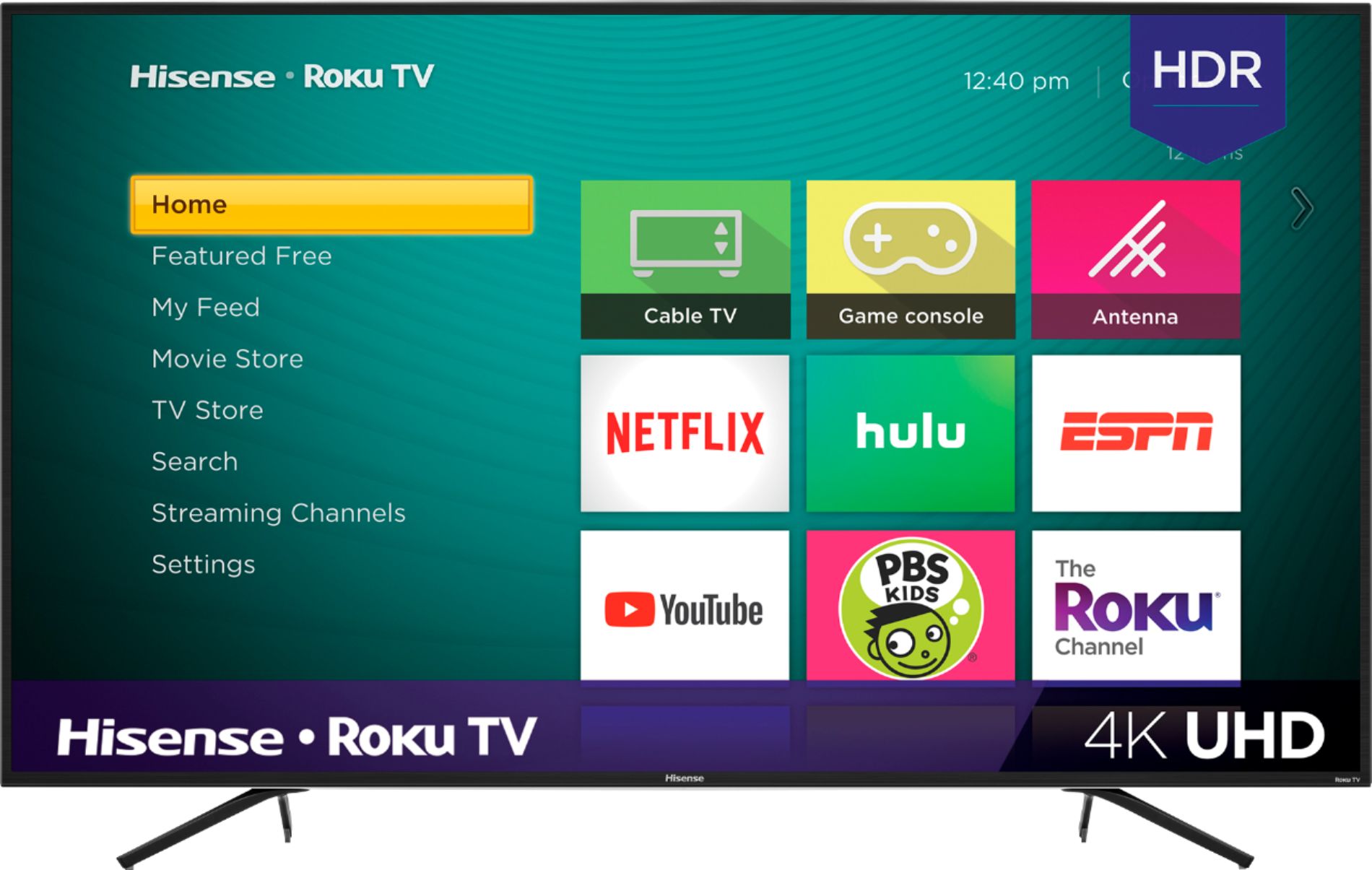
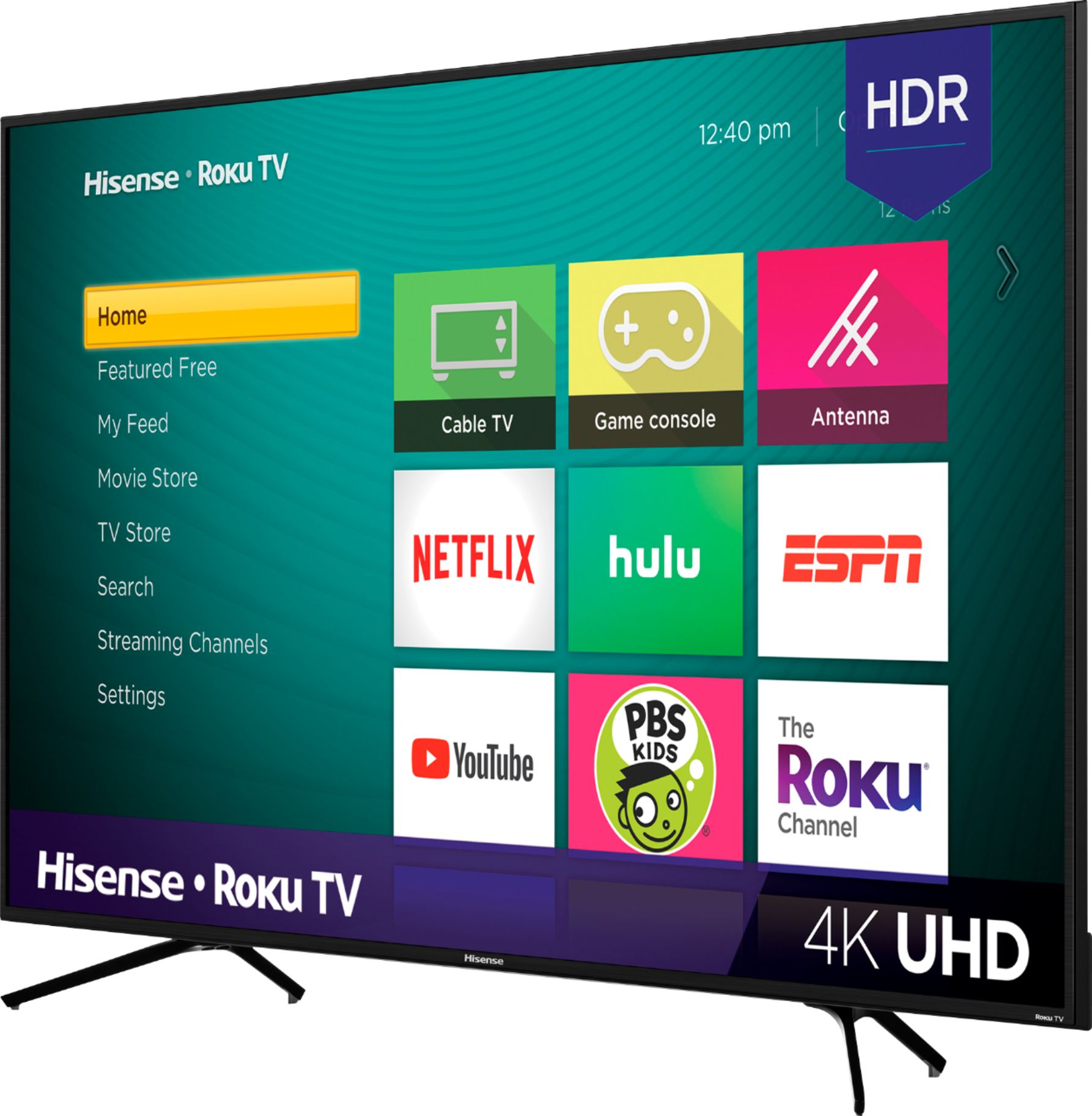
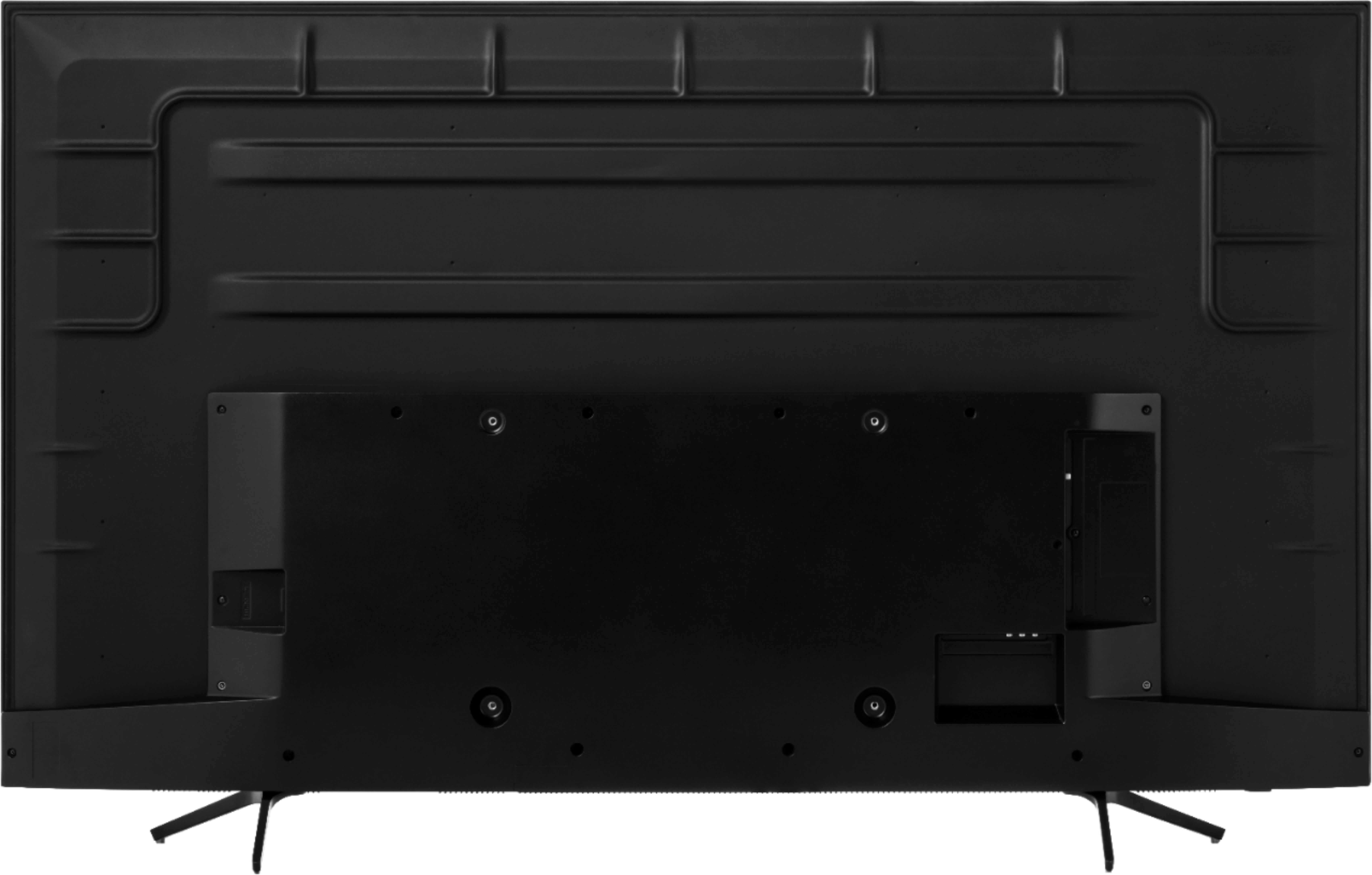
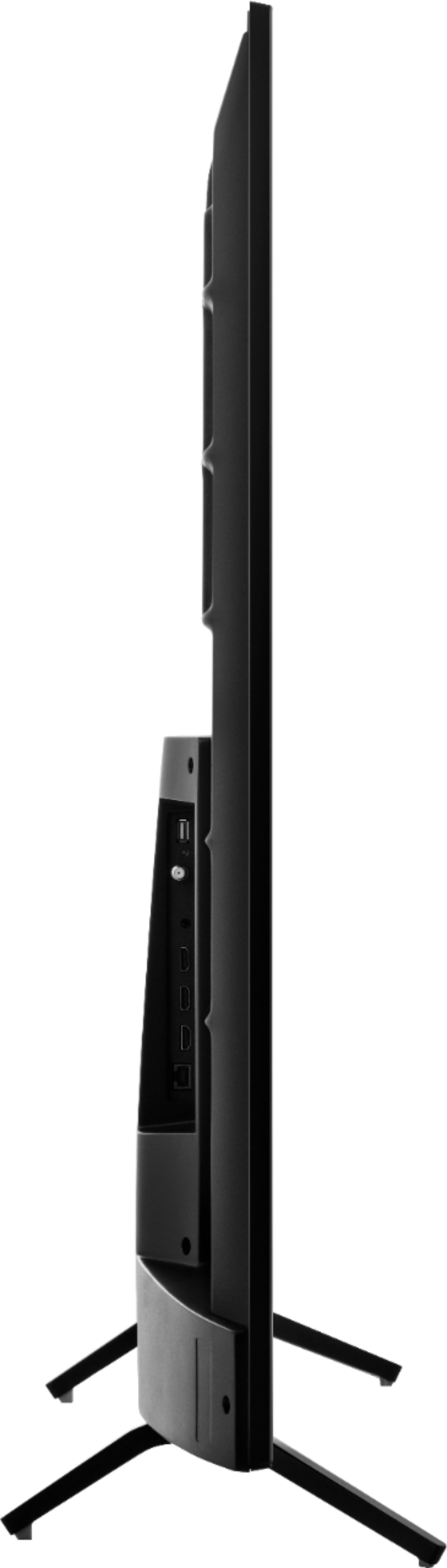
A:AnswerYes, in the middle of the back of the television. You'll probably need an extension cable.
The Roku remote that comes with the television does NOT have a headphone jack.
A:AnswerHello Kevin, Thank you for your interest in the Hisense 55R6070E3. The TV stand is measured at 39.3” x 9.2”. If you have any further questions or concerns please give us a call at 1-888-935-8880 or email us at [email protected]. Thanks Again, Harley with the Hisense Support Team
A:AnswerHello Hisense Customer, Thank you for your interest in the Hisense 55R6070E3. Yes you are able to connect the PlayStation & X Box with this TV.If you have any further questions or concerns please give us a call at 1-888-935-8880 or email us at [email protected]. Thanks Again, Harley with the Hisense Support Team
A:AnswerHello Tomm, Thank you for your interest in the 55R6070E3. The unit does not support the AVI format. If you have any further questions please give us a call at 1-888-935-8880 or email us at [email protected].
Thanks Again,
We look forward to hearing from you!
Harley with the Hisense Support Team
A:AnswerHello Hisense Customer, Thank you for your interest in the 55R6070E3. You can connect your DVD player to the television using one of the input sources that this unit comes equipped with. If you have any further questions please give us a call at 1-888-935-8880 or email us at [email protected].
Thanks Again,
We look forward to hearing from you!
Harley with the Hisense Support Team
A:AnswerHello Jess, Thank you for your interest in the 55R6070E3. Yes you would be able to get the Spectrum TV app. If you have any further questions please give us a call at 1-888-935-8880 or email us at [email protected].
Thanks Again,
We look forward to hearing from you!
Harley with the Hisense Support Team
A:AnswerHello Hisense Customer, Thank you for your interest in the 55R6070E3. Yes the unit has a control panel. If you have any further questions please give us a call at 1-888-935-8880 or email us at [email protected].
Thanks Again,
We look forward to hearing from you!
Harley with the Hisense Support Team
A:AnswerIf you have another mobile device that you can make a hot spot, it is possible. Just make the hotspot the same name and password that your television has saved. Then you can change networks from your mobile device with the app.